Inspiration
While browsing, we often found ourselves switching tabs or copying links just to ask Perplexity AI a question. We wanted a frictionless way to access intelligent answers without leaving our workflow. That’s how PerplexiBrowse was born—a browser extension to instantly query Perplexity AI from any page.
What it does
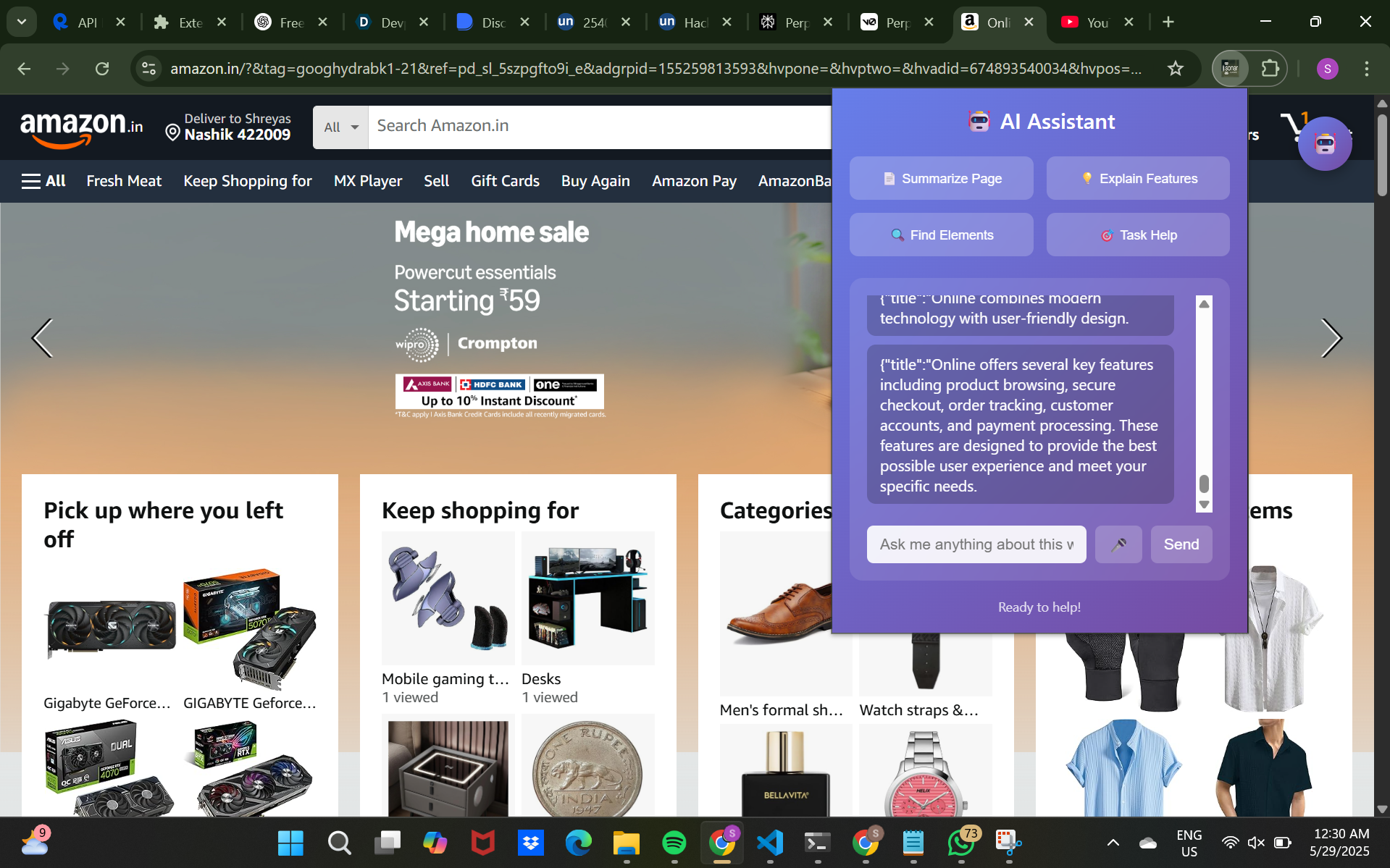
PerplexiBrowse adds a smart overlay to your browser, letting you select text or open a popup to ask questions directly via the Perplexity API. It brings contextual AI support to your browsing experience without any tab-switching or distractions.
How we built it
JavaScript for logic (background.js, content.js)
Chrome Extension APIs for injecting scripts and handling events
HTML/CSS for styling and popup UIs
Node.js & npm for managing dependencies
.env file for securely managing the Perplexity API key
We packaged everything using a standard extension structure and tested on Chromium-based browsers.
Challenges we ran into
CORS issues when trying to call the API directly from content scripts
Managing secure API key usage in a client-side environment
Designing a non-intrusive but accessible UI overlay
Making sure it worked across different websites without breaking page functionality
Accomplishments that we're proud of
Seamless integration with Perplexity API
Polished UI that feels native to the browser
Stable performance with low memory footprint
Support for both popup and contextual interactions
What we learned
Working with Chrome’s extension manifest (especially v3)
Handling secure API keys in frontend environments
Improving UX for real-time AI tools
Cross-browser testing and event debugging
What's next for PerplexiBrowse
Add voice input using Web Speech API
Support for Firefox and Edge
Implement user settings panel for custom prompts
Integrate Perplexity Pro token usage tracking
Explore dark/light mode toggle


Log in or sign up for Devpost to join the conversation.