-
-
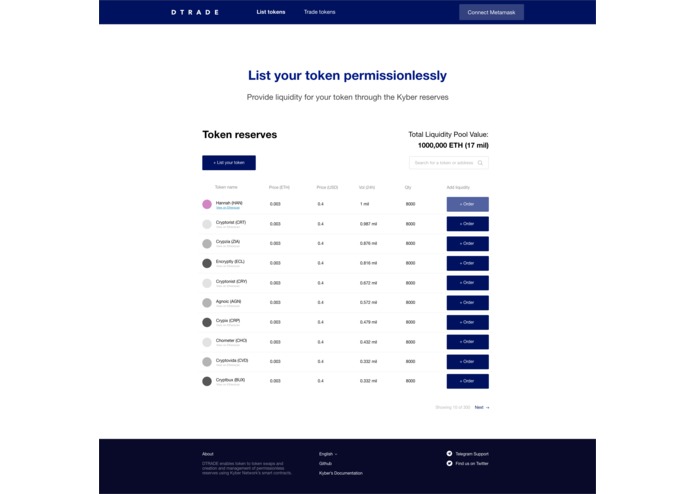
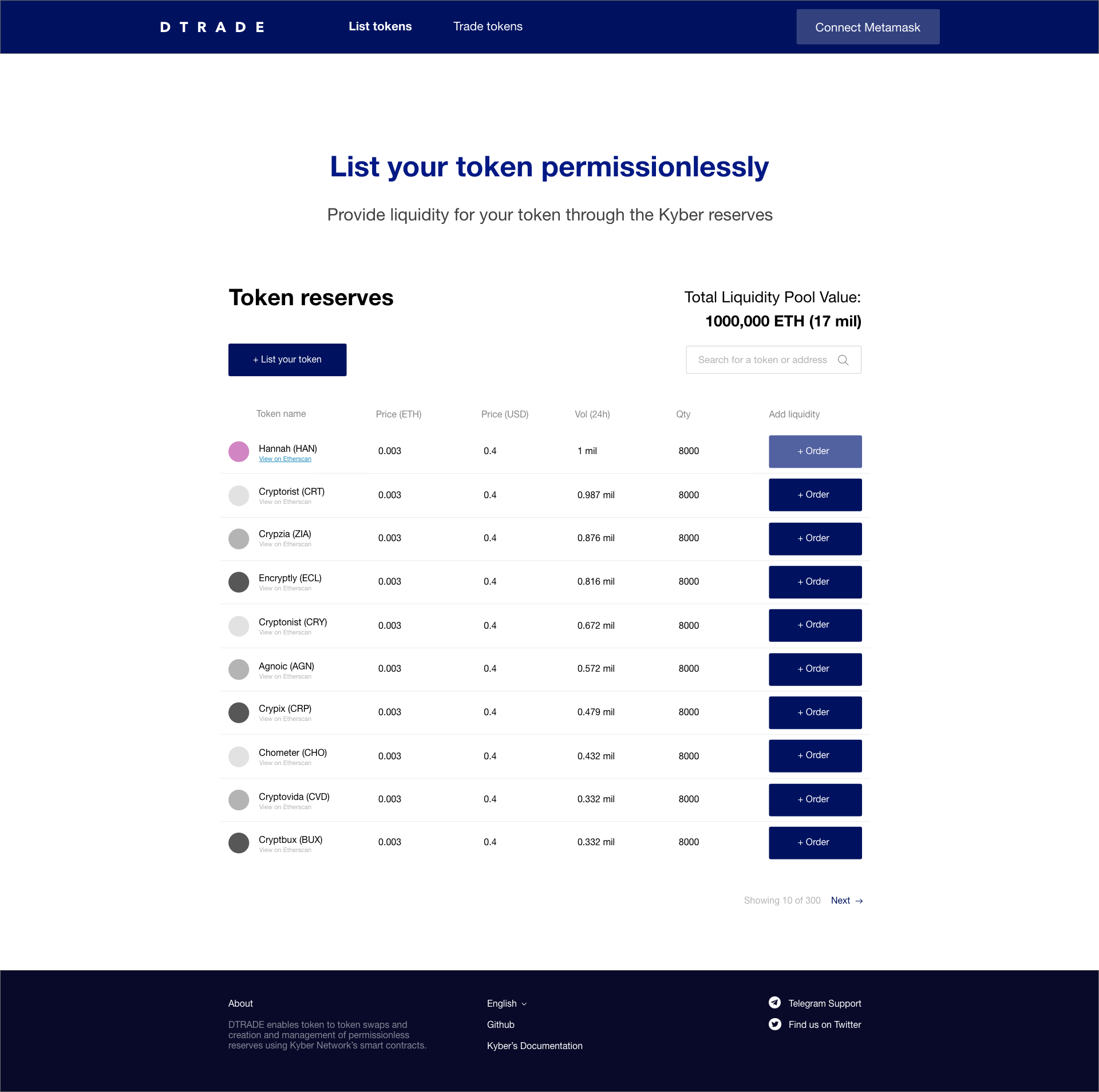
Landing page: Listed tokens will appear here
-
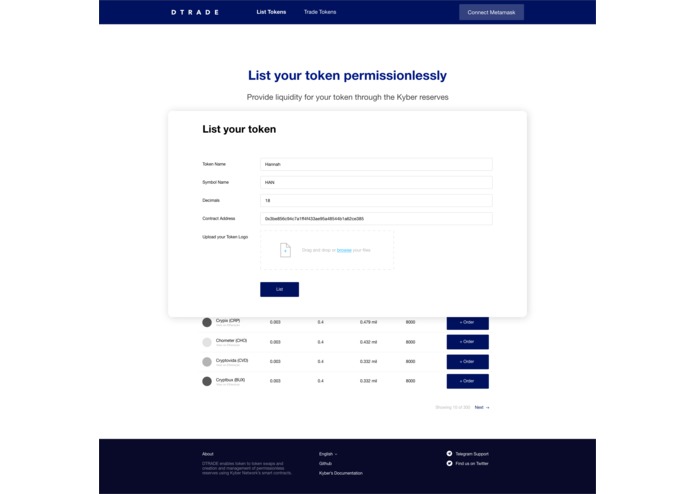
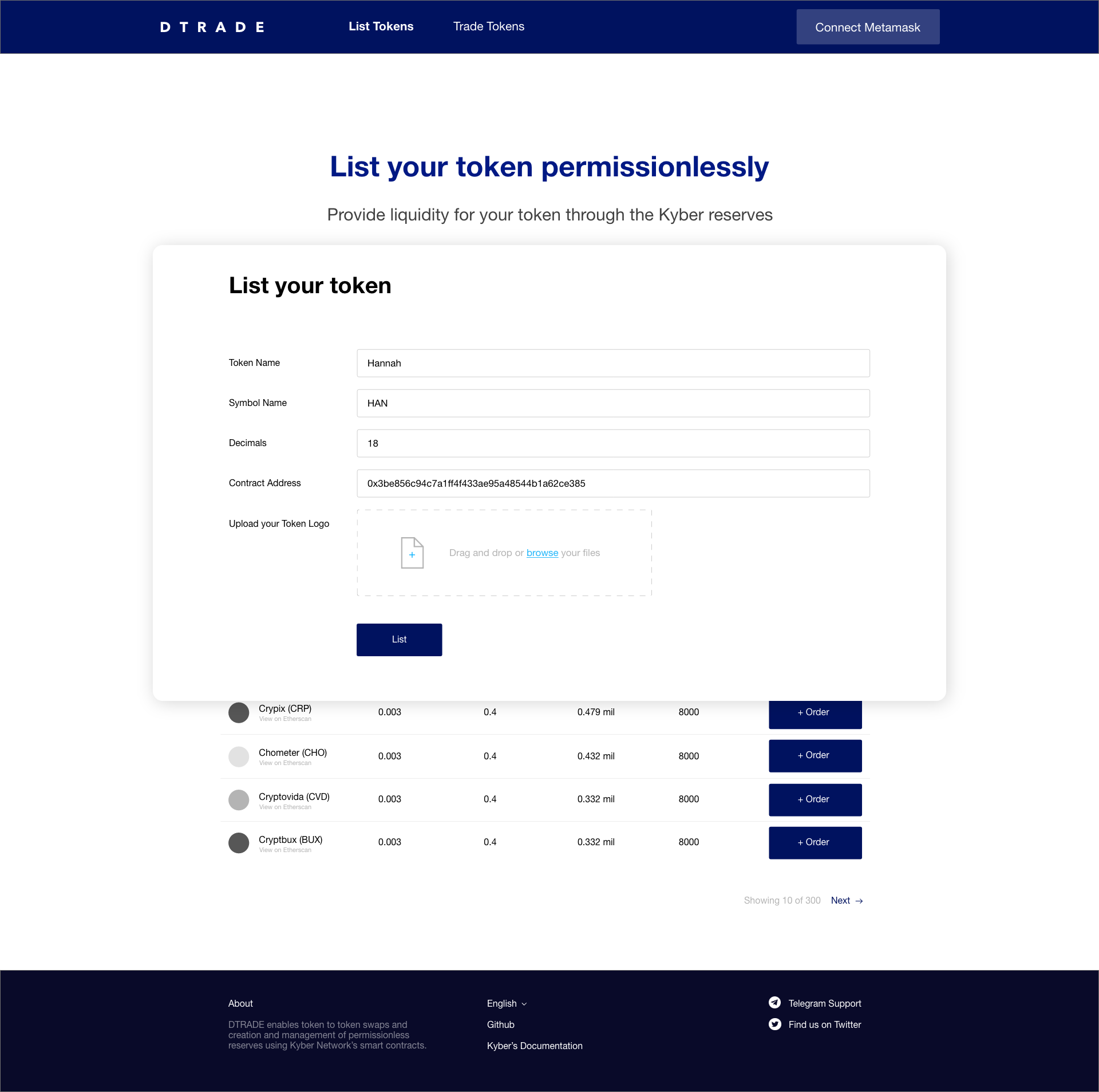
Listing pop-up: Anyone can fill in the blanks to easily list their token
-
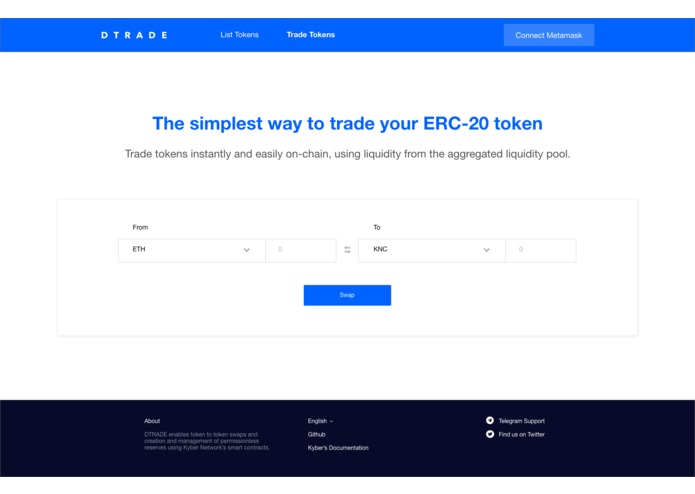
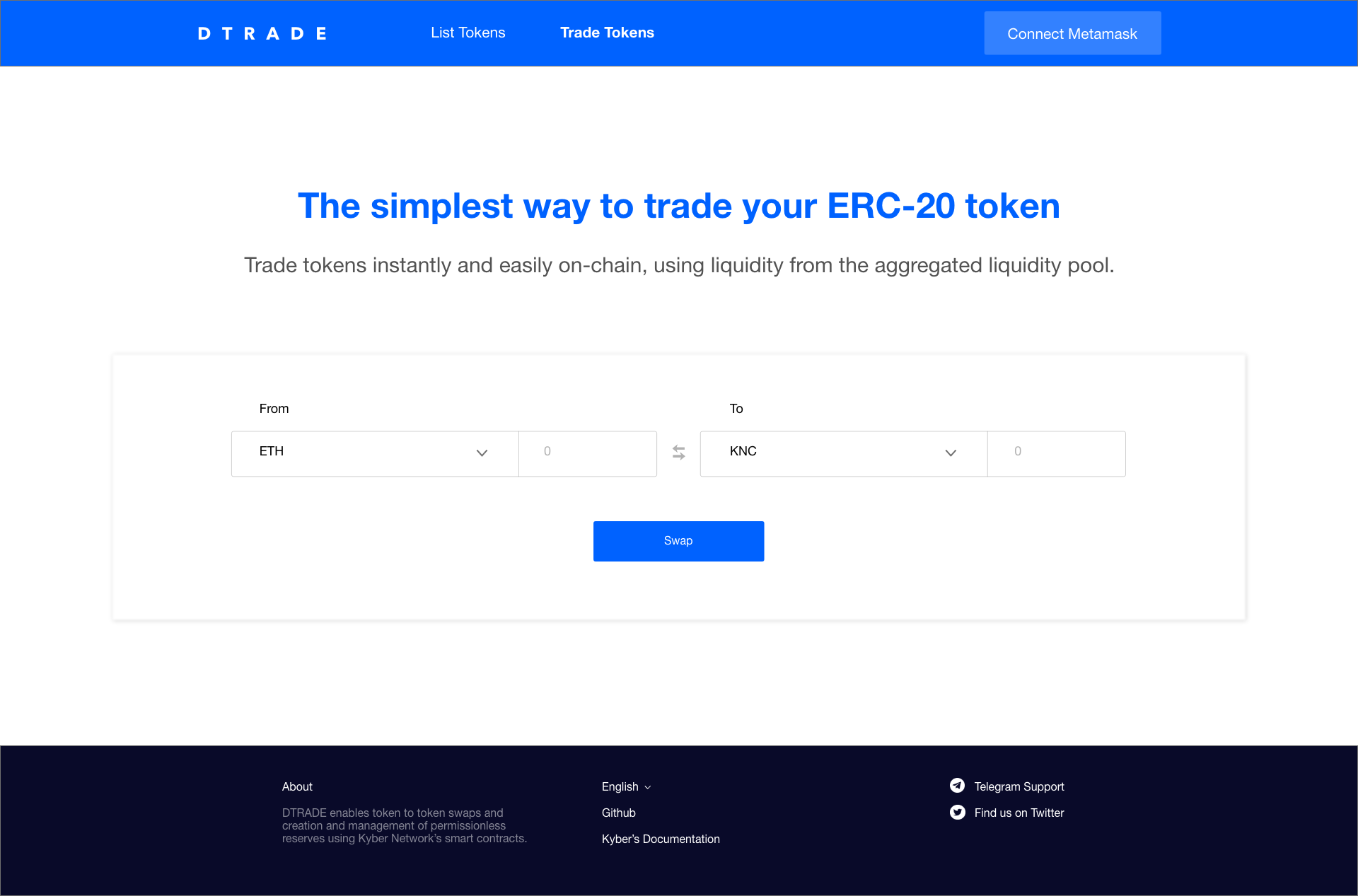
Swap page: Anyone can swap tokens from any of Kyber's reserves here, including its permissionless reserve
-
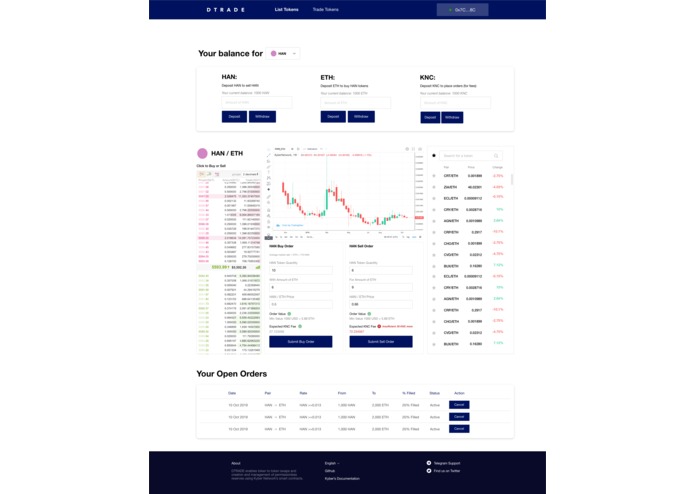
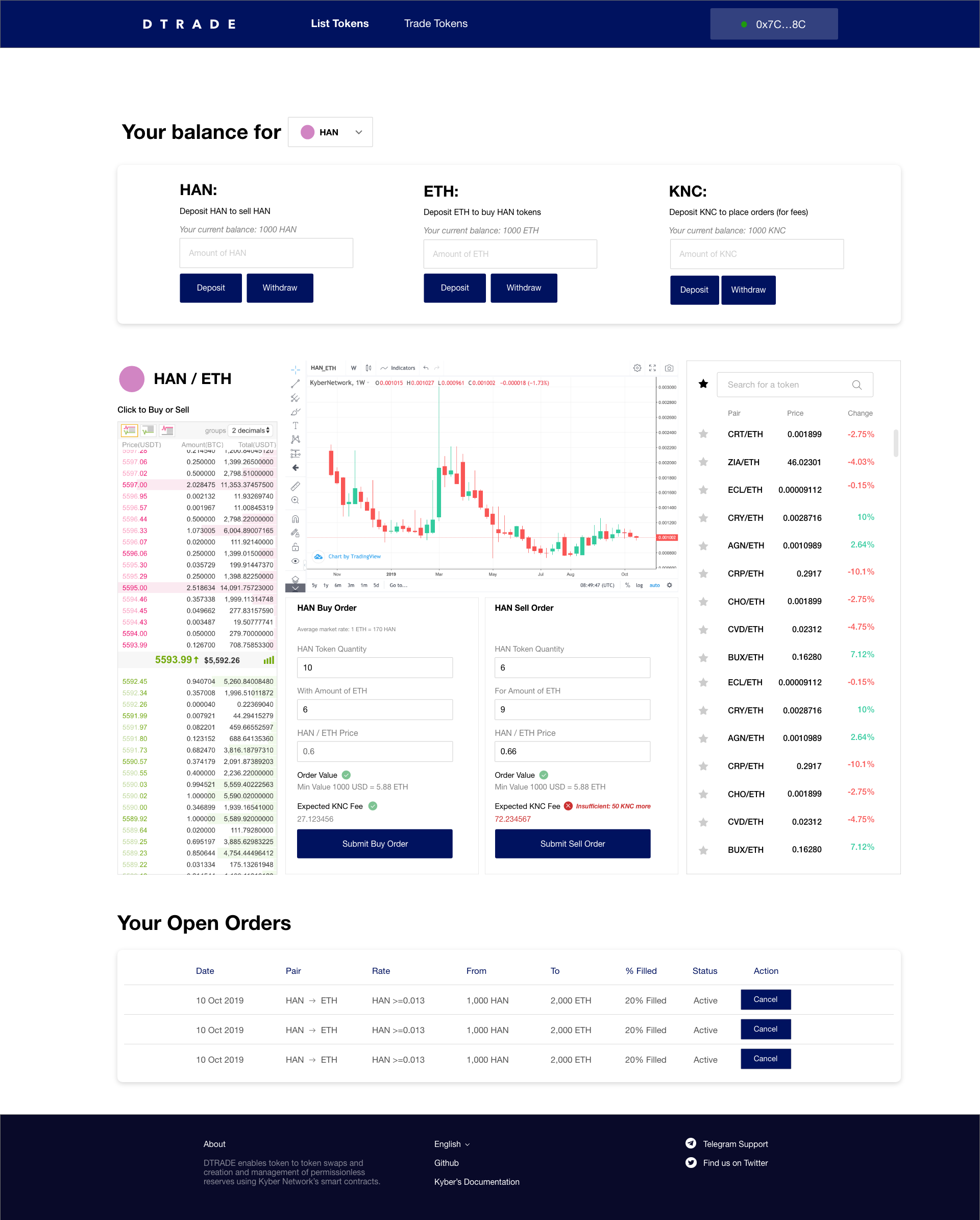
Trading page: User will first deposit tokens before being able to do a successful trade. Order status will appear below.
Inspiration
Listing your token has always been a difficult process especially for a non-technical person. An easy UI like DTRADE will enable token to token swaps and creation and management of permissionless reserves using Kyber Network’s smart contracts.
What it does
Enables anyone to contribute liquidity to Kyber easily through a created simple UI
How I built it
Adobe XD
Challenges I ran into
Understanding user flow, having to simplify the steps and lessening the number of clicks for the listing process to be done.
Accomplishments that I'm proud of
Difficult listing and trading processes are now much more simplified
What I learned
Learning to do complicated trades first myself, before understanding how to simplify it
What's next for Permissionless Orderbook Reserve Interface
Technical implementation: Looking for someone to make this UI go LIVE New model I'm thinking about: Having the reserve creator can put KNC in there for tx fee so that users do not have to hold KNC to buy their tokens.
Built With
- adobe
- adobexd


Log in or sign up for Devpost to join the conversation.