-

NINJA OF PERMISSIONS
-

Permission Ninja
-
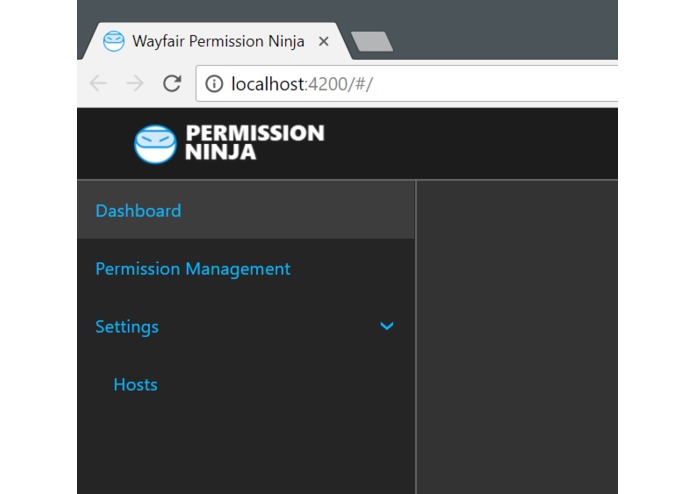
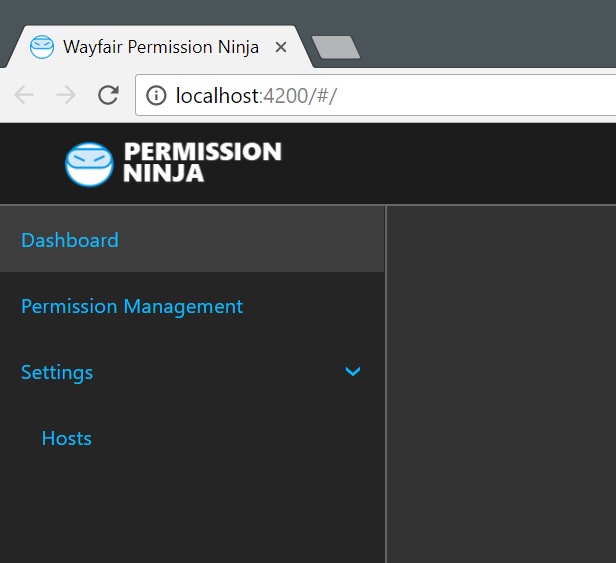
I'm really just wrapping the UI up


Inspiration
This project exists because sometimes SQL Server instance-level and database-level permission modifications "are performed too damned slow" in Wayfair. I'm not even mentioning the recurring episodes of "GAURDIANS OF SECURITY" series when it's time to generate compliance and auditing reports.
What it does
- Audits server-level and database-level permission changes on managed SQL Servers
- Provides a user-friendly interface for managing permission approvers for groups of servers, groups of databases, single servers or as granular as approvers per database
- Allows transparent permission request approval by the SQL Server/database owner via e-mail and/or Slack
- Maintains detailed permission change audit log that can be used to generate compliance reports
- Integrates with Active Directory and supports plug-and-play implementations of any authentication or logging mechanism
How I built it
1) Created front-end boilerplate using Angular4, Angular-cli and Webpack
2) Created back-end projects based on .NET Standard 2.0
3) Defined interfaces for all logging, auditing, authentication and permission modification activities
4) Slowly implemented the interfaces
5) Finishing up UI components right now.
6) Redbull
Challenges I ran into
- Active Directory-based authentication without actually using IIS (to make the solution multi-platform)
- Making all the NuGet dependencies work together and not ruin the build
Accomplishments that I'm proud of
- Active Directory-based authentication without actually using IIS
- Integration with Kibana/Logstash in .NET Core for app logging.
What I learned
A lot of cool stuff with .NET Core.
Patience
Hubot for Slack!
OAuth implementation
What's next for Permission Ninja for SQL Server
1) Object-level permissions
2) Okta integration?
3) ServiceNow integration
4) Report and audit scheduling
Built With
- .net-core
- .net-standard-2.0
- angular.js
- bootstrap
- c#
- typescript
- webpack

Log in or sign up for Devpost to join the conversation.