-
-
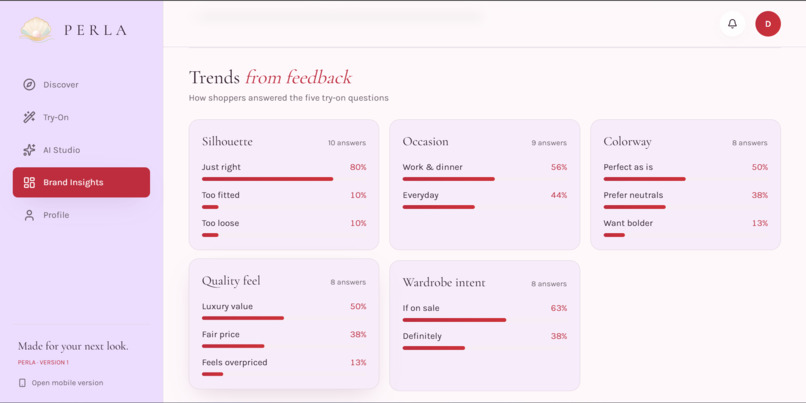
Insights
-
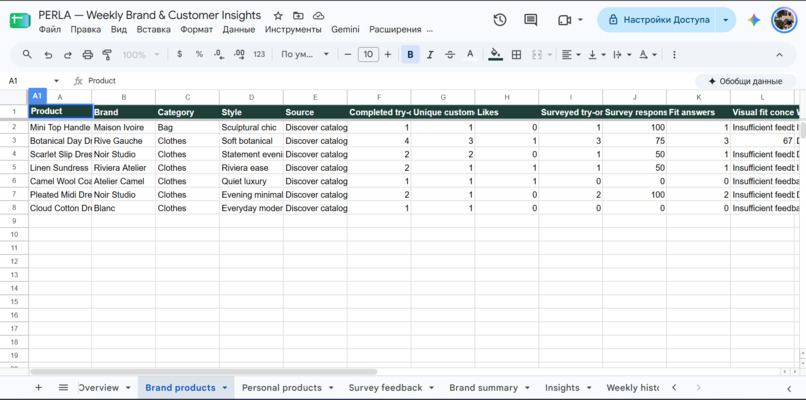
Detail
-
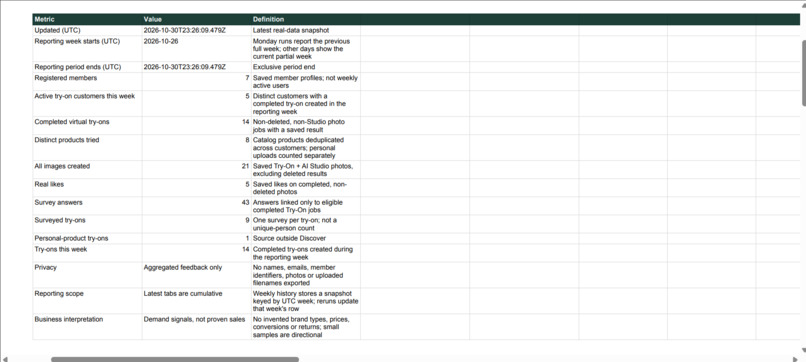
Report
-
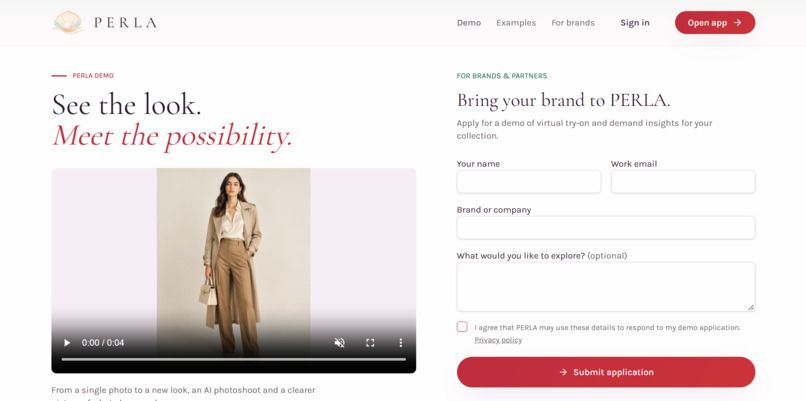
Demo appliaction
-
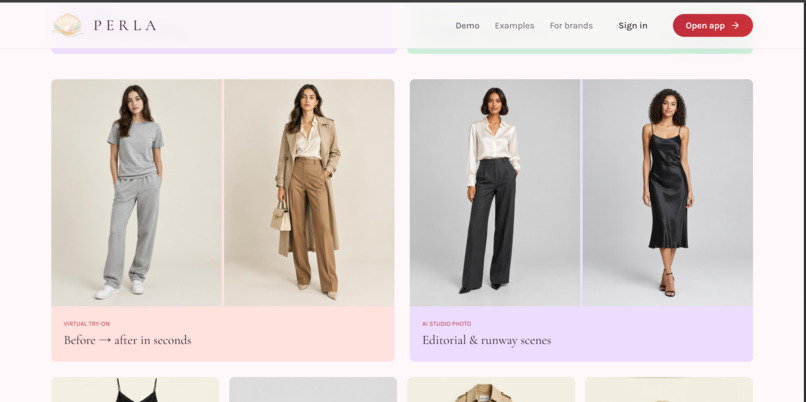
Example
-
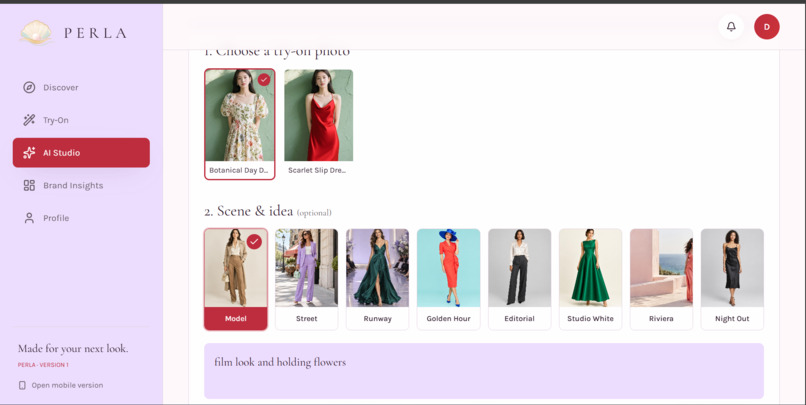
AI Studio
-
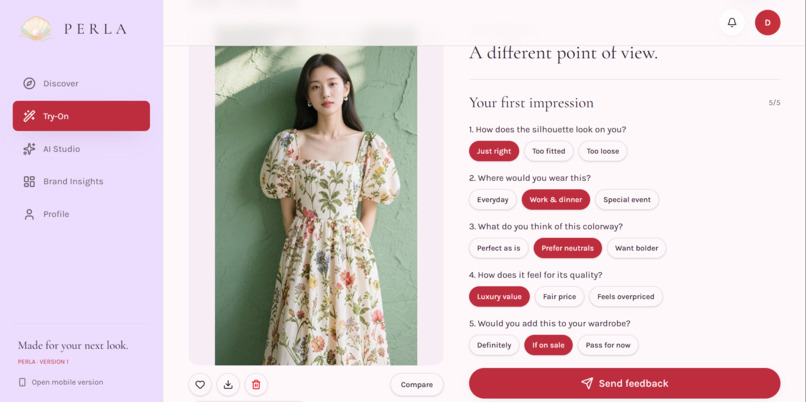
Virtual try on
-
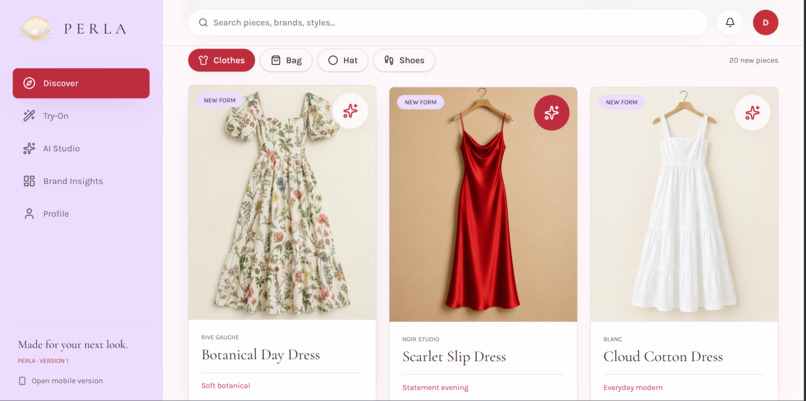
Products
-
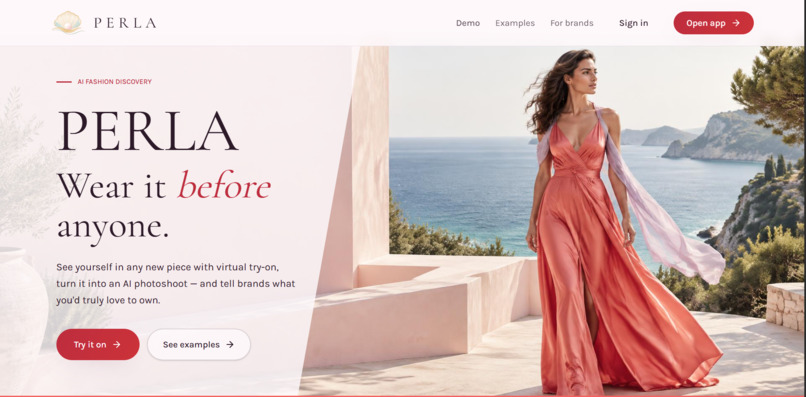
Main page
-
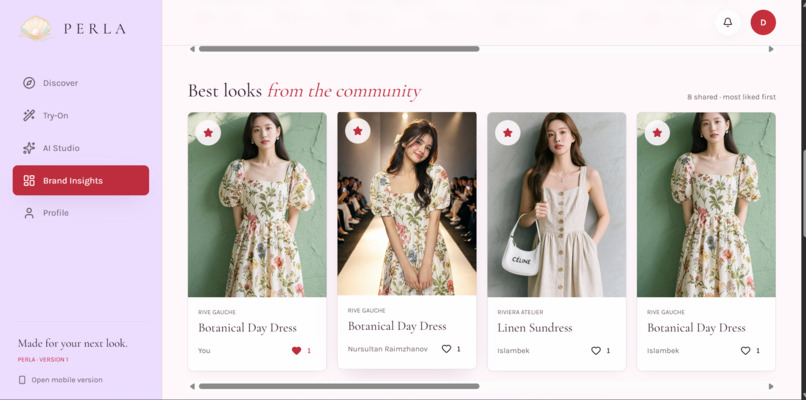
Best looks from community
Inspiration
It started at home, watching my younger sister shop online. Every week a new package showed up, she tried everything on, and most of it went right back into the return pile. Sometimes the fit looked nothing like it did on the model. Other times the piece was fine but didn't go with anything she already owned.
I realized this isn't only her problem. Shoppers are guessing every time they click "buy," and brands lose a lot of money on returns and on stock nobody keeps. I'd already been thinking about using AI fashion models like Fashn AI to fix this. Then I found the YouCam API Skin AI & eCommerce VTO, it has 1000 request free to try and it felt like too much of a coincidence to ignore. I signed up late, but I knew I had to build it.
What it does
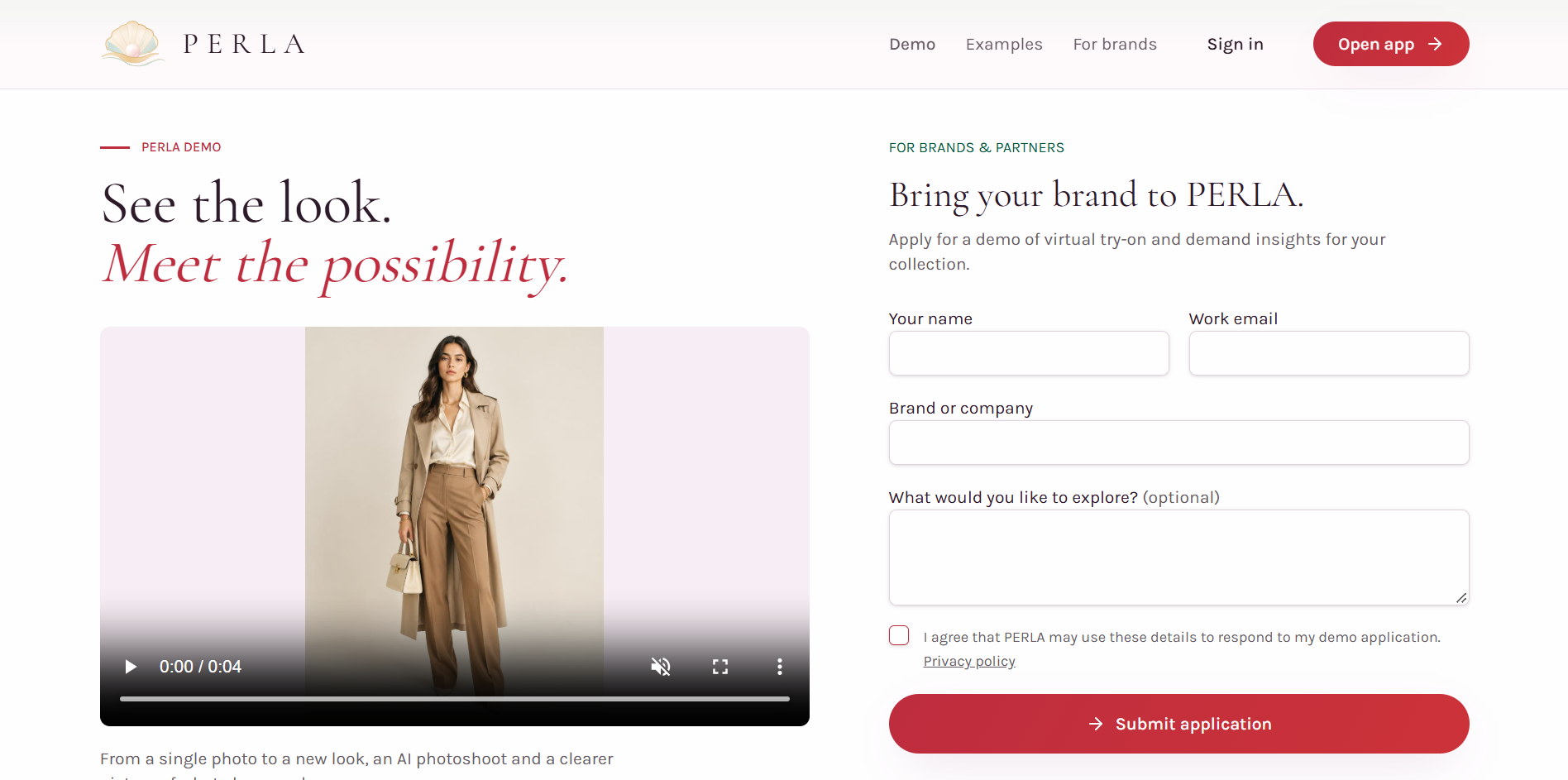
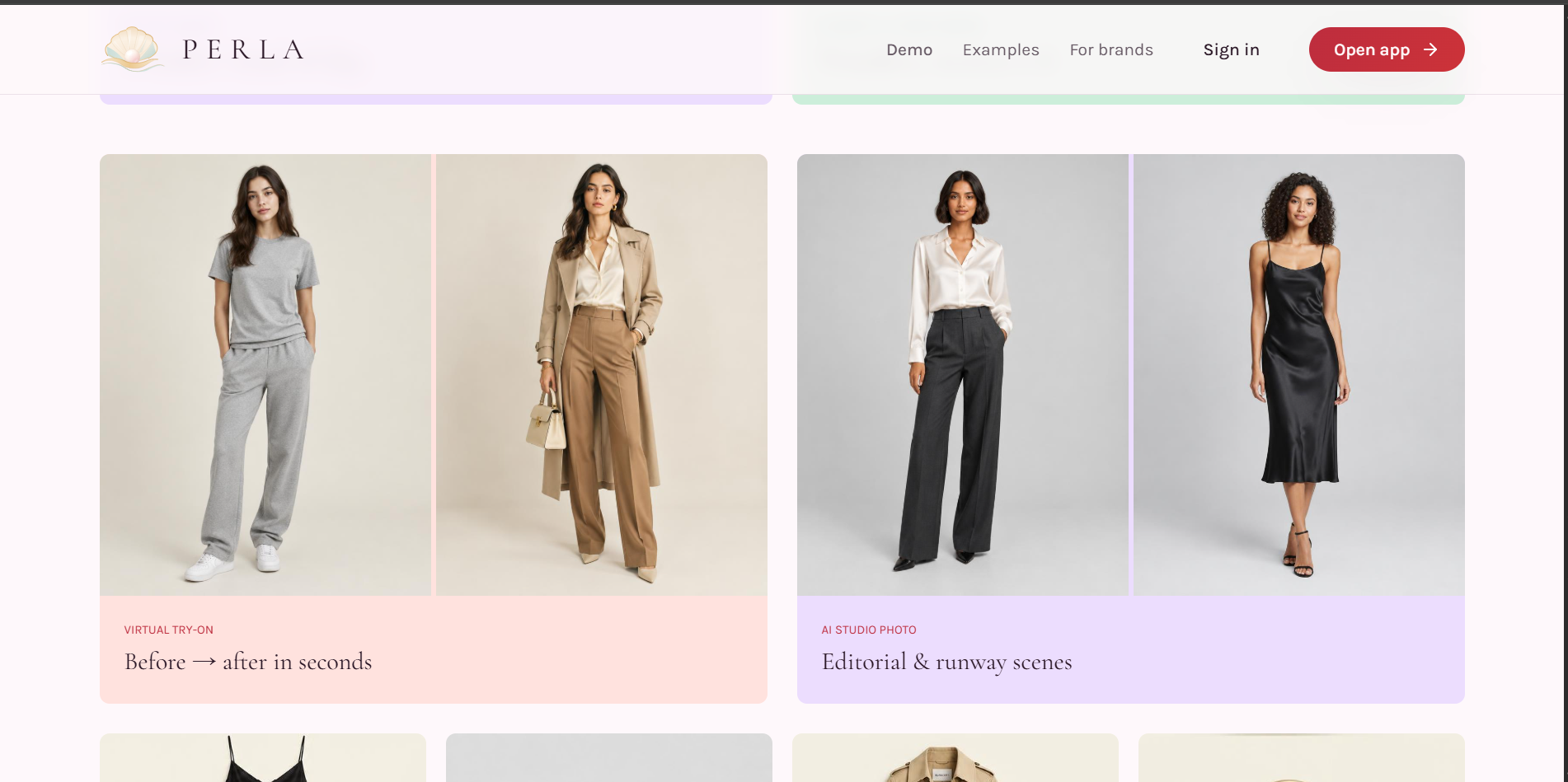
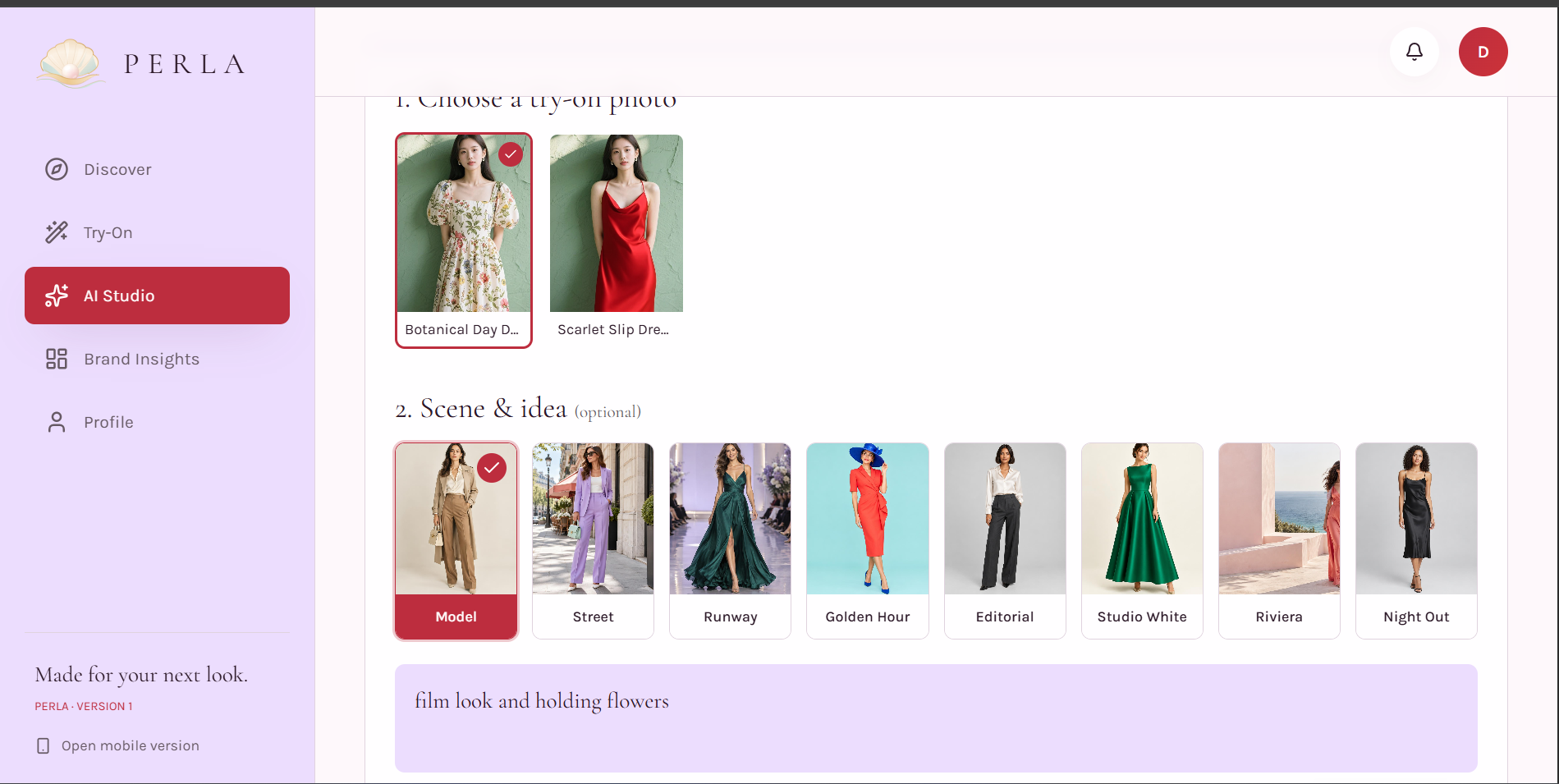
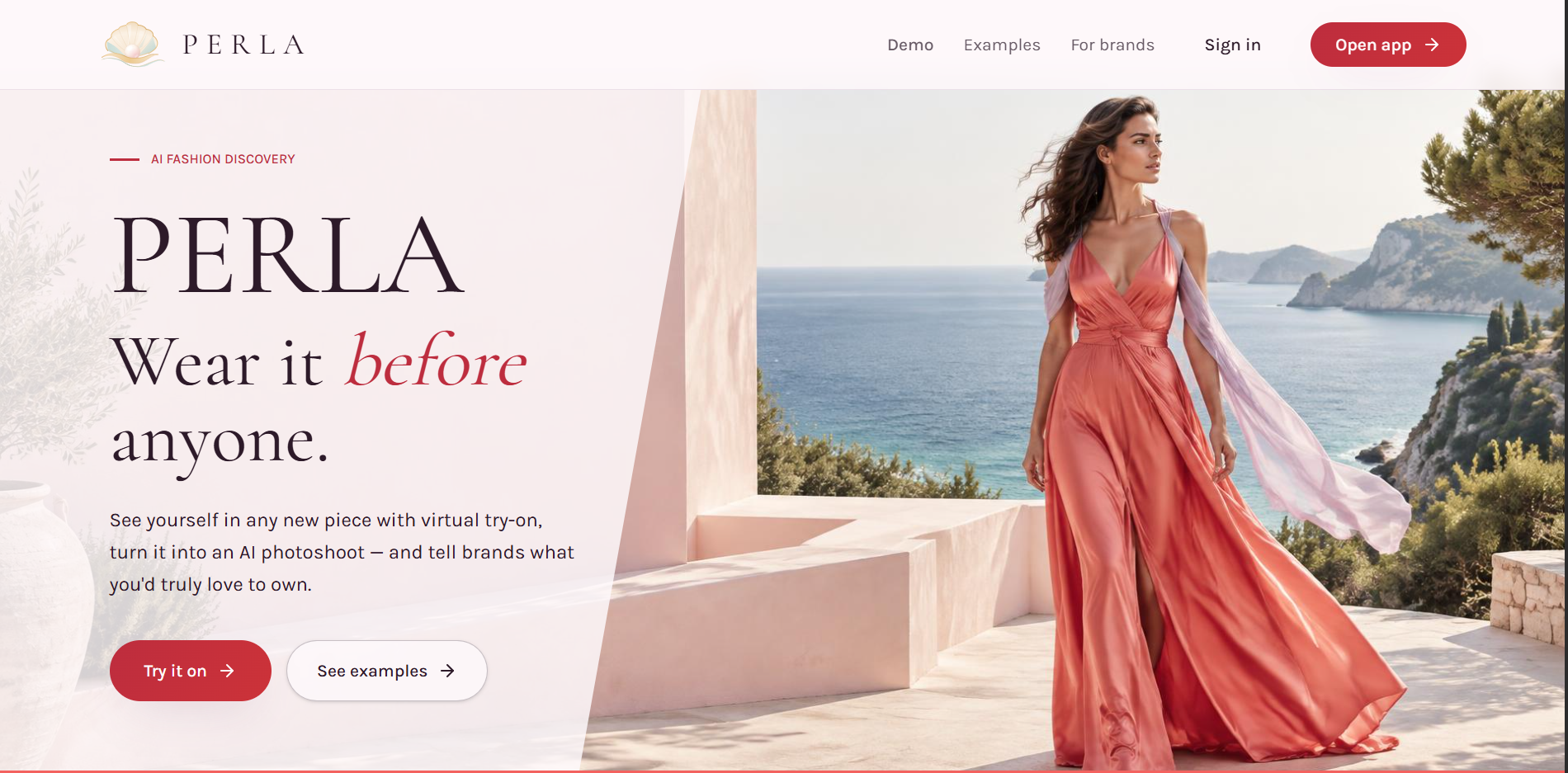
PERLA is an AI fashion discovery platform with two sides: one for shoppers and one for fashion brands.
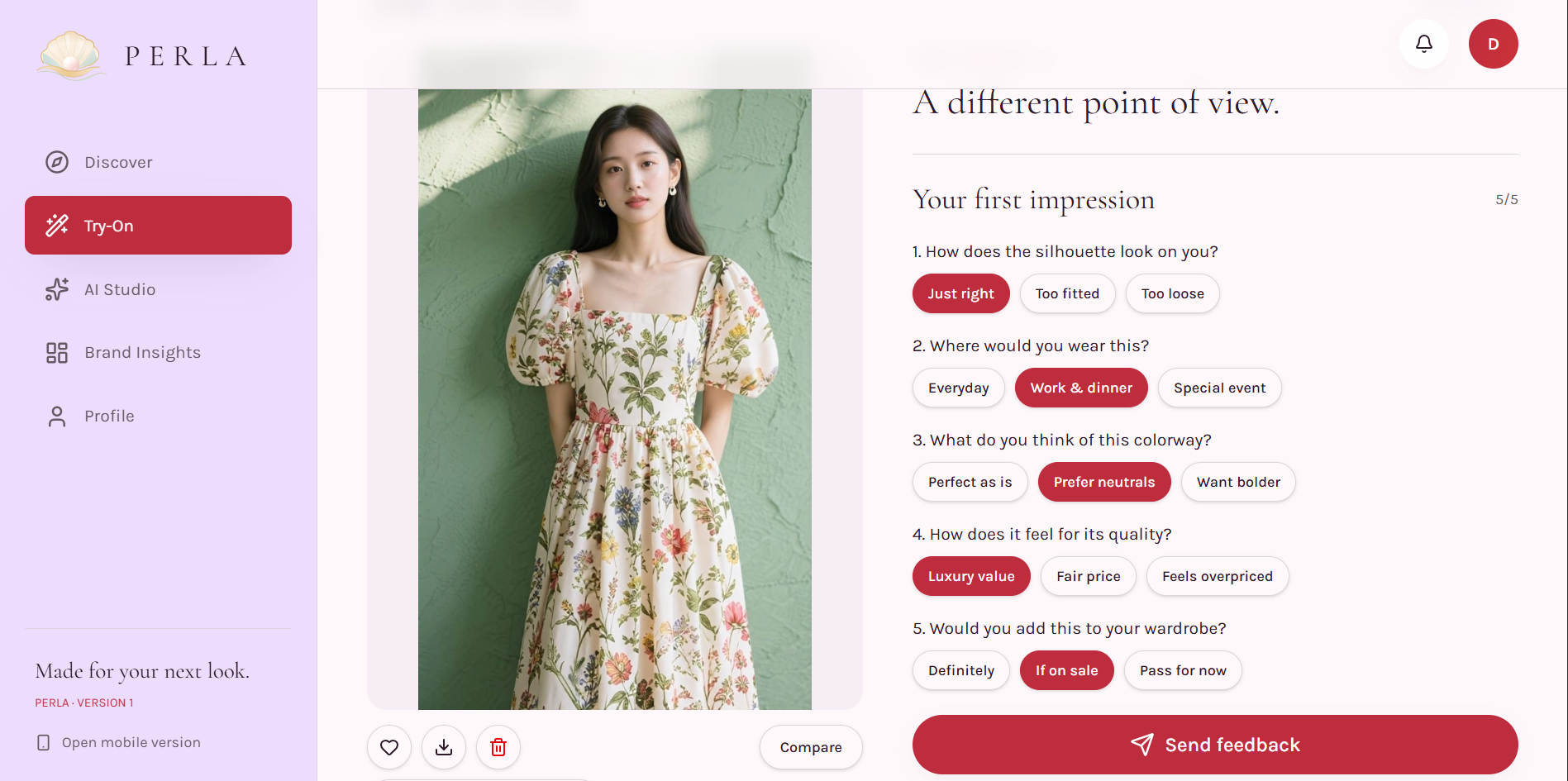
- Virtual Try-On Studio: You upload your photo and try on clothes with the YouCam AI Virtual Try-On API. You see how the fabric falls and fits on your own body before you spend any money.
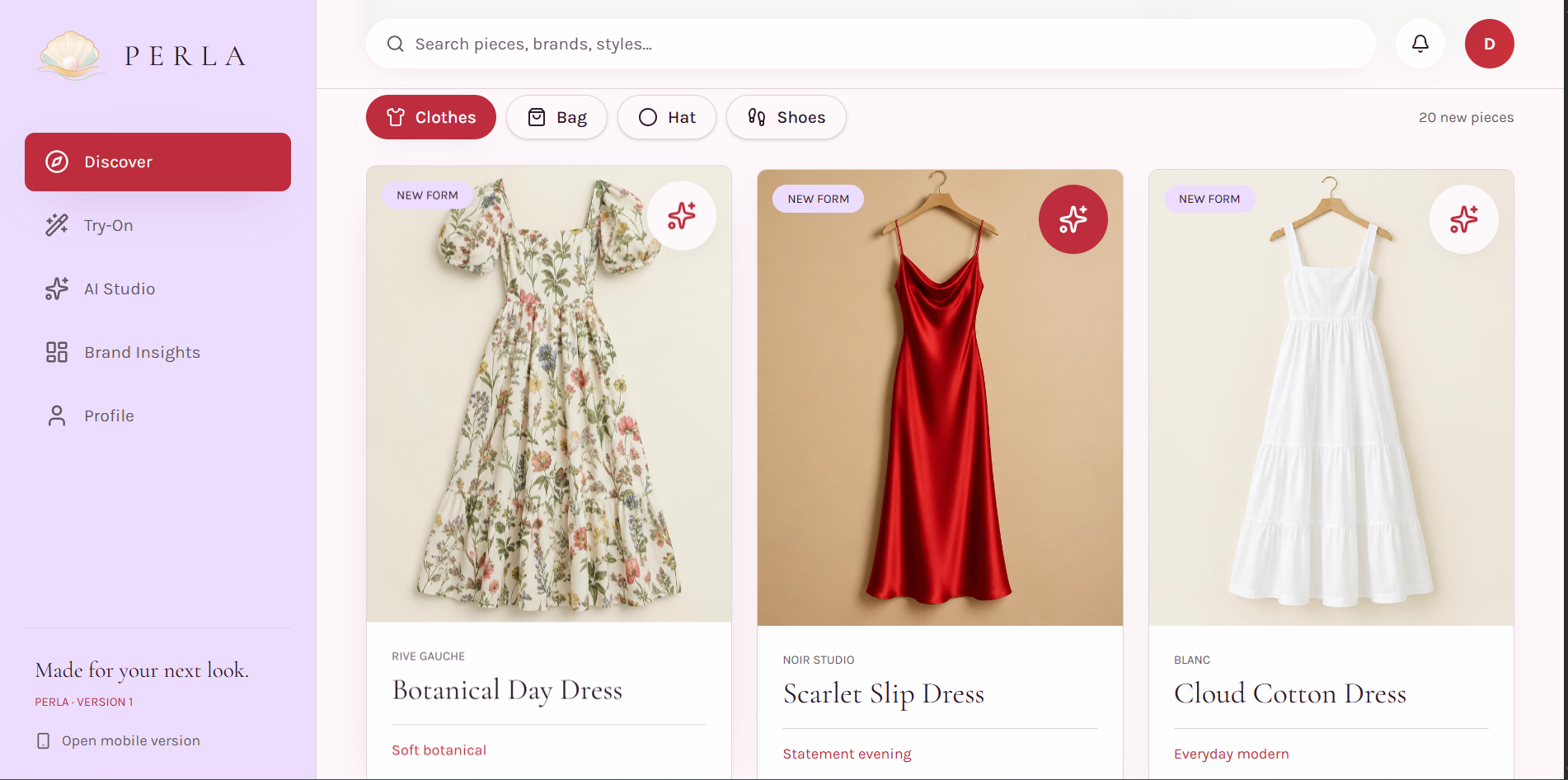
- Try anything from the web: I didn't want people stuck with a small demo catalog. If you find a jacket on any website, you can bring it into PERLA. An AI step figures out what kind of garment it is (top, bottom, dress), prepares the image, and sends it to YouCam for the try-on.
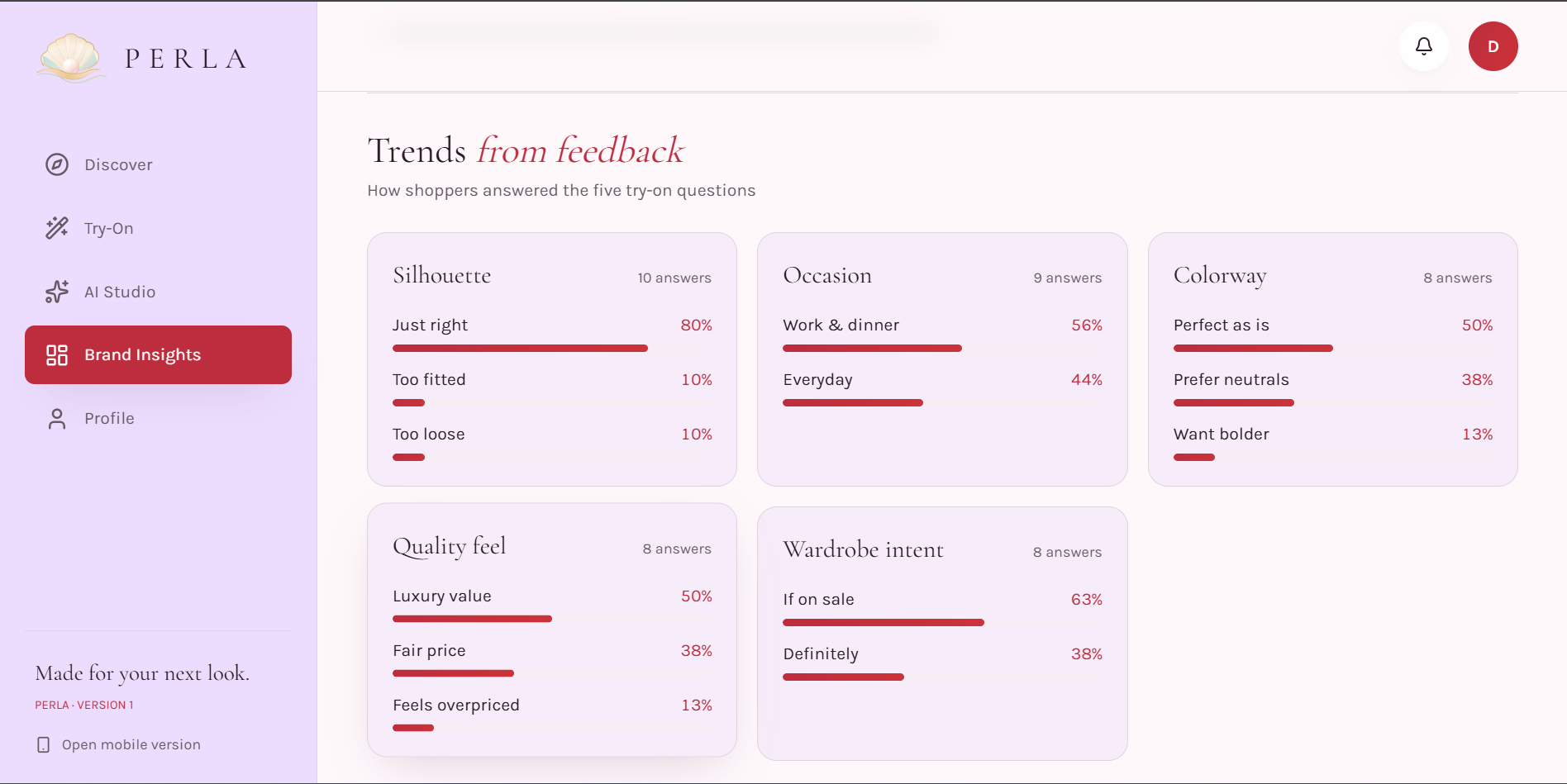
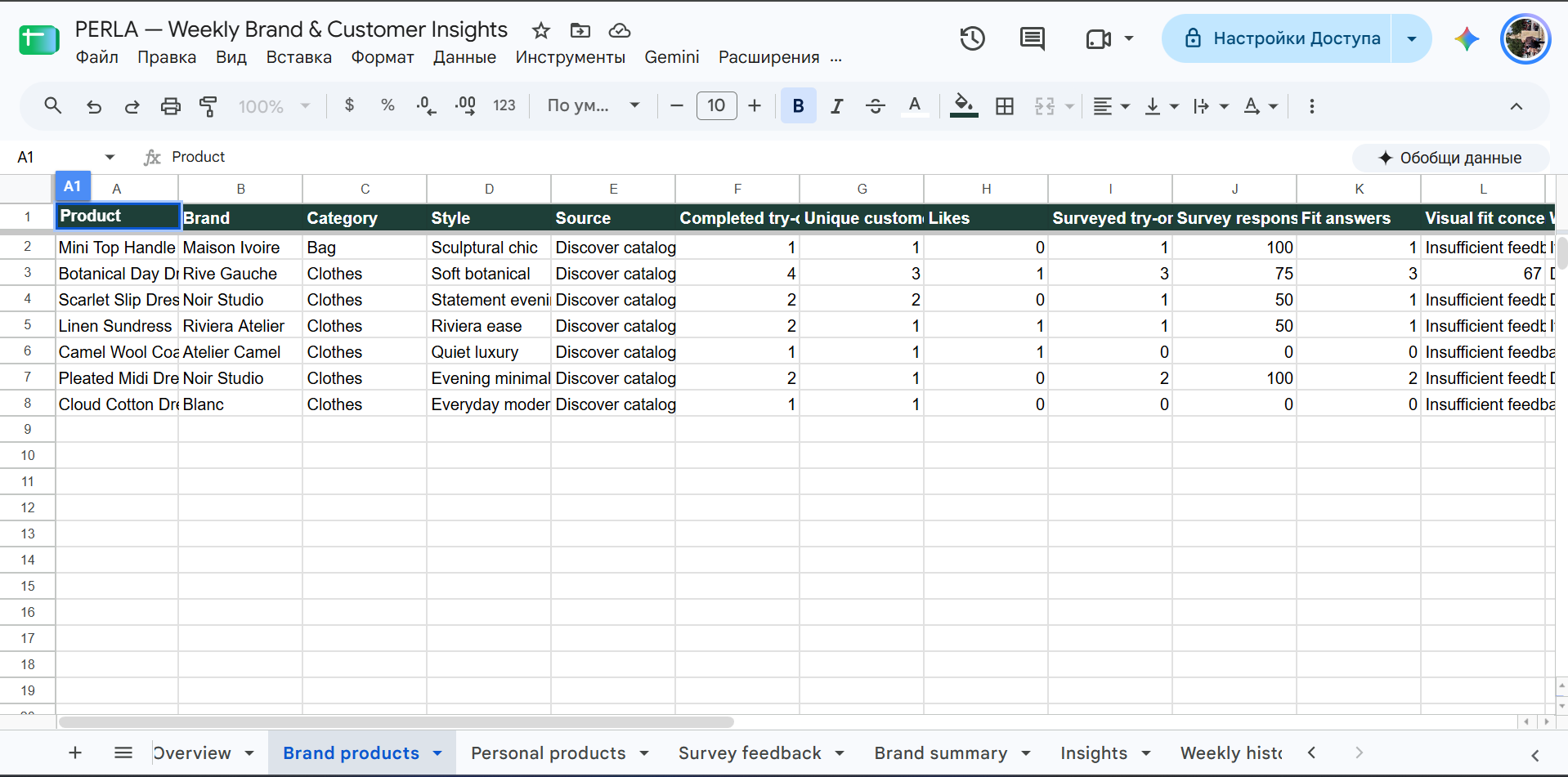
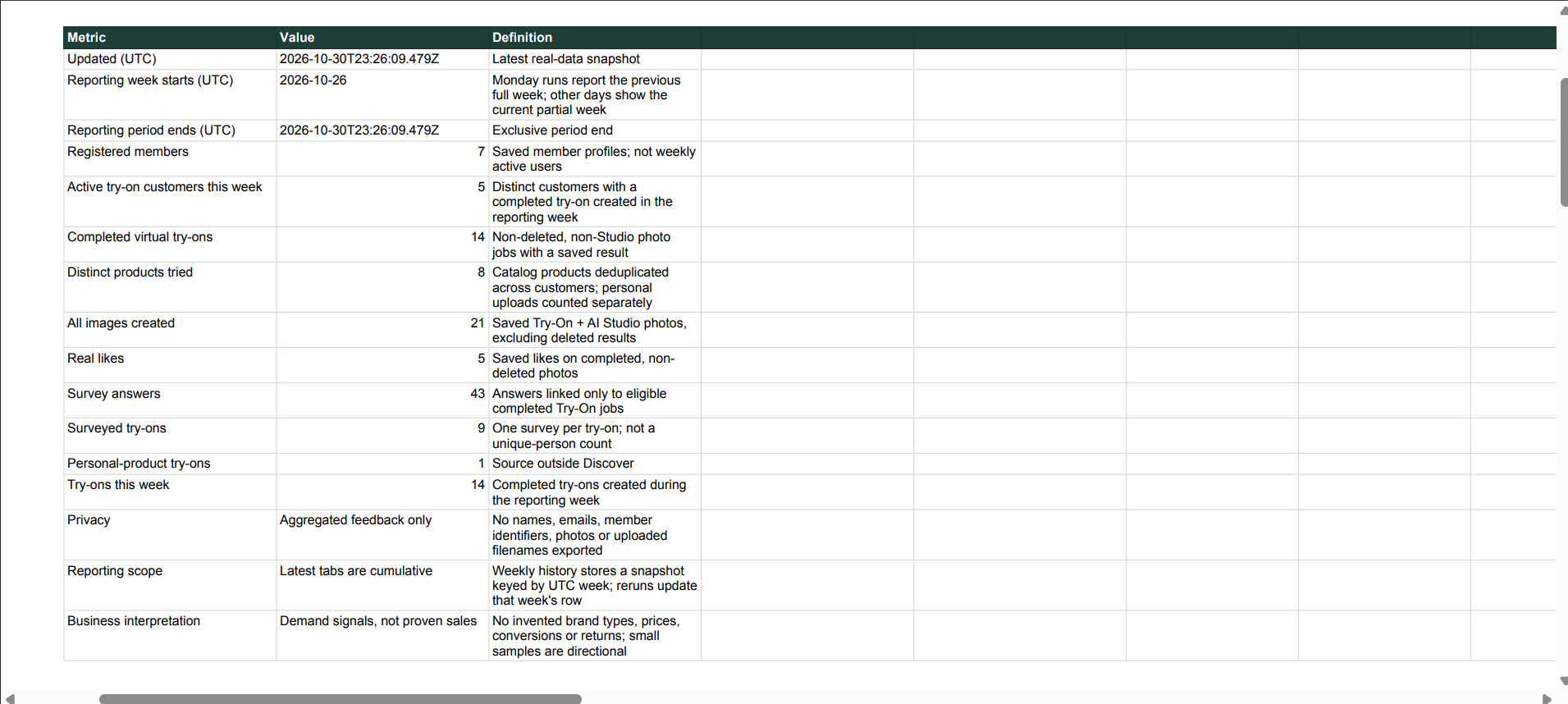
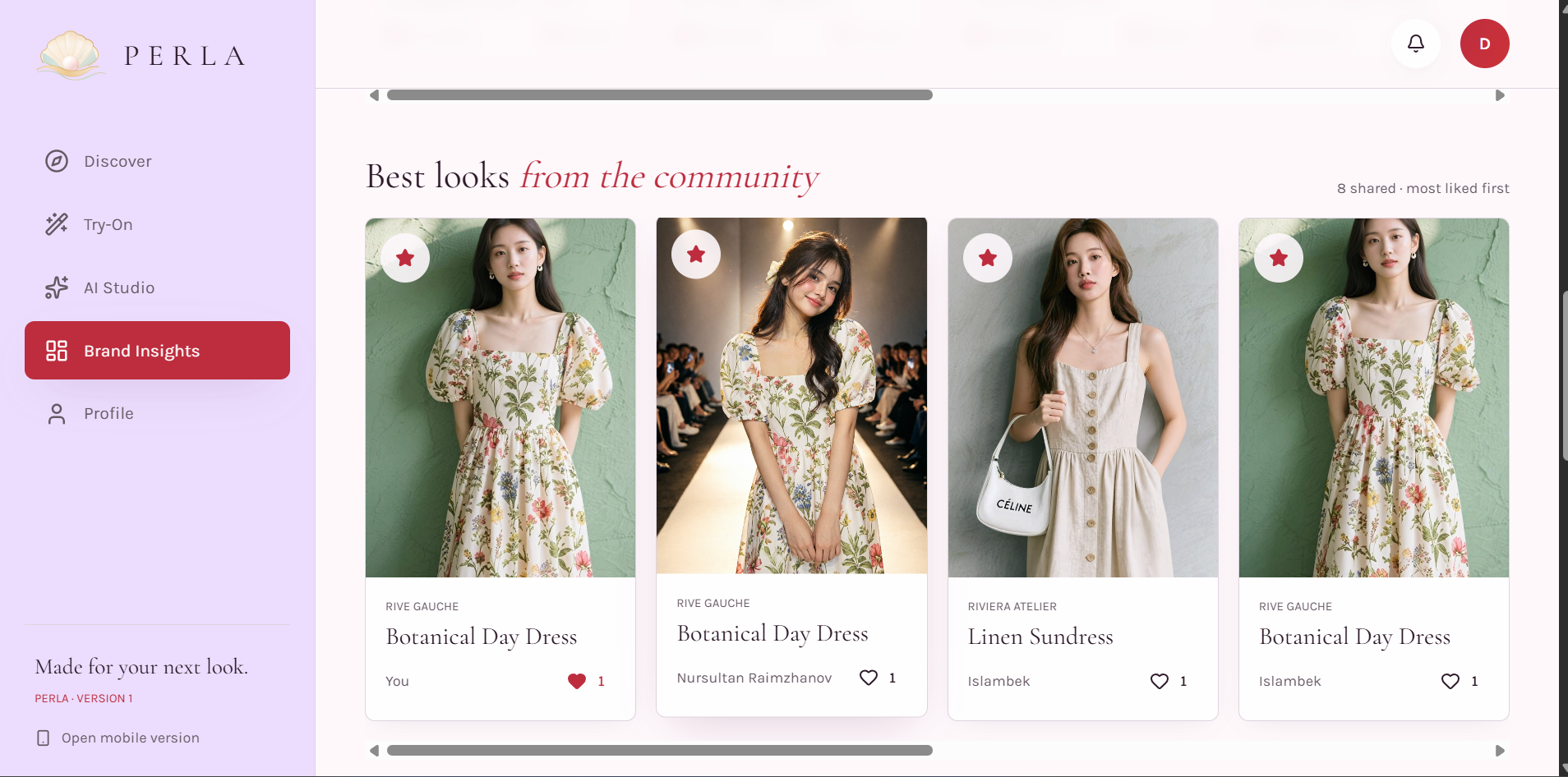
- Demand intelligence for brands: Every try-on, save, and piece of feedback becomes a signal. Instead of guessing what to produce next season, a brand can put out a digital design first and see whether people actually want it.
To turn those signals into one number, I score each garment's demand like this:
$$D_i = w_1 \cdot \text{VTO}_i + w_2 \cdot \text{Saves}_i + w_3 \cdot \text{PositiveFeedback}_i$$
Here VTO is the number of completed try-ons, Saves is how many times people saved the item, and Positive Feedback is the positive feedback it got. w1, w2, and w3 are the weights, which are my starting estimates. I plan to tune them with real usage data, since a save probably says more about buying intent than a single try-on.
How we built it
I registered late, so speed mattered. I used Lovable to get a working web app up quickly, and the stack under it is React, TypeScript, and Tailwind CSS.
- Try-on engine: The YouCam AI Virtual Try-On API does the garment replacement and rendering.
- Garment detection: An AI vision model (Gemini) looks at clothing images from around the web and decides if each one is a top, bottom, or full-body piece. Then supabase calls right api for virtual try on.
- Backend: Supabase handles login, the database, image storage, and Edge Functions. It stores each user's wardrobe and try-on history, and the Edge Functions make the YouCam calls.
- Automation: I used n8n early on to prototype workflows and learn automation.
Challenges we ran into
- n8n was the wrong tool for the main flow. At first I ran the YouCam API calls through n8n. It was great for quick visual prototyping, but a try-on happens every time a user clicks a button, and n8n added delays and sometimes timed out. That's a bad experience when someone is waiting for their picture. I rewrote the API logic inside Supabase Edge Functions, and it became much faster and more reliable. n8n is a better fit for background jobs that run occasionally.
- Clothes from anywhere on the internet are messy. When I sent the wrong garment category to the try-on API, the result came out distorted. So I added the AI classification step before the YouCam call, which detects the category and builds the request correctly.
- Getting good-looking results took a lot of tweaking. I had to experiment a lot with image preparation and prompts before lighting, proportions, and fit looked natural.
I made plenty of mistakes in a short time, and I fixed most of them by rebuilding the part that wasn't working.
Accomplishments that we're proud of
- Going from a late registration to a working product that serves both shoppers and brands.
- Spotting that my first n8n setup wouldn't work for real-time use, and moving the core logic to Supabase before the deadline.
- Letting users try on clothes from any website, not just a fixed catalog, so they can test what they actually want to buy.
What I learned
- Choosing the right tool matters. n8n is good for occasional background workflows. For something users hit every time they use the app, direct backend code is better.
- Small changes in prompts and image handling make a big difference in how good the AI output looks.
- A product needs to work for two audiences. Shoppers want to stop returning clothes, and brands want data they can act on before they manufacture anything. Building for both changed how I think about the whole product.
What's next for Perla - AI Fashion Discovery & Demand-Intelligence Platform
- Mix-and-match with your own closet: Digitize the clothes you already own, so people can see if a new top works with the pants they have before buying it.
- Browser extension ("Try On with PERLA"): Right-click a clothing image and see it on yourself in one click.
- Better brand dashboard: Deeper analytics on who is trying what, what people say about fit, model to analyze generated images.
Built With
- edge-functions
- gemini
- lovable
- n8n
- perfect-corp
- postgresql
- react
- supabase
- tailwindcss
- typescript
- vite
- youcam-api

Log in or sign up for Devpost to join the conversation.