-
-
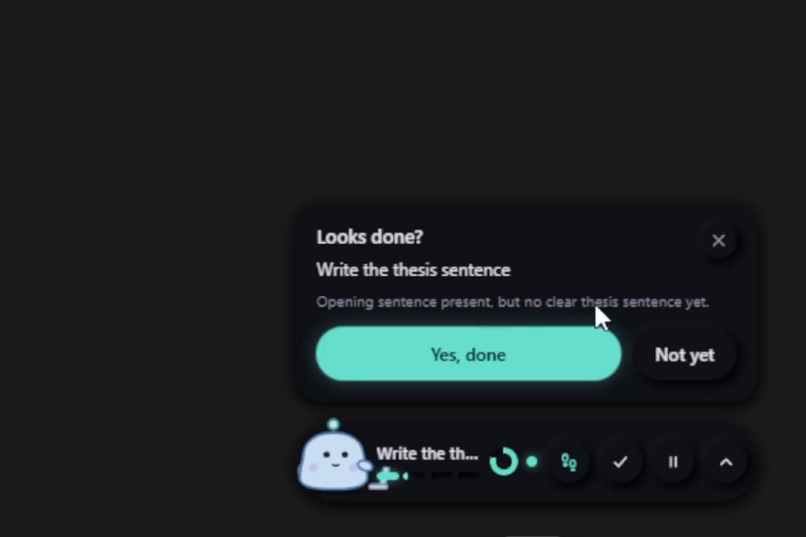
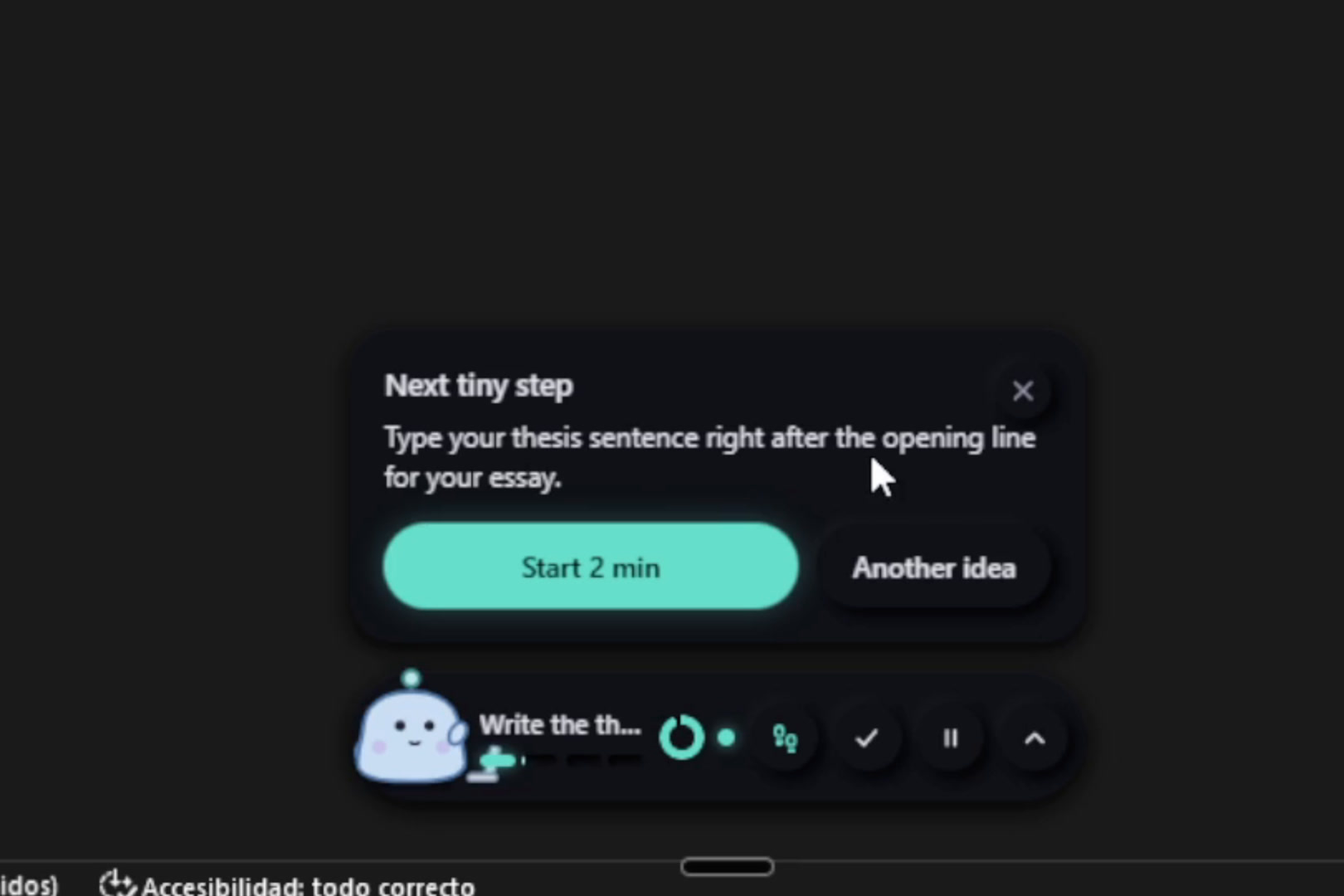
It helps you whenb you are stuck.
-
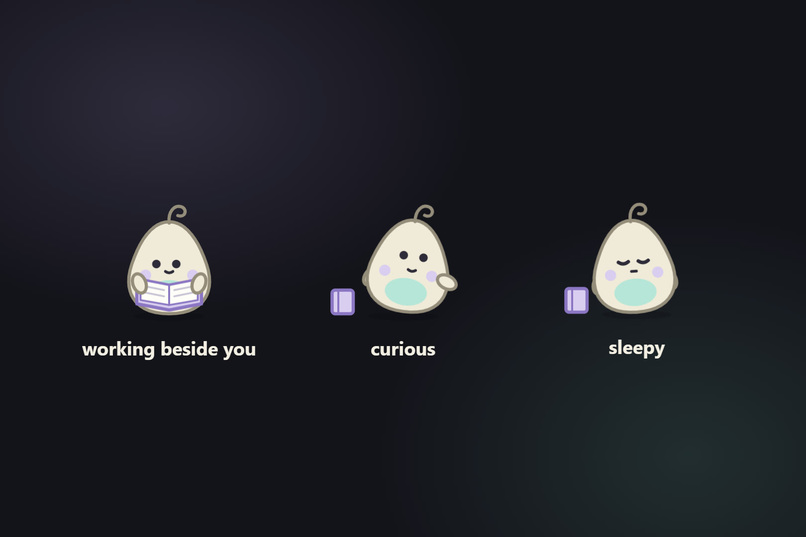
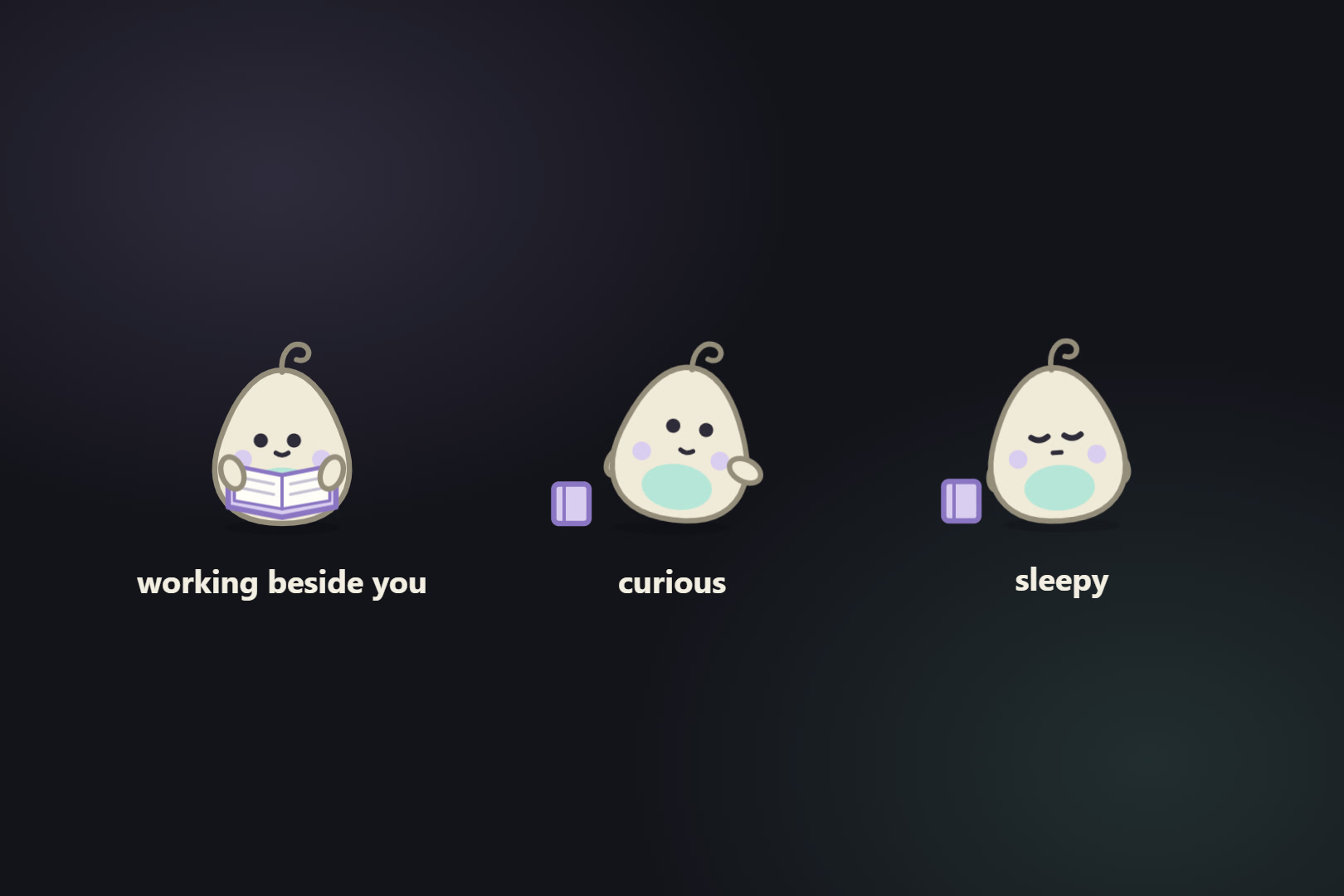
It has animations.
-
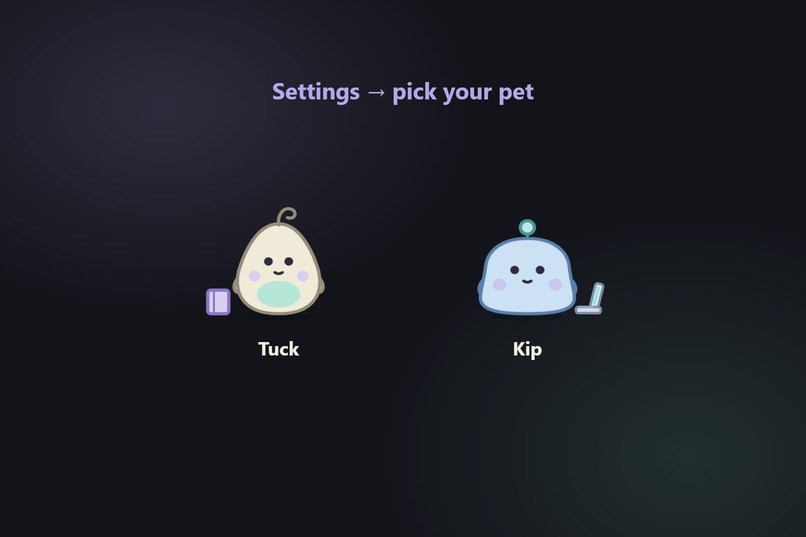
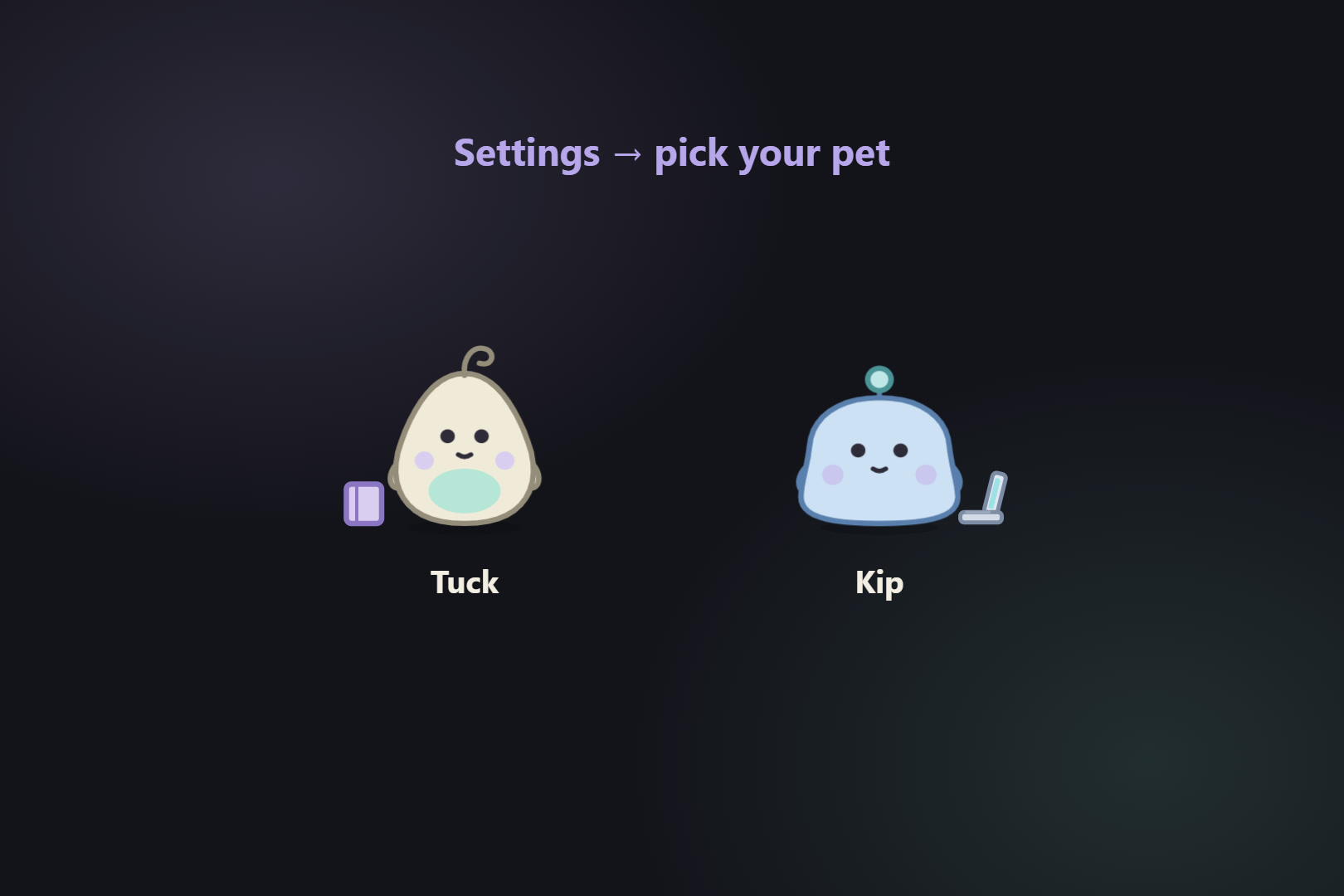
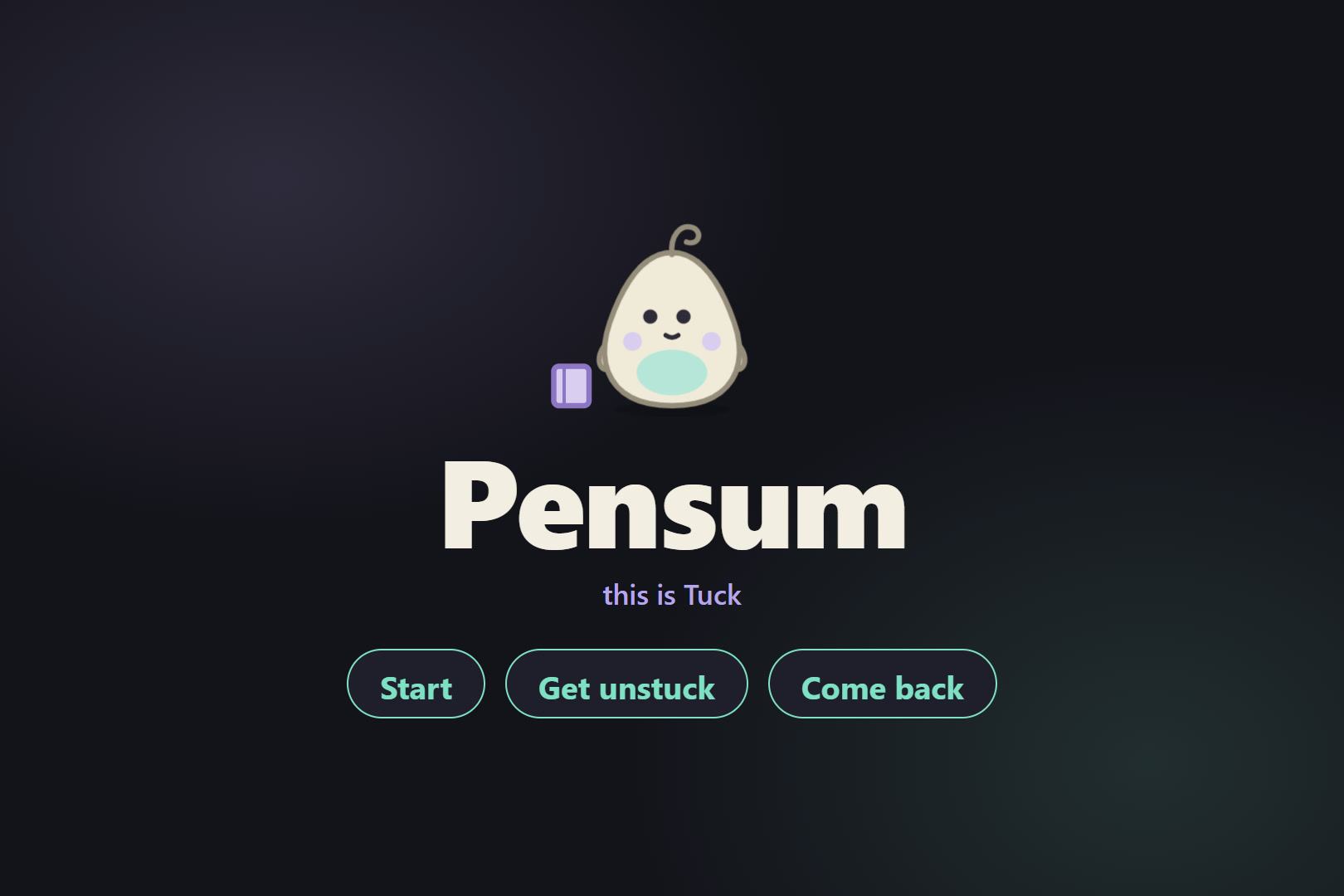
You can choose between Kip and Tuck.
-
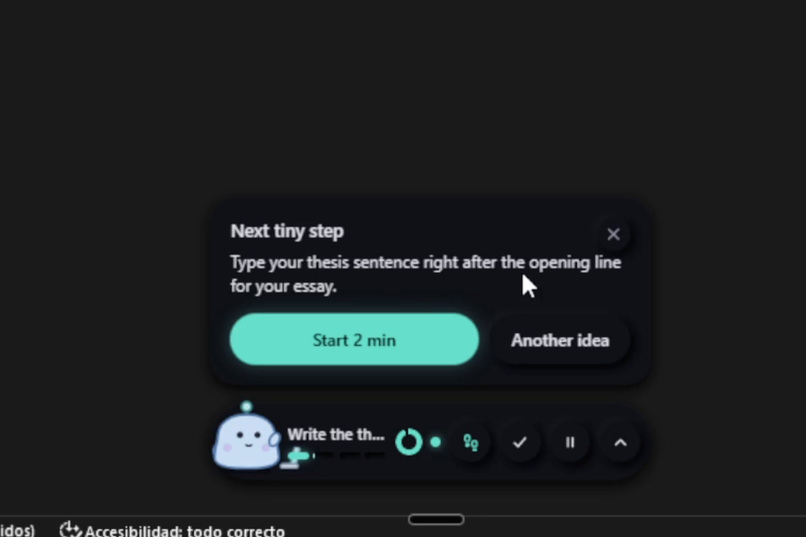
It checks on your screen from time to time.
-
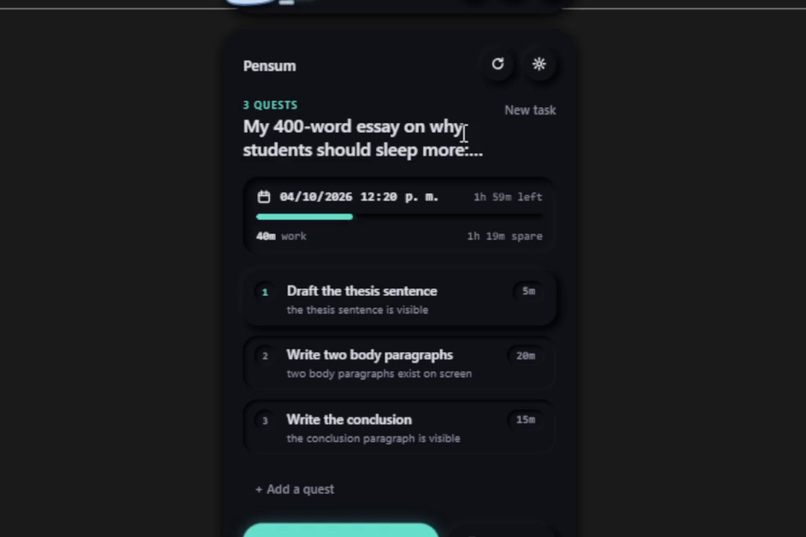
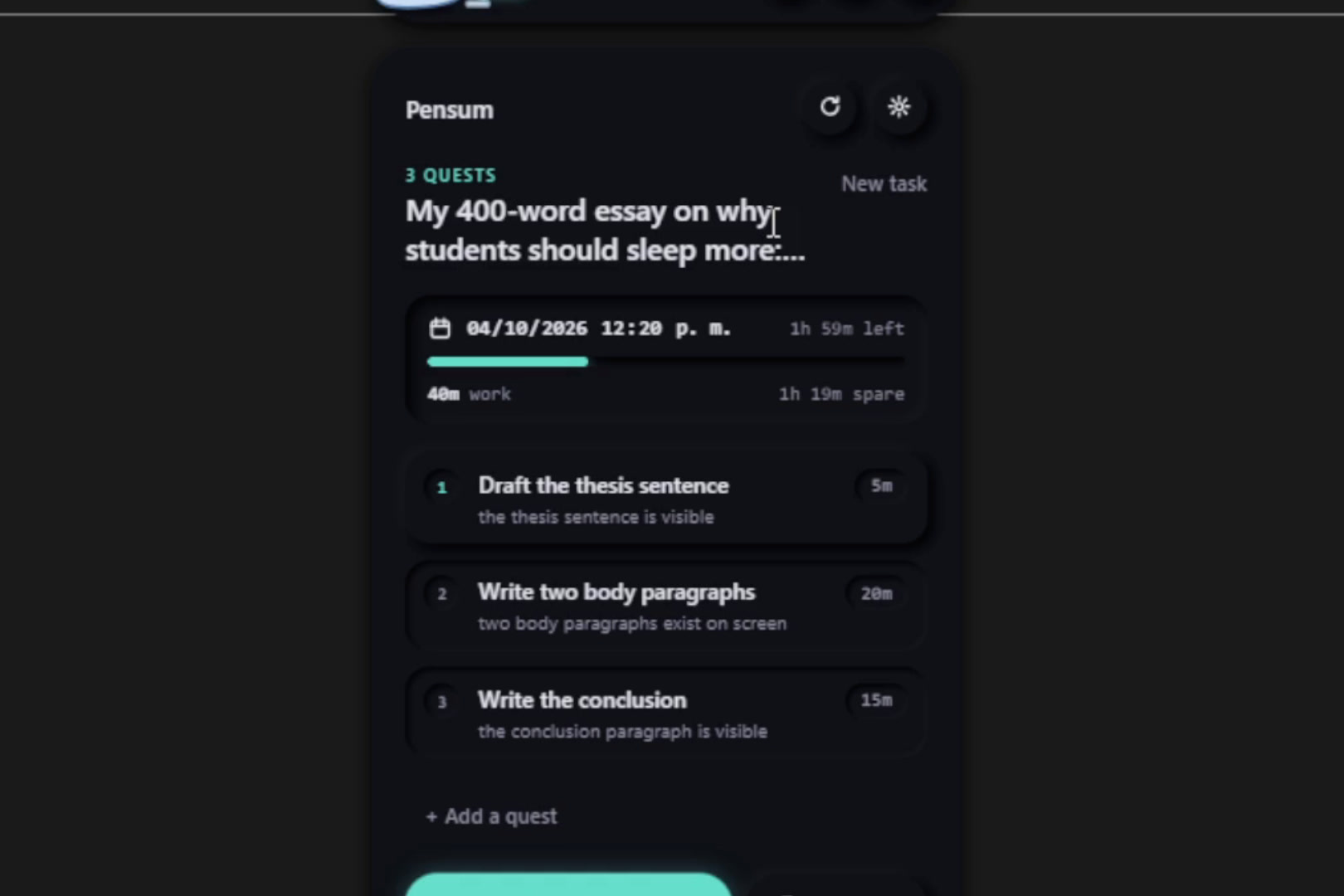
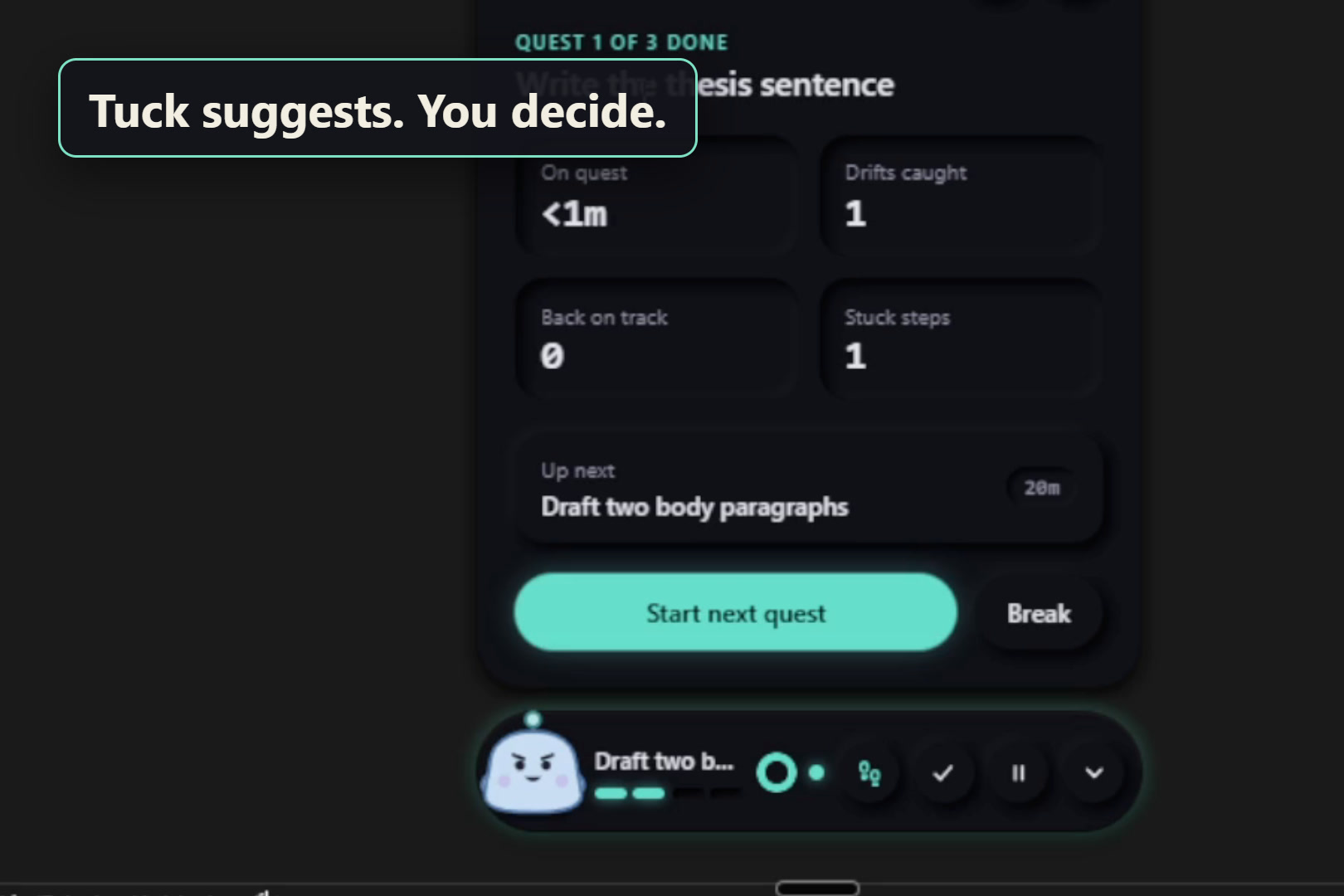
Pnesum divides the main goal into quests.
-
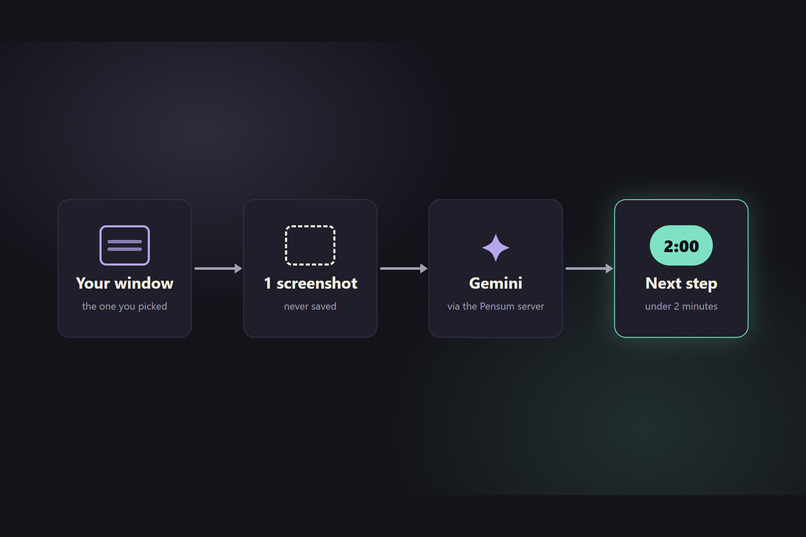
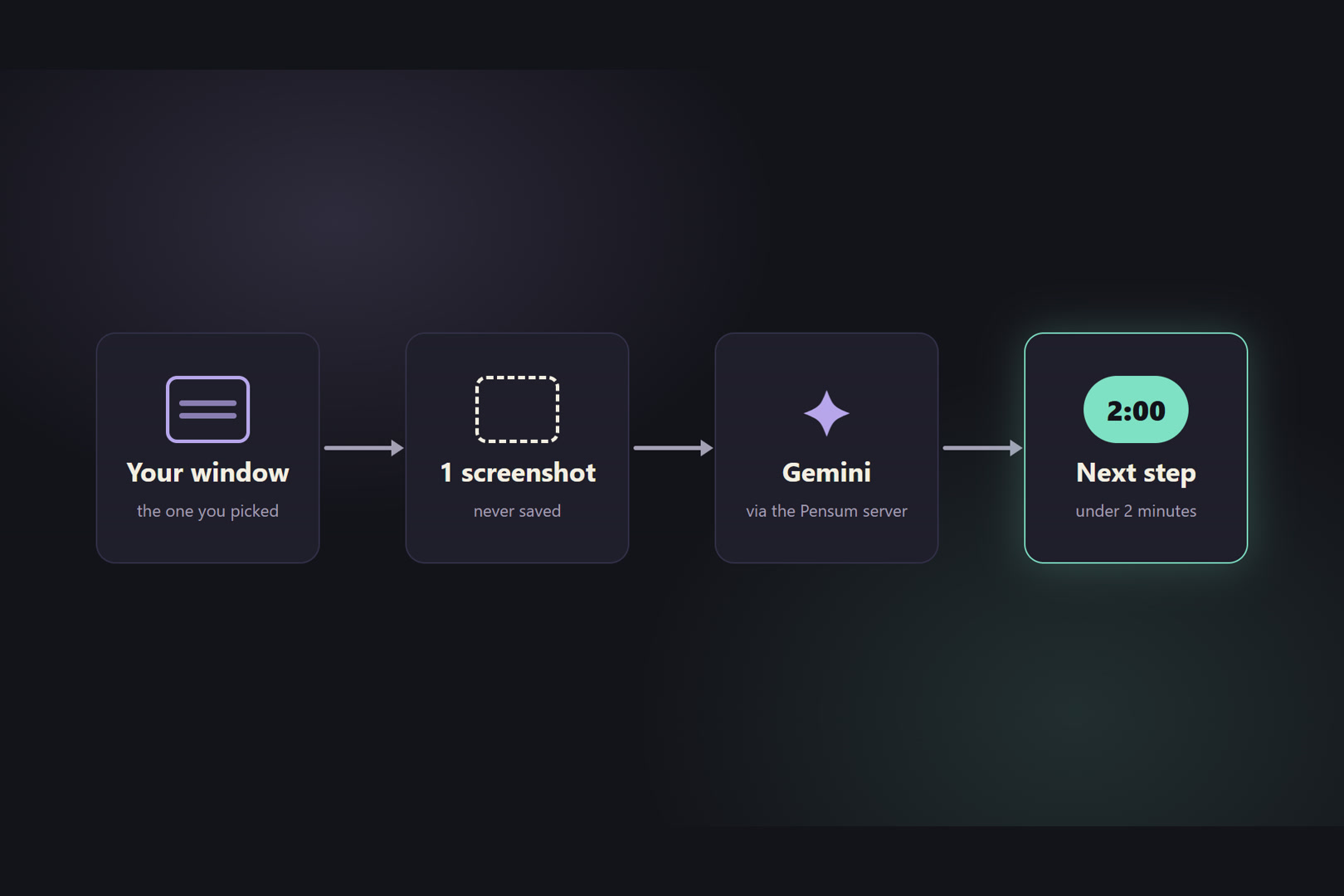
It uses a Gemini API key connected to a vercel server.
-
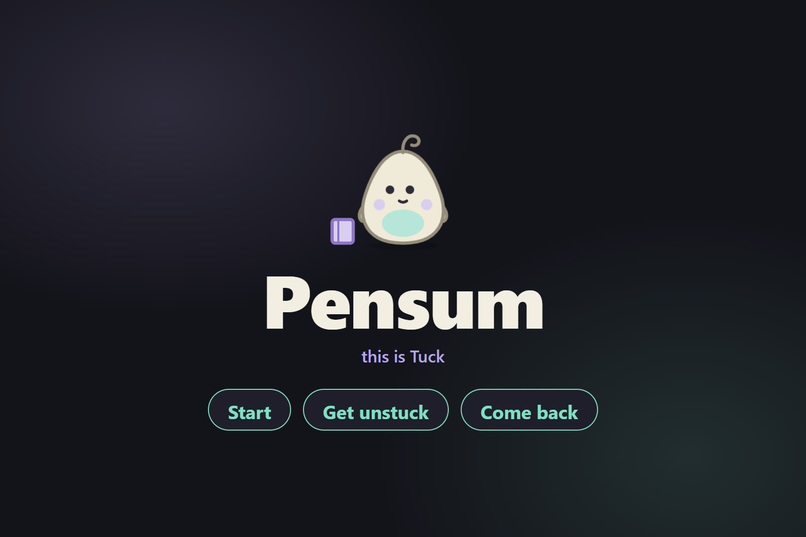
This is Pensum. It helps you when you are stuck, when you drift and to get started.
-
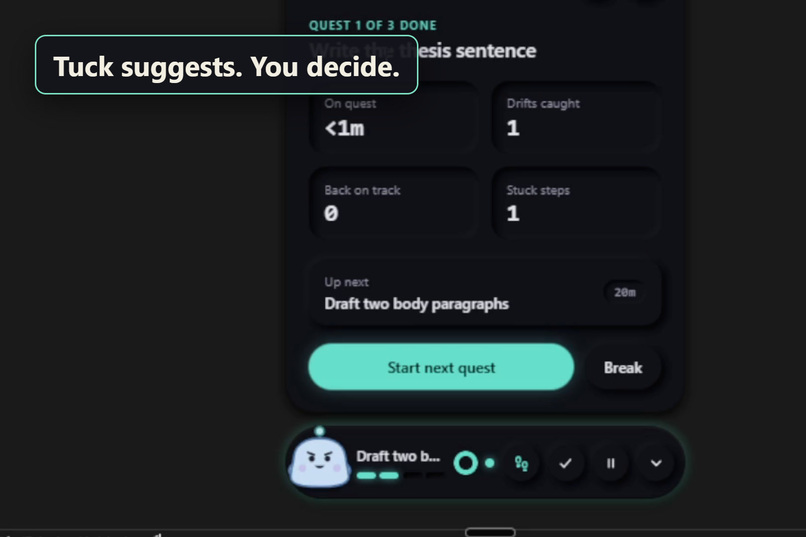
It gives you stats from your work session.
-
Download on github and follow the README.md
-
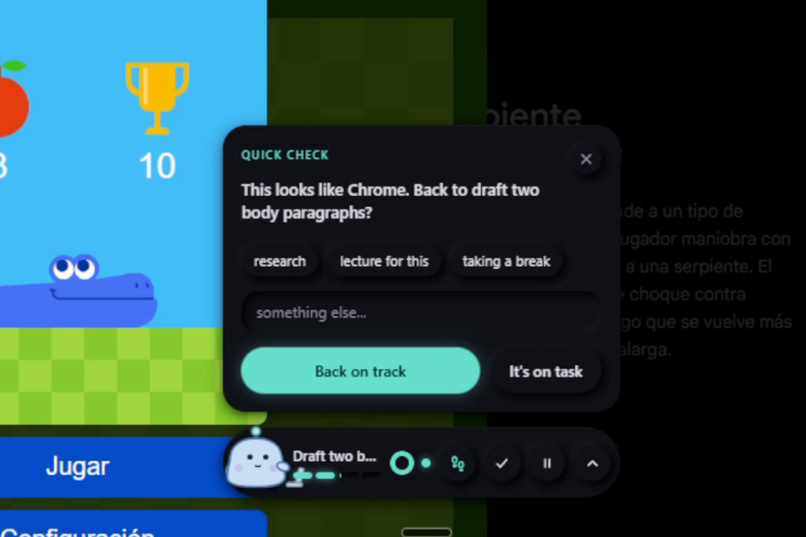
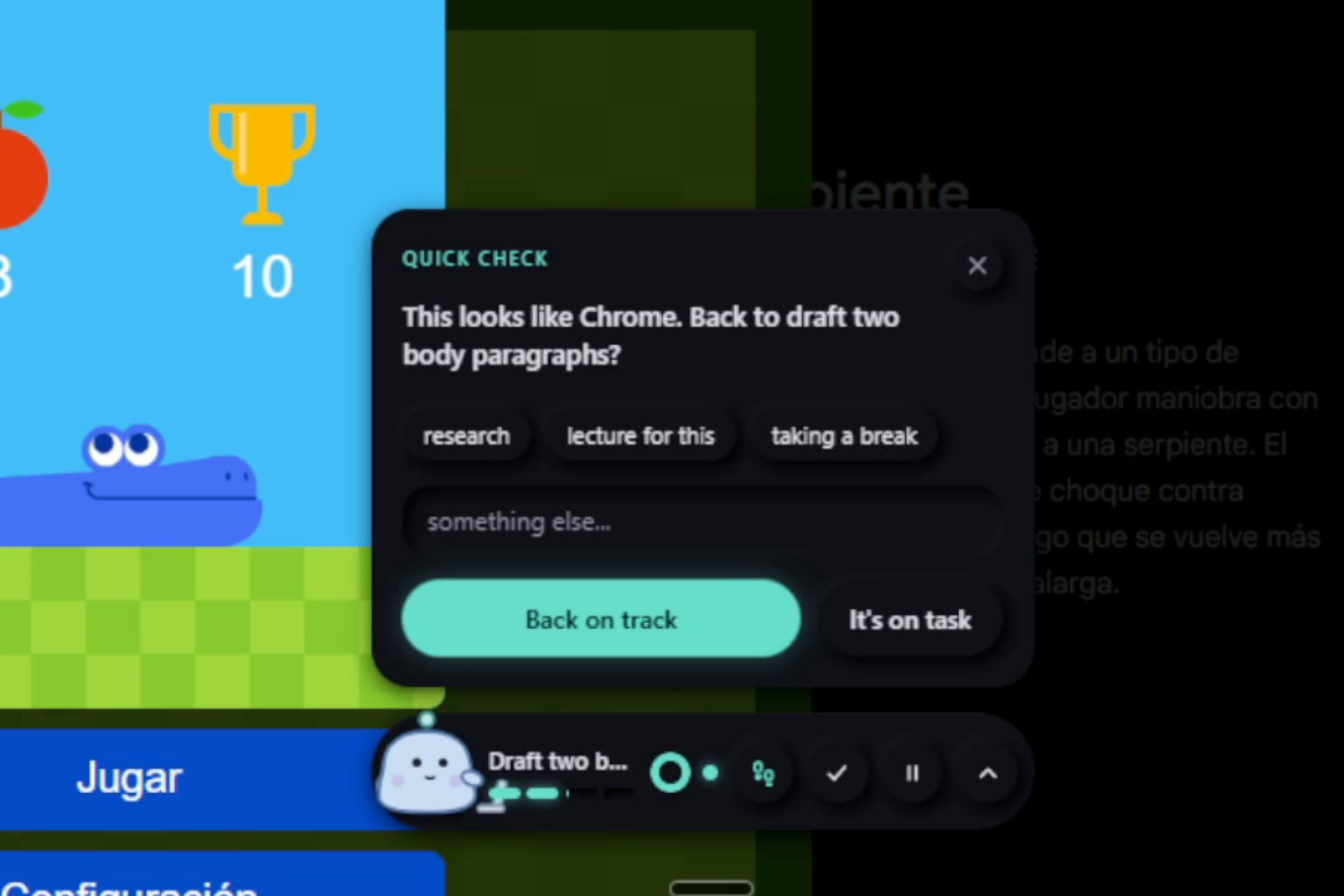
It catches you when you drift.
Inspiration
I needed something to keep me working for long stretches without getting distracted. My problem was never the writing itself. It was the moments I got distracted, stuck or straight up bored. Every productivity app I tried gave me a list or a timer. None of them helped in the moment I actually got stuck. So I built a small companion that sits next to my work and helps right then.
What it does
Pensum is a small desktop pet (Tuck, or Kip) that floats beside your work on Windows. You tell it one thing you want to finish, and it splits it into 3–5 small quests. The first one is always tiny, because starting is the hardest part. In checks your screen from time to time to make sure you are working and tells you the next step when you get stuck.
- Starting: a 60-second countdown for one rough first step.
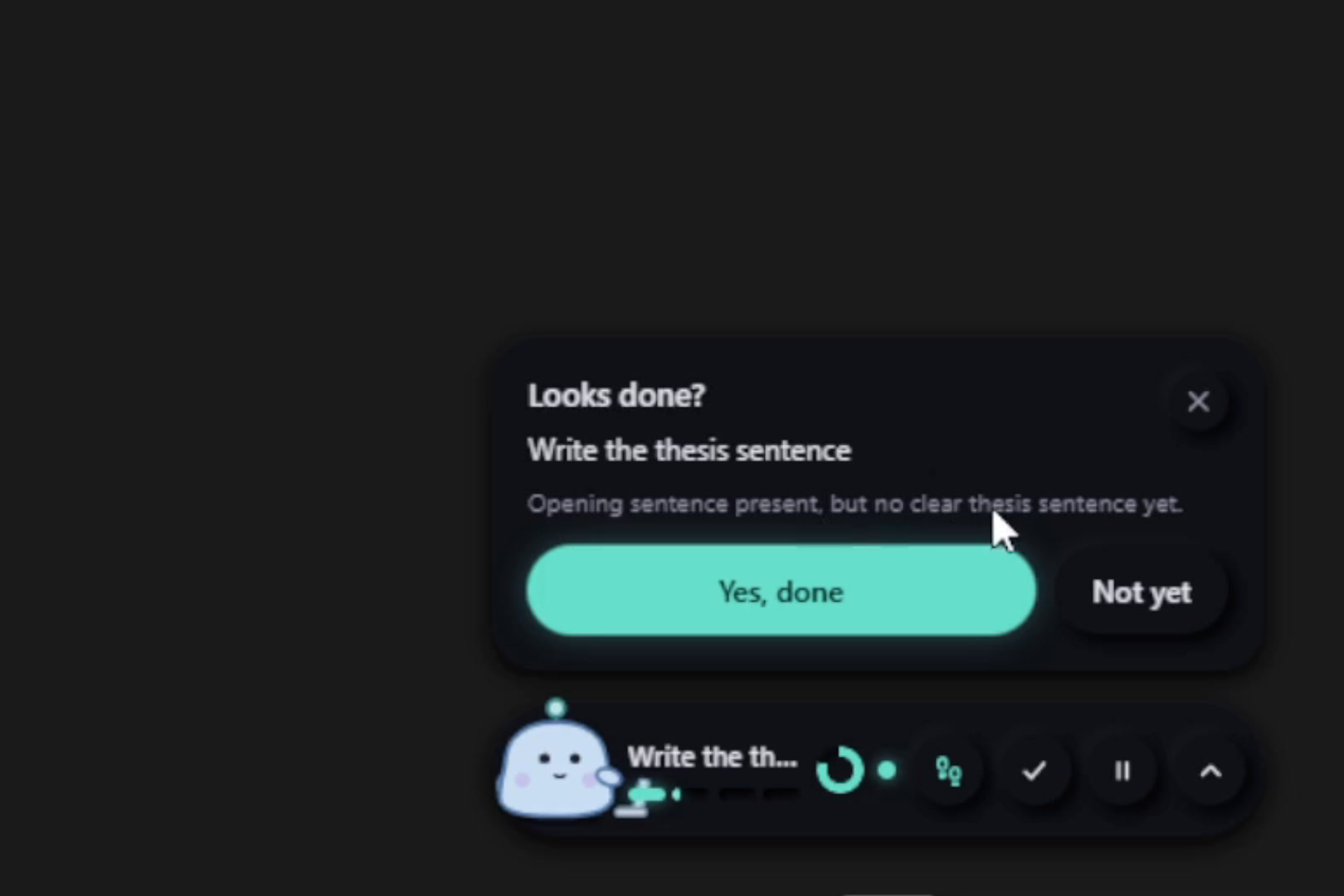
- Getting unstuck: one tap. Pensum takes a single screenshot of the one window you picked and sends it to Gemini, which returns one next step that takes under 2 minutes. The step is about your actual work. In my demo it noticed my essay had no thesis sentence yet.
- Drifting: if you've been away from your work window for a couple of minutes, it asks whether you want to get back on track. It never scolds.
- Finishing: when your work looks done, Pensum asks "Looks done?" and shows what it saw. Only your click completes a quest; the AI never decides for you.
- Privacy: it only sees the window you pick, only during a session, and never saves a frame. Close the window and Tuck goes to sleep.
It works out of the box with no API key, through my server. You can also plug in your own Gemini key in settings.
How I built it
- App: Electron 44 with plain HTML, CSS and JavaScript, no framework.
- Window tracking: PowerShell and a small C# call into Windows tell Pensum which window is in front and read the text of the Word document.
- AI: Google Gemini 3.5 Flash-Lite for looking at the screen, Gemini 3.5 Flash for planning.
- Server: a Vercel function holds the only API key, so no key ever ships inside the app. Every request is checked with zod, and Upstash Redis rate limits keep one person from using up the free quota.
- Pets: Tuck and Kip are SVG with CSS animations, one set per mood.
- Testing: 185 unit tests on Node's built-in test runner, plus Playwright end-to-end tests that drive the real app window.
- Release: a portable Windows .exe built with electron-builder and published on GitHub.
- Tools: I built it with Claude Code and Claude Design.
Challenges we ran into
The hardest part was setting up the Vercel server. Creating the project, connecting Upstash Redis, storing the Gemini key safely, getting Deployment Protection right so the app wasn't blocked, and fixing a failed first deploy that was still running an old build command all took longer than expected. Other challenges were making a companion that is present without nagging, but it is actually helpful. Mainly the deployment, because I had no idea what to do.
Accomplishments that we're proud of
I'm proud of how the AI sees the screen. It doesn't give generic tips, it reads the actual window and responds to the real work. While I was recording the demo, it caught that my essay intro had no thesis statement. I'm also proud of how the demo video turned out.
What we learned
Shipping a project is complex, sometimes more complex than building the app. Servers, API keys, rate limits, a release build, a README and a demo video each took real time, on top of the features themselves.
What's next for Pensum
I'll keep working on it: adding new features and restructuring some of the core ones to improve them. A big goal is bringing Pensum to macOS and Linux. Right now it's Windows-only, because window tracking and reading the document go through Windows-specific PowerShell and Win32 calls, so those parts need native versions for each system. I'd also like to test it with more students on real long tasks, and to sign the installer so Windows stops showing a SmartScreen warning.

Log in or sign up for Devpost to join the conversation.