-

-
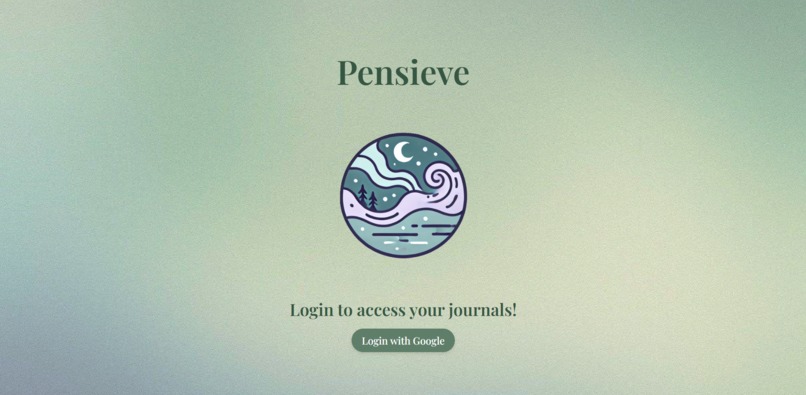
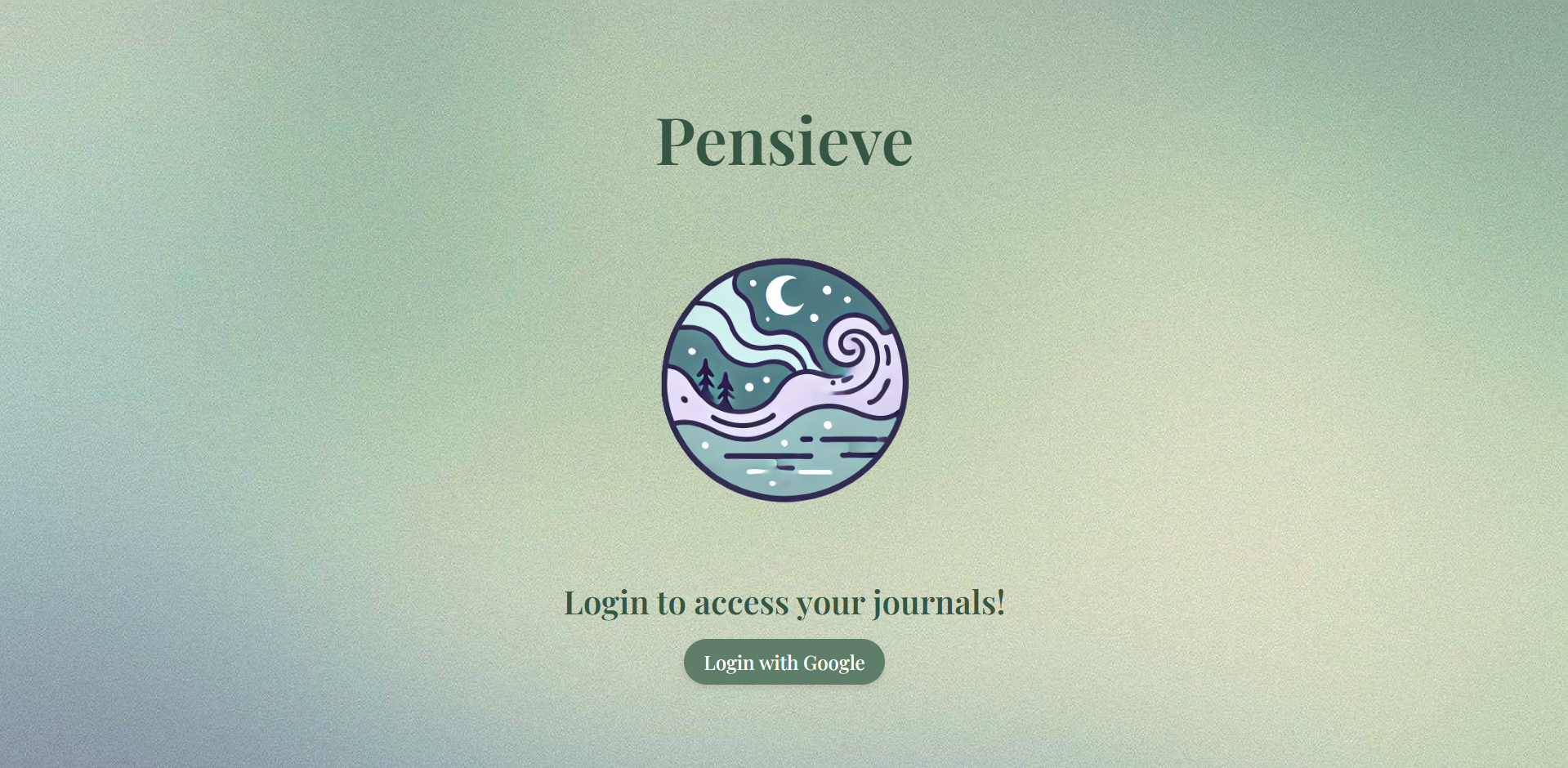
Login Page
-
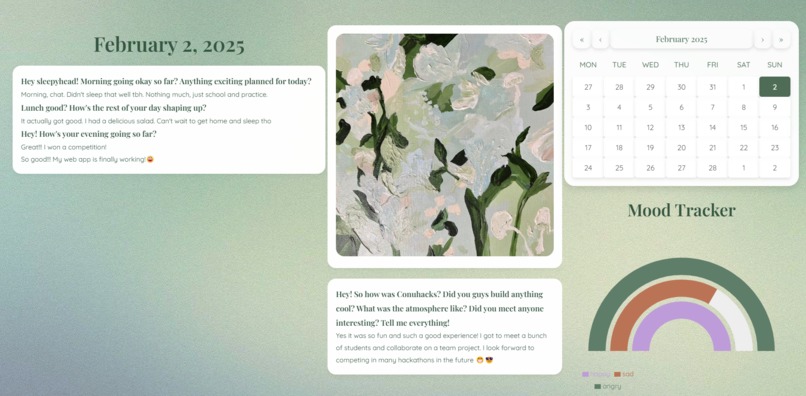
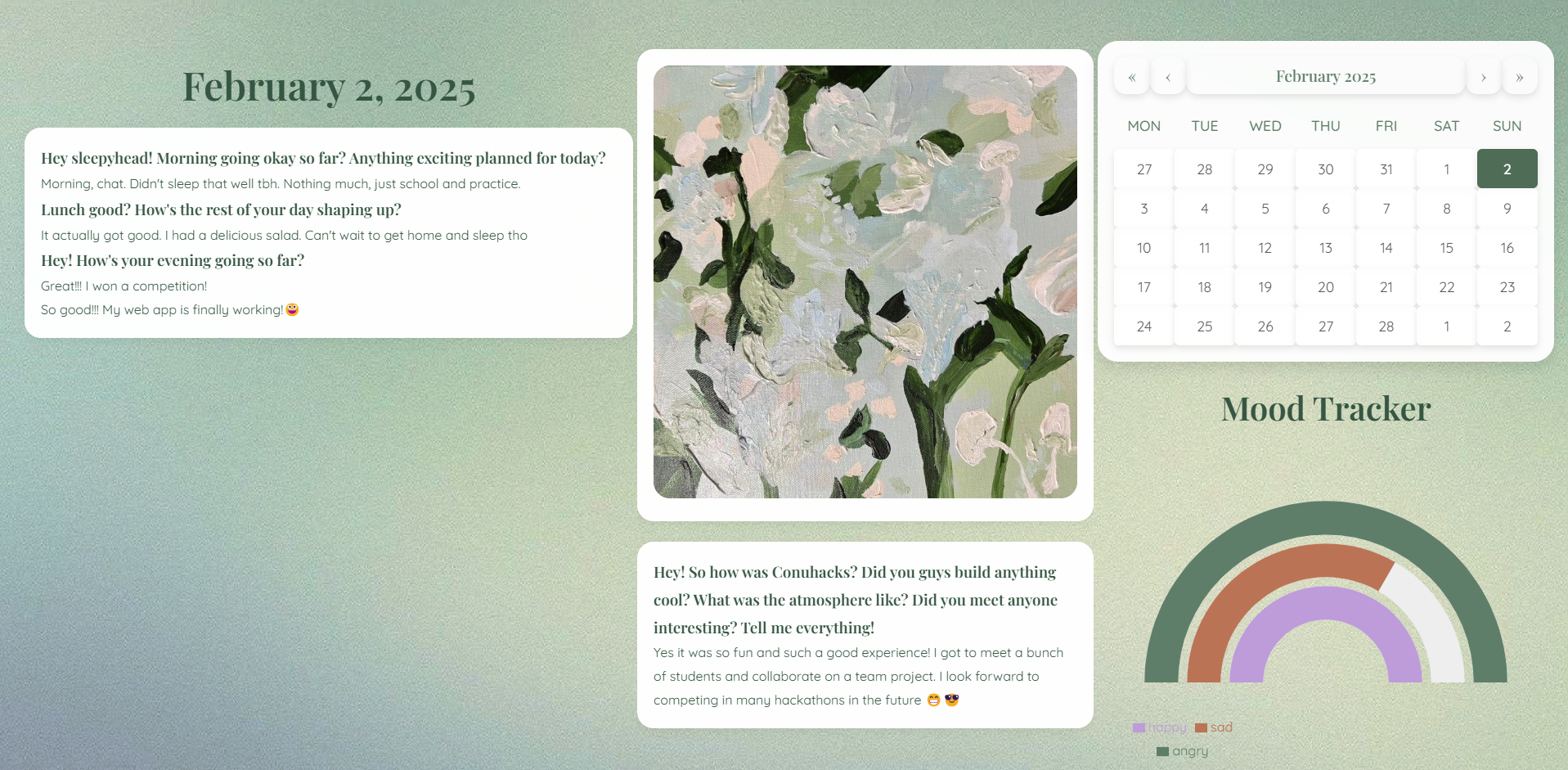
Journal Dashboard
-
-

Pensieve – Journaling, Reimagined
Inspiration
At the start of a new year, many of us set resolutions to build better habits—whether it's exercising more, reading regularly, or journaling every day. But let’s be real, most of us don’t have the time or energy to sit down and write at the end of the day . We get busy, we forget, and by the time we sit down to write, the little moments that made our day meaningful are already slipping away.
We wanted to change that. Pensieve makes journaling effortless by sending friendly, bite-sized SMS prompts, so you can reflect throughout the day without disrupting your routine. It’s like texting a friend—quick, personal, and easy to keep up with!
What We Built
Pensieve simplifies journaling by sending friendly prompts via SMS, allowing users to reply directly by texting. Using Google Calendar integration, Pensieve personalizes questions based on daily events, making the reflections more relevant and personalized. Additionally, it uses sentiment analysis* to track the users’ moods over time, providing valuable insights into your emotional well-being.
Key Features
- SMS Journaling – No need to open an app; just reply to a text!
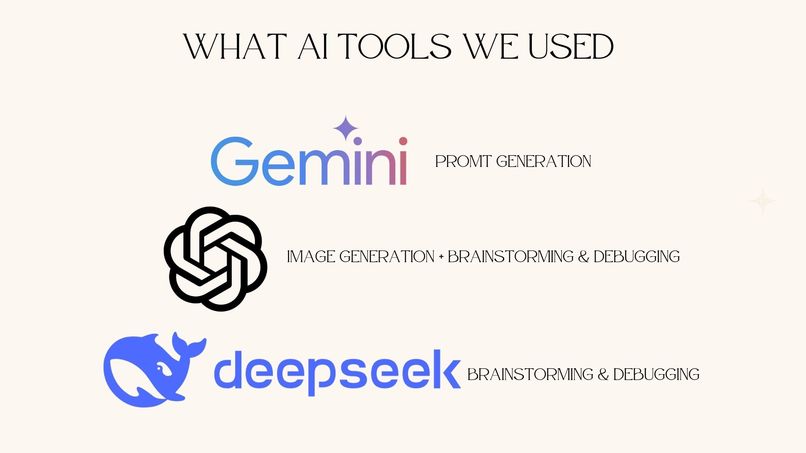
- Smart Prompts with AI – Personalized reflections powered by Gemini API.
- Google Calendar Sync – Pensieve knows your schedule and asks about key events.
- Mood Tracking & Insights – Sentiment analysis helps visualize emotional trends.
How We Built It
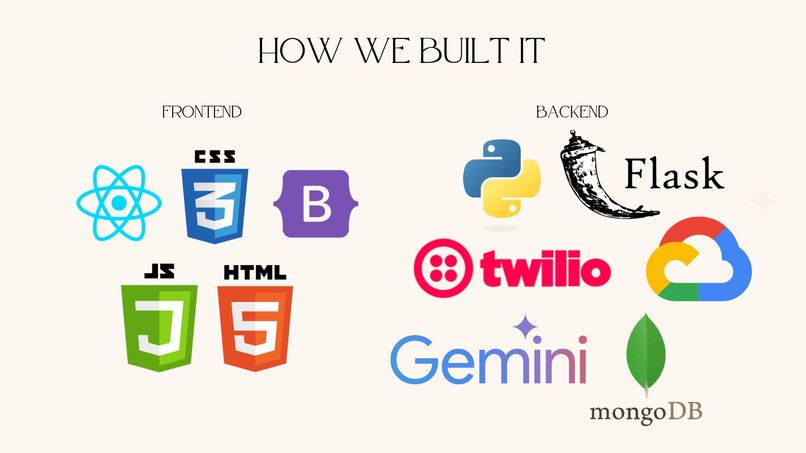
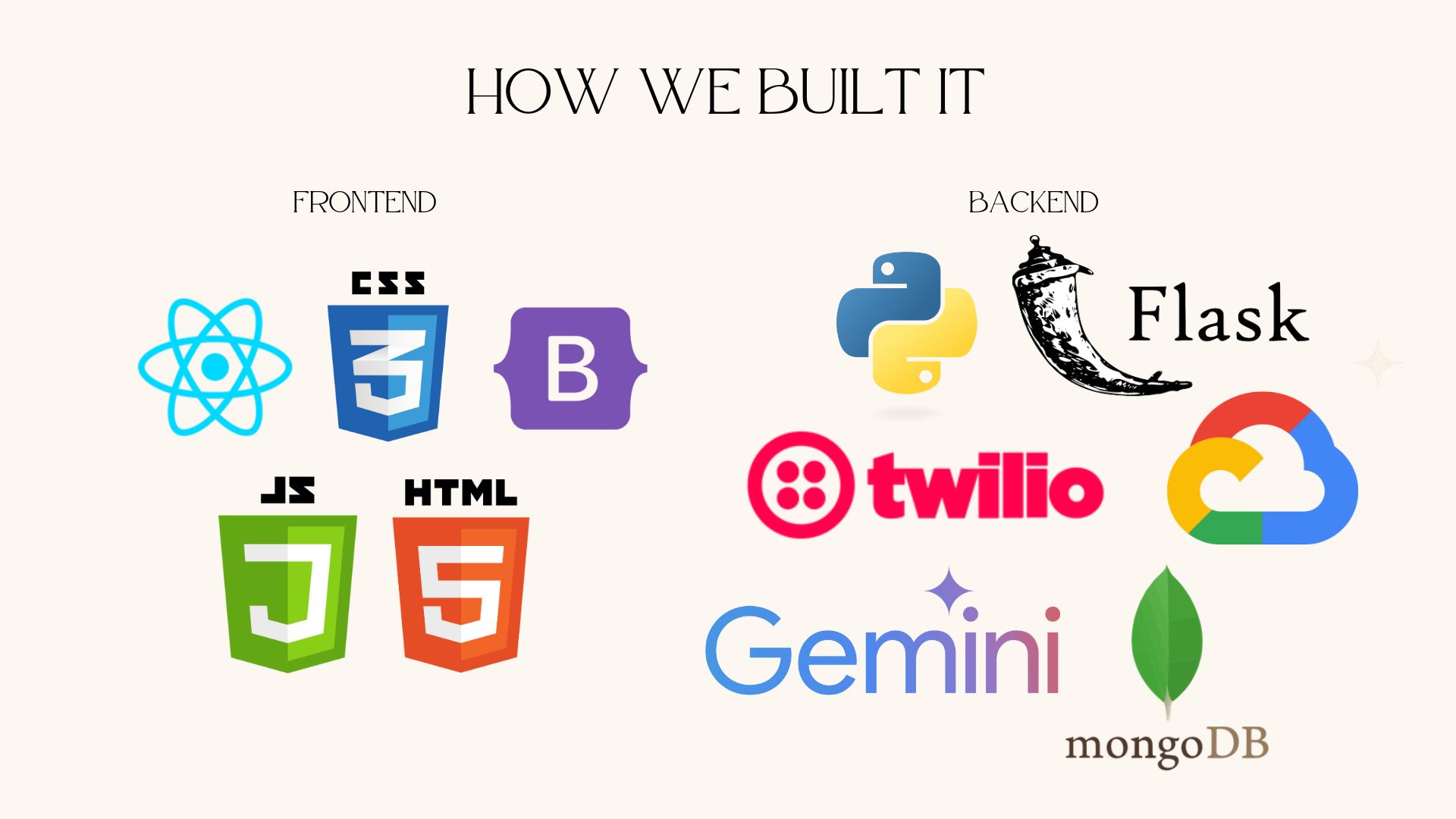
Frontend: The app was built using React, which allowed us to create a responsive, intuitive interface. Users can view their journal entries and track their mood trends through a Recharts graph.
Backend: We used Python and Flask to handle our backend API, which interacts with third-party services, including Twilio for SMS messaging and Gemini for AI-generated prompts and sentiment analysis.
Database: MongoDB was used to store user data, including journal entries, calendar events, and user accounts.
APIs & Integrations:
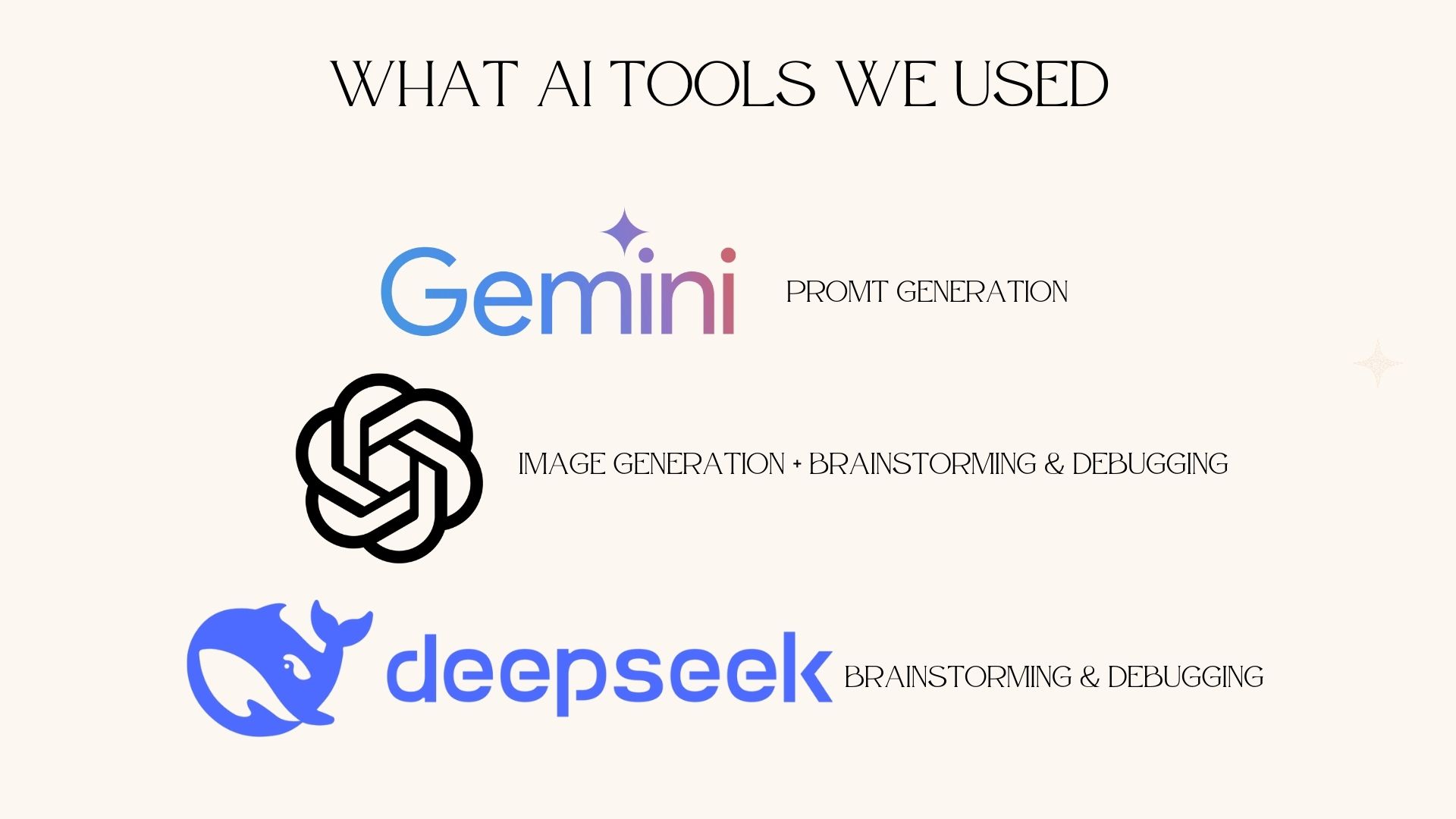
- Gemini API: Used for generating friendly prompts and performing sentiment analysis on user responses to evaluate their mood.
- Twilio: Integrated to send SMS messages to users, asking reflective questions throughout the day.
- Google Calendar/OAuth: Synced to pull in users' calendar events and provide personalized prompts based on their schedule.
Challenges We Faced
Working with New Technology: This project introduced us to several new technologies, including Twilio for SMS, Gemini API for prompt generation and sentiment analysis, MongoDB for the database, and Google Cloud for OAuth and calendar syncing. Learning to integrate all these tools while maintaining a smooth user experience was a significant challenge.
Integrating Multiple Systems: One of the toughest parts was bringing together the different components: the SMS system, AI-powered prompts, Google Calendar syncing, and mood tracking. Ensuring these systems communicated well with each other and worked in real-time was complex, requiring careful handling of data flow and API interactions.
UI & Layout Issues: Centering divs and ensuring a consistent, responsive layout across devices was more difficult than expected. We spent extra time adjusting the UI, especially for mobile devices, to ensure a seamless experience.
Google OAuth Testing: While Google OAuth was useful for syncing calendars, its strict security policies made testing tricky. We struggled with token management and couldn’t easily test across different user accounts, slowing down the development process.
Sentiment Analysis Accuracy: Fine-tuning the sentiment analysis feature to accurately interpret short user responses was challenging. We had to adjust the prompts and user responses to improve accuracy, ensuring the mood tracker was meaningful.
What We Learned
Throughout this project, we learned how to integrate various APIs (Gemini, Twilio, and Google Calendar) and manage their interactions. We also deepened our understanding of AI by utilizing sentiment analysis to provide insights into users' moods. Additionally, we gained hands-on experience in full-stack development by combining Python (Flask) for the backend, React for the frontend, and MongoDB for the database. A key takeaway was learning how to create a real-time, user-friendly experience that feels personal and engaging.
What’s Next?
We’d love to expand Pensieve with:
- Social Features: We could add a social aspect where users share their reflections with friends or collaborate on a shared journal, creating a community experience.
- Event Filtering & Customization: Adding event filtering and categorizing entries by specific themes would help users easily revisit key moments.
- Multimedia Integration: Allowing users to add photos, videos, or audio to their entries would enhance journaling, especially for significant events.
- More Habit Trackers: Expanding the app with additional habit trackers for exercise, sleep, etc., would allow users to track a variety of personal growth goals.
Pensieve has been an exciting journey, teaching us how to integrate various technologies and build a tool that makes journaling more accessible and insightful. With the potential for social features and multimedia integration, we see a lot of room for growth and future improvements, making it even more engaging and helpful for users.


Log in or sign up for Devpost to join the conversation.