Pennywise — Your Money, Made Visual
Inspiration
Managing money can feel overwhelming, especially for college students and young professionals who are learning to balance everyday spending, bills, and savings. We wanted to create a personal finance experience that goes beyond displaying numbers and helps people understand their money visually.
That idea inspired Pennywise: a finance companion designed to make everyday financial decisions clearer, more approachable, and more intentional.
What it does
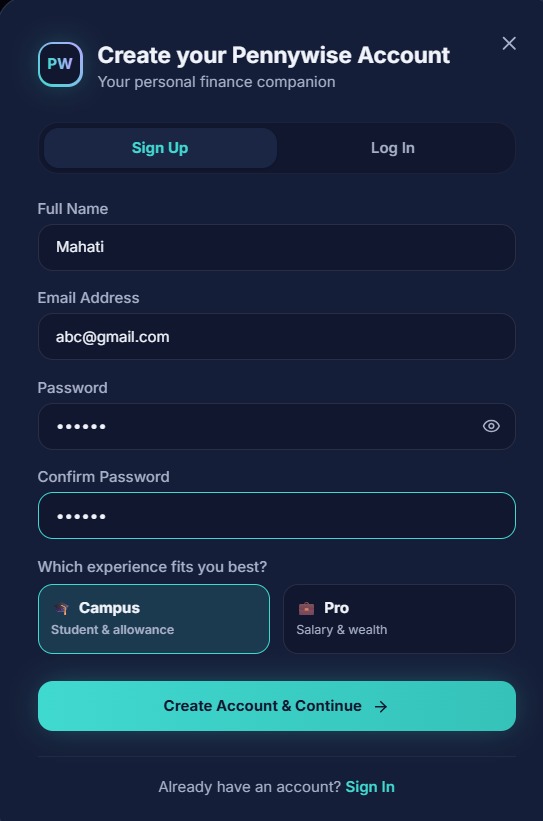
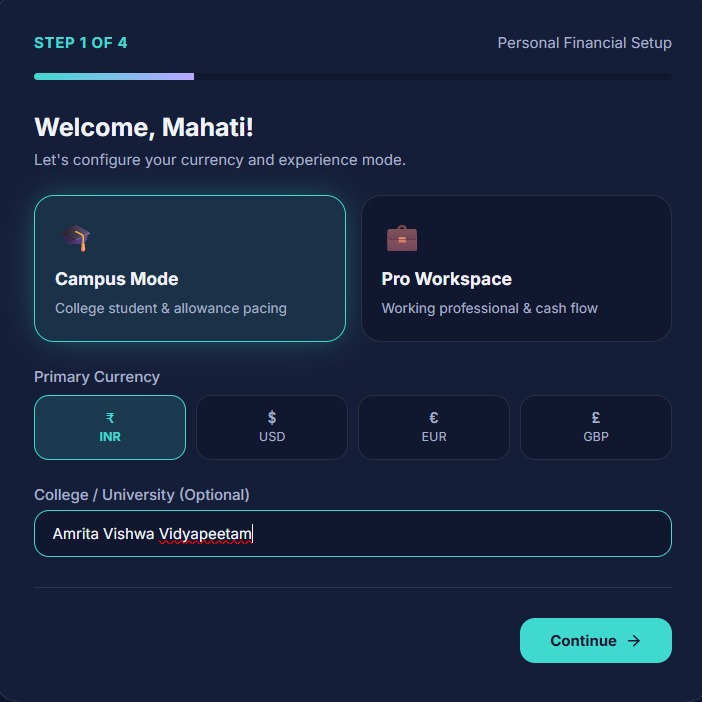
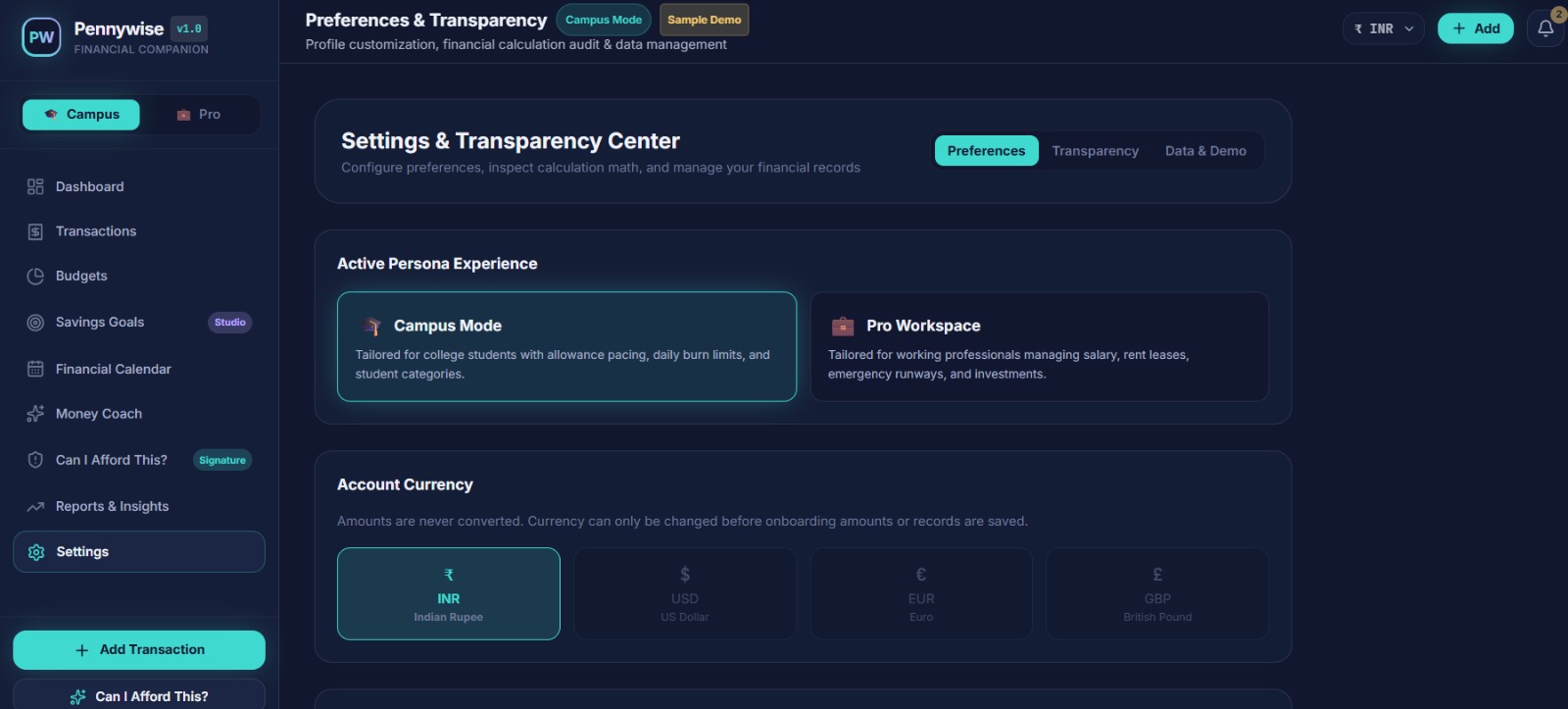
Pennywise brings essential money-management tools into one personalized experience, with two modes:
- Campus Mode: designed around student life, everyday expenses, and savings.
- Pro Mode: designed for working professionals managing income, bills, budgets, and financial goals.
Its key features include:
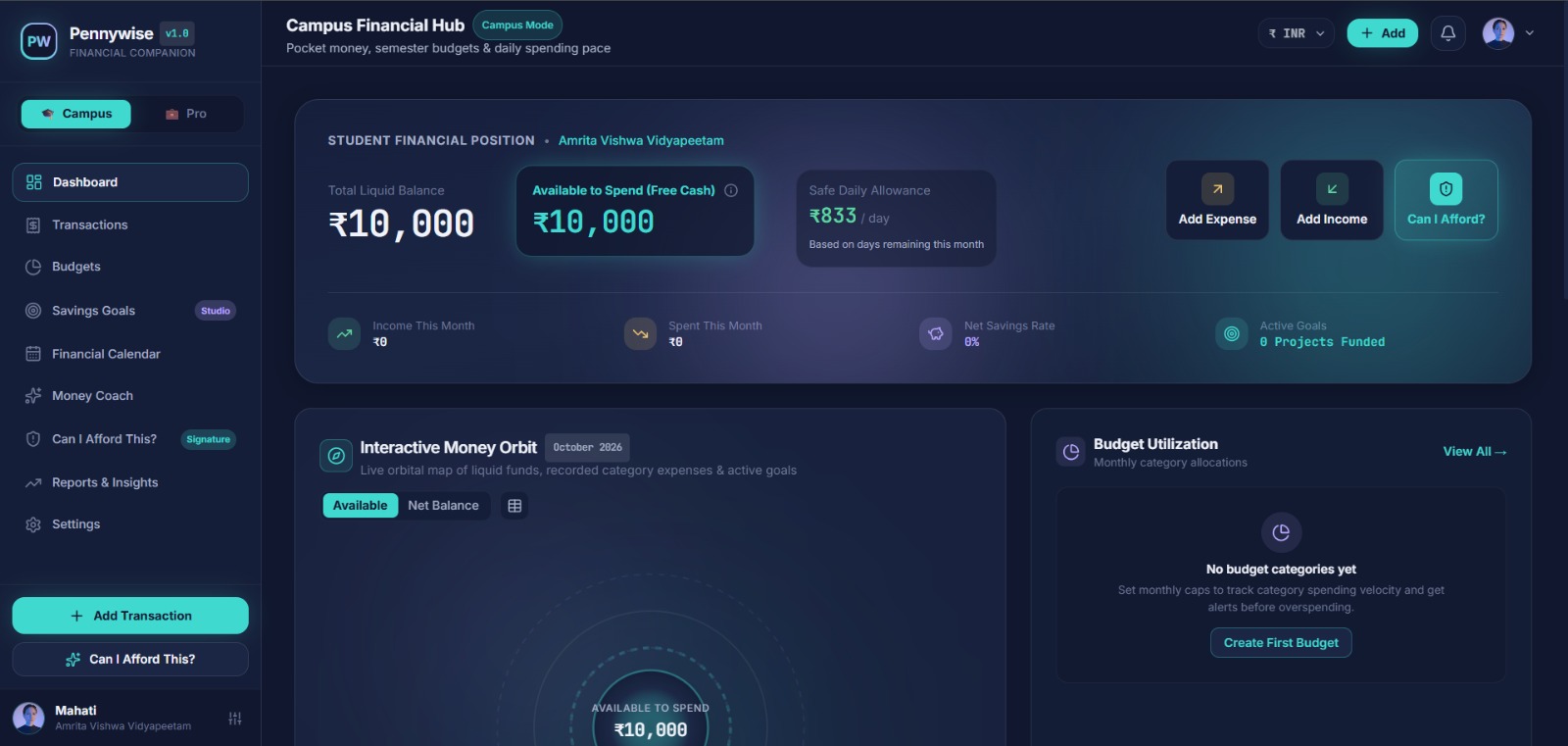
- Visual Dashboard: gives users an overview of their financial activity and priorities.
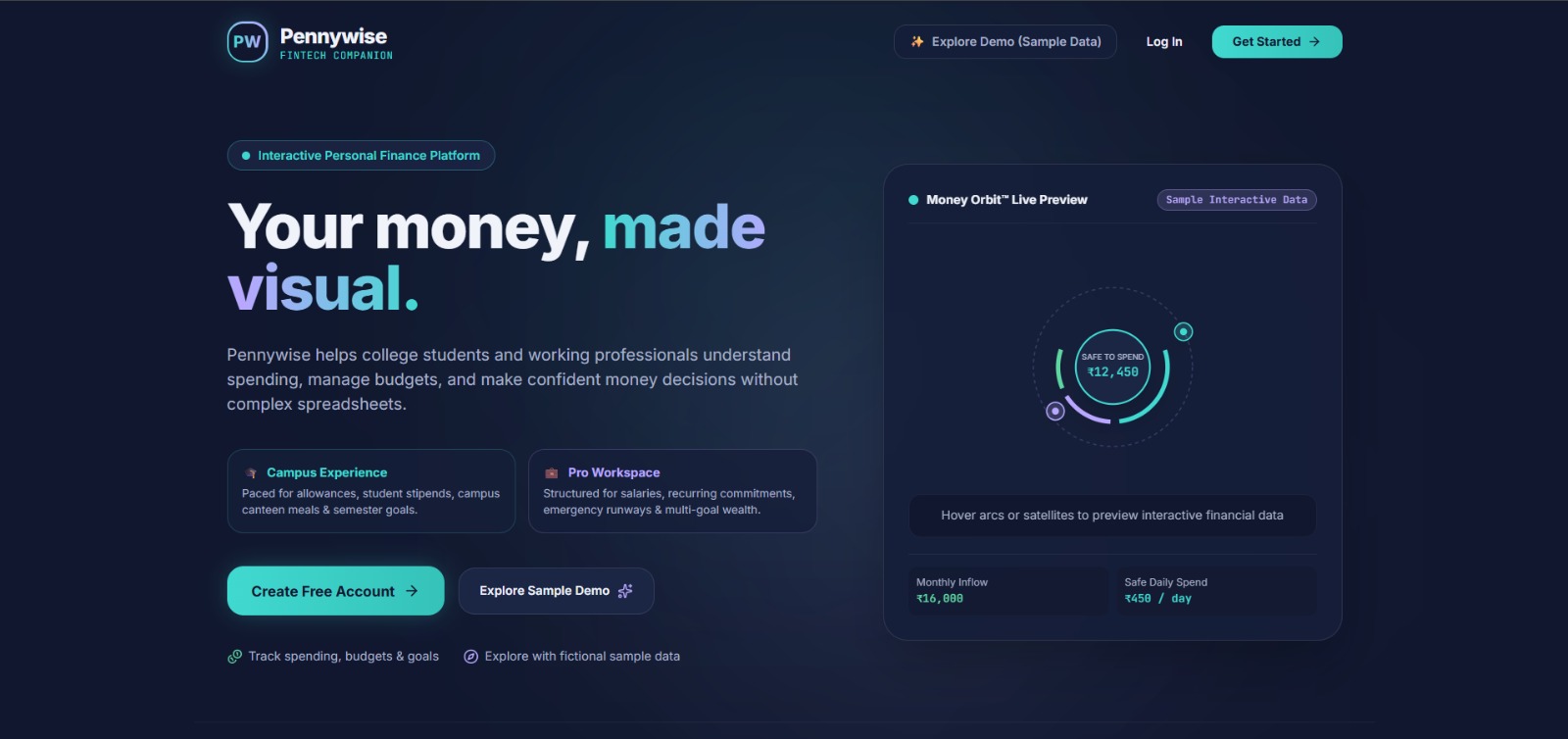
- Money Orbit: an interactive spending breakdown that helps users explore where their money goes.
- Available to Spend: helps users consider their remaining money after planned expenses.
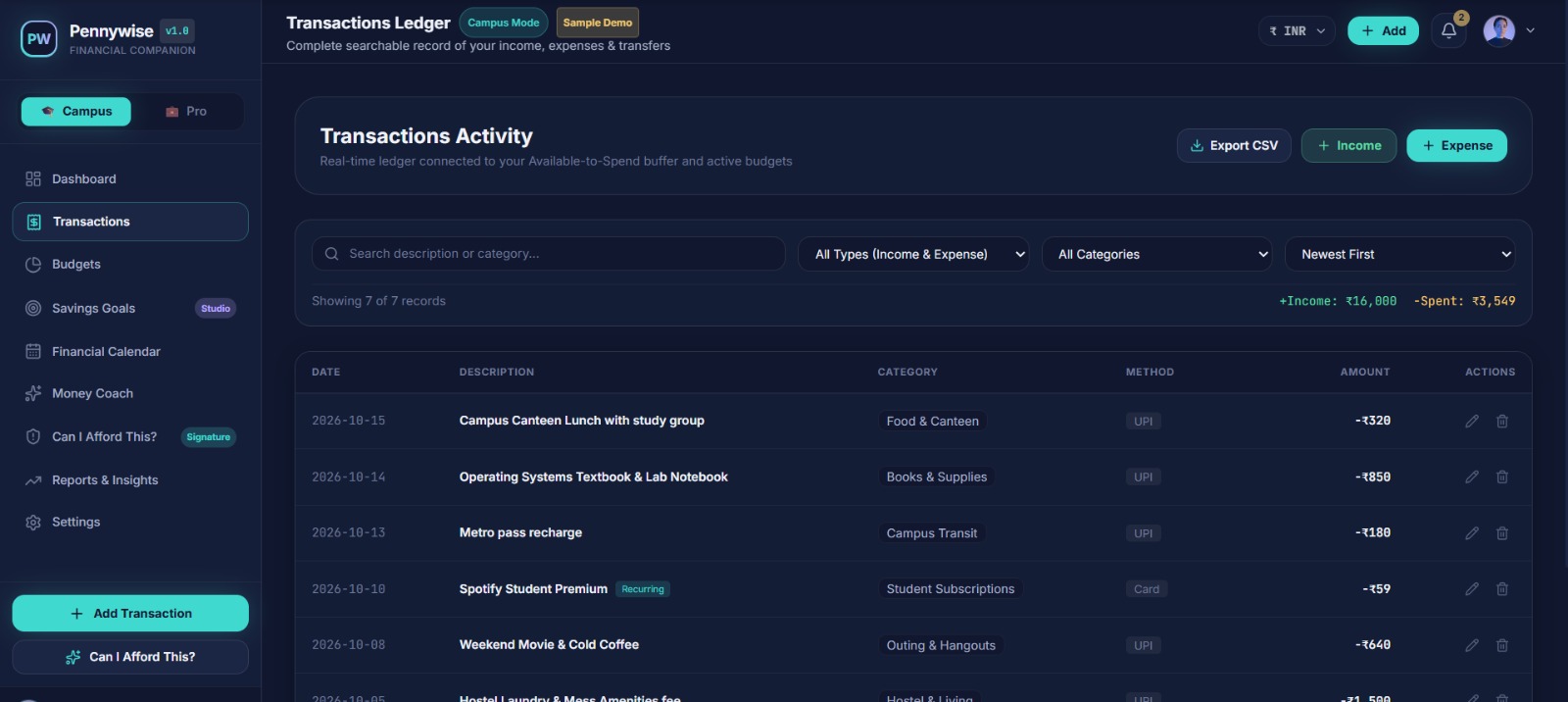
- Transaction Tracker: lets users record, search, filter, and review income and expenses.
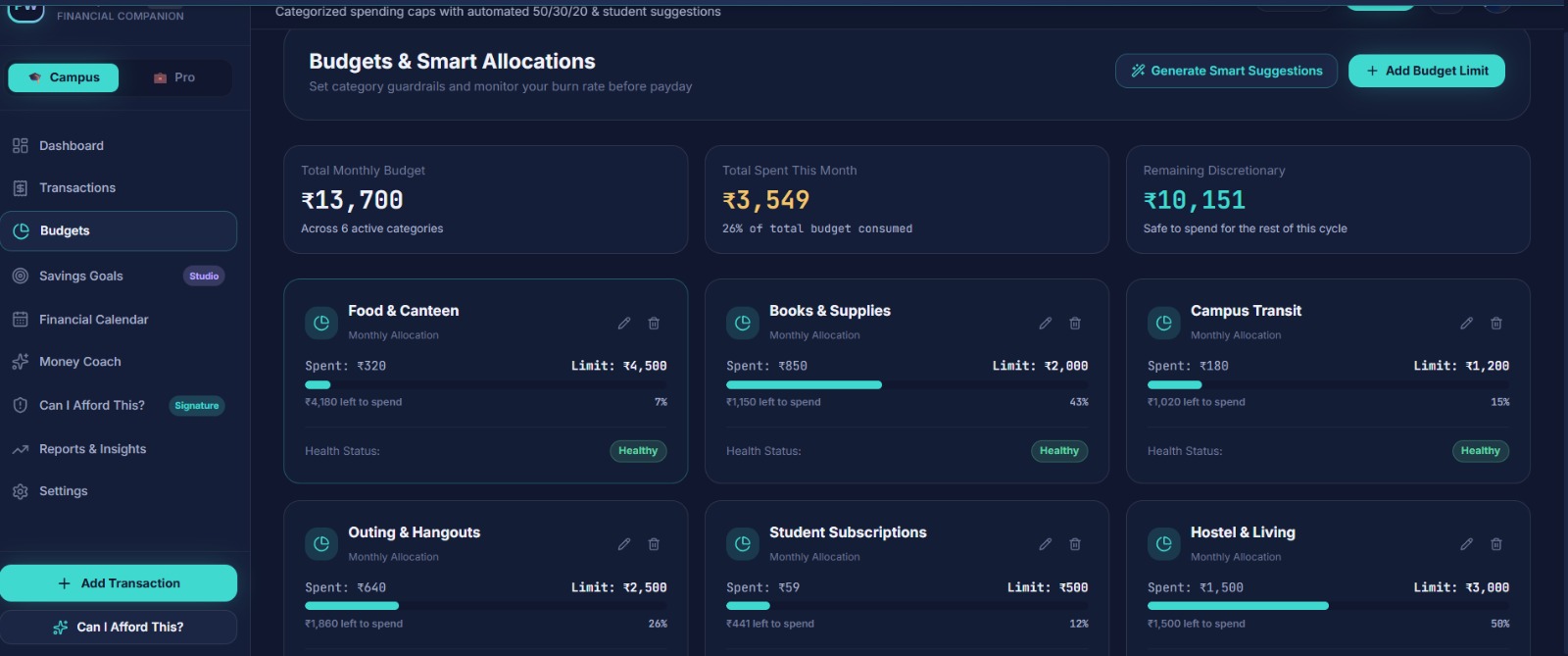
- Budgets: helps users set spending limits and monitor categories.
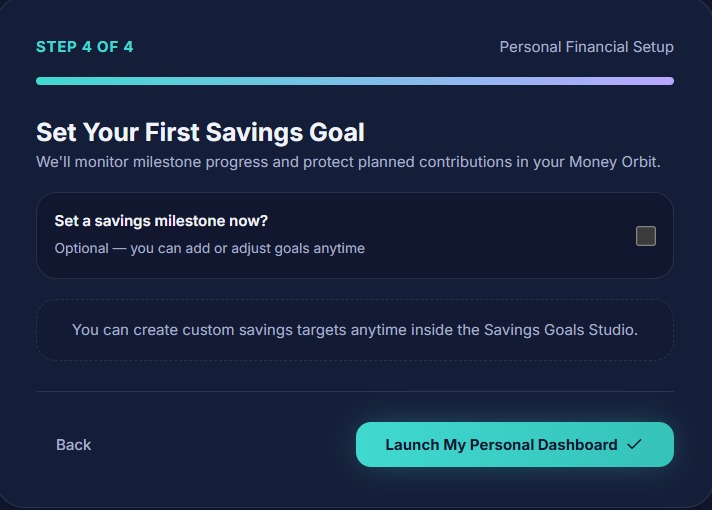
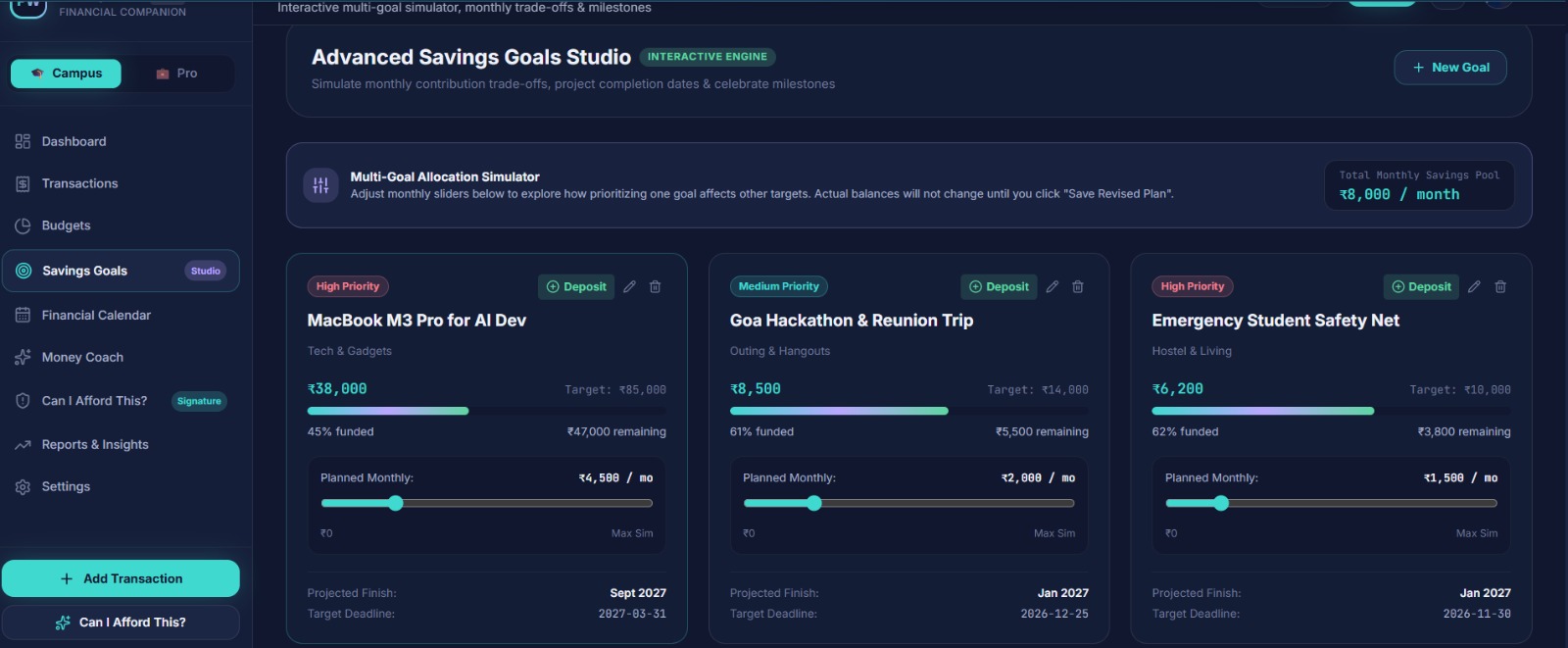
- Savings Goals: lets users define goals and track their progress.
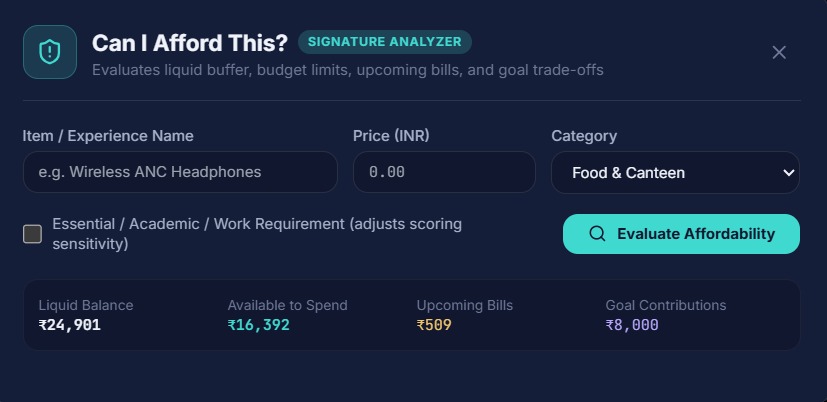
- Purchase Analyzer: helps users evaluate a potential purchase in the context of their finances and goals.
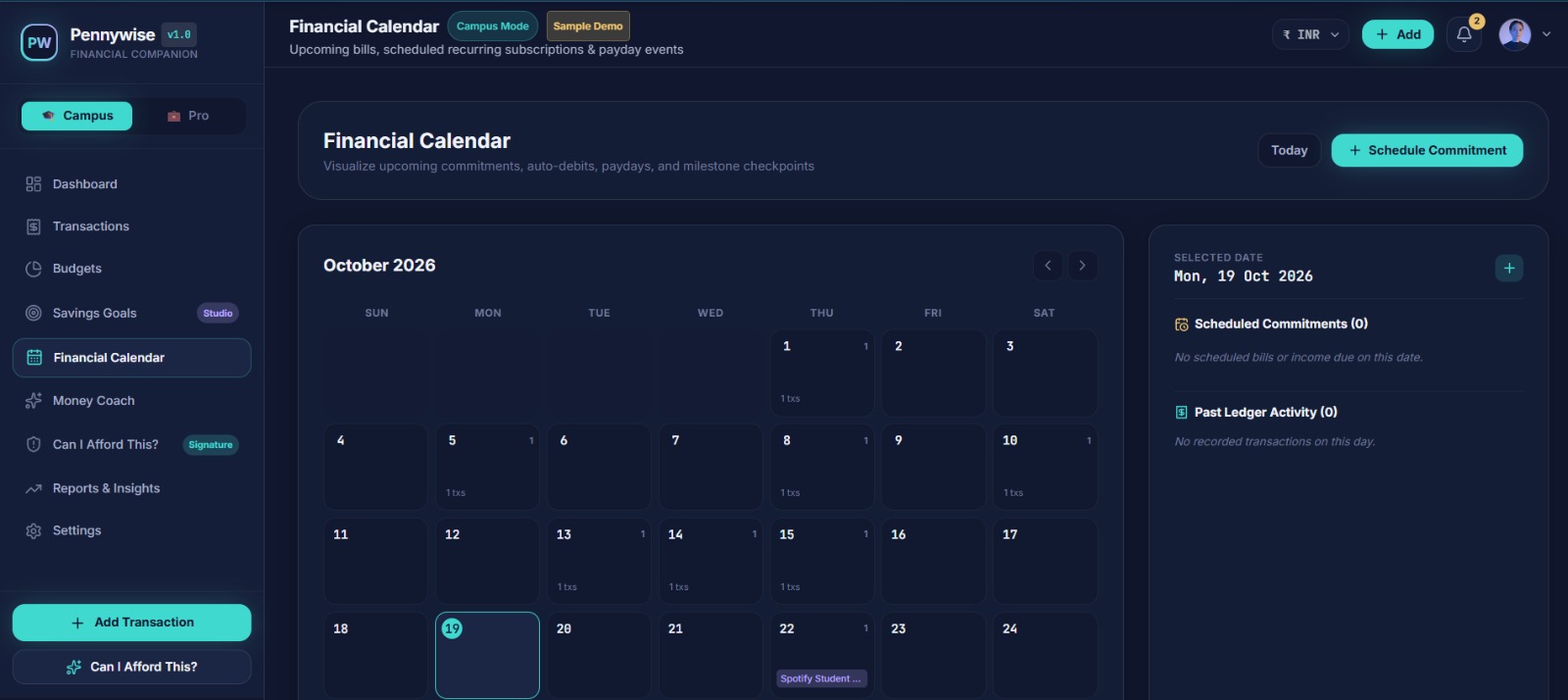
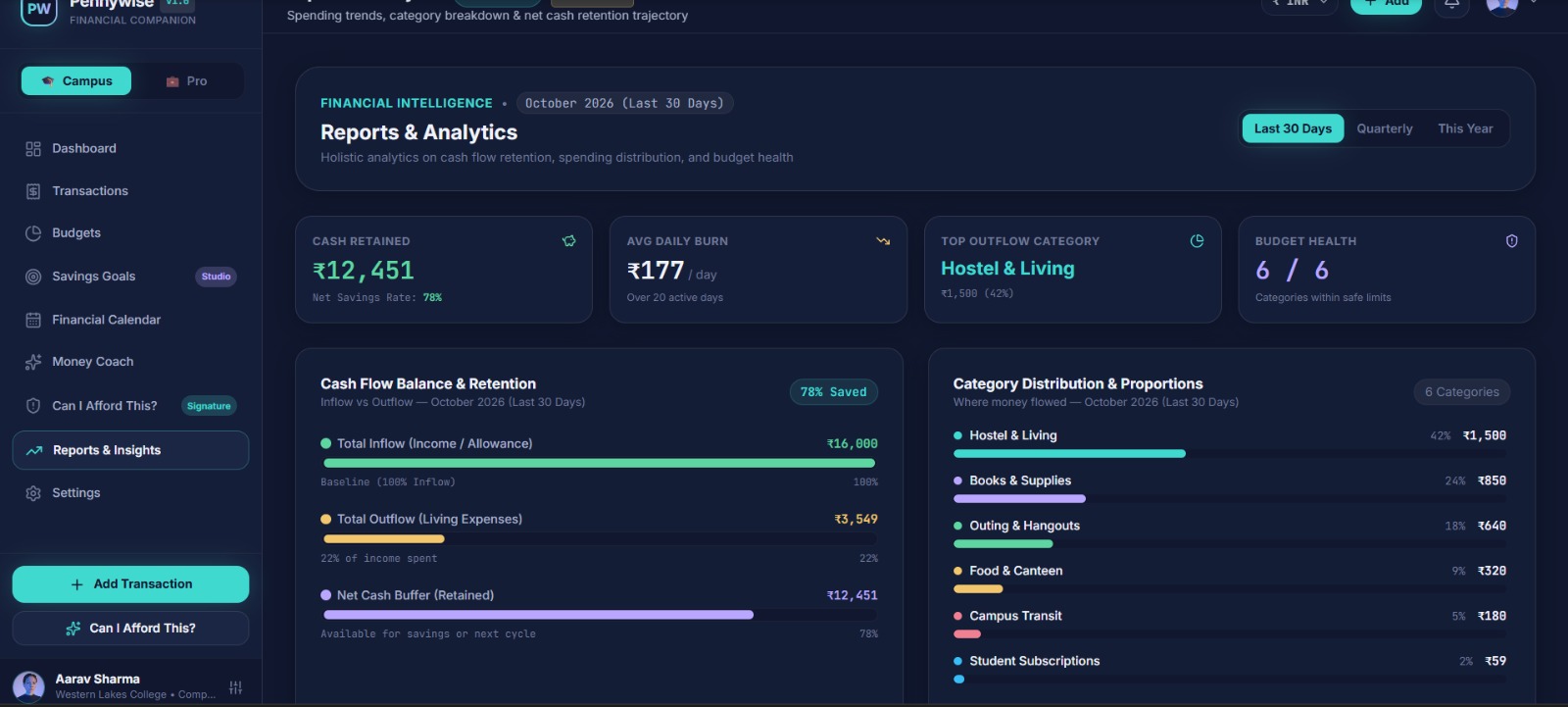
- Calendar and Reports: help users review activity and understand spending patterns.
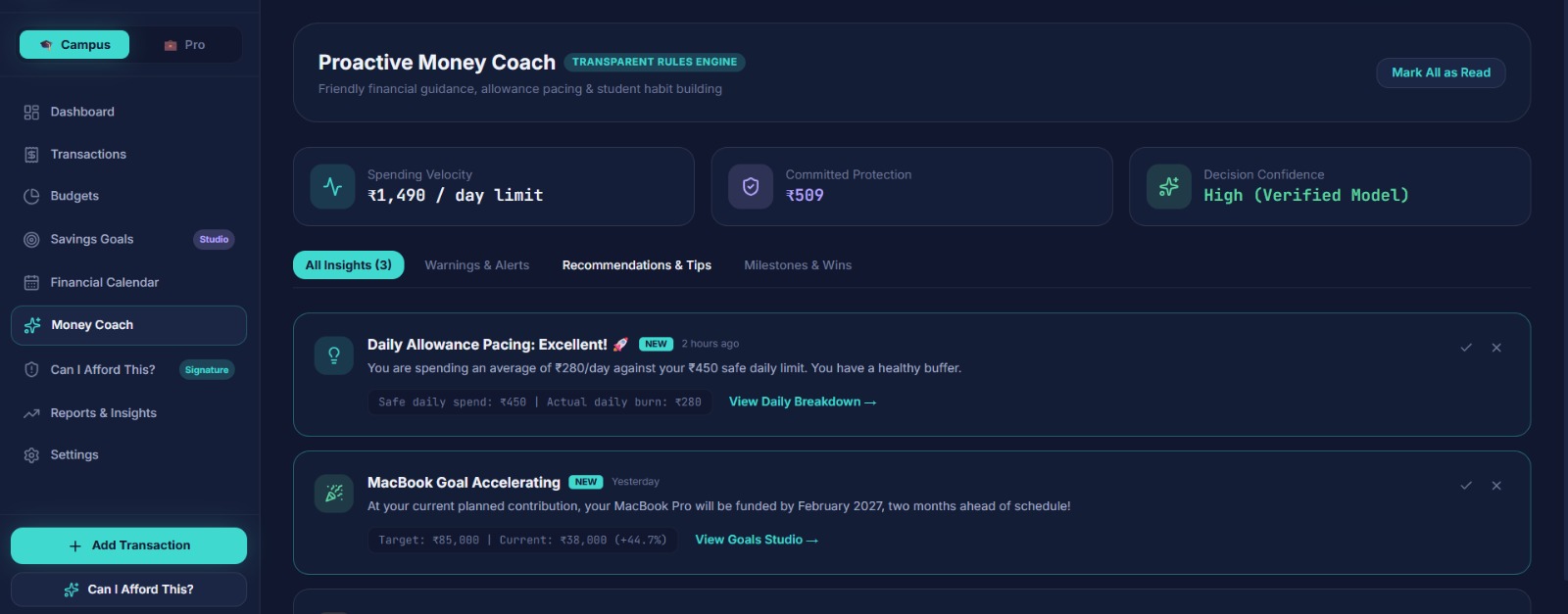
- Money Coach: offers supportive guidance intended to make financial planning feel less intimidating.
Pennywise is designed to help users move from simply tracking transactions to making more informed choices.
How we built it
Pennywise was built as a web application using React, TypeScript, and Vite for the frontend, with Express and TypeScript powering the backend. We used SQLite for data storage.
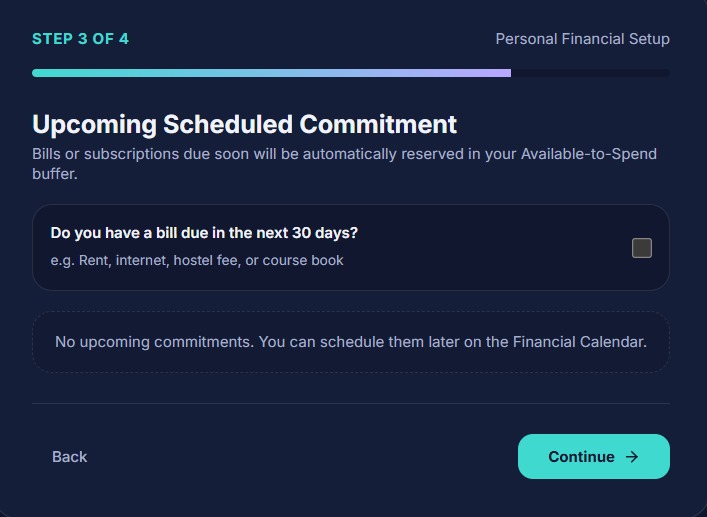
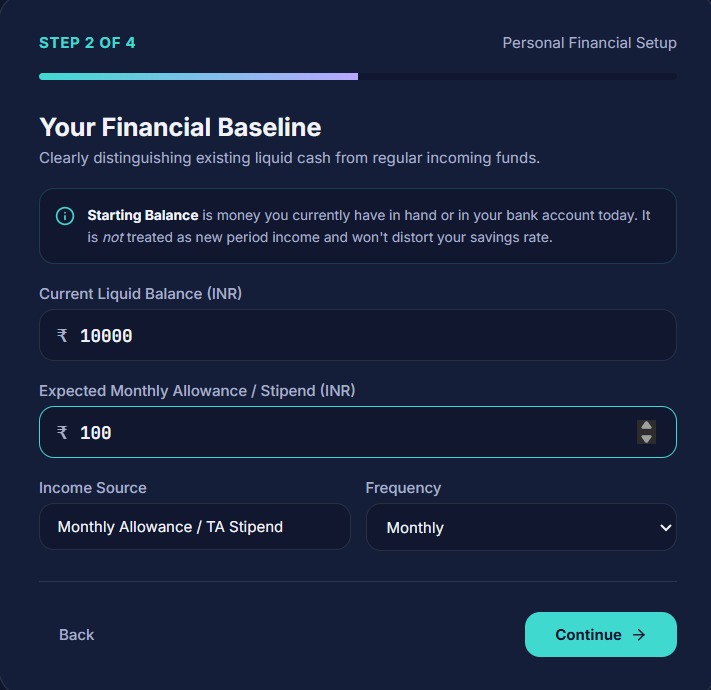
We focused on creating a clear, modern interface with interactive visualizations and separate Campus and Pro experiences. The application connects the dashboard with tools for tracking transactions, setting budgets, managing goals, and exploring financial activity.
Challenges we faced
One of our main challenges was bringing multiple finance tools together while keeping the experience easy to navigate. We also worked through authentication and deployment issues while preparing the application for a live demo.
These challenges taught us the importance of testing the complete user journey—not just individual screens—and making sure the deployed application behaves as expected.
What we learned
Building Pennywise helped us understand how thoughtful design can make complex information easier to use. We learned to connect frontend interactions with backend functionality, test user flows, and consider how different audiences may approach personal finance.
What's next
We want to continue improving Pennywise with more reliable account and data persistence, richer personalized insights, and additional ways to help users build healthy financial habits.
Pennywise turns confusing finances into clearer, more confident decisions—one visual insight at a time.
Built With
- budgeting
- data
- design
- development
- express.js
- finance
- financial
- interactive
- literacy
- management
- money
- node.js
- personal
- react
- sqlite
- typescript
- ui/ux
- visualization
- vite
- web
- wellness

Log in or sign up for Devpost to join the conversation.