-
-
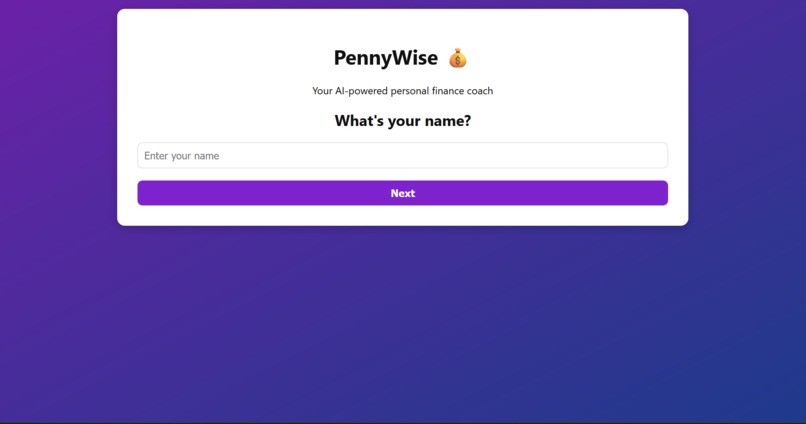
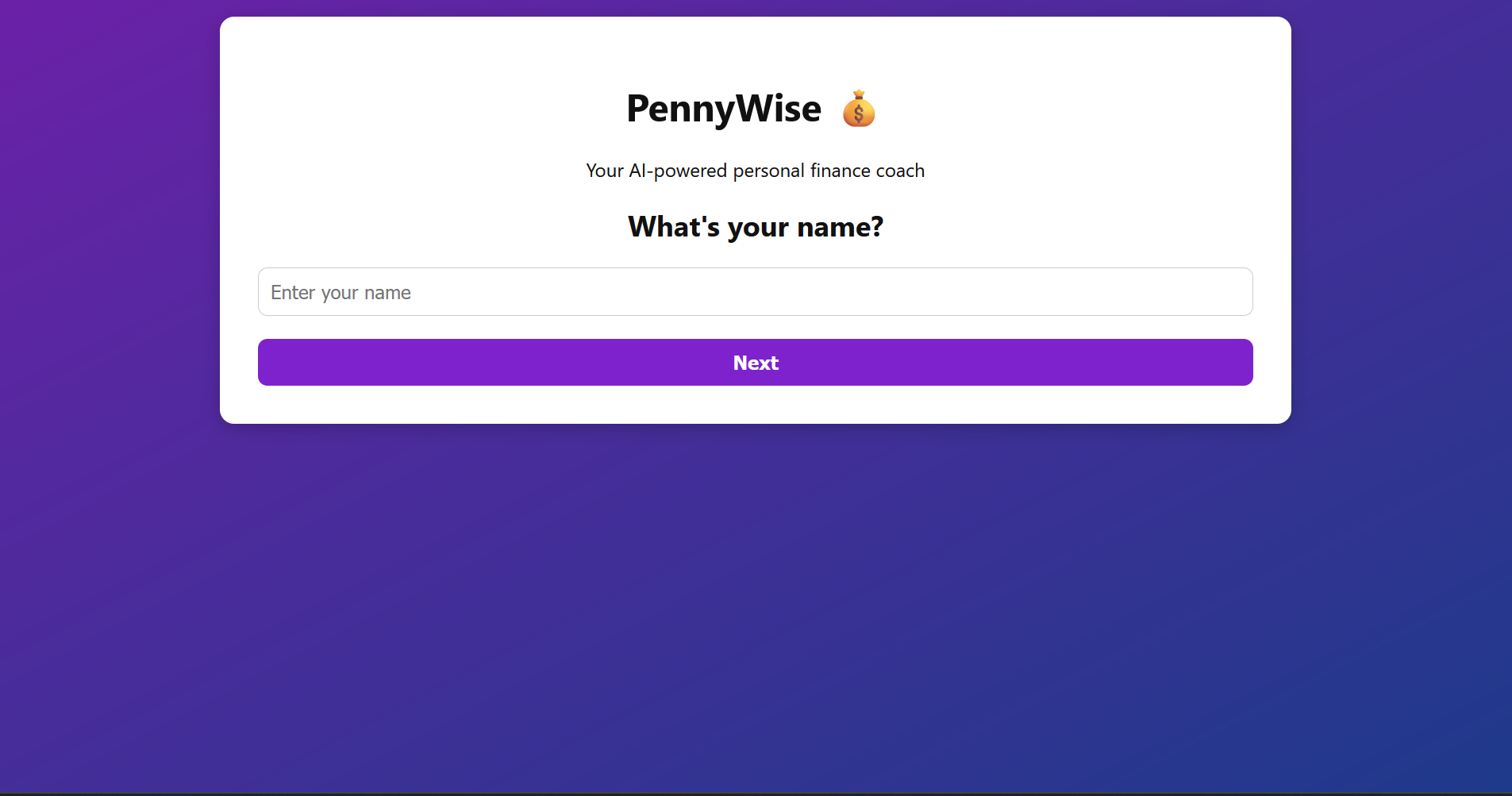
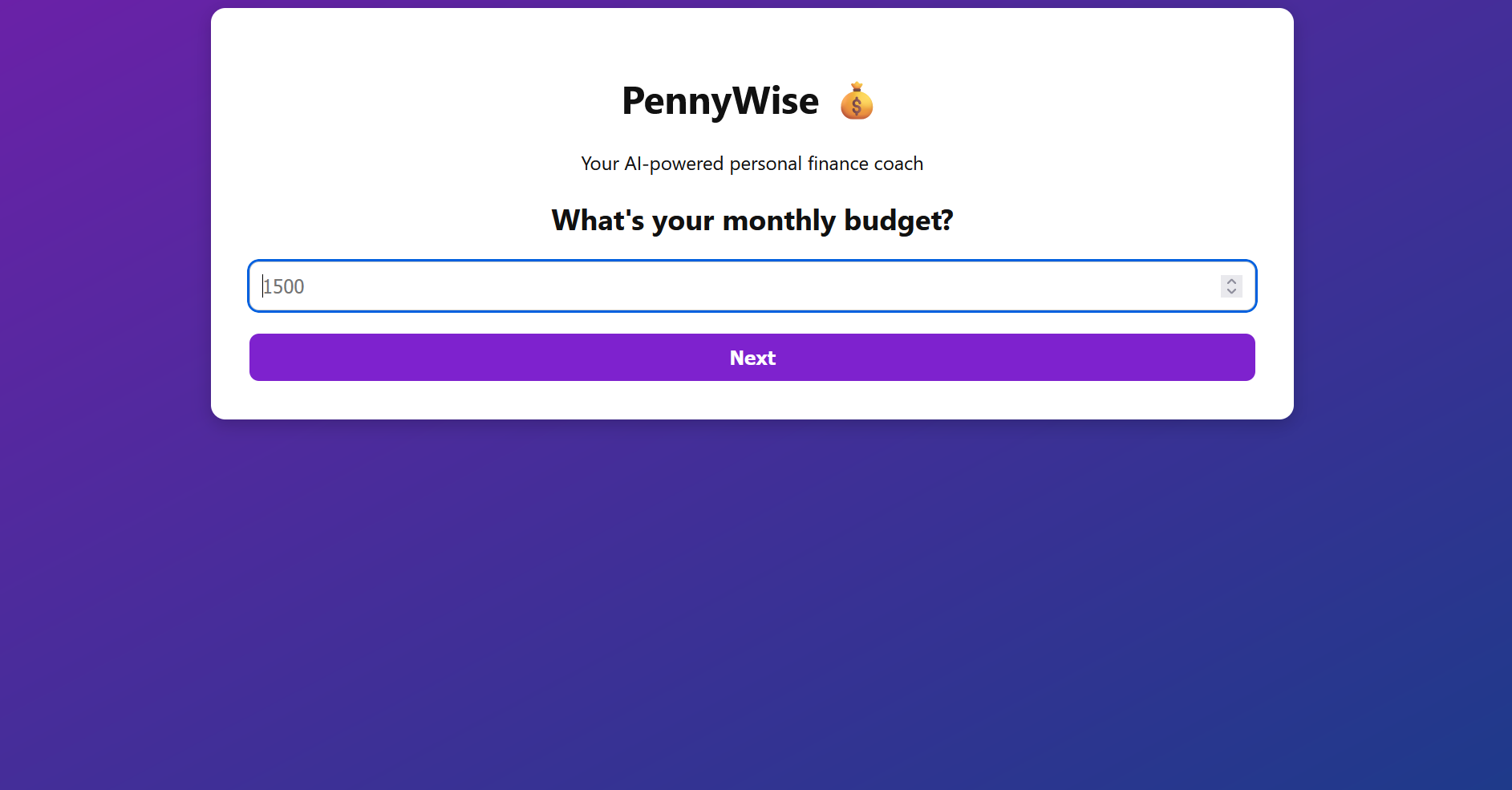
setup wizard
-
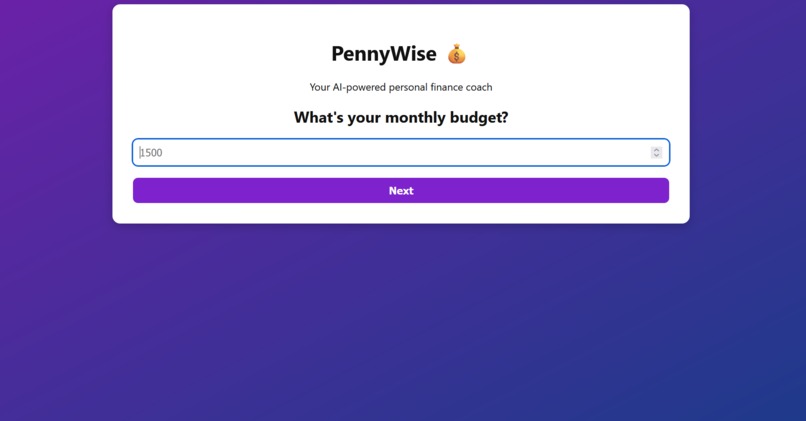
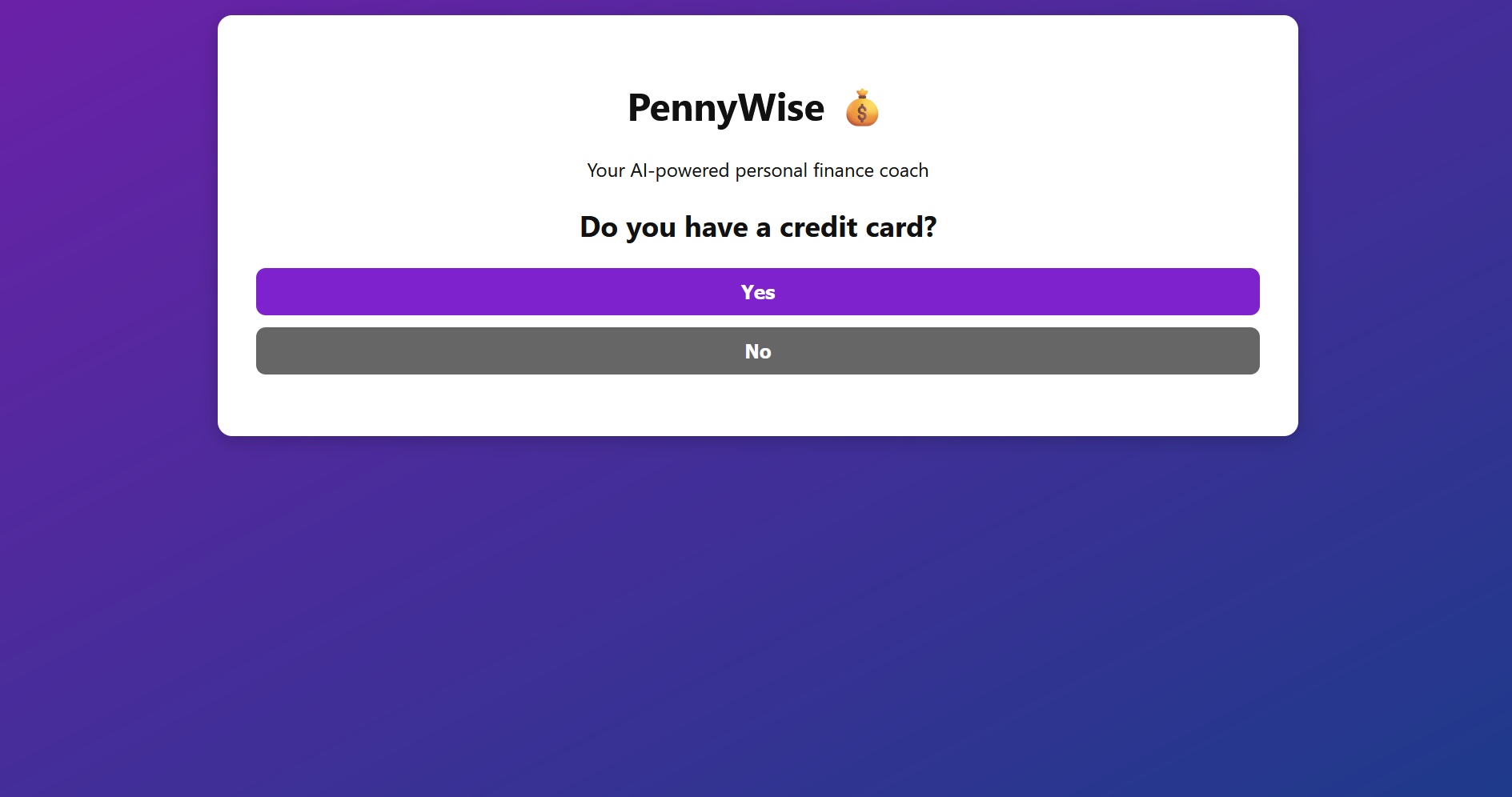
setup wizard
-
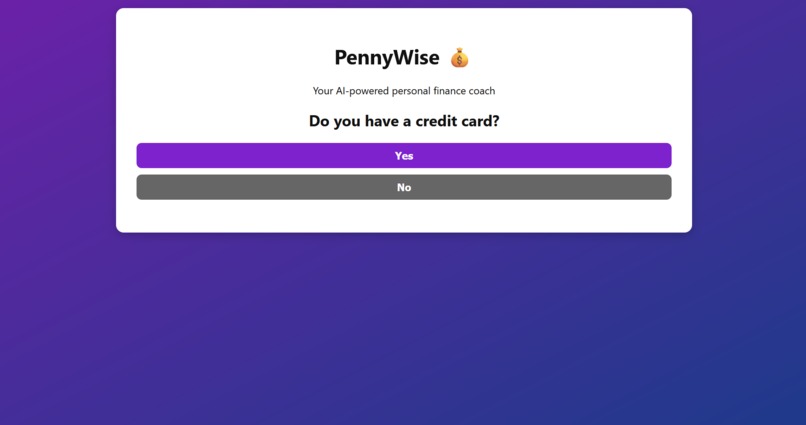
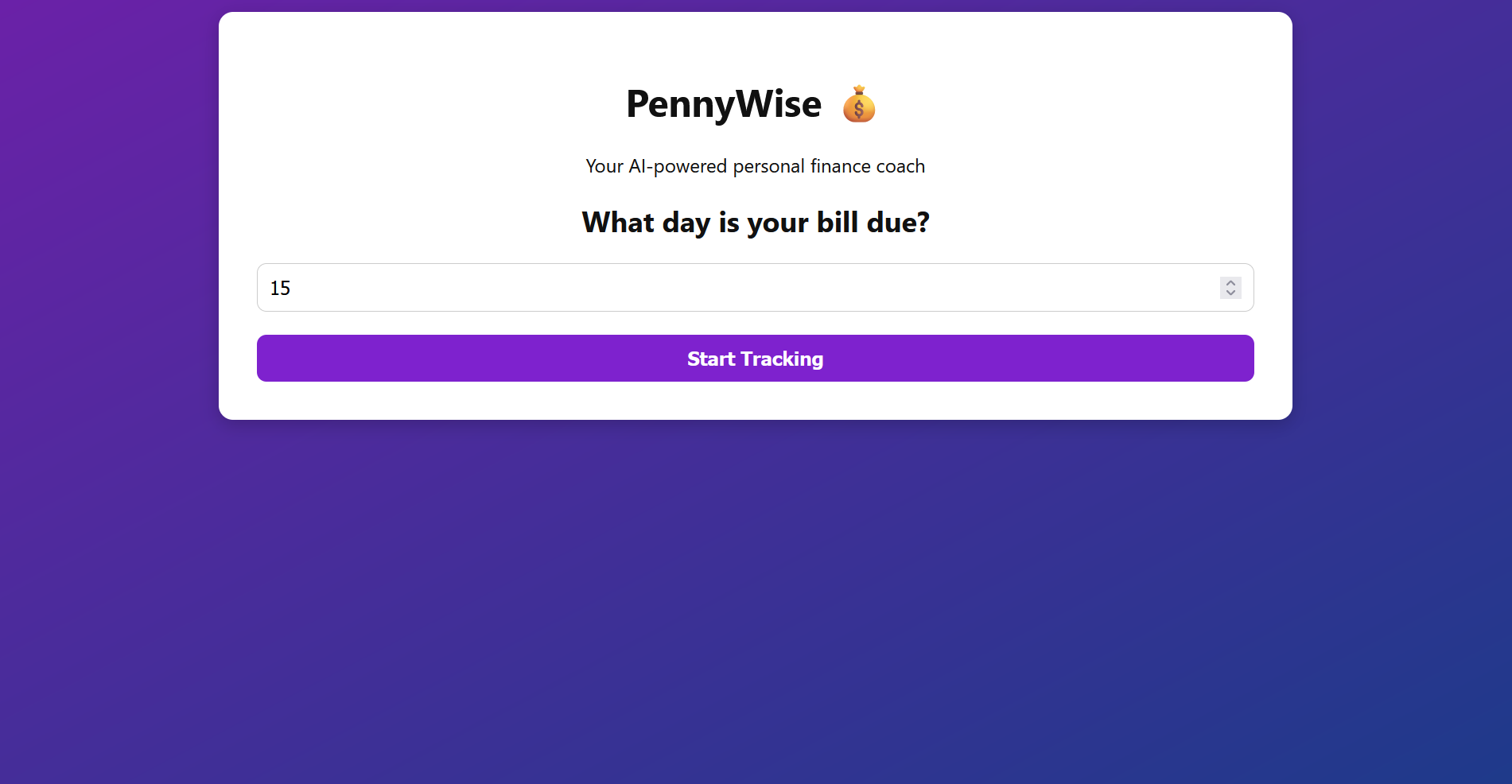
setup wizard
-
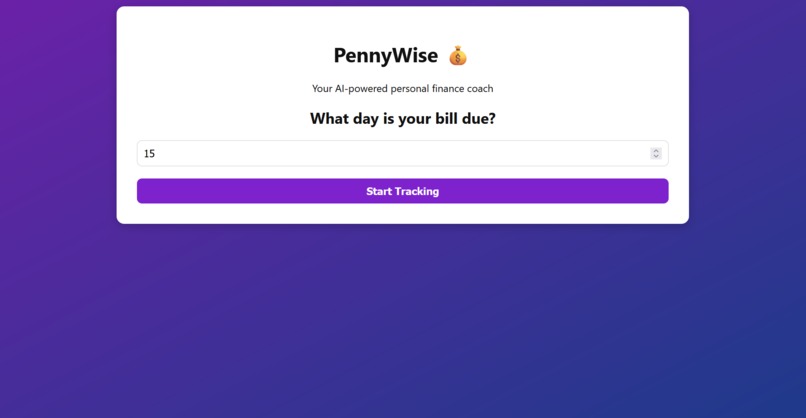
setup wizard
-
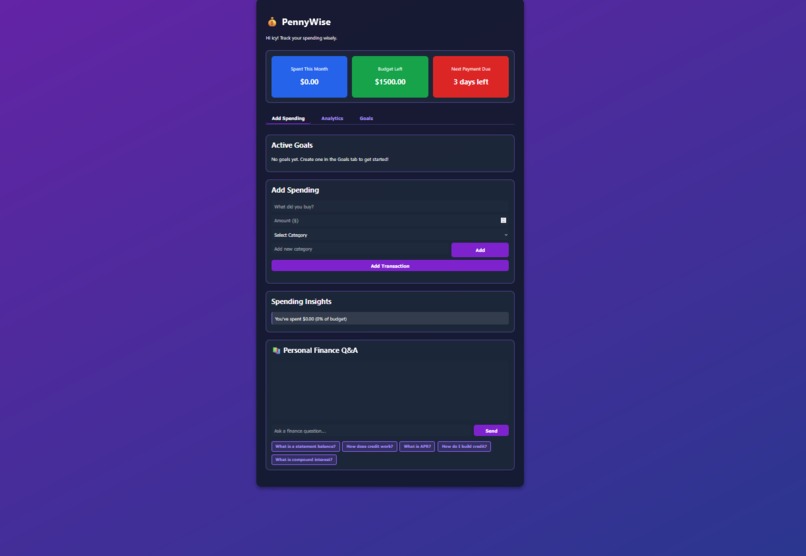
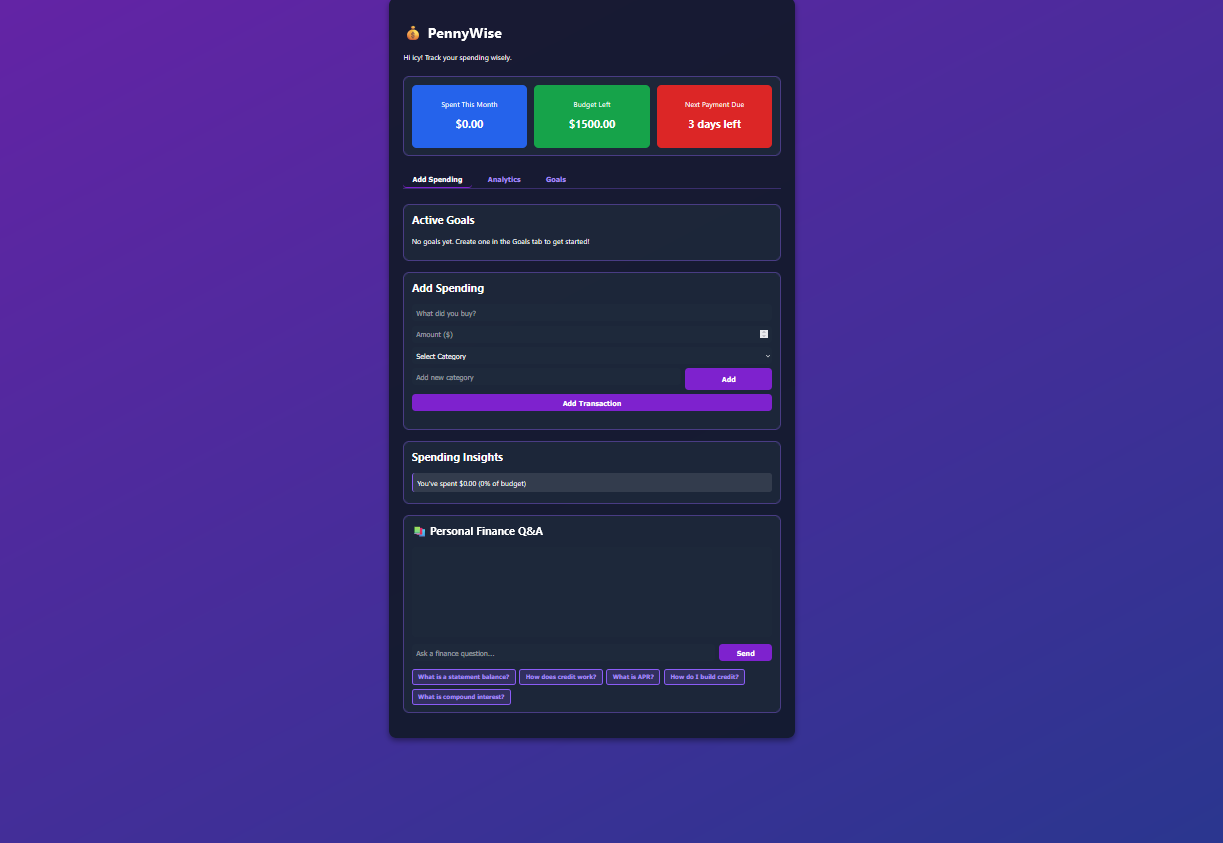
spending dashboard
-
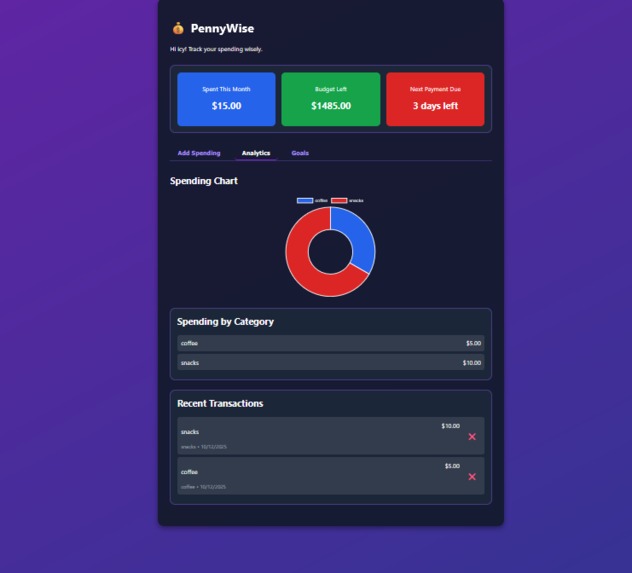
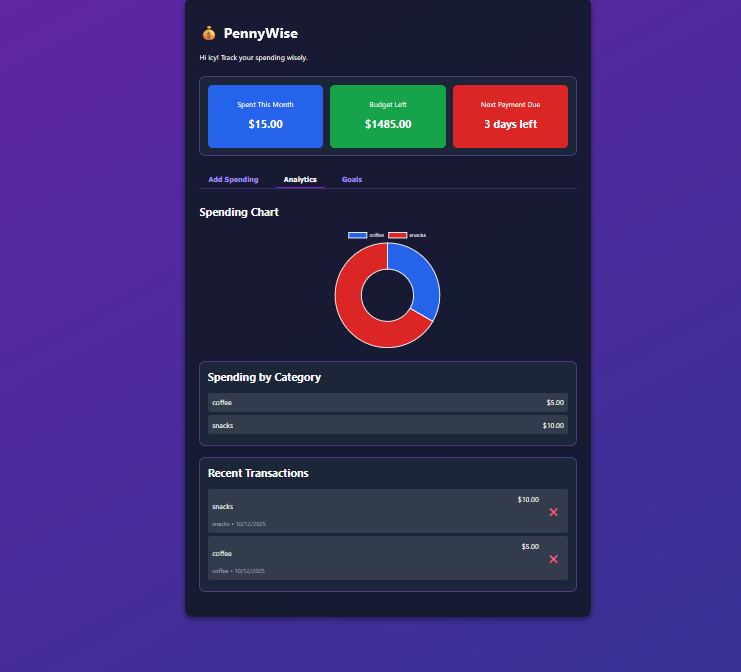
spending chart
-
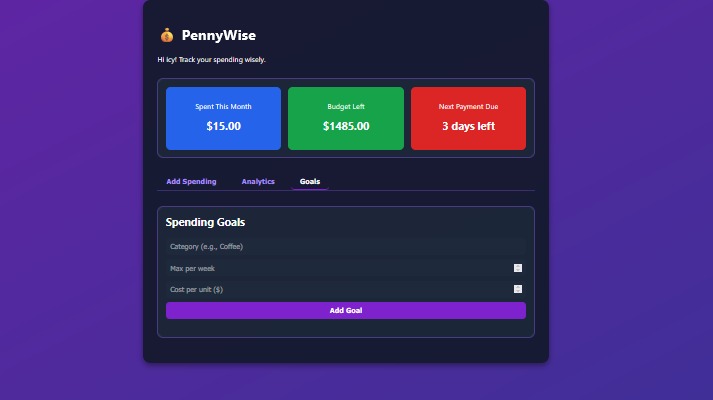
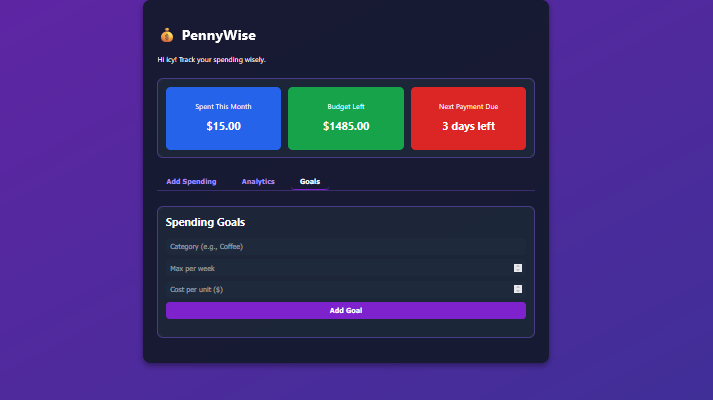
spending goals
Inspiration
When we arrived from Saudi Arabia and Pakistan to the U.S. for college, we realized managing finances independently was challenging. Many students struggle with budgeting, tracking expenses, and understanding financial concepts like credit scores or interest rates. We wanted to create a tool specifically for college students to make personal finance simple, understandable, and actionable.
What it does
PennyWise is a budgeting web app designed to help college students manage their finances efficiently. Users can input their monthly budget, track spending through categorized transactions, and view visual insights showing their spending distribution. It also includes a credit card payment countdown and a Q&A section addressing common financial questions college students face.
How we built it
We built PennyWise using HTML, CSS, and JavaScript to ensure a smooth and interactive user experience. The app uses JavaScript for handling user inputs, calculating totals, and generating insights dynamically.
Challenges we ran into
One major challenge was integrating an AI chatbot feature that could answer student questions dynamically - we couldn’t connect the API within our time constraints. We also faced difficulties ensuring that each feature (budget tracking, countdown, and insights) worked together without bugs. Debugging input handling and display updates took more time than expected, but ultimately improved our understanding of front-end logic and event handling.
What we learned
We learned how to connect multiple interactive components in a web application and manage real-time updates effectively. We also discovered the importance of designing for user relevance - focusing on features that truly matter to college students. Lastly, we learned that time management and prioritization are key when building a functional prototype under pressure, especially when advanced integrations (like AI) are involved.


Log in or sign up for Devpost to join the conversation.