-
-
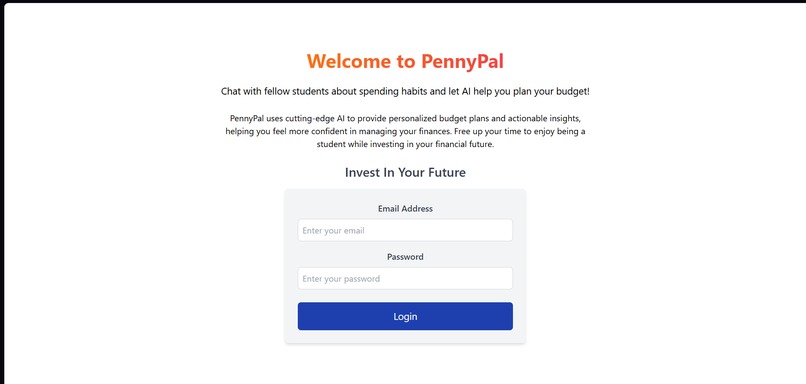
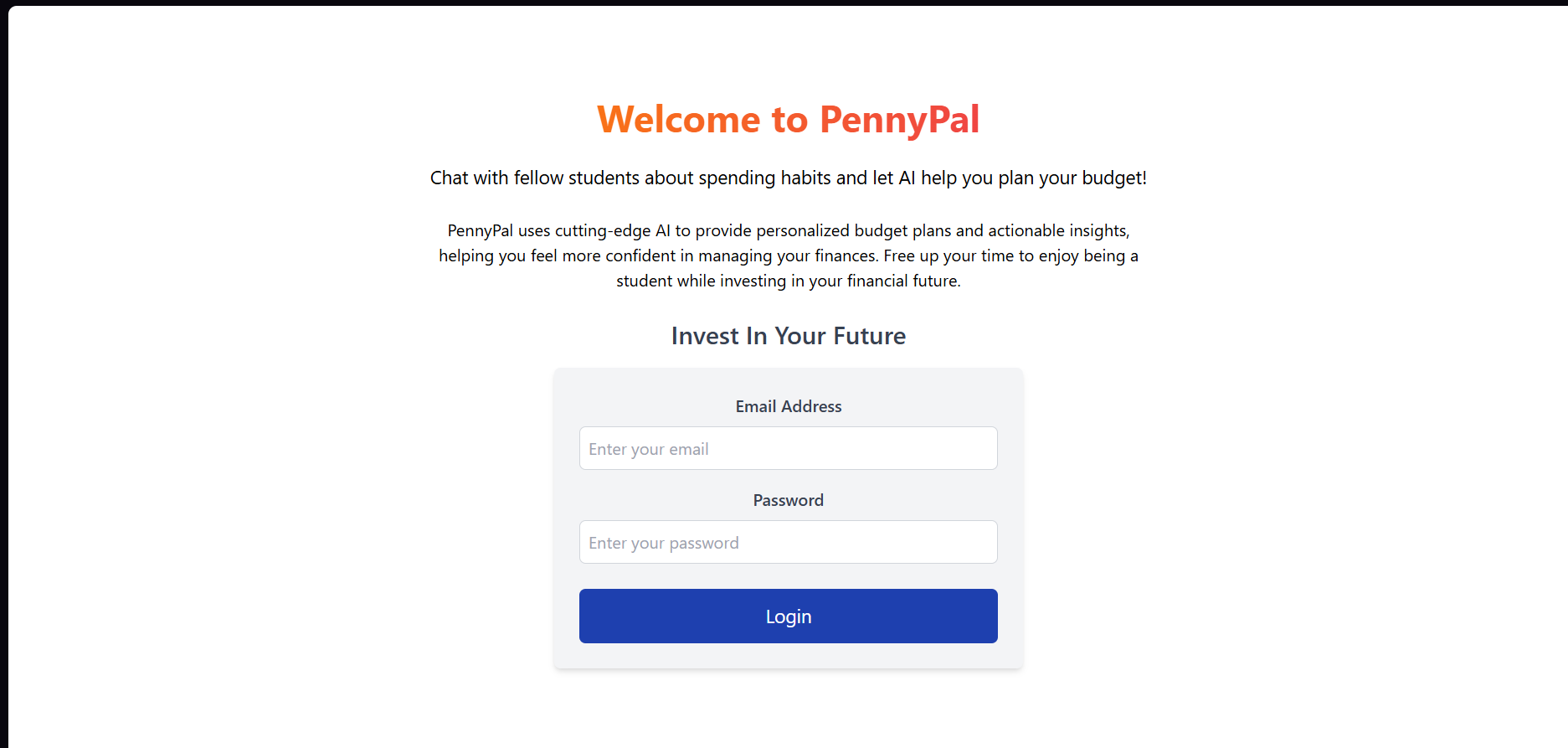
Login Page
-
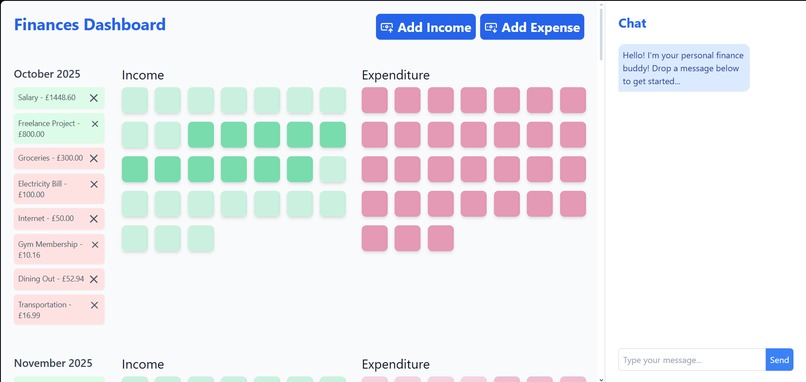
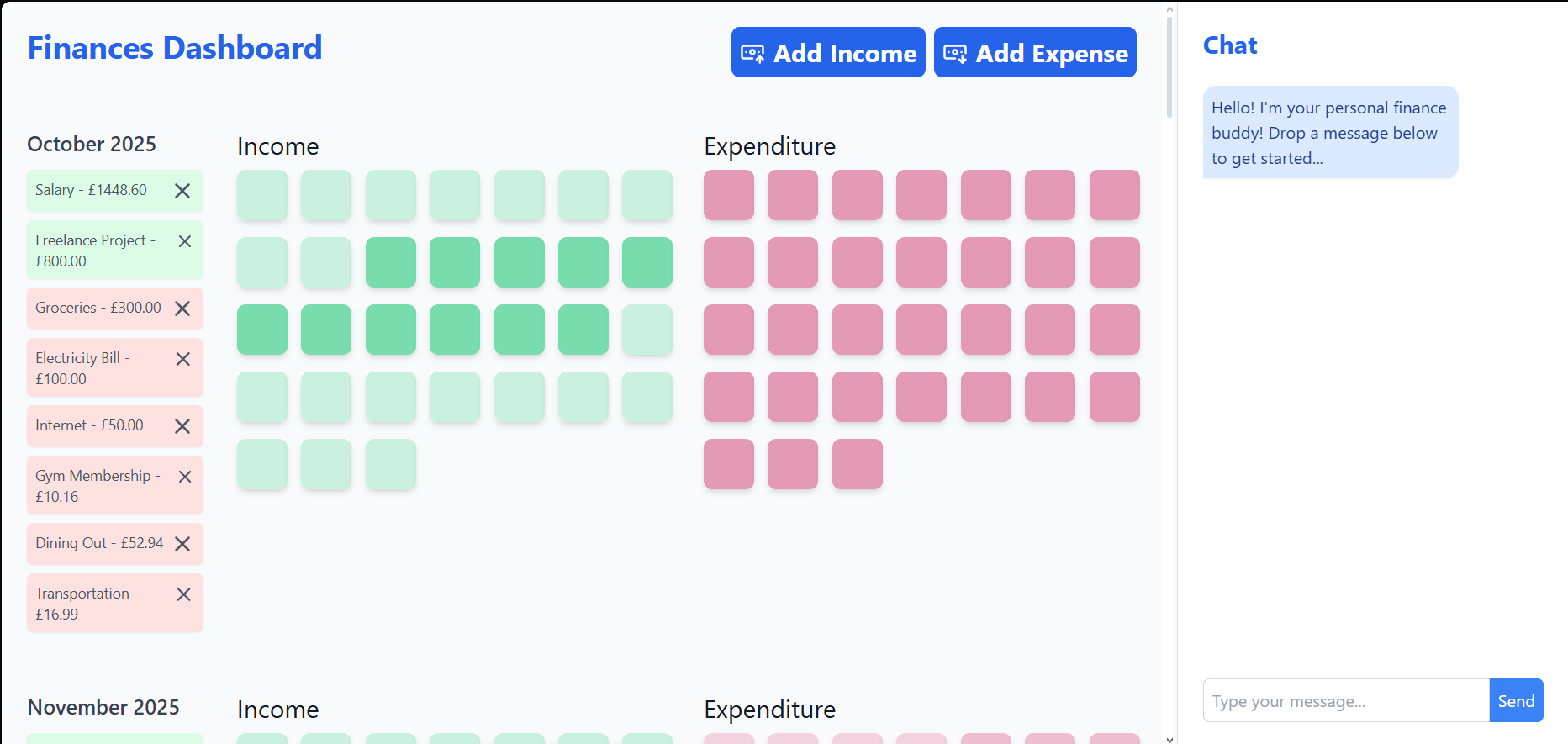
Finances Page
-
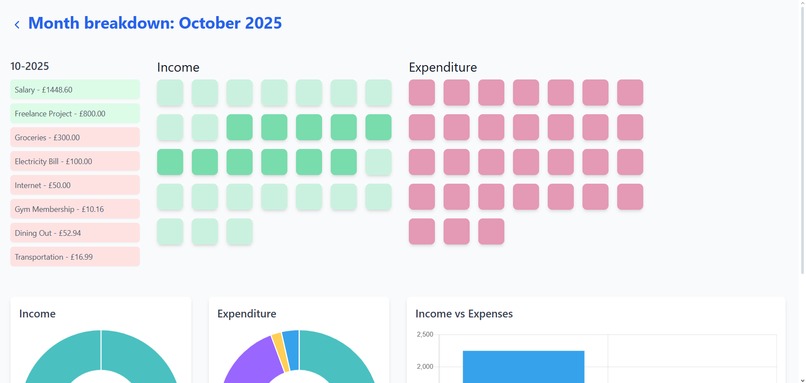
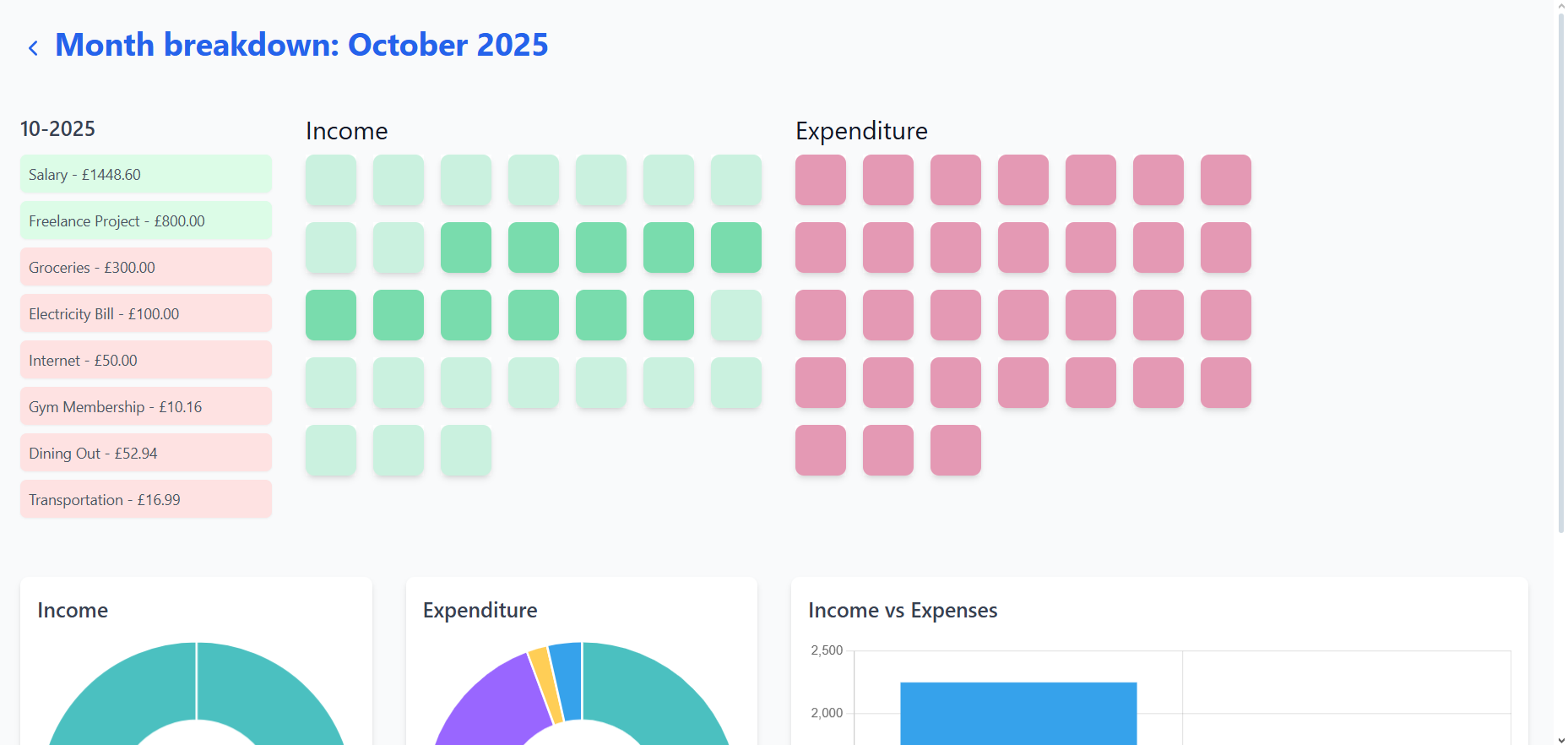
Monthly Breakdown
-
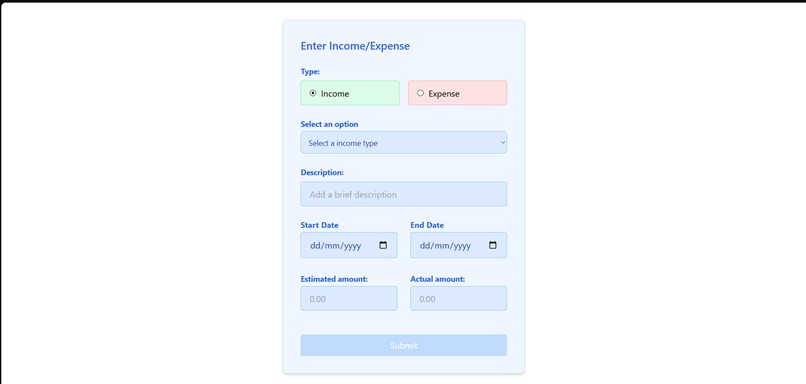
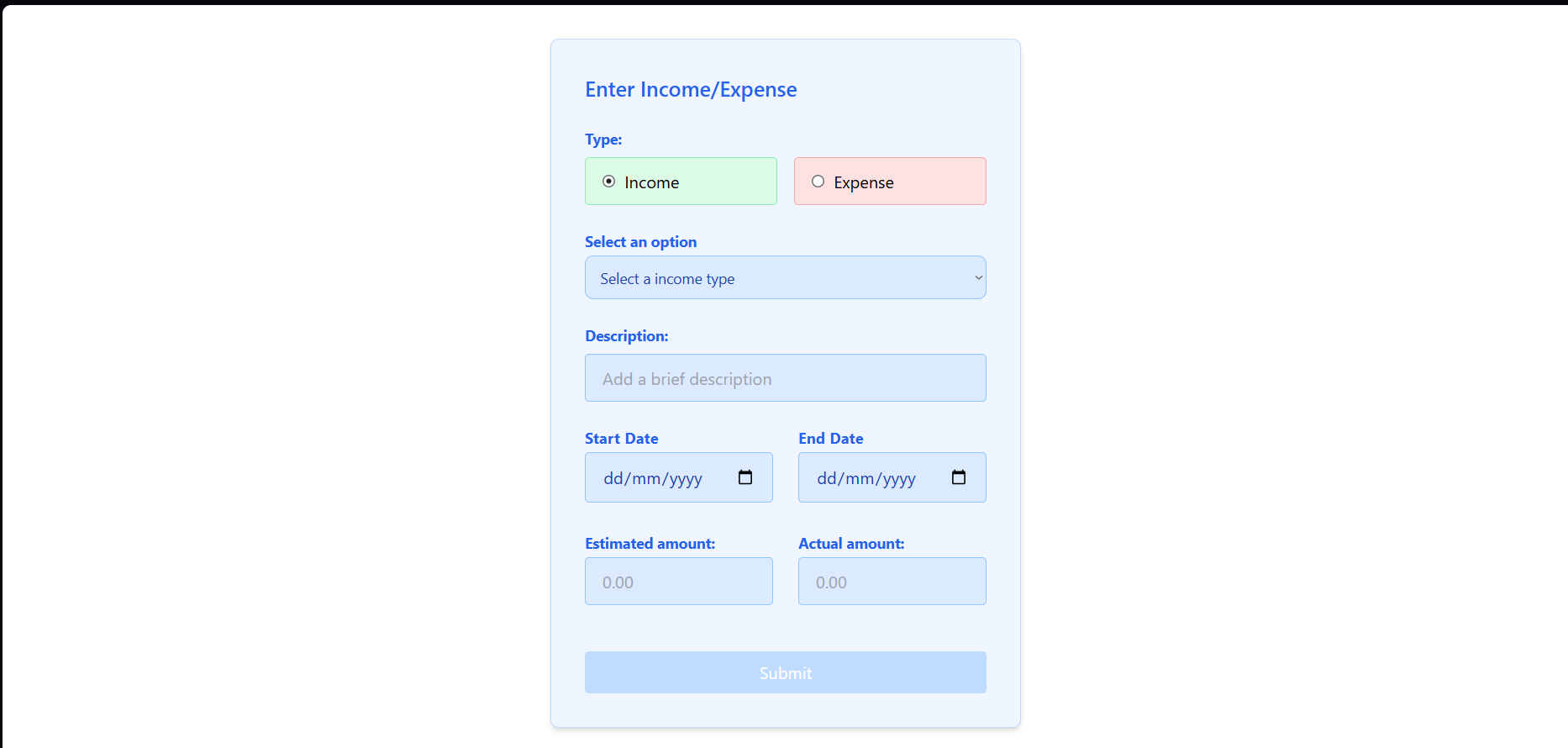
Form Page
-
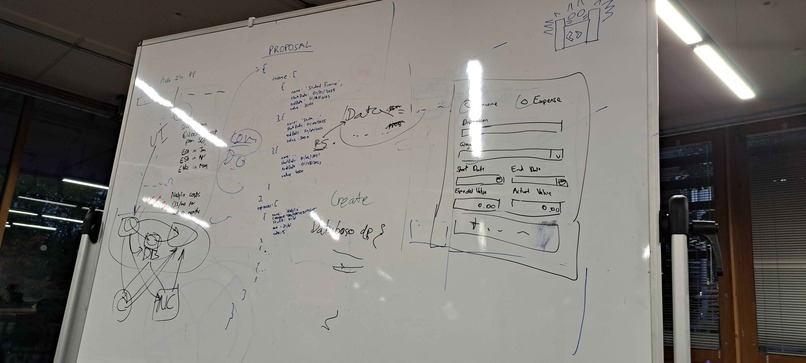
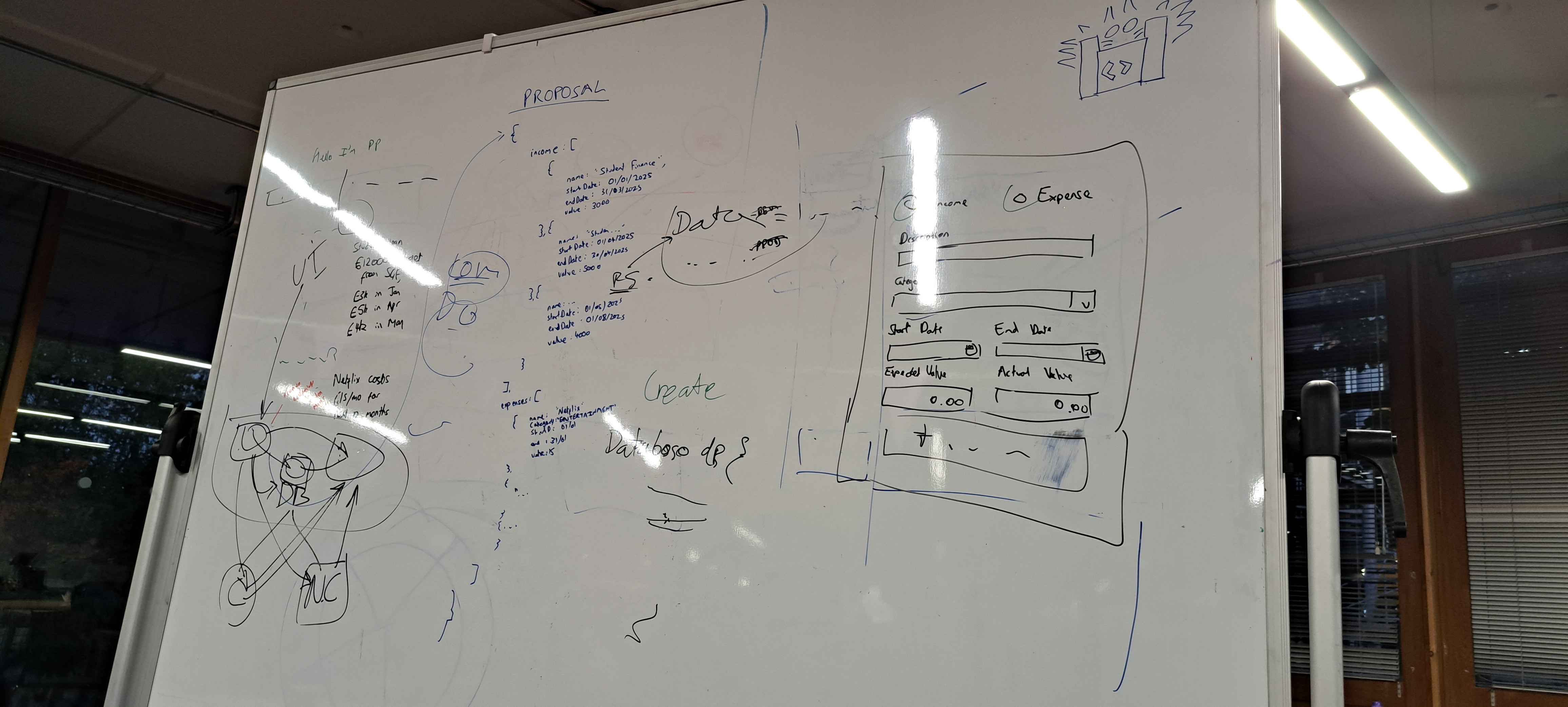
Brainstorming Ideas
Inspiration
We thought about some of the needs our friends at uni are having, and we realised that some of them really struggled to manage their finances, either because of a lack of financial literacy, or because they find using tools like Microsoft Excel difficult. This app was made to solve both of these issues!
What it does
First, the user is prompted to enter their details in a login screen. They are then taken to a screen where they can see their income and expenses, allowing them to easily see when they're using a lot of money as well as how much money they can budget. In this screen, they can also talk to a chat bot powered by ChatGPT 5.0, which allows the user to describe how they want to budget their finances using natural language (this can be done via text or speech to text). However, if they don't want to do that, there's also buttons which lead to a form, allowing them to add in income and expenses that way.
How we built it
Shay and Jonathan worked on the frontend of the app (mainly using React and TypeScript), while Yusuf and Muhammad worked on the backend (Flask and PostgreSQL). Shay then connected the front and back ends of the app. Lastly, once everything was working, we implemented features such as a budget viewer and a speech to text module.
Challenges we ran into
ChatGPT being stupid giving answers in formats other than the one that we specified for it, making it difficult to process its responses to update our database.
Accomplishments that we're proud of
We (partially) overcame ChatGPT's stupidity by explicitly telling it to send its responses as JSON objects, making it much easier to parse its response, as well as being able to easily extract what the user wanted from it. Implemented a working chat function which also allows the user to use voice to speech. We (partially) overcame ChatGPT's stupidity by explicitly telling it to send its responses as JSON objects, making it much easier to parse its response, as well as being able to easily extract what the user wanted from it.
What we learned
That utilising prompt engineering in the code itself (for system prompts) is pretty hard! It was tricky to get ChatGPT to respond in a way that would be ideal for us. Speech-to-text is surprisingly hard to implement!
What's next for PennyPal
Improving our prompt engineering techniques so that we can (hopefully) nudge it to give us outputs in our desired format. That being said, we'll also have to wait from improvements to ChatGPT from OpenAI, as ChatGPT 5.0 isn't a perfect model, meaning it can give better answers and give them faster. We would also store and validate the user's username and passsword to be able to retrieve different people's data on the same instance of the web app and to deploy our app on a cloud-based server (such as AWS).
Built With
- chart.js
- flask
- npm
- openai
- postgresql
- python
- react
- tailwind-css
- typescript


Log in or sign up for Devpost to join the conversation.