-
-
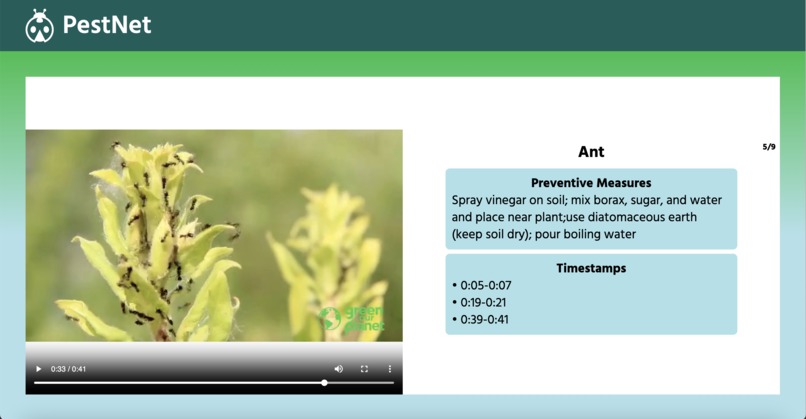
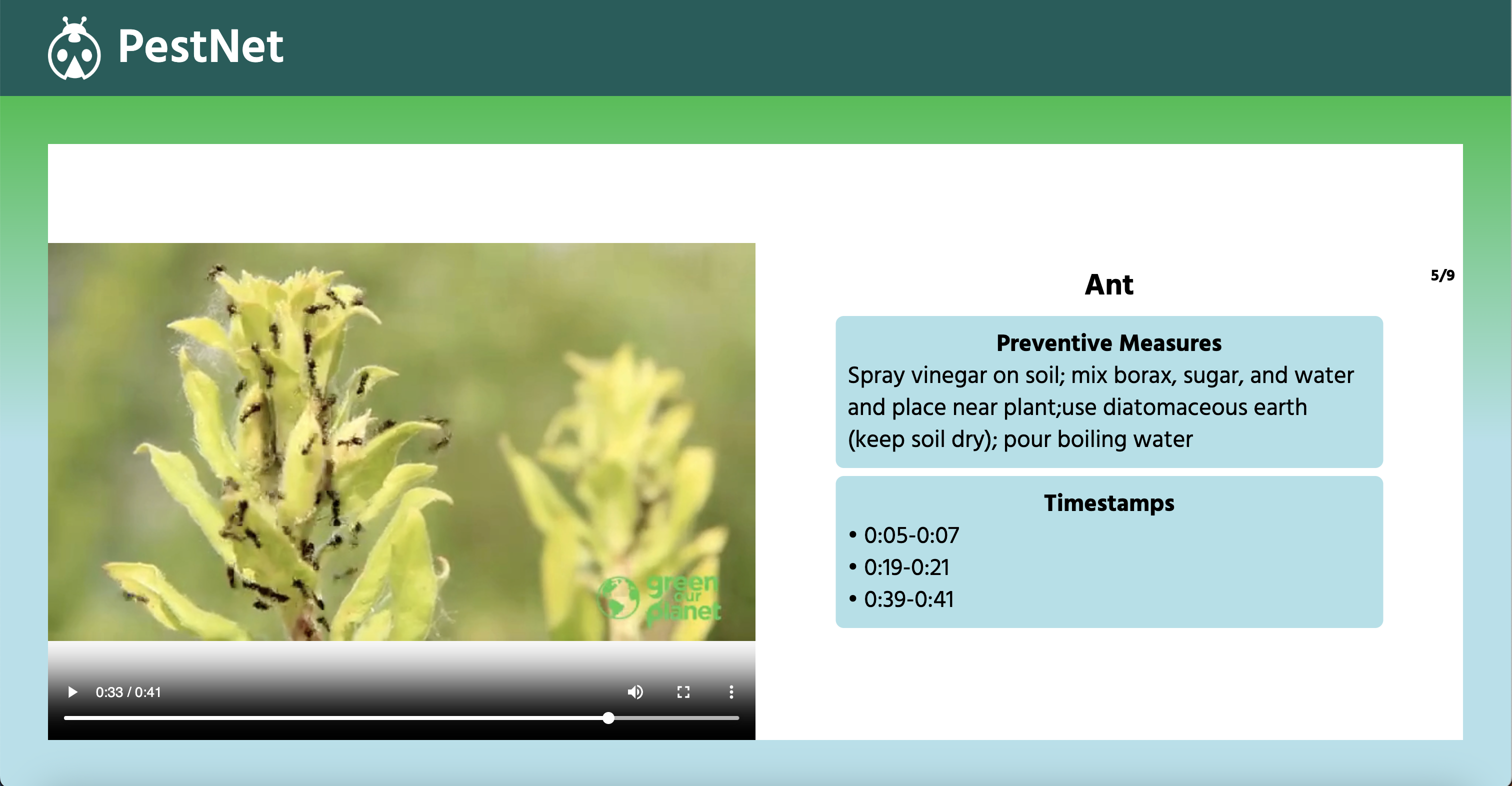
Page after inference
-
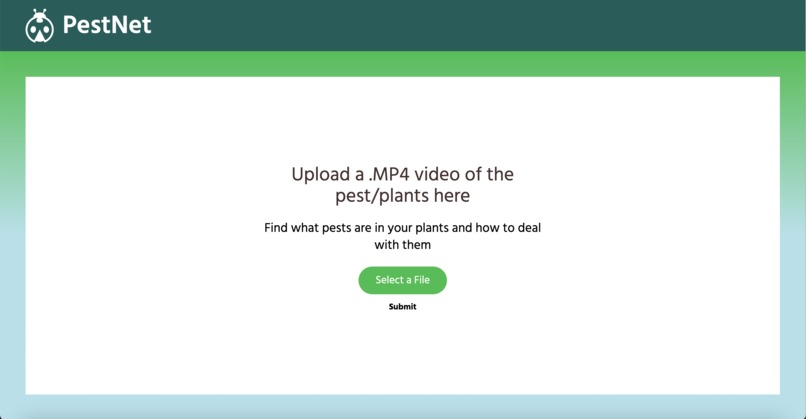
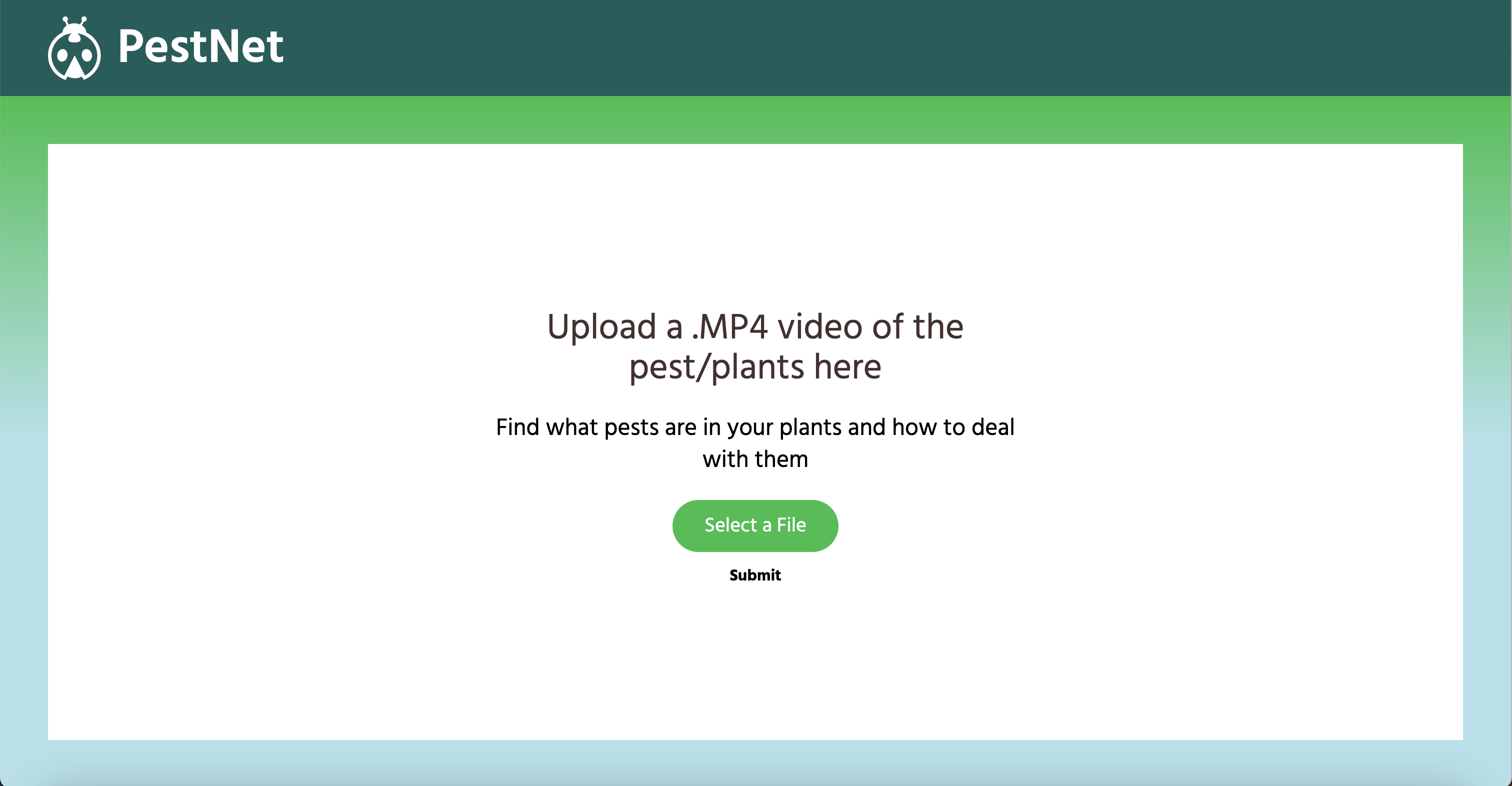
Home page
Inspiration
Our inspiration for this project was from the recent spread of pests throughout the U.S., such as Japanese beetles, which have wreaked havoc for crops and home gardens. We personally have gardens at home where we grow plants like cucumbers and tomatoes, and were tired of seeing half-eaten leaves and destroyed plants.
What it does
PestNet is a computer vision model that takes in videos and classifies up to 19 different pests throughout the video. Our webapp creates an easy interface for users to upload their videos, on which we perform inference using our vision model. We provide a list of all pests that appeared on their crops or plants, as well as descriptions for how to combat those pests.
How we built it
To build the computer vision model, we used Roboflow to develop a classification model from a checkpoint of a custom pre-trained on the ImageNet dataset. We aggregated images from two datasets and performed data augmentations to create a combined dataset of about 15,000 images. After fine-tuning the model on our data, we achieved a validation accuracy of 93.5% over 19 classes.
To build the web app, we first sketched a wireframe with intended behavior on Figma. We created it with a React frontend (Typescript, Vite, Tailwind CSS, Toastify) with a Python backend (FastAPI). The backend contains both code for the CV model as well as Python processing that we use to clean the results of the CV model. The frontend contains an interactive carousel and a video player for the user to view the results themselves.
Challenges we ran into
One challenge we ran into was integrating Roboflow into our computer vision workflow, since we had never used the platform and ran into some version control issues. Another challenge we ran into was integrating video uploads into our web app. It was difficult at first to get the types right for sending files across our REST API. A third challenge was processing the data from Roboflow, and getting it to the right format for our web app. All in all, we learned that communication was key: with so many moving parts, it was important that each person working on a separate part of the project made clear what they had made, so we could connect them all together in the end.
Accomplishments that we're proud of
We're proud of the web app we made! We're also proud of working together and not giving up. We spent at least the first quarter of the hackathon brainstorming ideas and constantly reviewing. We were worried that we had wasted too much time on thinking of a good plan, but it turned out that our current project used a little bit of all of our previous ideas, and we were able to hack together something by the end!
What we learned
We learned how to easily and quickly prototype computer vision models with Roboflow, as well as how to perform inference using Roboflow's APIs. We also learned how to make a full-stack webapp that incorporates AI models and designs from Figma. Most importantly, we learned how to brainstorm ideas, collaborate, and work under a time crunch :)
What's next for PennApps
If we had more time, we would develop a more sophisticated computer vision model with more aggregated and labeled data. With the time constraints of the hackathon, we did not have time to manually find and label images that would be more difficult to classify (ex. where bugs are smaller). We would also deploy the Roboflow model locally instead of using the Hosted Video Inference API, so that we could perform inference in real-time. Finally, we also want to add more features to the webapp, such as a method to jump to different parts of the video based on the labels.
Built With
- fastapi
- figma
- javascript
- node.js
- opencv
- poetry
- python
- react
- roboflow
- tailwind
- toastify
- typescript
- vite


Log in or sign up for Devpost to join the conversation.