-
-

Home page
-
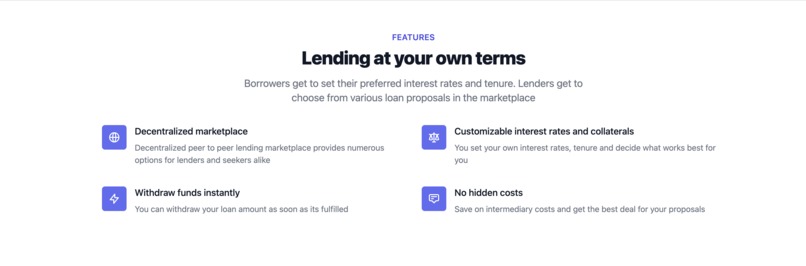
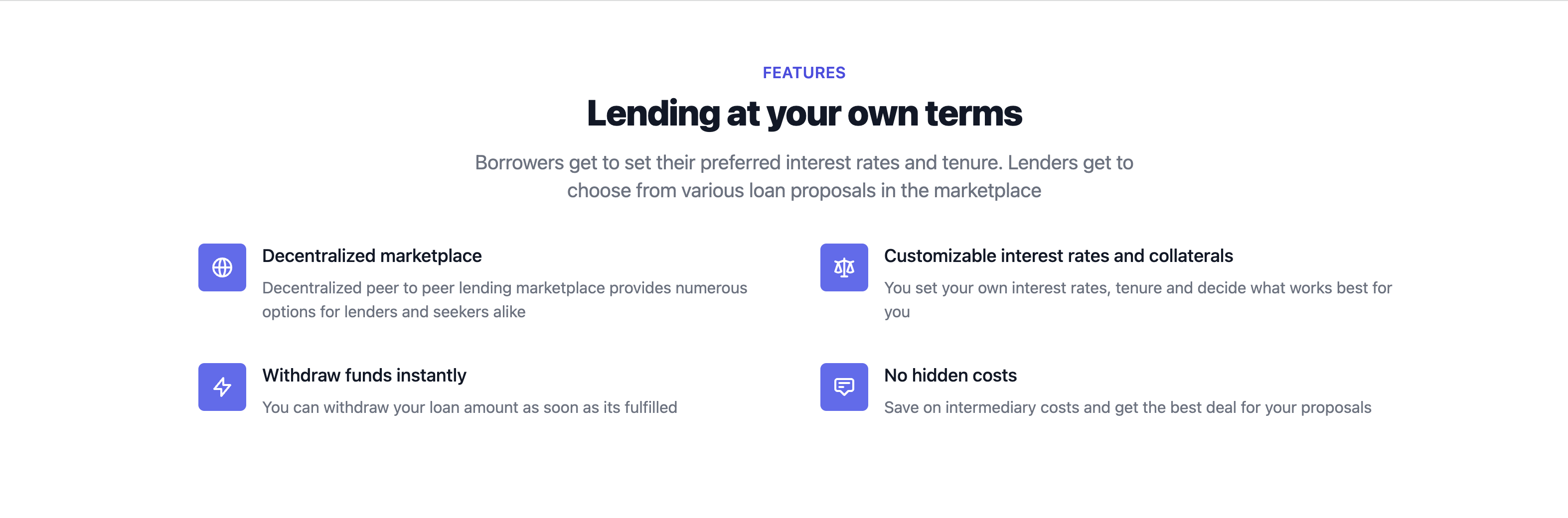
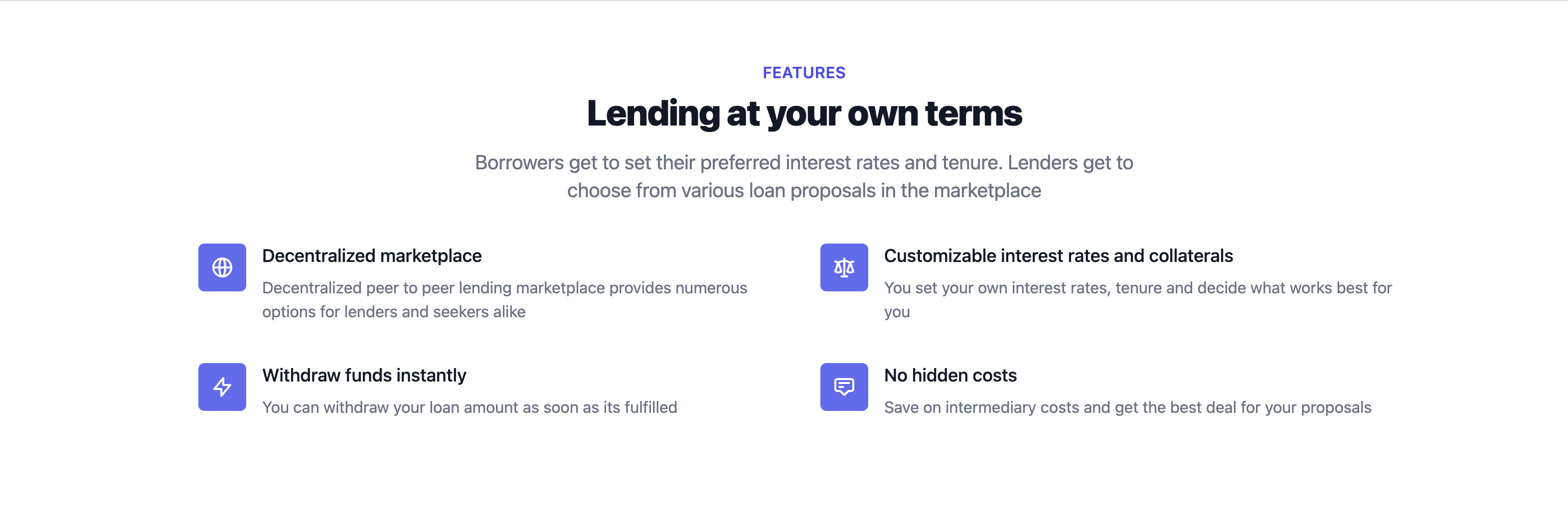
Features
-
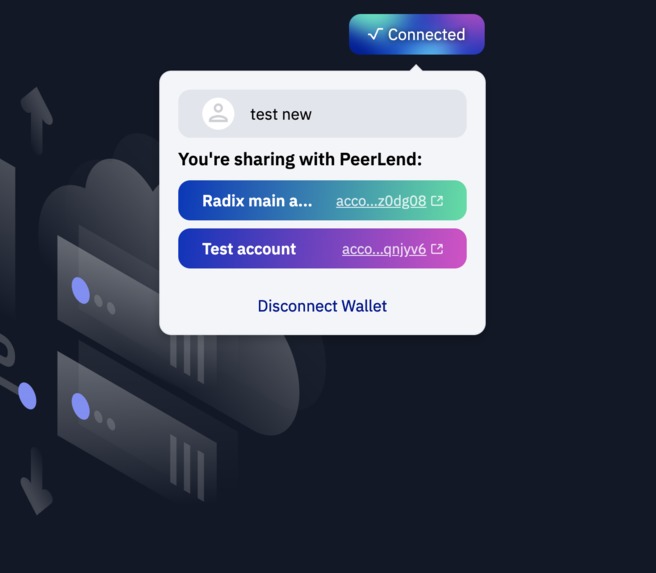
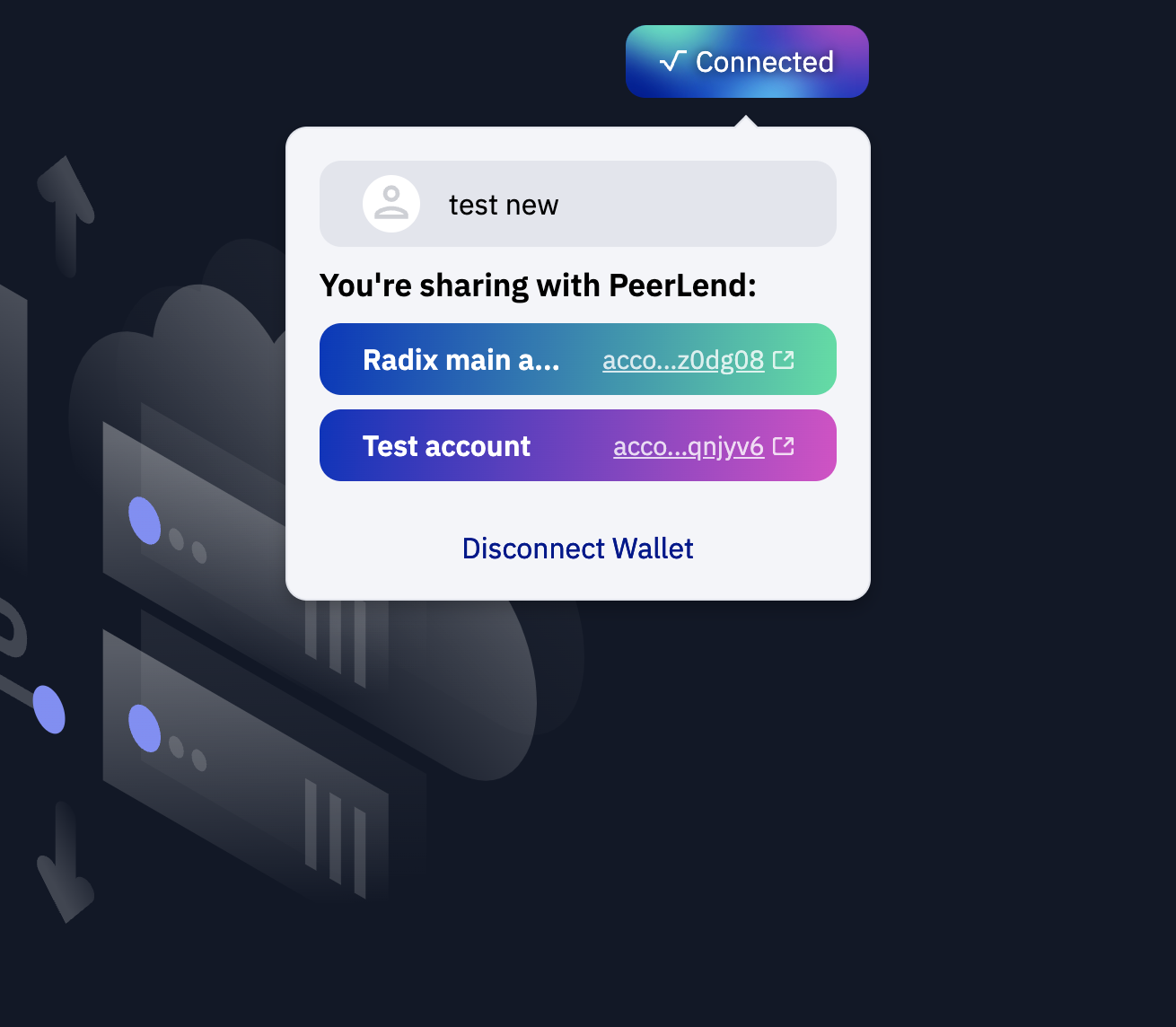
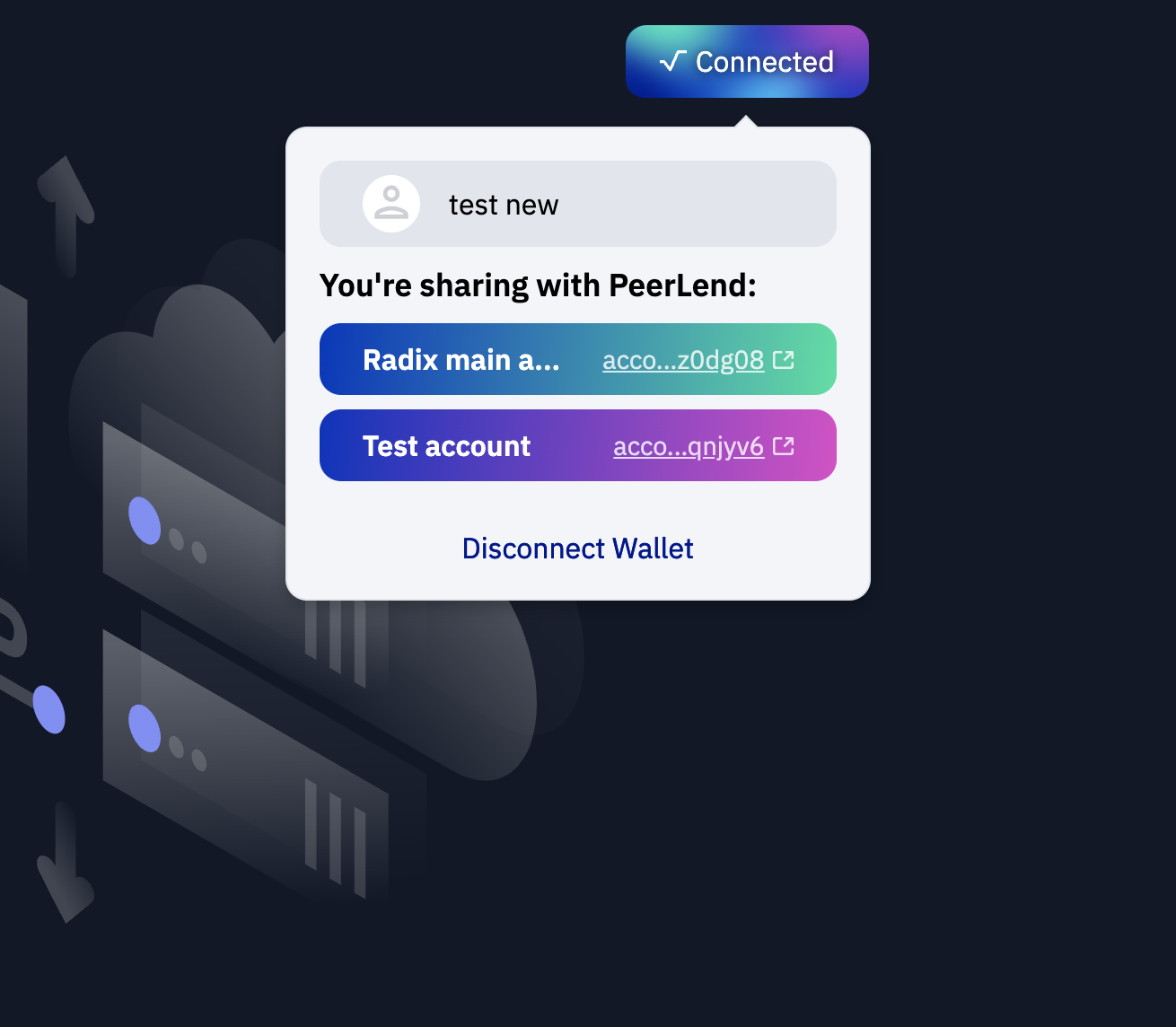
Connected Wallets
-
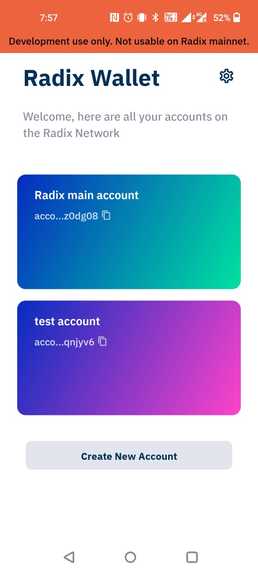
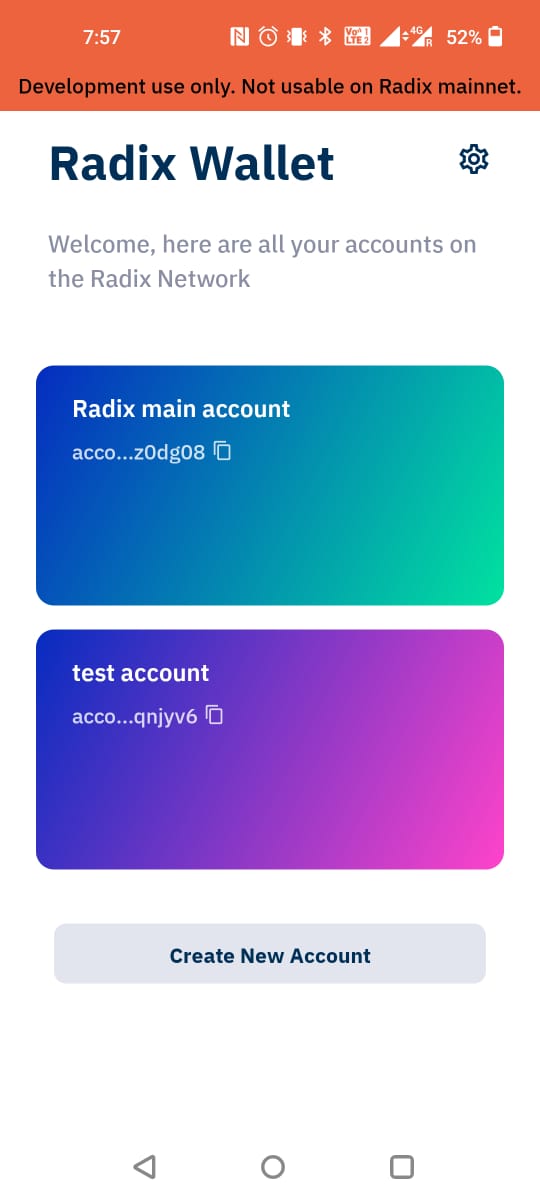
Radix android wallet on betanet
-
-
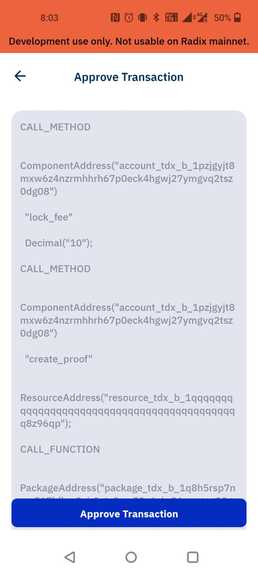
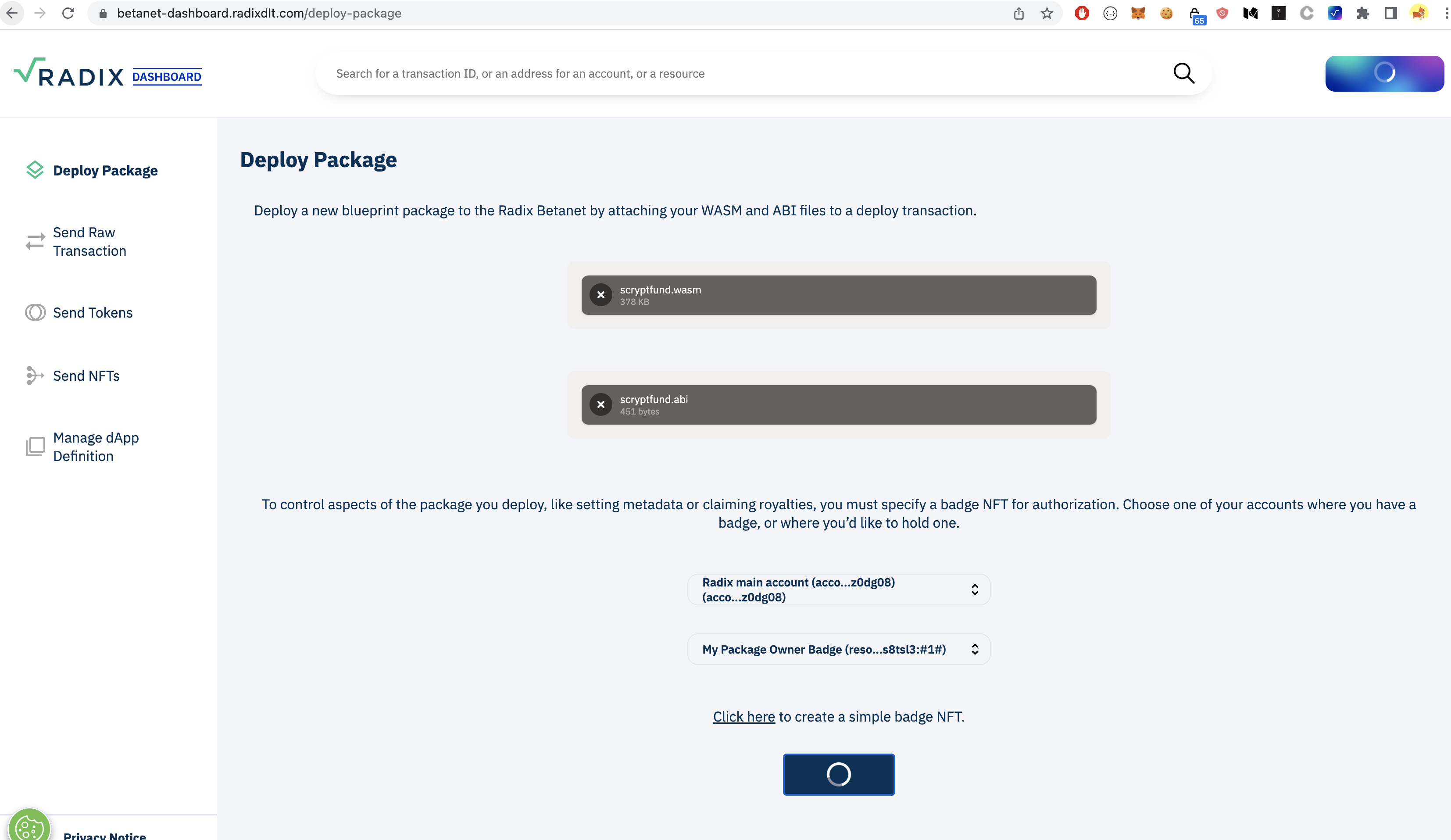
Approving contract
-
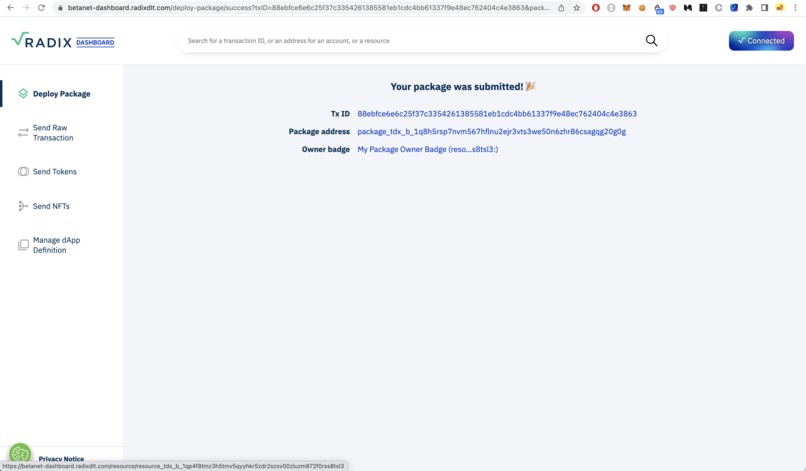
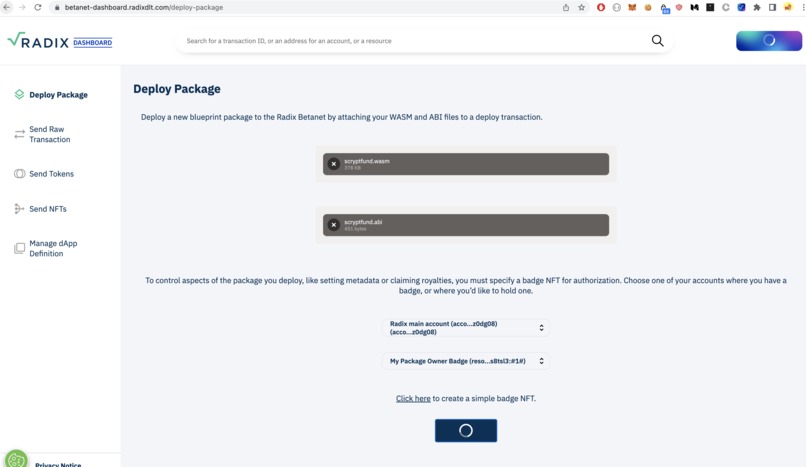
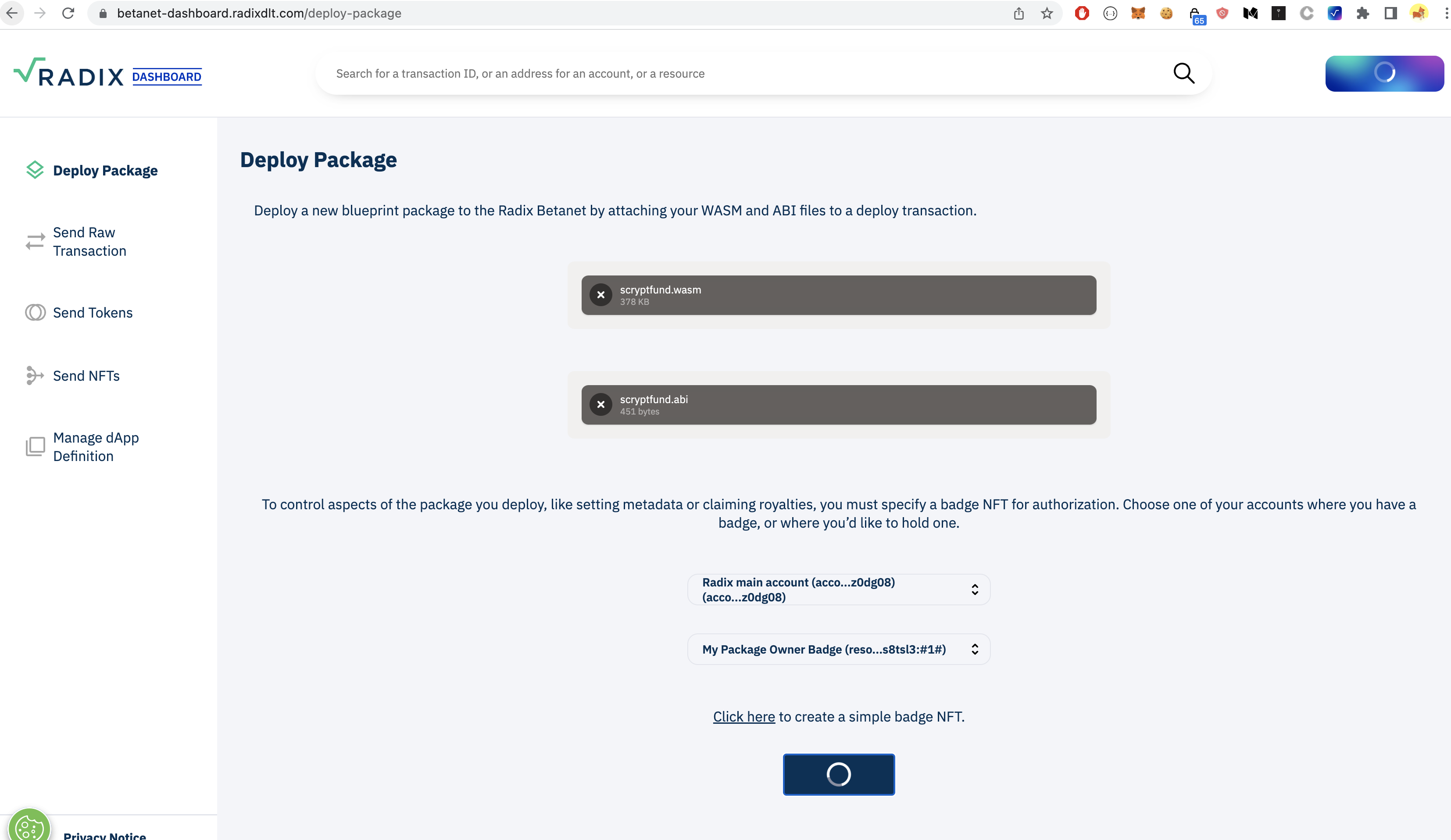
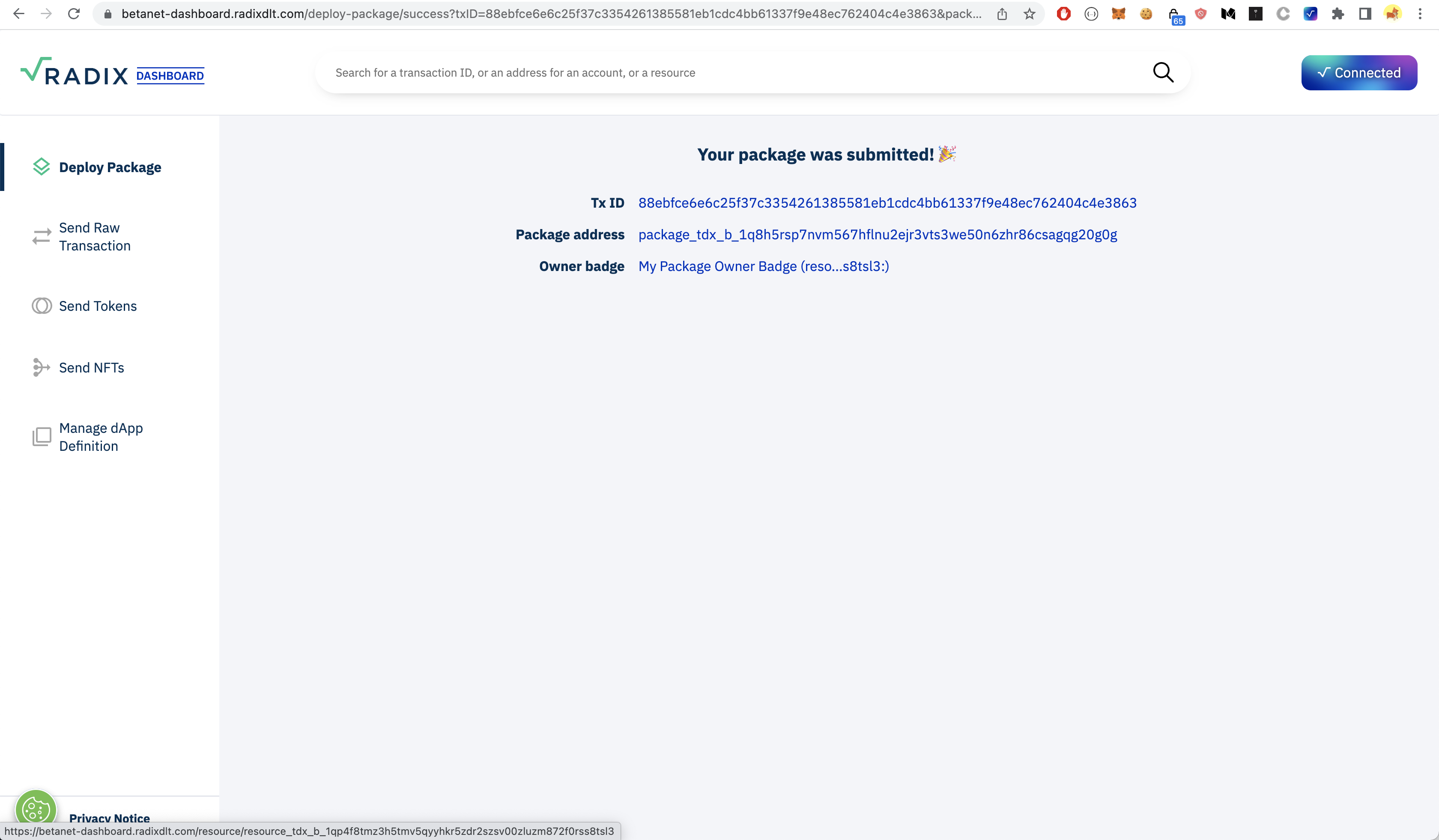
Radix Betanet dashboard
-
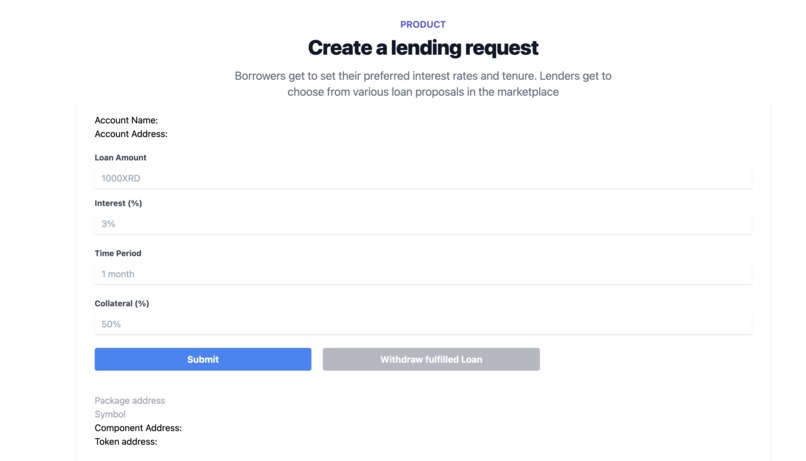
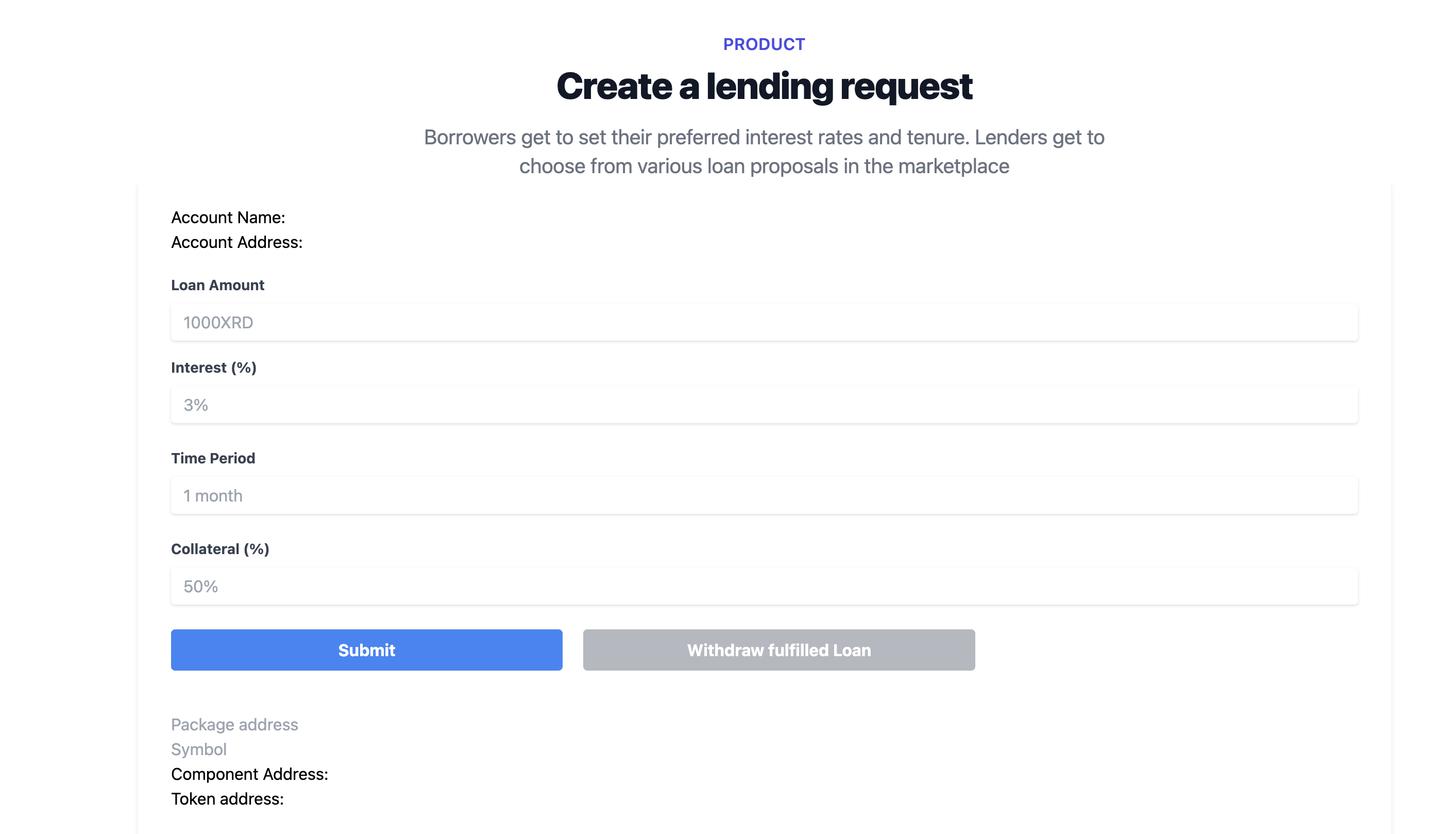
Create loan proposal
-
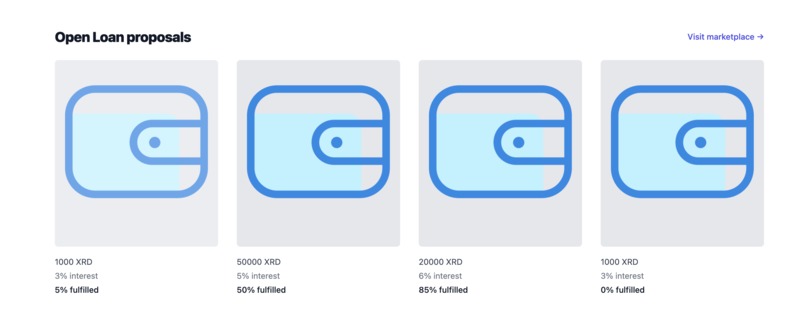
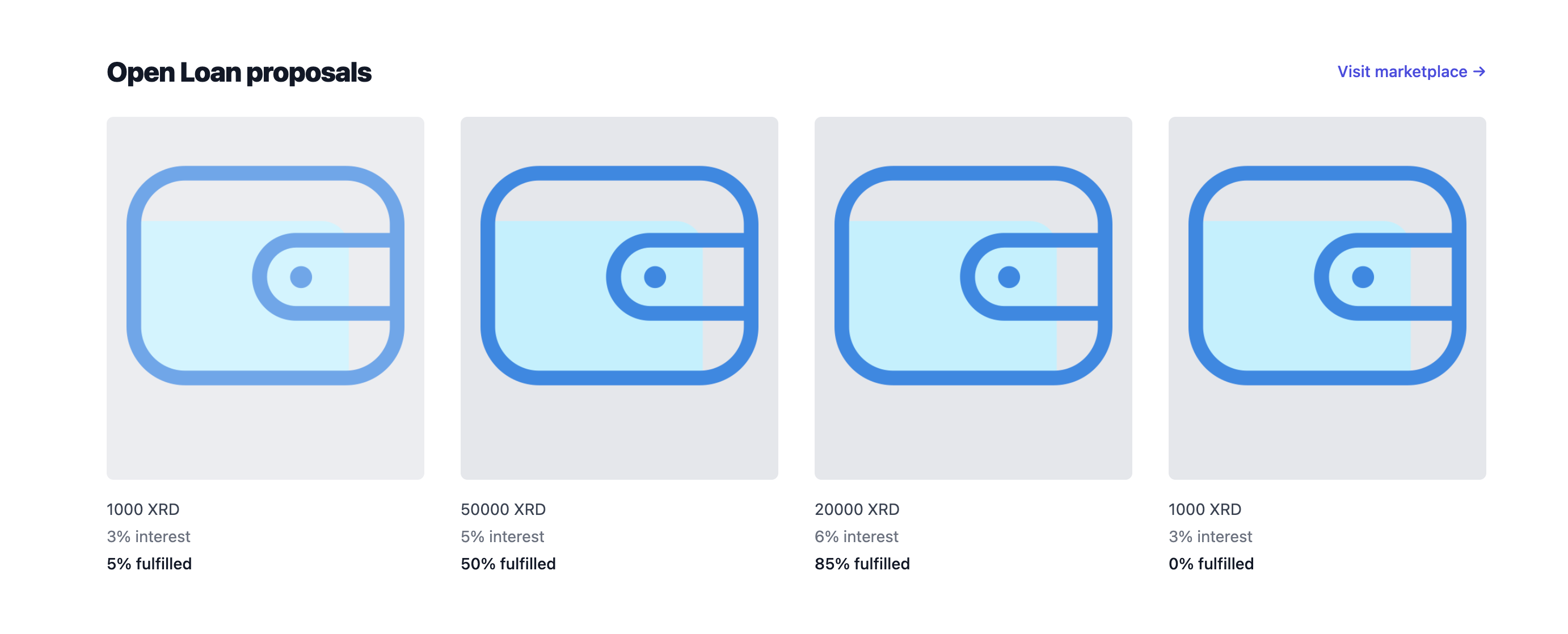
Lending Marketplace

Inspiration
There are several defi lending protocols available in radix, but I wanted to build a P2P marketplace where lenders and borrowers can browse through open loan/borrow proposals , negotiate on interest rates/collaterals/tenurs and agree later.
It will save time for both lenders and borrowers and help them find someone who is willing to lend/borrow at their terms.
Borrowers can withdraw the funds once the loan target amount is met. They can also repay partially. A single loan proposal can be funded by several lenders who are willing for those terms.
What it does
Full stack Radix peer lending marketplace where lenders and borrowers connect and get to choose their interest rates, tenure/ collateral ratio & negotiate terms.
How we built it
It contains several scrypto blueprints for various lending related functionalities. The contracts are written using Scrypto. Tech stack
- Radix, Scrypto
- Radix dapp kit
- Node.js
- Radix Android wallet
- Radix connector chrome extension
- Tailwind CSS
Challenges we ran into
- Initially wrote the contracts in Radix 0.4..1 version - and had to upgrade to 0.8.1 and ran into issues with rust compatibility
- Initially ran into issues with connecting to the android wallet and test faucet, which I fixed later
Accomplishments that we're proud of
- One of its kind lending marketplace connecting lenders and borrowers and enabling them to negotiate the loan proposals on their own terms.
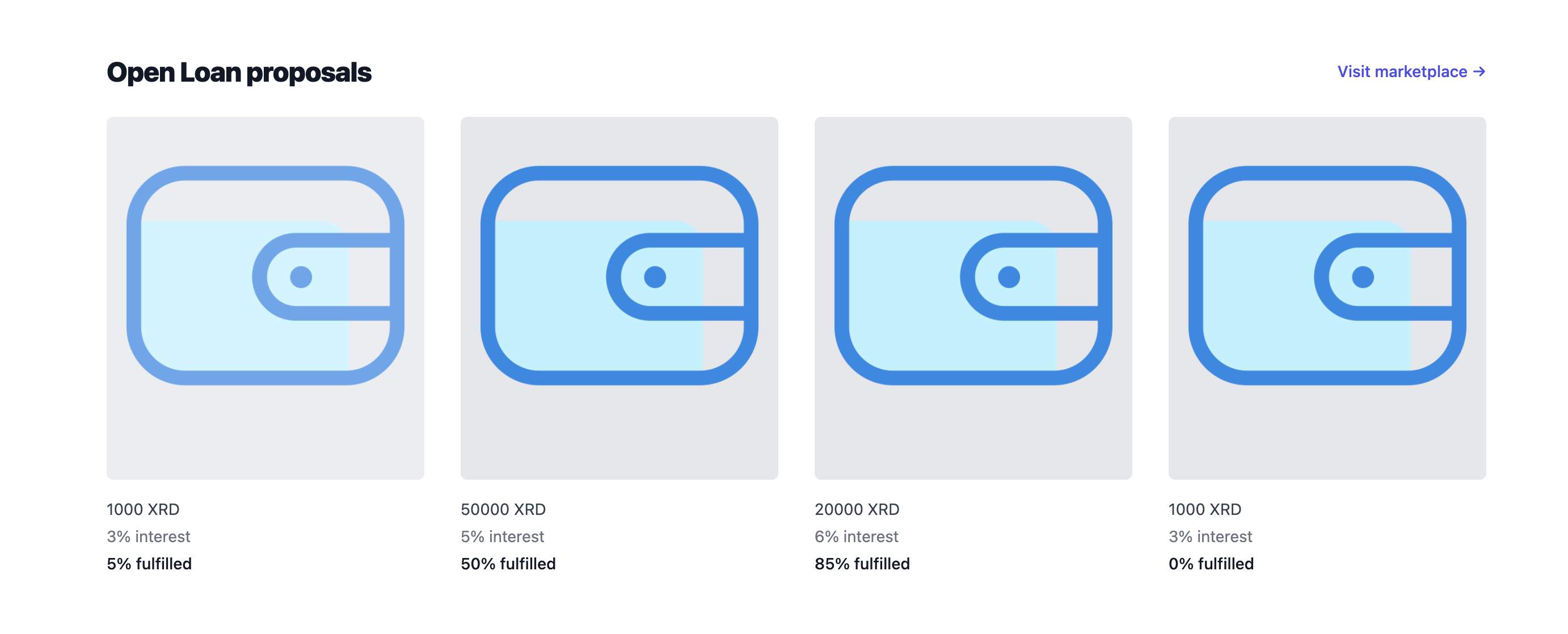
- UI where users can view exisitng open loan proposals and interact with them.
What we learned
- Learned about variou Defi lending protocols
- Learnt rust and scrypto to create the smart contracts.
What's next for Peer Lend - Scrypto lending marketplace
- There are only basic UI functionalities for the marketplace right now, and I would like to add all the features available in the scripto blueprints
- Complete the UI with various lending functionalities including contract negotiation, partial withdrawal etc
Screenshots



Usage Instructions
Pre-requisites
- Node >= 12.17.0
- The Betanet wallet & Radix-connector browser extenstion installed. Instructions here
- Scrypto v0.8.0. Instructions to install here and update here
Building the Scrypto code
- Enter the scrypto directory in a terminal:
cd scrypto - Build the code:
scrypto build - Two important files (
scryptlend.abiandscryptlend.wasm) will be generated inscrypto/target/wasm32-unknown-unknown/release/. You will need them for the next step.
Deploy the package to Betanet
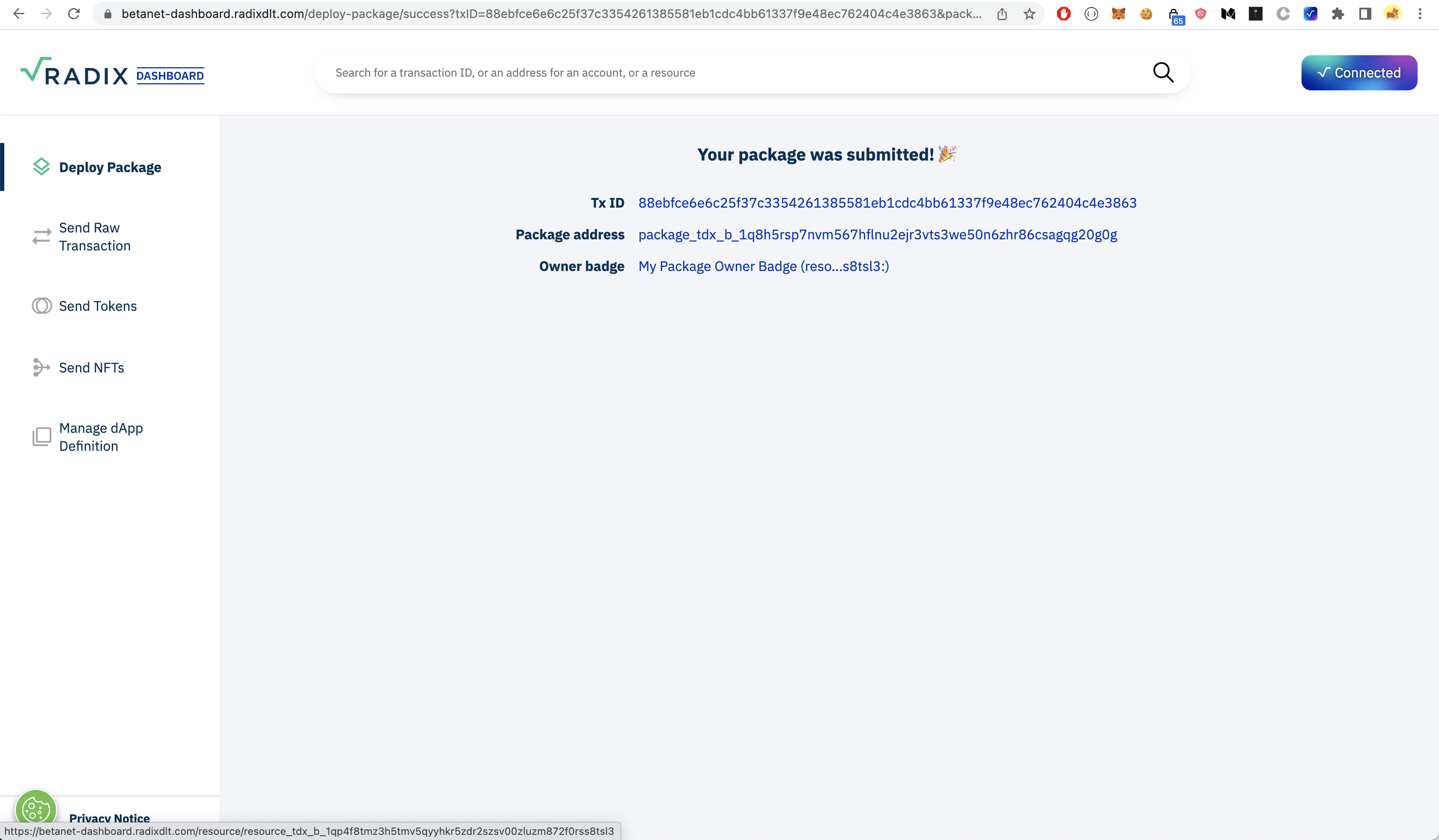
- Go to the Betanet Dashboard Website
- Connect the Wallet Via the Connect Button
- Navigate to Deploy Package & choose an account and badge or have one created for you if you don't have one yet using the link below. (Which appears once you have selected an account)
- Upload both
scryptlend.abiandscryptlend.wasm - Click on "publish package"
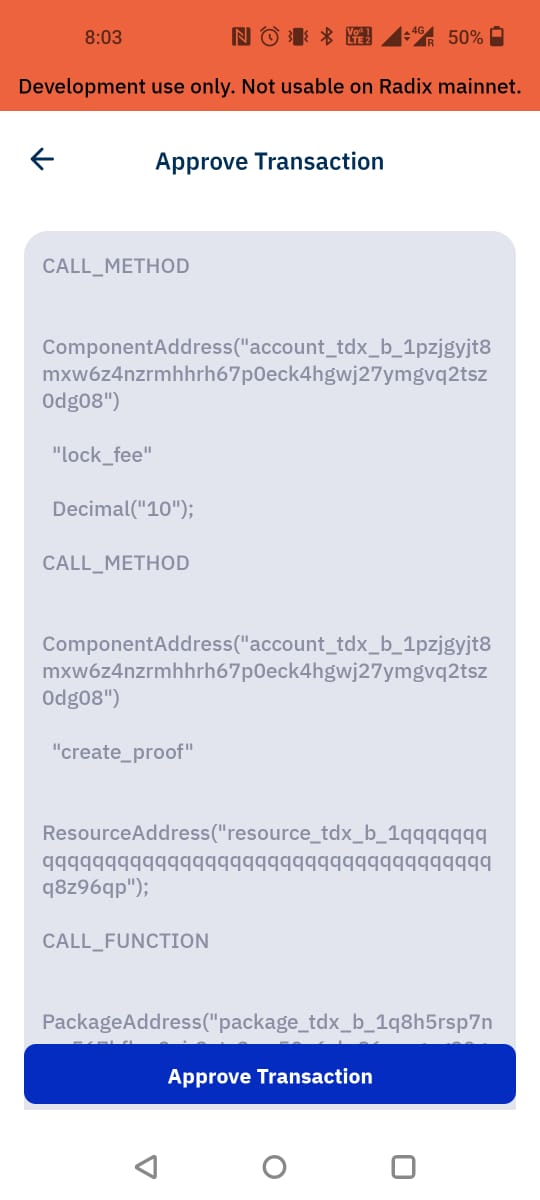
- The wallet should open up and ask you to approve the transaction
- On the wallet click on "sign transaction"
- The deployed package address should get displayed. You will need it for the next step.
Interacting with package
- In a terminal go back to the root of this project (scrypto-lend-marketplace)
- Install the npm dependencies:
npm install - Start the local server with
npm start - Open up your browser at the provided url if it doesn't open automatically.
- Make sure you created an account on the wallet and added funds via the faucet by clicking on account name and then the three dots a button to get XRD from faucet should open.
- Click on the connect button to fetch your wallet address. You should see your address appearing
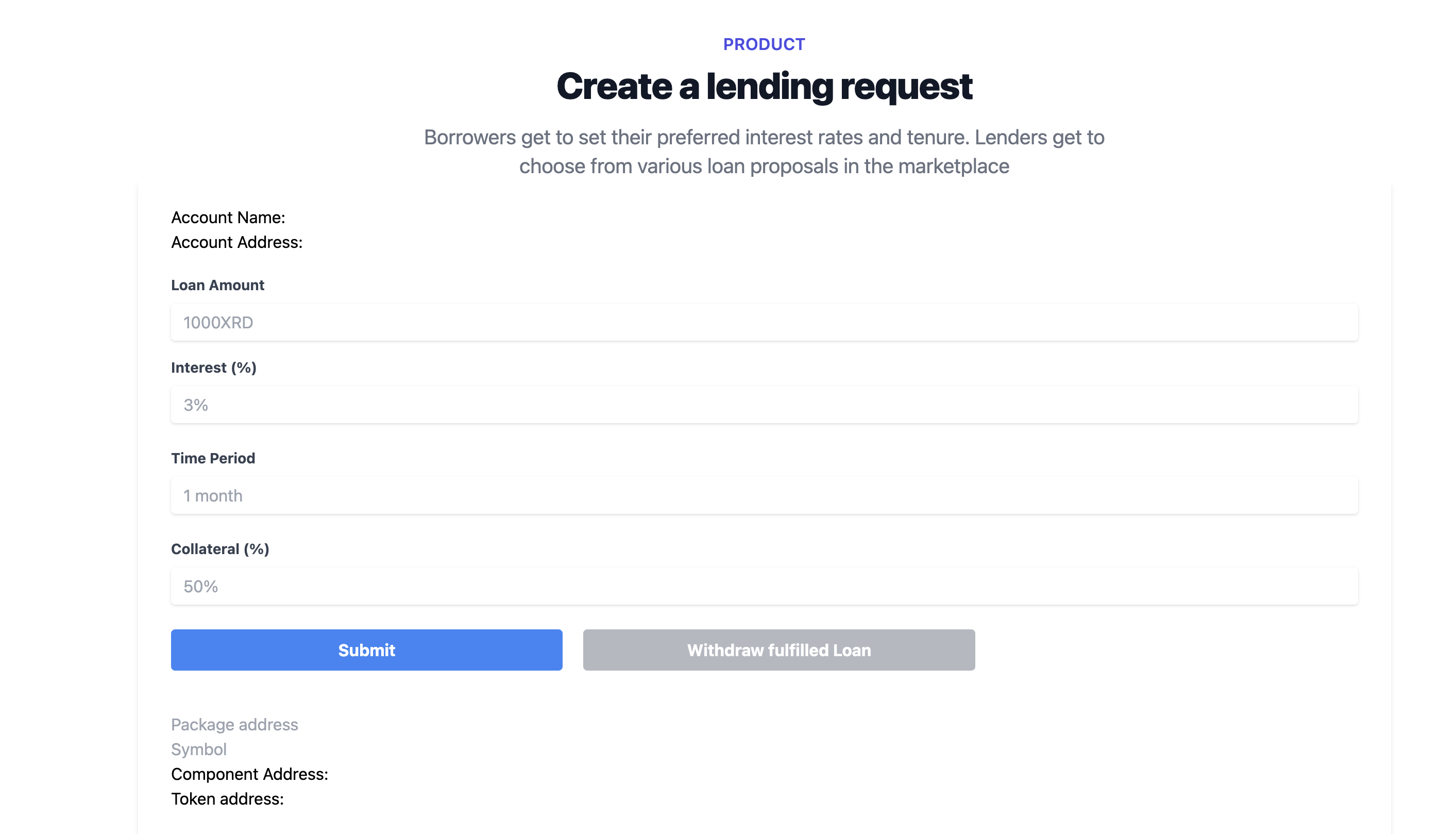
- Fill the package address you got in the previous section and "instantiate "
- Your wallet will again open up. Click on "sign transaction". You should now see the instantiated component address and resource address on the page.
- Fill in the loan details and submit proposal by clicking on "Submit proposal"
- Your wallet will open up. Click on "sign transaction". The transaction receipt will get displayed on the page.


Log in or sign up for Devpost to join the conversation.