-
-
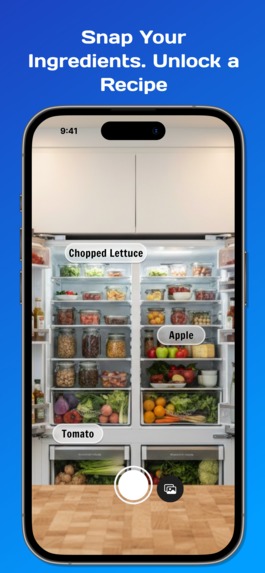
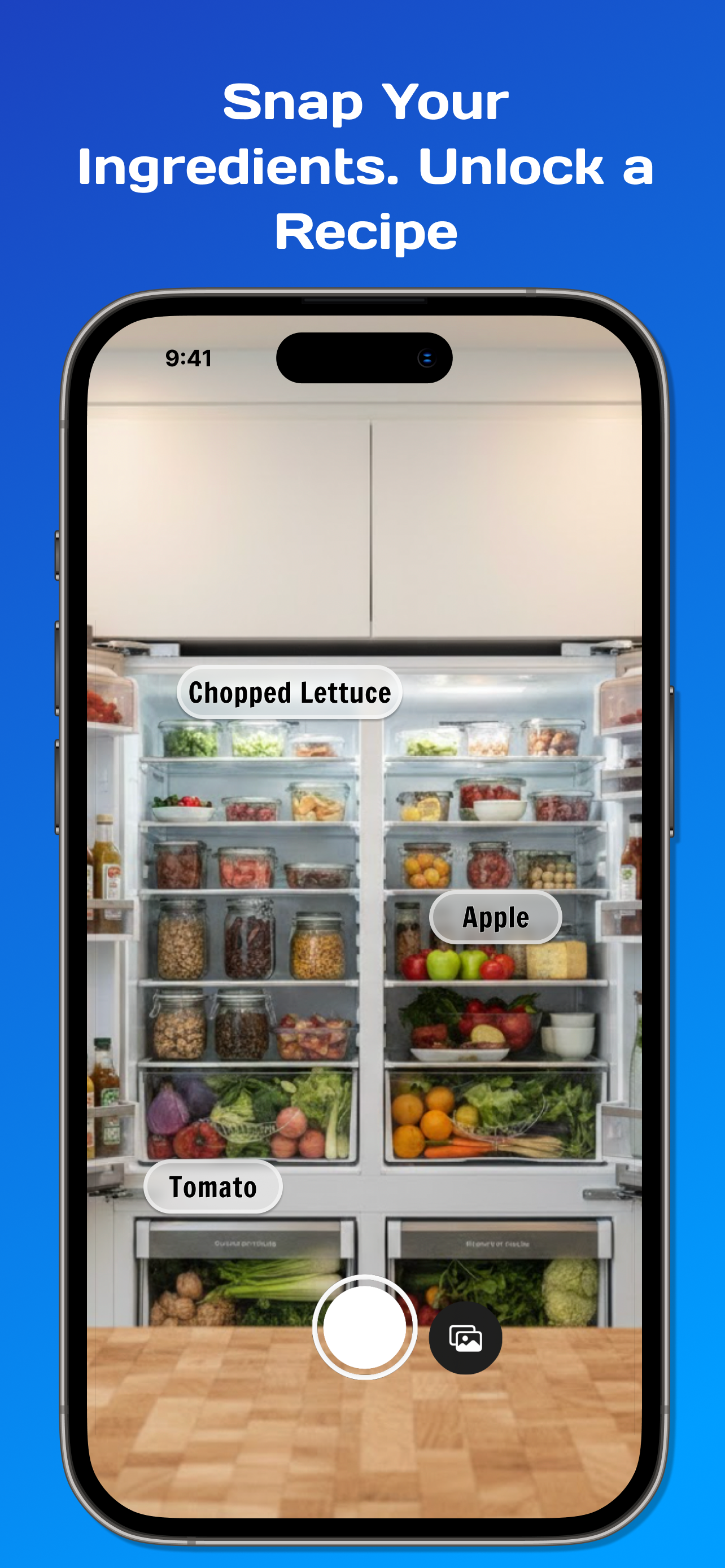
Scan Ingredients, Find Recipes
-
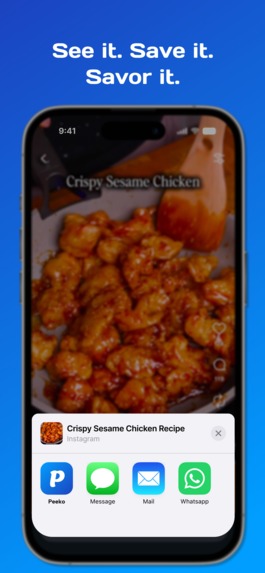
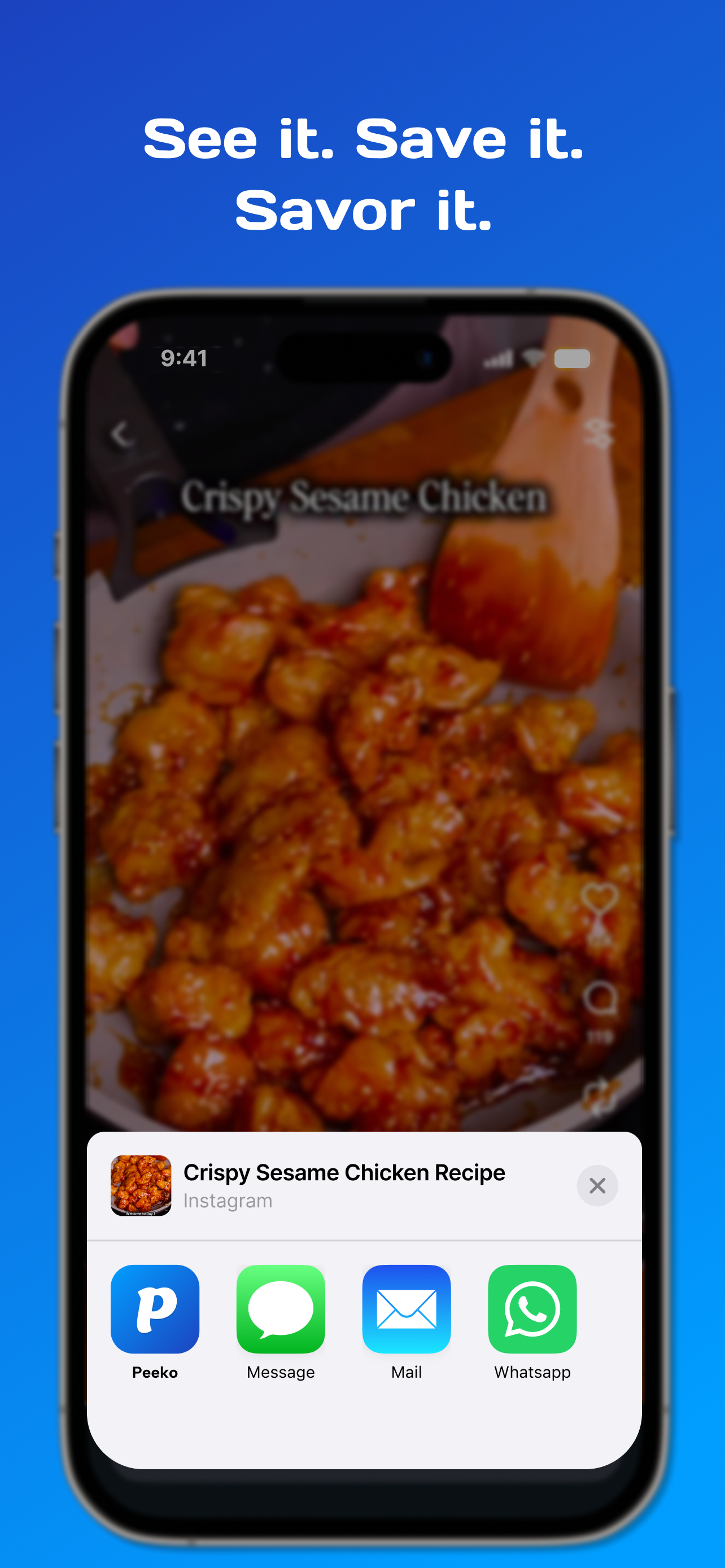
Import from Social Media, URL, PDF, Image
-
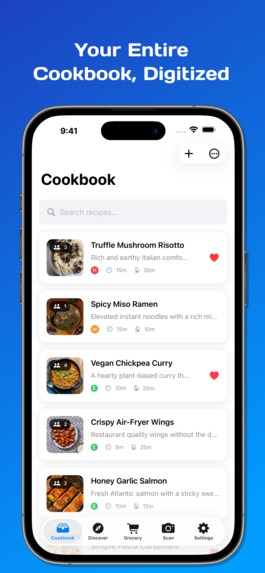
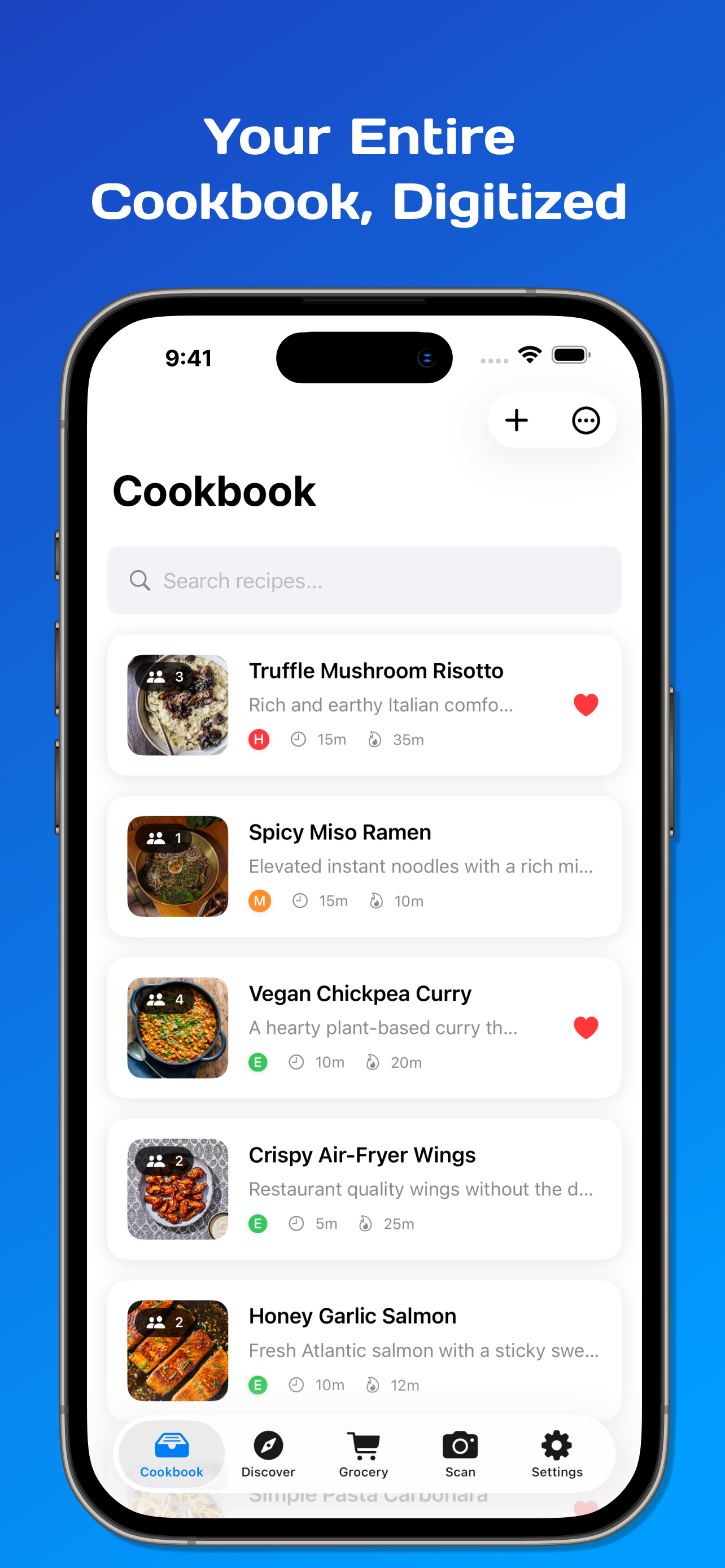
Organize Recipes
-
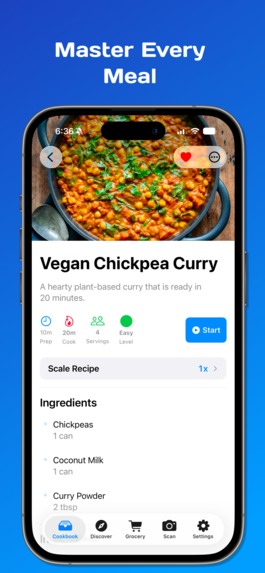
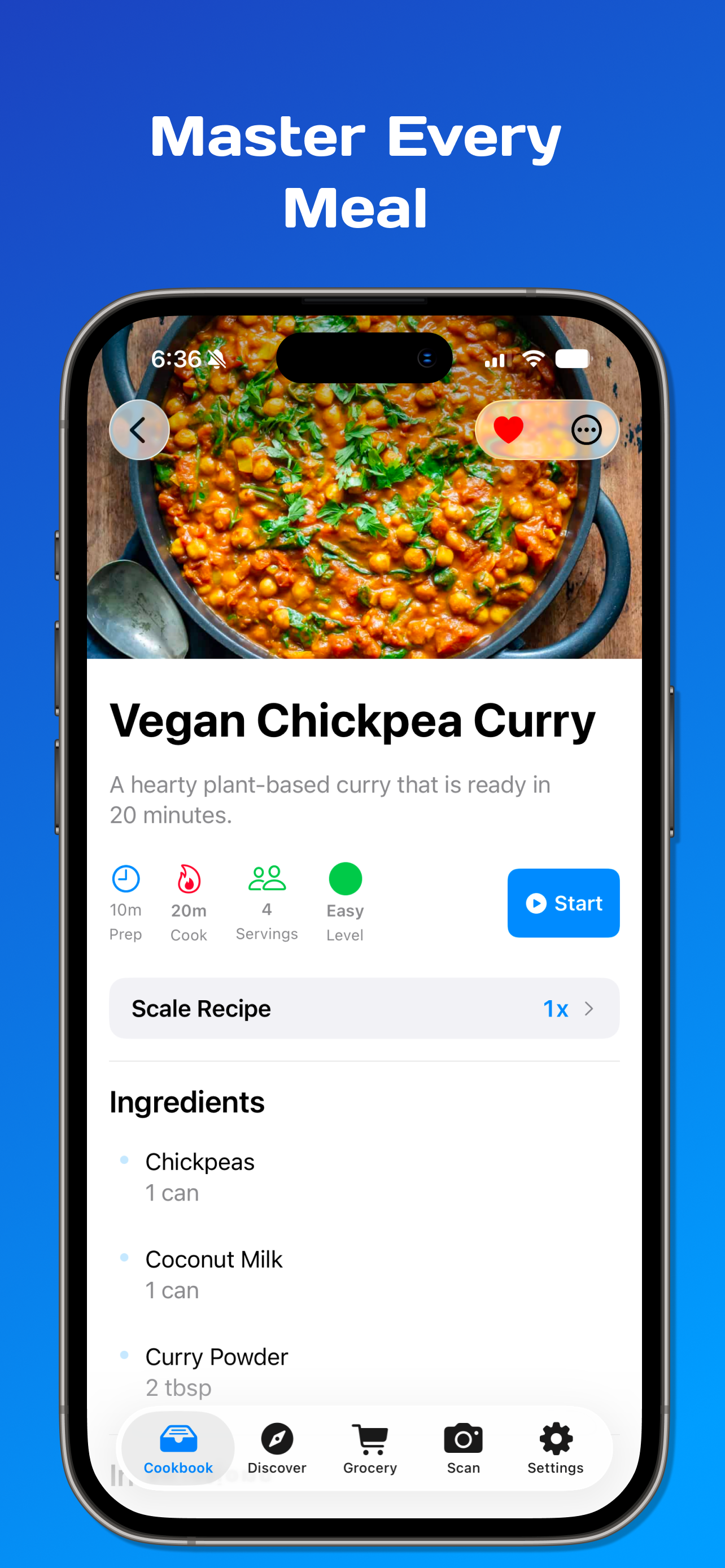
Preview Recipes
-
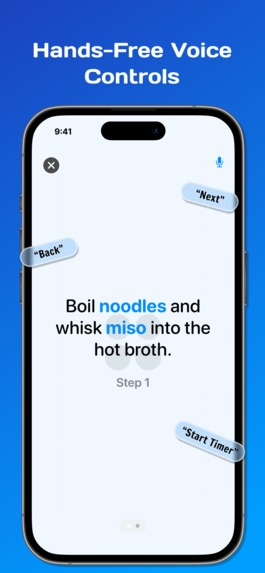
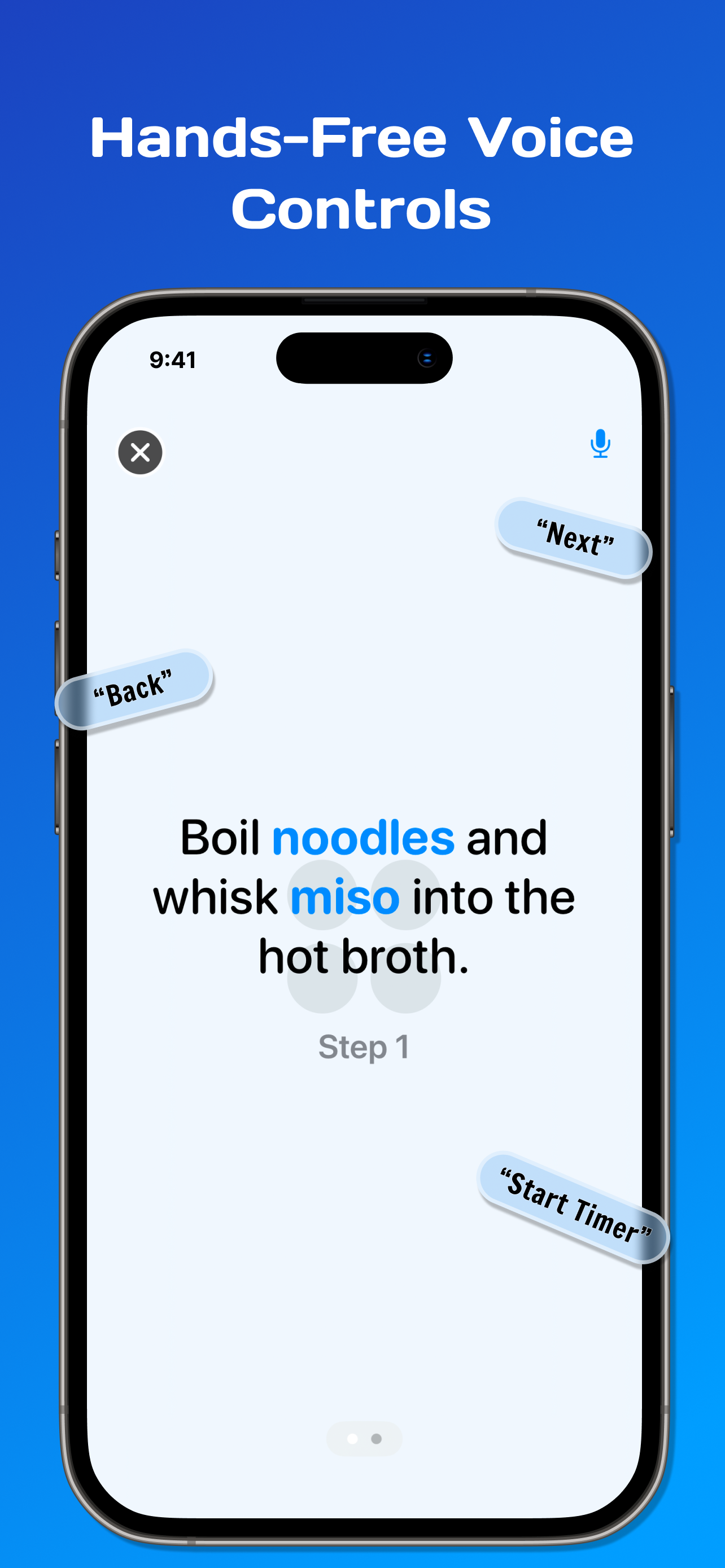
Live Cooking Mode (with advanced voice control)
-
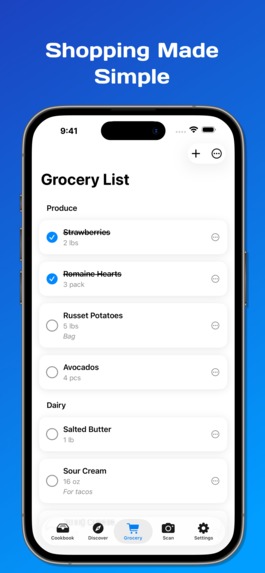
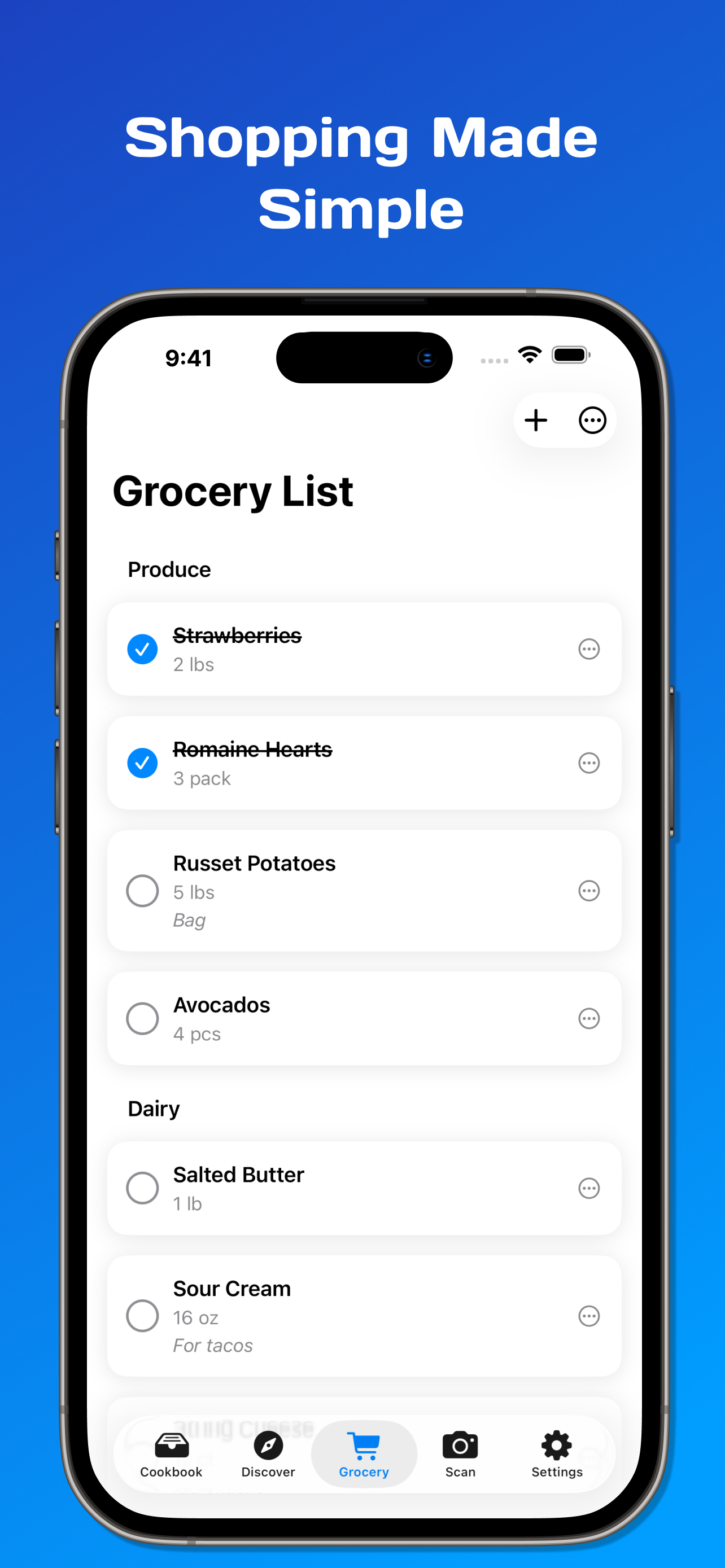
Manage Grocery List
Inspiration
I created Peeko to turn that digital clutter into a seat at the table. Our goal was to build a bridge between the inspiration I find online and the reality of a busy kitchen. By removing the friction of manual typing and messy bookmarks, I wanted to transform the question of "What's for dinner?" from a source of stress into a seamless, automated process.
What it does
Peeko is an AI-powered recipe manager that transforms URLs, PDFs, or photos into clean, actionable recipes.
AI Import: Extracts ingredients and steps instantly using Google Gemini.
Smart Grocery List: Converts recipes into organized shopping lists with one tap.
Pantry Scan: Uses the camera to identify ingredients in your fridge and suggest recipes.
Guided Cooking: A hands-free mode for Peeko Pro users with voice-activated timers and navigation.
Personalization: An interactive onboarding quiz that learns your favorite cuisines to suggest tailored content.
How we built it
I prioritized a modern, reactive stack designed for speed and scalability:
Frontend: Built entirely with SwiftUI for a sleek, native iOS experience.
**Architecture: **Followed MVVM (Model-View-ViewModel) to ensure business logic was decoupled from the UI, making the codebase modular and testable.
Backend: Leveraged Supabase for PostgreSQL database management, authentication, and real-time data syncing.
AI Engine: Integrated the Google Gemini API to process raw text and images into structured recipe data.
Monetization: Implemented RevenueCat to manage a freemium model and gated Pro features.
Challenges we ran into
The Bookmark-Edit Logic: One of the trickiest features was allowing users to bookmark and edit public recipes. I had to design the database so users could "save" a community recipe but store their own local modifications without altering the original source for everyone else.
The Time Crunch: Polishing a high-quality UI while simultaneously building a robust AI backend in a short timeframe required strict feature prioritization.
Feature Gating: I spent a lot of time balancing the "Freemium" line - ensuring the free version offered genuine value while making the Pro features (like Voice Control and Pantry Scanning) enticing enough to convert.
Accomplishments that we're proud of
I successfully published to the App Store and passed the rigorous review process on our very first attempt.
I built an app that is fully functional and comparable to established competitors in a fraction of the development time.
The speed and accuracy with which the app extracts data from a messy screenshot or a long URL feels like magic.
What we learned
The "perfect" app that never launches is useless. I had to make the hard call to cut "nice-to-have" features to ensure our core "Scan-to-List" flow was rock solid for the App Store.
I realized that kitchens are notorious for terrible Wi-Fi. This forced me to prioritize an offline-first mindset, ensuring that once a recipe is loaded, it stays accessible even if the router is on the other side of the house.
What's next for Peeko: Recipe Manager
Social Sharing: Allowing users to share custom "cookbooks" or individual recipes with friends via deep links.
Meal Planning: A weekly calendar view to schedule recipes and automatically aggregate a week's worth of groceries.
Enhanced Voice Commands: Expanding the "Guided Cooking" vocabulary to include ingredient substitutions and unit conversions on the fly.
Built With
- revenuecat
- supabase
- swift
- swiftui


Log in or sign up for Devpost to join the conversation.