-
-
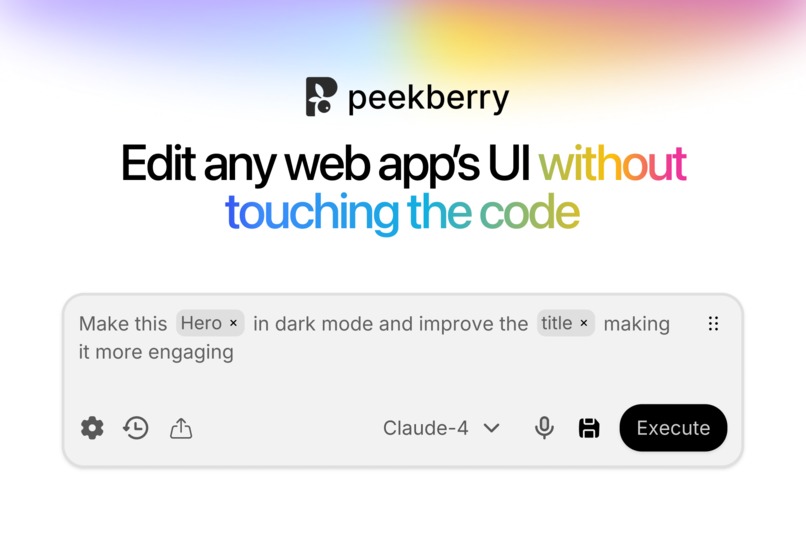
Peekberry - Hero
-
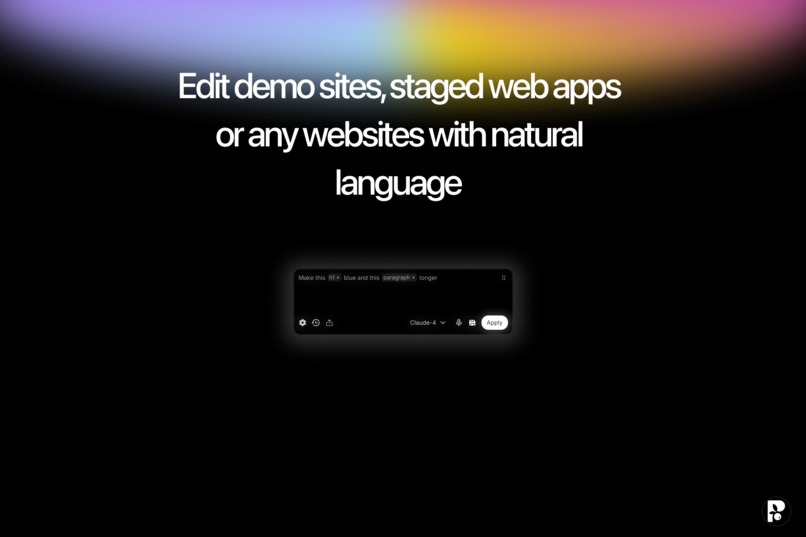
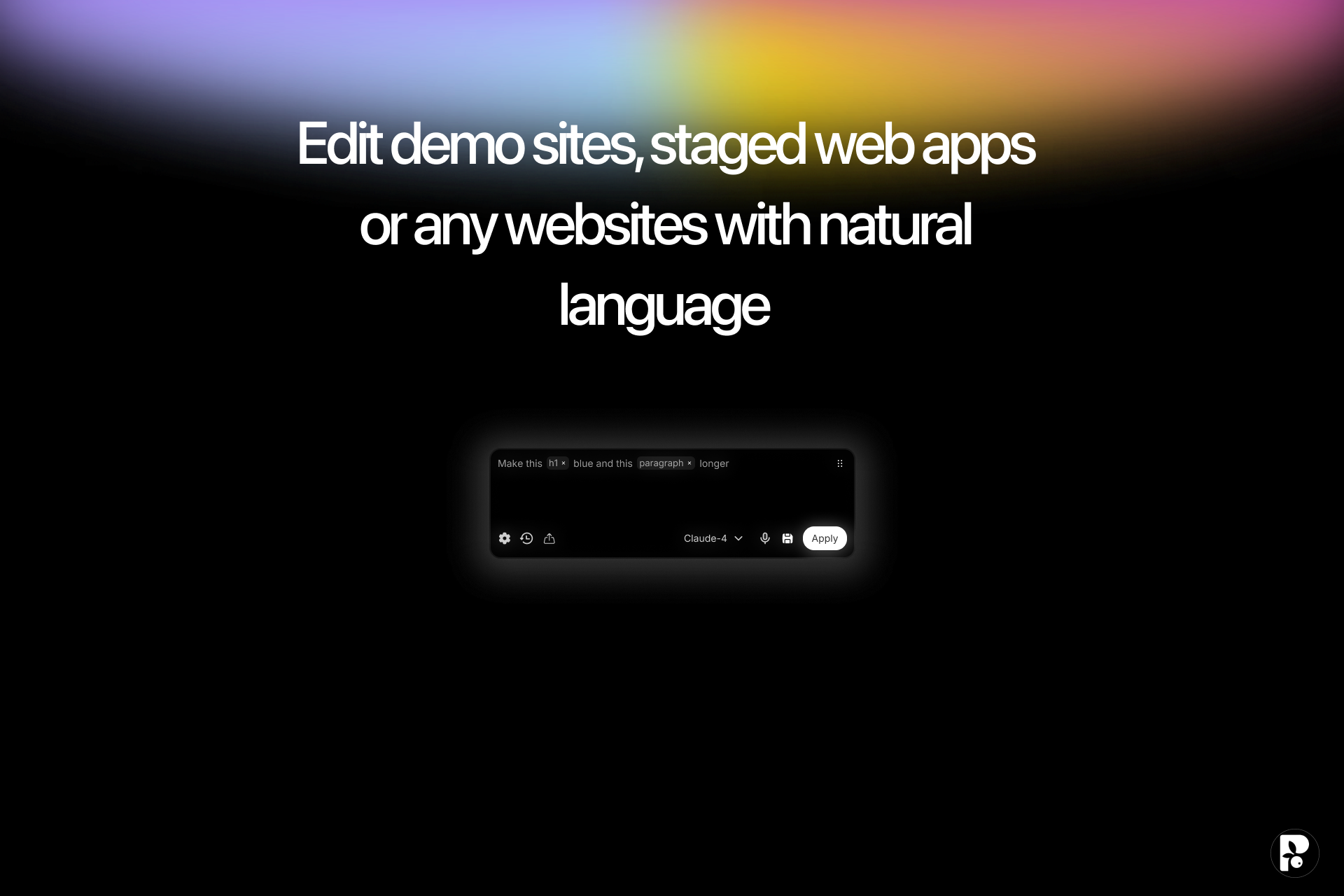
Prompt changes on live web apps
-
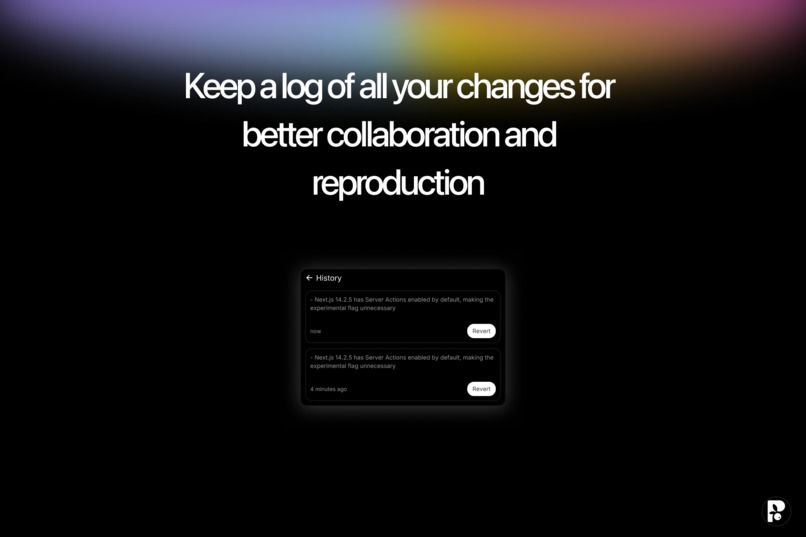
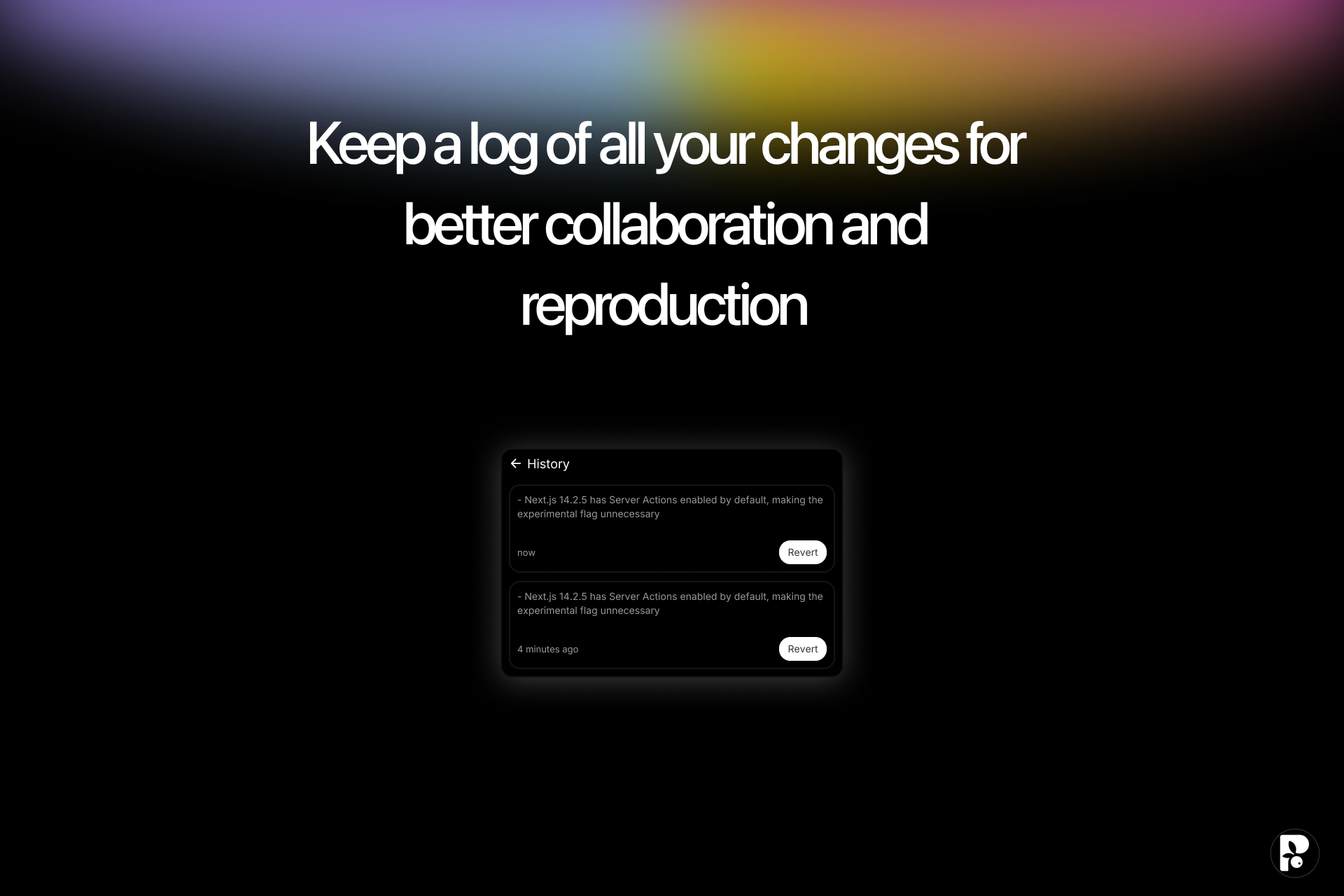
Prompt History
-
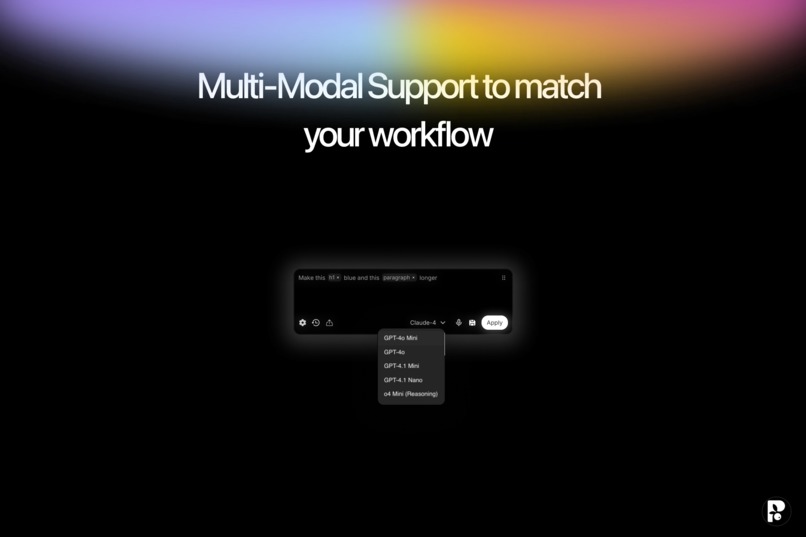
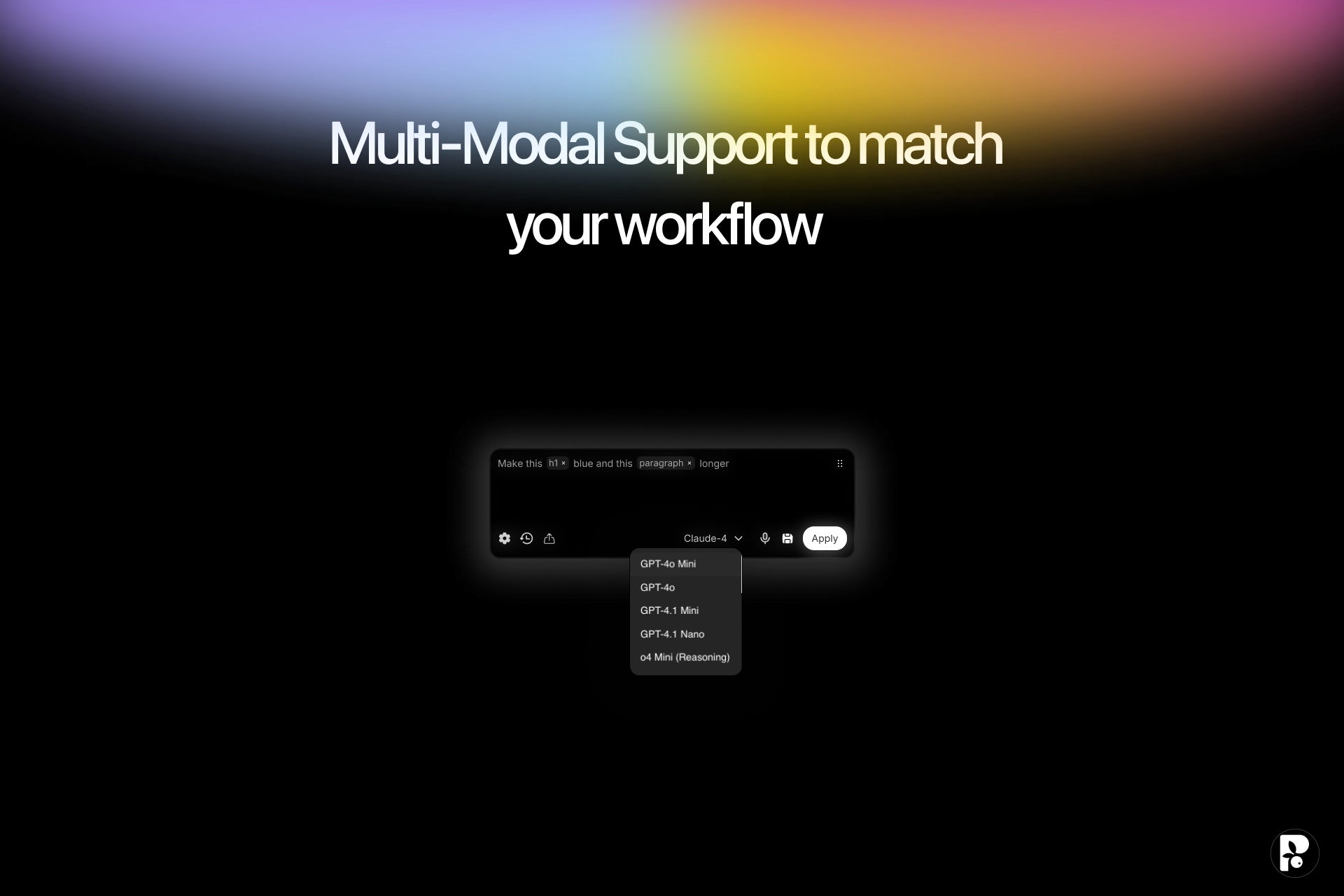
Multi-Modal Selection
-
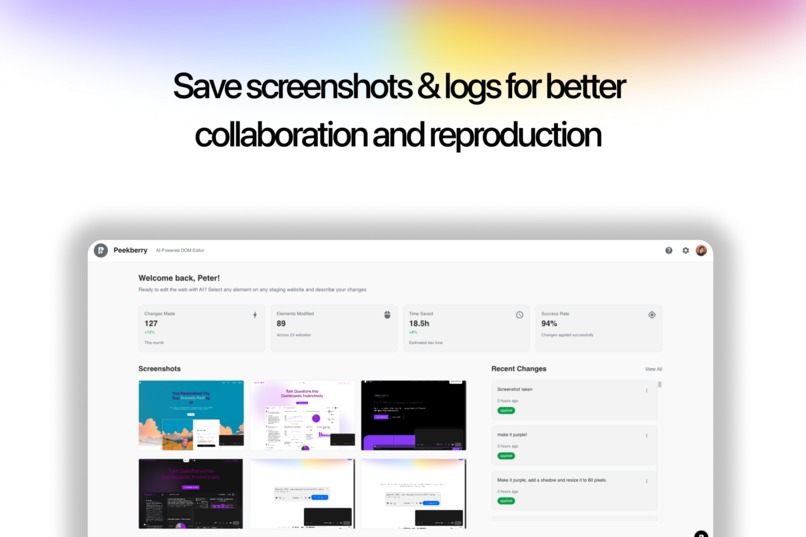
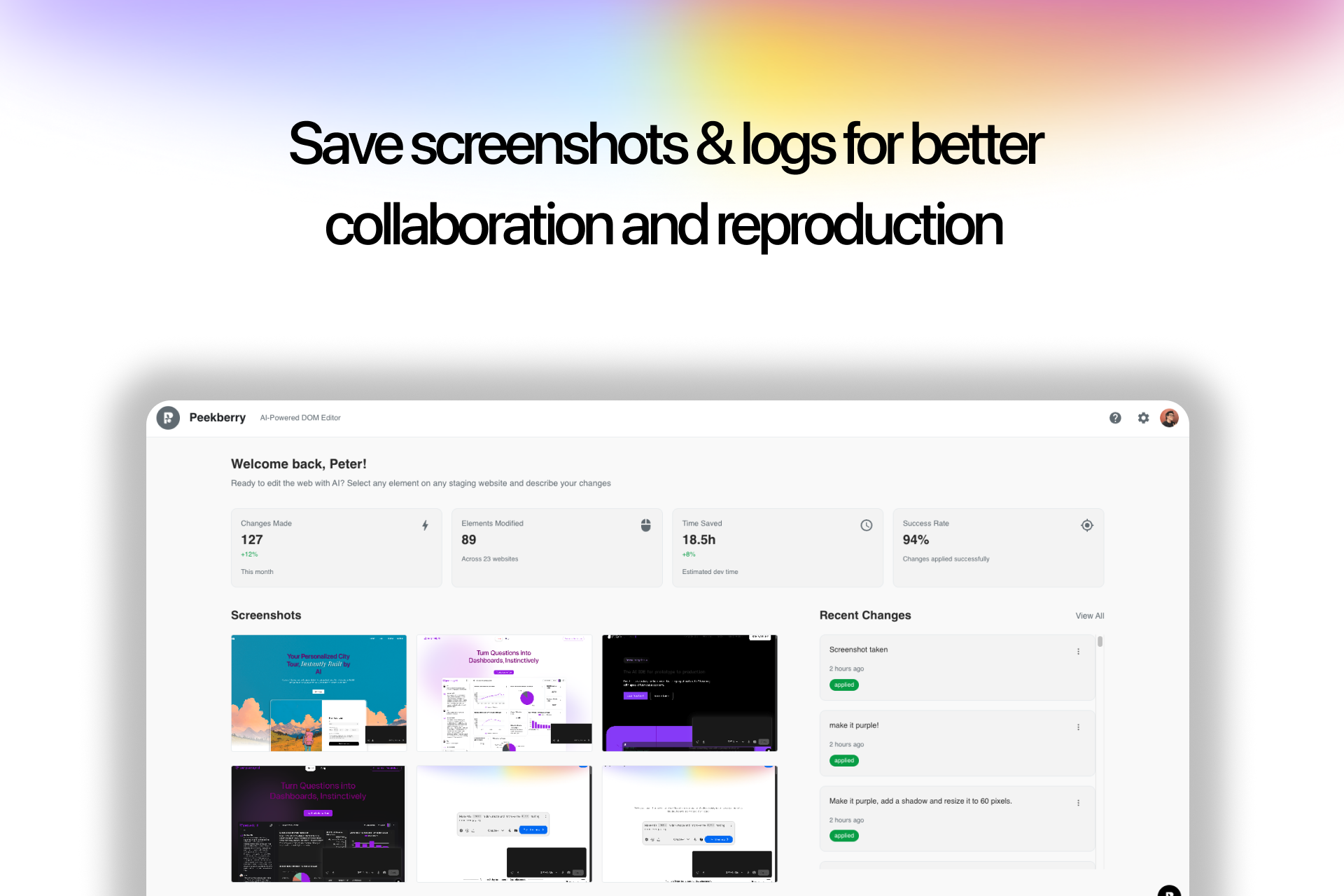
Peekberry Admin Dashboard
-
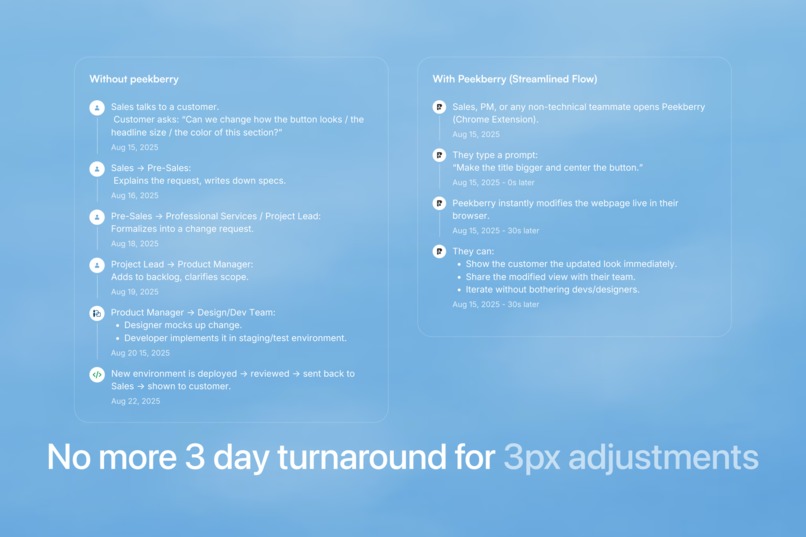
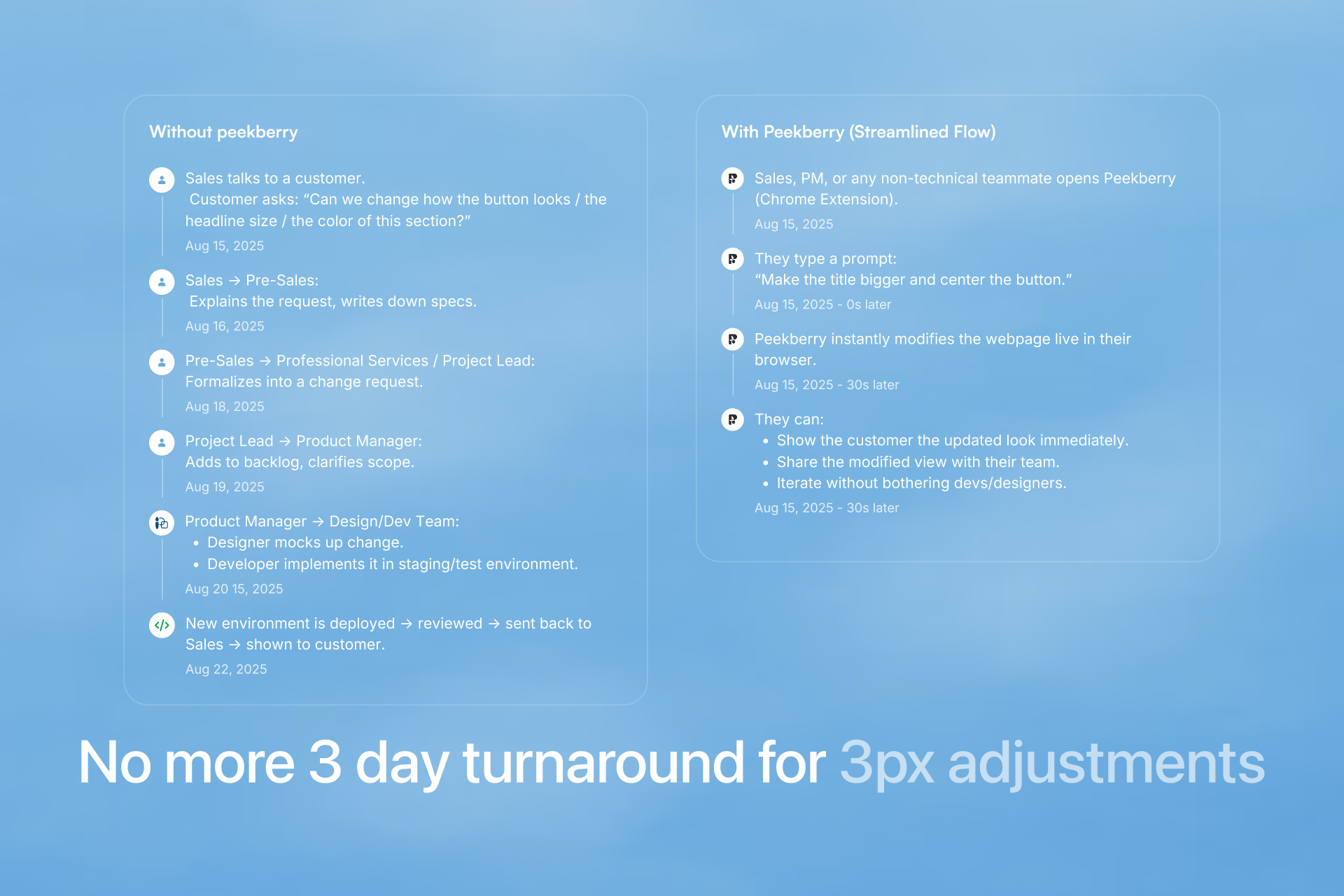
Peekberry - A real time saver in product delivery cycles & workflows
-
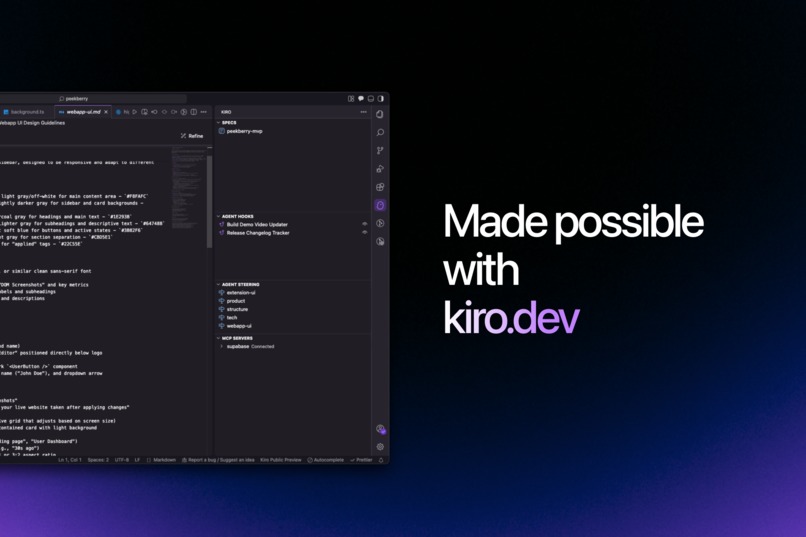
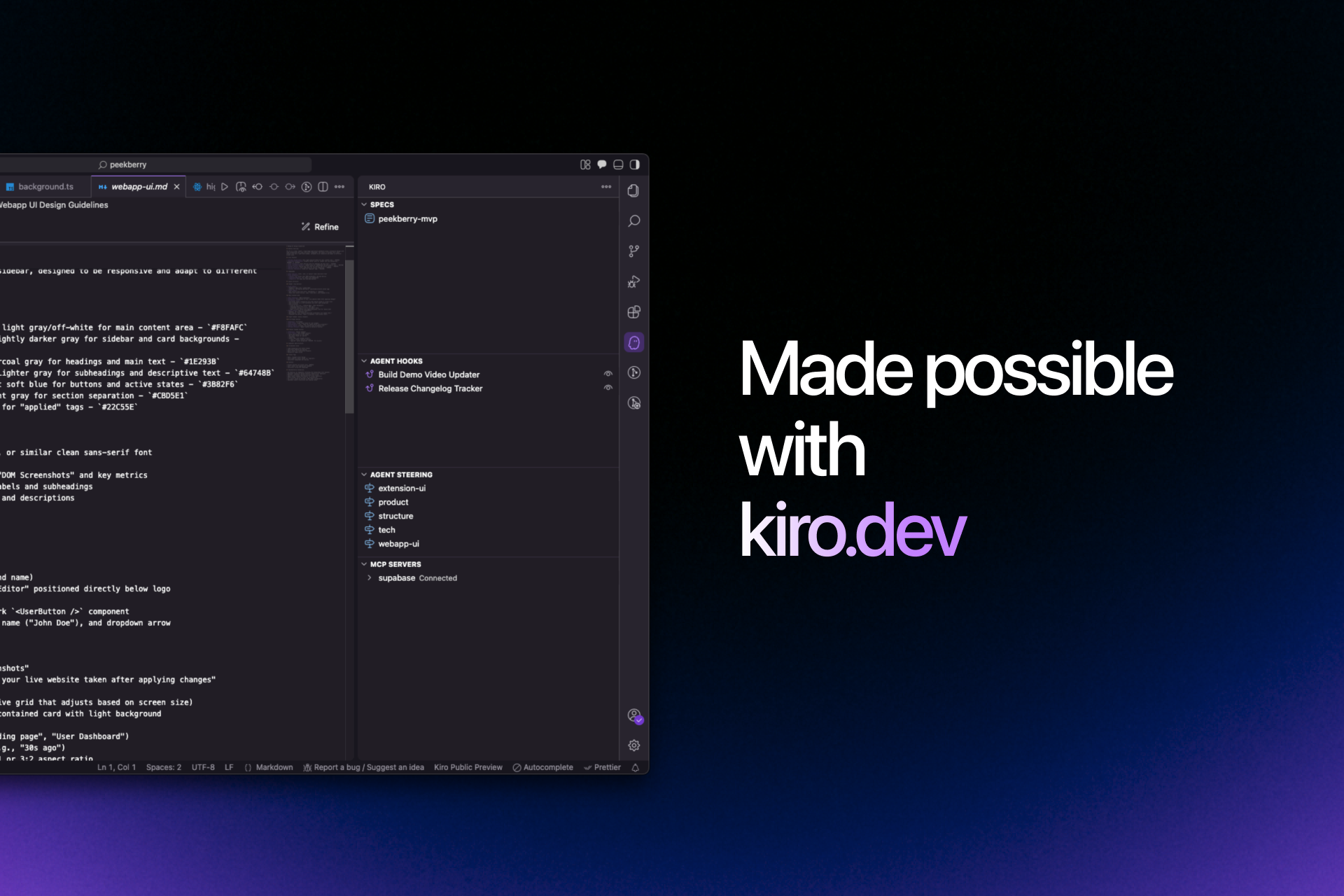
Codebase Screenshot - Kiro Appreciation
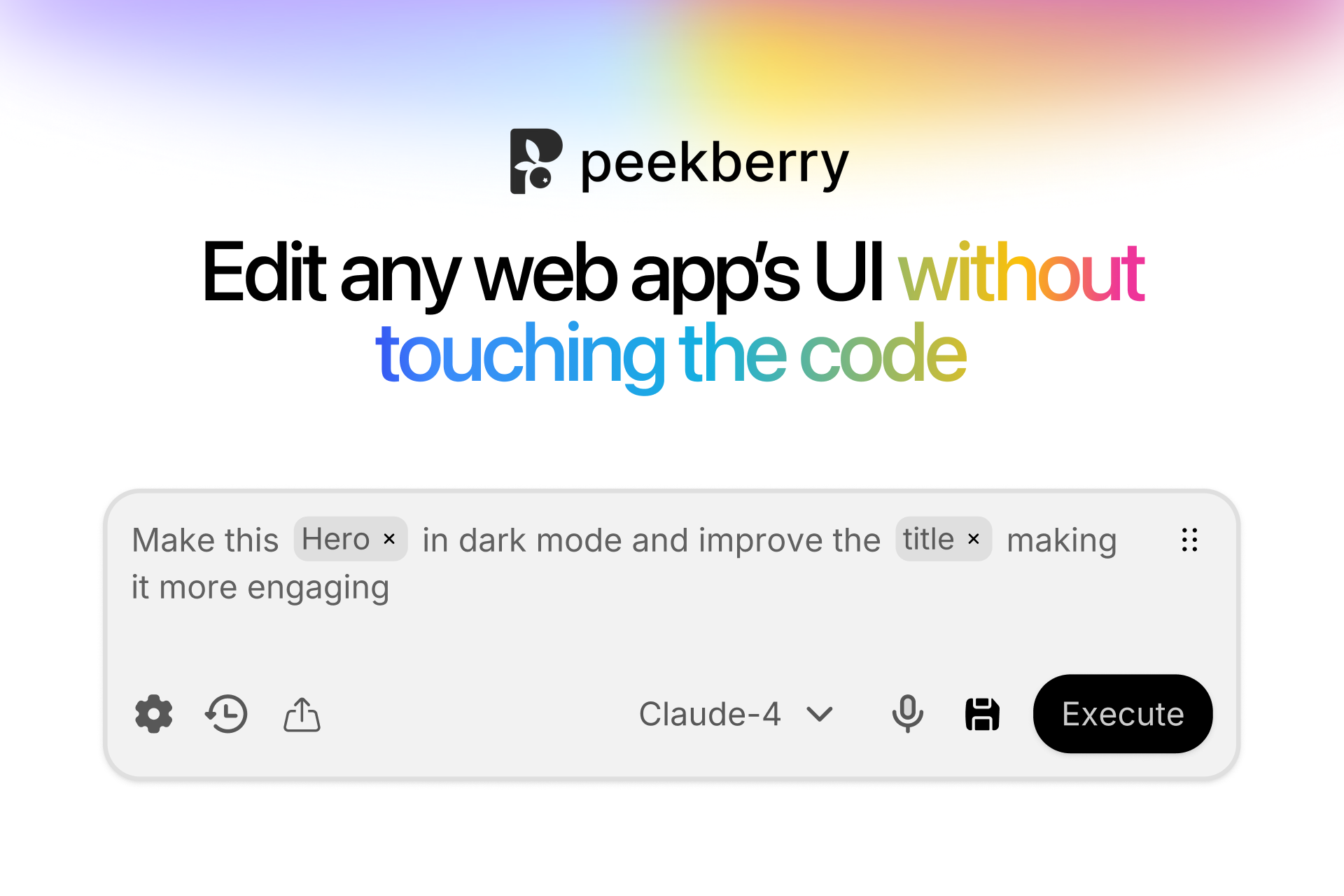
Peekberry: AI-Powered Website Editing
Inspiration
Picture this: You're a PM trying to show stakeholders how a website could look with different colors, without touching code. Traditional tools require CSS knowledge, developer handoffs, and endless back-and-forth. We wanted to break down these barriers.
The real inspiration came from watching developers spend hours on simple visual tweaks that should take minutes.
What if anyone could edit any website just by pointing and talking?
That's when we realized we weren't just building a product – we were building the future of human-computer interaction!
But here's the twist: we didn't just want to build something cool. We wanted to showcase how AI can revolutionize the development process itself. Enter Kiro – our AI development partner that turned a 50-hour hackathon into a full-stack masterpiece.
What it does
Chrome Extension: Point at any element, say "make this blue and bigger," watch it happen instantly. Works on any website.
Webapp Dashboard: Screenshot gallery, activity tracking, beautiful UI with skeleton loading states. Take care of all your prototypes from here.
The Magic: AI processes natural language → returns CSS mutations → real-time DOM changes with undo/redo.
How we built it
Kiro as Development Partner:
- Specs-driven development with
.kiro/specs/breaking down our entire vision - Steering files (
.kiro/steering/) maintained coding standards automatically - AI generated project structure, components, and API endpoints
- Consistent patterns across Next.js 15, React 18, Material UI stack
Tech Stack: React + Vite, Material UI, TypeScript, Chrome Extension (Manifest V3), Supabase, Clerk Auth
Challenges we ran into
Chrome Extension Hell: Cross-origin restrictions, avoiding conflicts with host websites, managing state between content scripts and background workers. Also we are still waiting on approval!
Kiro Context Window: Writing effective specs, trusting AI-generated code, balancing human creativity with AI consistency works great on Kiro, however context can sometimes be lost, especially when summarizing! We constantly needed to remind Kiro to keep it simple and guide it back off the stray path.
Input token size for DOM manipulation: we created a proprietary engine that takes care of the differencing / choosing what to send to the LLM and what to filter out. This took some time as well.
Accomplishments that we're proud of
0. Landing a potential customer all thanks to Kiro and a few cold calls and demos: We actually have a potential client requesting a custom Peekberry for her team!
1. Kiro Development Showcase: Proved AI can be a true development partner, not just a code generator.
2. Production-Ready Code: Proper error handling, loading states, responsive design – this could actually ship.
3. Seamless UX: Extension feels like magic. Users edit websites without any technical knowledge.
4. Beautiful Dashboard: Screenshot gallery with modal viewer, download functionality, timezone-aware timestamps.
What we learned
AI Amplifies Human Creativity: We focused on hard problems and product/tech specs while Kiro handled coding and patterns.
Specs Are Executable Architecture: Every requirement became code, every design decision became implementation. Love this about the way Kiro works and I hope you keep improving on it.
Chrome Extensions Are Hard: But the end result is incredibly powerful.
What's next for Peekberry
- Enhanced AI command processing
- More diverse DOM manipulation
- Full on voice mode (an actual customer requirement)
- Integration with Jira
- More models besides openAI
The Bigger Vision: Revolutionize the product delivery process itself.
Built in 50 hours with Kiro. This is the future of software development.
Built With
- clerk
- kiro
- react
- supabase
- typescript
- vite

Log in or sign up for Devpost to join the conversation.