-
-
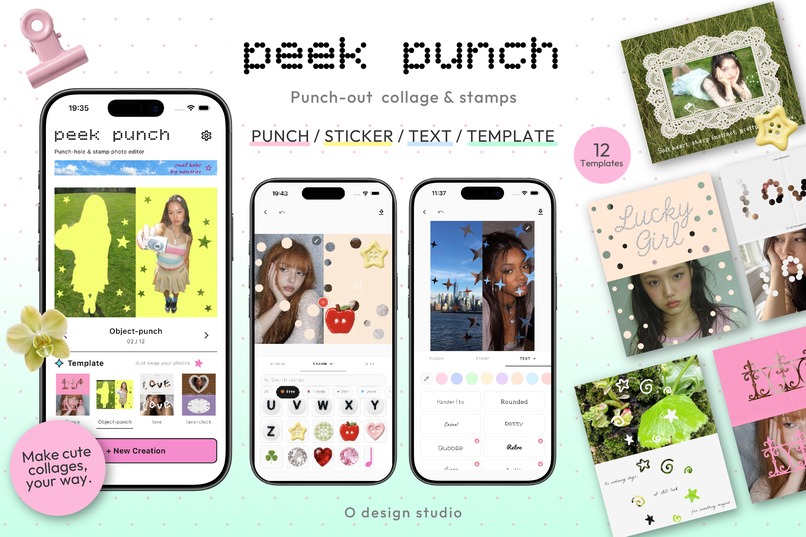
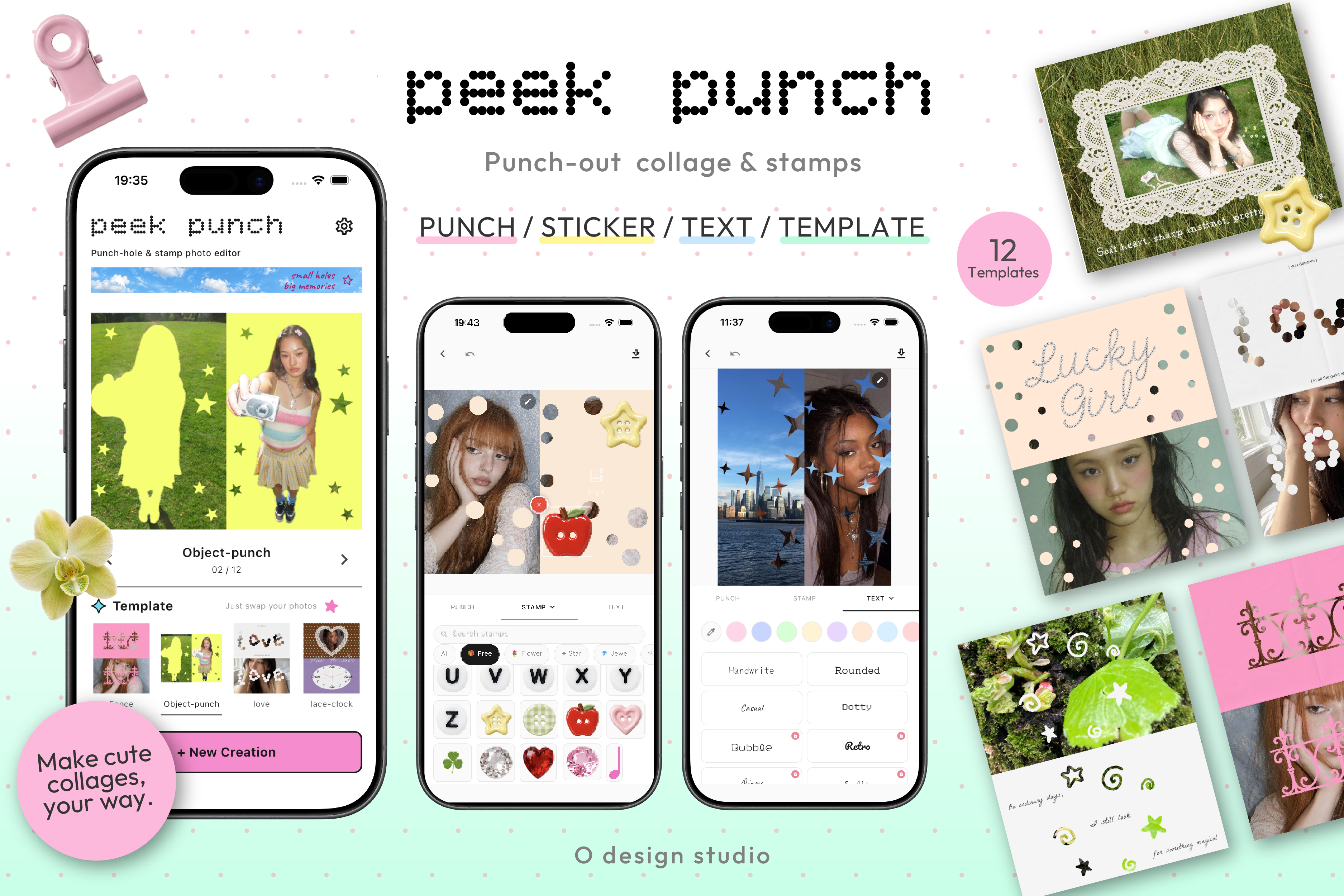
Explore 12 editable templates, then make social graphics your own with punch-outs, stamps, and type.
-
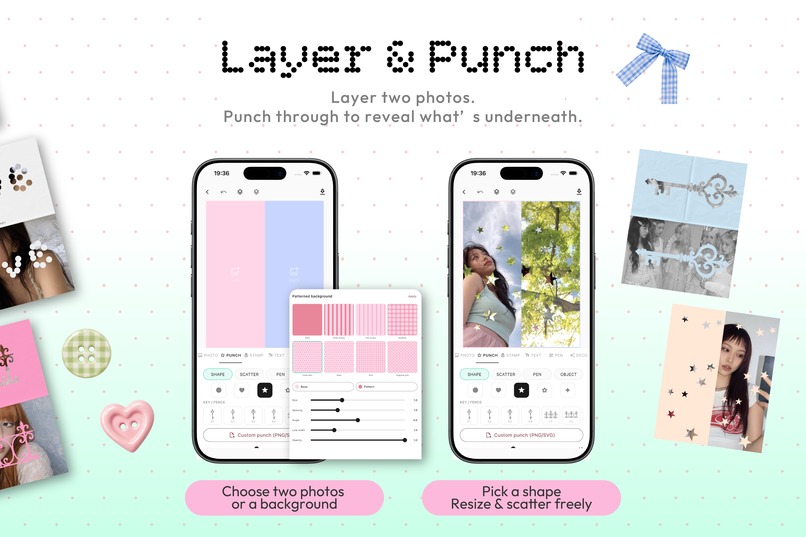
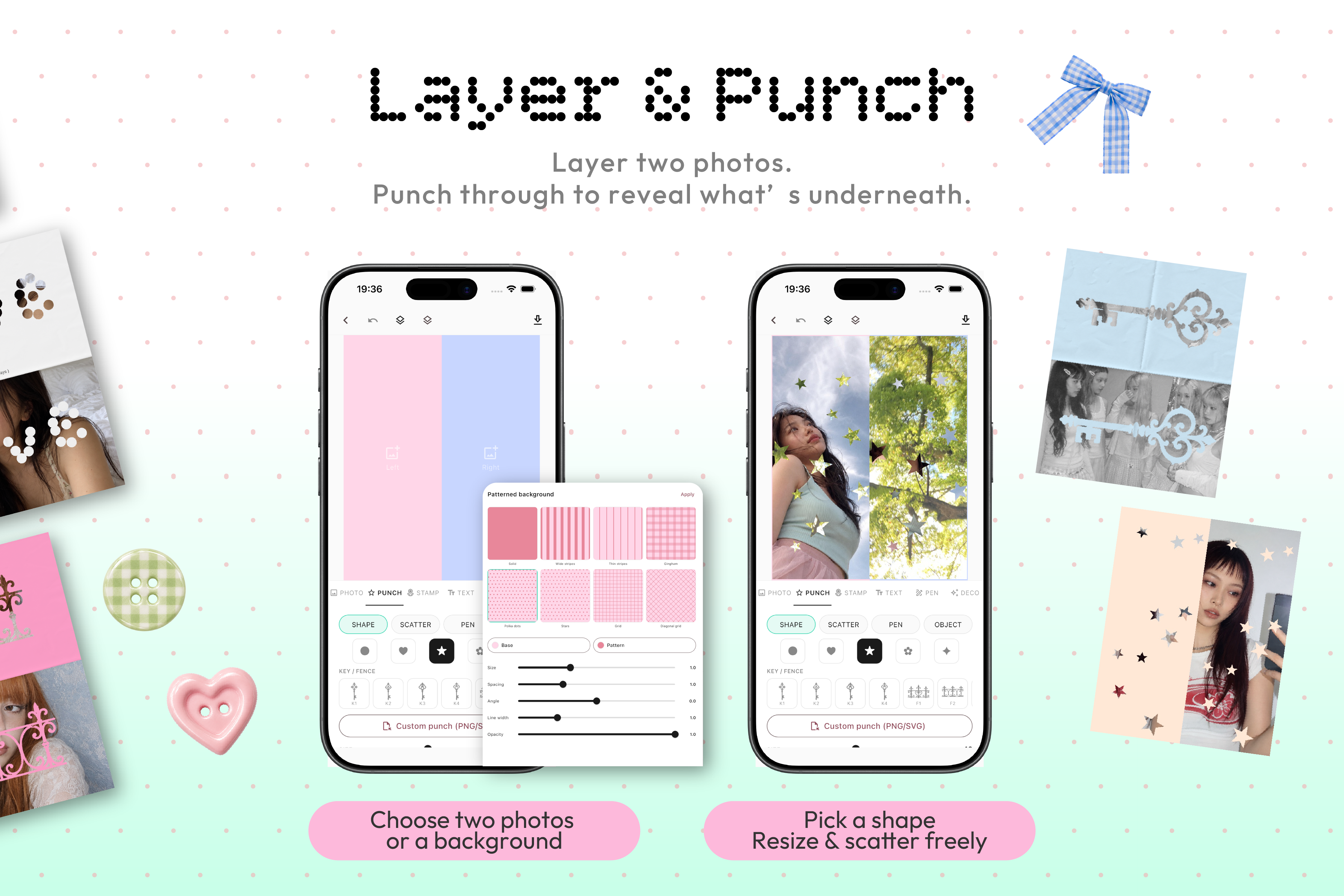
Layer photos or backgrounds, then place punch shapes to reveal what is underneath.
-
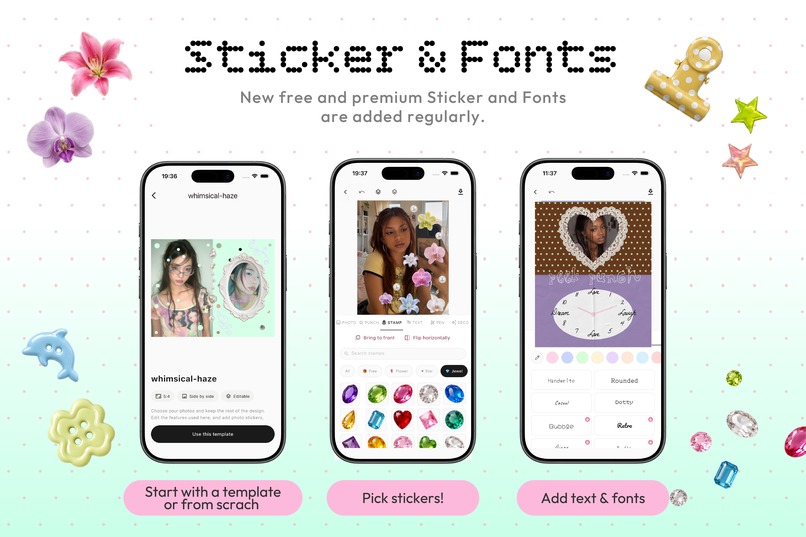
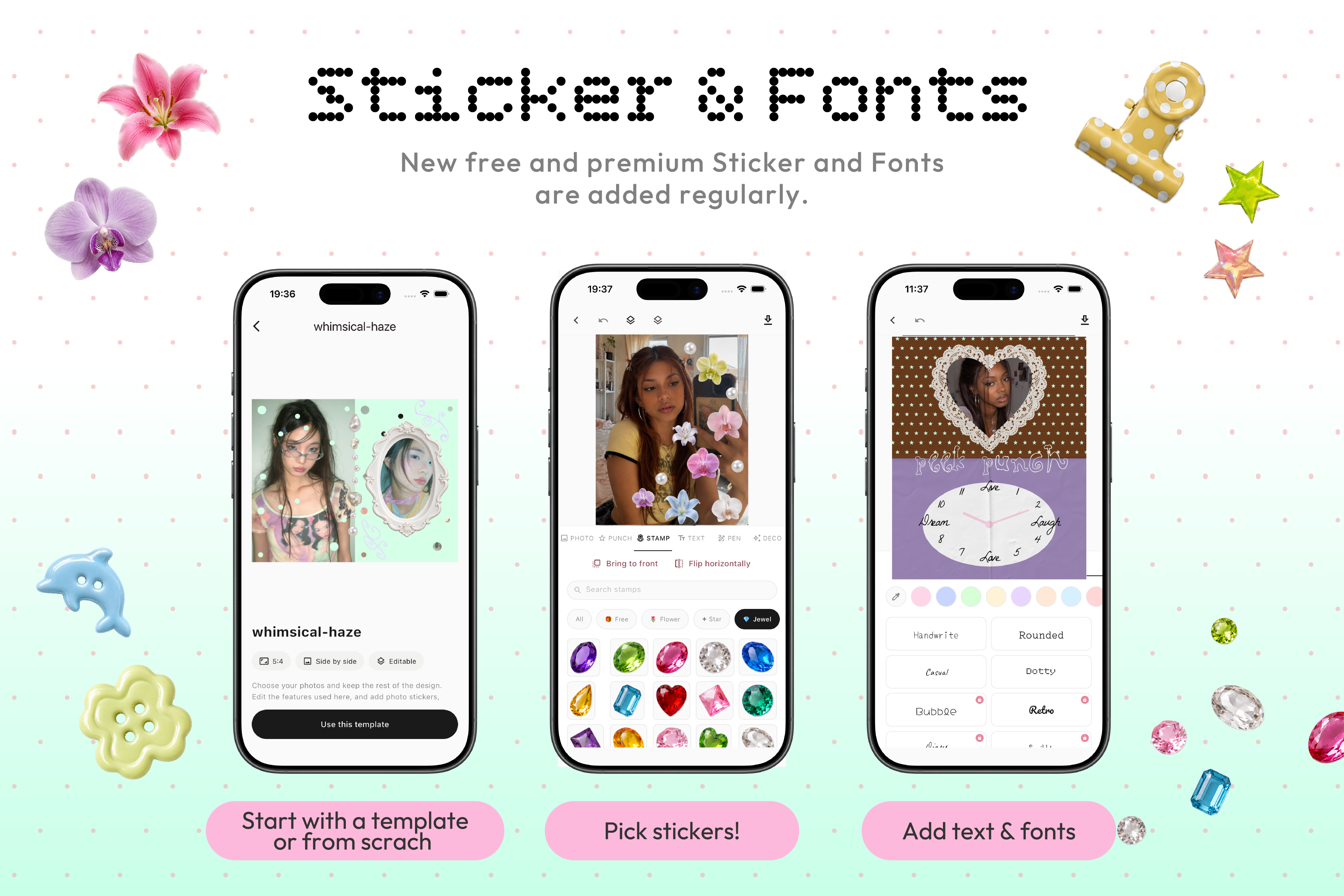
Start with a template or a blank canvas, then personalize it with stamps, text, and fonts.
-
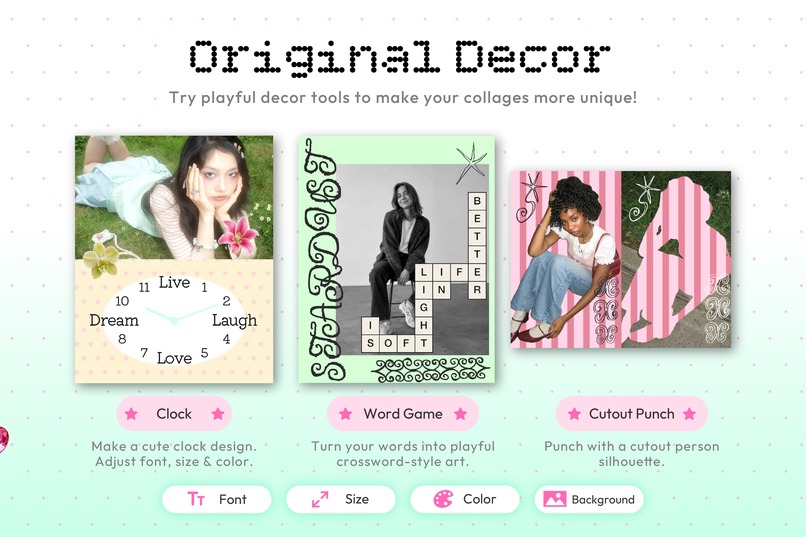
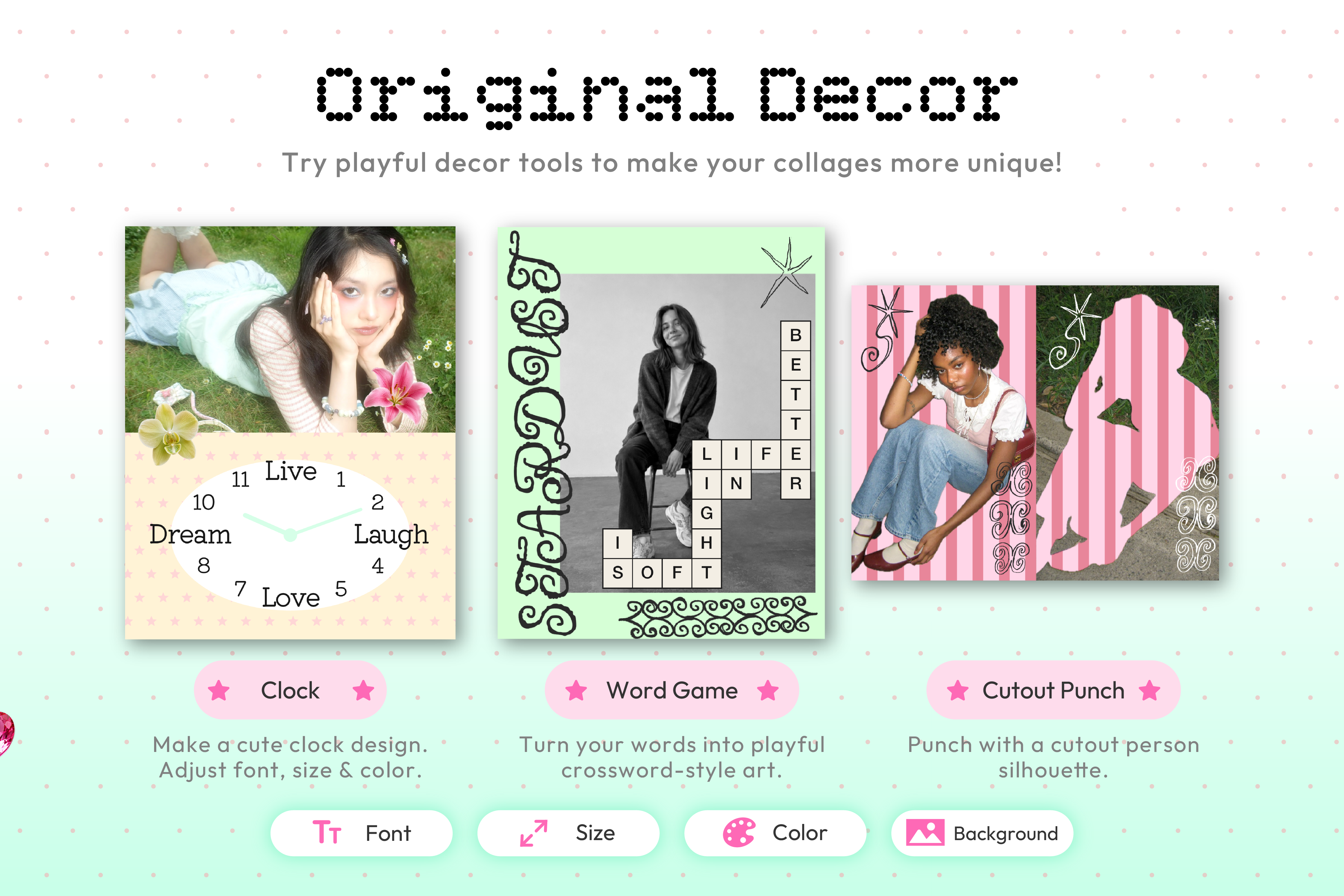
Add playful details with clocks, word games, and subject-shaped punch-outs.
-
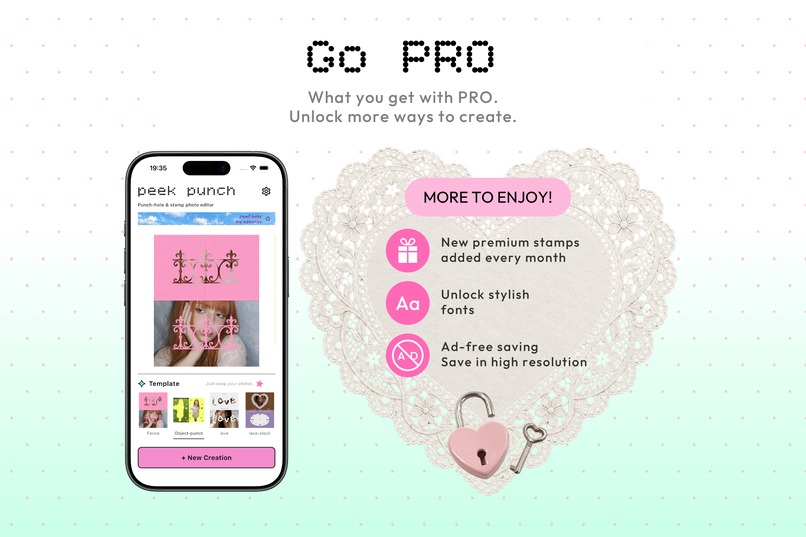
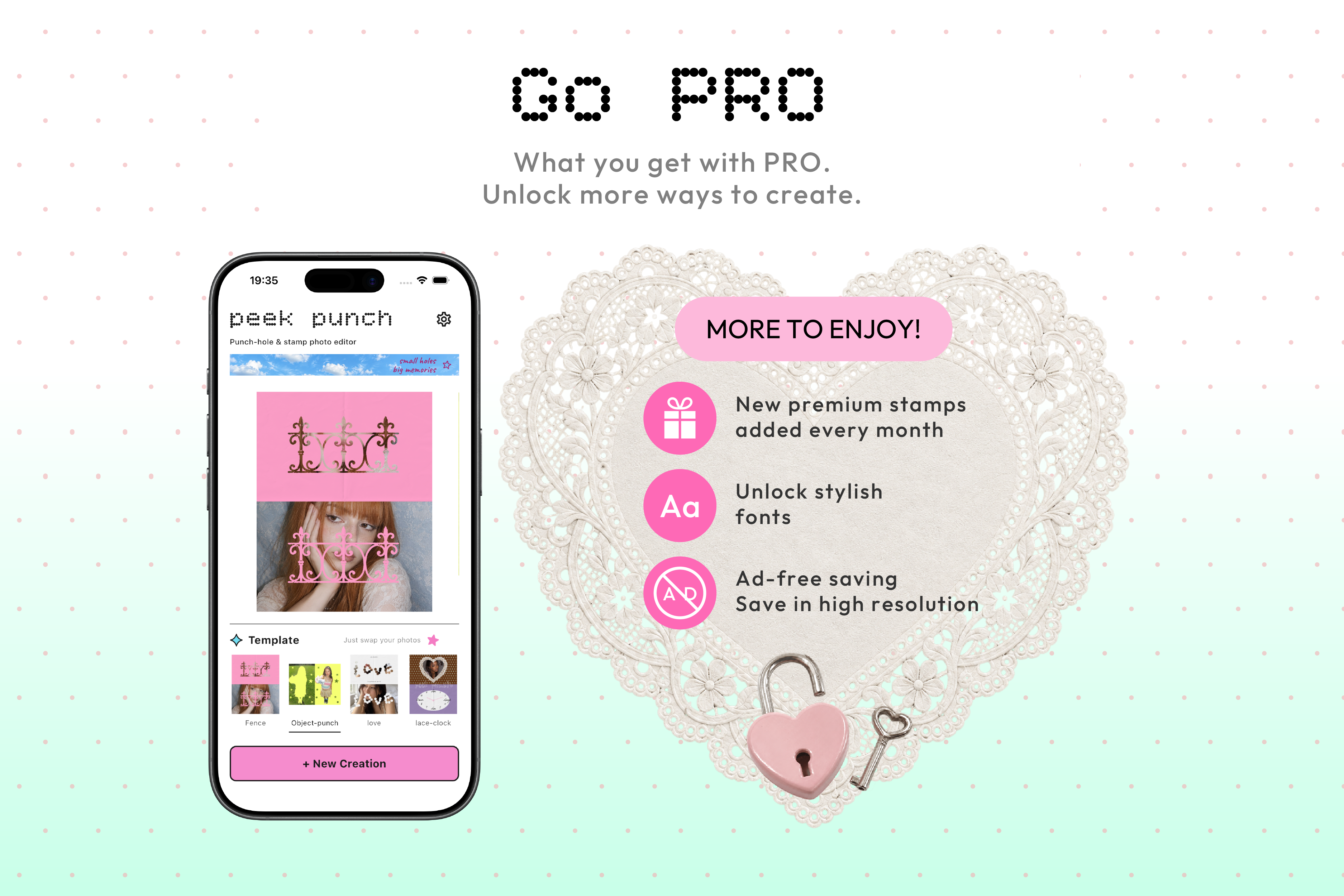
The core editor is free. PRO adds more stamps and fonts, high-resolution export, and ad-free saving.
-
The peek punch app icon, inspired by its playful punch shapes.
-
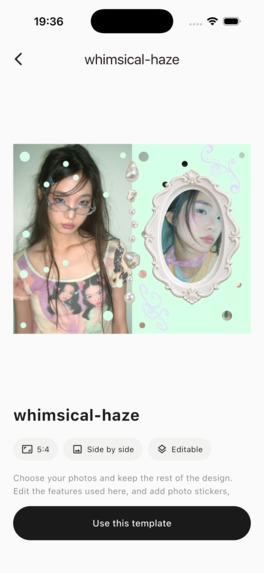
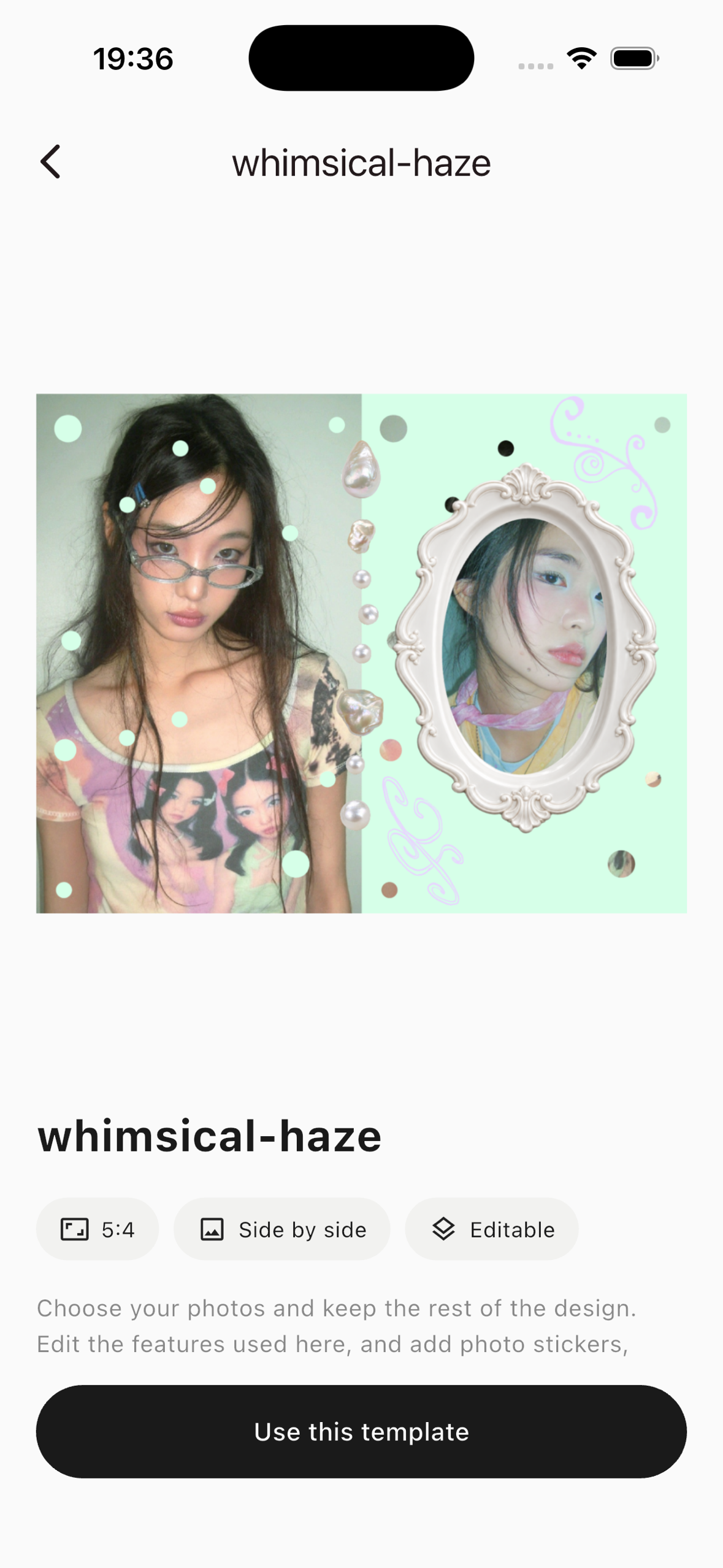
An unframed app screenshot showing an editable template preview.
Inspiration
I wanted to make visual design feel approachable to people who enjoy finding new styles on Pinterest and Instagram but do not have specialist design skills. I had women of my generation in mind: people making social posts, fan creations, event announcements, or images to share with friends. General-purpose editors can do many of these things, but a photo cutout or a punch-through collage can take time and several steps. I wanted the act of making something cute to feel immediate, while leaving room for a result that feels personal.
What it does
peek punch is an iPhone design editor with 12 editable templates. Users can replace the photos to get started, then change the text, stamps, colors, layers, and placement by touch. They can also begin with a blank canvas. The punch tool opens shapes in an upper layer to reveal the photo or color below. On supported iOS devices, subject cutout makes it easier to bring a person into a collage.
The templates are starting points, not fixed outcomes. I want people to discover their own design ideas as they keep changing the details.
Design details
I wanted the editor to retain some of the pleasure of making things by hand. Some paper textures, hand-drawn stamps, and pencil-like marks began with paper I folded or drew on and then scanned. I am still refining the tactile look of the punched edges and their shadows. The visual language combines that slightly analog feeling with direct, finger-driven editing.
How I built it
I designed the interface in Adobe Illustrator and annotated SVG screens with details such as button behavior and where panels should appear. Claude helped translate those directions into Flutter and Dart. I used ChatGPT to explore stamp ideas, then selected, redrew, and combined them with artwork I made myself. Higgsfield generated the model photos used in sample compositions. I avoided uploading other creators' images or my own illustrations to image-generation tools for imitation. I kept the creative decisions and final artwork under my own direction.
RevenueCat manages PRO access for monthly, yearly, and one-time purchases. The core editing tools are free. Free users can save after watching an ad; PRO adds more stamps and fonts, high-resolution export, and ad-free saving.
Challenges and what I learned
This was my first app, so almost every stage involved learning something new. Setting up in-app purchases in App Store Connect was especially confusing at first. RevenueCat's FAQ and AI-assisted troubleshooting helped me understand the settings and finish the integration.
I had made graphics in Illustrator before, but had not designed a user interface. My first versions were difficult to use. I revised them repeatedly and asked friends for feedback. I began paying attention to the apps I use every day and learned that good UX is as important, and as challenging, as the finished visual design. I tried to reduce the need for instructions and make the controls understandable through use.
Early response
I also began promoting an app on social media for the first time. My Instagram account gained more than 100 followers in its first month. Seeing people use peek punch in their own Stories and posts was especially encouraging. The app has been downloaded in countries beyond my home country of Japan, and I plan to share it more actively after this update and Shipaton.
What's next
I want to add more templates and punch shapes, give people finer control over moving and locking layers, and support GIF export and animated stamps. I also want to develop the analog feeling further with more realistic punched edges and shadows, additional pen styles, and more textures made from physical materials.
Built With
- chatgpt
- claude
- dart
- flutter
- higgsfield
- revenuecat


Log in or sign up for Devpost to join the conversation.