PEEBO - Cook With What You Already Have
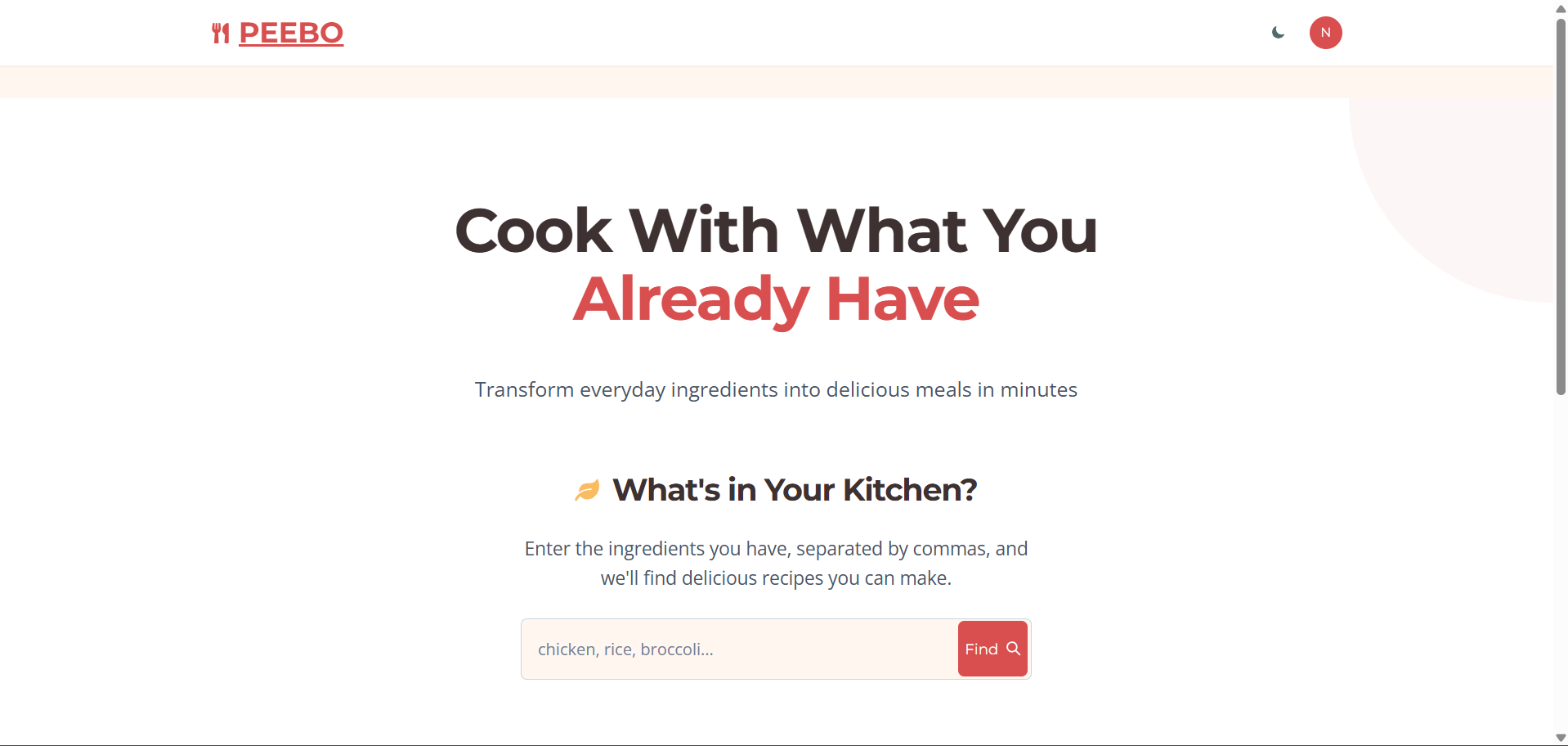
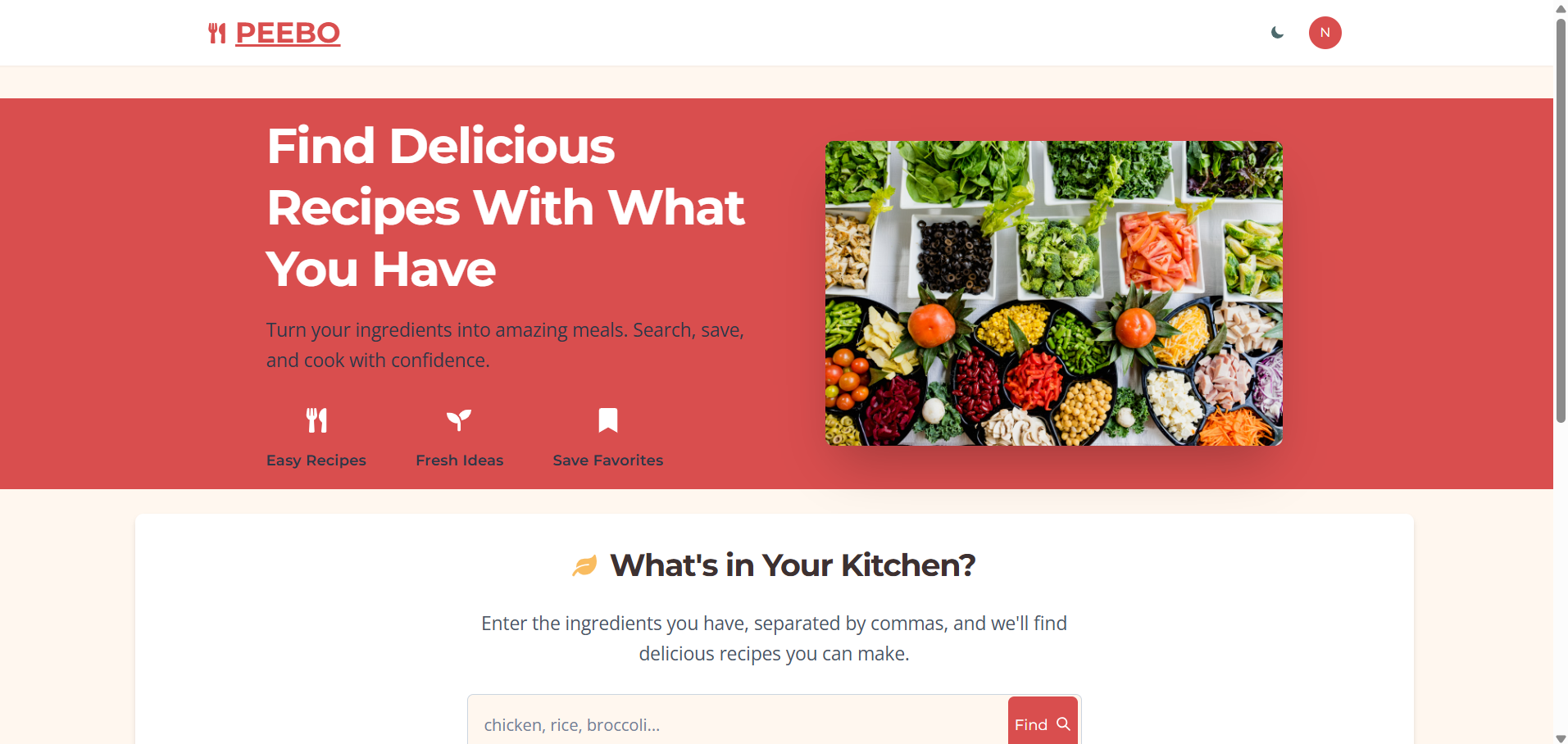
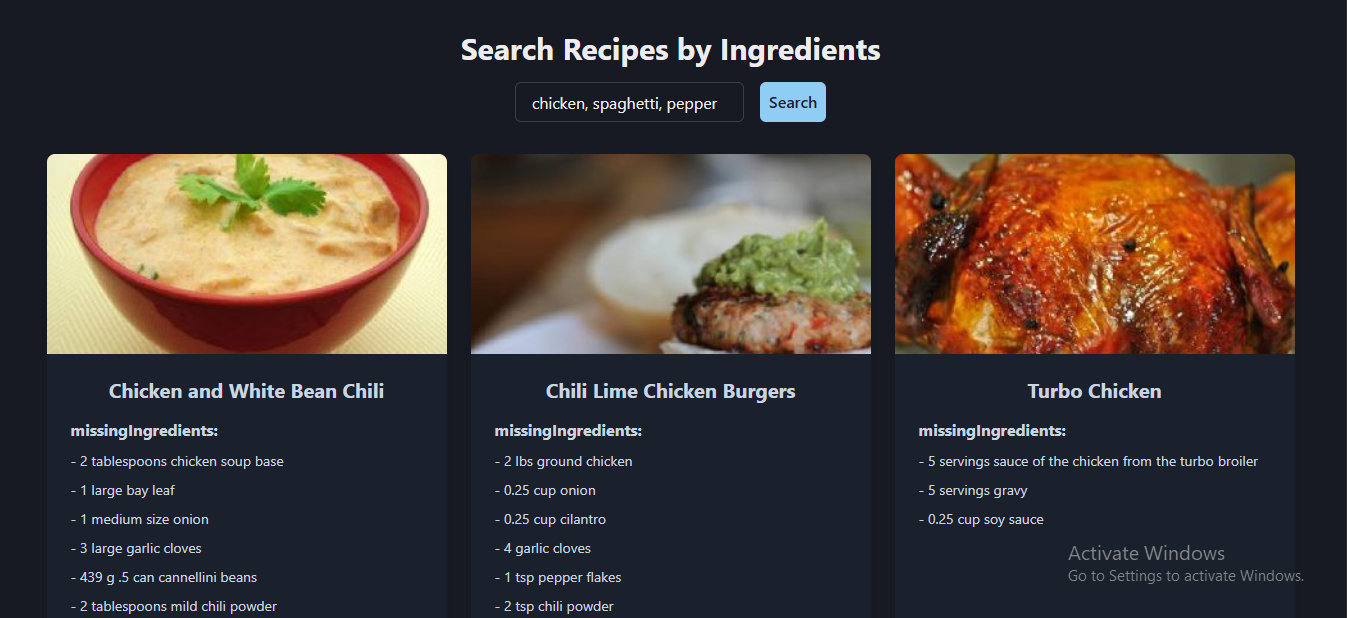
PEEBO is a web application that helps users discover recipes based on ingredients they already have at home. It provides a simple and intuitive interface to search for recipes, save favorites, and keep track of cooking notes.

Features
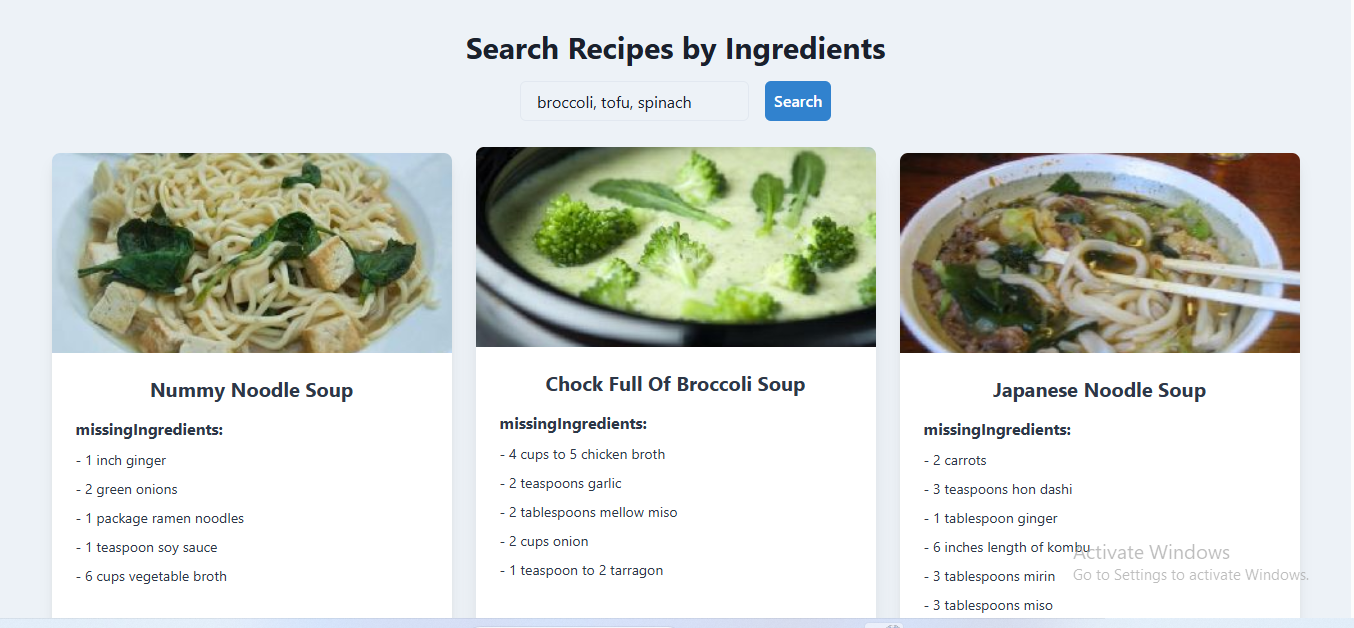
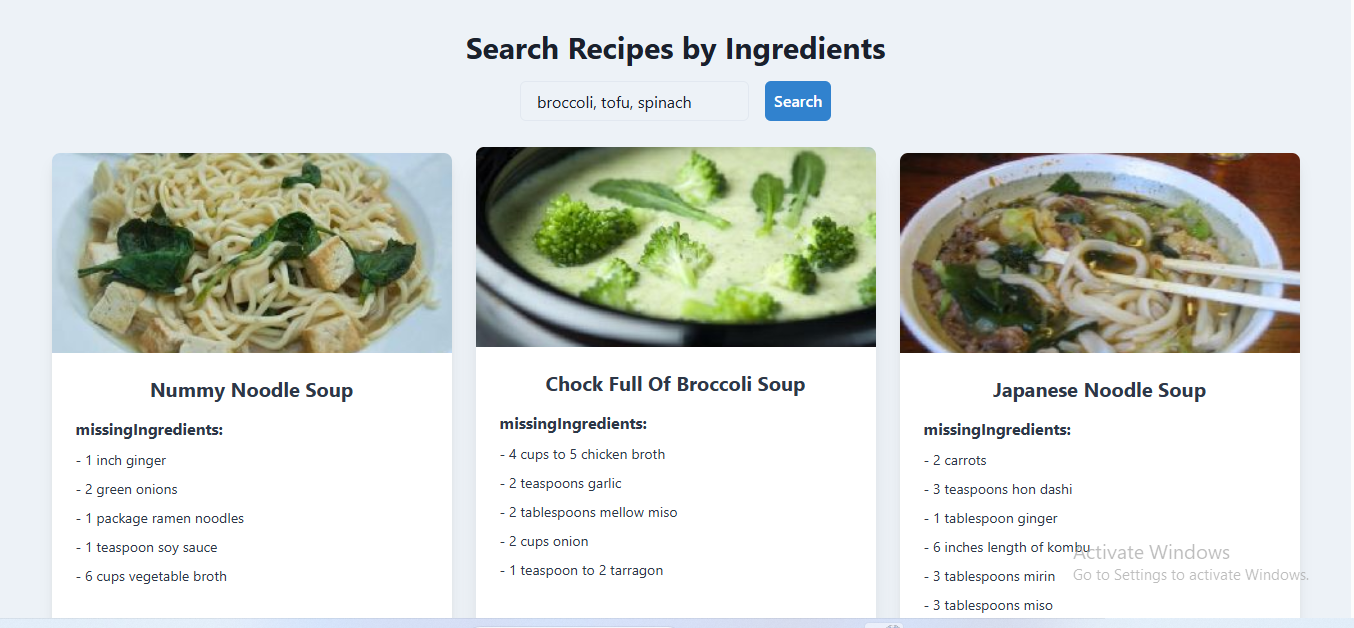
- Ingredient-Based Recipe Search: Find recipes using ingredients you already have
- Recipe Details: View comprehensive recipe information including cooking time, servings, instructions, and more
- Save Favorites: Save recipes to your personal collection for easy access
- Personal Notes: Add your own notes to saved recipes
- User Authentication: Secure account creation and login with Firebase
Tech Stack
RESTful API Architecture
- Serveless functions stitching 3rd party api with cloud infrastructure
Frontend
- React.js with Vite
- Chakra UI for responsive design and theming
- Zustand for state management
- React Router for navigation
- Vercel Frontend Hosting
Backend
- Node.js with Express
- MongoDB Atlas with Mongoose ODM
- Firebase Authentication
- Render Backend Hosting
External APIs
- Spoonacular API for recipe data
Getting Started
Prerequisites
- Node.js (v16 or higher)
- MongoDB
- Spoonacular API key
- Firebase project
Installation
Clone the repository
git clone https://github.com/sprusrxeroxx/PEEBO.git
cd PEEBO
Set up environment variables
Create .env in the server directory:
   MONGODB_URI=your_mongodb_connection_string
   SPOONACULAR_API_KEY=your_spoonacular_api_key
   PORT=5000
Create .env.local in the client directory:
   VITE_FIREBASE_API_KEY=your_firebase_api_key
   VITE_FIREBASE_AUTH_DOMAIN=your_firebase_auth_domain
   VITE_FIREBASE_PROJECT_ID=your_firebase_project_id
   VITE_FIREBASE_STORAGE_BUCKET=your_firebase_storage_bucket
   VITE_FIREBASE_MESSAGING_SENDER_ID=your_firebase_messaging_sender_id
   VITE_FIREBASE_APP_ID=your_firebase_app_id
- Install dependencies ```bash # Install server dependencies cd server npm install
# Install client dependencies cd ../client npm install
4. **Start the application**
   ```bash
   # Start the server (from server directory)
   npm start

   # Start the client (from client directory)
   npm run dev
Usage
- Create an account or log in with existing credentials
- Search for recipes by entering ingredients you have on hand
- Browse recipe results and view detailed information
- Save recipes to your personal collection
- Add notes to saved recipes with your own cooking tips or modifications
API Endpoints
Recipes
GET /api/v1/recipes/search?ingredients={ingredients}- Search for recipes by ingredientsPOST /api/v1/recipes/save- Save a recipe to user's collectionGET /api/v1/recipes/saved/{userId}- Get all saved recipes for a userDELETE /api/v1/recipes/saved/{id}- Delete a saved recipePATCH /api/v1/recipes/saved/{id}/notes- Update notes for a saved recipe
Users
- User authentication is handled via Firebase
Project Structure
PEEBO/
├── client/               # React frontend
│   ├── src/
│   │   ├── components/   # React components
│   │   ├── contexts/     # Context providers
│   │   ├── pages/        # Page components
│   │   ├── store/        # Zustand state stores
│   │   └── theme/        # Chakra UI theme customization
├── server/               # Express backend
│   ├── controllers/      # Route controllers
│   ├── models/           # MongoDB models
│   ├── routes/           # API routes
│   └── services/         # Business logic and services
│       └── enrichers/    # Recipe enrichment modules
Recipe Enrichment Pipeline
PEEBO uses a modular enrichment pipeline to enhance recipe data. This allows for:
- Fetching additional details from the Spoonacular API
- Extending recipe information with custom data
- Adding more enrichment steps without changing existing code
Credits
- Recipe data provided by Spoonacular API
- Icons from React Icons
- UI components from Chakra UI
License
This project is licensed under the MIT License.
Contributing
Contributions are welcome! Please feel free to submit a Pull Request.
- UI components from Chakra UI
Future Updates
- Ai based ingredient detection
- Shared user pantries/groceryLists/meals
- Tinder like feel to cooking instruction cards
- Weekly "use it up" snapshots for expirying ingredients
Many more updates coming! Stay tuned.

Log in or sign up for Devpost to join the conversation.