
Intro
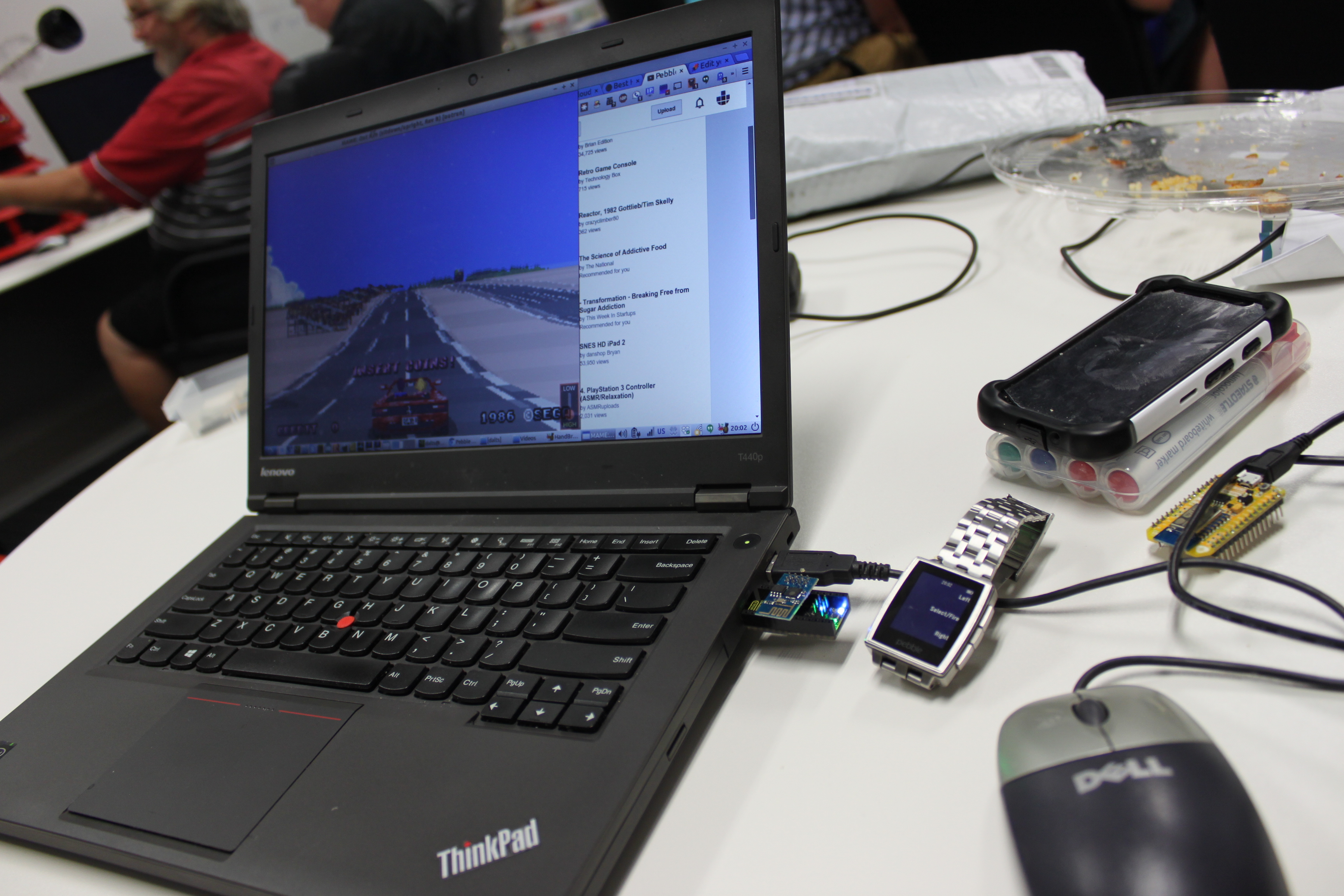
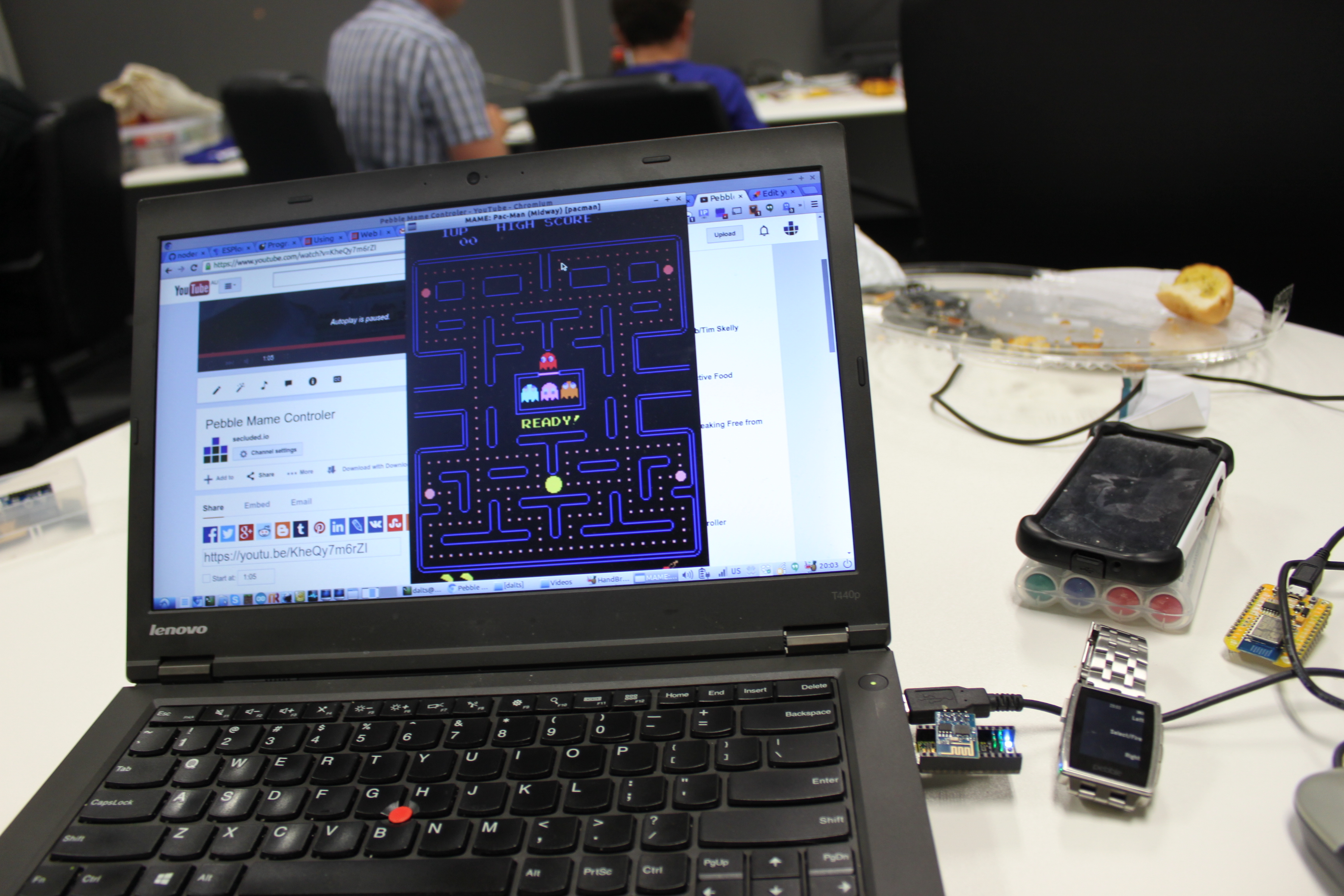
Control Mame arcade games from your pebble watch using Accellerometer and Buttons.
- https://github.com/pebb/kbcontrol - watch app to send (pebble.js Javascript)
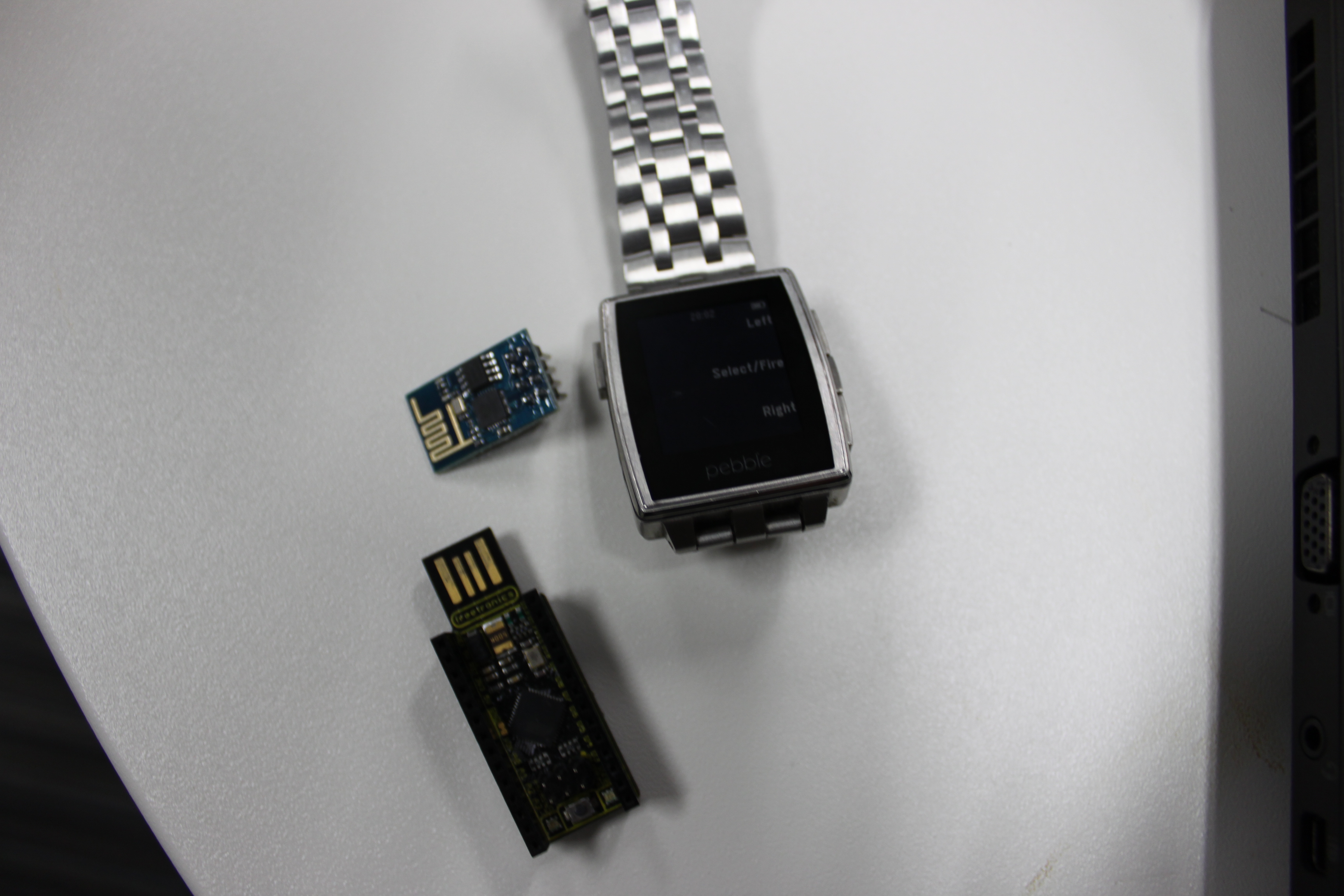
- https://github.com/pebb/hardware - hardware control of keyboard via Arduino Leostick & ESP8266 IoT module (C/Lua)
- https://github.com/pebb/kbserver - server component (python - used for testing before we moved to ESP8266)
Challenges
Initially started talking directly from Arduino via bluetooth to the Pebble, this cause massive problems for other pebbles in the area though as the Arduino was pretty aggressive connecting to the pebble.
Moved to not using Arduino and attempting to talk directly to the PC and control the keyboard.
This was a lot harder than expected, to give you an idea of some of the options I explored - here's an extract from my journal:
- Arduino Leostick with WIFI/Bluetooth module. Arduino can run as HID module. If using ESP8266/NodeMCU can easily run web/telnet server on module.
- USB/IP - http://usbip.sourceforge.net - totally out of maintenance, awful documentation
- rinputd - https://wiki.ubuntu.com/RemoteInput/rinputd, https://wiki.ubuntu.com/RemoteInput/RemoteInputProtocol
- looks promising but documentation is terrible and no client implementations apart from Remotux (see http://www.gossamer-threads.com/lists/mythtv/users/416698?do=post_view_threaded)
- https://wiki.ubuntu.com/RemoteInput
- Virtualbox - using Virtualbox API to control keyboard (probably too slow)
- uinput - https://web.archive.org/web/20120710121647/http://www.einfochips.com/download/dash_jan_tip.pdf
- Looks like in new ubuntu it's baked into kernel and now at /dev/uninput.
- xdotool - remote control X11 applications, doesn't work with MAME commands though.
- autokey - python library that can drive window automation (used for testing)
- python-uinput - https://github.com/tuomasjjrasanen/python-uinput - seems to work, make sure compile from source, version in pypy not working. Mame won't accept input... :-(
- https://www.npmjs.com/package/uinput - same as above for nodejs
Despite being able to have keys coming through in software as the MAME game emulator just doesn't seem to respond to keyboard like normal X11 apps. So, after 3 weeks of messing about I returned to going back to a hardware solution - this time using wifi and the pebble.
Unfinished Business
- Currently only works with keys, and due to not being able to detect keys on pebble being held not suitable for all games. Next version will use accelerator and stream coordinates for a free flowing control.
- Talking from pebble to Arduino via http webserver pretty inefficient, but as I was using pebble.js the only connectivity available to me was AJAX. For the next version I'll rewrite the watch app in C and use PebbleKitJS or native Android to do a raw socket connection or even use MQTT (my current favourite on the ESP8266).
Built With
- arduino
- javascript
- linux
- mame
- python
- usbip

Log in or sign up for Devpost to join the conversation.