Since the Pebble uses an E-ink display, loading images is very limited (especially dynamic images like weather radar that is updated every six minutes). Doppler radar uses color to indicate strength of storms, which isn't available at all on Pebble. I'm interested in weather, and I wanted to do something that had not been done before, so I came up with a way to put doppler radar data on the Pebble.
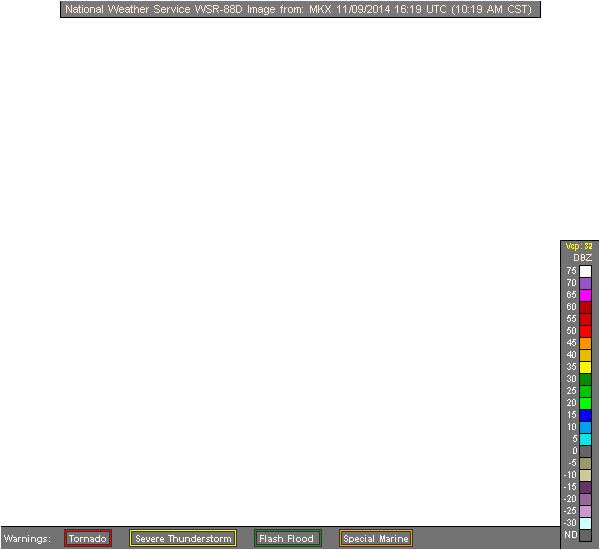
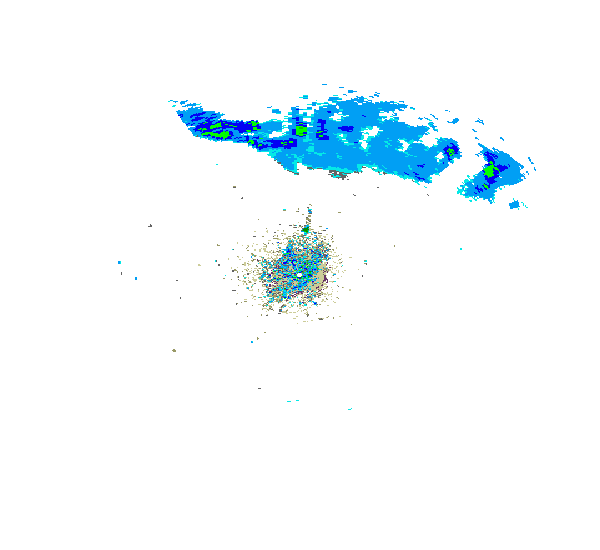
MKX_N0R_0_raw.gif is a raw weather radar image from the National Weather Service. Most of what you see on the image near the center is actually ground clutter, and the indicated rain is probably very light (if it reaches the ground at all). MKX_N0R_Legend_0.gif is the legend the NWS uses for weather radar; it's a colored scale from cooler blues and greens for light precipitation to yellow, orange, red and pink for more severe storms. By thinking about the colors as numbers, where 1 <= n <= 10, I can display a single digit that represents an area of precipitation on doppler radar. By cleaning up the lighter colors (which don't convey useful information) and scaling the radar image down closer to the Pebble's actual screen I can map the colors on doppler radar to digits that tell the same story, and that does work on the Pebble's screen:
Examples: (Most of the 1s and 2s get filtered out) (For stronger storms, the higher numbers 1 1 1 22333 22211111 show the heavier precpitation) 23 33222 3333333322221 22221111 444443332231 2224543 1
My hack is unfinished, but I did succeed in finding a way to put meaningful doppler radar data on a platform it's not designed for, so I'm proud of it and I'll keep working on it until it's Pebble app store worthy.
Built With
- doppler-radar
- hardware
- html5
- javascript
- node.js
- pebble

Log in or sign up for Devpost to join the conversation.