Inspiration
Every day, when we get home, it's almost automatic to fish in our pockets for our keys. Minutes every day add up to hours every year wasted waiting outside of your door. What if this call could change, and even better, at a hackathon? We decided that this would be a cool and useful thing to make.
What it does
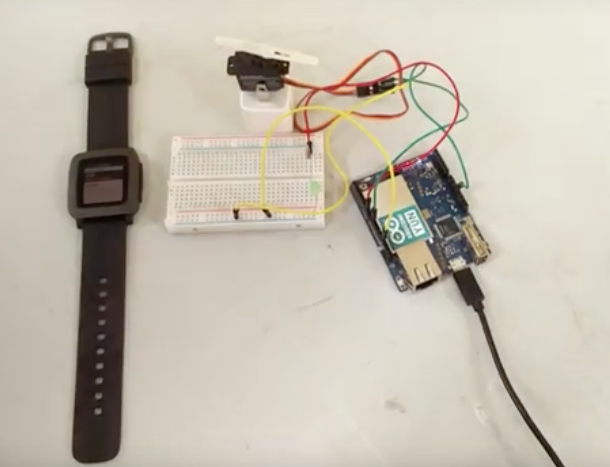
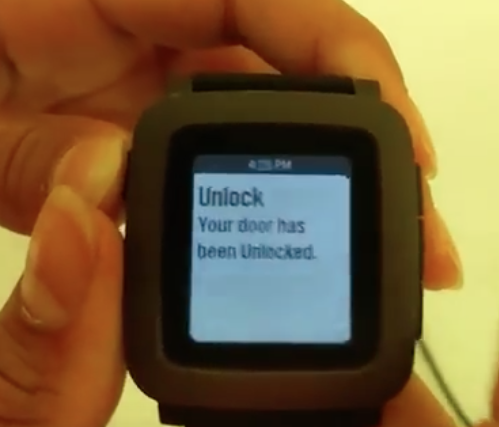
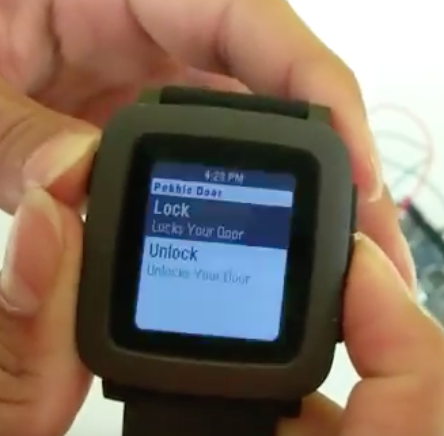
Using a pebble app, you can control a remote lock controlled by an Arduino to lock and unlock.
How I built it
We used Pebble Cloud to program the Pebble app. The Pebble app sends an AJAX request to an Arduino Yún through the phone the Pebble is connected to. The Arduino interprets the AJAX requests sent to it and decides what to do with the lock. Both the Pebble and the Arduino are connected to the same WiFi network.
Challenges we ran into
First, we were unsure how to control the Arduino from the Pebble. We fixed this by utilizing the Arduino's wifi abilities and its webserver. Next, the Pebble app did not send the AJAX request. We debugged the code, and it eventually worked. Some of the if statements in the Arduino code did not work either. We resolved this problem by double-checking the code.
Accomplishments that we're proud of
We are proud that we were able to get the Pebble to work wirelessly, with a minimal amount of moving parts. Previously, we were planning to use a Pebble, an Android helper app, a computer, and the Arduino. In the end, we slimmed it down to a Pebble and an Arduino, making it run much faster.
What we learned
We learned to write in PebbleJS as it is the first time that we tried this. We also learned how to connect the Pebble and Arduino through WiFi. We also learned to not give up while debugging.
What's next for Pebble Wireless Door Unlock
Next, we plan to add an LCD screen on the Arduino, enabling more output of information. Second, we plan to provide feedback back to the Pebble, showing if the door is already locked or not.


Log in or sign up for Devpost to join the conversation.