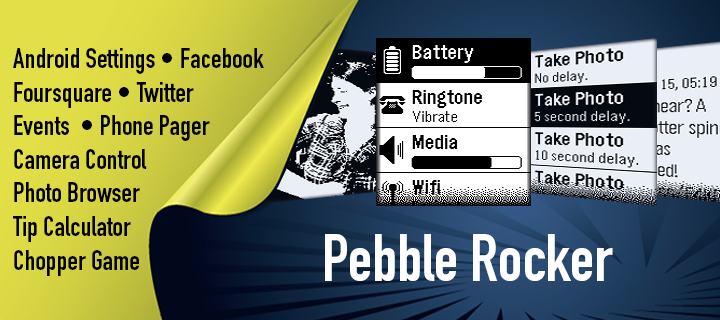
Pebble Rocker aims to be the ultimate Pebble watch companion for Android users.
Included Watch Apps
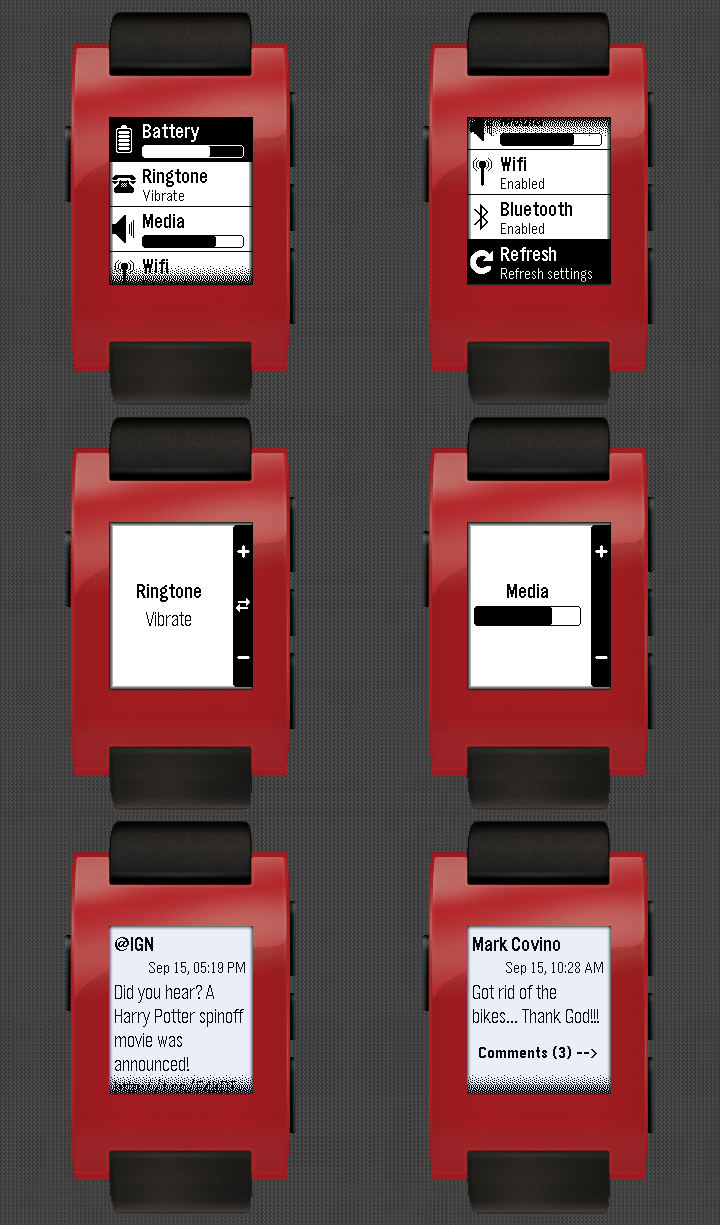
- Android Settings: View & change Android settings from your watch.
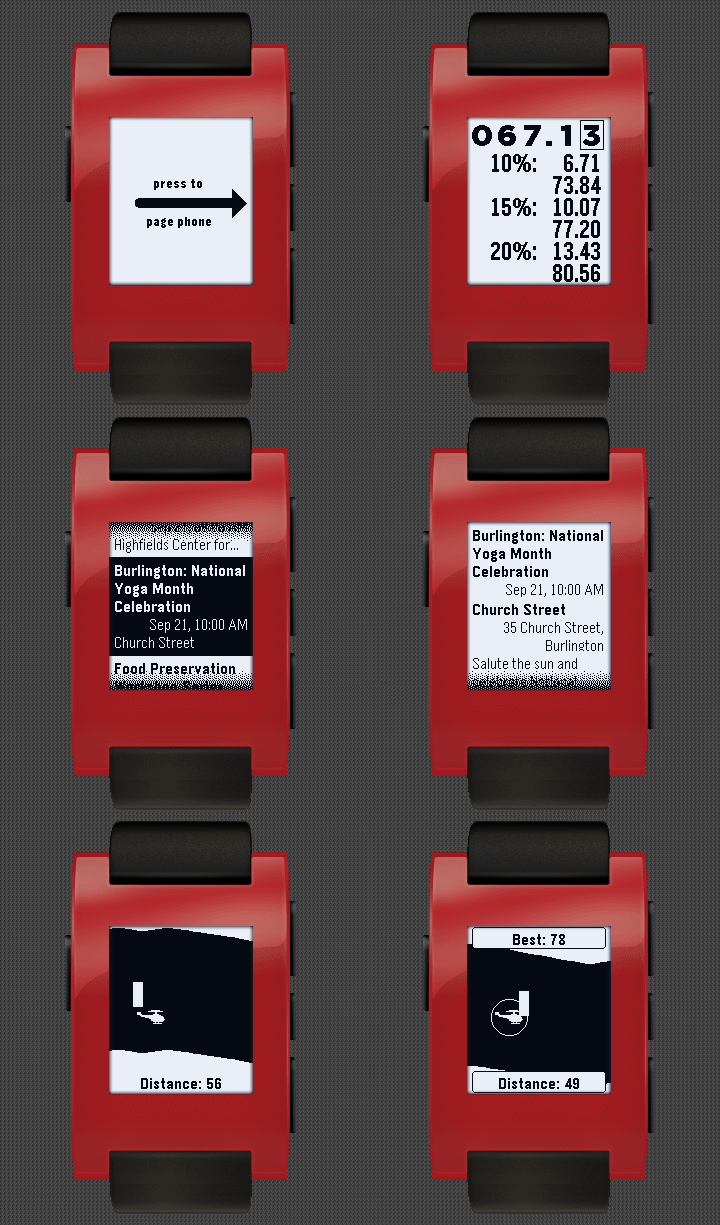
- Chopper (Game): See how long you can navigate the Chopper through the perilous caverns.
- Camera Control: Use your Pebble watch to take photos with your phone.
- Facebook: browse your Facebook feed (w/ comments & pictures) on your Pebble watch.
- Foursquare: find nearby venues and check in from your Pebble watch.
- Twitter: browse your home timeline (w/ pictures) on your pebble watch.
- Events: find activities in your area such as music, community events, conferences and more.
- Photos: browse your Android photo gallery on your Pebble watch.
- Tip Calculator: quickly calculate 10, 15 and 20% tips (including totals) when dining out.
- Phone Pager: use your Pebble watch to find your lost Android device (or use your phone to find you watch).
- App Bundles: multiple options for Utilities and Social bundles to save app slots.
Android Settings
- Battery Level: view Android battery level and receive low battery notification (optional).
- Ringtone: view/change state (silent/vibrate/normal) and volume.
- Media Volume: view/change media volume.
- Wifi: enable/disable wifi.
- Bluetooth: enable/disable bluetooth.
Camera Control
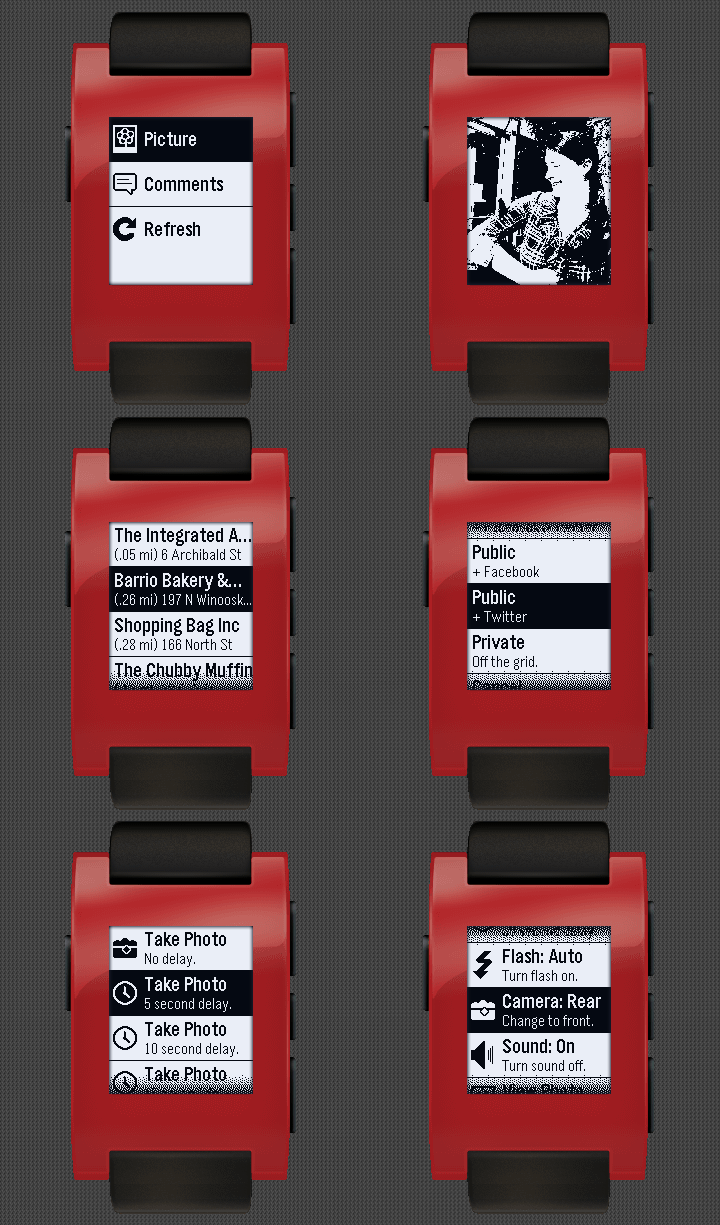
- Use your Pebble watch to take photos with your phone.
- Take an instant photo or use a timer from 5-30 seconds.
- Turn flash on/off/auto from your Pebble.
- Switch between rear/front camera from your Pebble.
- Turn camera sounds on/off from your Pebble.
- Automatically preview taken photo on your watch.
- Browse your Facebook feed on your Pebble watch.
- View feed entry picture (the picture associated with a status update / wall post).
- View feed entry comments.
Foursquare
- Find nearby venues based on your current location.
- Check in directly from your watch.
- Check in options: private, public, Facebook, & Twitter.
- Browse your home timeline on your Pebble watch.
- See user name, time, text, and picture for each tweet.
- View tweet picture (any picture that Twitter can display inline on their web page).
Photos
- Easily browse your photo gallery on your Pebble watch using the up/down buttons.
- Configure how your photos are converted for viewing using five adjustable filters.
- Change photo filter on the fly from your watch.
- Configure which folders are searched for photos.
Phone Pager
- Page your phone/tablet from your Pebble watch with the press of a button.
- Ringtone: selectable ringtone and adjustable volume.
- Vibrate: vibrate the phone when being paged.
- Strobe Light: strobes the camera flash when being paged (may not work on older devices).
- Page your Pebble watch from you phone (vibration / backlight).

Log in or sign up for Devpost to join the conversation.