Inspiration
For commuters it is always a struggle to figure out when the next bus will arrive and whether we can reach the bus in time.
How it works
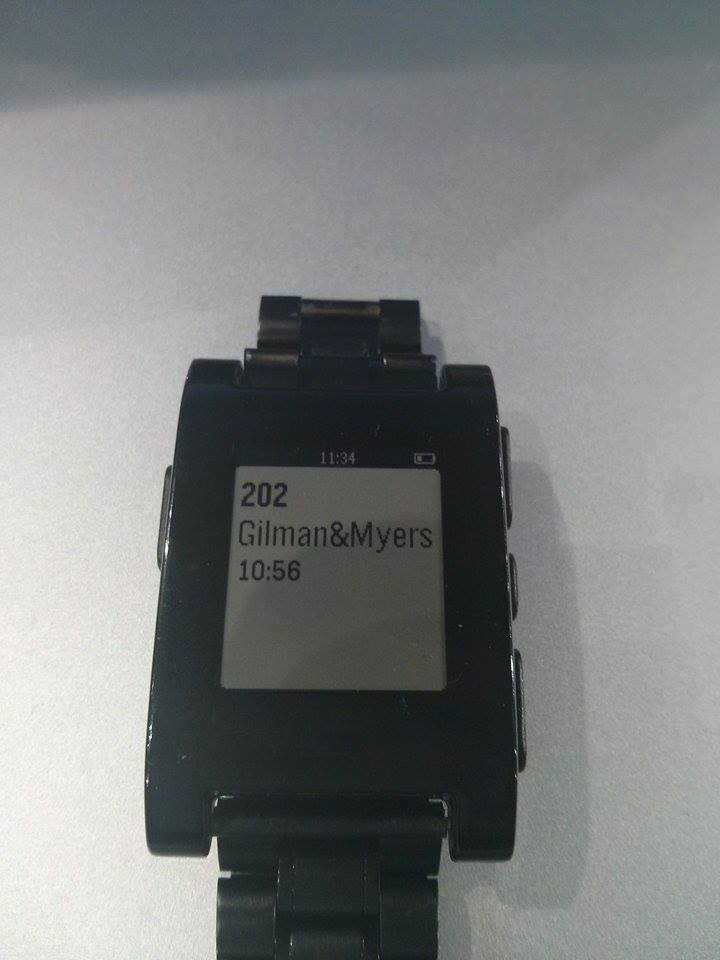
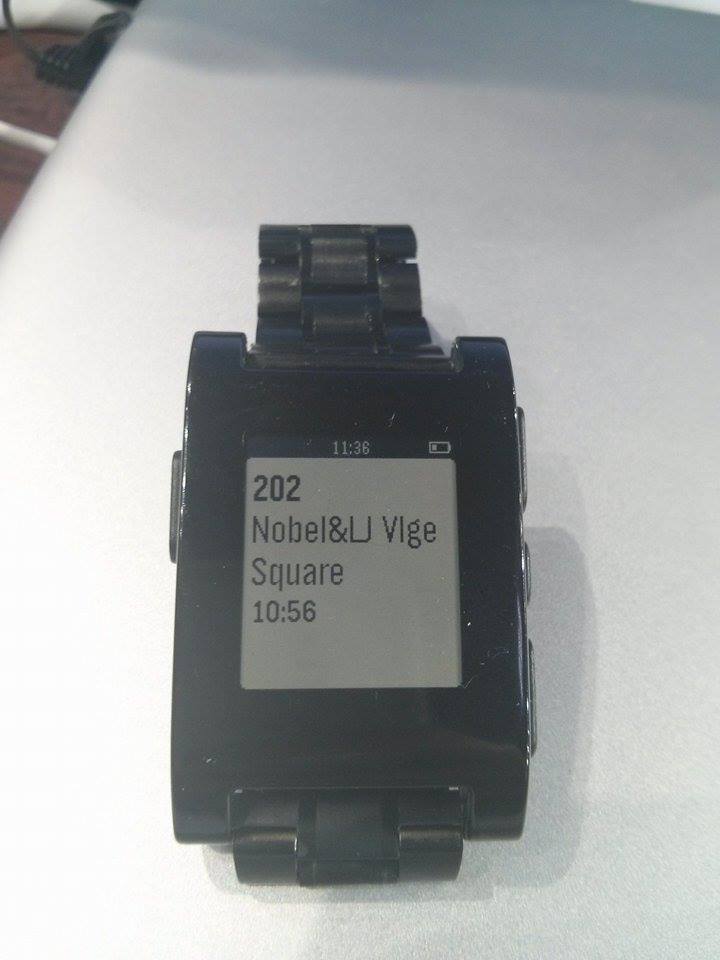
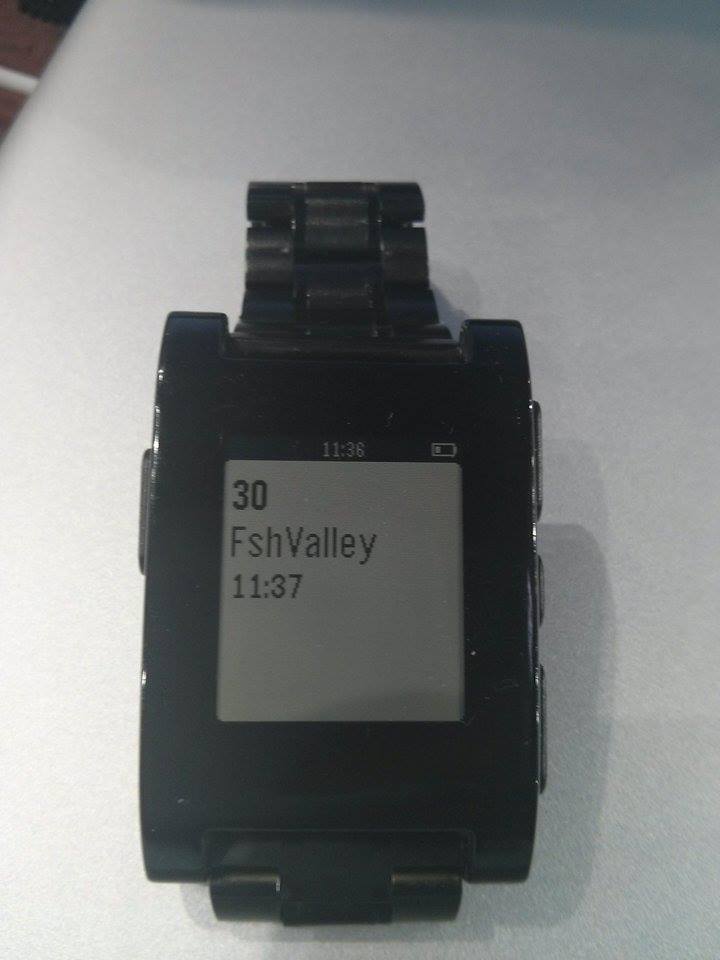
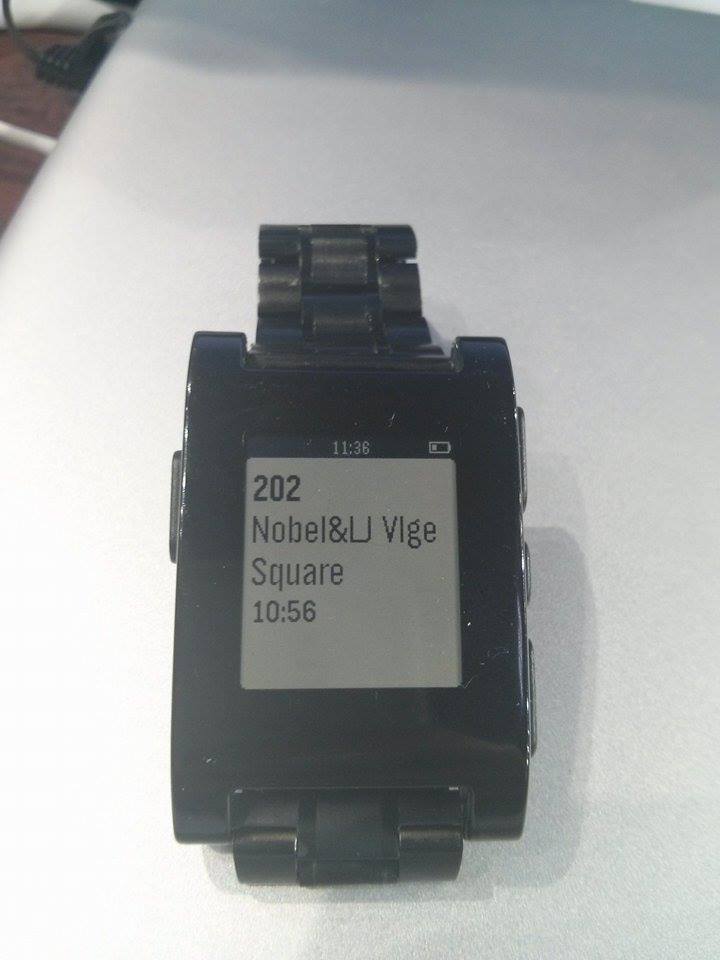
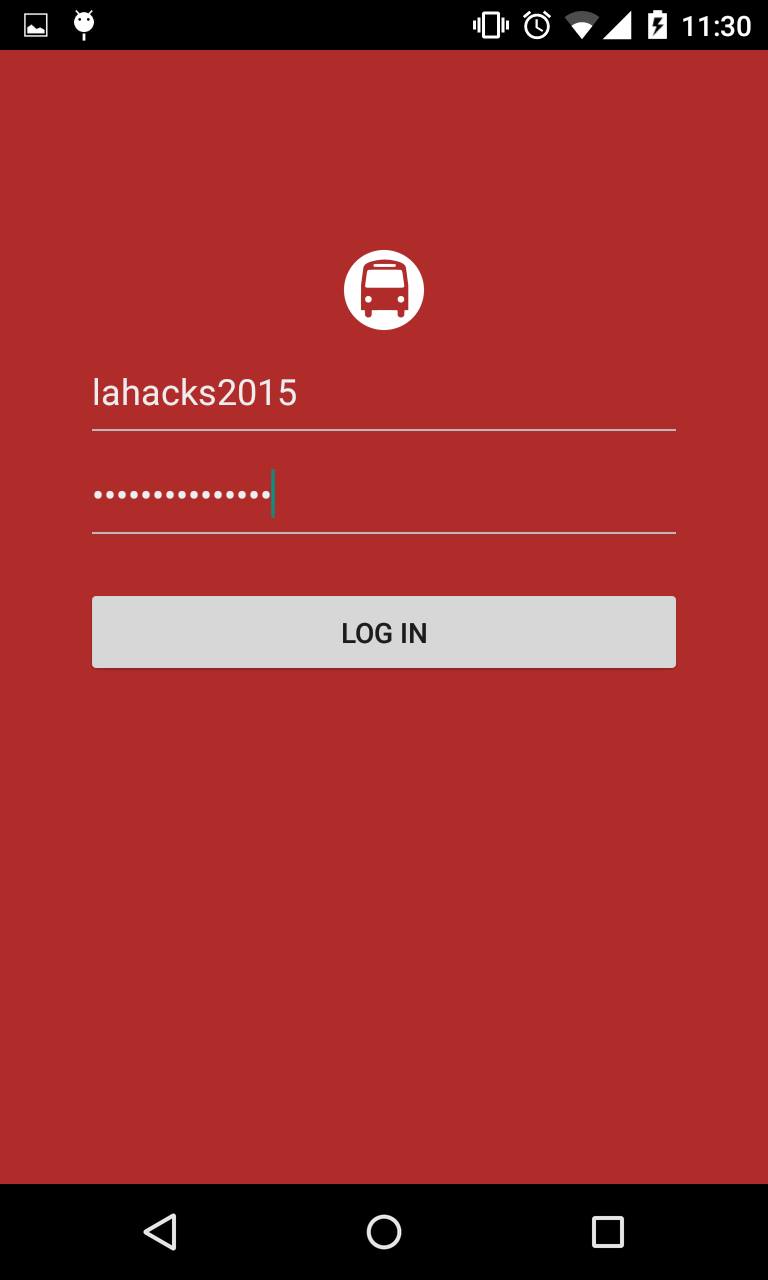
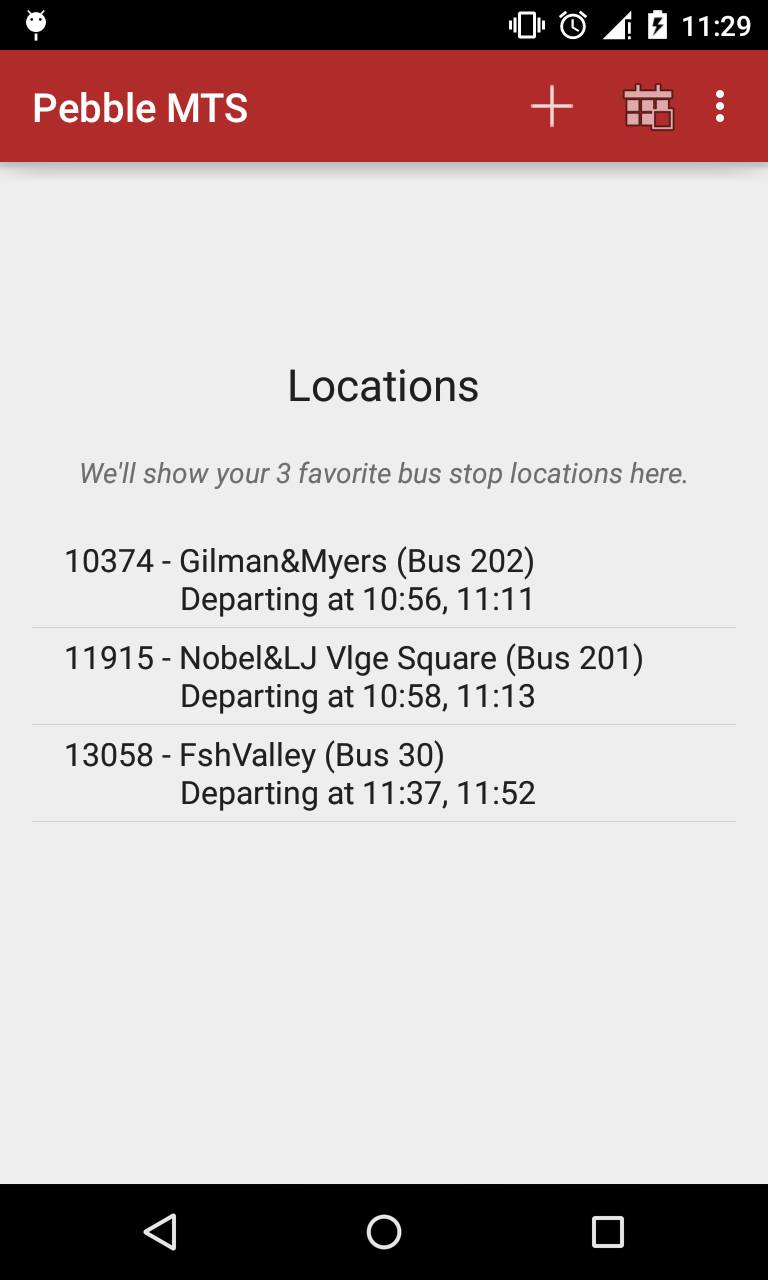
From the end user's perspective, first he/she will need to log into an account. If there are no favorite bus stops in the home page, the user can add a bus stop to be a favorite. If he/she is within a certain distance from a favorite bus stop the pebble watch will show the user when the next bus will arrive. Please note the bus stop must be a favorite to have highter priority to be displayed on the pebble watch.
From the developer's perspective, Pebble bus uses an Android mobile application, MySQL, and CloudPebble. The mobile application sends HTTP requests to the server that sends texts to receive the bus' schedule every 15 minutes. The server uses the Twilio API to send and receive text messages. The android application then parses the bus' schedule text message reply and stores it into a MySQL database. If the user is within range of a favorite bus stop, CloudPebble then runs SQL queries to obtain the necessary information to display the bus number, bus arrival time, and bus stop location.
Challenges we ran into
We mostly ran into integration issues between the mobile app and server. Few of us had substantial experience with creating HTTP requests and parsing data.
Accomplishments that we're proud of
We are proud of integrating the server, android app, and pebble together seamlessly.
What we learned
Integrating an android application with the server and cloudpebble with the server. HTTP requests, parsing csv data, working with various APIs.
What's next for Pebble Bus
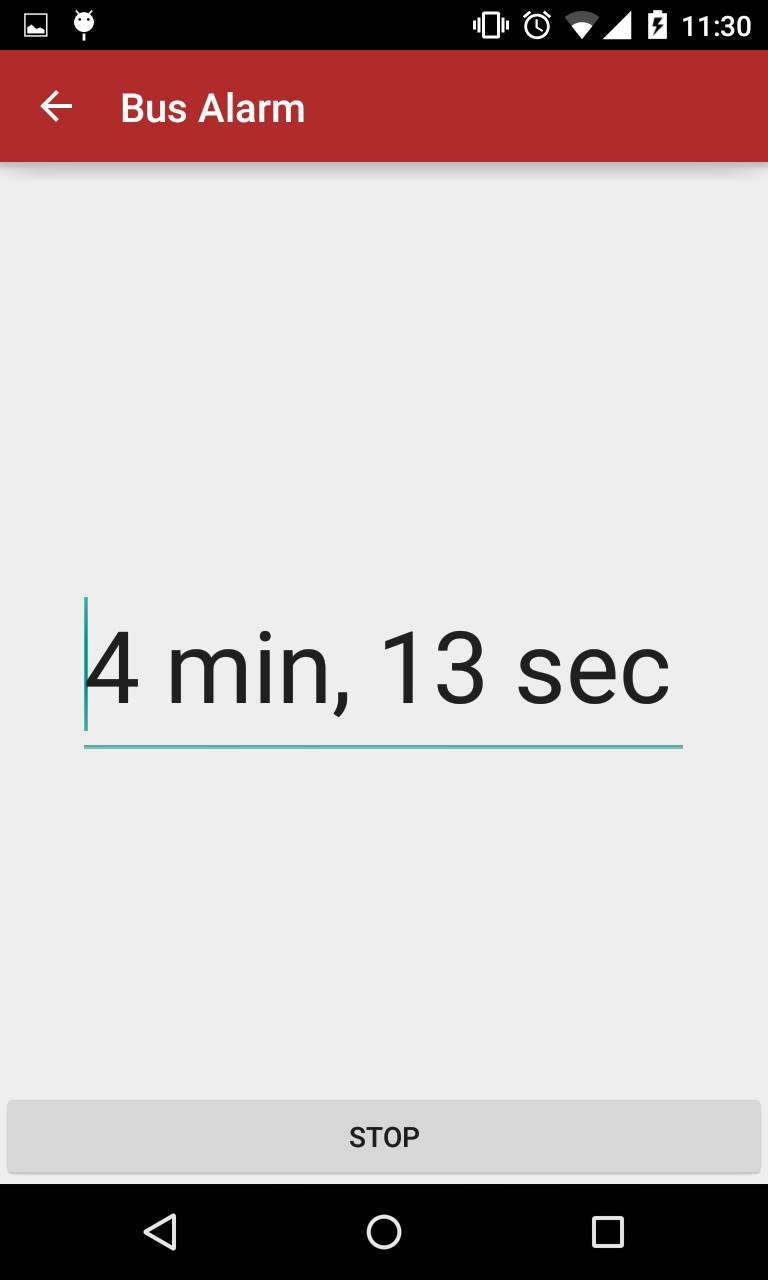
We're planning on implemented other core functionalities such as deleting favorites and deleting stops. We hope to later expand this to not only San Diego's MTS bus system, but also LA's and SF's. We are also in the process in creating a pebble alarm that will ring and notify the user 15 mins before the next bus arrives.


Log in or sign up for Devpost to join the conversation.