-
-
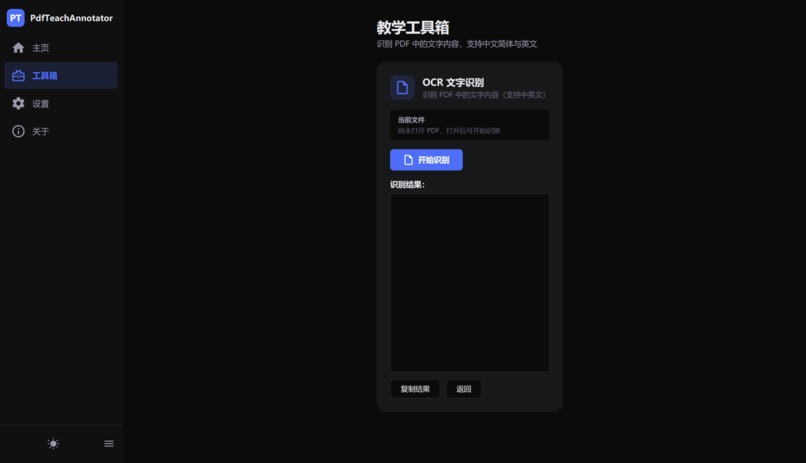
OCR
-

Hone PAge

Inspiration
PdfTeachAnnotator was inspired by a practical classroom problem. Most PDF tools are designed for office workflows, while teaching requires fast handwriting, highlighting, pointing, erasing, and switching between pages.
Every unnecessary dialog or complicated interaction can interrupt a lesson. I wanted to build a focused Windows application that allows teachers to open a PDF and start annotating immediately.
Privacy was another important motivation. Teaching materials can be sensitive, and classrooms may have limited network access. This led me to design the application around local processing, with no need to upload PDFs or OCR results.
What it does
PdfTeachAnnotator is a Windows desktop application for reading and annotating teaching PDFs.
It supports:
- Multi-page PDF rendering, scrolling, and dynamic page indicators.
- Zoom levels from 50% to 400%.
- Pen, highlighter, laser pointer, and eraser tools.
- Twelve preset annotation colors and multiple tool sizes.
- Undo and redo for annotation changes.
- Drag-and-drop PDF opening, recent files, and keyboard shortcuts.
- Automatic and manual annotation saving.
- Sidecar
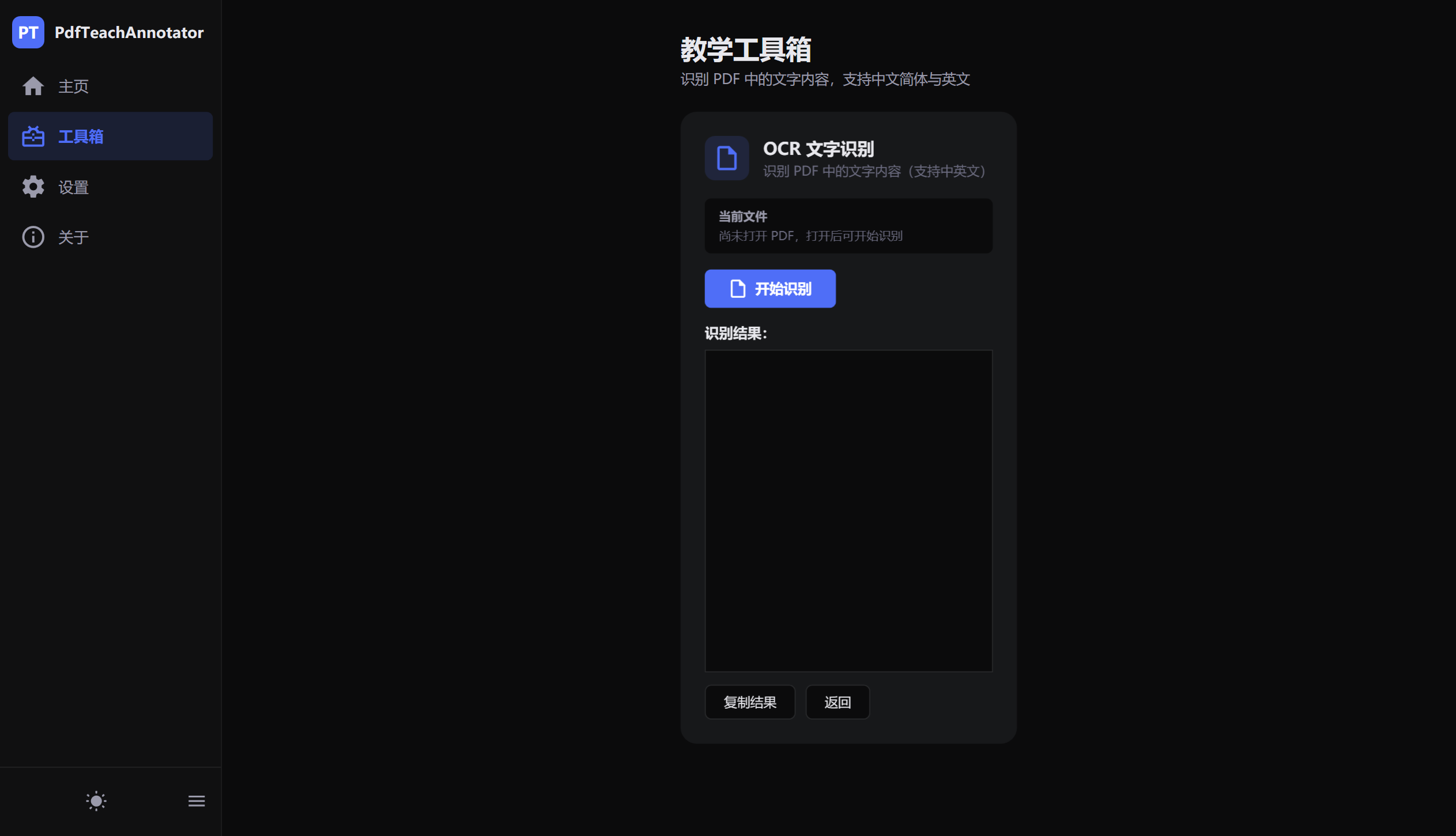
.annotationsfiles that keep the original PDF unchanged. - Offline OCR using Tesseract 5.2.0.
- Simplified Chinese and English recognition through
chi_sim + eng. - Page-level OCR progress and one-click text copying.
- Dark mode, light mode, a collapsible sidebar, and touch-friendly controls.
The laser pointer is designed for live teaching: its strokes remain visible briefly and then disappear automatically.
How we built it
I built the application with .NET 8 and WPF, using the MVVM pattern, data binding, and commands to separate interface state from application logic.
Docnet.Core and PDFium are used for local PDF rendering. To reduce memory usage with long documents, the application calculates which pages are visible and loads those page images on demand.
WPF InkCanvas provides the handwriting layer. Each page maintains its own StrokeCollection, allowing annotations to remain associated with the correct PDF page.
Tool sizes must remain visually consistent at different zoom levels. If (z) is the zoom factor, the canvas size can be adjusted according to:
$$ s_{\text{canvas}}=\frac{s_{\text{screen}}}{z} $$
Annotations are serialized into versioned JSON files. Stroke data is stored by page in a .annotations file next to the original PDF, so the source document is never modified.
For OCR, each PDF page is rendered as a high-resolution image and processed locally by Tesseract. Recognition runs asynchronously and reports progress as each page is completed:
$$ P=\frac{c}{N}\times100\% $$
where (c) is the number of completed pages and (N) is the total number of pages.
Challenges we ran into
The first major challenge was balancing rendering quality and performance. Rendering every page at once would consume unnecessary resources, especially for large teaching materials. Loading only visible pages provided a better balance:
$$ C_{\text{eager}}\approx N C_{\text{page}}, \qquad C_{\text{visible}}\approx V C_{\text{page}}, \qquad V \ll N $$
The second challenge was keeping annotation tools predictable while zooming. Pen strokes, eraser behavior, cursor size, page layout, and scrolling all need to work together without making the interface feel inconsistent.
Undo and redo also required careful handling. Drawing, erasing, and clearing annotations create different types of state changes, so they cannot all be treated as a single simple operation.
OCR introduced another set of tradeoffs. Higher-resolution images can improve recognition accuracy, but they also increase processing time and memory usage. Recognition quality additionally depends on scan resolution, font quality, and page layout.
Finally, the interface had to work well in real classrooms. Buttons needed to be large enough for touch interaction, destructive actions needed protection against accidental clicks, and the visual design needed to remain comfortable in both bright and dark environments.
Accomplishments that we're proud of
I am proud that the project provides a complete teaching workflow rather than only a PDF viewer or a drawing demo.
A teacher can open a document, annotate it during a lesson, use the laser pointer to emphasize content, undo mistakes, save the work, and reopen the same PDF later with the annotations restored.
I am also proud of the local-first architecture. PDF rendering, annotation storage, and OCR all happen on the user's computer. This makes the application suitable for offline classrooms and helps protect teaching materials.
Keeping annotations in a separate file was another important accomplishment. Teachers can freely mark up a document while preserving a clean copy of the original PDF.
What we learned
I learned that a small teaching tool still requires careful decisions about performance, persistence, input handling, and visual hierarchy.
The project deepened my understanding of WPF, MVVM, InkCanvas, PDFium-based rendering, asynchronous work, and Tesseract OCR integration.
I also learned that user experience is shaped by small details. Touch-friendly controls, recent files, automatic saving, keyboard shortcuts, theme switching, and clear progress feedback can make a significant difference during repeated classroom use.
Most importantly, I learned that offline functionality is not merely a technical limitation. It can be a valuable product feature when privacy, reliability, and network independence matter.
What's next for PdfTeachAnnotator
The next planned improvements are:
- Text annotations.
- Shape tools such as rectangles, circles, and arrows.
- Exporting annotated documents as PDFs.
- Searching annotations.
- Layer-based annotation management.
- Further validation and performance evaluation of the PaddleOCR experiment branch.
The long-term goal is to make PdfTeachAnnotator a more complete classroom presentation and annotation workspace while keeping its core principles: simple interaction, local processing, and protection of the original PDF.


Log in or sign up for Devpost to join the conversation.