-
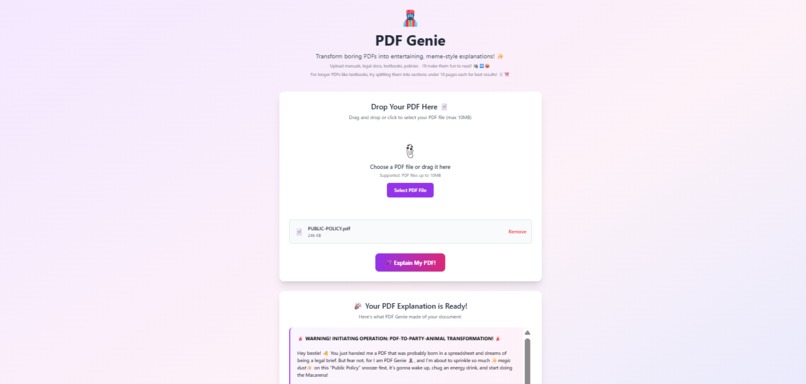
Drag, drop, and let the Genie do the magic
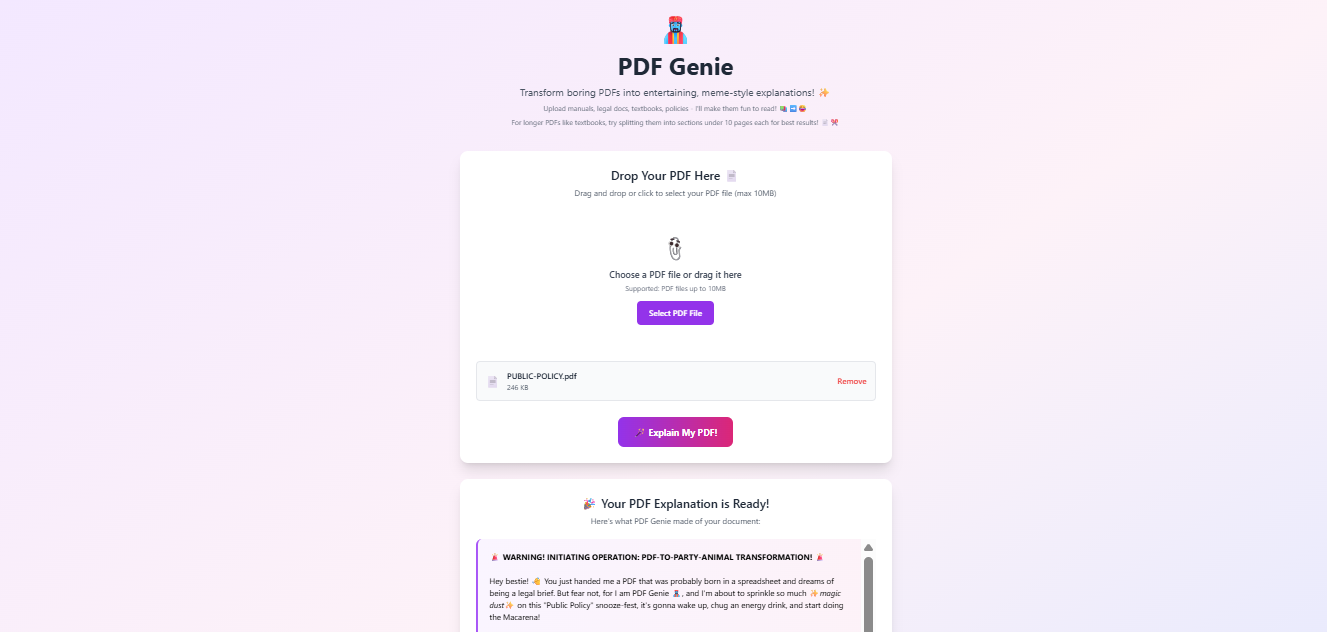
Inspiration
Reading long PDFs like manuals, policies, or textbooks often felt boring and overwhelming. I wanted a way to make them easier to digest and even a little fun. That’s when the idea for PDF Genie was born — a tool to transform complex documents into simple, engaging, and meme-style explanations.
What it does
PDF Genie takes any uploaded PDF, extracts its text, and uses Google Gemini AI to reimagine the content into entertaining, easy-to-understand summaries. Instead of slogging through dense documents, users get concise, engaging outputs they actually want to read.
How I built it
I built this as a solo project.
- Frontend: HTML, CSS, and JavaScript, styled with Tailwind CSS for responsiveness and modern UI.
- Backend: FastAPI to handle file uploads and API requests efficiently.
- PDF Processing: PyPDF2 for text extraction with in-memory handling.
- AI Integration: Google Gemini AI to generate meme-style, digestible summaries.
Challenges I ran into
- Extracting text from multi-page PDFs reliably without breaking formatting.
- Ensuring AI outputs were not just funny but also accurate and meaningful.
- Managing API keys securely and handling cases where credentials were missing or invalid.
- Balancing speed and efficiency while keeping the app lightweight.
Accomplishments that I am proud of
- Successfully integrated AI to make PDFs genuinely engaging.
- Built a fully functional end-to-end system (frontend + backend + AI).
- Kept the app responsive, lightweight, and easy to use.
- Learned how to strike a balance between technical accuracy and creativity.
What I learned
- Handling PDFs effectively with PyPDF2 and in-memory streams.
- Building APIs with FastAPI and managing cross-origin requests.
- Designing better prompts for AI to balance humor with clarity.
- How to take a boring real-world problem and build a fun, usable solution.
What's next for PDF Genie
- Adding support for multiple file formats (Word, PPT).
- Improving summaries with customization options (serious, fun, professional).
- Building user accounts to save and revisit processed documents.
- Deploying browser extensions for quick, on-the-go PDF transformations.

Log in or sign up for Devpost to join the conversation.