-
-
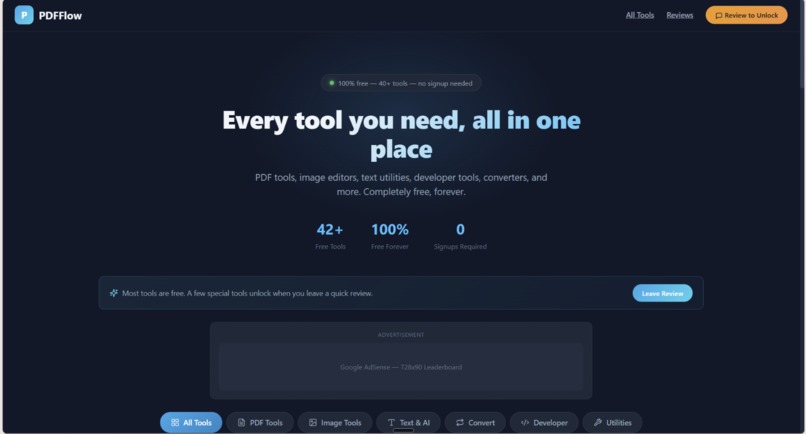
42 features
-
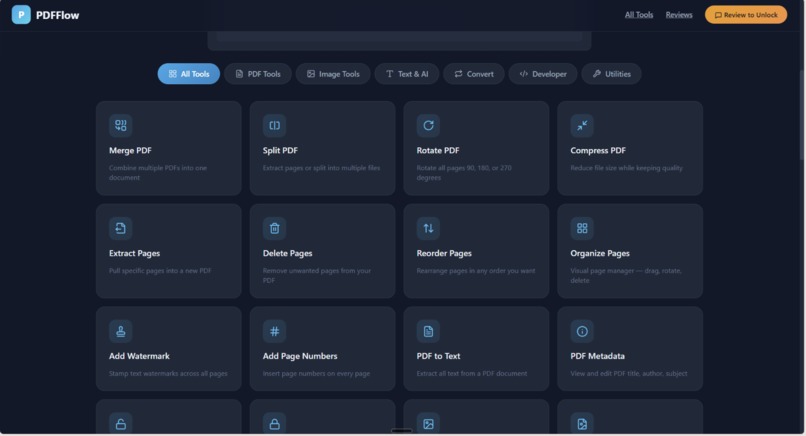
all features
-
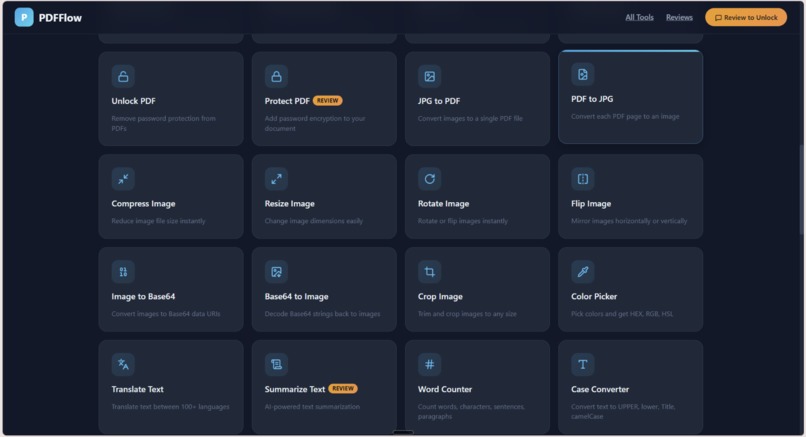
all features
-
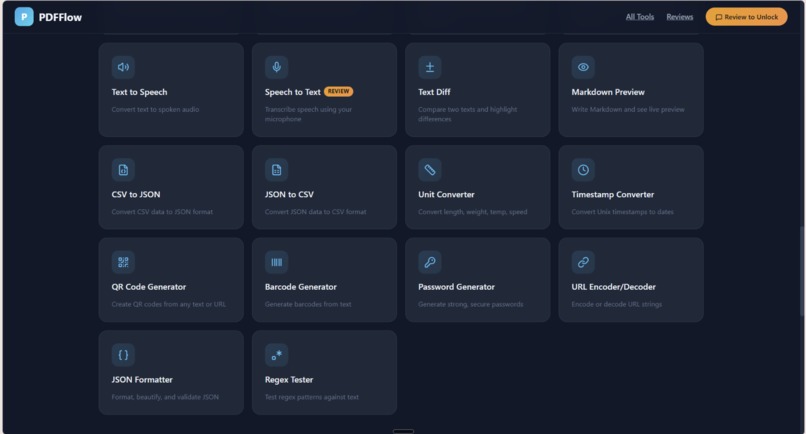
all features
-

all features
-
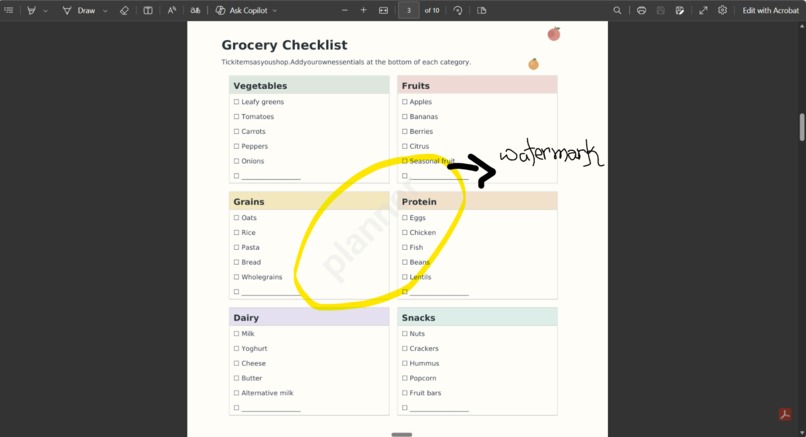
watermark
Inspiration
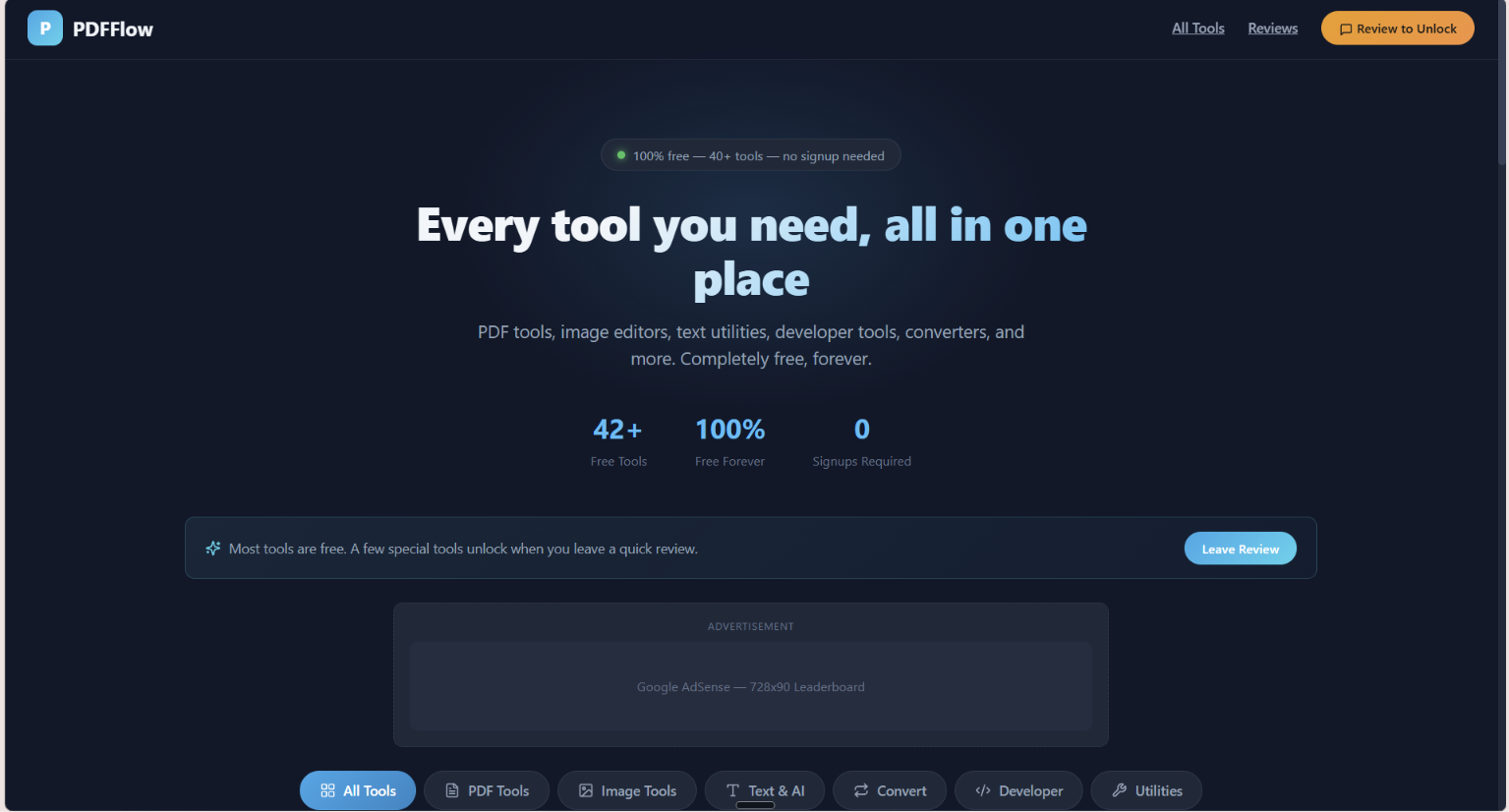
Managing PDFs, images, and text often requires juggling multiple websites or apps. I wanted to create a single platform where anyone — students, professionals, or developers — could access 40+ free tools instantly without signups or barriers. The idea was inspired by my own struggles with switching between different utilities for simple tasks like merging PDFs, compressing files, or converting formats.
What it does
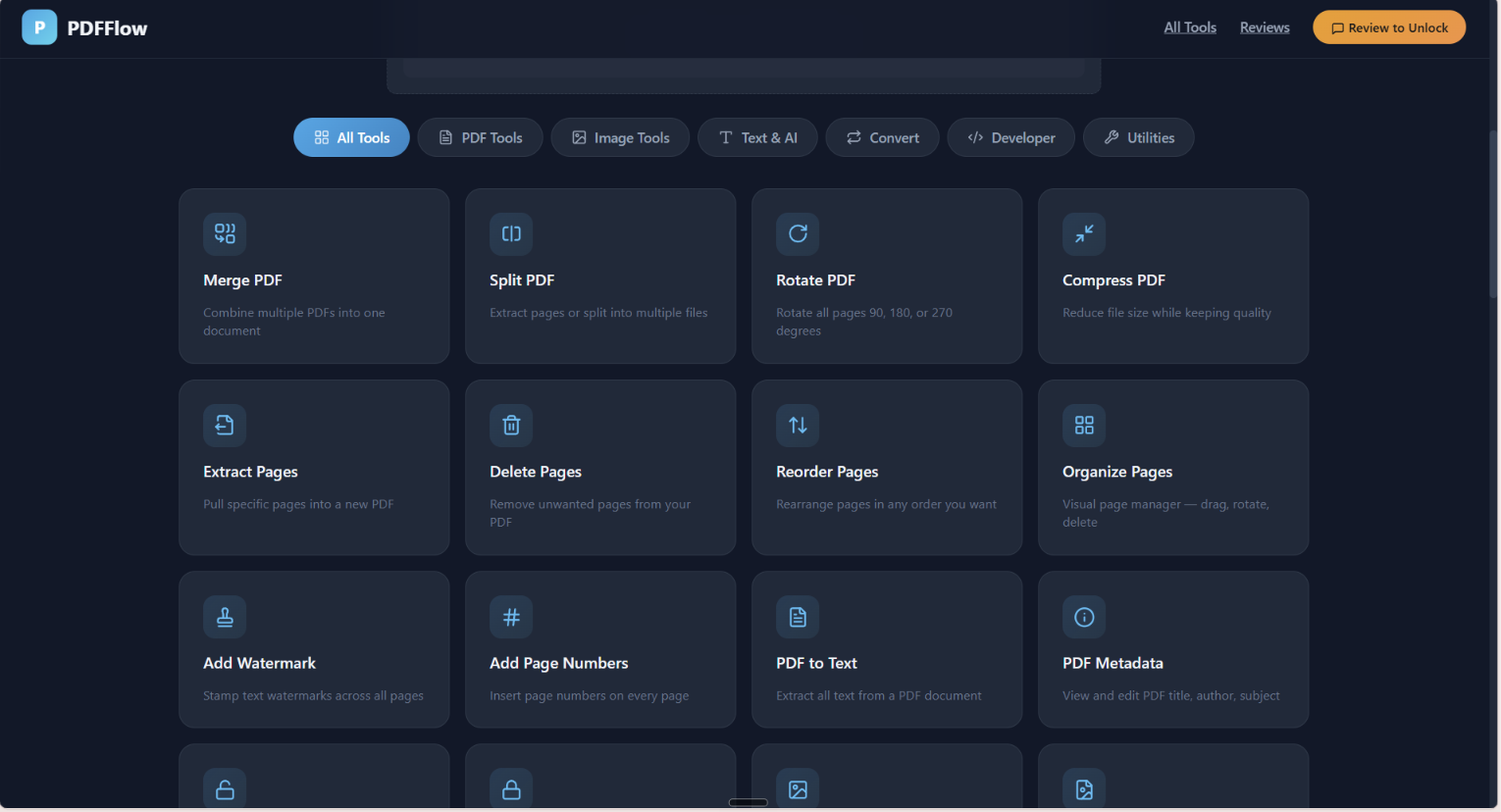
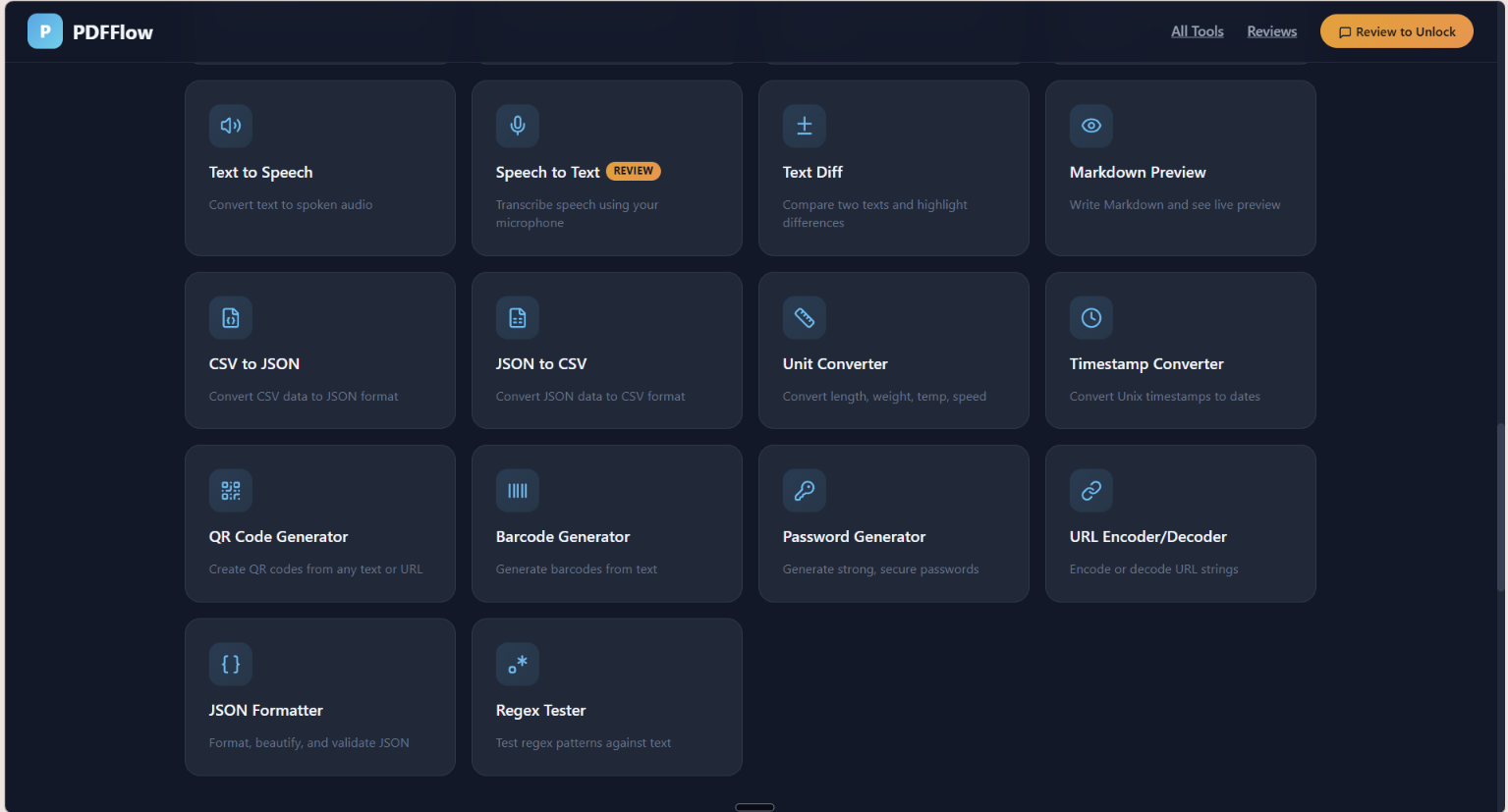
PDFFlow is a free, browser‑based platform that combines 40+ productivity tools into one seamless experience. It eliminates the hassle of switching between multiple apps by offering everything in a single place:
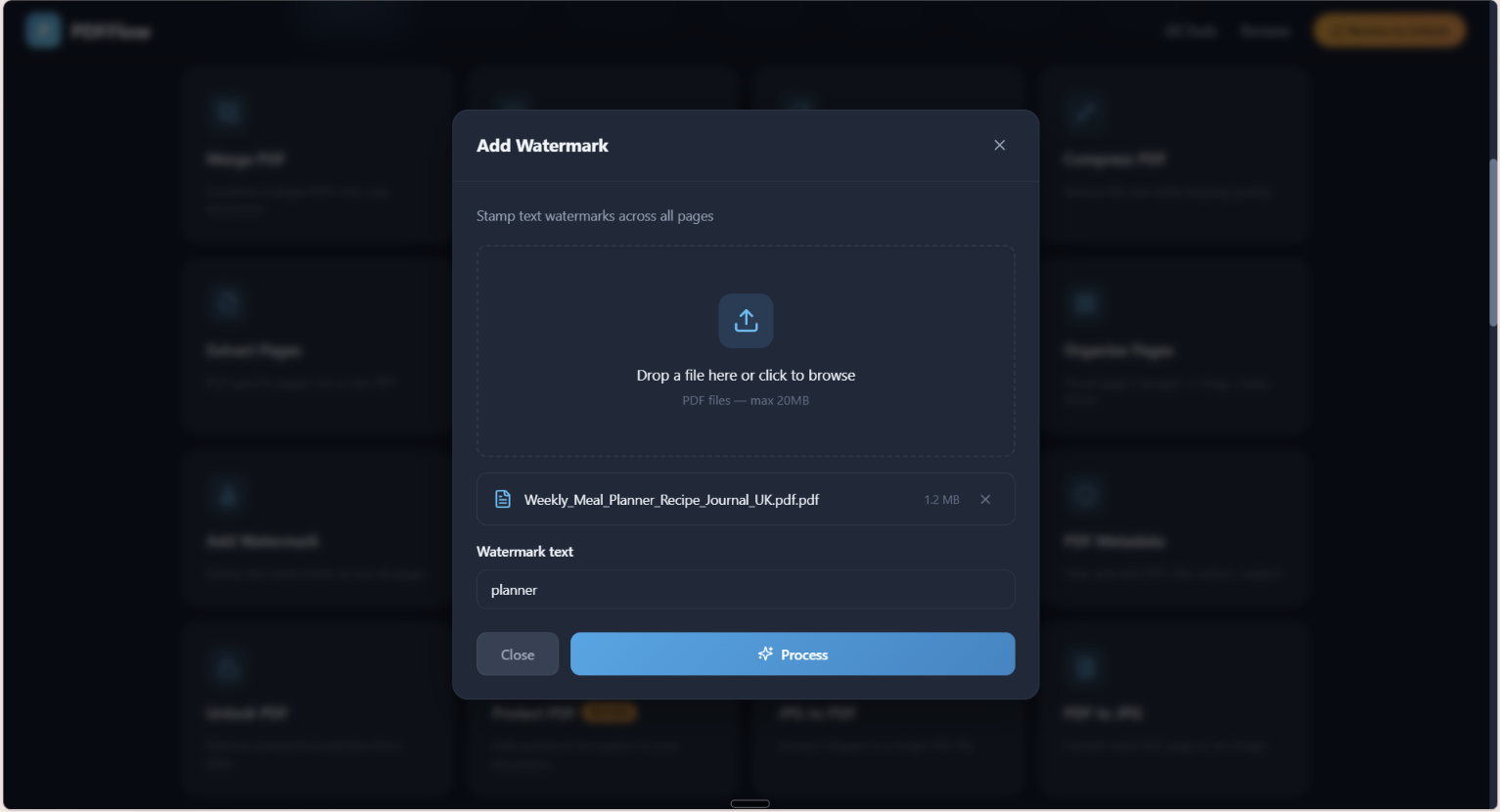
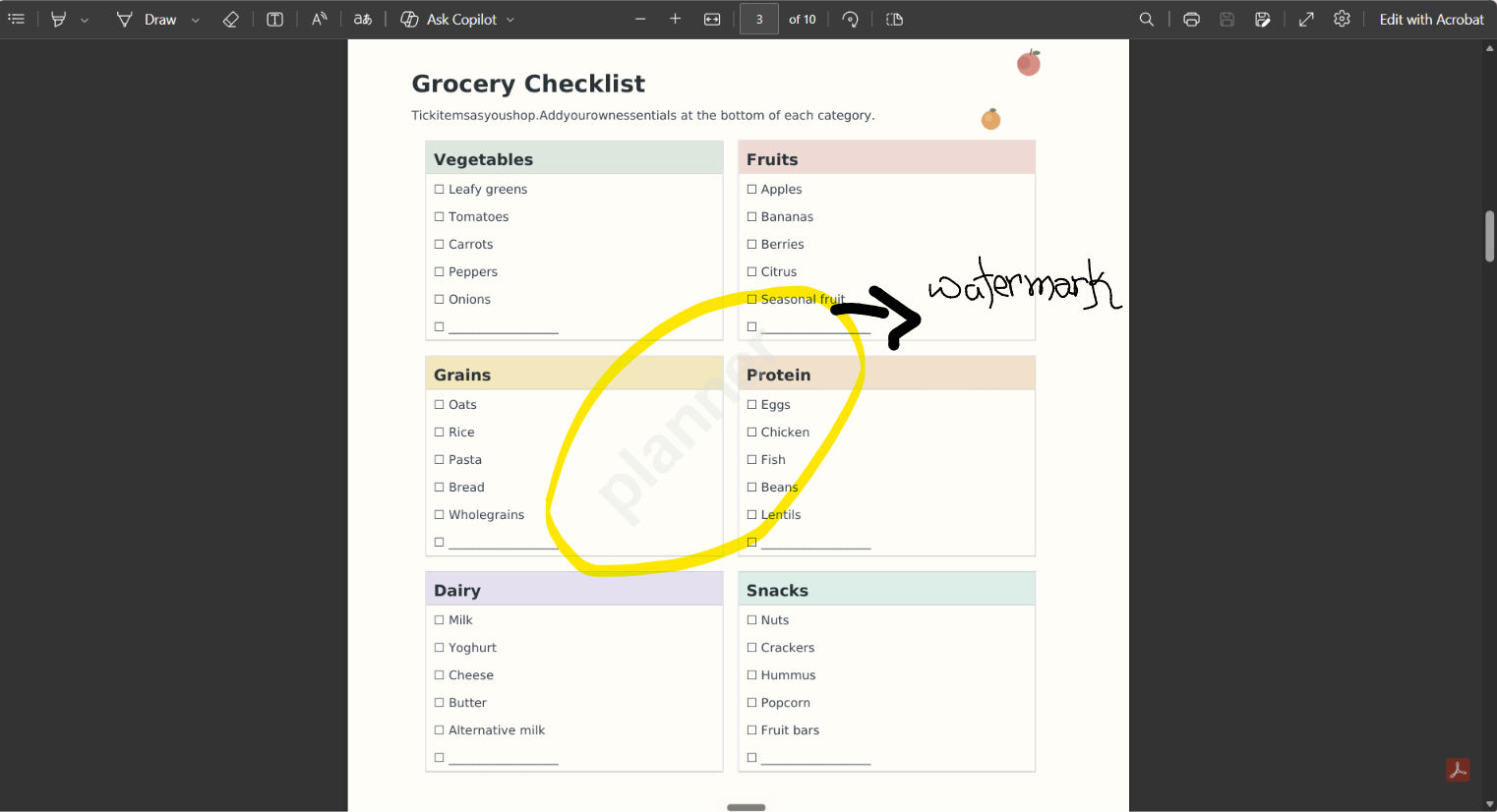
📄 PDF Utilities — merge, split, compress, protect, unlock, and convert PDFs instantly.
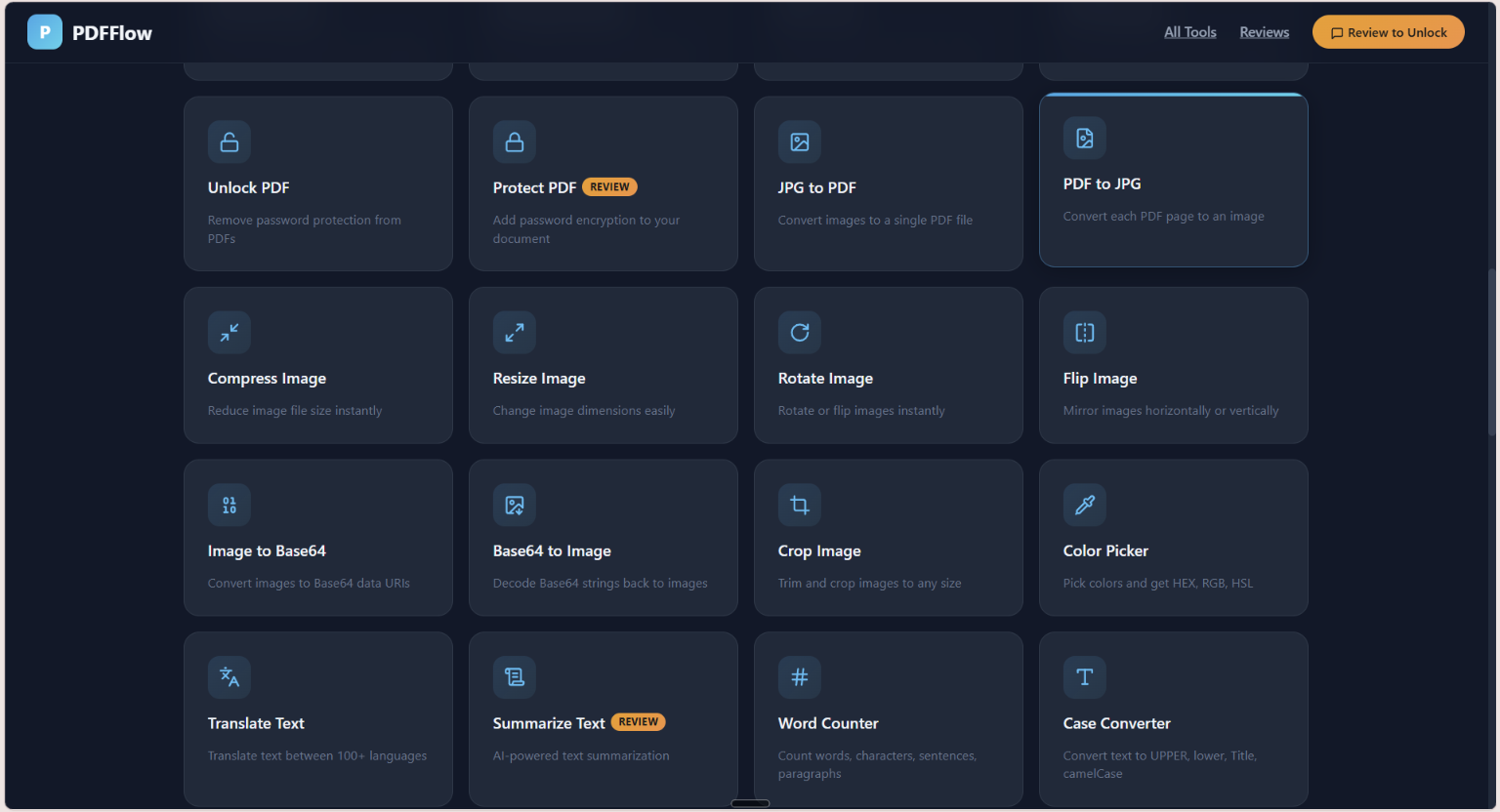
🖼️ Image Tools — resize, crop, rotate, and convert images with ease.
✍️ Text & AI Helpers — summarize documents, translate text, convert speech ↔ text, and generate text‑to‑speech audio.
💻 Developer Tools — CSV ↔ JSON converters, regex testers, JSON formatters, and more for quick coding workflows.
All tools run directly in the browser — no signup, no downloads, no paywalls. Premium features are unlocked simply by writing a quick review, making PDFFlow both accessible and community‑driven.
How we built it
Designed the interface in Figma for clarity and ease of use.
Implemented the tools using JavaScript, HTML, and CSS, with backend support for file handling.
Organized the platform into categories: PDF tools, image tools, text/AI tools, and developer helpers.
Focused on speed and accessibility — no logins, no paywalls, just instant functionality.
Challenges we ran into
Ensuring smooth performance when handling large files.
Balancing simplicity vs. feature richness — too many tools can overwhelm users.
Debugging cross‑browser compatibility issues.
Designing a clean UI that makes 40+ tools feel intuitive rather than cluttered.
Accomplishments that we're proud of
📚 Unified Toolkit
We successfully combined 40+ utilities — from PDF editing to image conversion and text/AI helpers — into one seamless platform.
⚡ Instant Accessibility
No signups, no paywalls — just open the site and use the tools. This simplicity makes PDFFlow accessible to students, professionals, and developers alike.
🎨 Clean & Intuitive Design
We built a user interface that organizes dozens of tools without overwhelming the user, ensuring clarity and ease of navigation.
🔒 Secure File Handling
We implemented safe, browser‑based processing so users can trust the platform with their documents.
🌍 Versatility Across Use Cases
Whether merging PDFs, compressing images, or converting text to speech, PDFFlow adapts to diverse needs — academic, professional, or creative.
🚀 Hackathon Readiness
We proved that even small utilities, when thoughtfully integrated, can become a powerful ecosystem that solves real workflow problems.
What we learned
🔧 Technical Integration
We learned how to bring together 40+ different utilities — from PDF editing to AI text tools — into one cohesive platform without overwhelming users.
🎨 User Experience Matters
Designing a clean interface taught us that simplicity beats complexity. Even powerful tools need to feel intuitive and accessible.
🌐 Web Technology Insights
We deepened our understanding of JavaScript, HTML, and CSS, especially for handling file operations securely in the browser.
⚡ Performance Optimization
We discovered techniques to manage large files efficiently, ensuring smooth performance across devices.
🧠 Hackathon Mindset
We realized that innovation doesn’t always mean inventing something new — sometimes it’s about combining existing ideas in a way that solves real problems.
📊 Problem-Solving with Math & Logic
For developer tools like CSV ↔ JSON converters and regex testers, we applied logical structures and even mathematical reasoning. For example, validating data transformations required us to think in terms of mappings:
What's next for PDFFlow
🤖 AI‑Powered Enhancements
Integrate smarter tools like automatic document summarization, OCR (optical character recognition), and intelligent file recommendations to make workflows even faster.
📱 Mobile Optimization
Build a lightweight mobile‑friendly version so users can access PDFFlow tools on the go.
🔗 Collaboration Features
Add options for real‑time sharing and editing, enabling teams to work together on documents seamlessly.
🌍 Global Accessibility
Expand language support and add translation tools so PDFFlow can serve users worldwide.
🛡️ Advanced Security
Implement stronger privacy safeguards and encrypted file handling to ensure user trust.
🎯 Custom Tool Bundles
Allow users to create personalized “toolkits” by grouping their most‑used utilities for quick access.
Built With
- bolt.ai

Log in or sign up for Devpost to join the conversation.