-
-
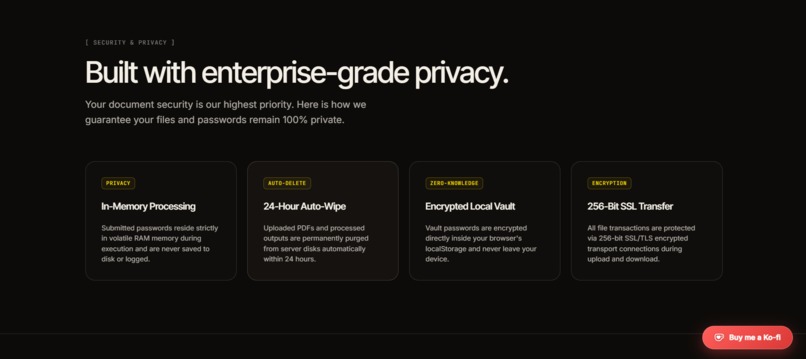
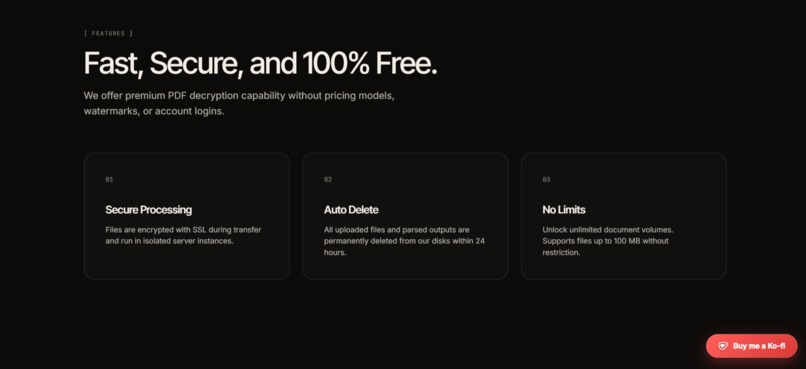
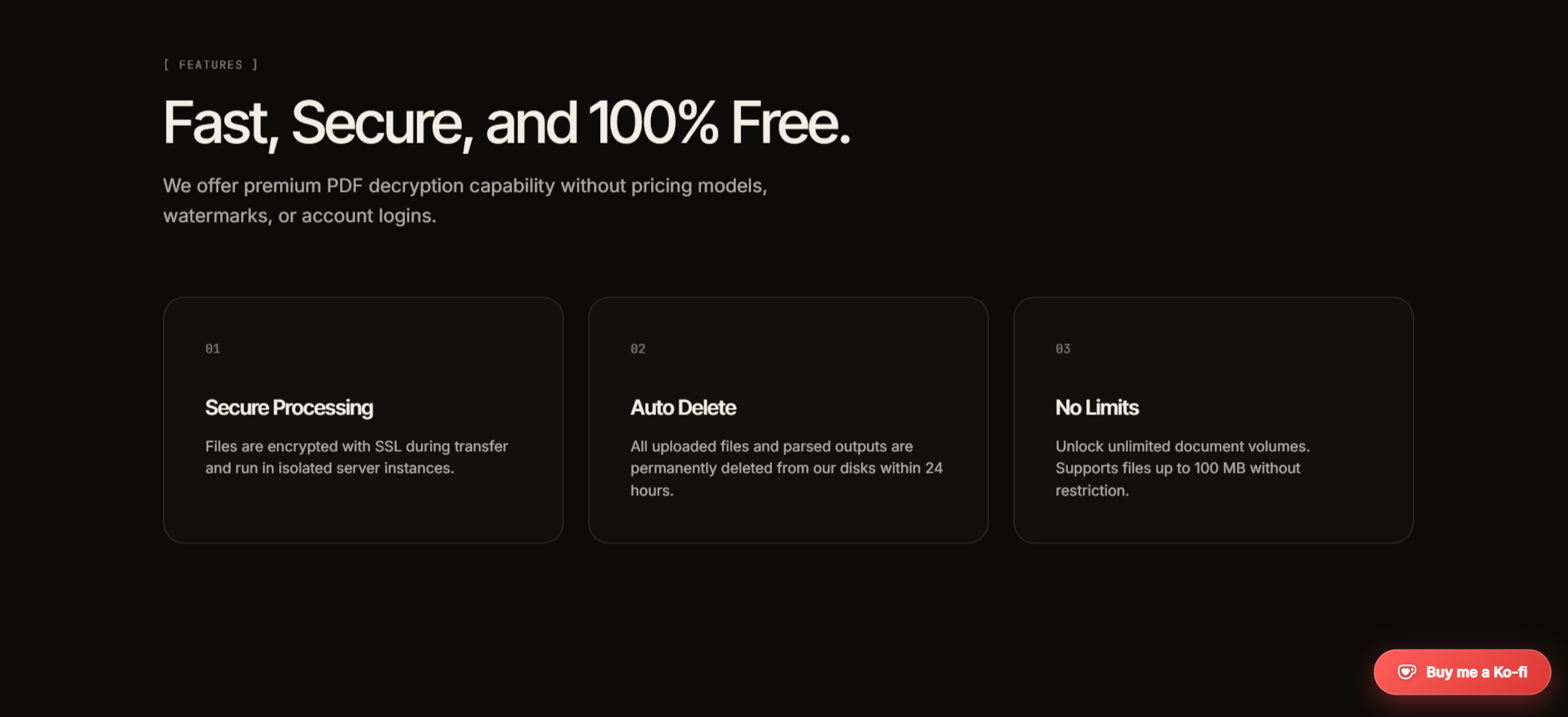
feature section
-
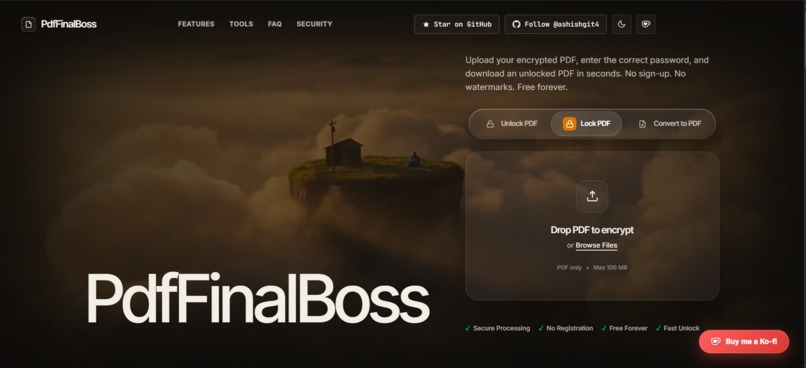
hero section
Inspiration
PDFs are everywhere, but working with password-protected documents can be unnecessarily frustrating. Users often have to rely on ad-heavy websites, create accounts, upload sensitive documents to unknown services, or deal with complicated desktop software just to lock or unlock a PDF.
We wanted to build a tool that makes PDF security simple while keeping privacy at the center. That idea became PdfFinalBoss — a fast, free, and privacy-focused utility for securing and unlocking PDFs without unnecessary friction.
What it does
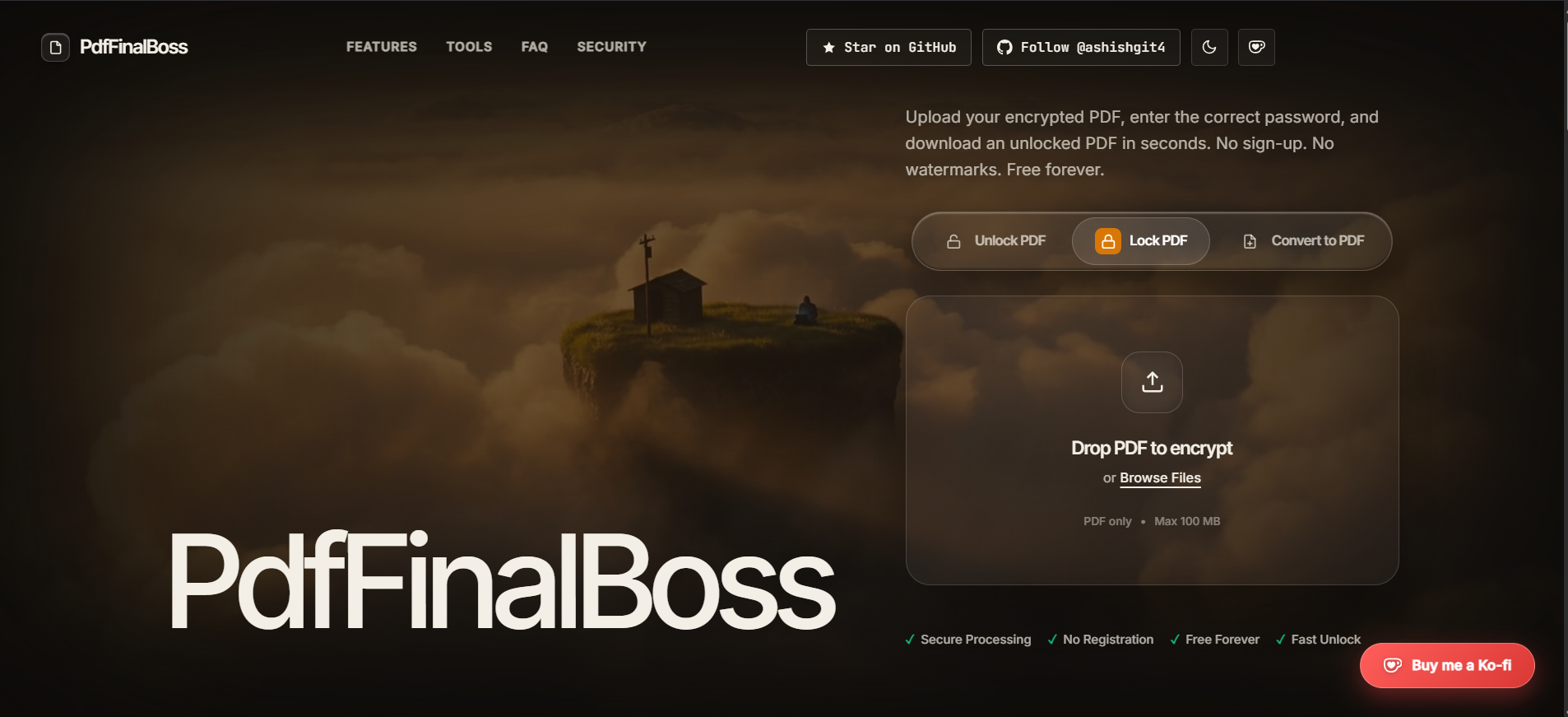
PdfFinalBoss is a web-based PDF security utility that allows users to:
- Unlock password-protected and restricted PDFs.
- Protect PDFs using AES-256 encryption.
- Generate strong random passwords.
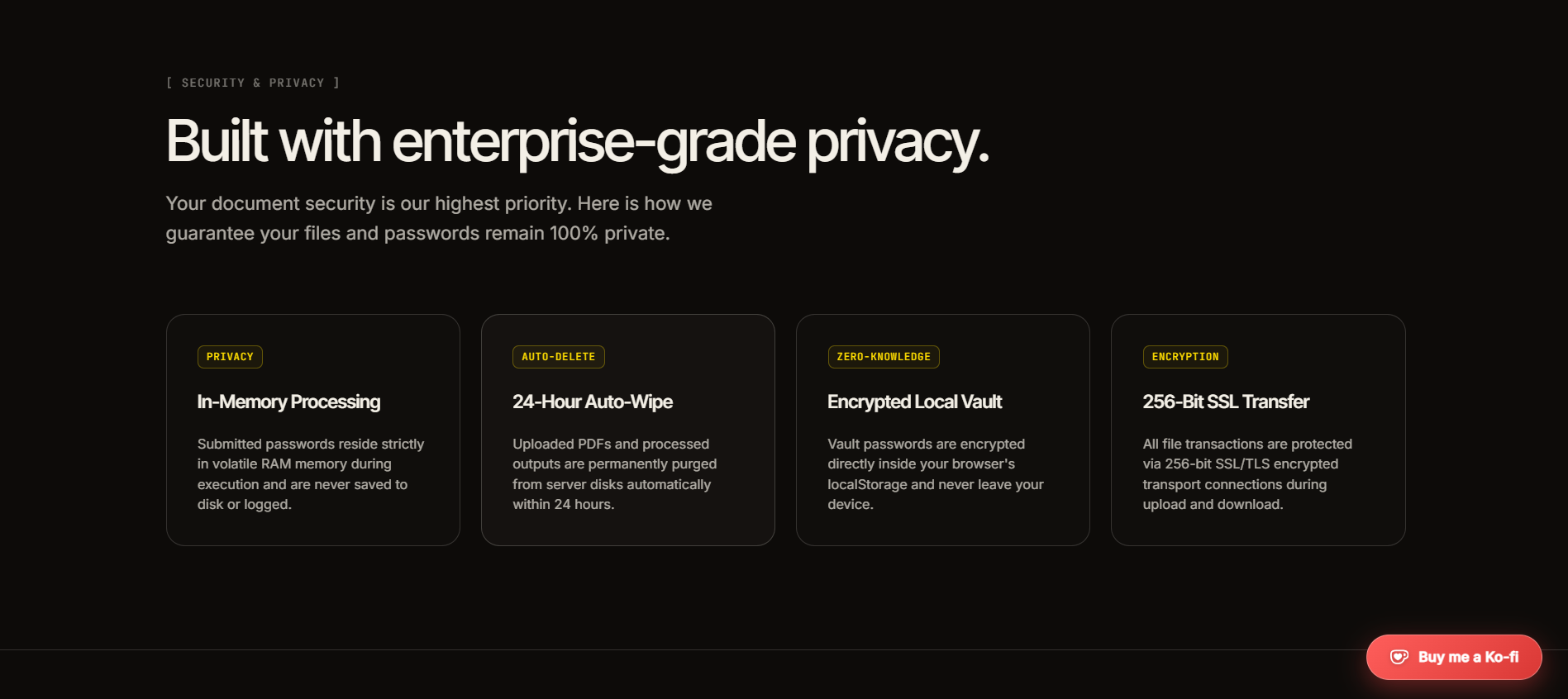
- Store PDF passwords locally in an encrypted browser vault for convenient auto-unlocking.
- Automatically recognize previously processed PDFs using their SHA-256 hash.
- Process PDFs without requiring user accounts.
- Automatically remove uploaded and generated files from the server after 24 hours.
- Use a responsive cinematic day/night interface.
The application also includes security-focused protections such as file magic-byte validation, rate limiting, secure HTTP headers, sanitized filenames, and hardened qpdf command execution.
How we built it
PdfFinalBoss was built as a full-stack application using React 19, TypeScript, Vite, Tailwind CSS, Framer Motion, and Lucide React on the frontend.
The backend uses Node.js, Express, Multer, qpdf, Helmet, and express-rate-limit. qpdf handles the core PDF encryption/decryption operations, while Node's native cryptography APIs provide AES-256-GCM, SHA-256 hashing, and PBKDF2-based cryptographic functionality.
We designed the system around privacy and security from the beginning. Password-vault data stays on the user's device, passwords are processed in volatile memory during PDF operations, and uploaded files are subject to automatic cleanup.
The project is deployed as a live web application and is completely open source.
Challenges we ran into
One of the biggest challenges was making PDF processing powerful without compromising security.
Handling user-uploaded files meant we had to think carefully about malicious inputs, command injection, file validation, filename handling, and resource abuse. Integrating qpdf with the backend also required us to ensure that command-line arguments were safely handled.
Another challenge was designing a password vault that could provide a convenient auto-unlock experience without turning the server into a centralized password store. We solved this by tying vault entries to the document's SHA-256 hash and keeping the encrypted vault data client-side.
We also had to balance a security-focused backend with an interface that still felt simple and approachable.
Accomplishments that we're proud of
We're especially proud that PdfFinalBoss combines security, privacy, and usability into one focused tool.
Some highlights include:
- AES-256-GCM based PDF password protection.
- Client-side encrypted password vault functionality.
- SHA-256 document fingerprinting for auto-unlock.
- Automatic server-side file cleanup.
- PDF magic-byte validation.
- Rate limiting and security headers.
- Hardened qpdf command execution.
- Filename sanitization against header injection.
- No mandatory accounts.
- No ads or watermarks.
- A polished cinematic UI with day/night themes.
- Automated backend cryptography and hashing tests.
Rather than treating security as an afterthought, we built it into the architecture of the application.
What we learned
This project taught us that building a useful security product is about much more than implementing encryption.
We learned how important secure file handling, input validation, process isolation, password lifecycle management, rate limiting, and data retention policies are when building applications that handle sensitive user documents.
We also learned how much attention has to go into the user experience of security features. Strong security should not necessarily mean a complicated interface — the best experience can make the secure choice feel like the easiest choice.
Most importantly, we learned to think about privacy as an architectural requirement rather than simply a feature to add later.
What's next for PdfFinalBoss
We want PdfFinalBoss to evolve from a focused PDF lock/unlock utility into a broader privacy-first PDF toolkit.
Our future roadmap includes expanding PDF operations, improving processing performance, strengthening automated security testing, adding more granular document controls, and continuing to minimize the amount of sensitive information that ever needs to leave a user's device.
The long-term vision is simple: make PdfFinalBoss the tool people reach for whenever they need to securely prepare, protect, or process a PDF — without sacrificing privacy or simplicity.
Built With
- aes-256
- express.js
- framer-motion
- node.js
- qpdf
- razorpay
- react
- rest-api
- sha-256
- tailwind-css
- typescript
- vite

Log in or sign up for Devpost to join the conversation.