-
-
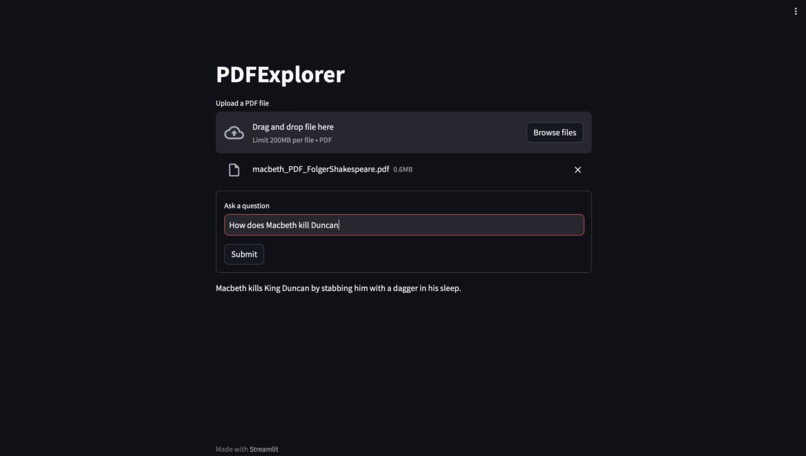
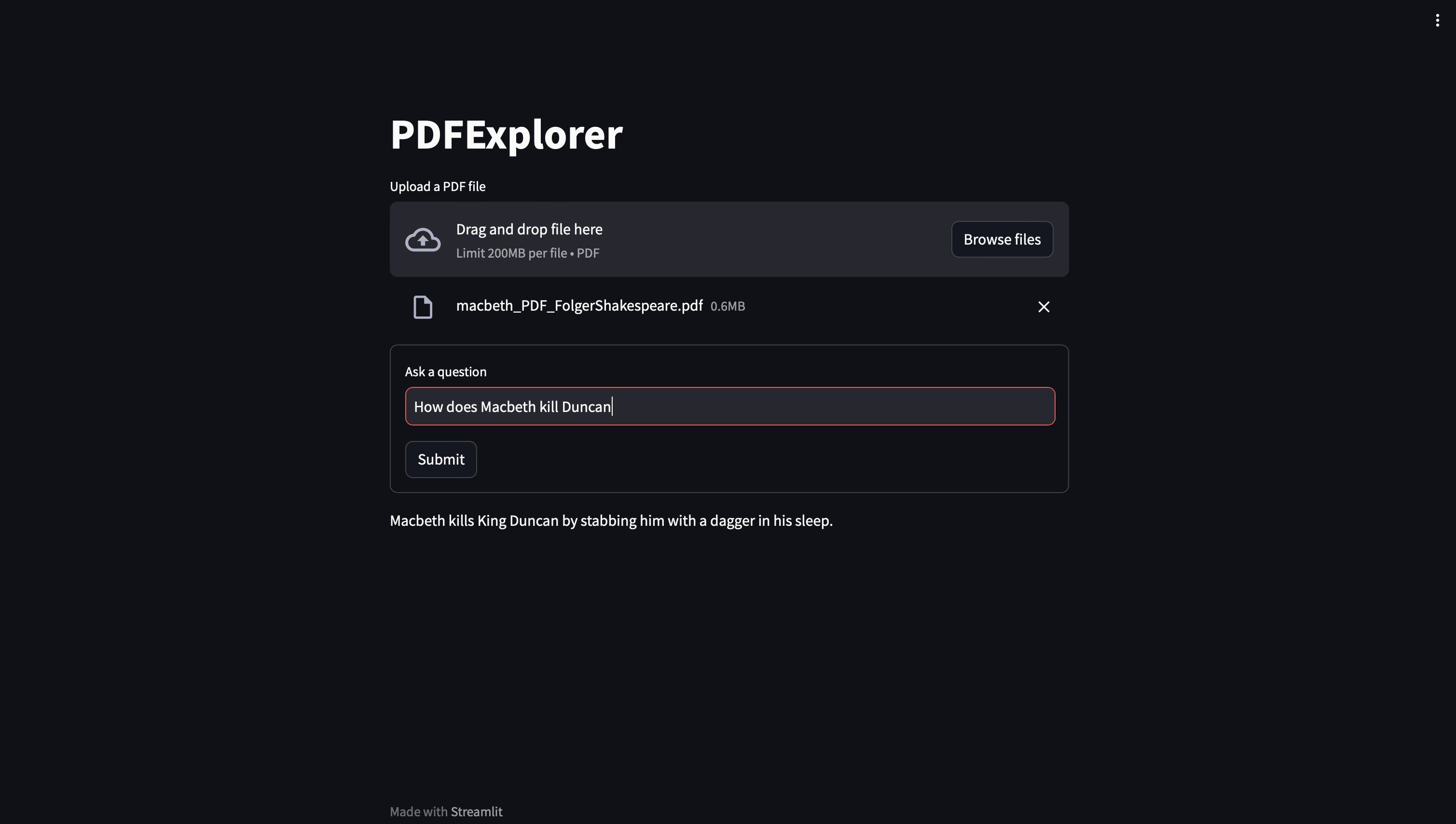
Macbeth: (Correct Answer: He kills Duncan in his sleep)
-
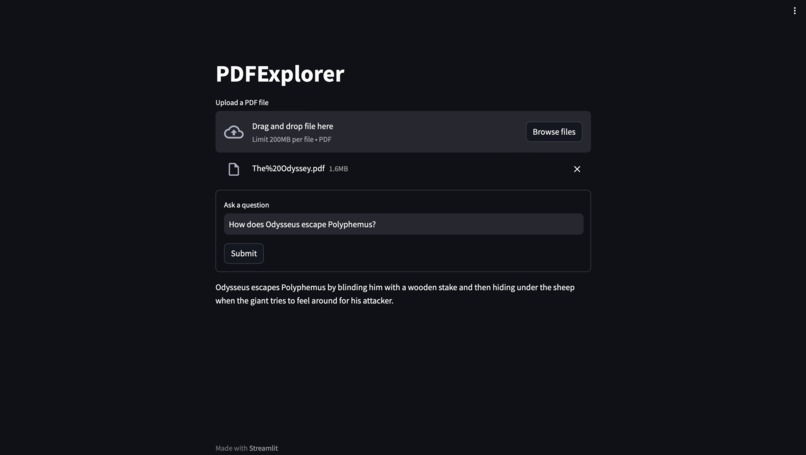
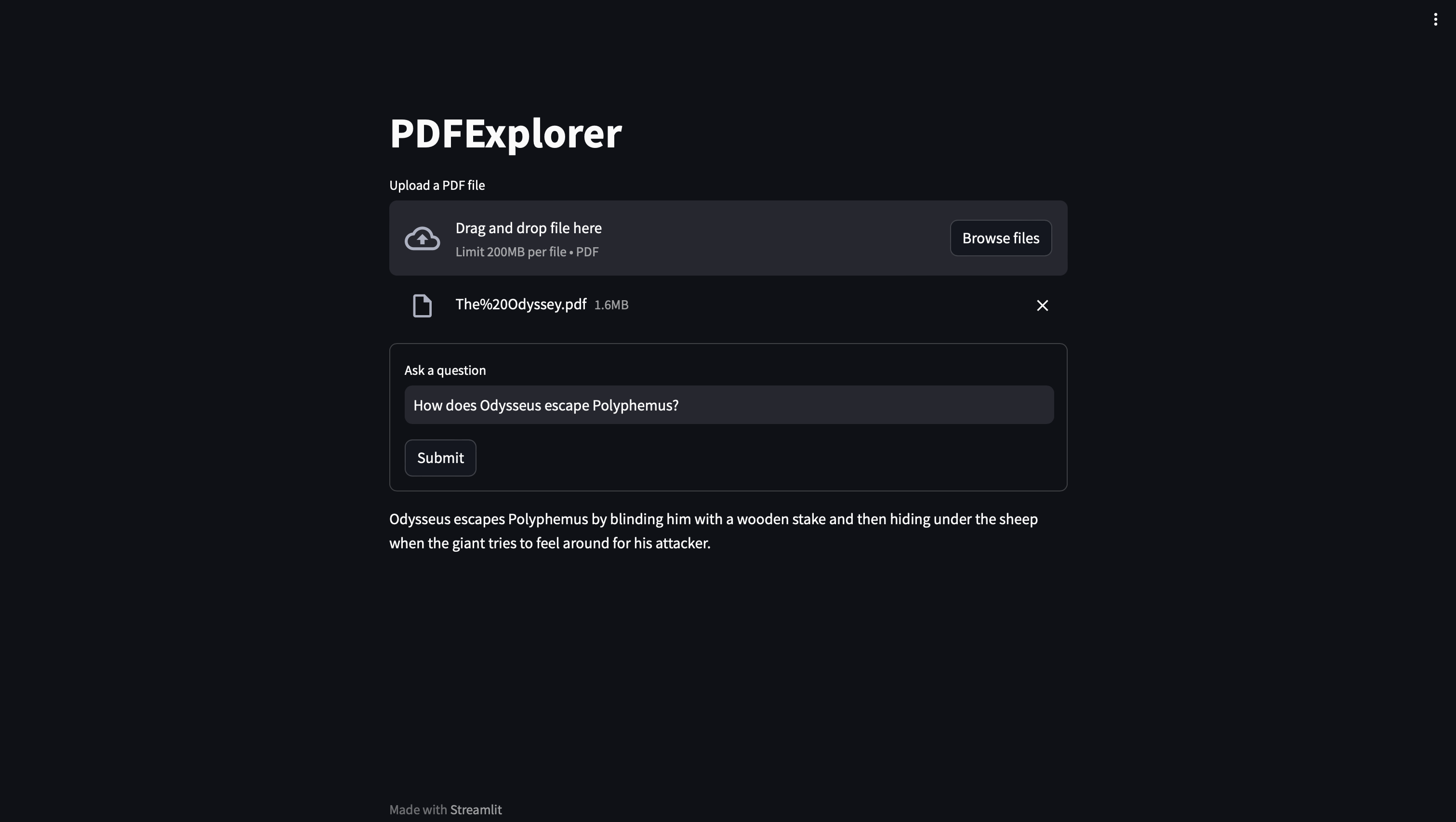
The Odyssey: (Correct Answer: He stabs the cyclops in the eye with a wooden stake)
-
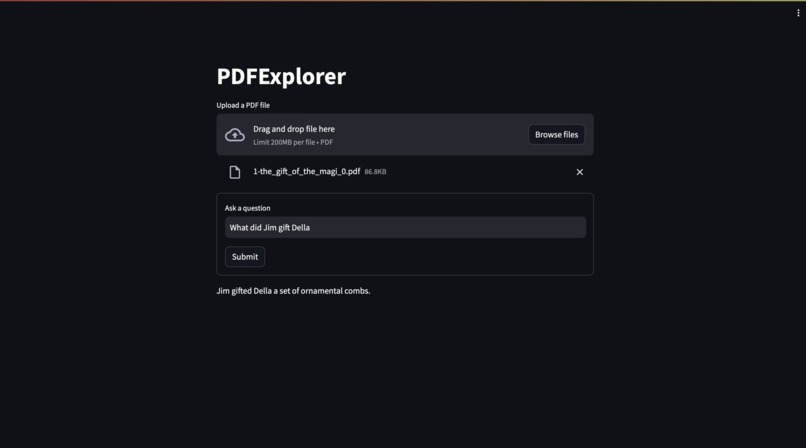
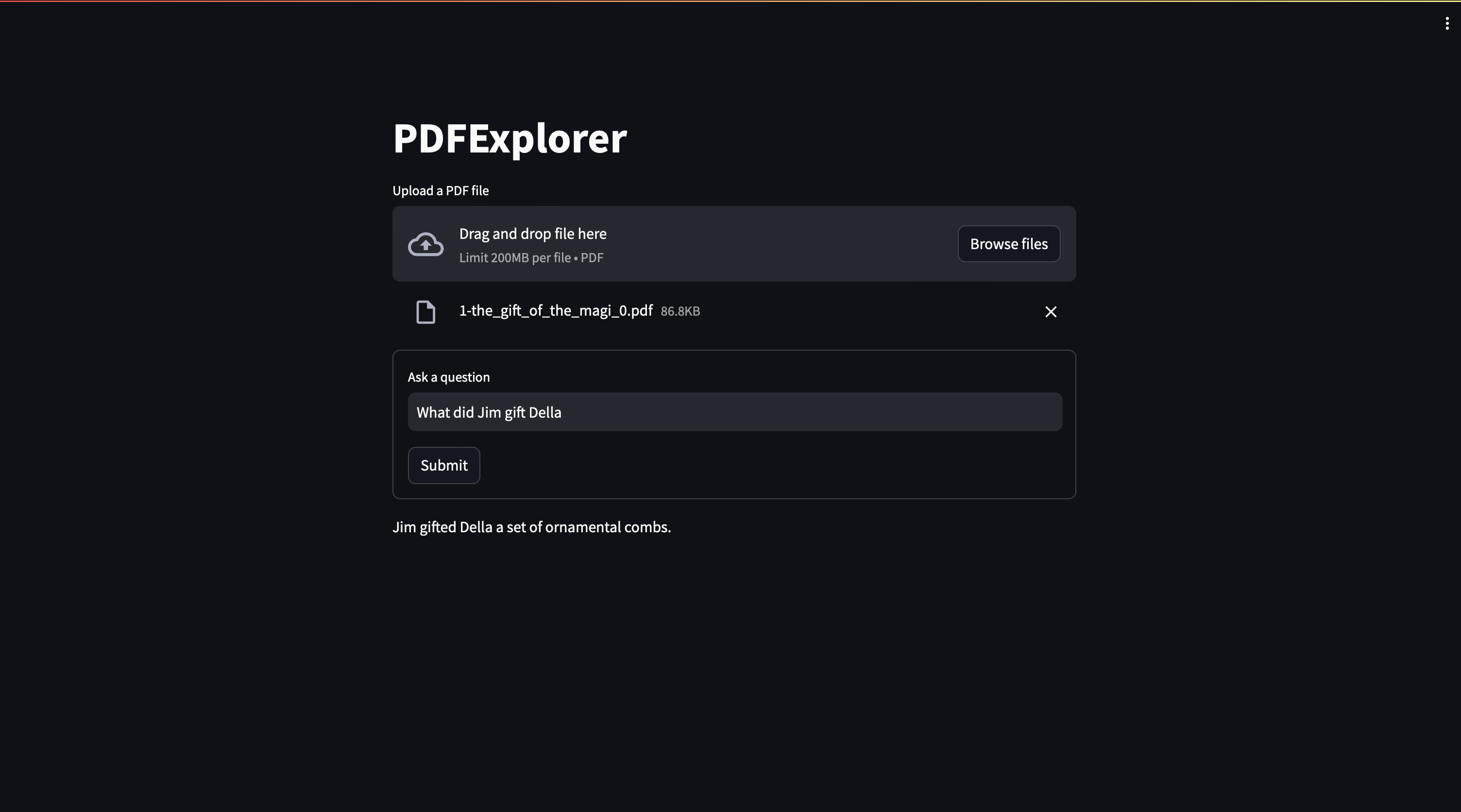
The Gift of the Magi: (Correct Answer: A set of combs)
Inspiration
I saw the huge potential of open source large language models and wanted to see how helpful they could be when applied to document comprehension.
What it does
The web application takes in a PDF and allows the user to ask questions about the content of the PDF which are then answered.
How we built it
PDFExplorer was built using the following libraries and models:
- pdfminer.six for PDF text extraction
- sentence-transformers for text embedding (all-mpnet-base-v2 and ms-marco-MiniLM-L-6-v2 models)
- llama-cpp-python for model inference
- NousResearch/Nous-Hermes-Llama2-13b LLM model
- streamlit for the web UI
Challenges we ran into
The most significant challenge that I faced was finding a model that had good reasoning capabilities, but also wasn’t so large in parameter count that it would be slow to run. I ended up evaluating a number of models before finding one that was both performant and effective at reasoning. I also ran into some issues initially with state management with streamlit as I wanted to avoid reprocessing the PDF file every time the question changed.
Accomplishments that I am proud of
I am very happy that I managed to accomplish making the application able to answer complex questions about PDFs that are entered. Additionally this application can be run locally without an internet connection performantly even on older hardware.
What we learned
This project was my first exposure to using large language models in a real practical application outside of just testing ChatGPT. I learned about how to use the llama.cpp python bindings for running programmatic inference with quantized models. I also gained experience with using streamlit for making web UIs with Python.
What's next for PDFExplorer
I plan to improve this program by making it be able to answer questions even faster. I am also interested in adding additional options in the web UI for common tasks such as summarization or study material generation.

Log in or sign up for Devpost to join the conversation.