-
-
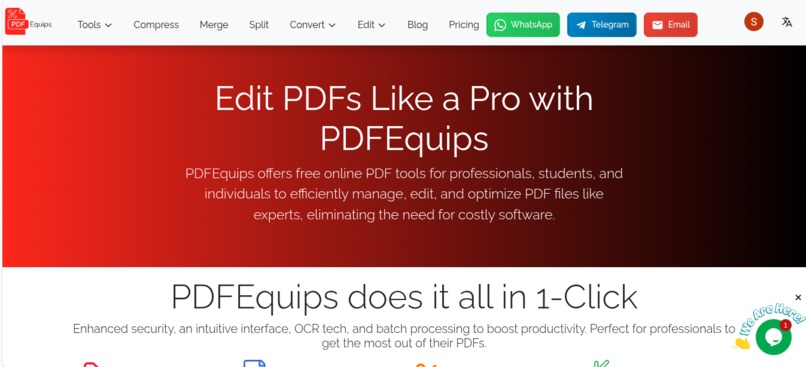
pdfequips landing page interface.
-
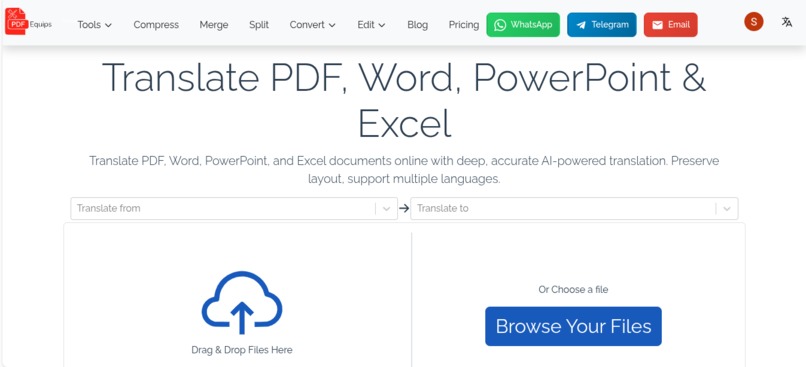
Translate PDF, Word, PowerPoint & Excel
-
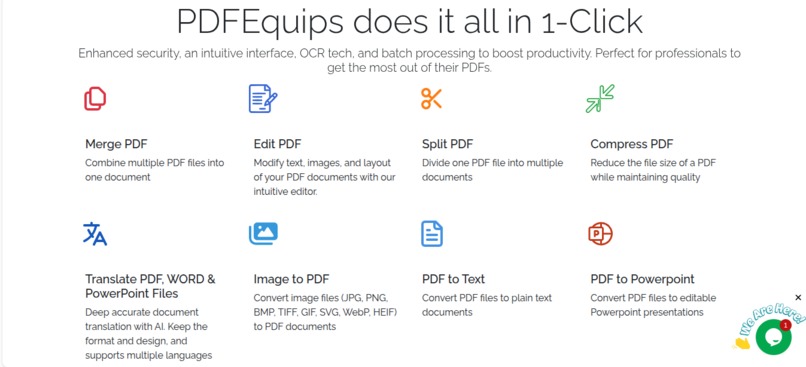
tools.
-
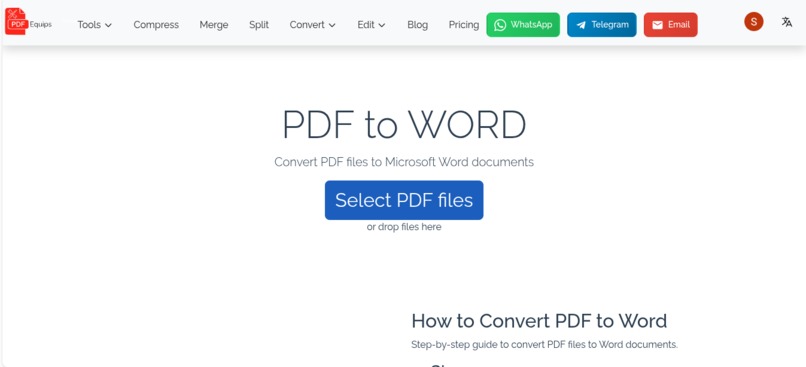
Convert PDF files to Microsoft Word documents
-
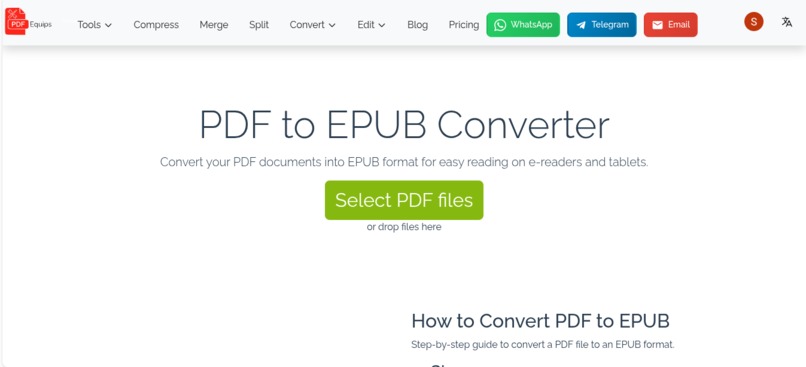
Convert your PDF documents into EPUB format for easy reading on e-readers and tablets.
-
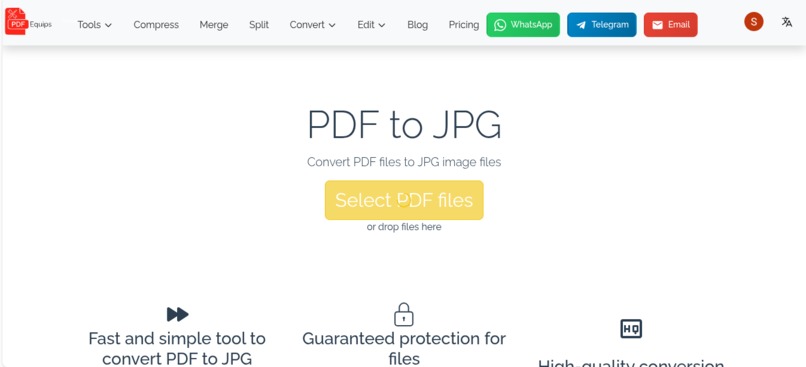
Convert PDF files to JPG image files
-
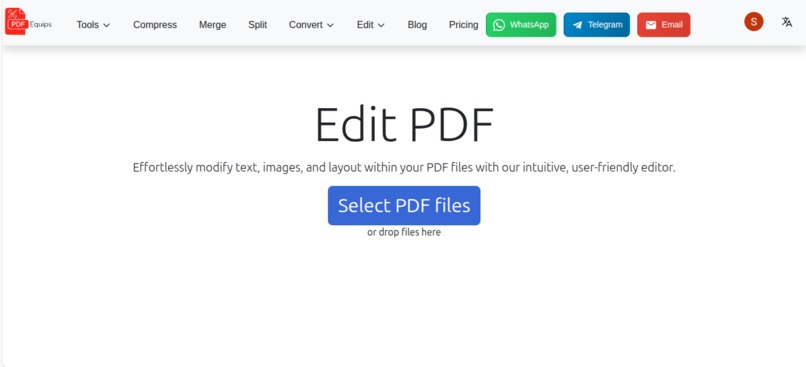
Effortlessly modify text, images, and layout within your PDF files with our intuitive, user-friendly editor.
-
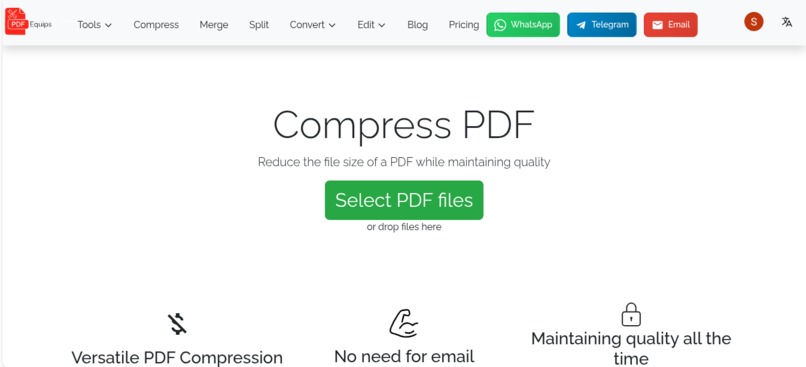
Reduce the file size of a PDF while maintaining quality


Inspiration
I was frustrated with existing PDF tools - they were either bloated with ads, slapped watermarks on free conversions, or charged premium prices for basic features. I wanted a clean, accessible PDF toolkit that just works in the browser without forcing users to install anything or create an account for simple tasks.
What it does
PDFEquips offers 30+ PDF tools including editing, merging, splitting, compressing, converting between PDF and formats like Word, Excel, PowerPoint, and images. It also features AI-powered document translation that preserves original formatting using DeepL and Gemini, OCR for scanned documents, and a batch Web-to-PDF tool that lets you upload a CSV/TXT of hundreds of URLs, set page size, margins, and orientation, then convert them all in one click.
How I built it
The frontend is built with Astro.js, React, TypeScript, and Tailwind CSS, with Redux for state management and Zustand for handling file blobs. The backend runs on Node.js with Express and TypeScript, plus a Python Flask server for PDF processing using open-source tools like Puppeteer, LibreOffice, and ocrmypdf. PostgreSQL handles the database layer, and the whole stack is managed with nginx and PM2 on a VPS. The application supports six languages - English, Arabic, Spanish, French, Hindi, and Chinese - with full RTL support for Arabic.
Challenges I ran into
Building a reliable document translator that preserves the original layout across PDFs, Word docs, PowerPoints, and Excel files was the hardest part. Each format has its own quirks, and keeping formatting intact while swapping languages required building translator-aware validation and handling edge cases across all four document types. Batch Web-to-PDF also presented challenges around handling timeouts, broken URLs, and memory management when processing hundreds of pages concurrently.
Accomplishments that I'm proud of
The batch Web-to-PDF feature - one user converted 200 web pages from a CSV upload in about 10 minutes. The full i18n system with zero hardcoded strings across six languages. And building the entire platform as a solo developer over two years while keeping it fast, clean, and free for basic use.
What I learned
How to architect a multilingual full-stack application at scale, how to orchestrate multiple processing engines (Puppeteer, LibreOffice, Python PDF libraries) behind a single clean API, and that the biggest differentiator isn't having the most features - it's making the features you have work reliably without friction.
