-
-
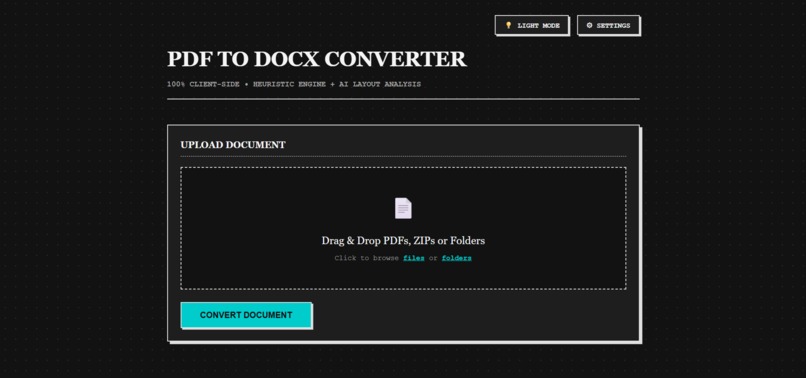
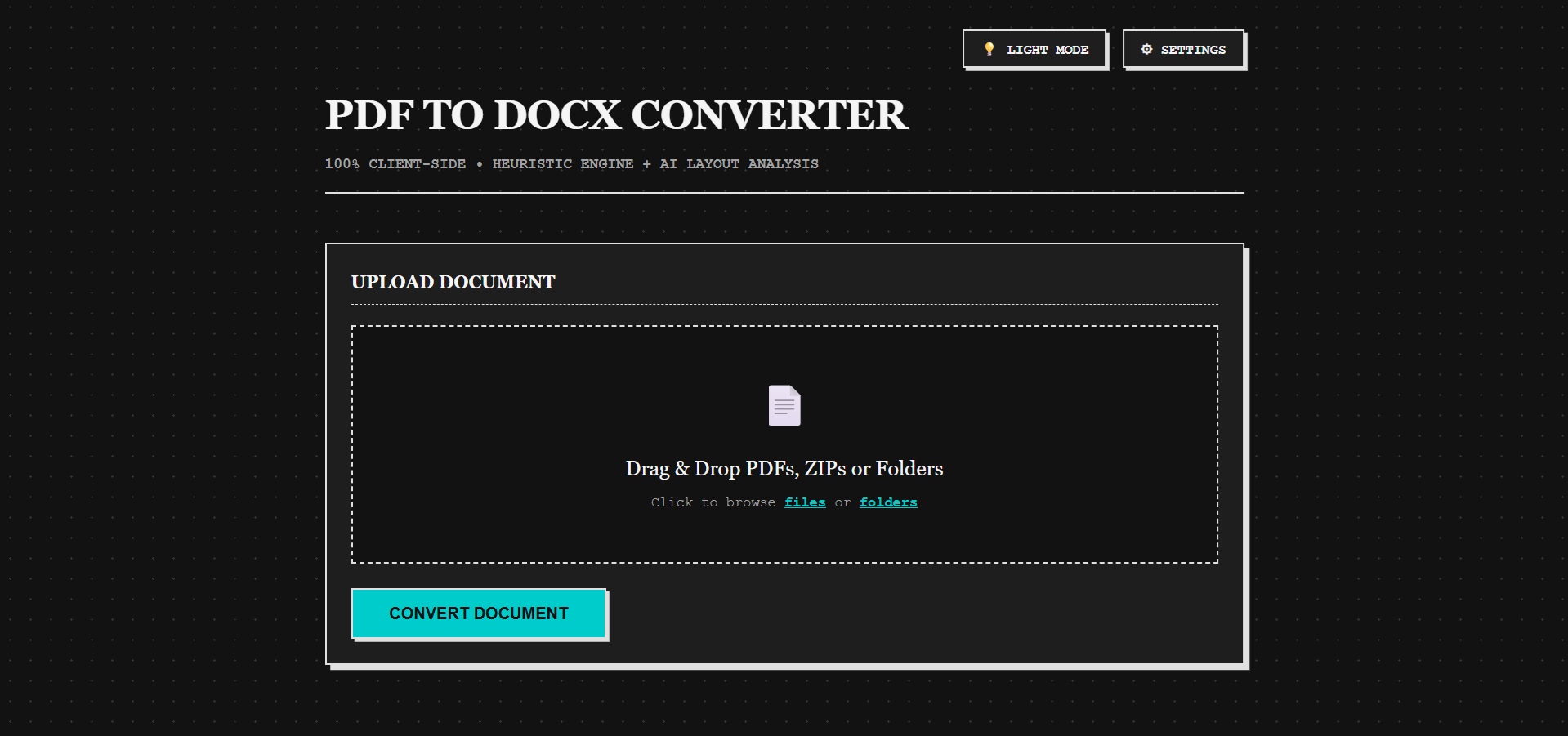
Desktop Dark Mode Interface
-
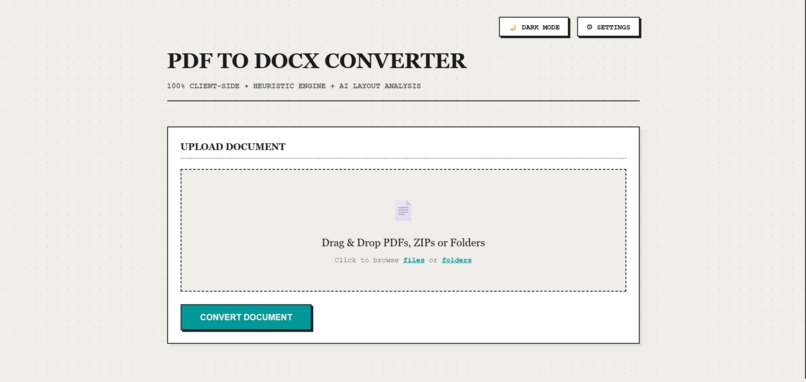
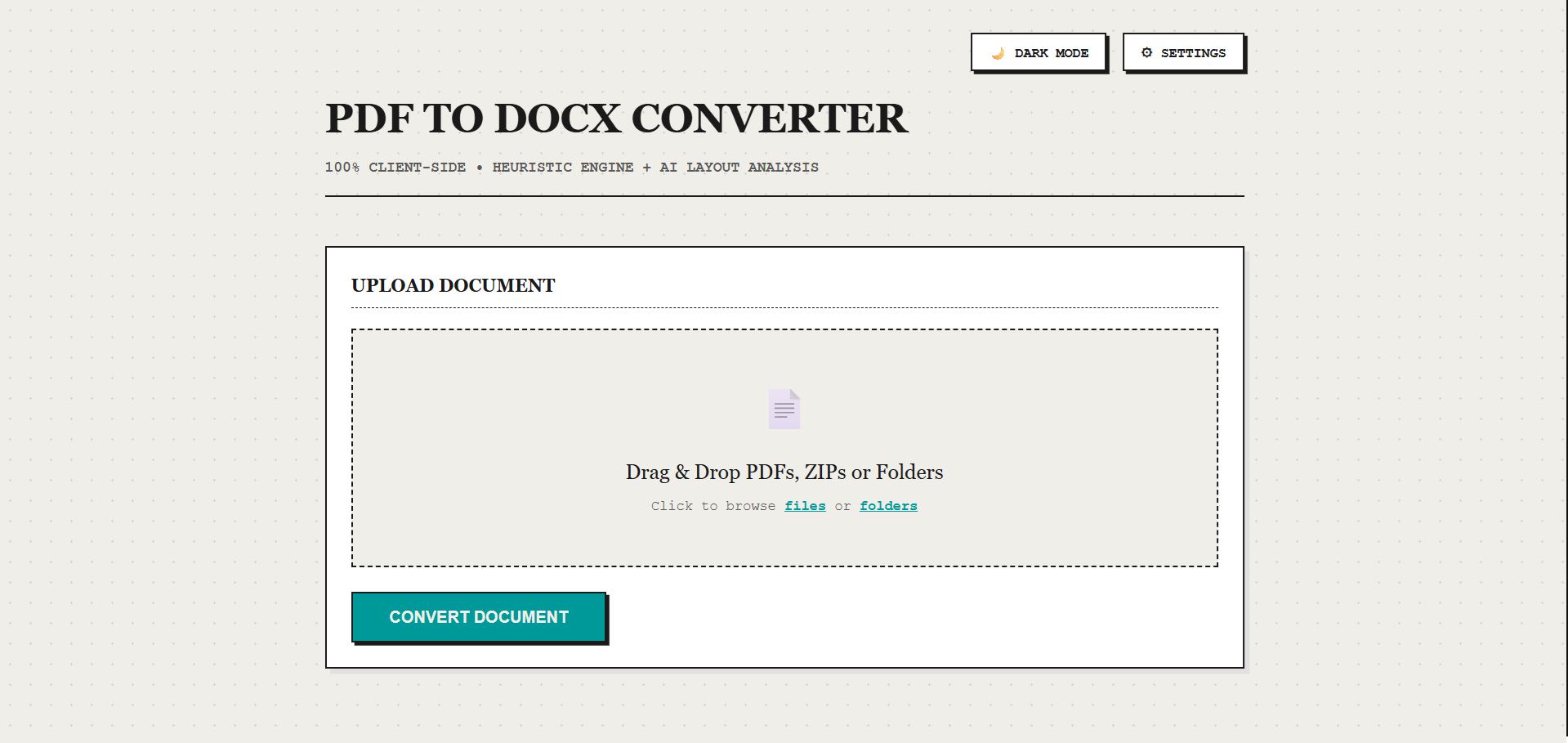
Desktop Light Mode Interface
-
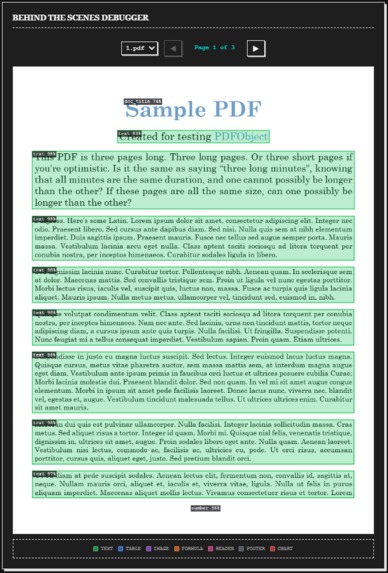
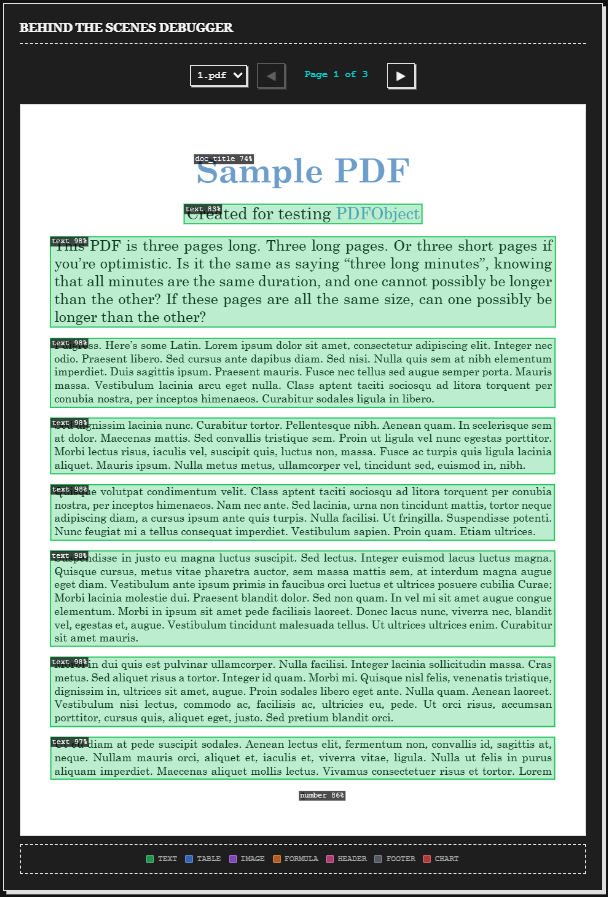
Behind the scenes AI detection 1
-
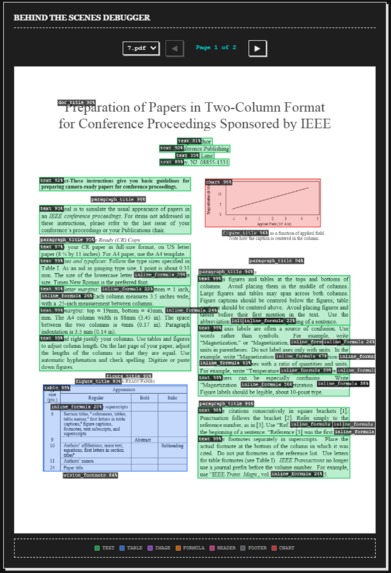
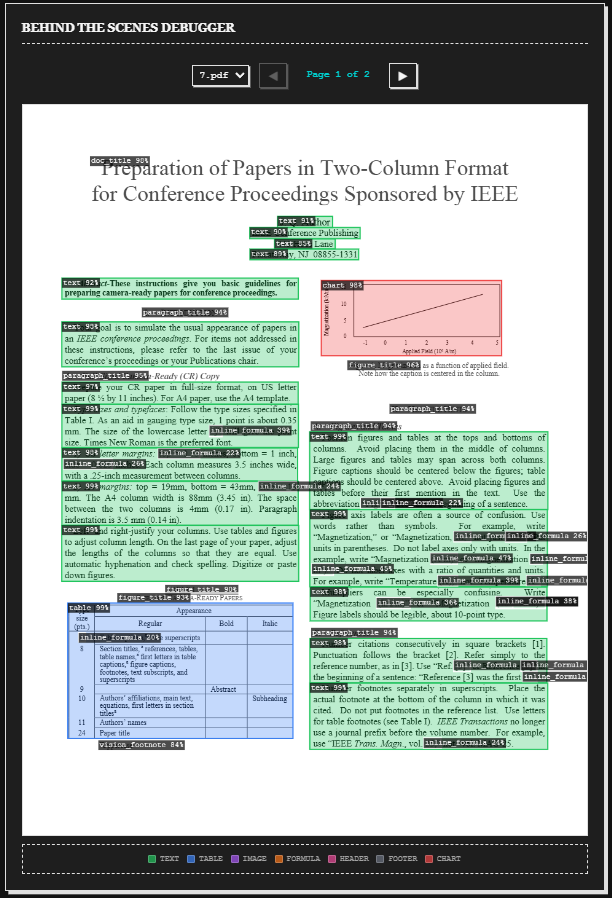
Behind the scenes AI detection 2
Live Demo: pdf2docx-serverless.netlify.app
Track 05 (Open Track)
Inspiration
The inspiration for pdf2docx-serverless came from a universal frustration: dealing with PDFs is a nightmare. Most existing PDF-to-Word converters fall into one of two terrible categories: they either completely destroy complex layouts (like tables, columns, and math formulas), or they make the word document in a way where simply adding a new line breaks the entire document
They also often require you to upload highly sensitive documents (like tax returns, medical records, or legal contracts) to a random, unknown third-party server. To make matters worse, the tools that actually work often lock your own documents behind arbitrary paywalls or subscription tiers.
I wanted to build a solution that respects user privacy by default, costs nothing to run, and handles complex document layouts with modern AI, all without ever leaving the user's device.
What it does
pdf2docx serverless is a privacy-first, 100% client-side web application that converts complex PDFs into formatted Word documents. By combining the parsing power of pdf.js with WebAssembly-accelerated ONNX AI models running directly in your browser, it reconstructs reading order, tables, formulas, and styling locally. Your files never leave your machine.
How I built it
I tried my best to build this without a backend, relying entirely on Vanilla HTML, CSS, and JavaScript. This ensures it stays light and compatible with almost every device that can run a browser!
Under the hood, it uses Web Workers for multi-threading, ONNX Runtime for AI inference (YOLOv10m, SLANet, and RapidLaTeXOCR), and custom heuristics to parse vector graphics. If you want to dive deeper into how I implemented the UI & Orchestration, the AI Layout Engine, or the DOCX Assembly, you can check out the in-depth documentation in my GitHub repository. :)
Challenges I ran into
UI Freezing & Memory: Running multiple instances of ~87MB of AI models can easily crash a browser tab. I had to architect a highly concurrent Web Worker pool to offload all inference, ensuring the main thread remained buttery smooth.
The Font Obfuscation Nightmare: To make the final Word document look identical to the PDF, I had to extract the raw TrueType/OpenType font streams from the PDF binary using pdf-lib. However, Microsoft Word strictly requires embedded fonts to be obfuscated using a specific ECMA-376 XOR algorithm. To make it worse, most libraries for reading pdfs and creating word documents don't support extracting or adding font tables. I had to implement this cryptography entirely client-side, generating UUIDs, reversing byte keys, and manually injecting .odttf files after .docx creation and XML nodes into the ZIP structure of .docx files.
What I learned
I gained an incredibly deep understanding of binary file structures and specifically how PDF object streams and Office Open XML zip archives are put together under the hood. I also learned how to push the limits of modern browser APIs, mastering Web Workers, asynchronous state management, and WebAssembly inference.
Built With
- cache-api
- canvas-api
- css
- docx
- html
- javascript
- jszip
- onnx-runtime-web
- pdf-lib
- pdf.js
- rapidlatexocr
- slanet
- tesseract.js
- web-workers
- webassembly
- yolov10


Log in or sign up for Devpost to join the conversation.