-
-
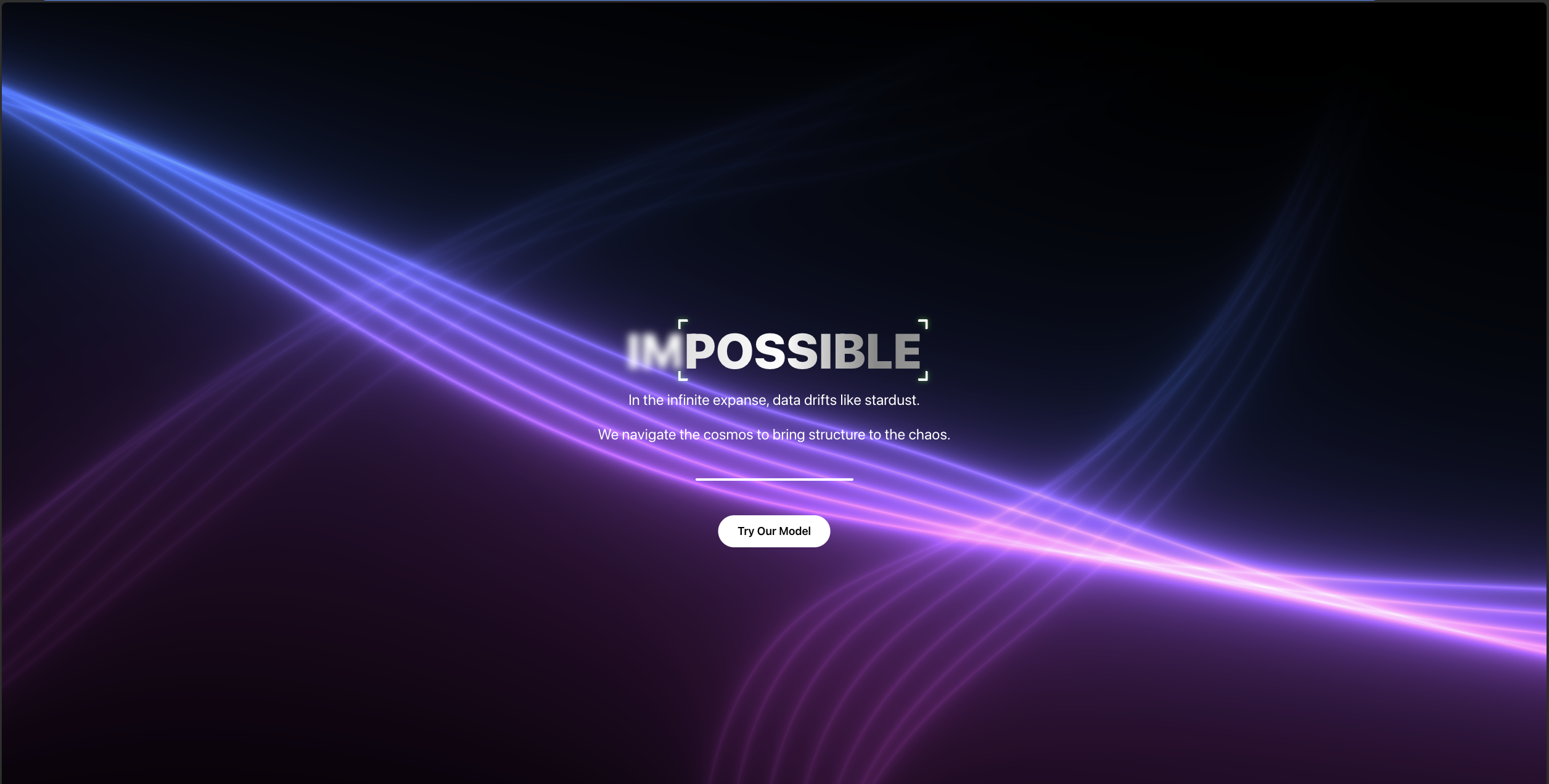
Home page
-
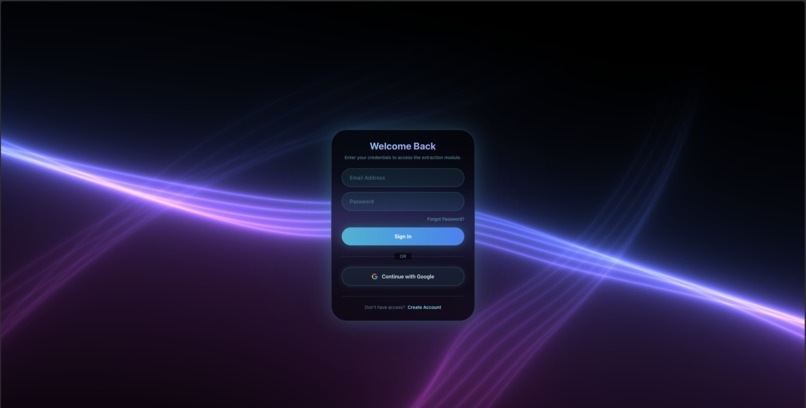
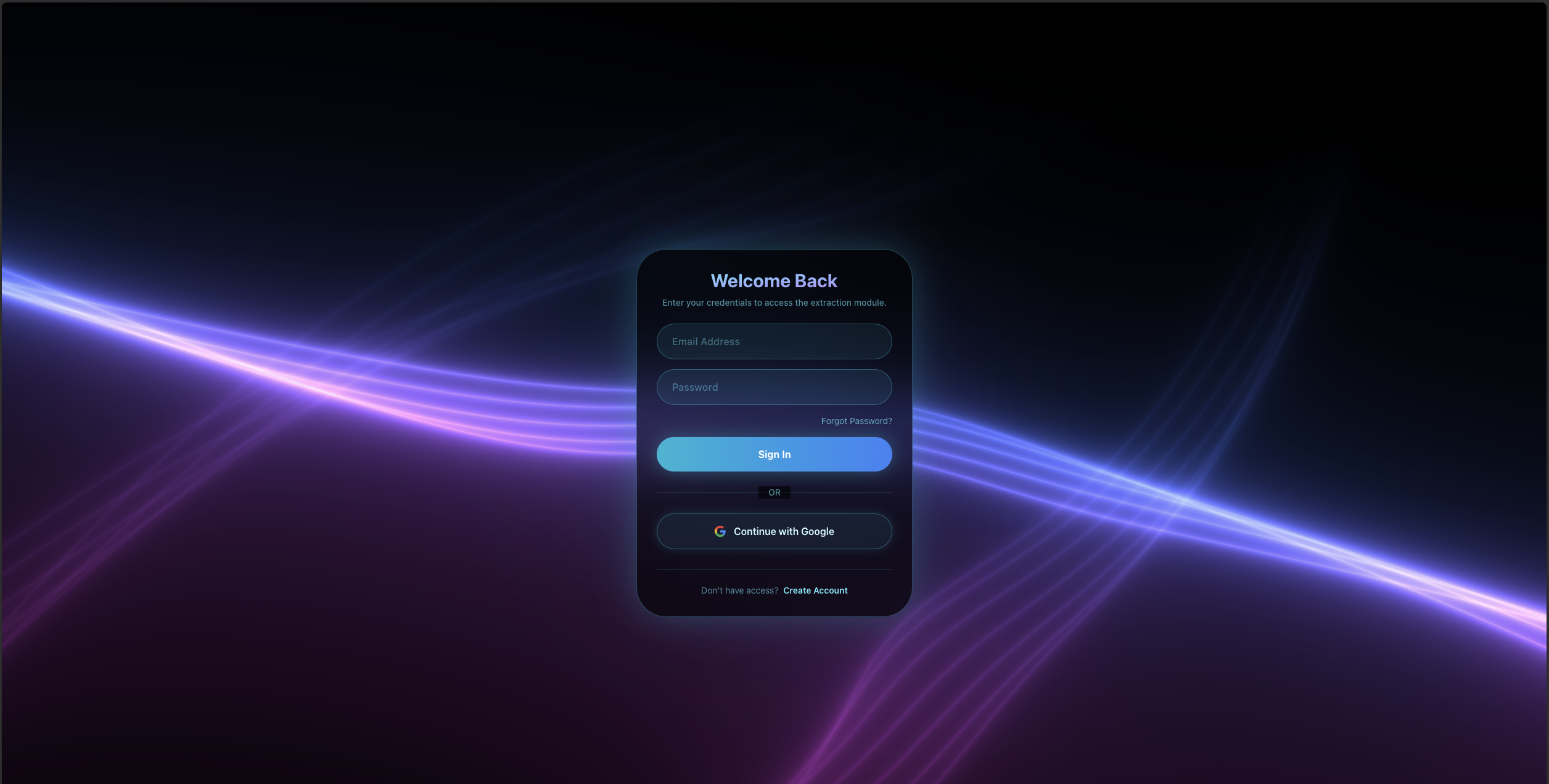
Log in page
-

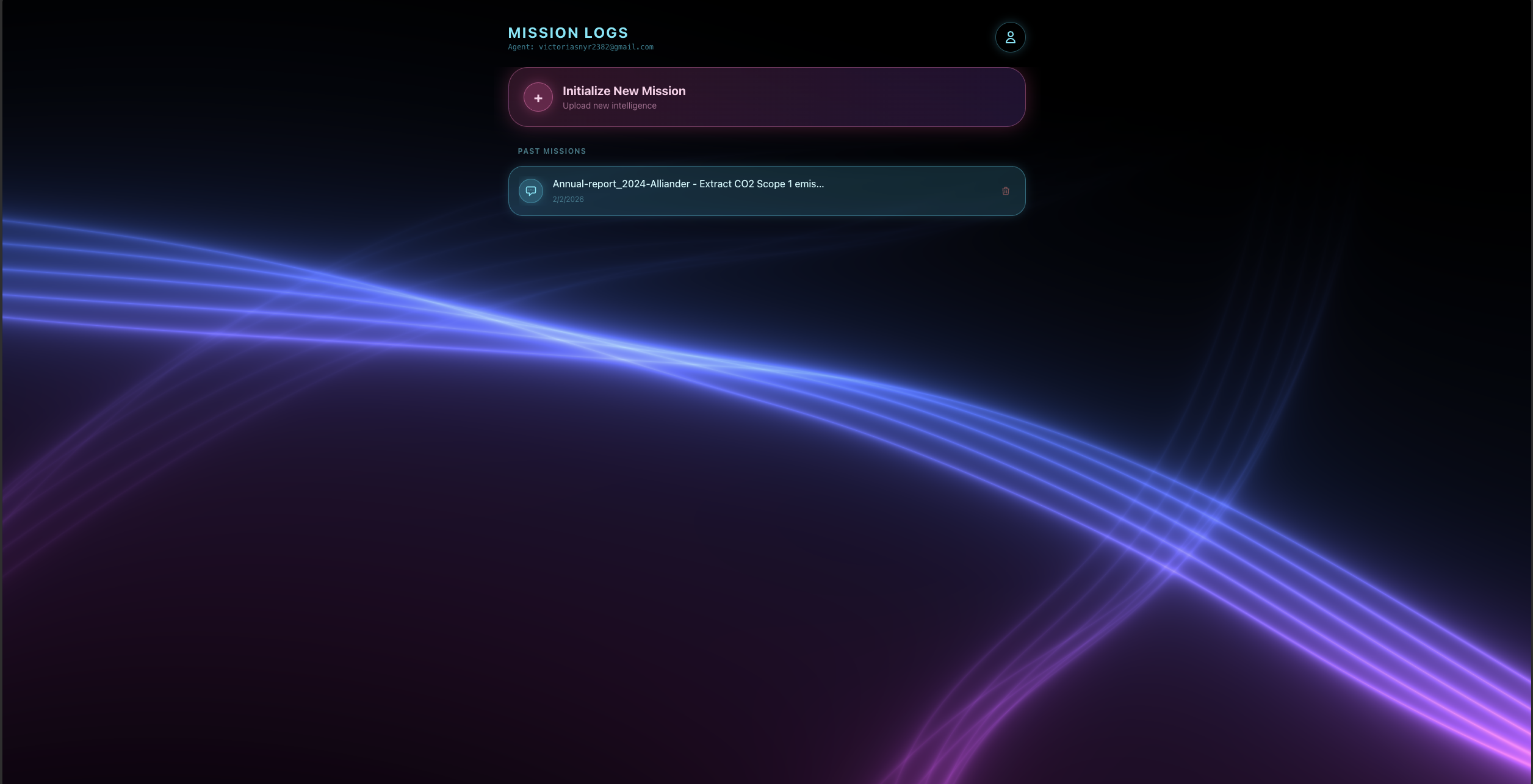
Dashboard
-
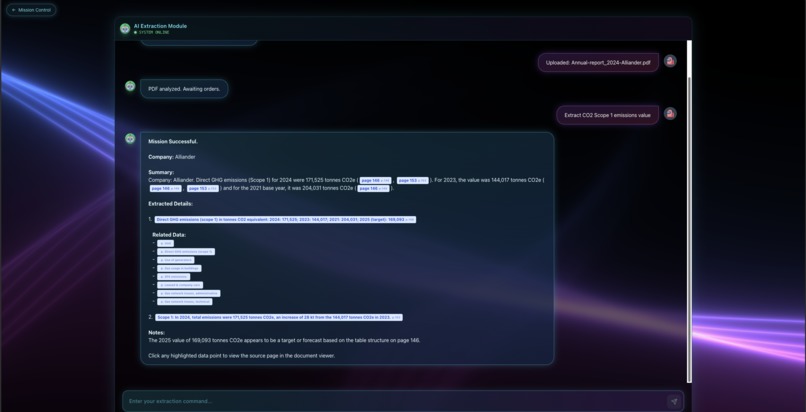
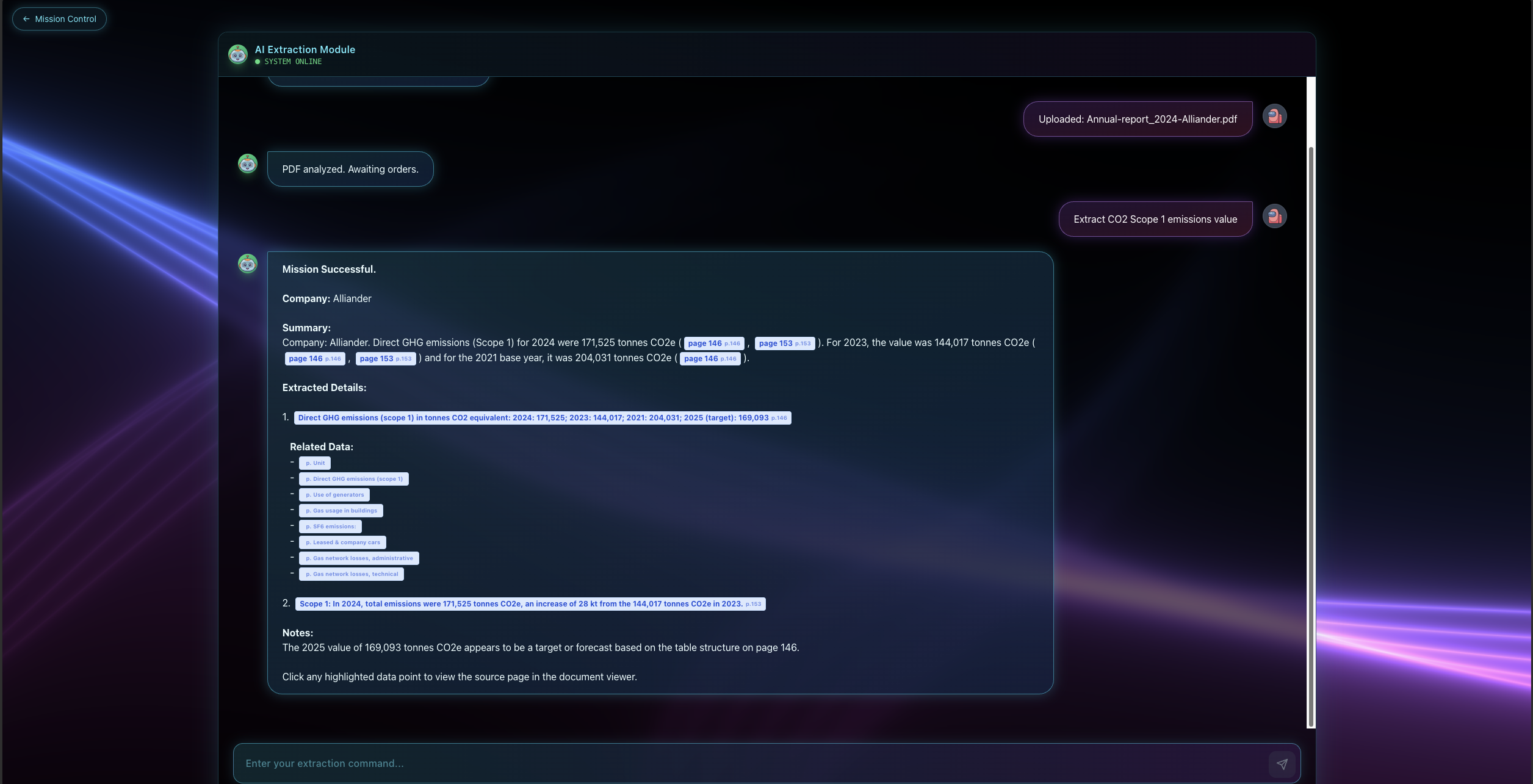
Chat screen
-
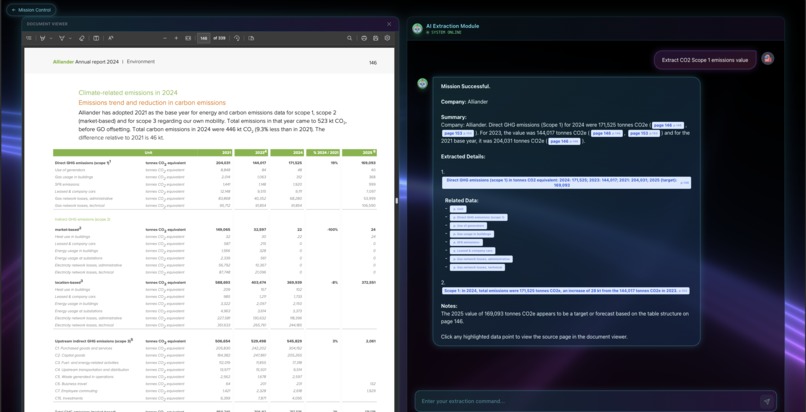
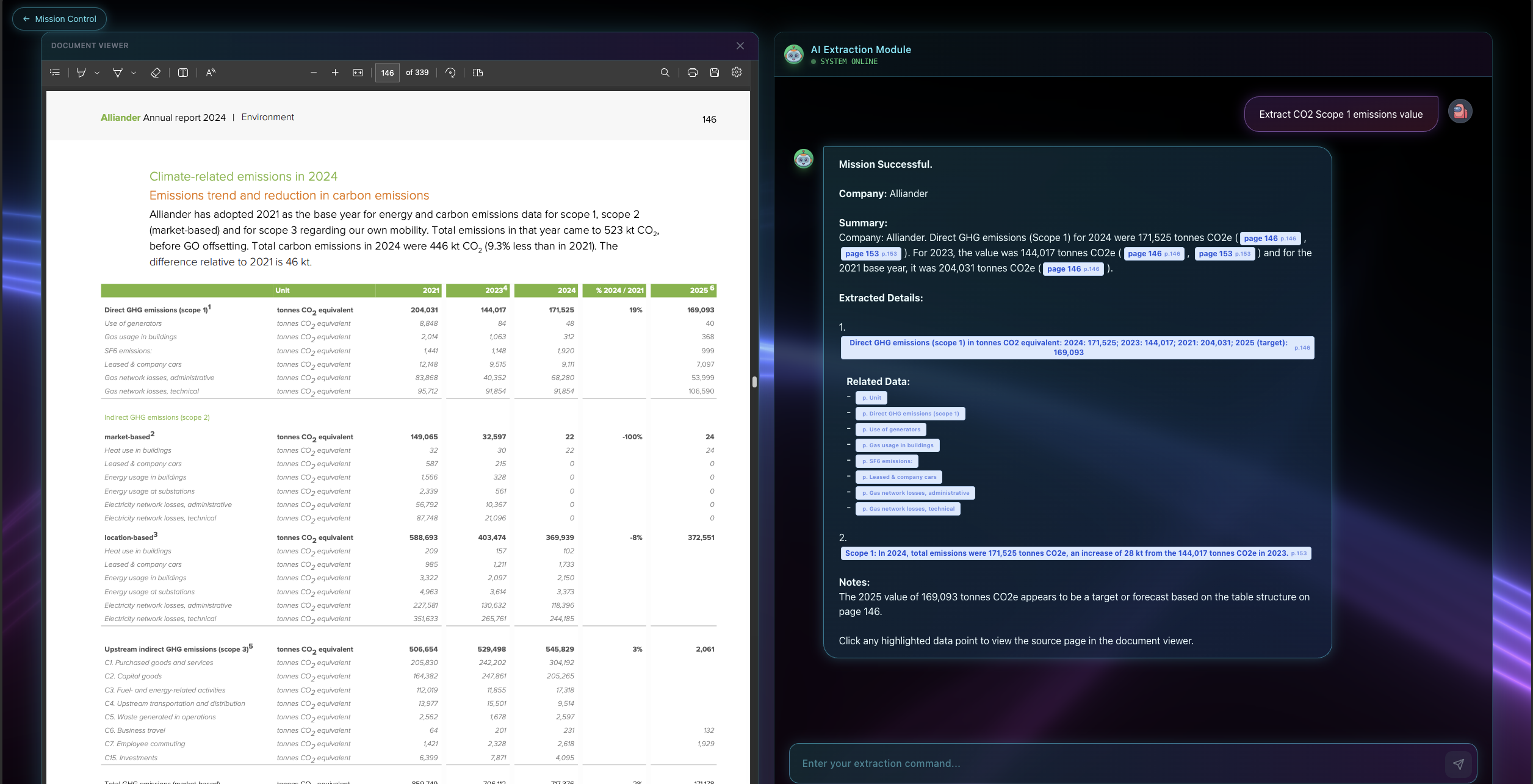
Chat screen with pdf view
-
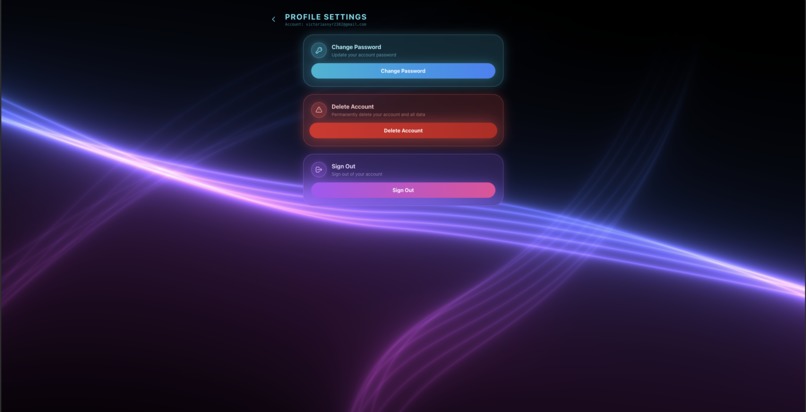
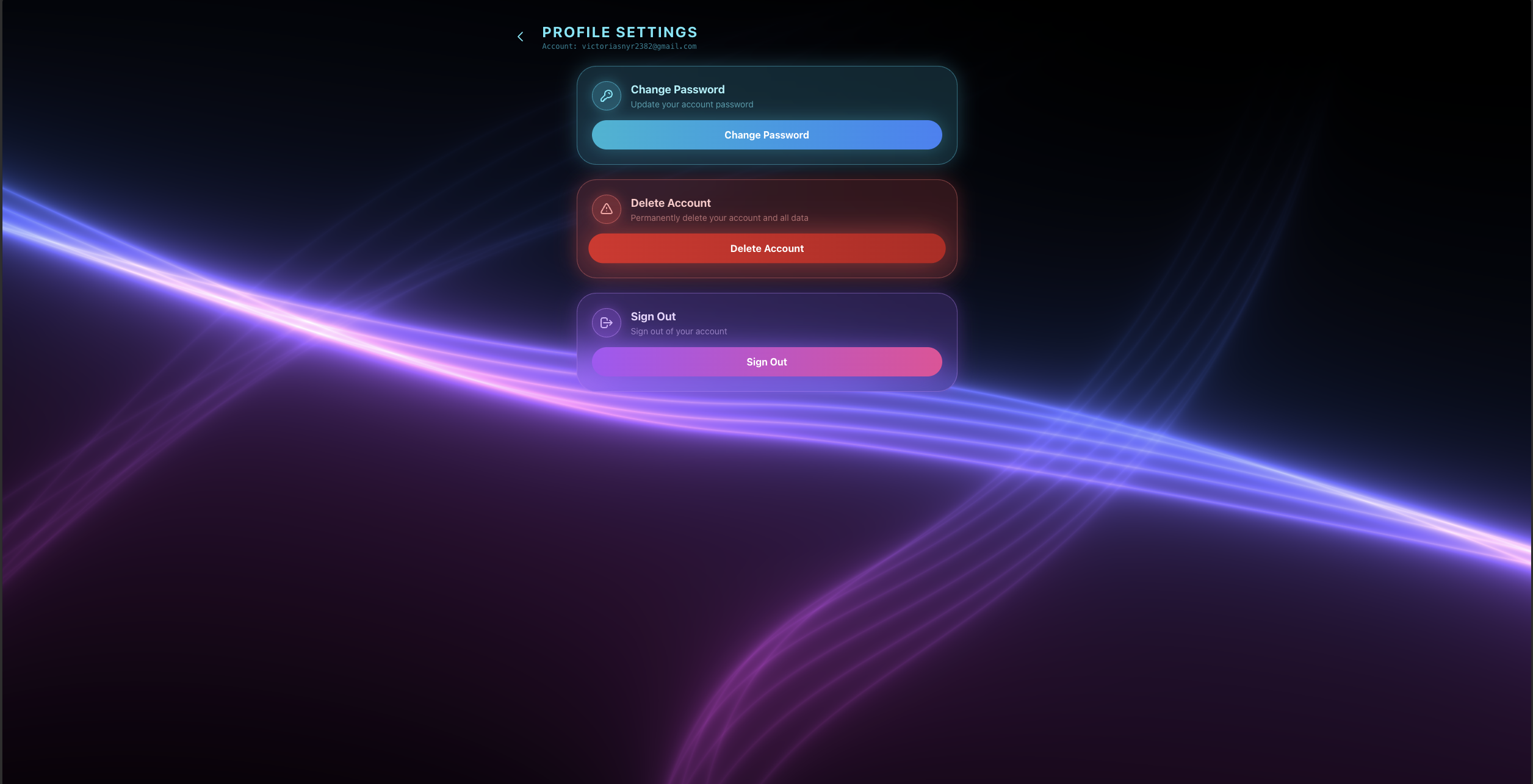
Profile setting
Inspiration
We were inspired after reading many report research papers and how teams can spend hours digging through massive reports just to find information, such as Scope 1 emissions value with the correct unit, year, and date for modeling and business decisions. That pain point felt universal. People do not just need a keyword match, they need confidence that the value is the right one. So we designed a system that not only finds the relevant content but also shows exactly where it appears and lets you jump to the proof inside the PDF.
What it does
Our PDF Extraction Platform takes a user query like find Scope 1 emissions in tCO2 and narrows thousands of pages down to a small set of highly likely pages. It then identifies the best matches and returns a clickable list where each result links directly to the exact page, with a side by side view so users can verify context like unit and timeframe. It also includes secure sign in with email and one time passcode plus optional authenticator based two factor authentication, and it saves upload history so users can revisit or delete past PDFs anytime.
How we built it
We treated the search problem like grading a written answer with a rubric. We split the prompt into primary intent terms like Scope 1 emissions and secondary constraints like units. We send those terms to the Gemini API to generate synonyms and context aware expansions, including casing variations, roman and numeric patterns, written number forms, and unit symbols. That expansion reduces missed matches and improves recall. Next, we scan the PDF to shortlist candidate pages, often under 20. Finally, we send only those candidate pages to Gemini again to confirm which ones truly contain the requested information and return the results with page level links. We deployed the full platform on Azure so multiple users and devices can access it reliably
Challenges we ran into
The hardest part was balancing recall and precision. Expanding keywords helps prevent missed results, but it can also pull in extra noise. We had to iterate on the rubric logic, tune the synonym expansion rules, and make the second stage verification strong enough to filter false positives. Another challenge was product thinking at scale: when users upload many large PDFs, they need history, organization, and a clear interface to keep track of results without getting overwhelmed.
Accomplishments that we're proud of
We built a workflow that works smoothly on very large PDFs and consistently returns the correct passages with direct page navigation, which makes verification fast. We are proud of the secure account flow with two factor authentication options and persistent history, and we are especially proud that the platform is deployed on Azure and usable across devices at the same time.
What we learned
We learned how to design features from real user pain, then translate that into a structured retrieval pipeline. We also learned how much small details matter, like keeping context visible, saving history, and making results clickable and verifiable. Technically, we gained experience with prompt decomposition, synonym expansion, multi stage filtering, and deploying a full stack product that handles large files.
What's next for PDF Extraction Platform
Next, we want to upgrade the platform with a document processing transformer pipeline so it can handle scanned and handwritten pages. The goal is to convert messy documents into clean, searchable structure, including reconstructed text, tables, and layouts, so the same extraction workflow works even when the PDF is not digitally native. We also plan to add smarter organization and tracking features for high volume workflows so teams can manage many reports more efficiently.
Built With
- azure
- fastapi
- geminiapi
- pdfplumber
- postgresql
- pydantic
- pymupdf
- python
- react
- supabase
- three.js
- typescript
- vercel
- vite


Log in or sign up for Devpost to join the conversation.