-
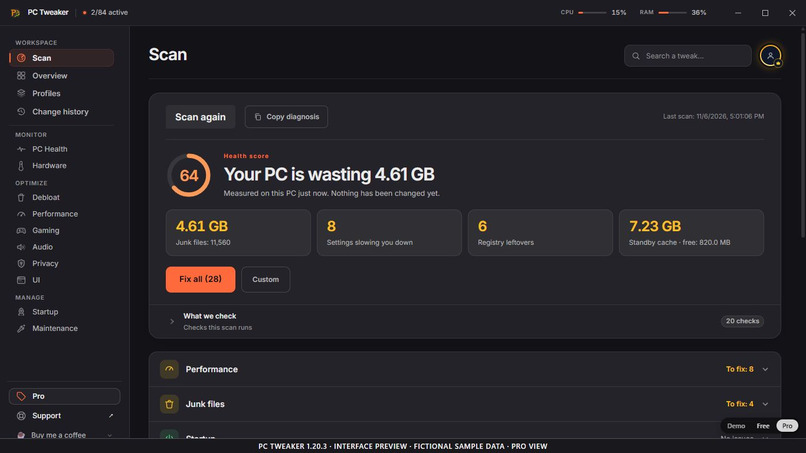
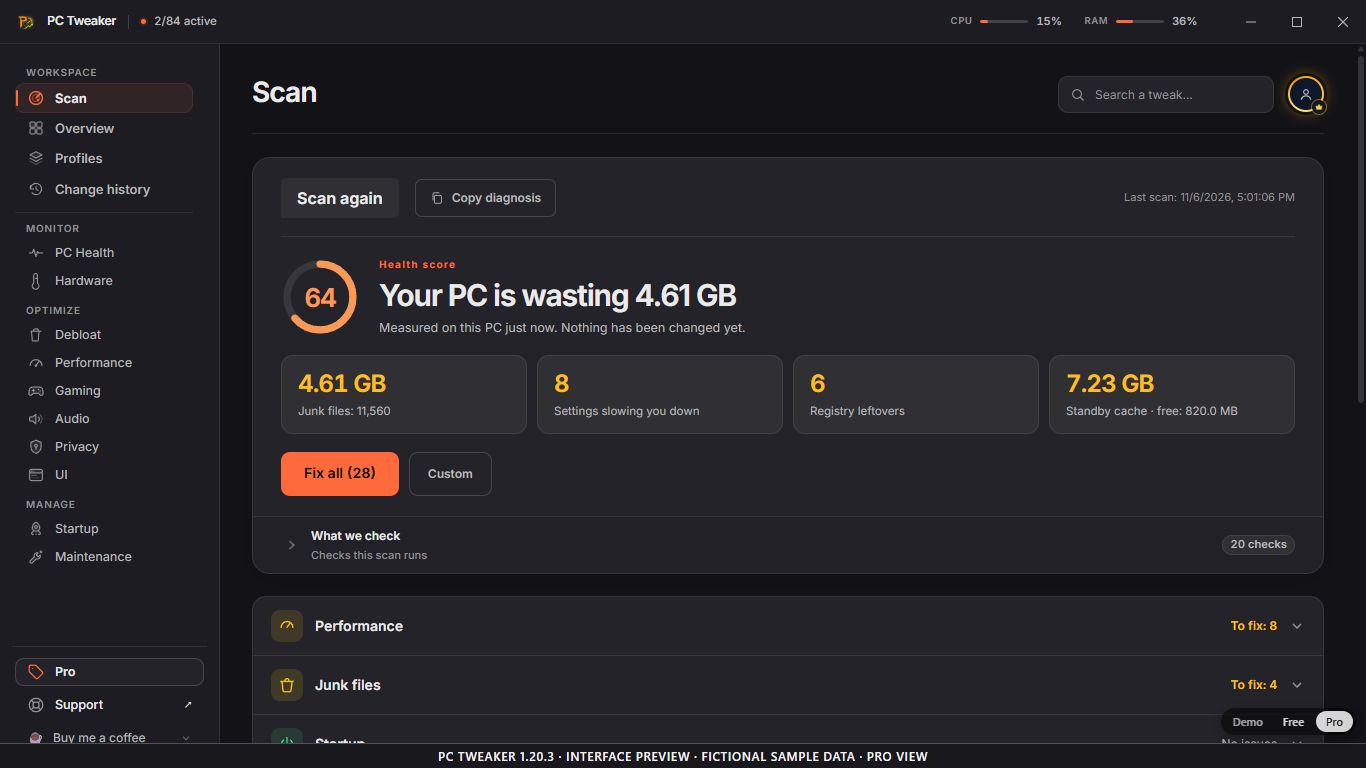
Scan: 20 checks before changes. PC Tweaker 1.20.3, English Pro view. Fictional sample data, not measured results.
-
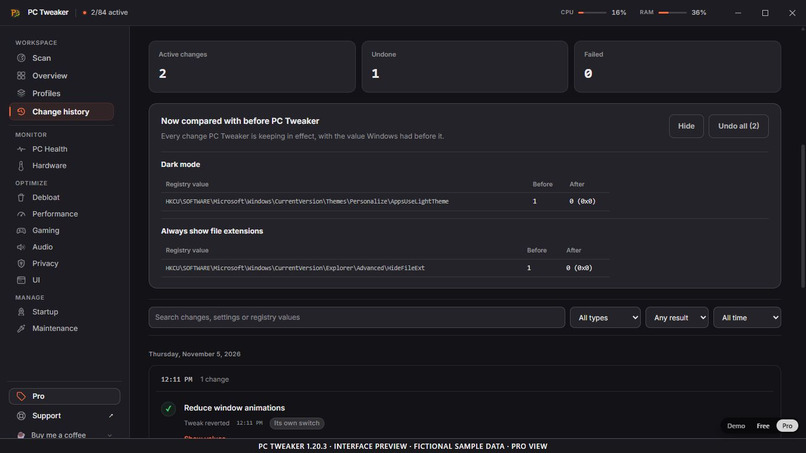
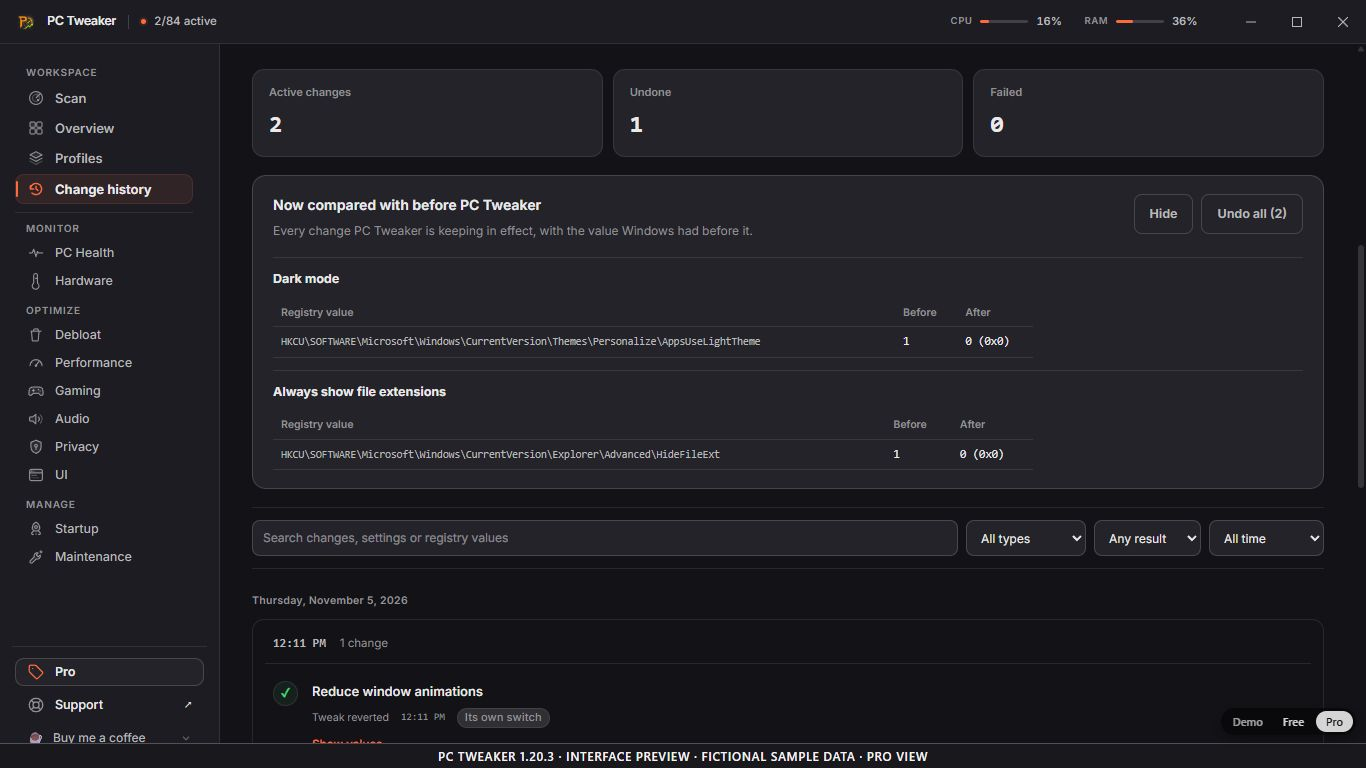
Change history: prior values for supported settings. PC Tweaker 1.20.3, English Pro view; fictional sample data.
-
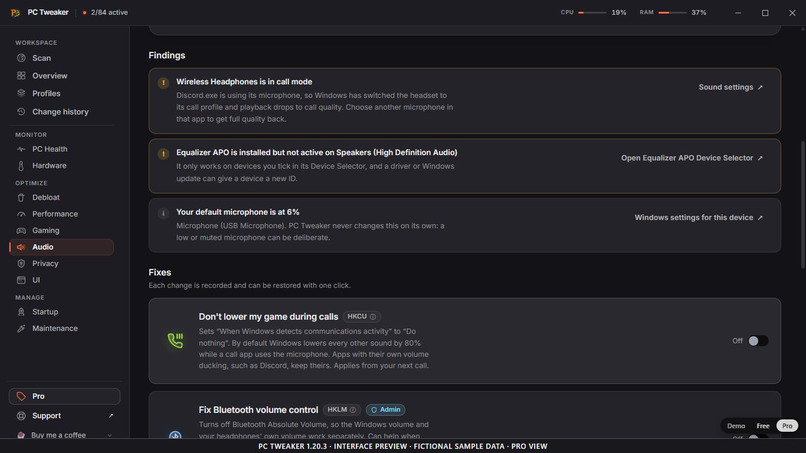
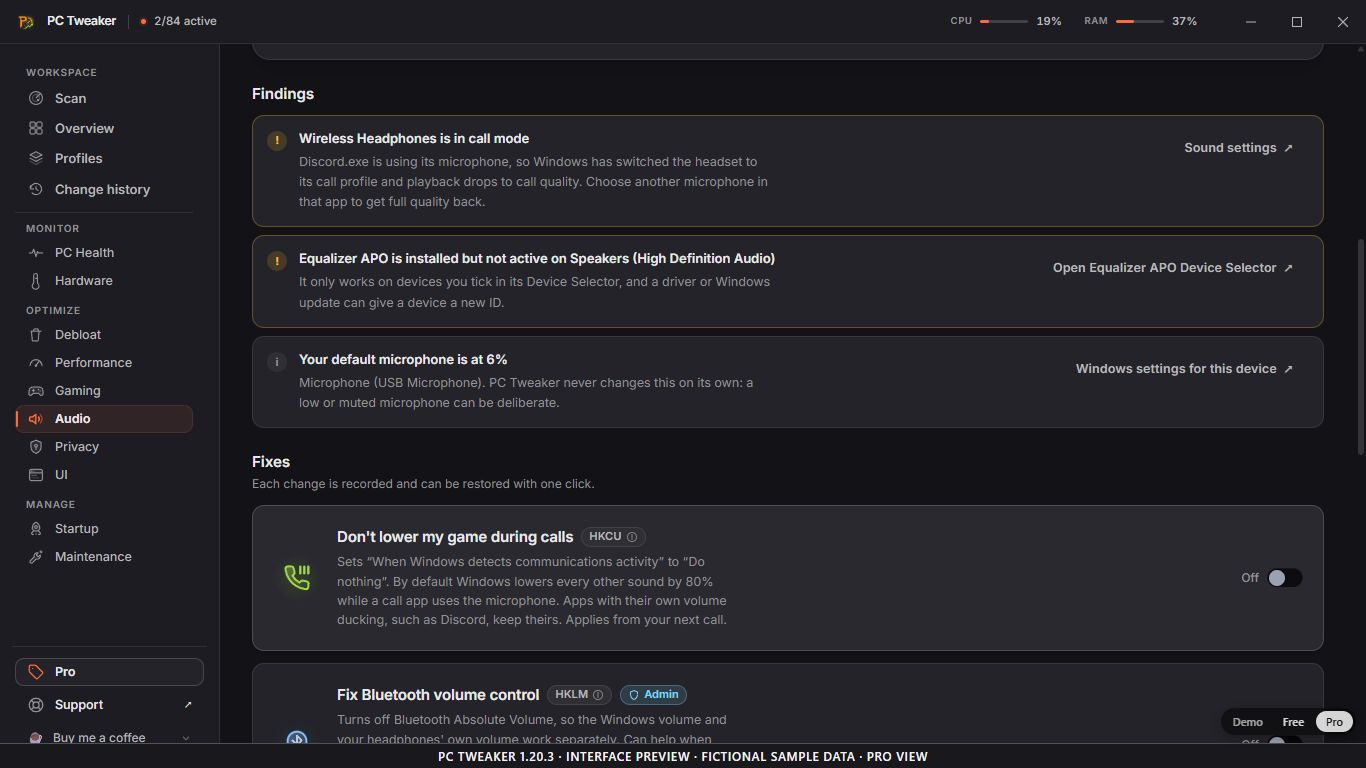
Audio: device findings and supported controls. PC Tweaker 1.20.3, English Pro view; fictional sample data.
Know what Windows will change before you change it
PC Tweaker brings Windows settings, diagnostics and supported recovery into one desktop workspace. Review a finding, read what a control changes, decide whether it fits your PC, and inspect the recorded outcome.
This is a publisher-maintained project page for the Windows 10/11 x64 app built with Rust, Tauri, React and TypeScript.
Start with findings
Scan runs 20 checks across Windows configuration, storage, startup, privacy, memory, hardware and latency. It presents findings for review; scanning itself does not apply tweaks, remove files or install drivers. The read-only hardware audit does not change firmware.
A configuration score is not an FPS benchmark. Supported before-and-after checks can report No measurable difference when they do not establish a gain. Their readings are not a game benchmark, and a useful change may affect something those checks do not measure.
Keep the decision and its history together
For supported settings, PC Tweaker records the previous value and provides restoration controls. Change history makes the recorded state and outcome available for inspection.
Recovery has a defined scope. It does not recover deleted files or caches, reinstall removed applications, or replace a separate system backup. Cleanup, repair, drivers and hardware controls have operation-specific requirements and recovery limits.
Look beyond a generic performance score
- Gaming and performance: supported Windows controls, Game Sessions and process-placement tools, with availability depending on hardware, drivers and Windows.
- Audio: review device formats, Bluetooth call mode, microphone levels and Equalizer APO status. A read-only 10-second DPC/ISR trace requires administrator privileges; a driver appearing in it is not automatically the cause of an audio problem.
- Privacy and maintenance: inspect supported Windows preferences, diagnostics and cleanup workflows before applying an action.
- Hardware monitoring: read available CPU, memory and other sensor information with the limitations of the exposed data.
Individual functions may require administrator approval or a restart. There is no universal FPS, latency, compatibility or recovery guarantee.
Free first, optional Pro
The current catalog contains 84 controls: 48 Free and 36 optional paid Pro controls. Free starts without an account. Advanced tools and workflows are available through optional paid plans; current eligibility, prices, taxes and billing terms are shown in the app and on the official website.
One optional Pro control requires disabling Memory Integrity (HVCI). Applying it removes a layer of kernel protection; other VBS features may remain active. Review that security trade-off before choosing it.
The interface supports English, Italian, French, Spanish, German and Portuguese (Portugal). Public source is available under a proprietary licence; source availability does not make it an open-source product.
Inspect the preview, then the actual download
The added screenshots show PC Tweaker 1.20.3 in English, in the Pro view, with clearly labelled fictional sample data. They are interface previews, not real measurements, recovered space or customer results, and are not relabelled as a later maintenance release.
Official Windows installers identify Aurelio Avila with a publisher signature and a trusted timestamp. The updater has a separate signature. Verify the exact file you download; signing does not guarantee that SmartScreen will never display a warning.
Explore PC Tweaker and current plans · Official releases · What changes on Windows
Built With
- desktop-application
- react
- rust
- tauri
- typescript
- windows-api

