-
-
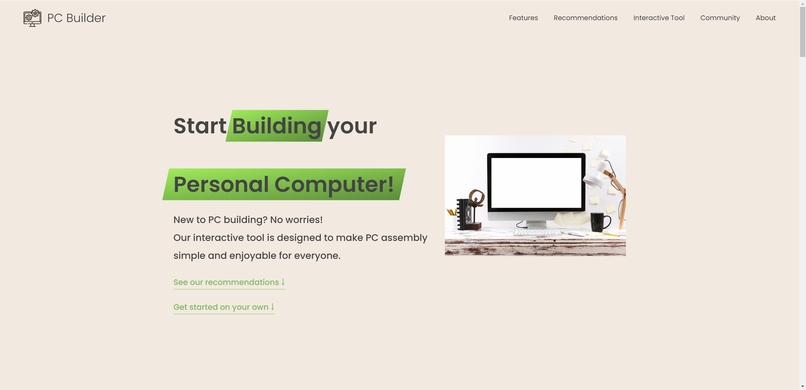
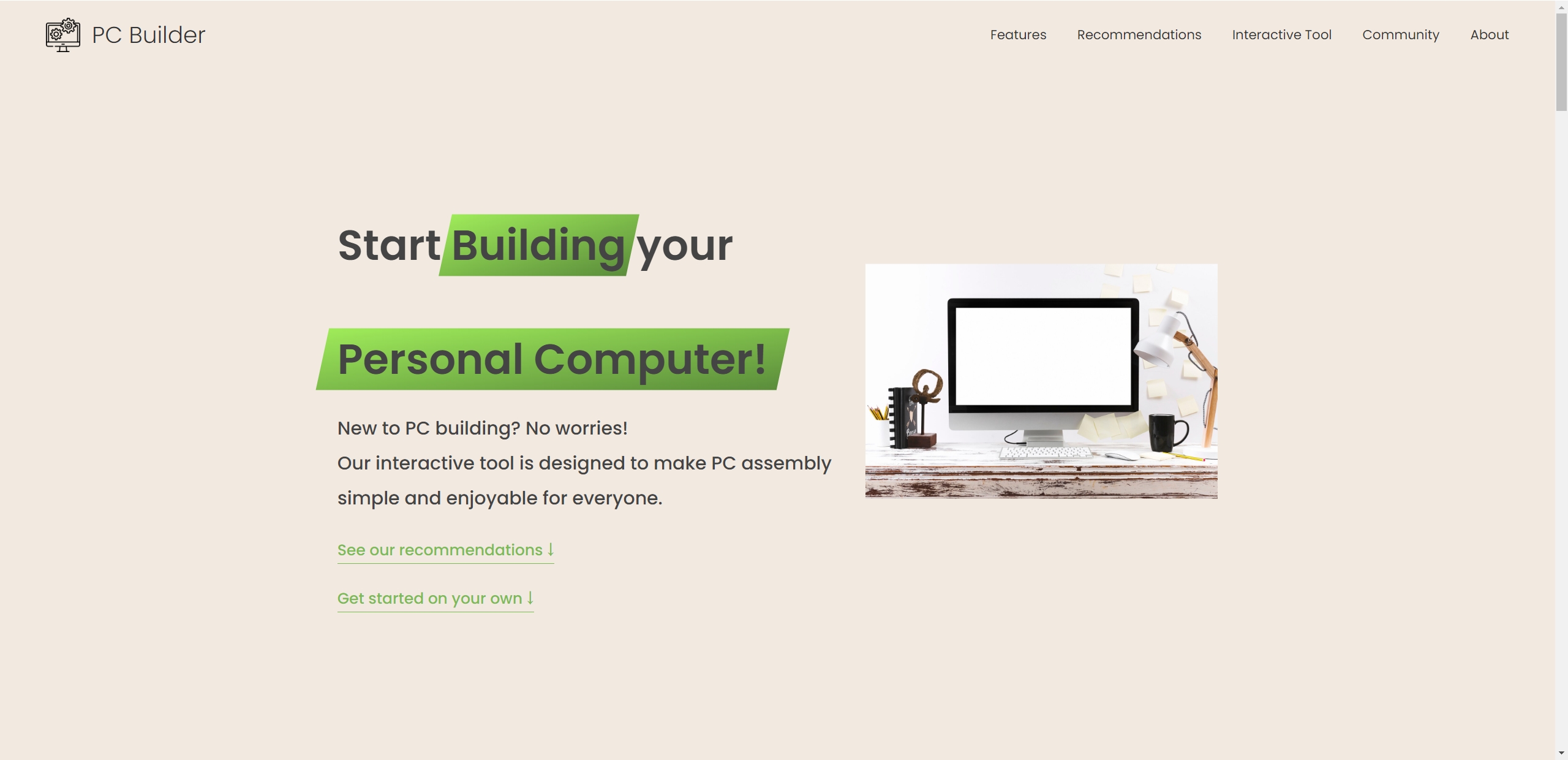
Home Page
-
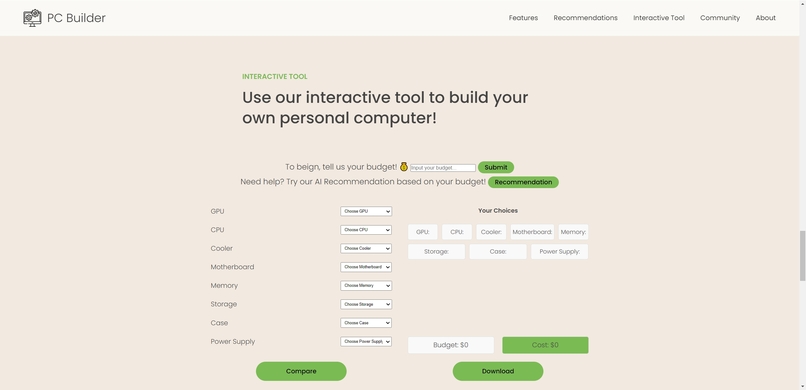
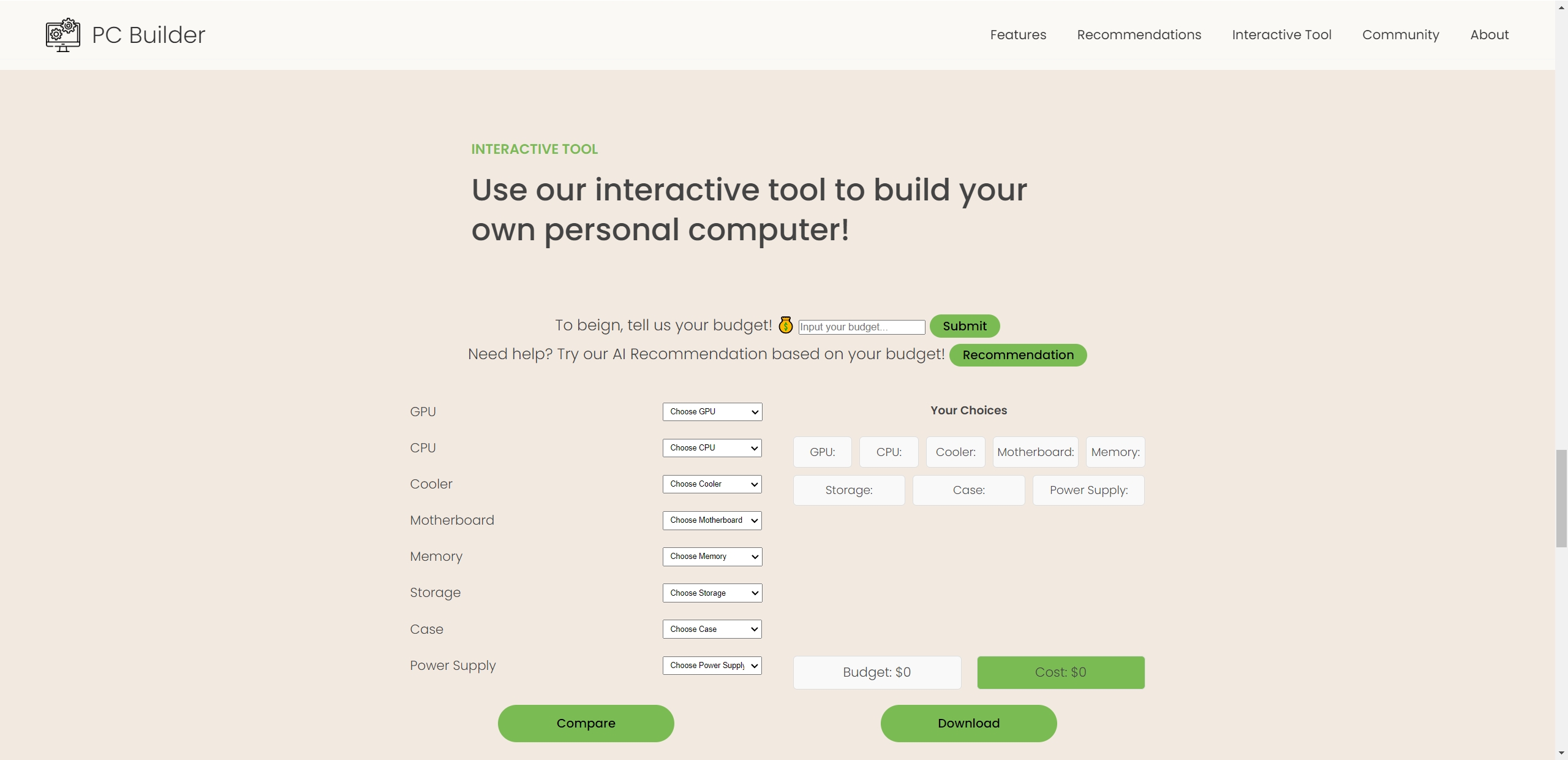
Interactive Tool
-
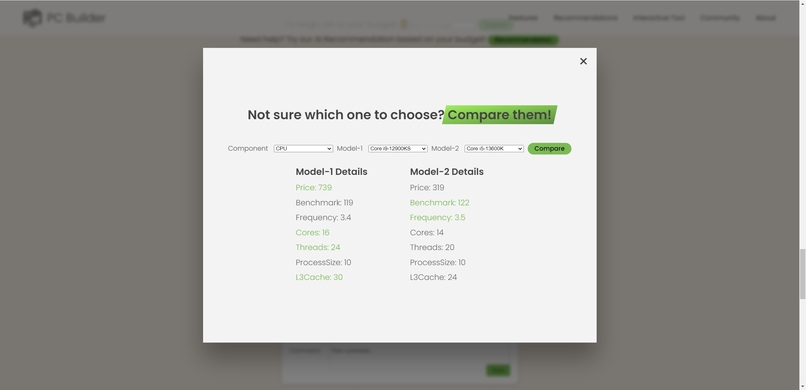
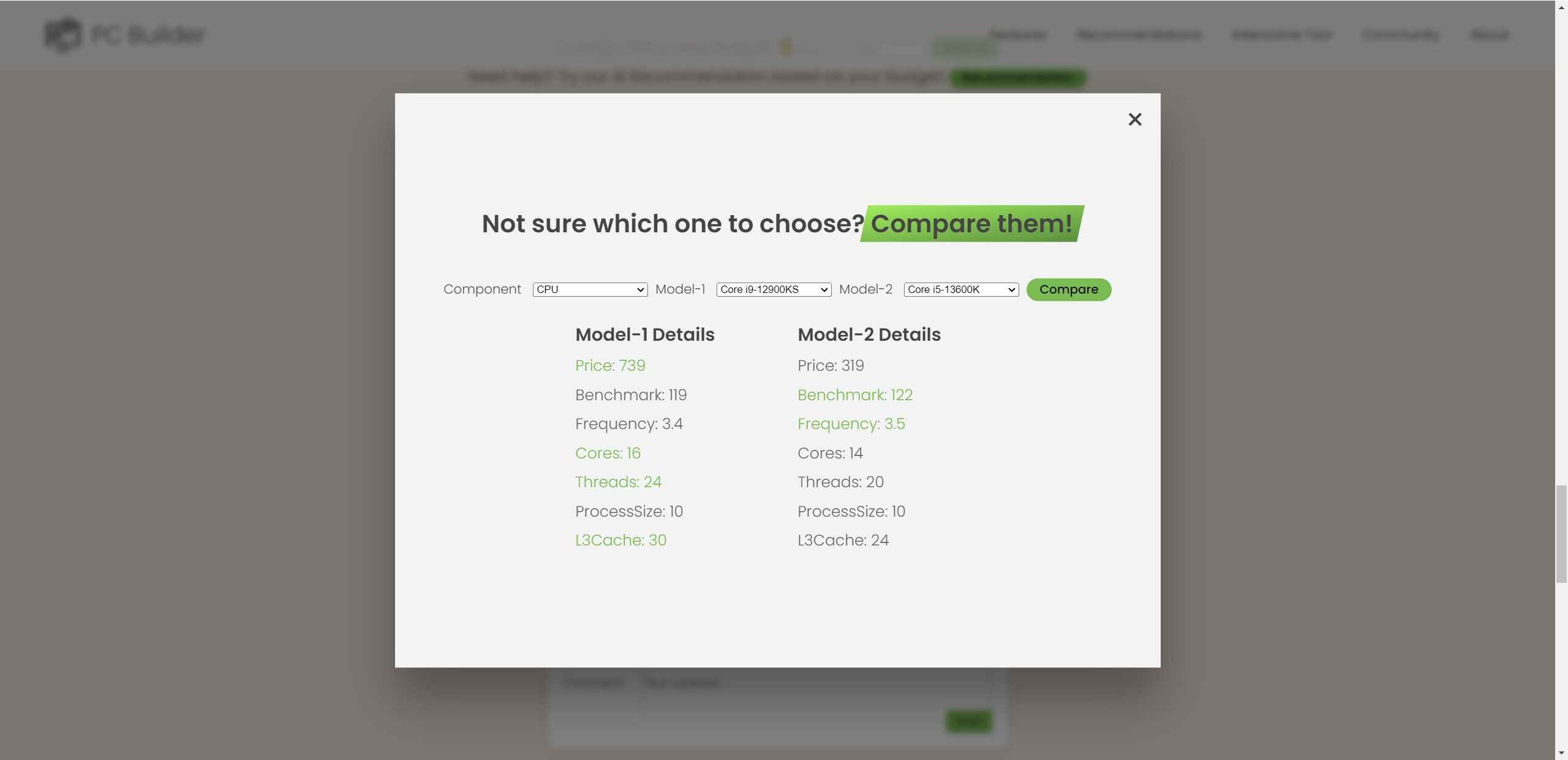
Compare
-
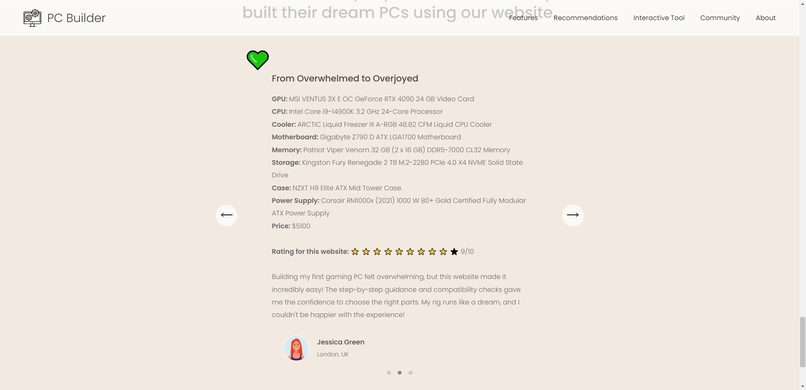
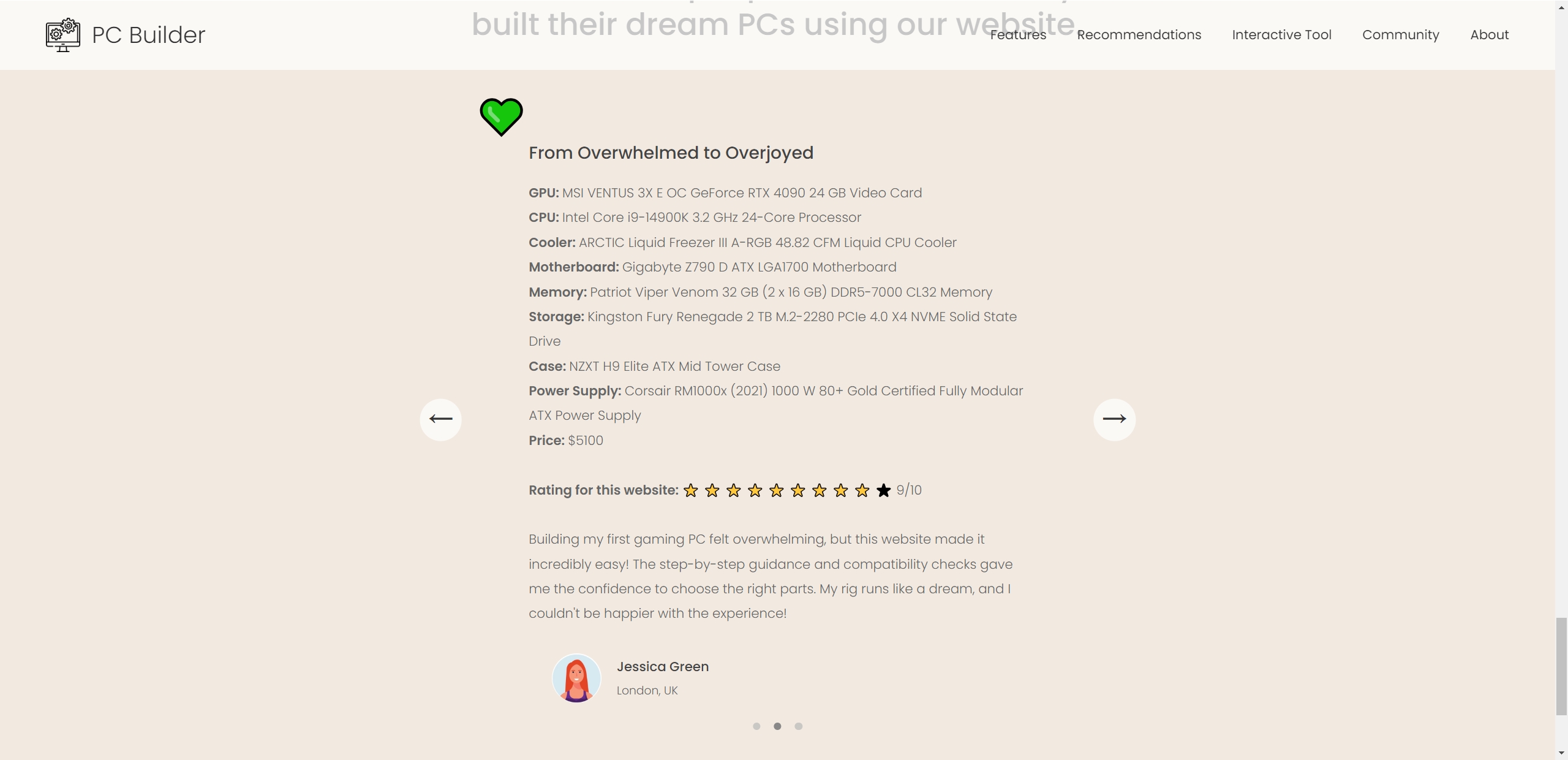
Community
Inspiration
The inspiration behind the PC Builder project stemmed from the challenge of making the complex process of building a custom PC more accessible to everyone. Whether you're a seasoned gamer or a first-time builder, the idea was to simplify the decision-making process, ensuring users can find the best components within their budget without the hassle of sifting through endless reviews and comparisons.
What it does
PC Builder is an interactive tool that helps users configure their ideal PC setup by selecting components such as GPU, CPU, motherboard, and more. The tool dynamically updates the cost and suggests the best possible components within a user-defined budget, ensuring both performance and cost-efficiency. It also allows users to compare different components side by side, making it easier to choose the right parts for their needs.
How we built it
We built PC Builder using a combination of front-end technologies like HTML, CSS, and JavaScript, with a Flask-based backend. The backend handles the heavy lifting, such as fetching data from database, running algorithms to find the best component combinations, and processing user input. The front end is designed to be user-friendly, providing a seamless experience across different devices. Data about various PC components were carefully curated and integrated into the system, allowing the tool to offer accurate and relevant recommendations.
Challenges we ran into
One of the main challenges was managing and integrating a vast amount of component data into the tool while ensuring the information was up-to-date and accurate. Additionally, optimizing the comparison algorithm to balance performance and cost within a given budget proved to be a complex task. Another challenge was creating a user interface that was both intuitive and visually appealing.
Accomplishments that we're proud of
We are proud of creating a tool that simplifies the PC building process for users of all skill levels. The accuracy of the recommendations and the ability to compare components side by side in real-time are features that stand out. Additionally, overcoming the challenges of data integration and algorithm optimization has allowed us to deliver a product that is both robust and user-friendly.
What we learned
Throughout the development of PC Builder, we learned a lot about balancing user needs with technical constraints. We deepened our understanding of data processing and optimization algorithms, and gained valuable experience in creating a seamless user interface. Collaboration and iterative development were key to overcoming challenges and improving the product.
How to run
1. Download All the files. Install all the needed Python libraries.
2. Run getData.py.
python getData.py
3. Run app.py.
python app.py
4. Download live server and run it.
Download live server extension in vscode, and then click "Go live" button on the bottom right corner.
What's next for PC Builder
Real-Time Data Updates: We plan to implement dynamic updates to our component database, ensuring that users always have access to the most current and valid information about the latest hardware on the market.
User-Generated Content Integration: Another key feature on our roadmap is to allow users to share their build stories directly on the platform. These contributions will be dynamically added to the Community section of the webpage, fostering a more interactive and engaged user base.
Compatibility Checks: To further enhance the user experience, we aim to introduce advanced compatibility checks between the various components selected by users. This feature will help prevent potential issues and ensure that every build is not only high-performing but also fully compatible.


Log in or sign up for Devpost to join the conversation.