-
-
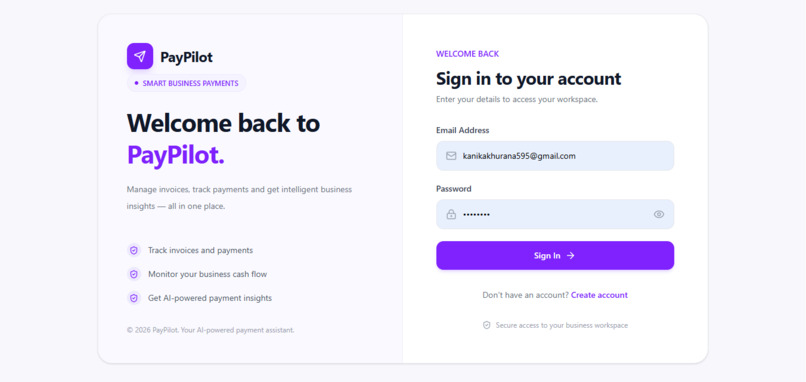
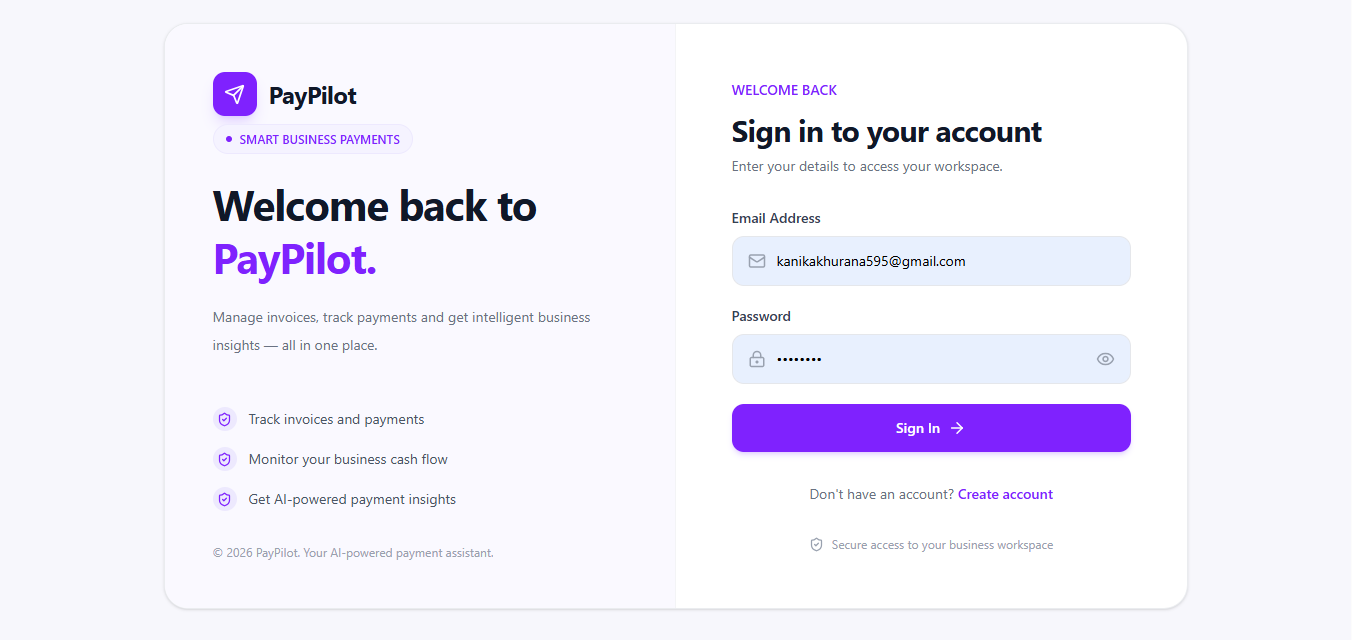
Login
-
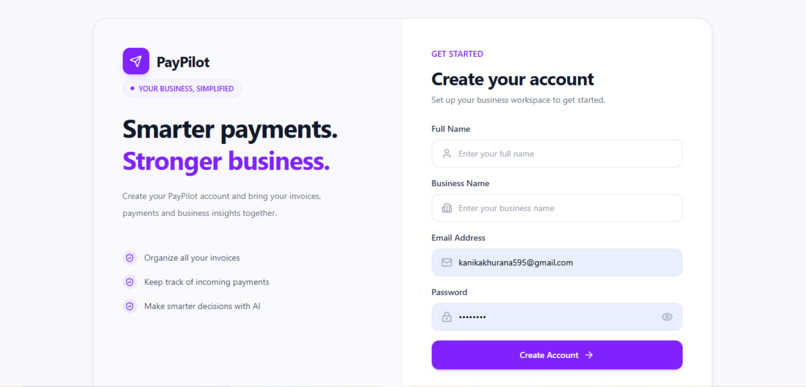
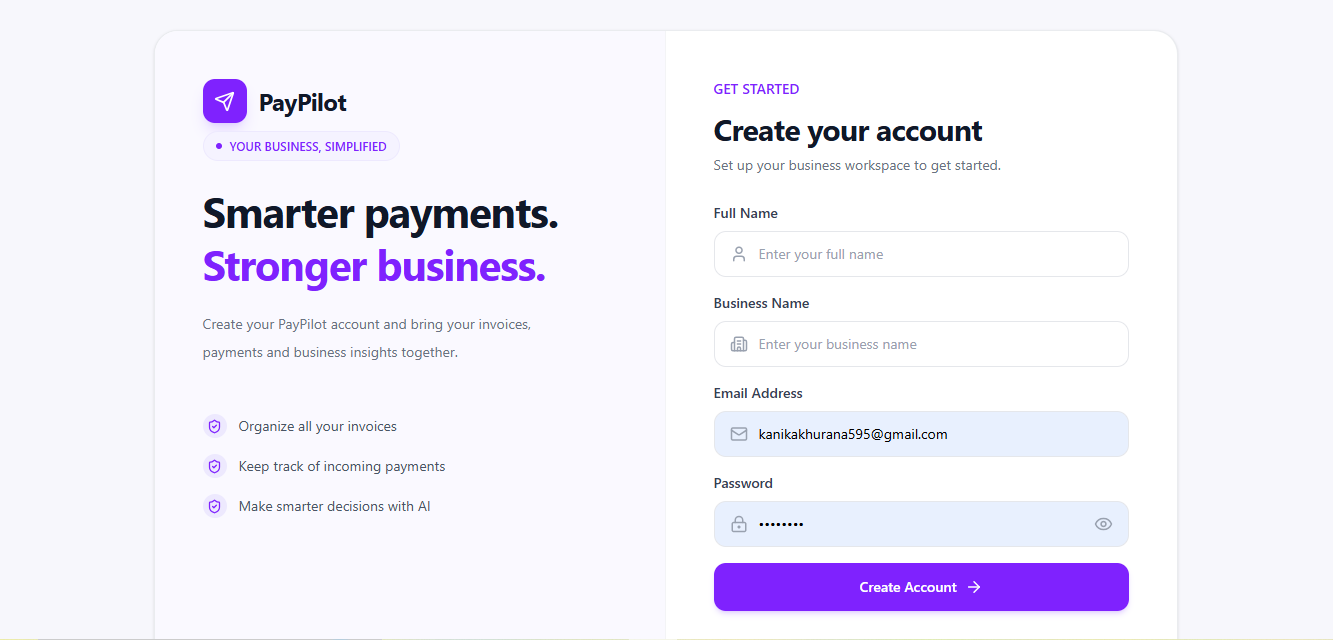
SignUp
-
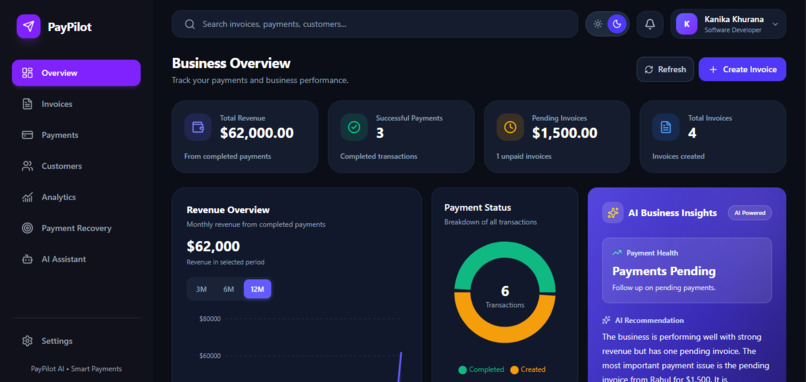
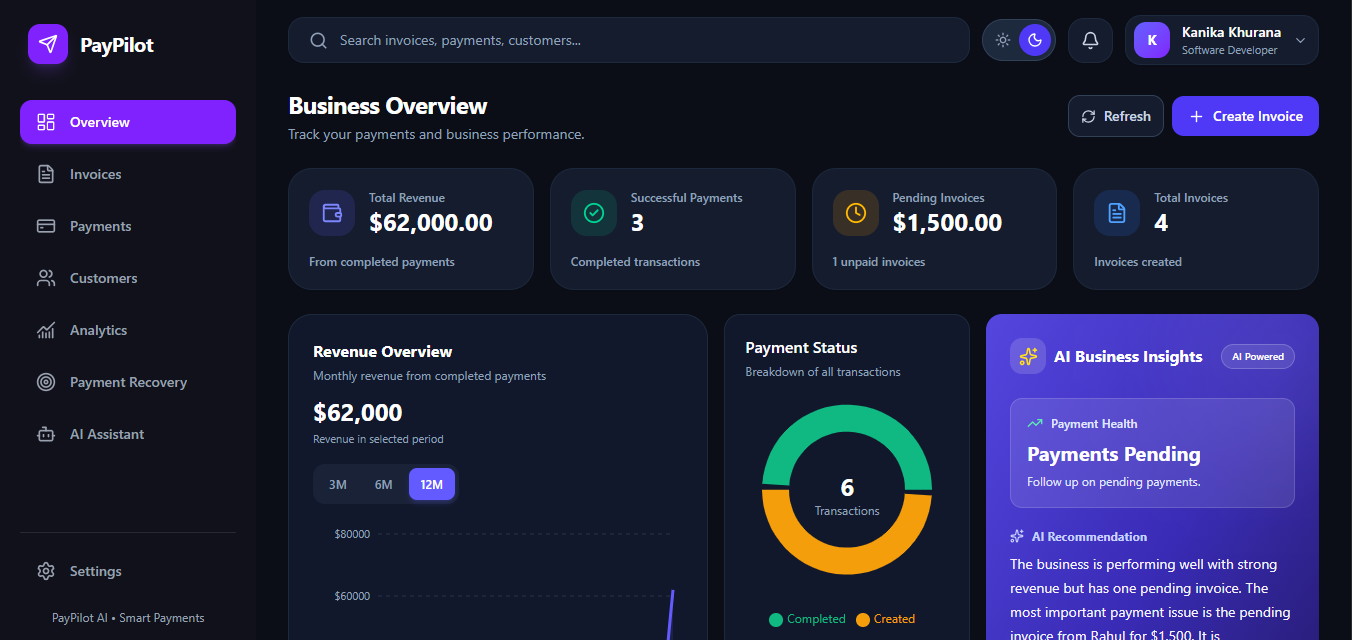
dark-theme-Dashboard
-
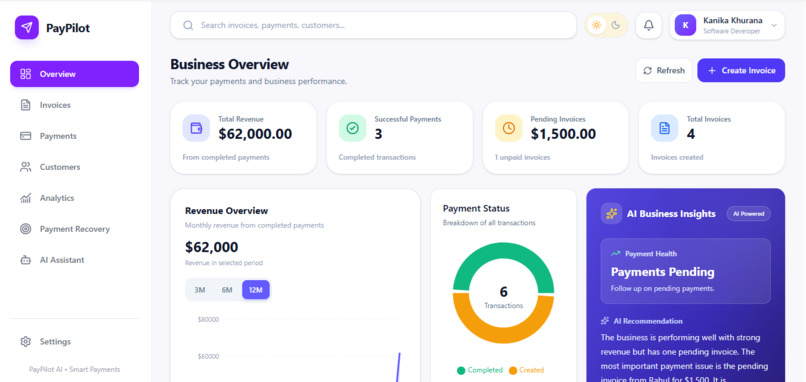
light-theme-Dashboard
-
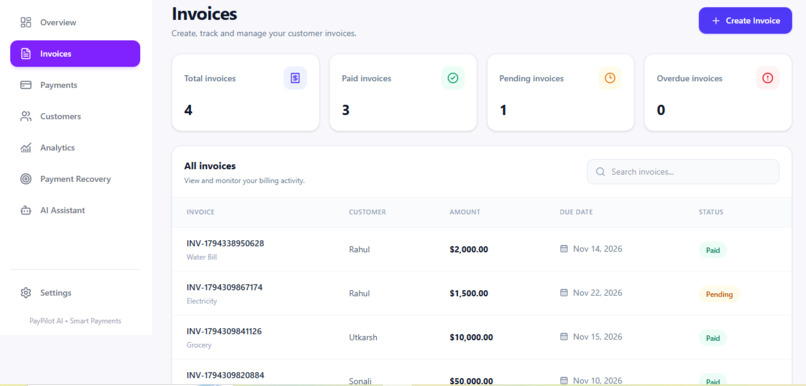
Invoices
-
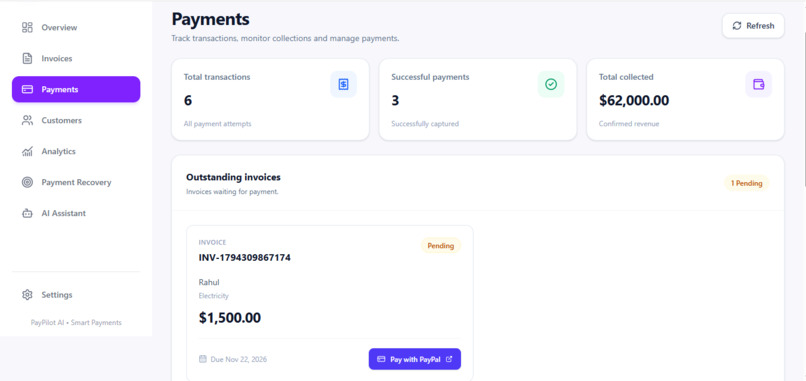
Payments
-
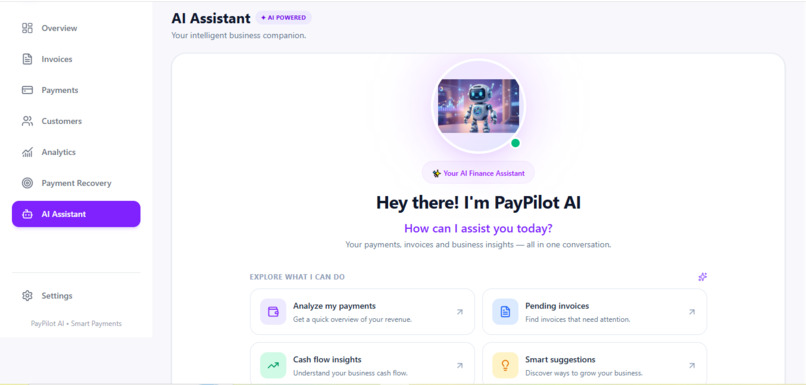
AI-assistant
-
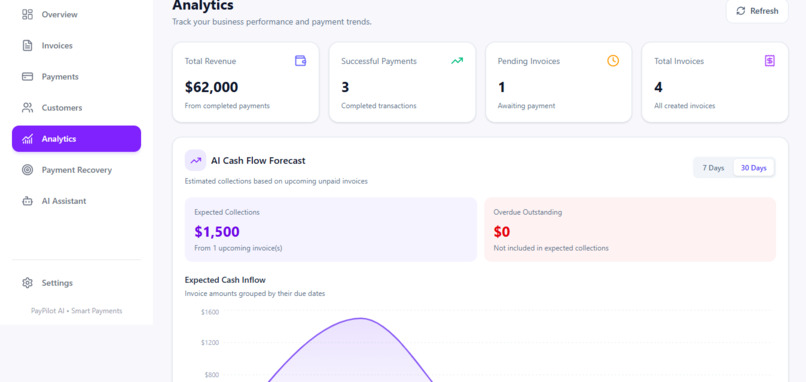
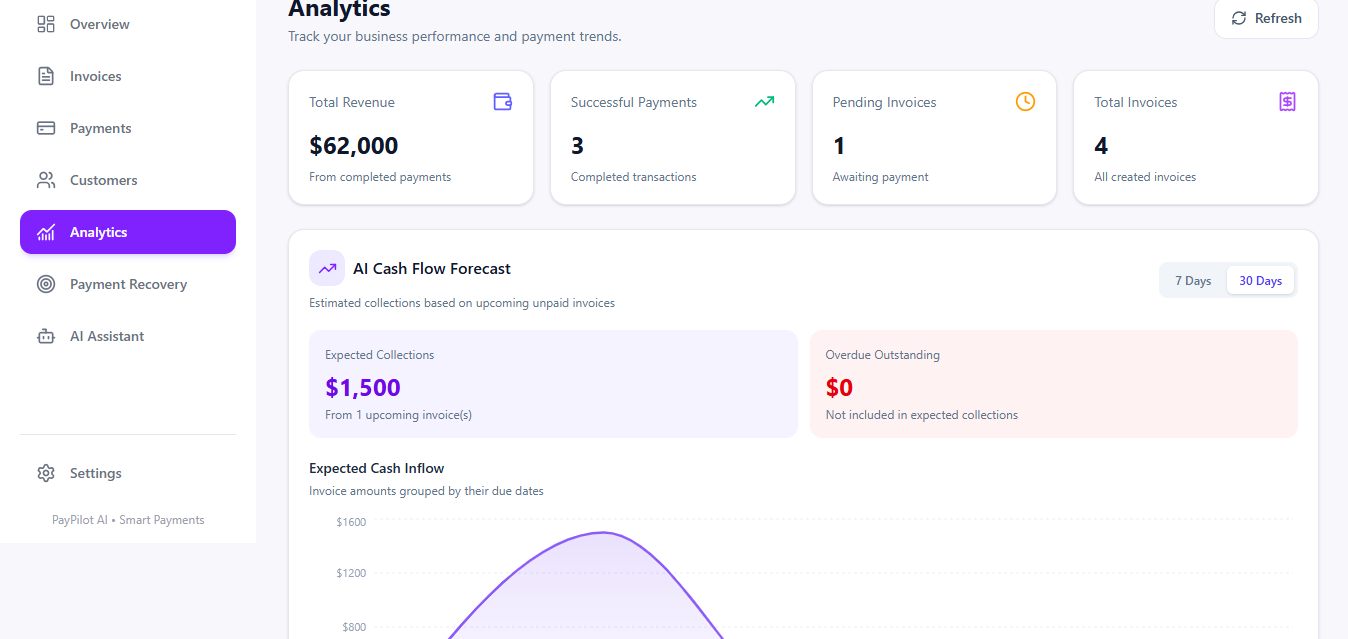
Analytics
-
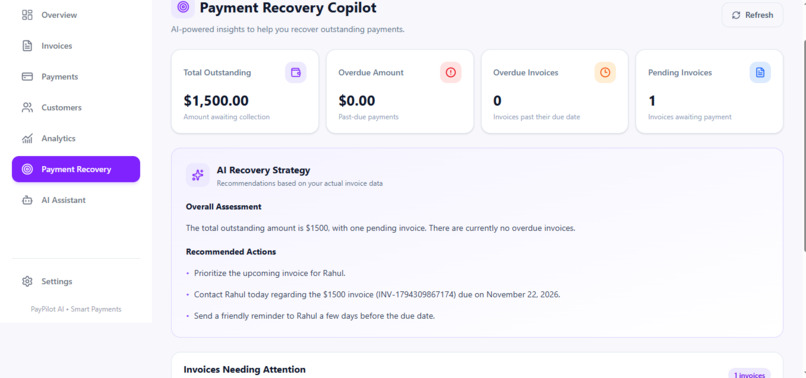
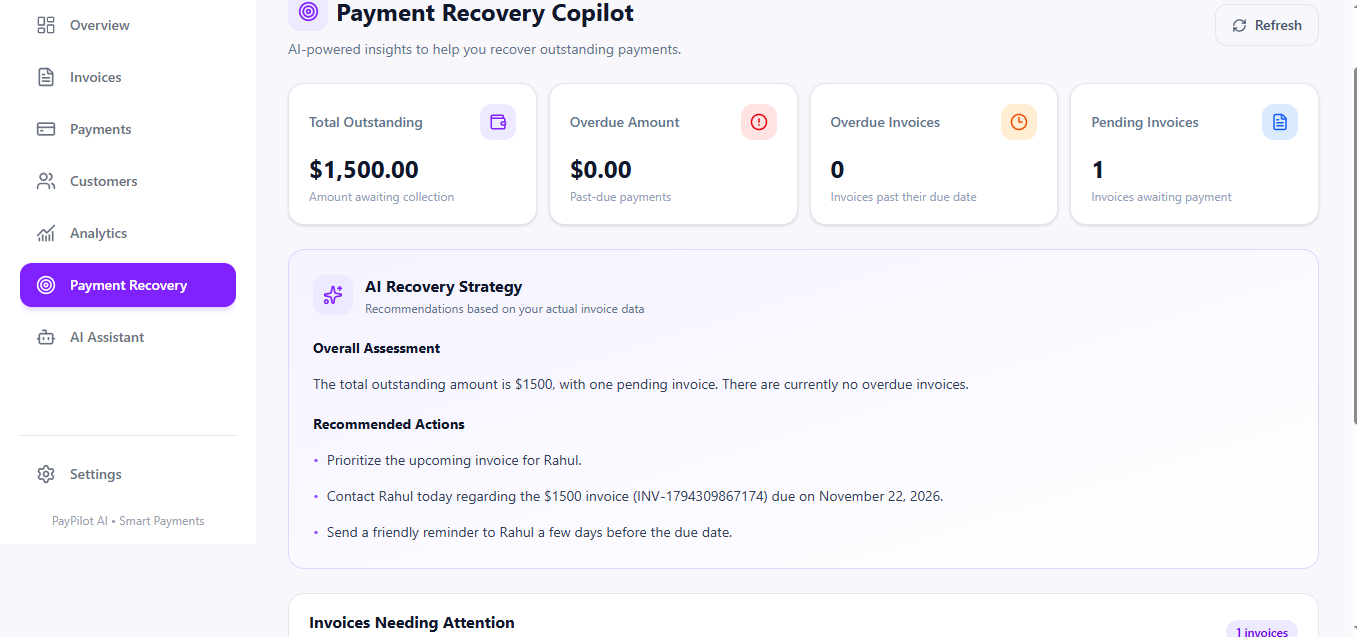
Recovery-Copilot
Inspiration
Small businesses and freelancers often struggle not only with earning money but also with collecting payments on time. Managing invoices, following up with customers, tracking overdue payments, and understanding cash flow can become time-consuming when handled manually.
We built PayPilot to make payment management smarter and simpler. Our goal was to create an AI-powered assistant that helps businesses manage their payments, reduce manual follow-up work, and gain better visibility into their cash flow.
What it does
PayPilot is an AI-powered Payment Recovery and Cash Flow Assistant designed for small businesses and freelancers.
Key features include:
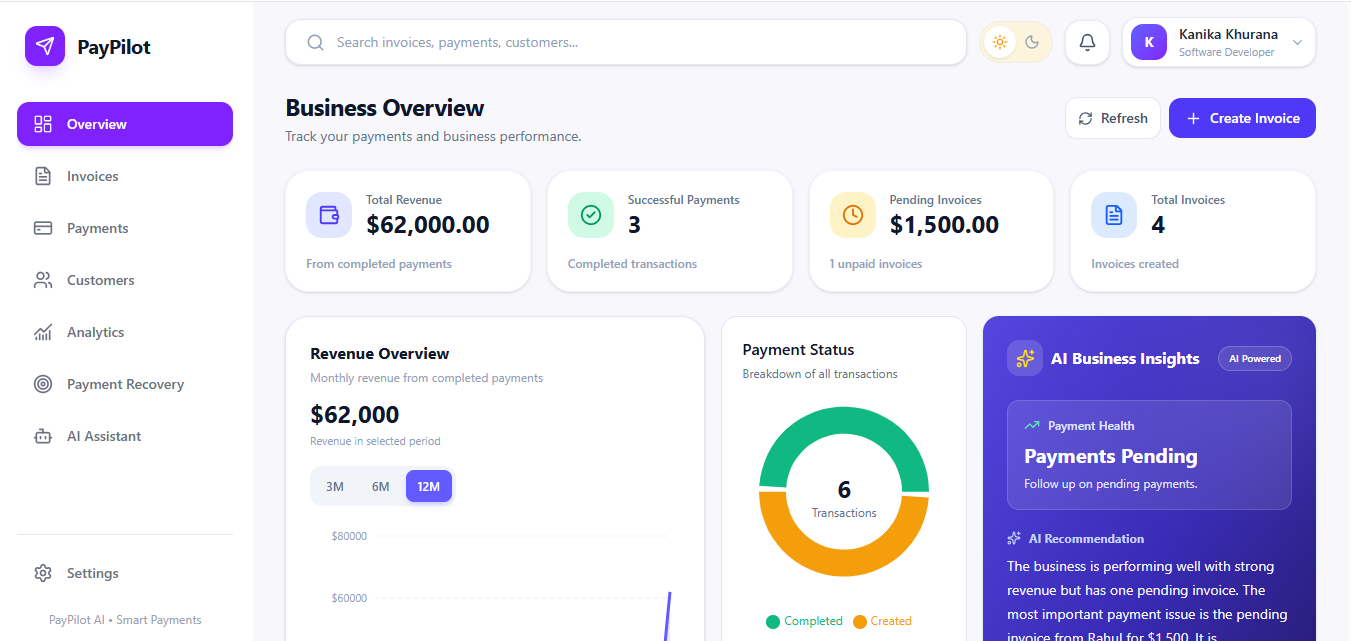
- Smart Dashboard: View revenue, successful payments, pending invoices, and recent transactions in one place.
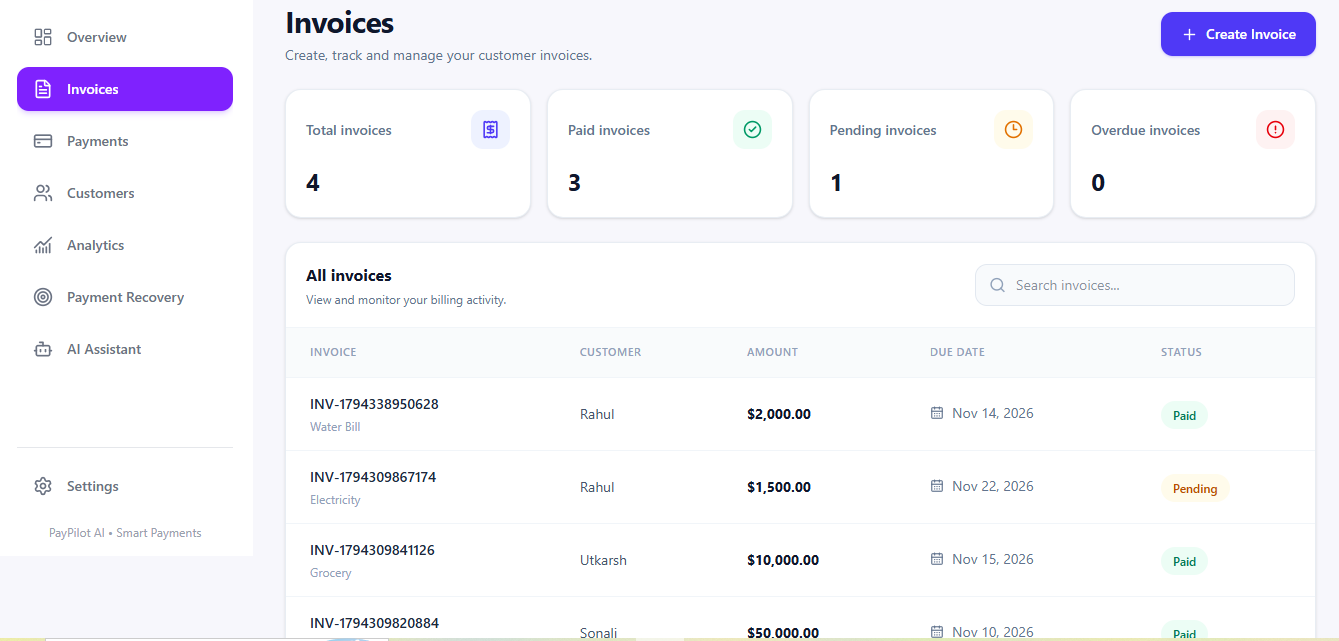
- Invoice Management: Create, update, and manage customer invoices.
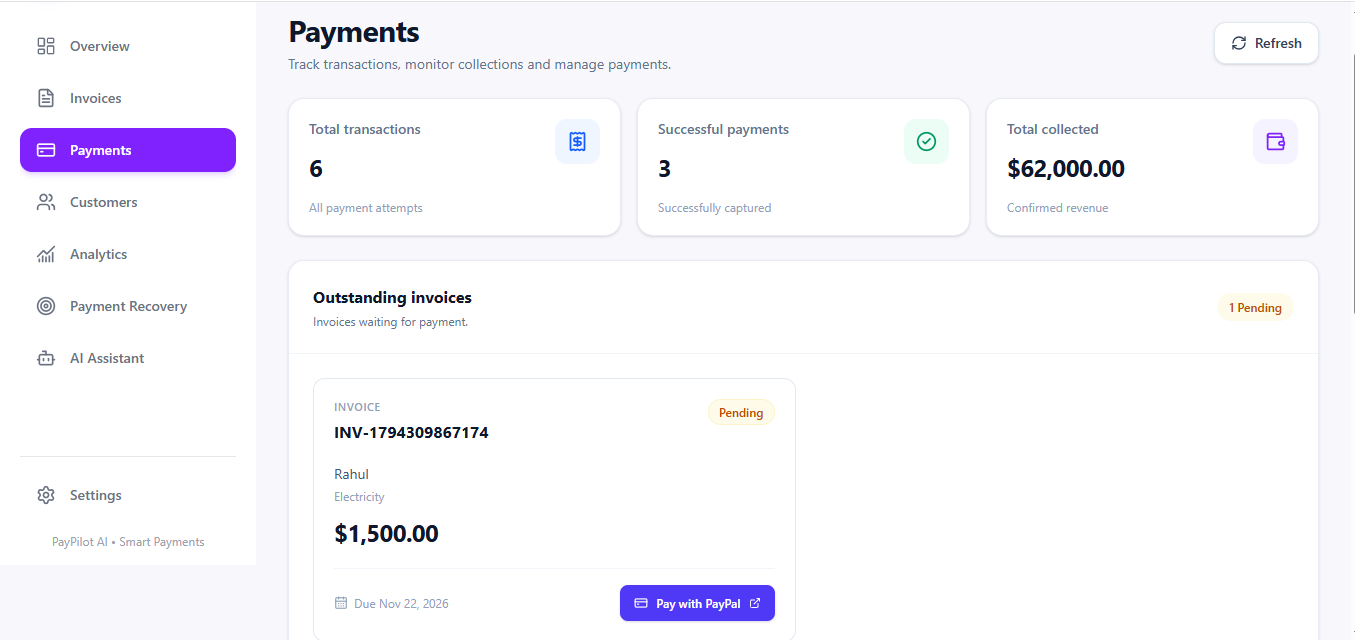
- PayPal Integration: Create PayPal payment orders and complete checkout using PayPal Sandbox.
- Customer Management: Maintain customer information and manage customer records.
- AI Business Insights: Get AI-generated insights based on business payment data.
- AI Payment Reminders: Generate helpful payment reminder messages for pending invoices.
- Payment Recovery Copilot: Get AI-assisted insights to understand outstanding payments and decide what follow-up action to take.
- Cash Flow Analytics: Visualize payment trends and understand the business's financial position.
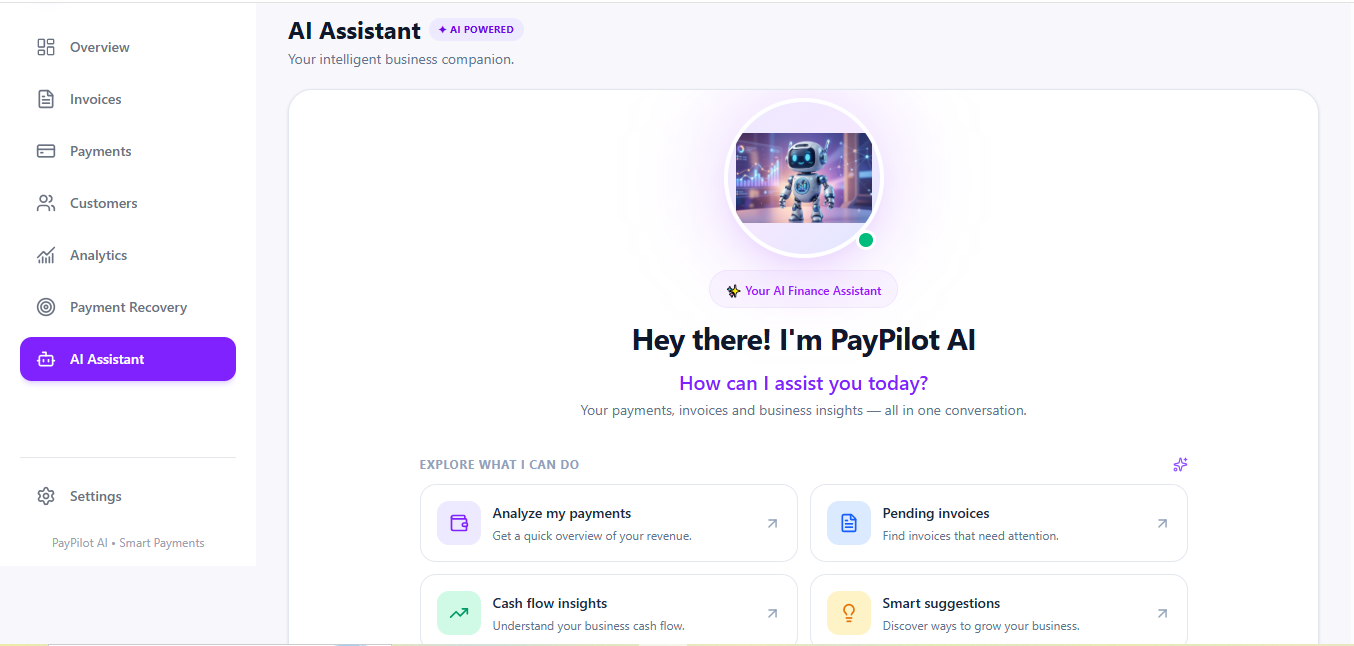
- AI Assistant: Interact with PayPilot AI to ask questions about invoices, payments, and business performance.
- Authentication: Secure user accounts with authentication and user-specific data access.
- Light and Dark Mode: Switch between themes with a responsive interface.
How we built it
We built PayPilot using a full-stack architecture.
Frontend: React, Vite, Tailwind CSS, React Router, Axios, Recharts, and Lucide React.
Backend: Node.js and Express.js, with MongoDB Atlas and Mongoose for data storage.
AI Integration: OpenRouter API with the GPT-4o-mini model to generate business insights, payment reminders, and conversational responses.
Payment Integration: PayPal REST API Sandbox for creating payment orders and capturing payments.
Authentication: JWT-based authentication and bcryptjs for password hashing.
API Testing: Postman was used to test backend API endpoints, validate request and response handling, and debug API integration during development.
Deployment: Vercel for the frontend, Render for the backend, and MongoDB Atlas for the database.
Challenges we faced
One of our biggest challenges was integrating the PayPal payment flow with our backend. We had to handle order creation, customer approval, payment capture, and invoice status updates correctly.
We also worked on connecting AI-generated responses with actual business data so that the assistant could provide relevant insights instead of generic answers.
Another challenge was deploying the frontend and backend separately while configuring API communication, environment variables, authentication, and payment redirects.
What we learned
During development, we gained practical experience in full-stack development, third-party API integration, payment workflows, AI API integration, authentication, database management, and cloud deployment.
We also learned how important it is to connect AI with real application data to make its responses more useful.
What's next for PayPilot
We plan to improve PayPilot with more advanced payment prediction, smarter follow-up recommendations, deeper cash flow forecasting, and additional payment integrations.
Our vision is to make PayPilot a reliable financial assistant that helps small businesses spend less time chasing payments and more time growing their business.
Built With
- express.js
- gpt-4o-mini
- javascript
- jwt
- mongodb
- mongoose
- node.js
- openrouter
- paypal
- paypalrestapis
- paypalsandbox
- postman
- react
- render
- tailwindcss
- vercel
- vite

