-
-
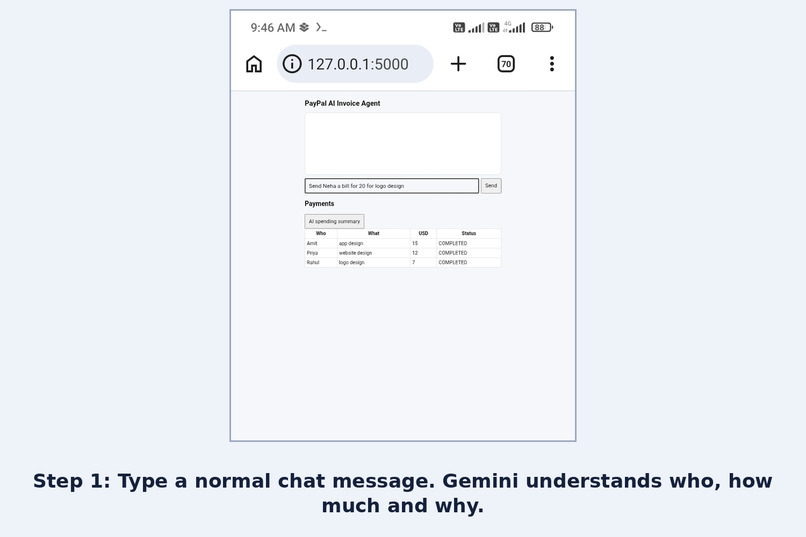
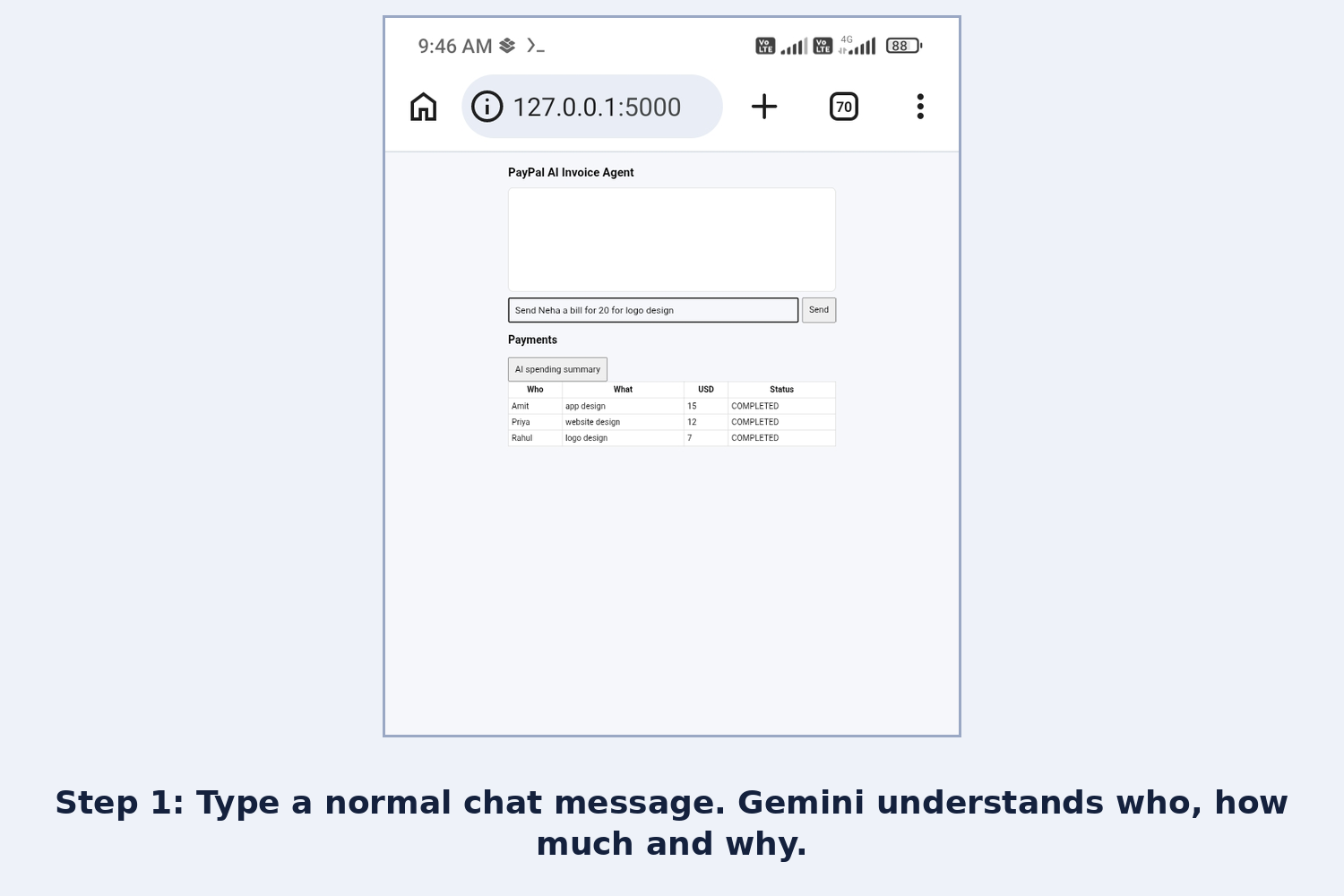
Step 1: Type a normal chat message. Gemini understands who, how much and why.
-
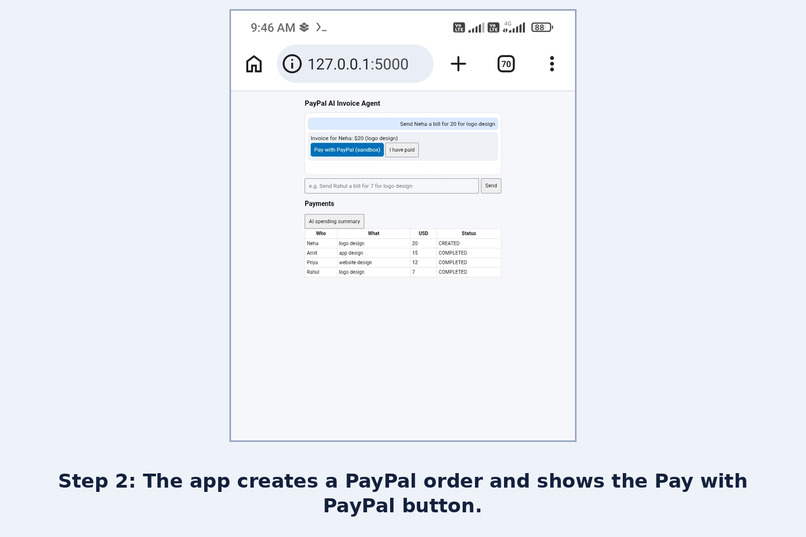
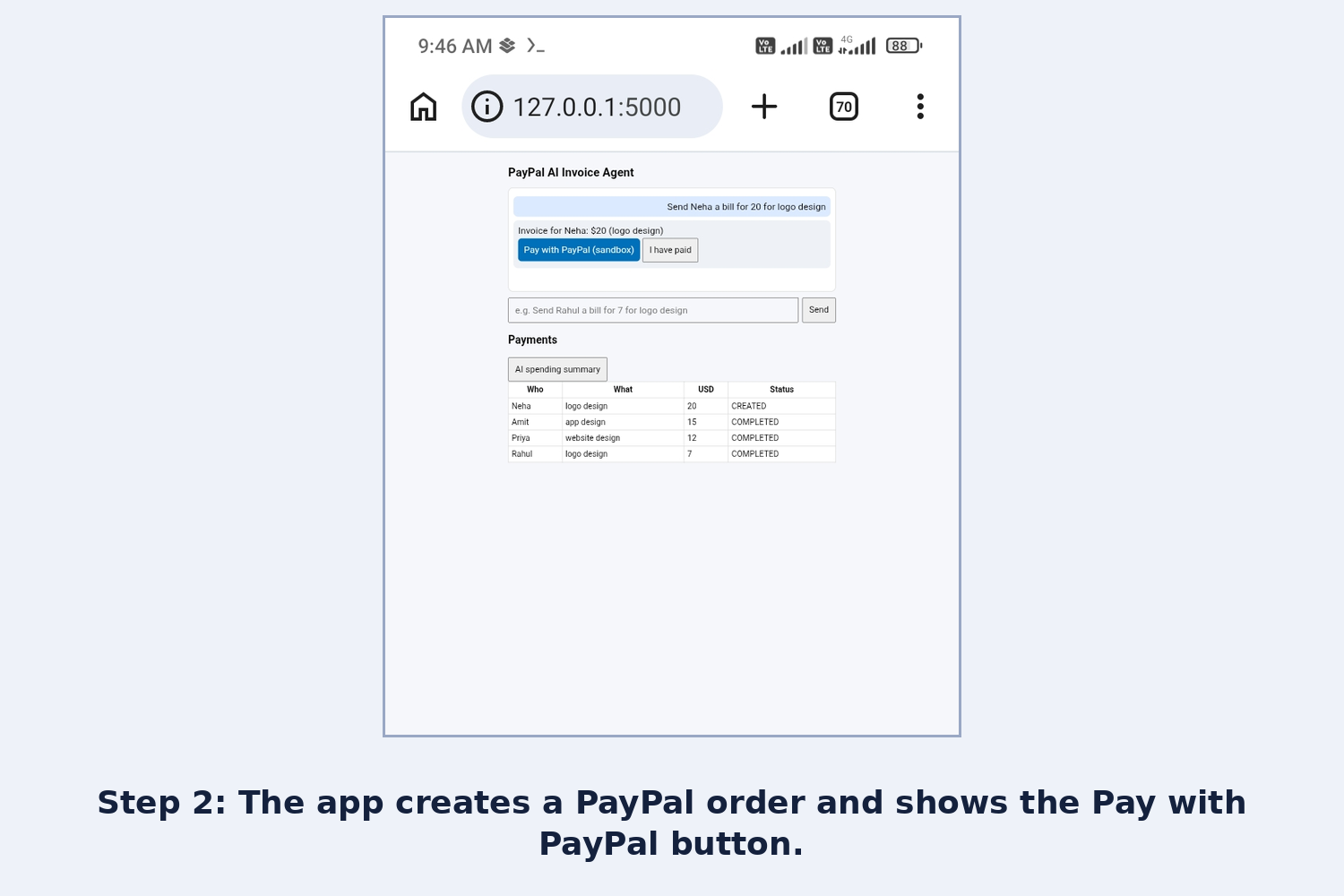
Step 2: The app creates a PayPal order and shows the Pay with PayPal button.
-
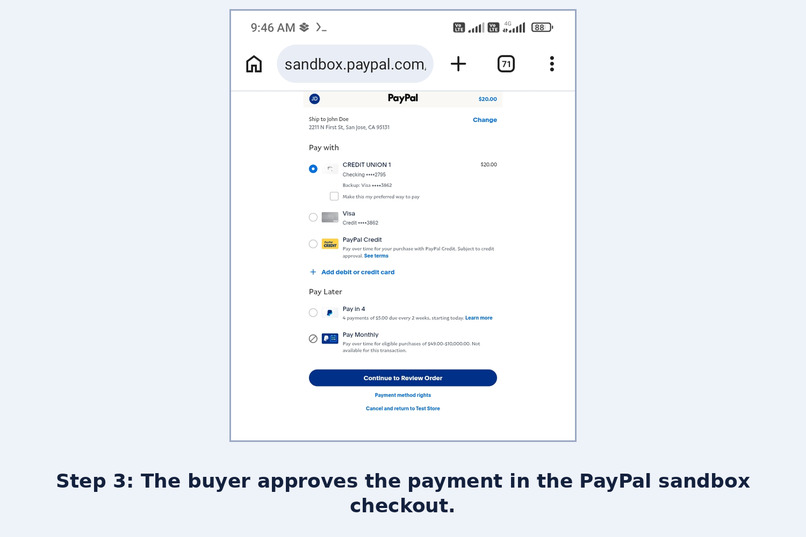
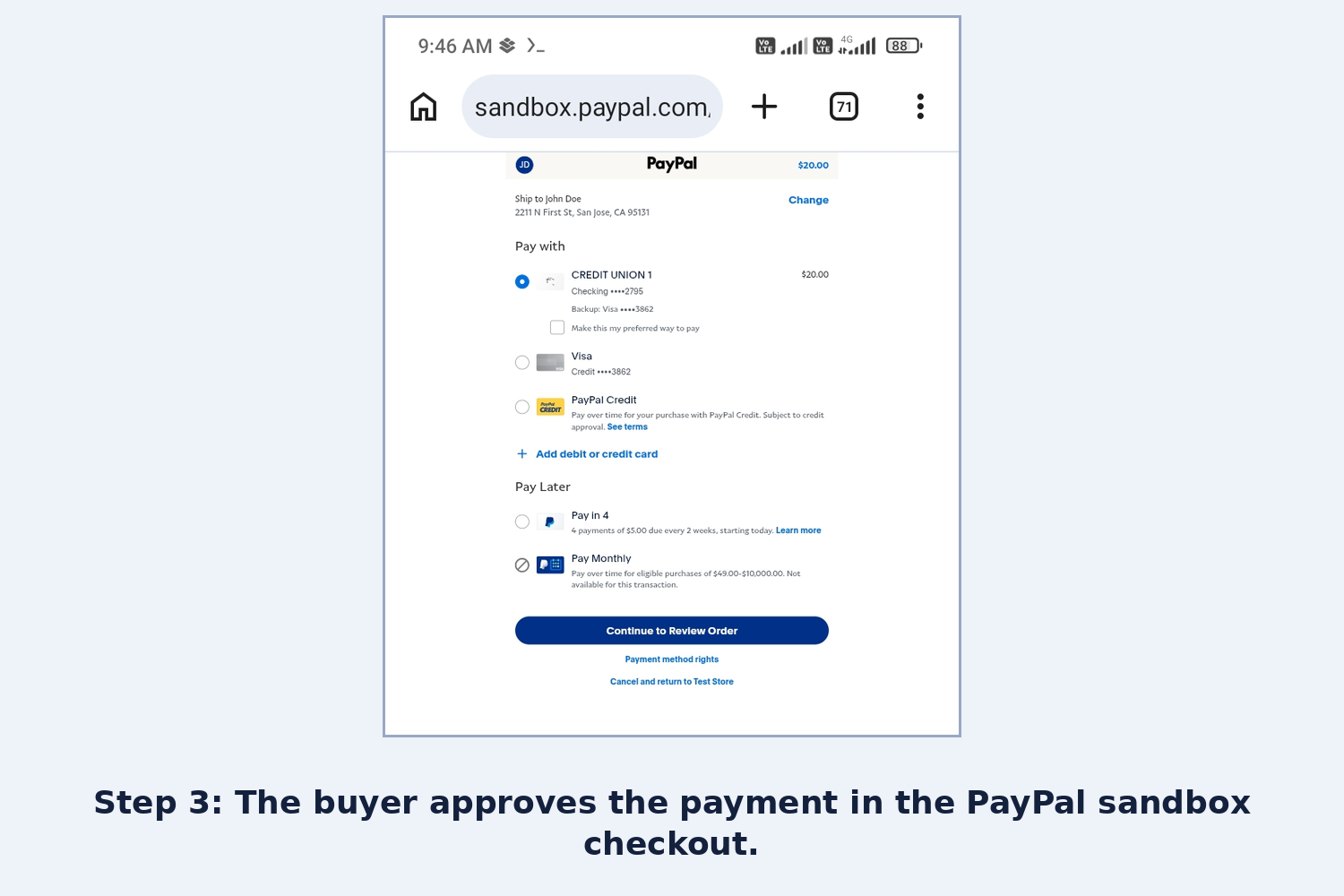
Step 3: The buyer approves the payment in the PayPal sandbox checkout.
-
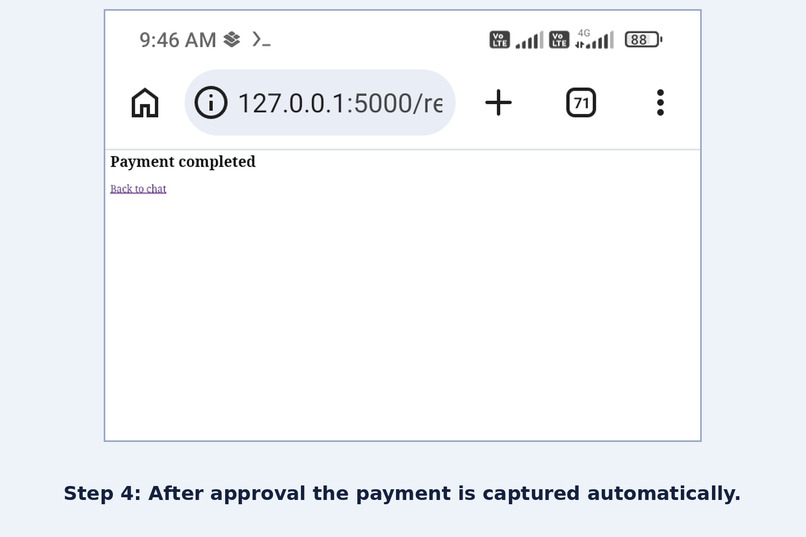
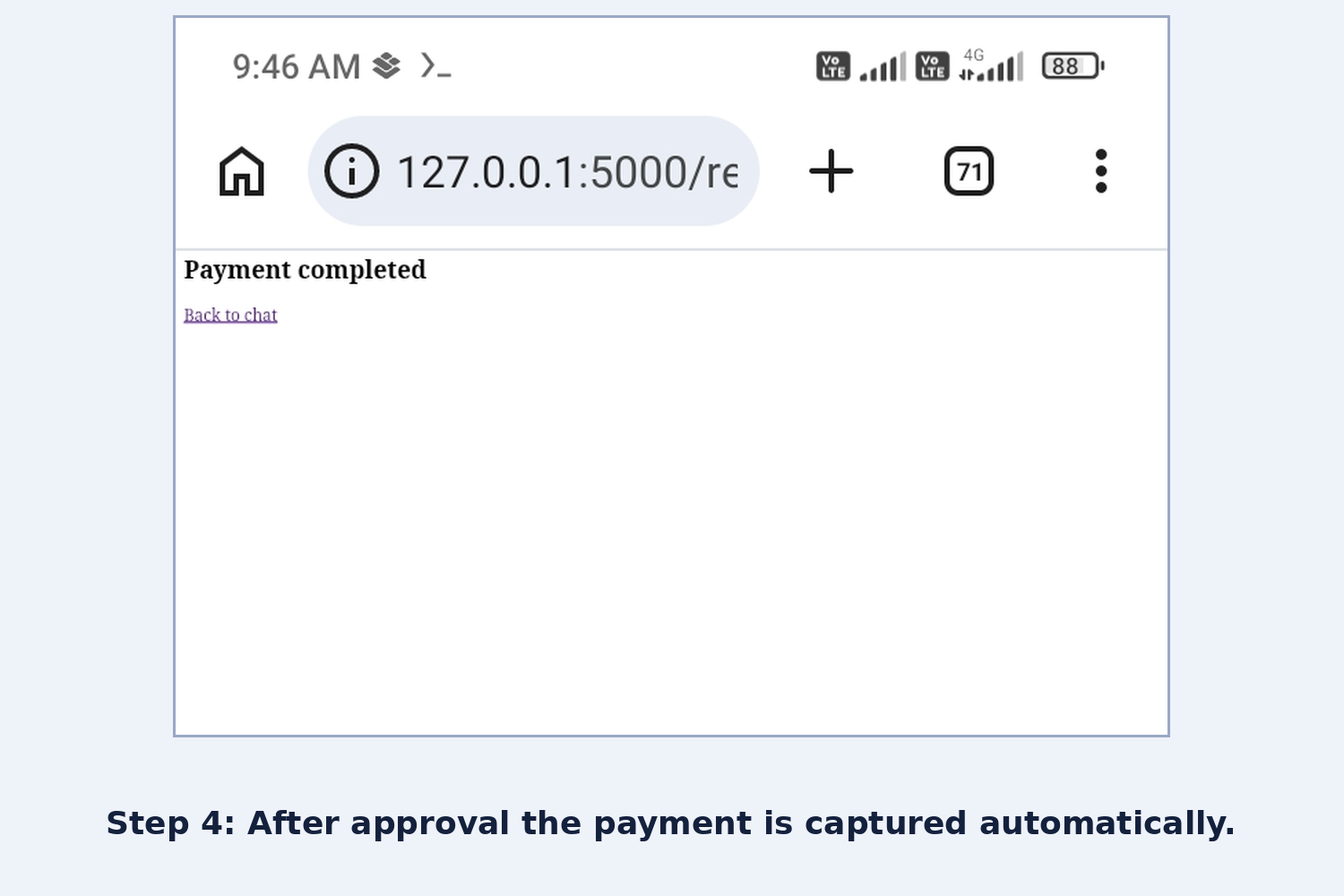
Step 4: After approval the payment is captured automatically.
-
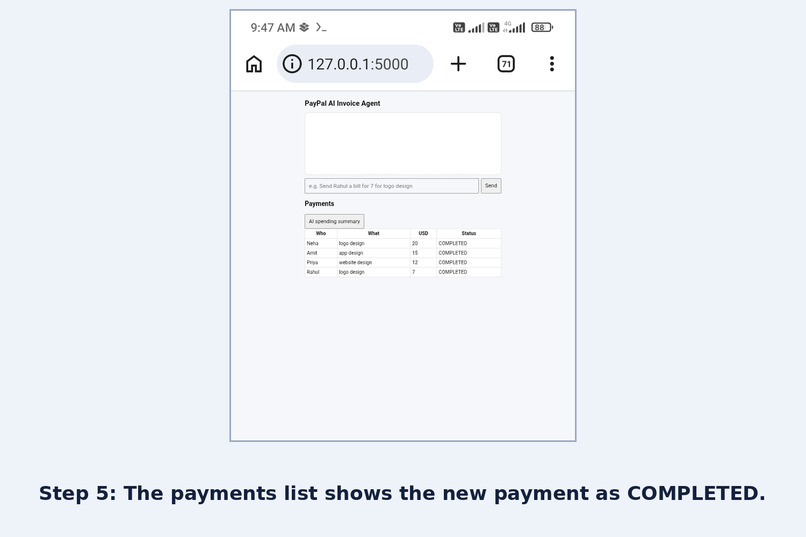
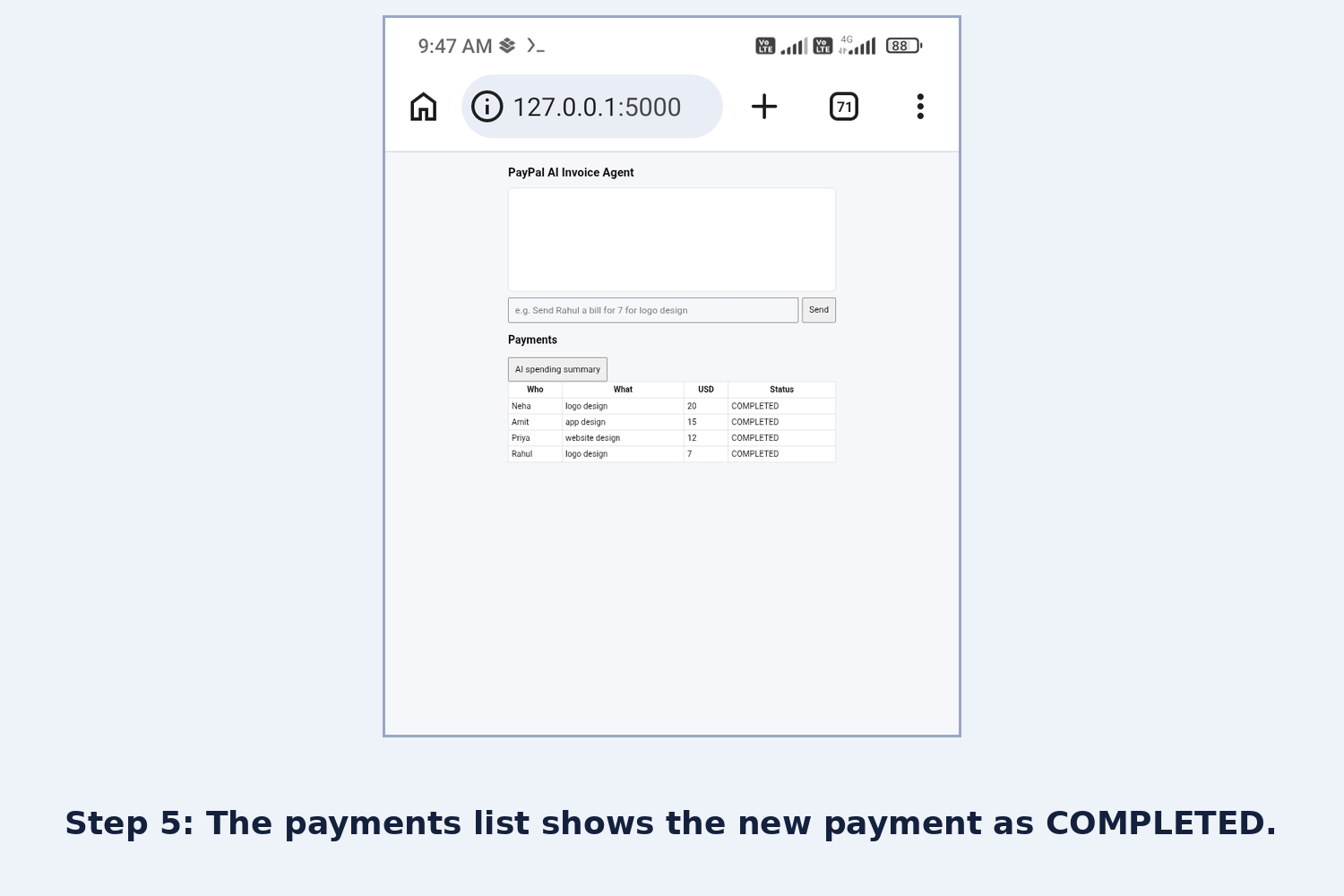
Step 5: The payments list shows the new payment as COMPLETED.
Inspiration
Many freelancers in India are paid in US dollars by foreign clients. Creating a PayPal payment request usually means opening several screens and typing details by hand. I wanted to do it by just chatting.
What it does
You type a normal message like "Send Priya a bill for 12 for website design". Gemini reads it and extracts the client, amount and purpose. The app creates a PayPal order (Orders v2, sandbox) and shows a Pay with PayPal button. After the buyer approves, the app captures the payment automatically and marks it COMPLETED. An "AI spending summary" button asks Gemini to summarize all payments.
How I built it
- Python/Flask backend, plain HTML/JS frontend
- Gemini API (gemini-3.5-flash-lite) to understand chat messages and write summaries
- PayPal Orders v2 in the sandbox: create order, buyer approval, automatic capture on redirect
- Built and tested entirely on an Android phone using Termux
- I used Claude as an AI assistant while building
Challenges
- PayPal sandbox blocked the payment when the buyer account was from India (domestic INR-to-INR payments are not supported). A US buyer account fixed it.
- Gemini once turned "7" into "7000", so I added an instruction to keep amounts exactly as written.
- Gemini sometimes times out, so the app shows a clear message instead of crashing.
What's next
Support more currencies, invoice history export, and a hosted demo.
Run it
Setup steps are in the README of the GitHub repo.
Built With
- flask
- gemini-api
- html
- javascript
- paypal
- paypal-orders-api
- python
- termux
