-
-
-
-
-
-
-
-
-

App Icon

Inspiration
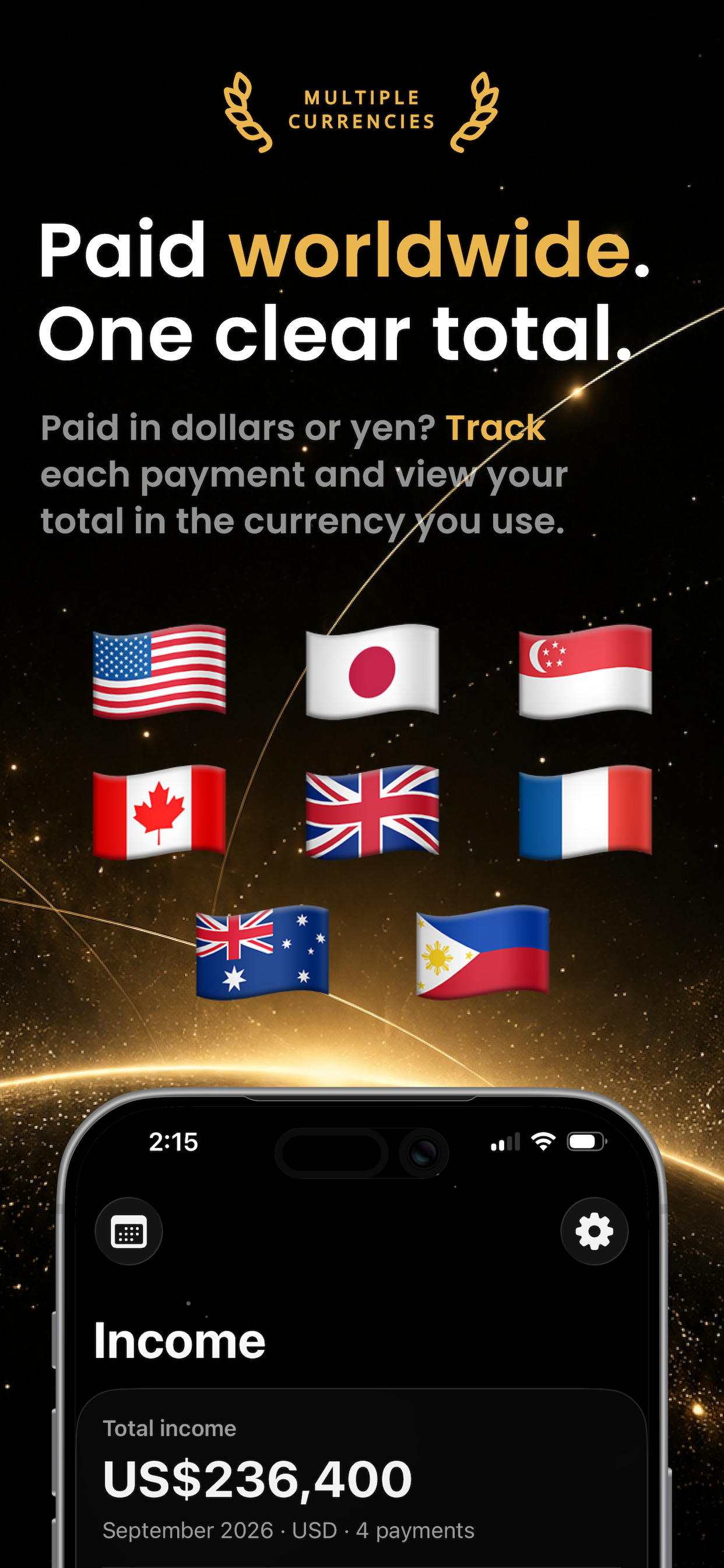
Freelancing means your money can come from everywhere. One client pays in dollars. Another pays in pesos. Then your work tools, bills, and daily costs take their share.
Getting paid feels great. Knowing what’s left should be easy, too.
That’s why I built Payday - an income and expense tracker for freelancers, virtual assistants, and people with side gigs.
I wanted less spreadsheet work and a clearer view of my money. And honestly? Getting paid deserves a little celebration.
What it does
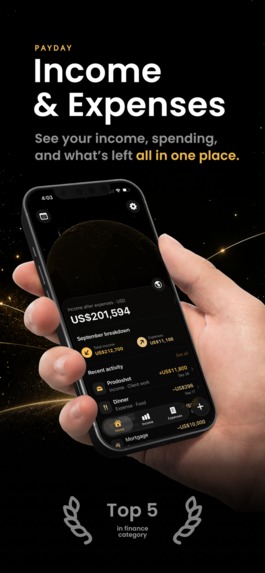
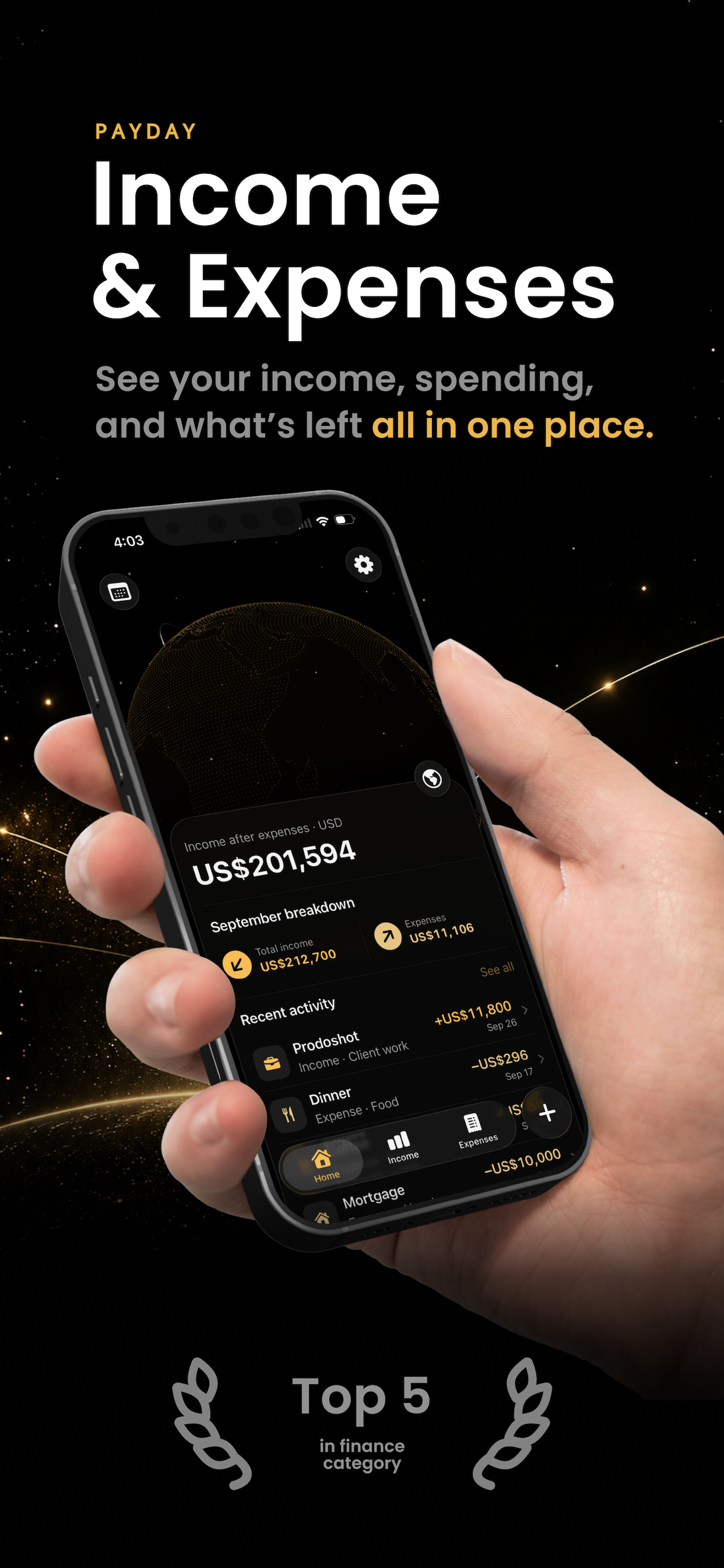
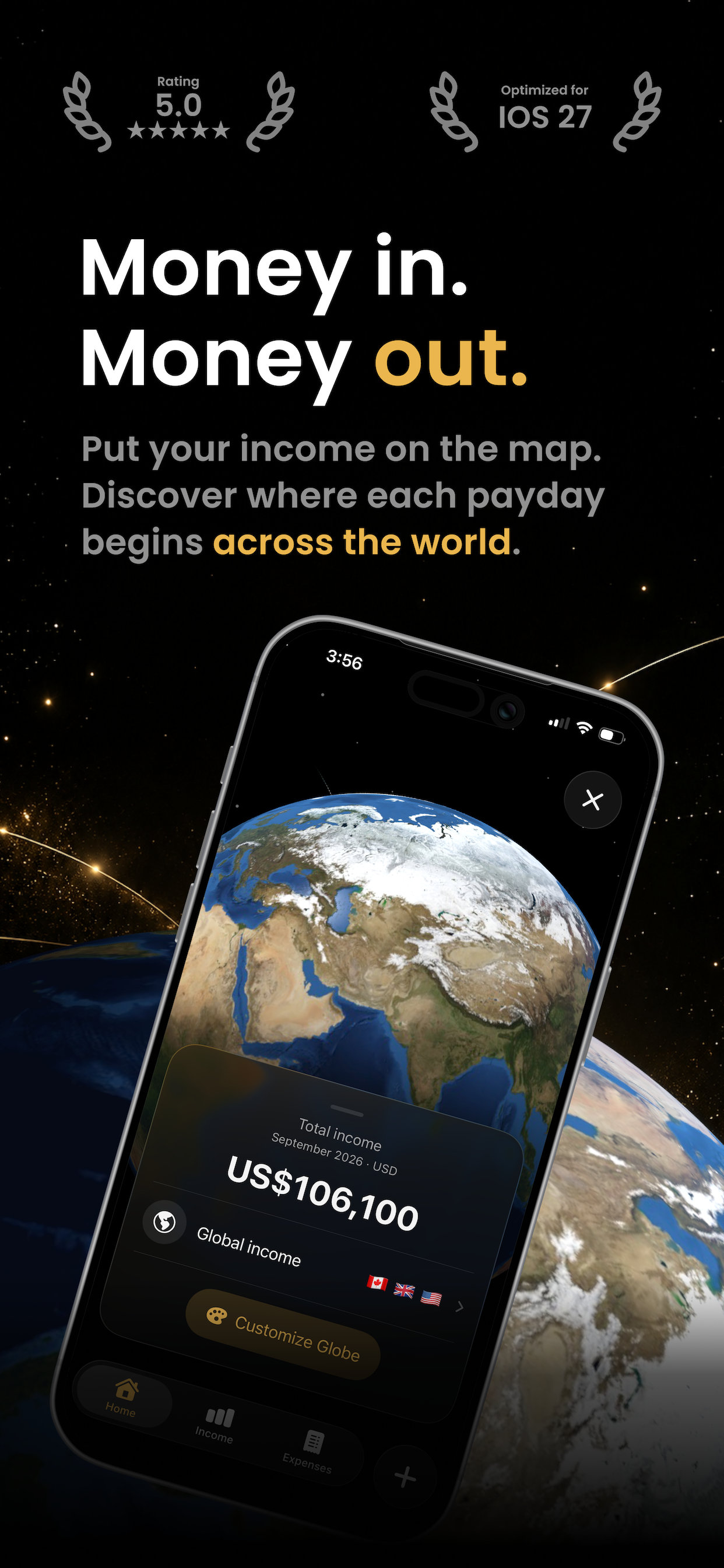
Payday helps you track what you earn, what you spend, and what’s left.
- Track client payments. Keep payments sorted by client, date, and country.
- Log your expenses. Find out where your money goes each month.
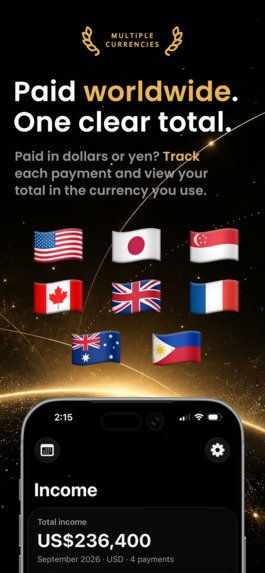
- Handle different currencies. Keep the original amounts and view estimated totals in your home currency.
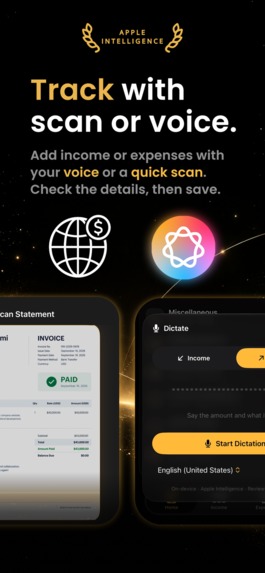
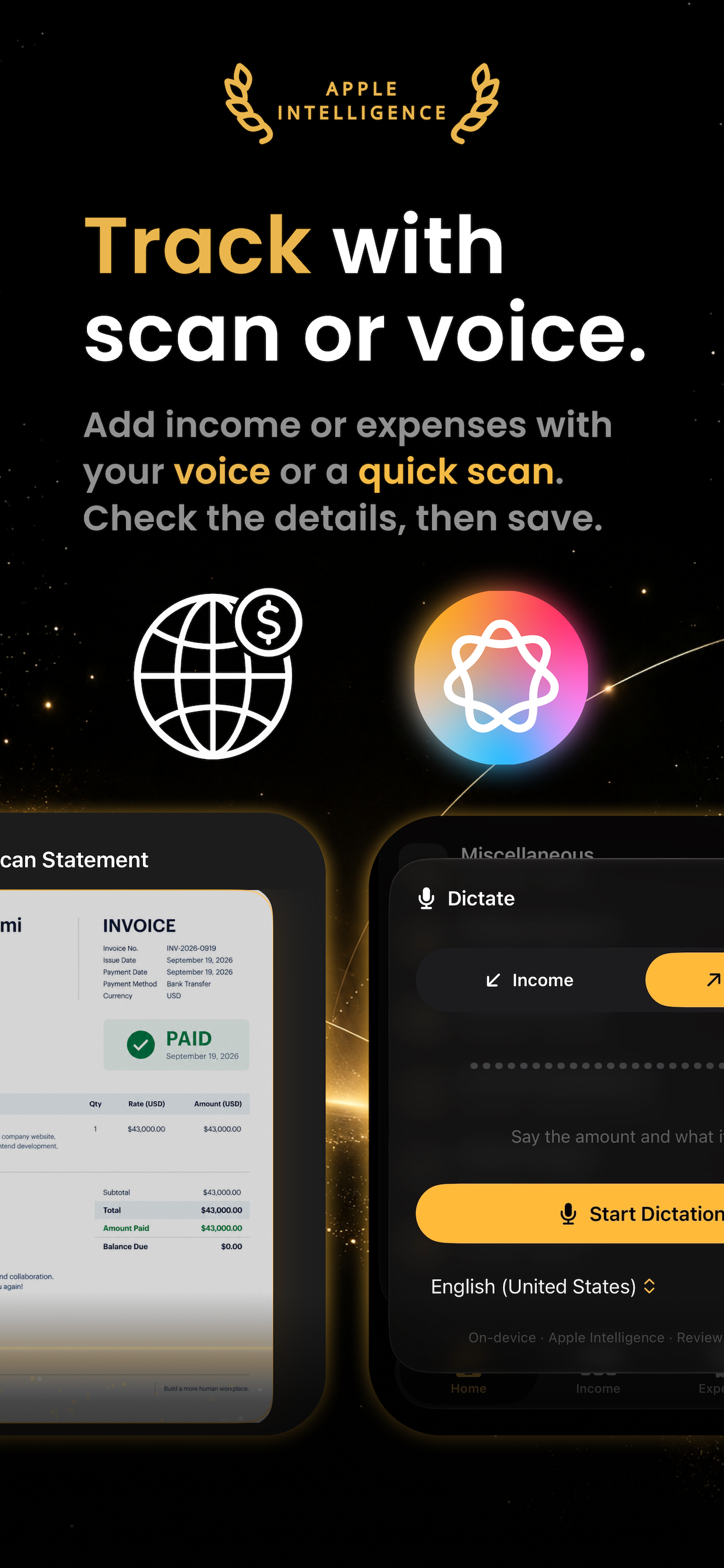
- Skip some typing. Scan receipts and statements, speak an entry, or import a CSV file.
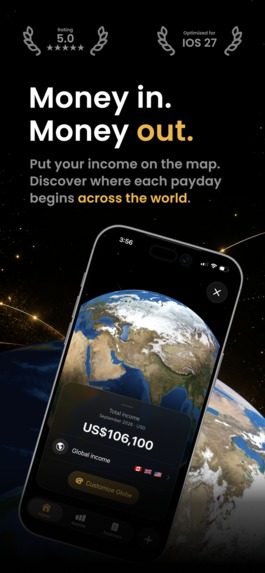
- Put your income on the map. Explore where your payments come from on an interactive globe.
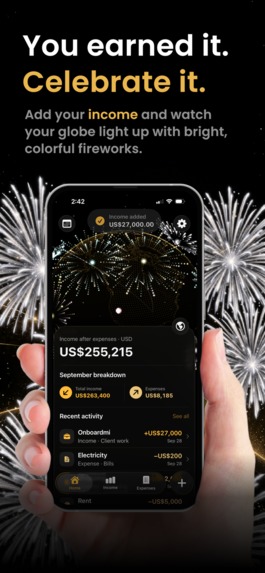
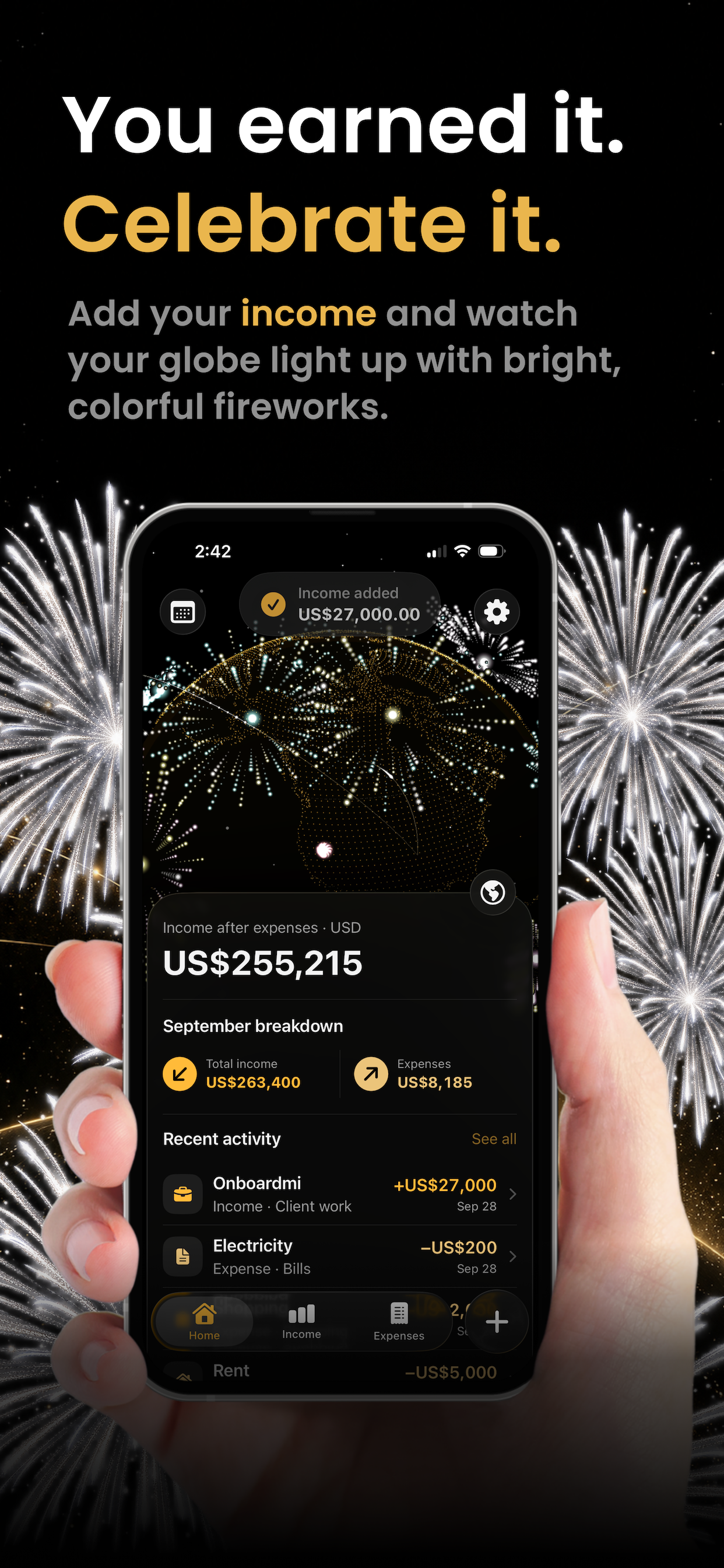
- Celebrate getting paid. Watch your globe light up with routes and fireworks when you add income.
On supported devices, Apple Intelligence helps turn scans and spoken details into entries. You check the details before saving.
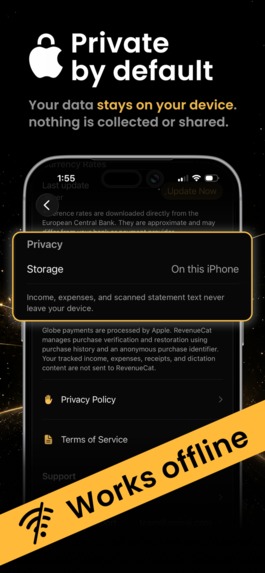
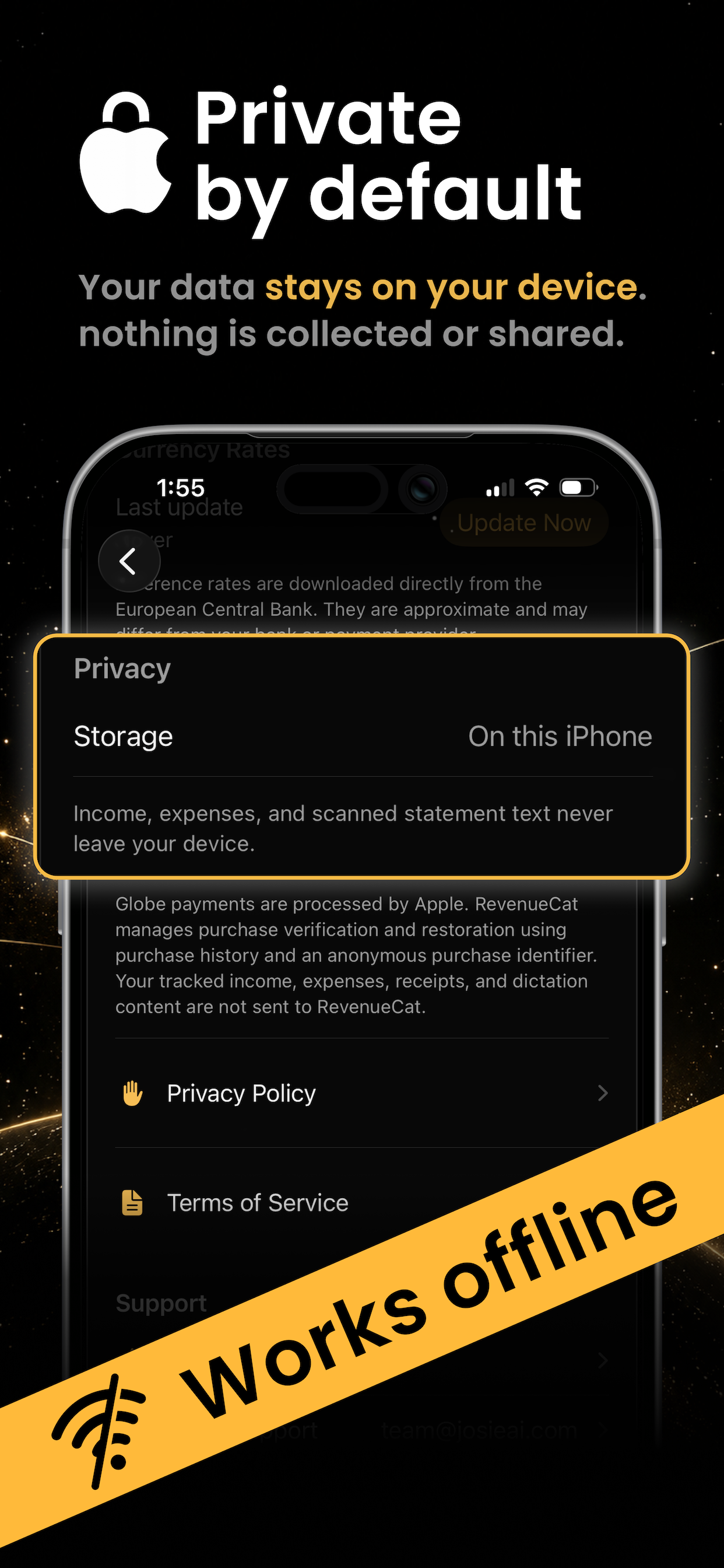
No Payday account needed. Your income and expense records stay on your device.
How I built it
I used SwiftUI to build the screens and SwiftData to save records on the device. Metal powers the globe, animations, and visual effects.
Apple Intelligence helps with on-device entry tools. Exchange rates from the European Central Bank help estimate totals across currencies.
I also connected RevenueCat and StoreKit 2 to handle premium globe purchases and restore access.
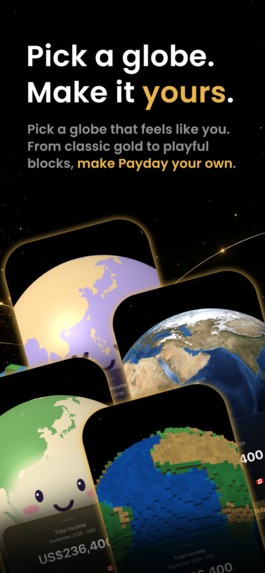
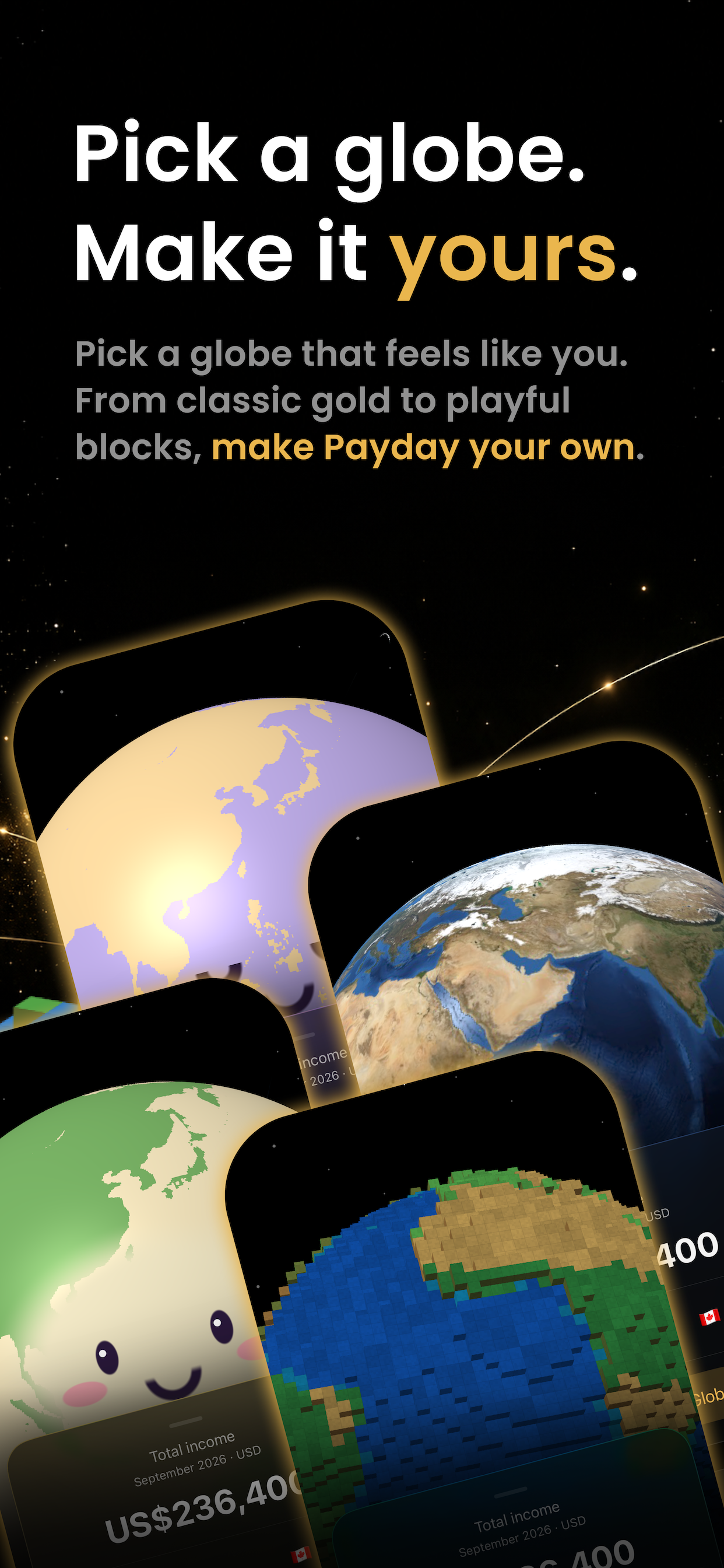
Users can pick Voxel Earth, Matcha Mochi, or Moon Mallow to make Payday feel more like them. Each premium globe is a one-time purchase. No subscription needed.
Challenges I ran into
Adding expenses was more than adding a new button. I had to update the dashboard, forms, imports, and totals so income and spending worked together.
Different currencies needed extra care, too. A payment should keep its original amount, even when the app shows an estimate in another currency.
Getting purchases to work took testing. I checked product loading, test purchases, unlocking, and restoring purchases. Testing StoreKit directly helped narrow down where things were going wrong.
Then there was the globe. I wanted it to look cool without making the money details hard to read.
Accomplishments that I’m proud of
Payday started as an income tracker. Now it helps freelancers track both money coming in and money going out.
I’m proud that it can be useful without feeling like another work task. You can log a payment, check your spending, and watch your globe celebrate your progress.
The globe also gives your work a bigger picture. Those payments are not just numbers—they came from work you did for people around the world.
What I learned
More features do not always make an app better. Clear totals, easy entry, and fewer steps matter more.
I also learned that a successful test purchase is only part of the job. Loading products, keeping access, and restoring purchases need just as much care.
And a money app does not have to feel boring. Small details can make it something you want to open again.
What’s next for Payday
Next, I want to learn from freelancers who use Payday in their daily lives.
The focus is faster entry, clearer totals, and fixing the small things that get in the way.
Less time on spreadsheets. More clarity about your money.

Log in or sign up for Devpost to join the conversation.