-
-
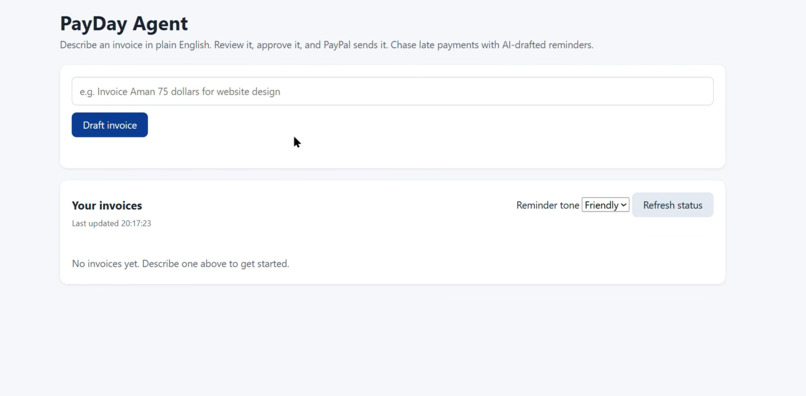
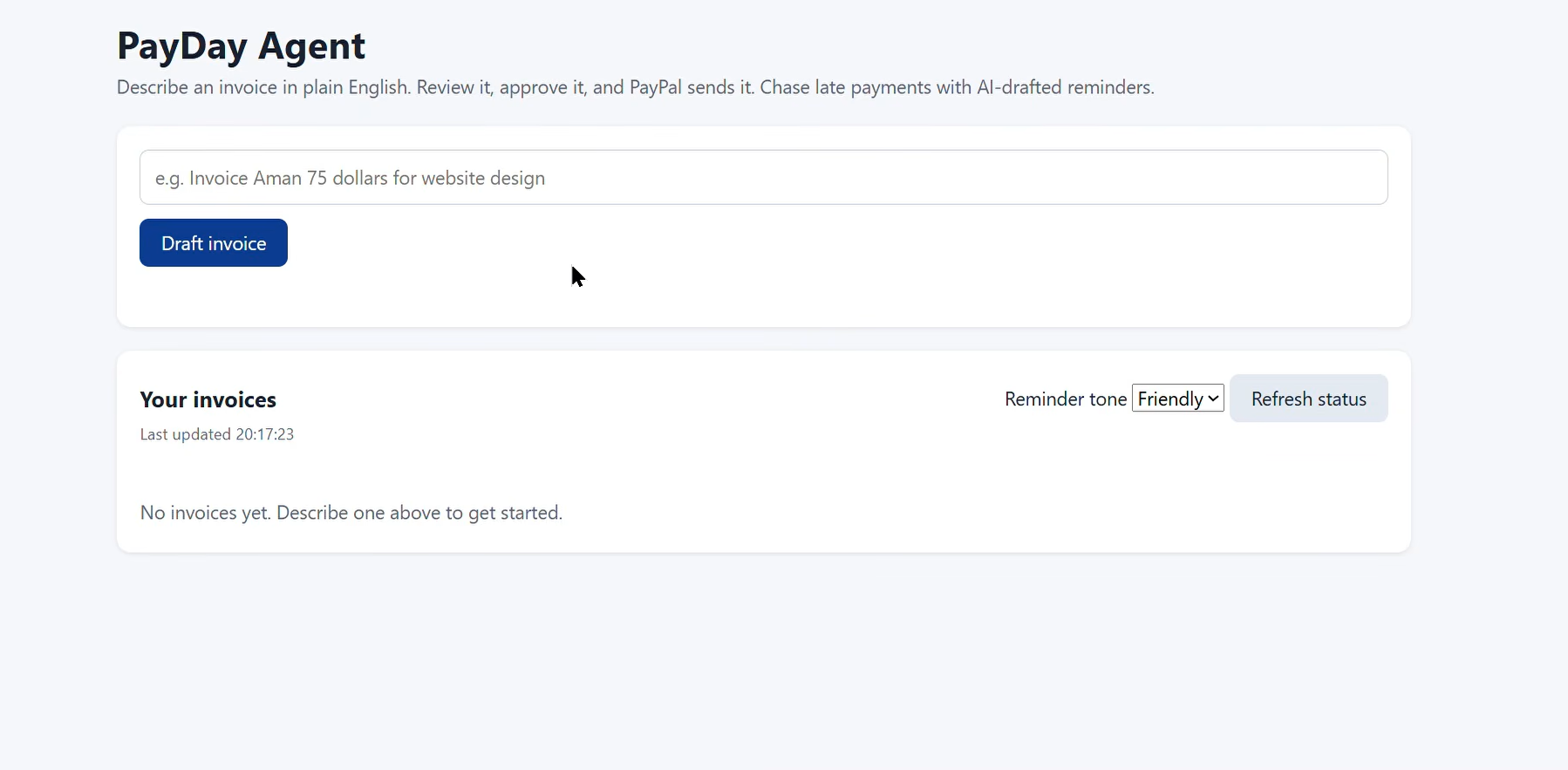
Describe an invoice in plain English. Track what is paid and what is still waiting.
-
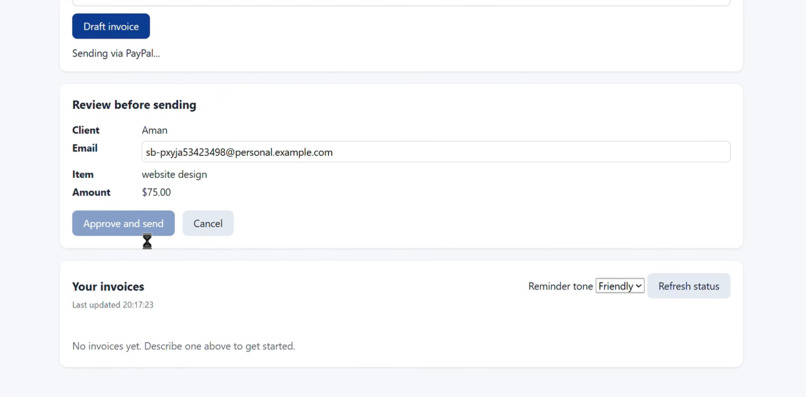
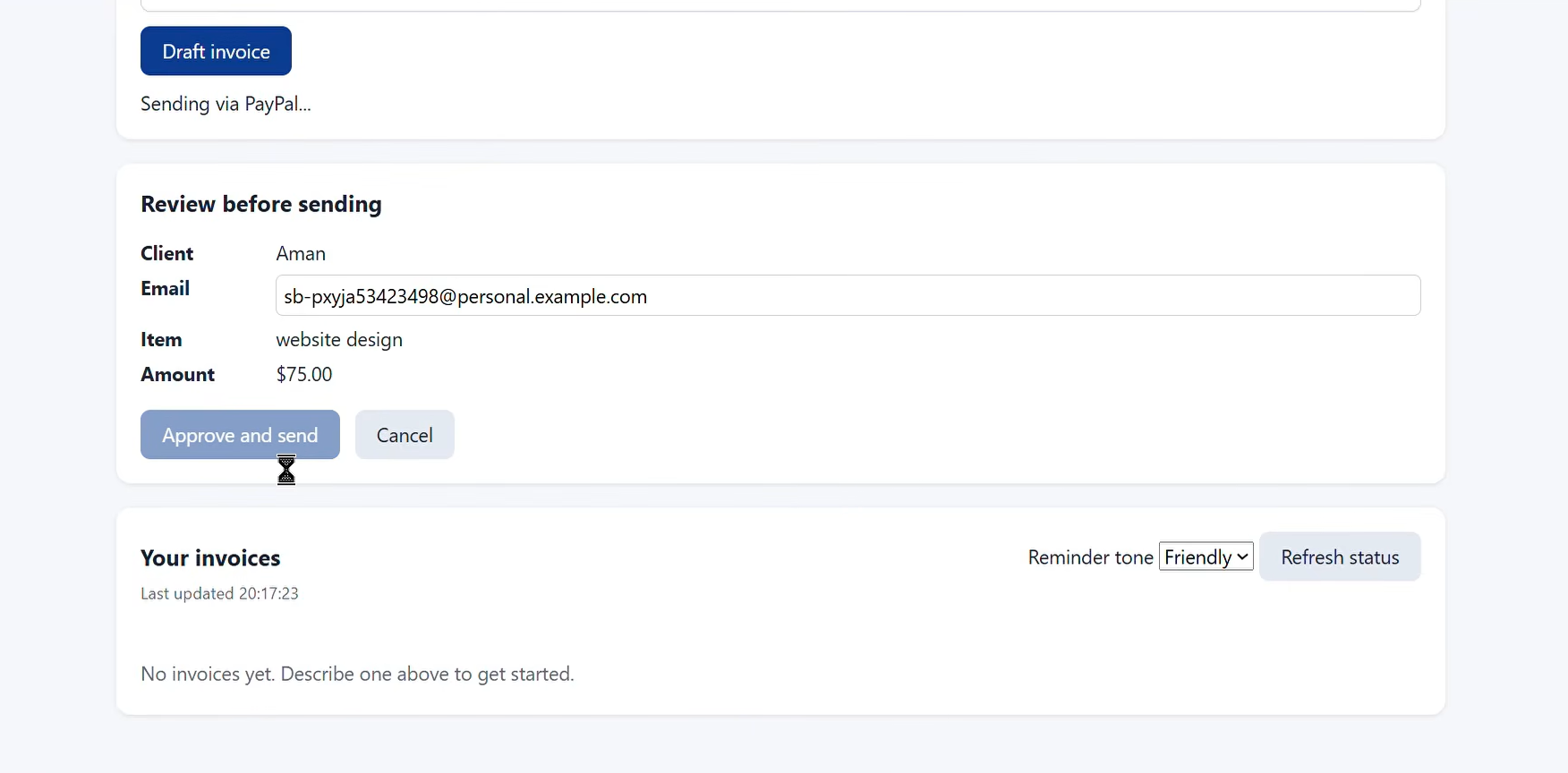
The AI reads one sentence and fills in the client, amount, and service. Nothing is sent until you approve.
-
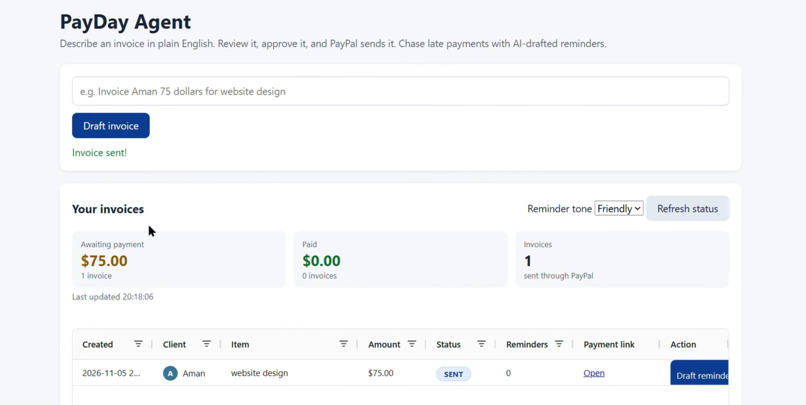
Pick a friendly or firm tone. The AI writes the reminder, and you approve it before PayPal sends it.
-
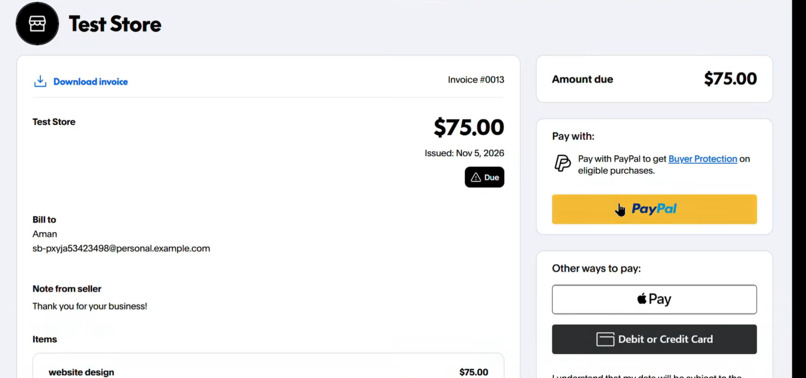
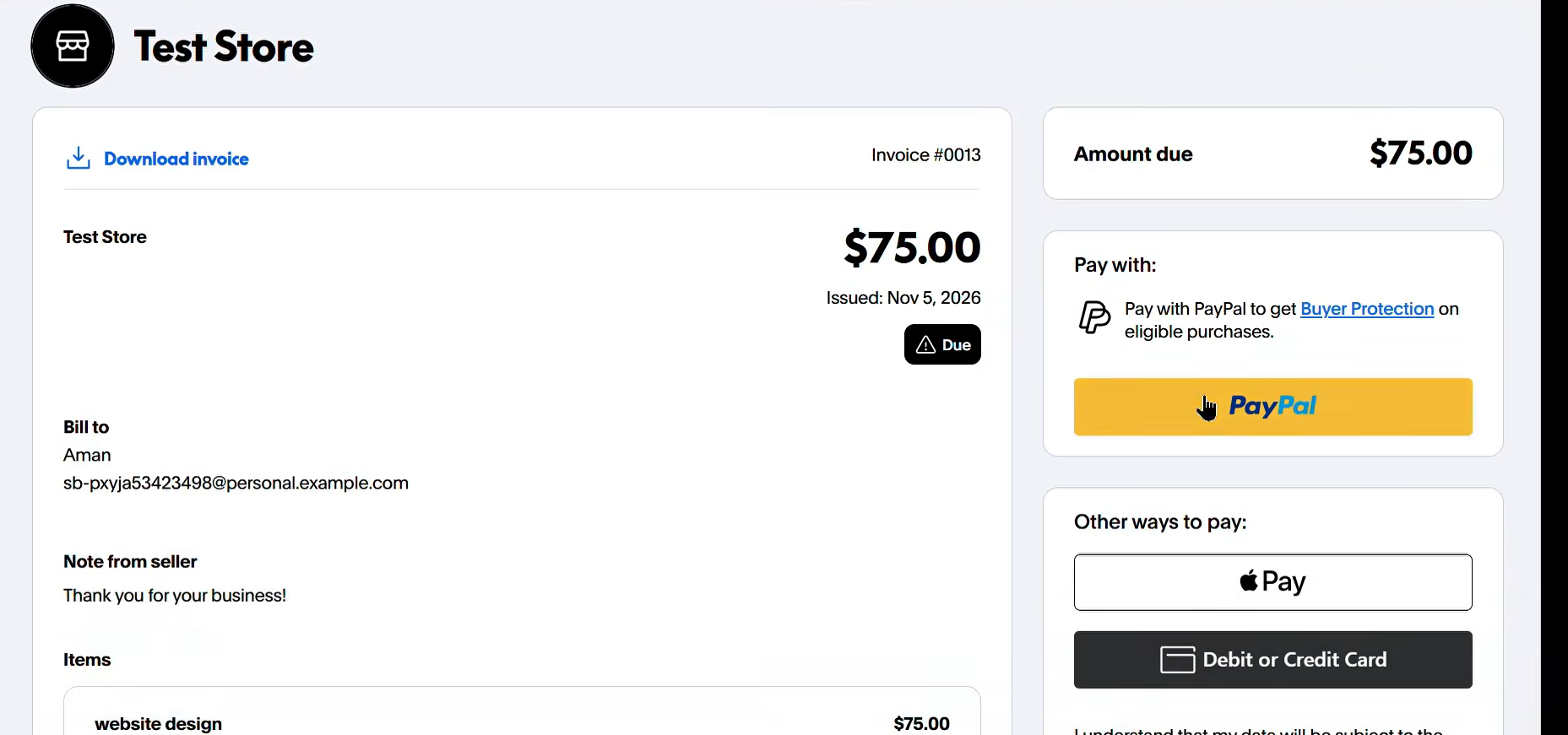
The client pays through the secure PayPal link.
-
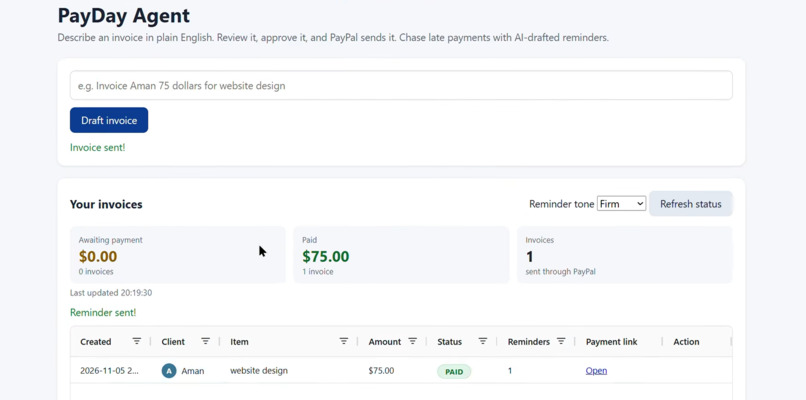
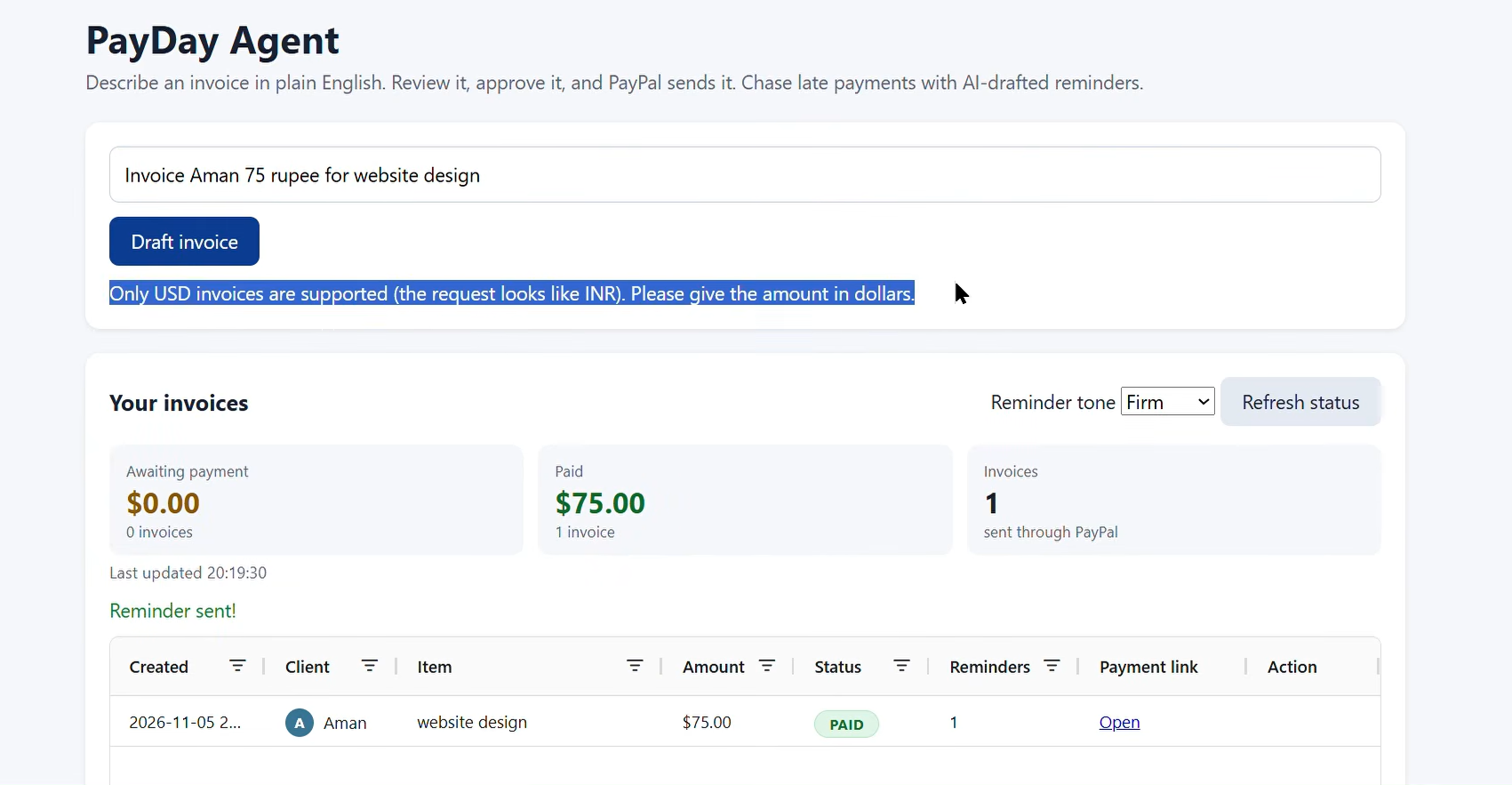
Built to be safe: USD only, amount limits, and no duplicate sends.
-
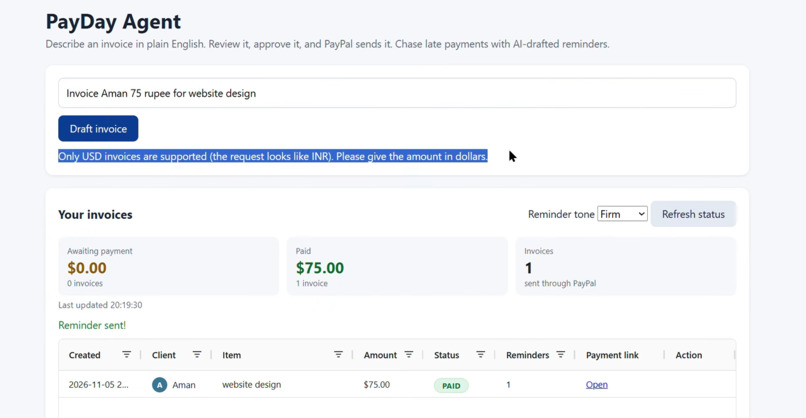
Built to be safe: USD only, amount limits, and no duplicate sends.
Inspiration
I built PayDay Agent because I have seen friends hesitate to ask clients for money, even after completing their work. Late payment is common: Bonsai analysed three years of invoicing data from 100,000 freelancers and found that 29% of invoices were paid after they were due. I wanted to make that conversation easier.
What it does
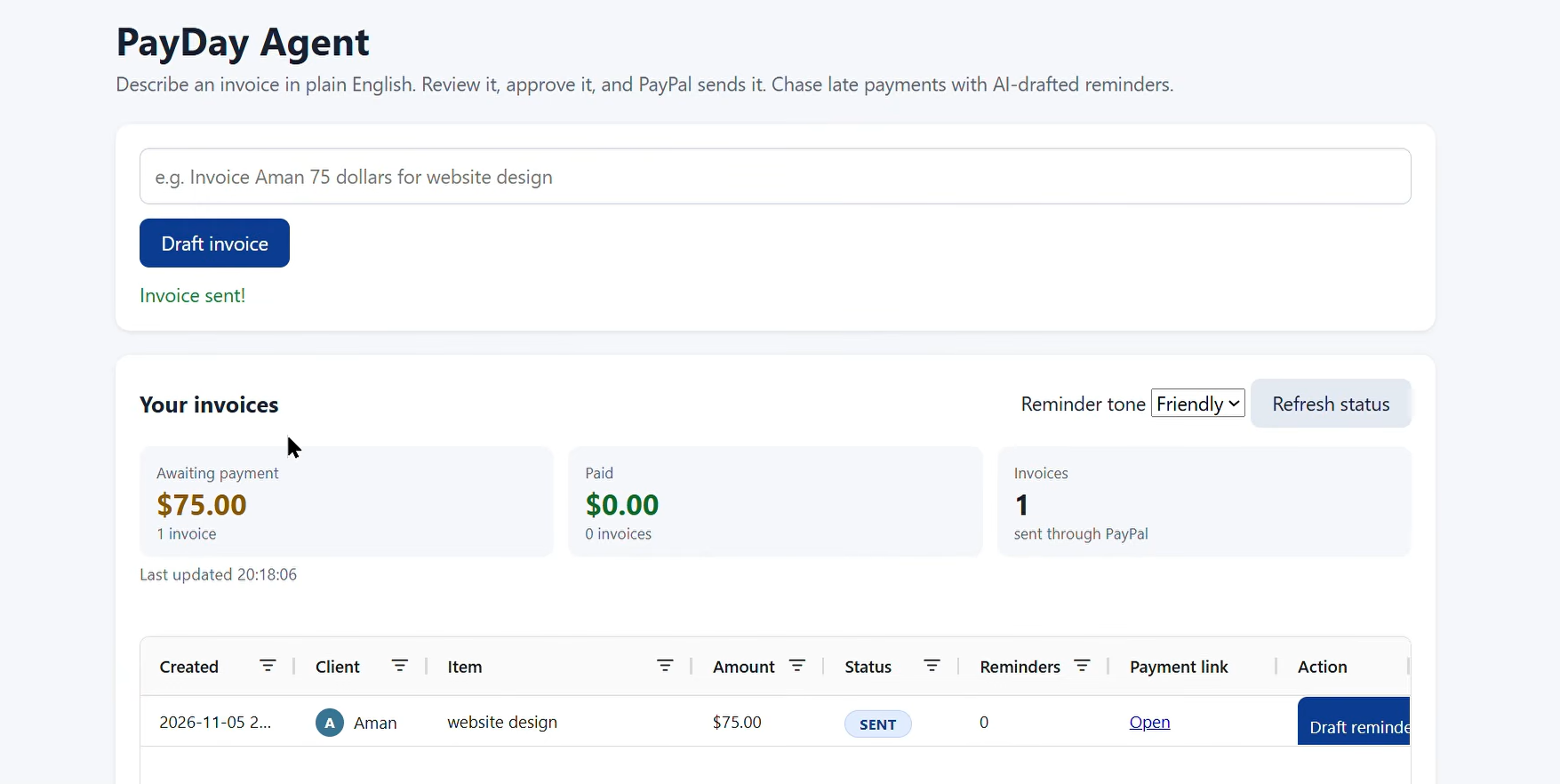
A freelancer types one sentence, such as "Invoice Aman $75 for website design". The AI reads it and extracts the client, the amount, and the service. The freelancer checks the draft and approves it, and PayDay Agent creates and sends the invoice through the PayPal Invoicing API, with a secure PayPal payment link.
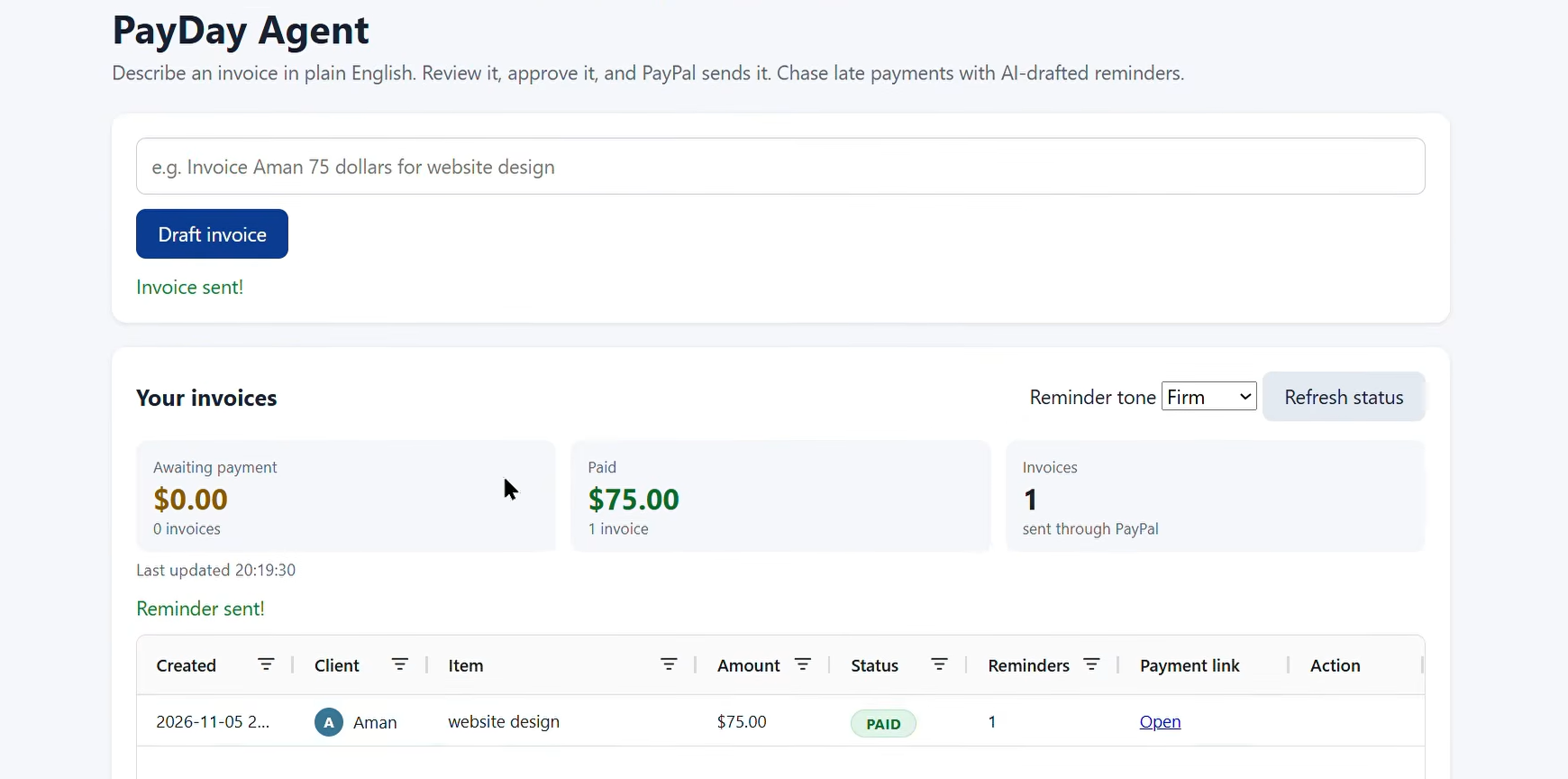
A table tracks every invoice and refreshes its live status from PayPal (Sent, Paid and so on), and summary cards show how much is still awaiting payment and how much has been paid. For an unpaid invoice, the freelancer picks a friendly or firm tone, the AI drafts a reminder, and it is sent through PayPal only after the freelancer approves it.
How I built it
- Payments: PayPal Invoicing API v2 in the sandbox. The app creates, sends, and checks invoices, and sends reminders.
- AI: Google Gemini (
gemini-flash-lite-latest, with a backup model) through Google AI Studio. It turns a plain sentence into structured invoice fields and drafts reminders. - App: Python and Flask on the backend, HTML and JavaScript with AG Grid for the invoice table.
- Safety and reliability: The freelancer approves everything before it is sent. USD only, an amount limit, no duplicate sends, a cooldown and a maximum of 3 reminders per invoice, and protection against instructions hidden inside a request. If the AI is busy, the app retries and switches to the backup model.
- Testing: 77 automated tests with fake PayPal and AI, plus browser checks of the full flow.
Challenges I ran into
- PayPal blocked invoices between two sandbox accounts in the same country (an India-to-India error). I fixed it by using a US sandbox buyer account.
- The free AI tier is sometimes busy or limited. I added retries, a backup model, and clear error messages so the app never just crashes.
- Keeping a double-click or a retry from creating duplicate invoices or sending too many reminders.
Accomplishments that I'm proud of
- The full loop works end to end: sentence, approval, PayPal invoice, payment, and status updating to PAID.
- A human always approves what goes out, so the AI helps without taking control.
- It is tested and open source.
What I learned
I learned how the PayPal Invoicing API and sandbox accounts work, how to get dependable structured output from an AI model, and how much of a good product is handling the failure cases well.
What's next for PayDay Agent
Ideas I would like to add: due dates and automatic overdue reminders, more currencies, and a hosted version so freelancers do not need to run it locally.
AI tools used
In the app: Google Gemini gemini-flash-lite-latest (backup gemini-flash-latest) extracts invoice details from a sentence and drafts payment reminders. While building: Claude (Anthropic) was used as an AI coding assistant to help write and test the code. The idea, the PayPal and Google setup, the testing, and the decisions are mine.
Built With
- ag-grid
- flask
- google-ai-studio
- google-gemini
- html
- javascript
- paypal
- paypal-invoicing-api
- pytest
- python

