Inspiration
I often felt anxious and uneasy studying alone, so I used to look for study buddies in online rooms. But then again, I felt self-conscious in front of real people. On the other hand, modern websites are constantly feeding us dopamine through notifications, short videos, and endless scrolling, making it very easy to get distracted and drained, not to mention, for someone with ADHD. Since I spend most of my time studying at my desk, I also struggled with loneliness, poor posture, forgetting details, getting up/taking rest once in a while, scattered schedules, and starting large projects without knowing how to break them down which were hampering my productivity. Everything all together inspired me to build Pawse.
What it does
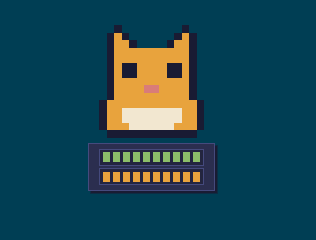
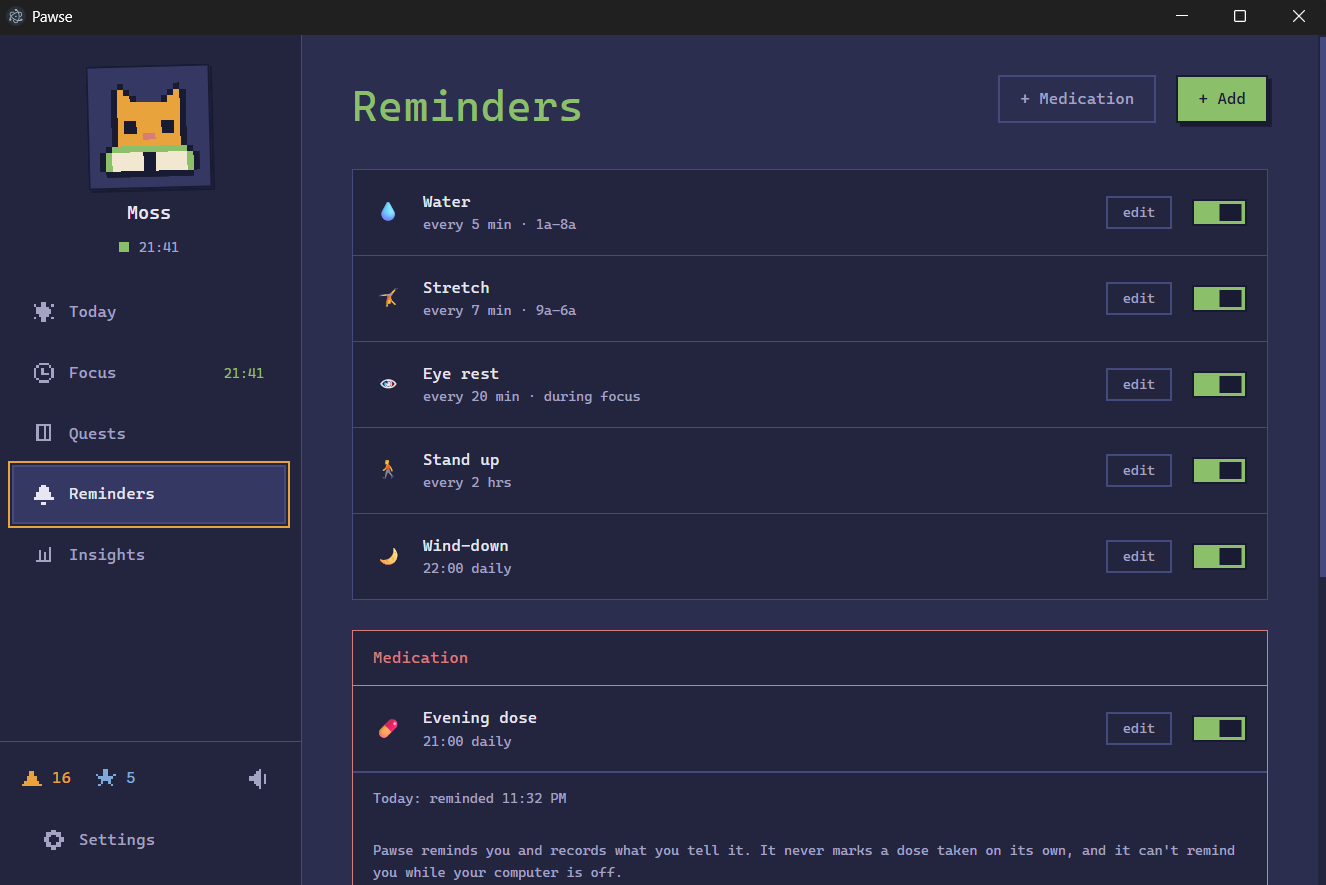
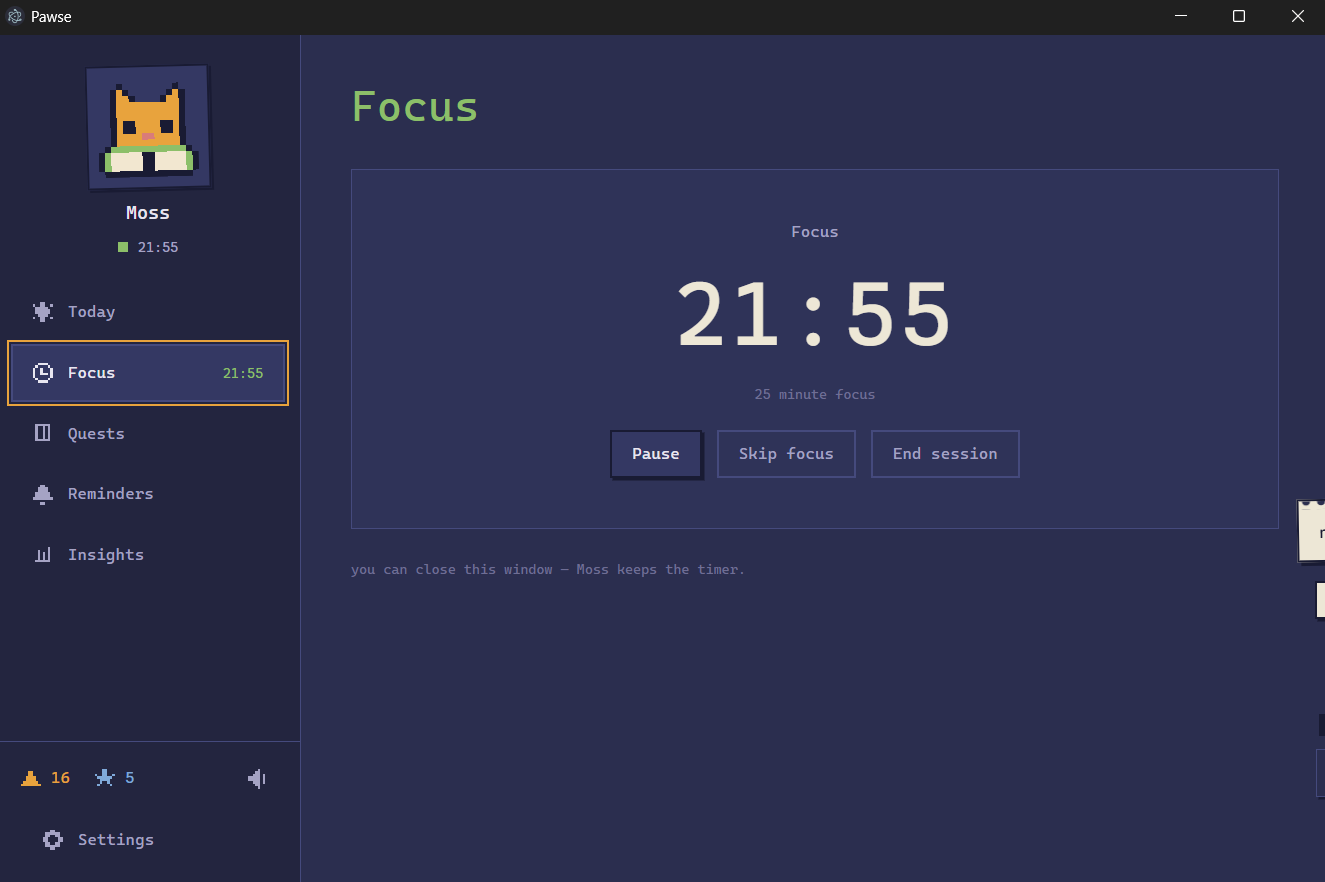
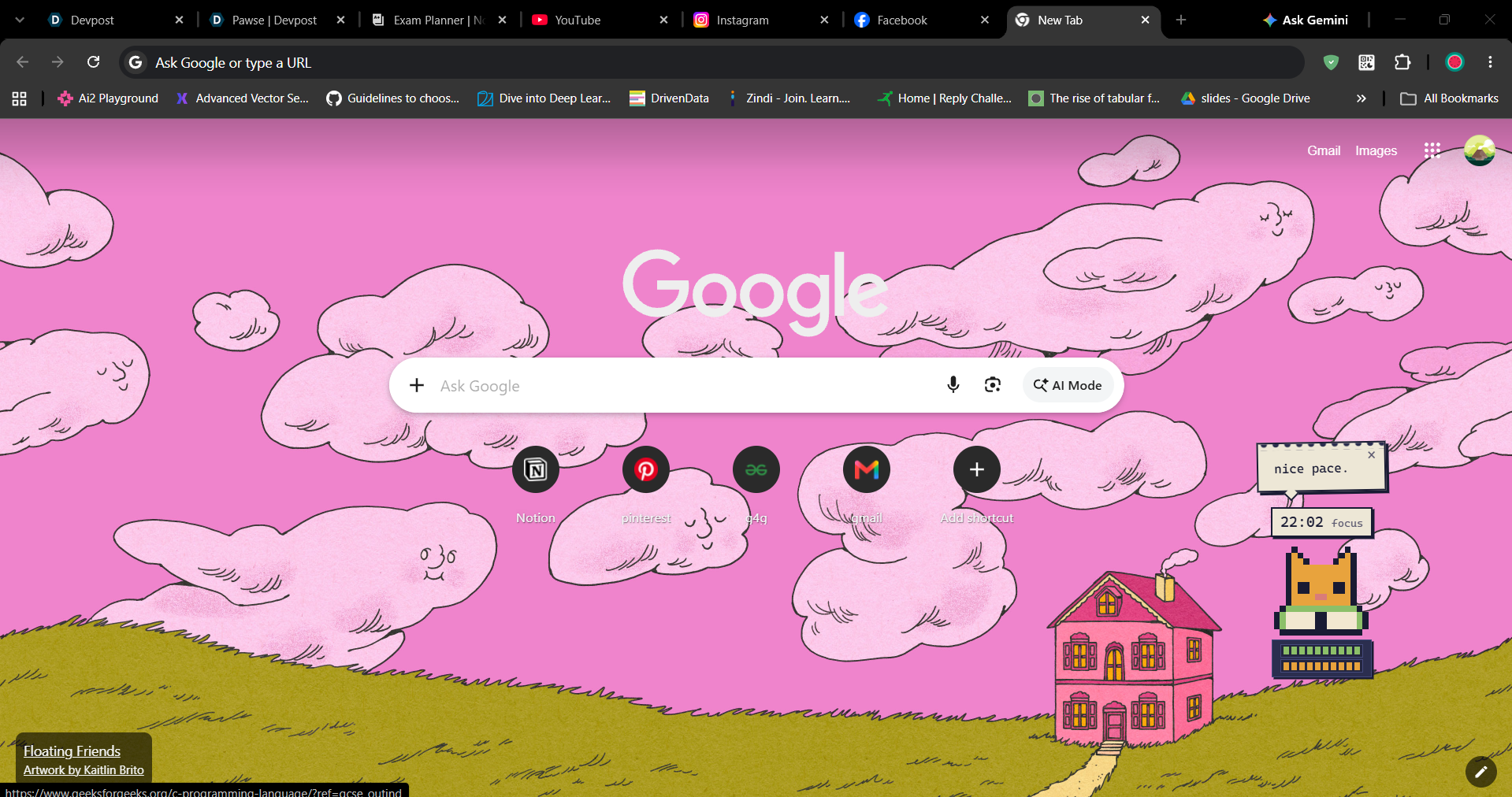
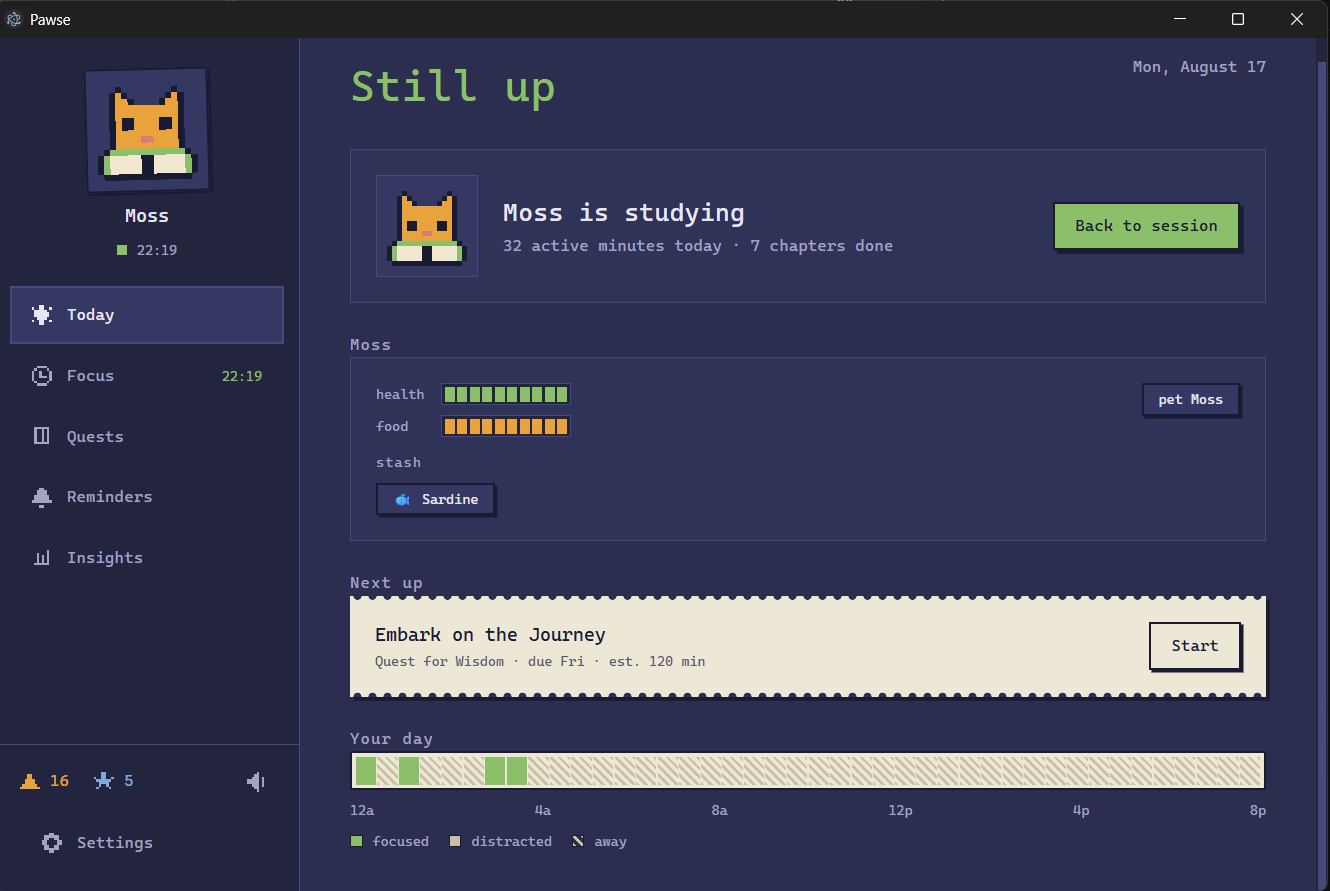
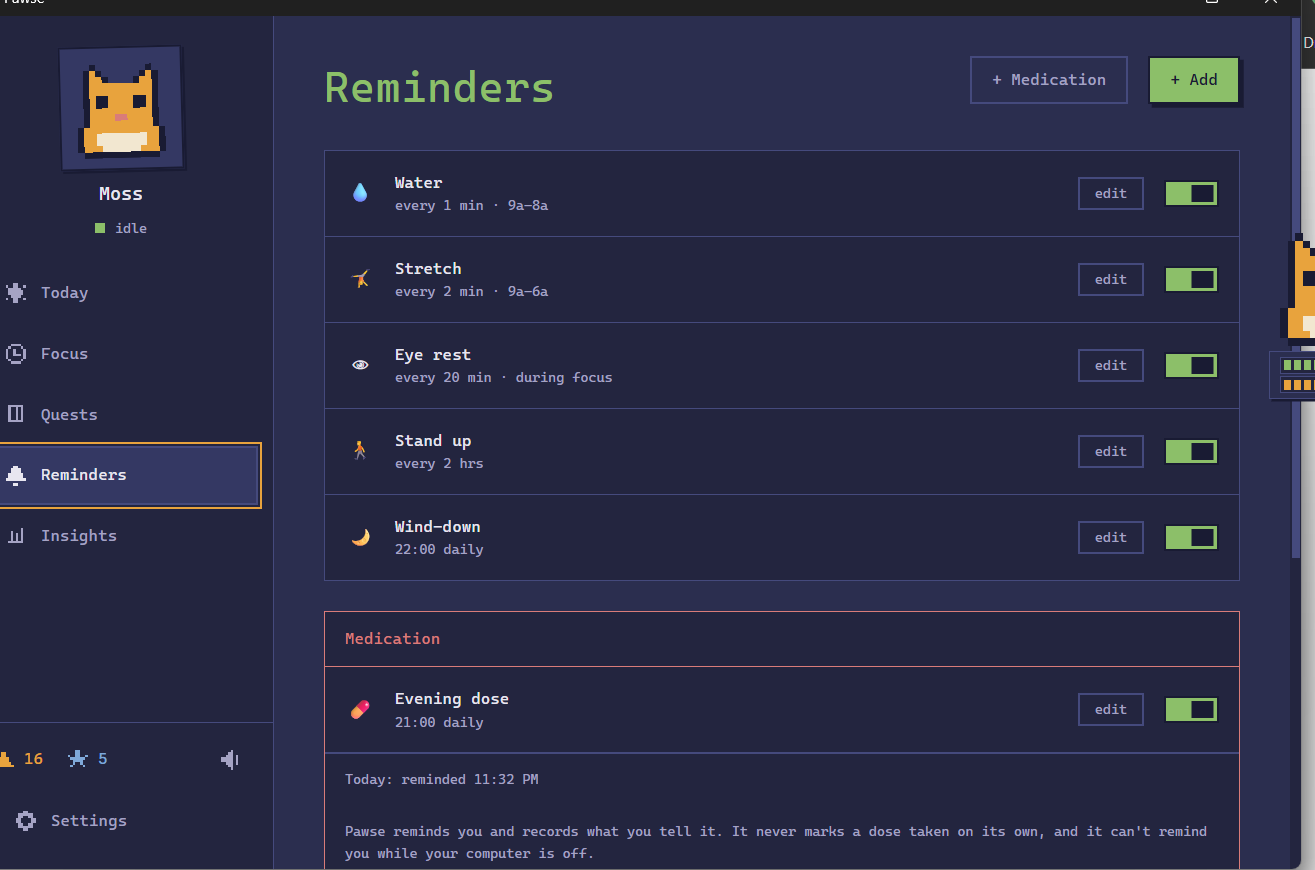
Pawse is a desktop companion that studies with you, monitors your attention and gently guides you back when you lose focus. It manages study sessions and timers, reminds you to drink water, stretch, take medication, or complete custom routines, and gamifies tasks to keep you motivated. It also syncs with your Notion schedule and task list, while its Chrome extension blocks distracting websites and removes attention-grabbing content, creating a calmer environment for deep, uninterrupted work. Everything is saved locally so no fear of data leakage as well.
How we built it
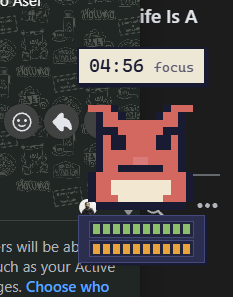
We built Pawse as a local-first desktop application using Electron, React, and TypeScript. It runs through two connected windows: a standard dashboard for managing focus sessions, quests, reminders, and settings, and a transparent, always-on-top window that keeps the pixel cat visible while the user works. Electron's main process acted as the single source of truth to all the other components and logic of Pawse.
Cat state and reactions : We use a mood queue for multi-step reactions, such as playing the eating animation first and the celebration animation afterward. Once the temporary sequence ends, Pawse returns to the correct state-derived animation automatically. The main process decides the cat’s current mood and includes it in the state sent to the cat window. The cat renderer then maps that mood to the appropriate sprite composition.
The pet system was deliberately designed to encourage the user without creating guilt. Health never falls below three pips, the cat cannot become sick, die, or leave, and idle time does not reduce its health. Long periods of computer sleep are capped so reopening Pawse after several days cannot severely harm the pet.
Speech bubbles and safe interactions : Cat speech bubbles are also created in the main process. We also made sure the cat cannot generate harmful or shaming dialogue. The cat’s speech is selected from curated, context-specific lines and was not freely generated by any LLM.
Reliable focus timer : The focus timer runs entirely in Electron’s main process through a central one-second heartbeat. The same clock coordinates focus phases, breaks, pet decay, reminders, bubble expiration, temporary moods, extension activity, and daily rollover.
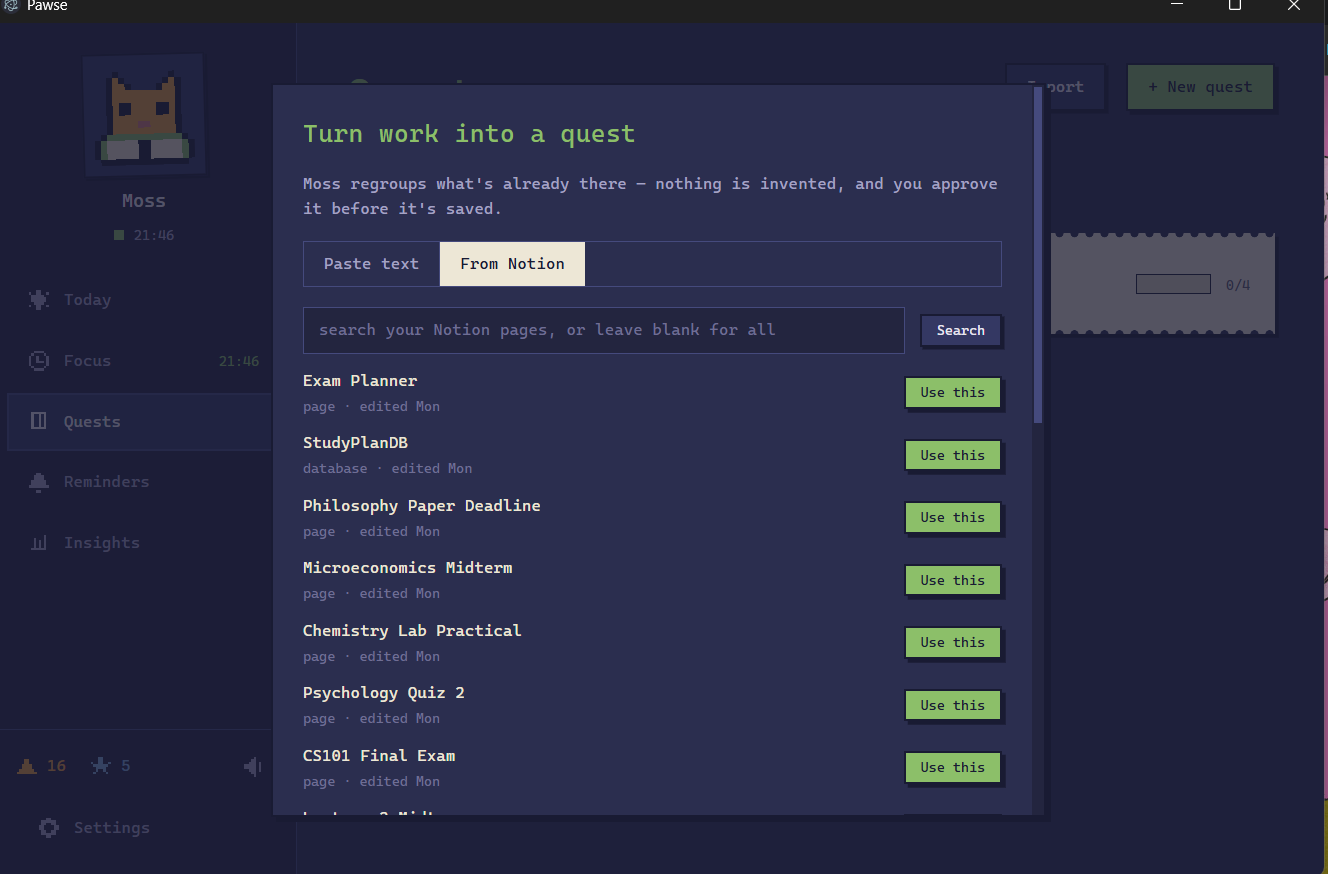
Notion API integration : We integrated Notion as a read-only source for turning real assignments and project pages into Pawse quests. The user creates a Notion internal integration token and explicitly shares selected pages with it.
LLM API and quest generation : Pawse uses an LLM only to reorganize assignment information into small, approachable quest chapters. The implementation is provider-independent and uses the built-in fetch API . It supports Gemini, OpenAI-compatible chat-completion APIs, and local Ollama models. The prompt explicitly tells the model to use only the supplied material and never invent deadlines, files, submission rules, or academic requirements. If no provider is configured, an API key is missing, a request times out, the output is malformed, or the network call fails, Pawse switches to a deterministic local splitter.
Chrome extension and activity monitoring : The attention gatekeeper is a Manifest V3 Chrome extension containing a background service worker, content script, CSS hiding rules, and pairing page. The extension must provide a randomly generated pairing token before Pawse accepts its requests. It polls the desktop application every five seconds to learn whether a focus session is active, which gatekeeper mode is selected, whether distracting feeds should be hidden, and which domains the user has marked as blocked or approved for study. The extension can hide specific distracting sections , such as recommendation feeds, Shorts, or Reels while leaving useful parts of the website available. It combines CSS selectors with JavaScript checks for more stable signals such as URLs and accessibility labels. In strict mode, selected sites can be blocked more aggressively. To monitor activity, the extension reports approximate active time and distraction events to the local Pawse bridge.
Privacy-first design: Pawse does not require an account, cloud database, or analytics service. The extension communicates only through the loopback address, raw browser activity is not exposed to the renderer, and the interface receives locally calculated summaries instead. Notion access is read-only and limited to explicitly shared pages. Page content is fetched only when the user requests an import. Text is sent to an LLM provider only when the user explicitly requests quest generation, and only to the provider they configured. When possible, the same workflow can run completely locally through Ollama or the offline splitter.
Saving data locally : Pawse stores its state in one JSON file inside Electron’s local user-data directory. This includes the pet state, quests, reminders, focus history, settings, inventory, rewards, extension pairing token, and locally aggregated insights. Aside from requests the user explicitly makes to Notion or their selected LLM provider, Pawse’s state, activity summaries, rewards, and personal routines remain on the device.
Challenges we ran into
It was a race against time to be honest. As a single member, I had to manage everything of this project, from ideation to the final line of code. Running into numerous bugs, fixing them before deadline and finally present the whole project within 48 hours was the biggest challenge.
Accomplishments that we're proud of
I finally could make my dream study companion. Now I don't have to rely on other humans. I don't also have to juggle between different notion workspace and other calendar app, I can have my schedule all in one place, broken down into small achievable steps.
What we learned
This was the 1st time for me to create a chrome extension. It felt great ! Also I didn't know you can integrate notion in external apps like this. This is also my 1st time creating a local-first, desktop application ! So you can say, the whole journey was full of learning new things.
What's next for Pawse
API credentials currently remain local but are stored as plain text in the application data file. Moving them to Electron’s safeStorage or the operating system keychain is the next security improvement. We plan to add a customizable pet room, unlockable outfits, more animations, mood check-ins, and longer adventures generated from real goals. We also want to expand the Attention Gatekeeper beyond the browser with optional desktop app blocking.
Built With
- chromemv3
- css
- electron36
- groqapi
- json
- node.js
- notionapi
- react19
- typescript
- vite
- webaudioapi


Log in or sign up for Devpost to join the conversation.