PawPilot — Project Story
Try the live agent demo
Live agent demo: https://agent-6a965dc9f0937d545273e692--pawpilot-webmcp.netlify.app
This is the agent-facing PawPilot deployment used for the demo experience. The underlying WebMCP capabilities, server-side validation, human approval boundary, and persisted care-plan workflow remain part of the PawPilot application.
What inspired me
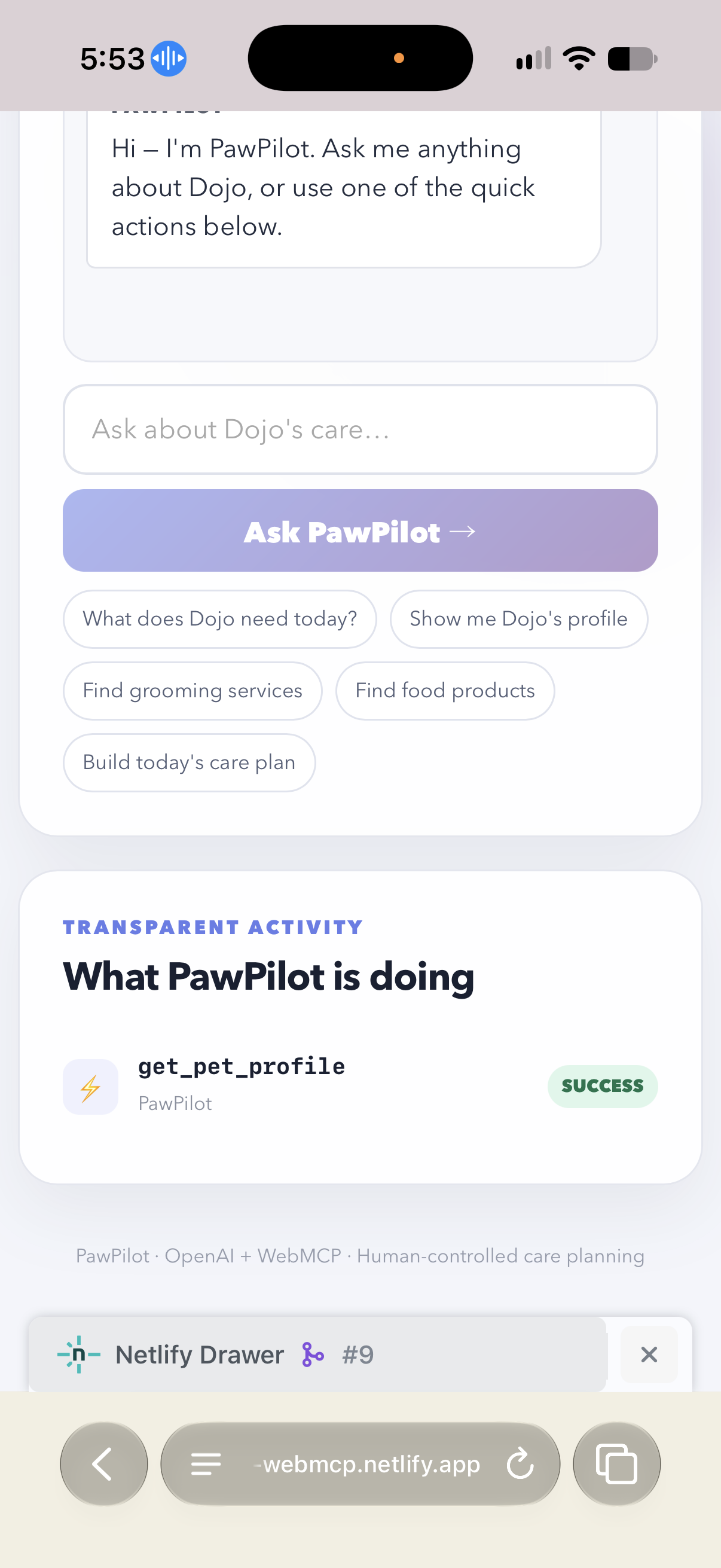
PawPilot started with a simple question: What if talking to a pet-care website could feel as natural as talking to an assistant?
Pet care is full of information—profiles, routines, products, services, and care plans—but people are still expected to click through pages and menus to make something happen. I wanted to see what would happen if the website could actually understand what an agent needs to do.
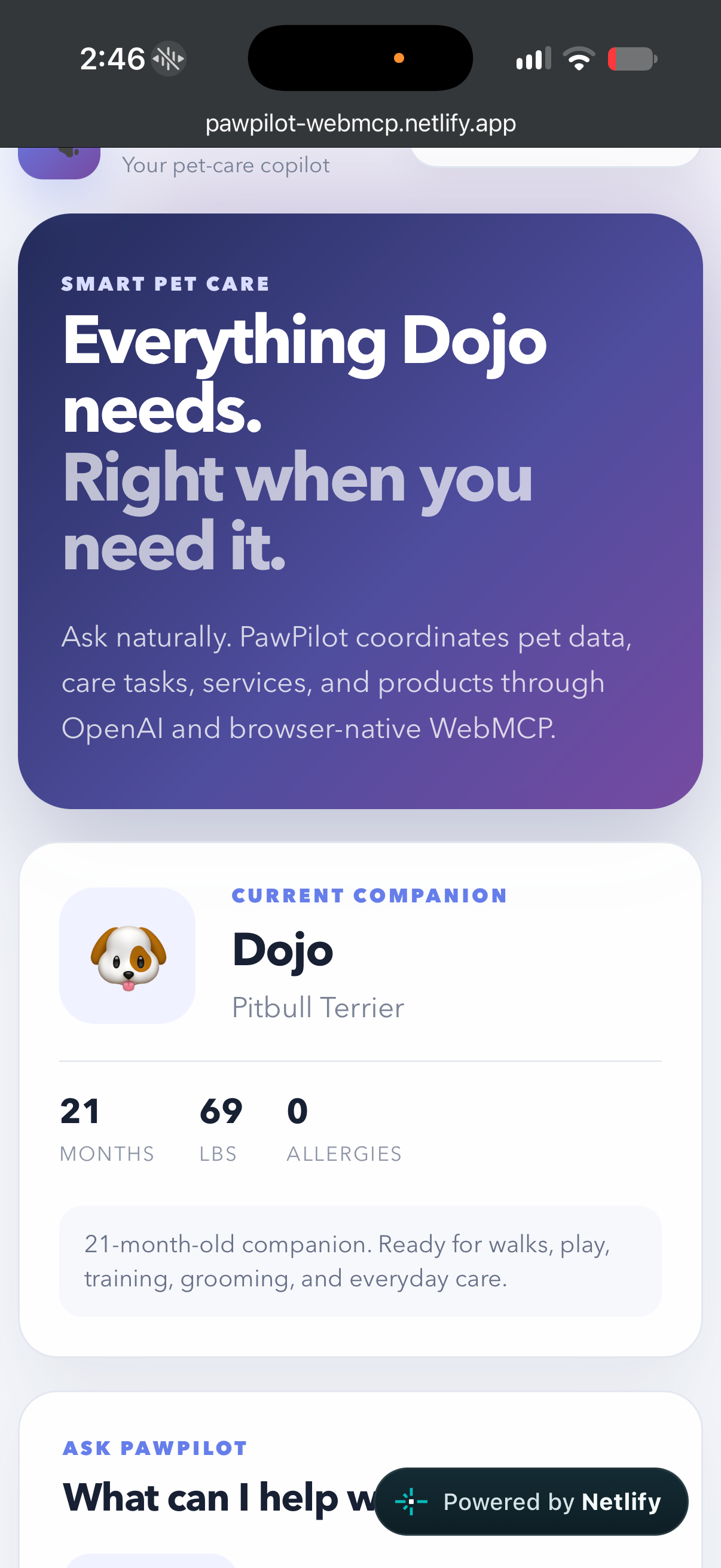
So I built PawPilot around my dog Dojo and started turning a normal pet-care website into something an agent could actually work with.
That became my experiment with the agentic web: PawPilot.
Why WebMCP matters to me
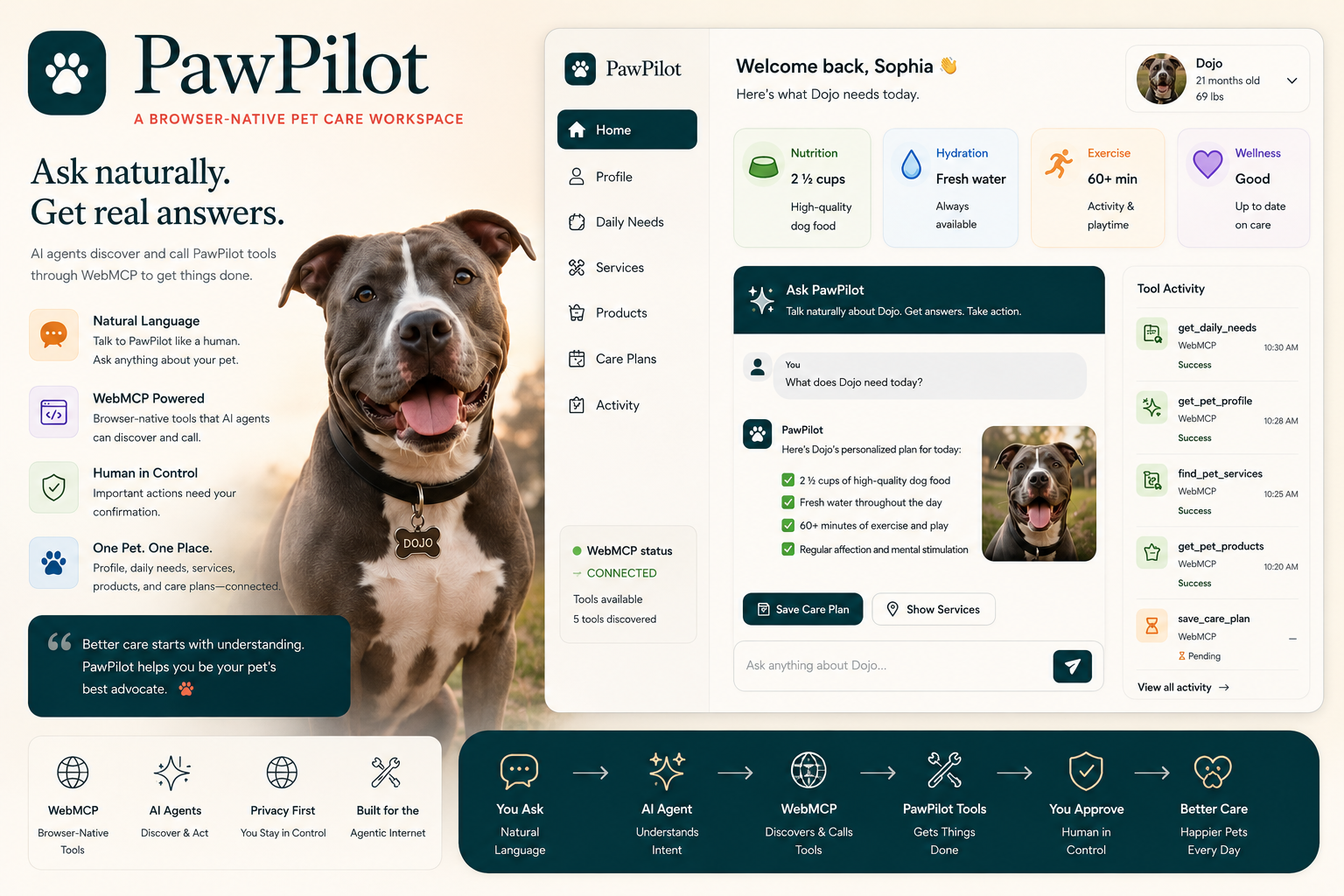
WebMCP changes the interaction model from People → Pages → Buttons toward People → Agents → Capabilities.
That idea really clicked for me. Instead of an agent having to guess what a website can do by looking at text and buttons, PawPilot explicitly tells the agent what capabilities are available.
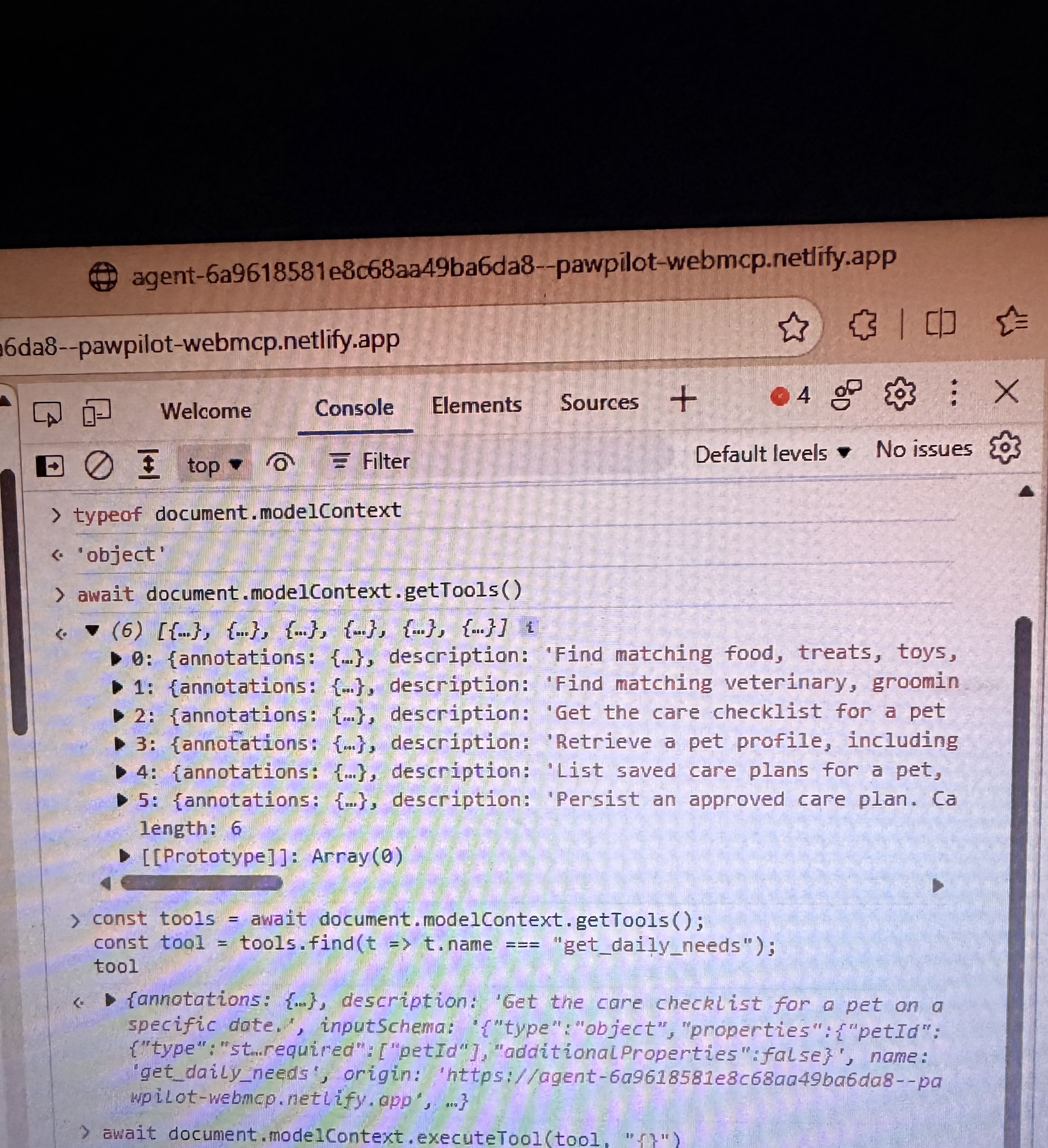
PawPilot exposes six structured WebMCP tools through document.modelContext:
get_pet_profile get_daily_needs find_pet_services find_pet_products save_care_plan list_care_plans
The result is a website that can participate in an agent conversation instead of just waiting for a person to navigate it.
What people and agents can do together
A person can simply ask:
“Build Dojo a care plan for today.”
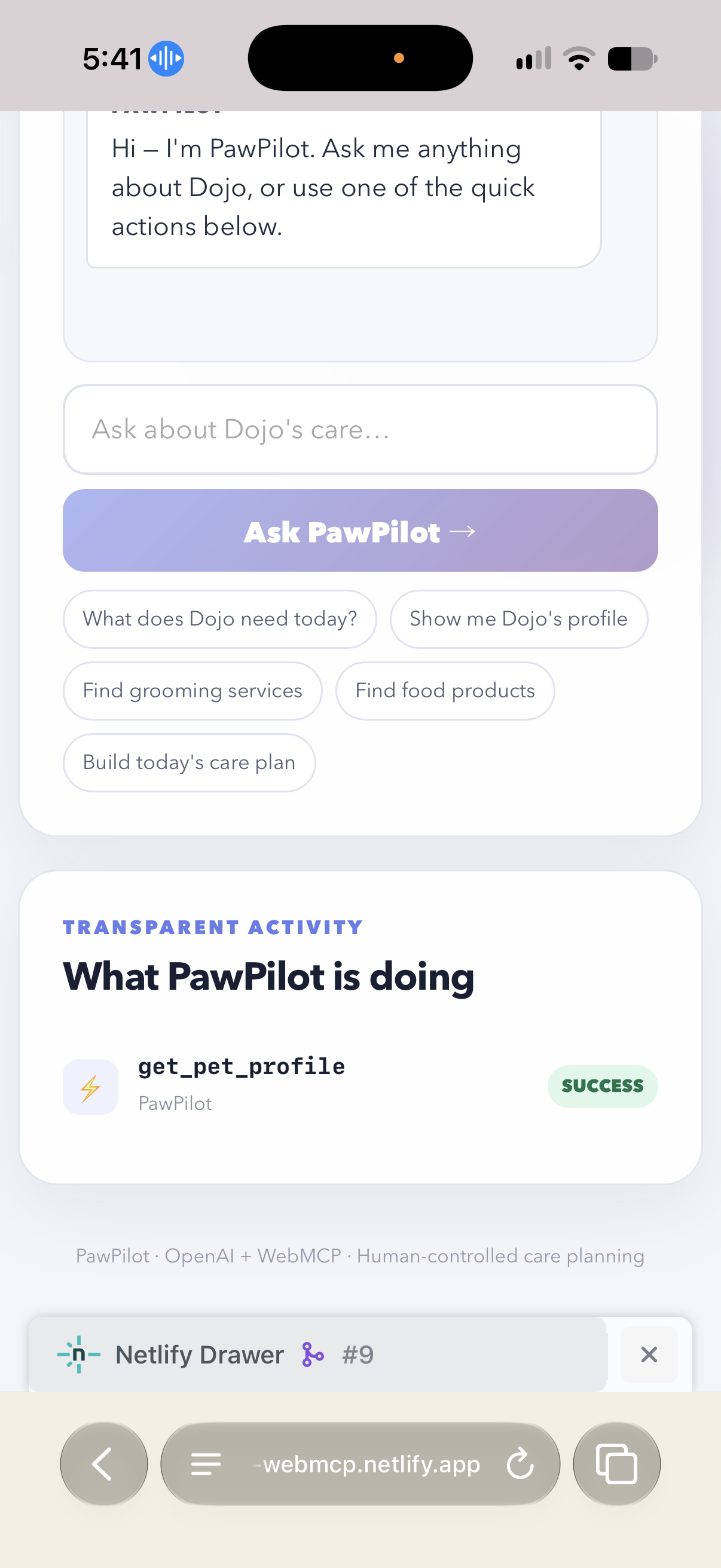
From there, the agent can use PawPilot's structured capabilities to retrieve Dojo's profile, understand his daily needs, find relevant services or products, and prepare a proposed care plan.
But I didn't want “agentic” to mean “the agent gets to do whatever it wants.”
The important boundary is the write operation.
PawPilot does not allow the OpenAI agent to silently save a care plan. The person gets to see what is being proposed and explicitly chooses Confirm & Save. Only then does the server issue a short-lived approval token tied to that exact pet and exact plan before accepting the database write.
So the collaboration loop becomes:
User request → Agent discovers capabilities → Agent prepares action → Human reviews → Human approves → Server verifies → Action is saved
That separation between what an agent can discover, what it can execute, and what a human must authorize became one of the most important parts of PawPilot for me.
I didn't stop at the website — I built a Safari WebMCP Bridge
While I was building PawPilot, I ran into another question: what happens when the browser experience around WebMCP isn't there yet?
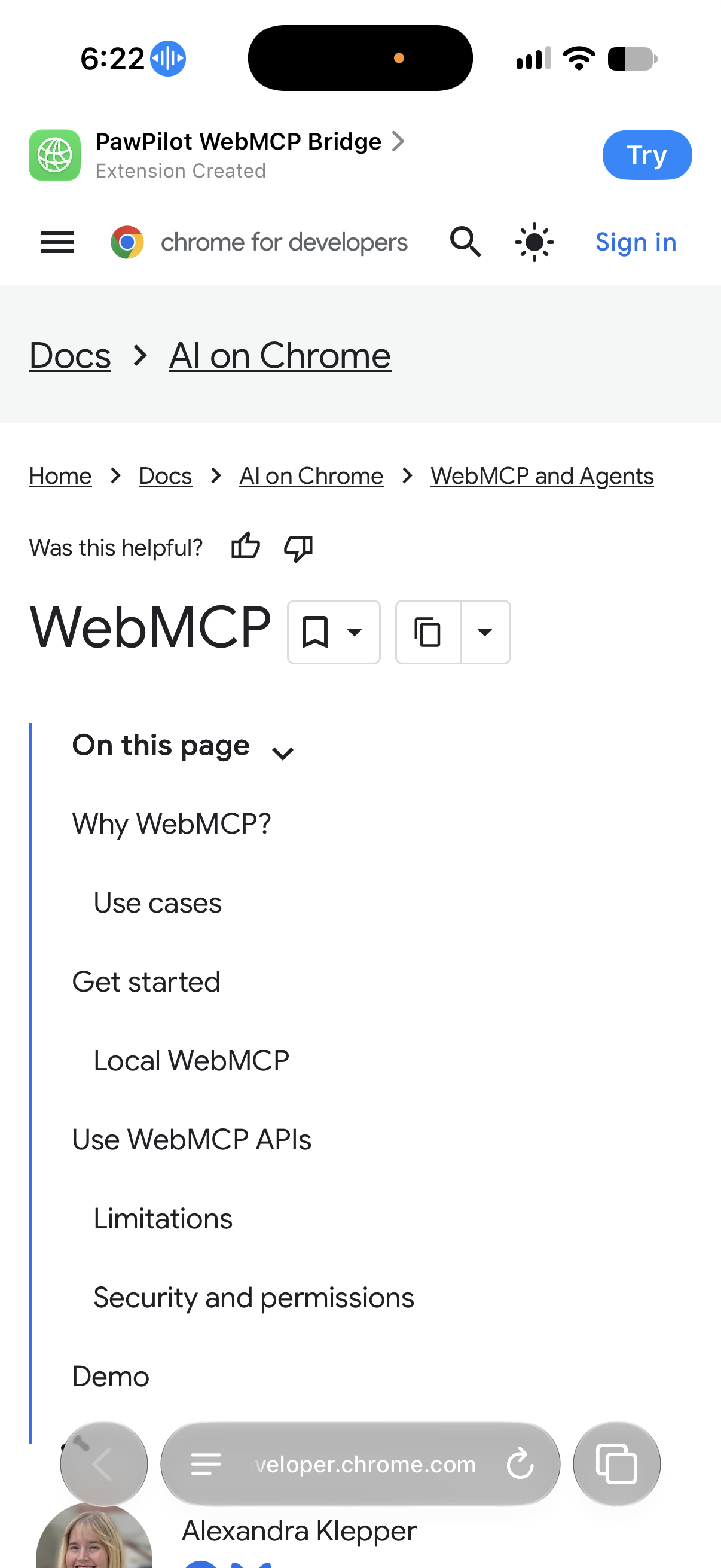
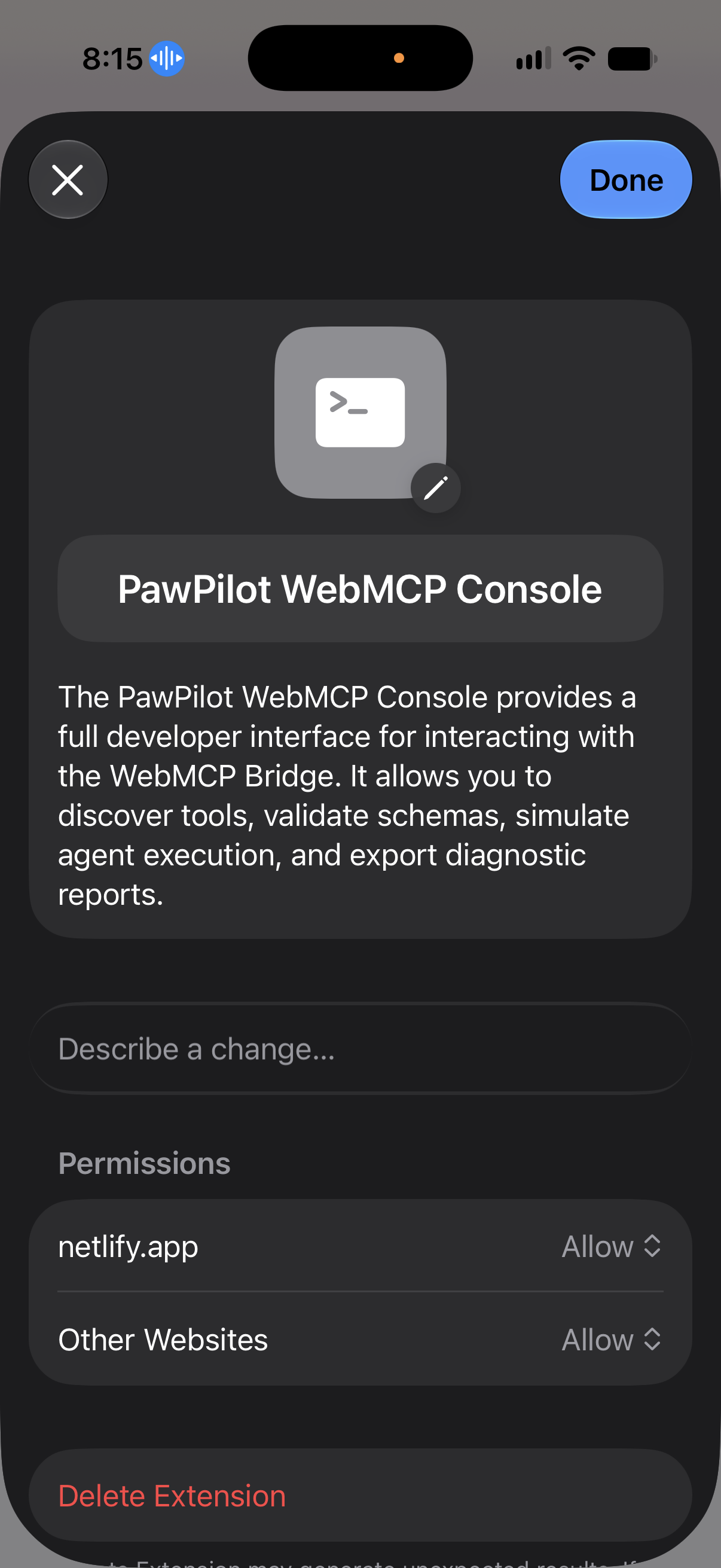
Instead of treating that as a reason to stop, I built a PawPilot WebMCP Bridge Safari Web Extension alongside the application.
This part matters because I wasn't trying to fake native WebMCP support. The extension is deliberately a browser-side inspection, compatibility, and testing layer. PawPilot's own WebMCP registration and server-side authorization remain the source of truth.
The extension can detect native WebMCP through document.modelContext, discover tools with getTools(), and, when the runtime supports it, invoke executeTool(). It also treats write-capable tools differently and requires explicit confirmation before executing them.
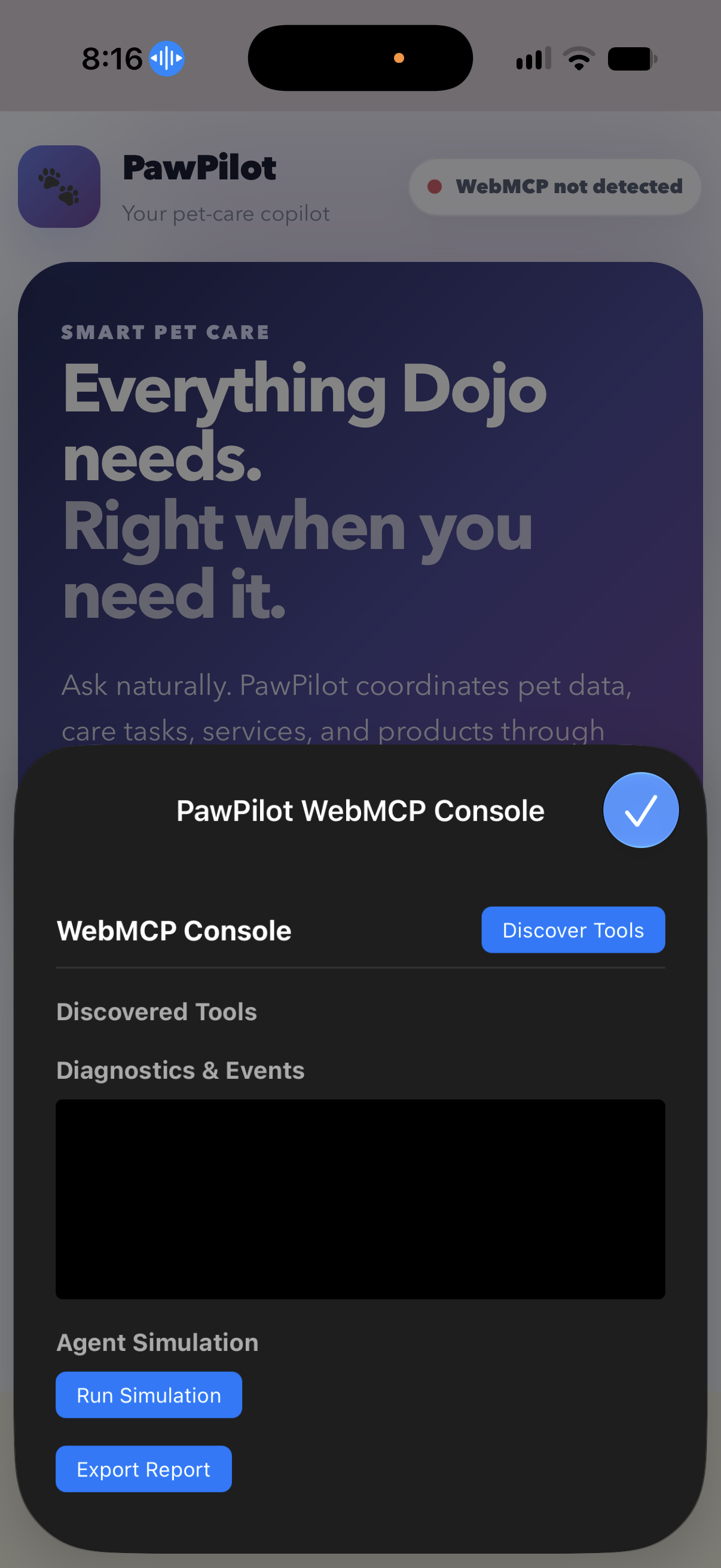
I gave the extension its own little developer workspace too: an in-page PawPilot WebMCP Console, a Safari-friendly popup dashboard, live tool and toolchange monitoring, runtime and Permissions Policy diagnostics, background event history, and structured report export.
I also ran into one of those very real browser problems that doesn't show up in a clean architecture diagram. Safari/WebKit was giving me a WebKitBlobResource failure around report downloads. I changed the exporter to use a data: URL instead of Blob URLs and URL.createObjectURL(). That made the export path Safari-safe and taught me something I probably wouldn't have learned by only testing in one browser.
The extension is kept separate under safari-extension/ specifically so it can inspect PawPilot without modifying the existing WebMCP registration. That separation was intentional: the bridge can tell me what the browser actually supports instead of pretending native support exists when it doesn't.
And then PawPilot needed somewhere to remember what happened
I also didn't want the care-plan part of the demo to be a fake screen that only looked like it saved something.
PawPilot uses a Netlify-hosted database with Drizzle migrations to persist care plans. The application has a database migration for the care_plans data, and the server-side tool layer performs the validation and persistence after the approval boundary has been satisfied.
That gives the demo a complete path from agent request to real application state:
WebMCP capability → validated operation → human approval → authorized server write → persisted care plan
That was important to me because I wanted the “action” in agentic web to actually mean something. The agent isn't just generating text about a care plan; PawPilot can turn that approved plan into saved application state.
How I built it
PawPilot is a Next.js application deployed on Netlify with a browser-native WebMCP layer.
The WebMCP client registers the six tools with document.modelContext.registerTool(), including descriptions, JSON input schemas, read/write annotations, and executable handlers. Tool execution is routed through the application's server-side validation layer rather than trusting browser-provided parameters.
The OpenAI interaction layer uses the same centralized tool catalog for its agent-facing read capabilities, while save_care_plan remains UI-controlled. This keeps the WebMCP surface and application implementation aligned instead of creating a separate set of business rules for every integration.
The Safari WebMCP Bridge lives separately under safari-extension/ so it can inspect PawPilot without modifying the application's existing WebMCP registration. Its content script handles discovery, diagnostics, events, and controlled execution; the popup provides the developer-facing controls; and the background script keeps bridge event history.
The care-plan persistence path uses the Netlify database and Drizzle migration already in the project. The database write remains behind the same server-side approval and validation boundary as the rest of the application.
Browser testing: real WebMCP calls
I tested PawPilot with WebMCP enabled in Microsoft Edge and Google Chrome.
I didn't want to stop at seeing a WebMCP object on the page. The six tools were exposed through document.modelContext, discovered with getTools(), and actually invoked through executeTool() against live PawPilot implementations.
The Safari extension gives me another way to inspect that capability surface and see what the browser/runtime is actually exposing.
That distinction matters: PawPilot isn't just an HTTP API with “WebMCP” written on top of it. The website exposes structured capabilities through the WebMCP surface, and those capabilities connect to real application behavior and persisted state.
Challenges
WebMCP is an emerging standard, which meant I had to learn while building. Browser support and developer tooling are still evolving, and testing exposed differences between environments.
I ended up separating several things that are easy to blur together:
The website registering its capabilities The browser exposing those capabilities The agent discovering and using them The server validating and executing the underlying operation The database persisting the approved result The human deciding whether a consequential action should actually happen
Building the Safari Bridge made that separation even clearer. A browser tool shouldn't quietly pretend that native support exists. It should tell you what is really happening and give you useful diagnostics when it doesn't.
Safety and trust
PawPilot is a demo of controlled agentic action, not autonomous pet-care decision making.
Read operations can be performed through structured tools. A care-plan write requires explicit human confirmation and a server-generated approval challenge tied to the exact proposed payload. Approval tokens are short-lived and single-use within the active server instance.
The demo does not claim user identity or authentication. The approval mechanism is an action-authorization boundary for this demo, not an identity system. I wanted that distinction to be clear rather than hiding it behind impressive-sounding AI language.
The same principle carries into the Safari Bridge: read-only tools can be inspected/executed directly, while write-capable tools require an explicit confirmation step in the bridge. The server remains authoritative.
What I learned
The biggest thing I learned is that making a website agent-ready isn't just about adding an AI model.
It's about designing the boundary between the agent, the website, the browser, the server, the database, and the person using all of it.
WebMCP gave me a way to explore that boundary directly.
The Safari extension pushed me one step further: I started thinking about the tooling around the agentic web too—how developers discover capabilities, diagnose browser support, watch tool activity, test actions, and understand what a browser is actually exposing.
The database pushed me in another direction. It forced me to make the “action” real. A care plan isn't finished because the model described it; it's finished when the person approves it and the application safely persists it.
And honestly, that's what made this project fun for me. I started with a dog-care question and ended up exploring what a more agent-native web could actually look like.
I didn't set out to build a giant platform. I just kept following the problems I found while trying to make one simple experience feel natural.
What PawPilot represents
PawPilot is ultimately an experiment in what happens when websites become agent-ready.
Traditional web software asks people to operate interfaces. An agent-native website can also describe what it can do to an intelligent agent in a structured, machine-actionable way.
The Safari Bridge explores the tooling around that idea. The database makes the resulting action persistent. And the approval layer keeps the person in the loop when the action has consequences.
Pet care is a tangible use case for all of this because the desired outcome isn't “use the website.”
The desired outcome is take better care of the pet.
And I think that's the part I like most about this project.
Technology is interesting to me when it gets out of the way and helps someone actually accomplish something.
So the goal is simple:
Ask naturally. Discover capabilities. Take meaningful action. Keep the human in control.
Less navigating. More caring. 🐾
Built With
- drizzle-orm
- javascript
- netlify
- next.js
- node.js
- openai
- react
- webmcp

Log in or sign up for Devpost to join the conversation.