-
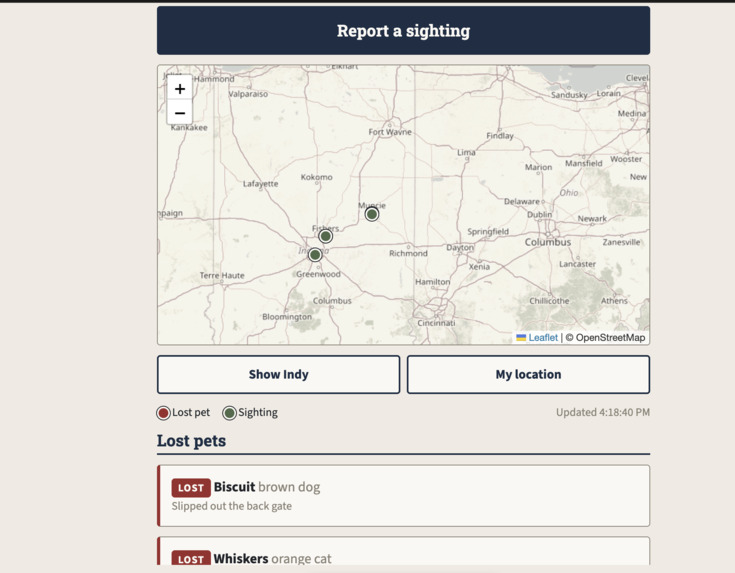
Live map
-
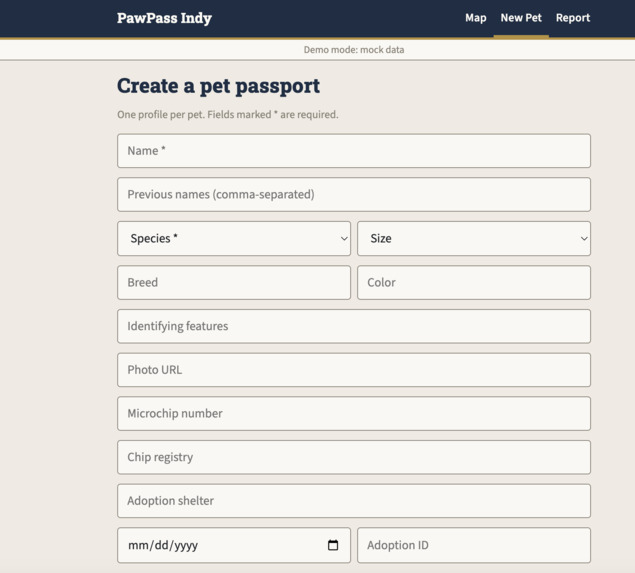
Pet passport
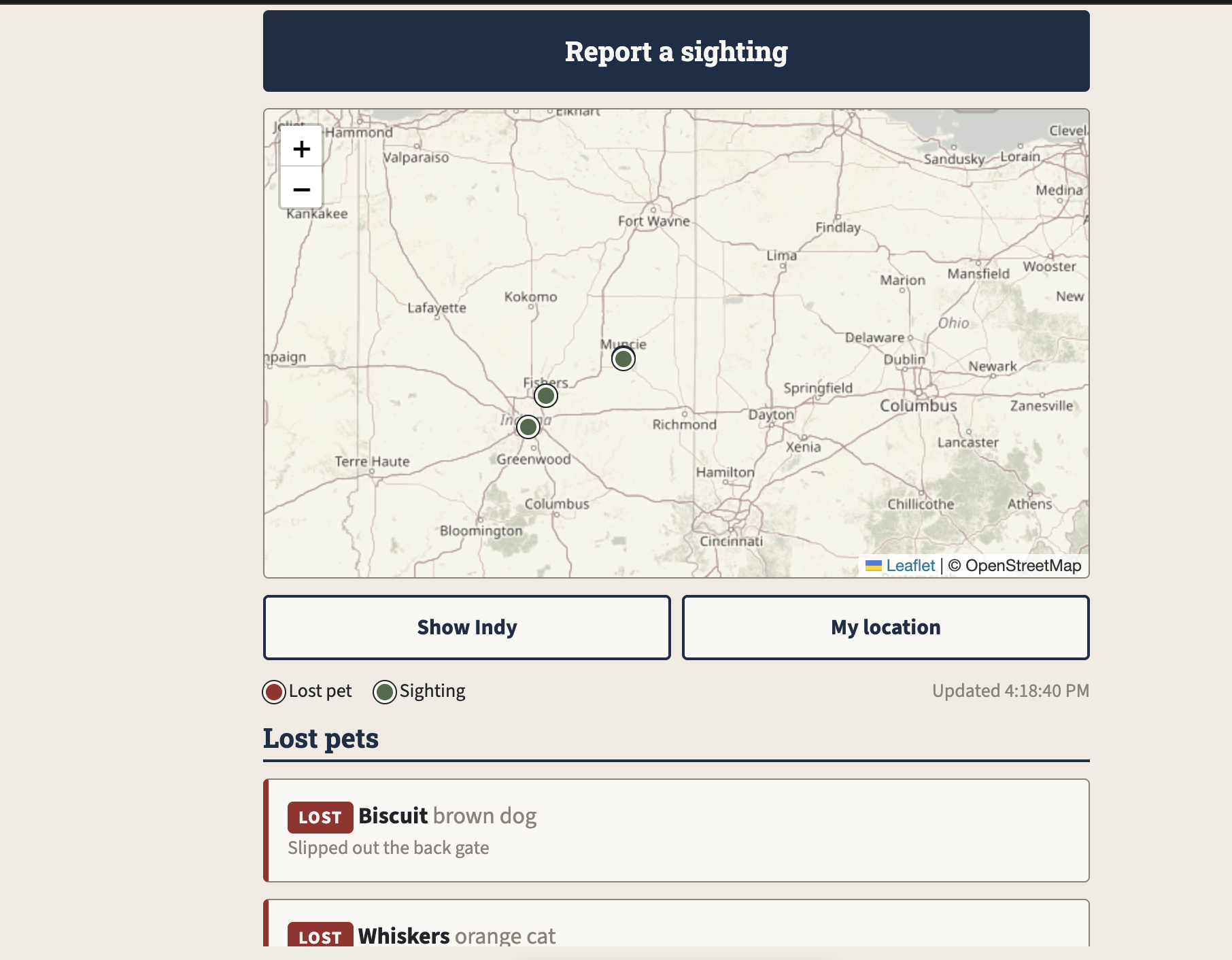
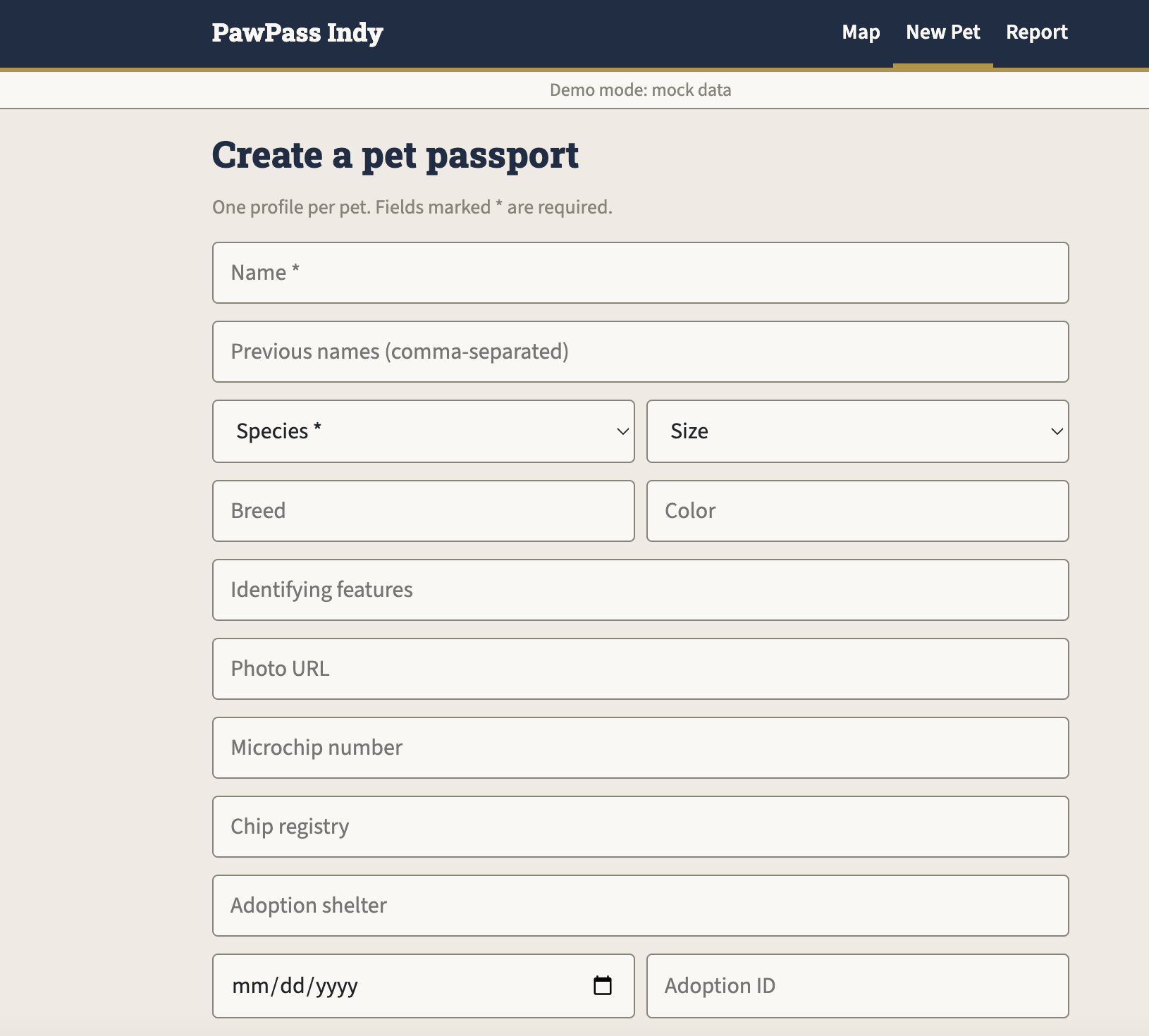
Table 22
Inspiration
PawPass was inspired by a teammate’s beloved pet who went missing. On top of reporting the pet missing, they had to dig through old paperwork for a chip number, figure out which registry it was signed up with, and call a shelter that had no record because the pet had been renamed after adoption. Meanwhile, neighbors who spotted the pet had no fast way to help. We built PawPass to put every record a pet needs in one place, one tap away.
How we built it
We split the work around a shared API contract written in the README, so neither of us was ever blocked.
Jovan built the backend in Python with FastAPI and SQLite: pet passports, unique tag codes, QR code generation, a live feed, and a matching engine that scores sightings against lost pets by species, color, size, distance, and time.
Laura built the frontend with plain HTML, CSS, and JavaScript, with no build step. It has a live Leaflet map that refreshes every 5 seconds, a passport form, a tap-tag page, a sighting report page, and an owner page that shows ranked matches with the reasons behind each score. Until the backend was ready, the frontend ran on mock data that followed the contract exactly, then we switched over with one flag.
Each pet gets a unique URL that works as a QR code or a roughly $0.30 NFC sticker, so any phone can open it with no app install.
Challenges we ran into
- Building two halves at the same time. The contract first approach and a mock API let us work in parallel, but we still had to keep field names in sync.
- Git. Our two branches started with unrelated histories, so GitHub refused to compare or merge them until we joined them on purpose.
- Free map tiles. The tile provider we first picked started demanding an API key, so we switched to OpenStreetMap and muted the colors with CSS.
- Phone testing. Location needs HTTPS, and a tag's URL has to match the public address, so we used ngrok and learned to create the demo pet from that address.
Accomplishments that we're proud of
- A full tap-to-report flow: scan a tag, report a sighting, and see it on the live map.
- Match scores that explain themselves ("Same species," "Color match," "0.3 miles from last seen") instead of just showing a number.
- A flyer style tag page and a warm, plain design that feels like a lost-pet poster, built to work on a phone.
- Public pages never show the owner's phone, email, or microchip number.
What we learned
Jovan (Back End Developer) learned how to properly build a working API, and how data is tracked and managed when someone's pet goes missing. Laura (Front End Developer) learned how to build a mobile first web app in HTML, CSS, and JavaScript coming from Python and Java, how a frontend talks to a backend through an API, and how to work in git with a teammate on separate branches.
What's next for PawPass
- Owner alerts, so people hear right away when their pet is spotted.
- Shelter lookup, so a found pet can be checked against local shelters.
- A paperwork scanner that reads old adoption papers and fills in the chip number and registry.

