-
-
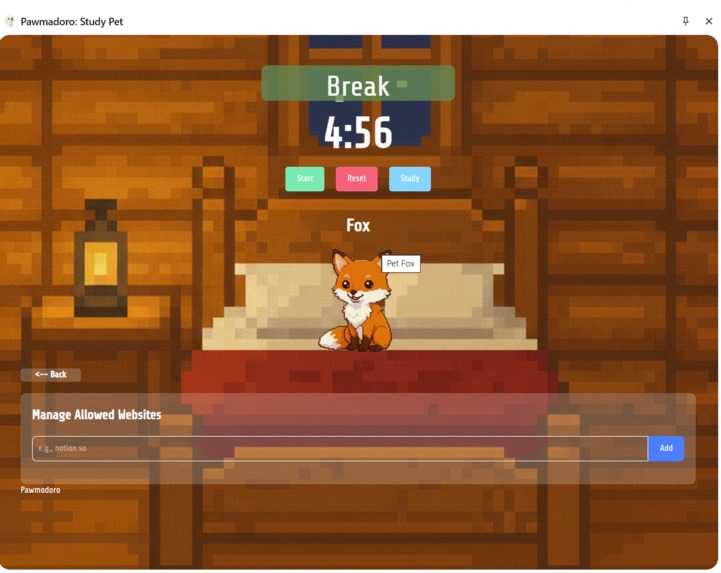
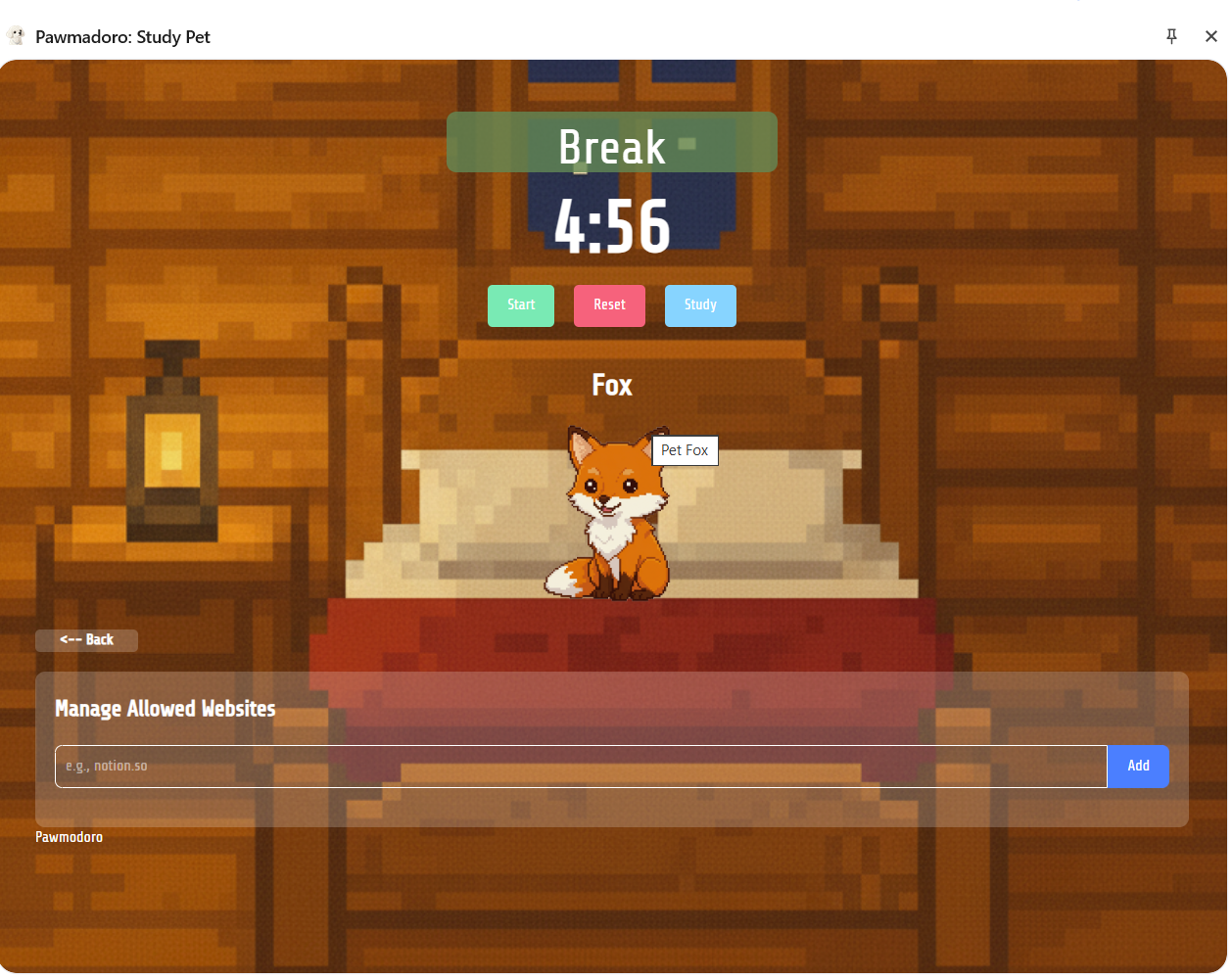
Break display and website permission input
-
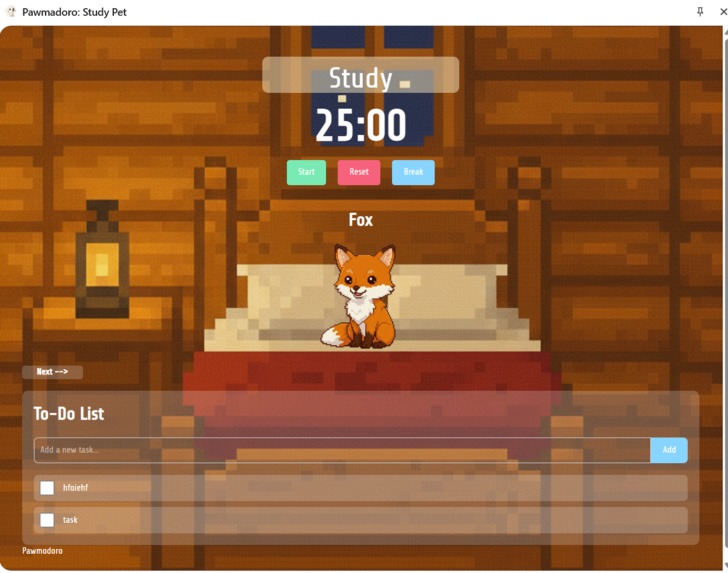
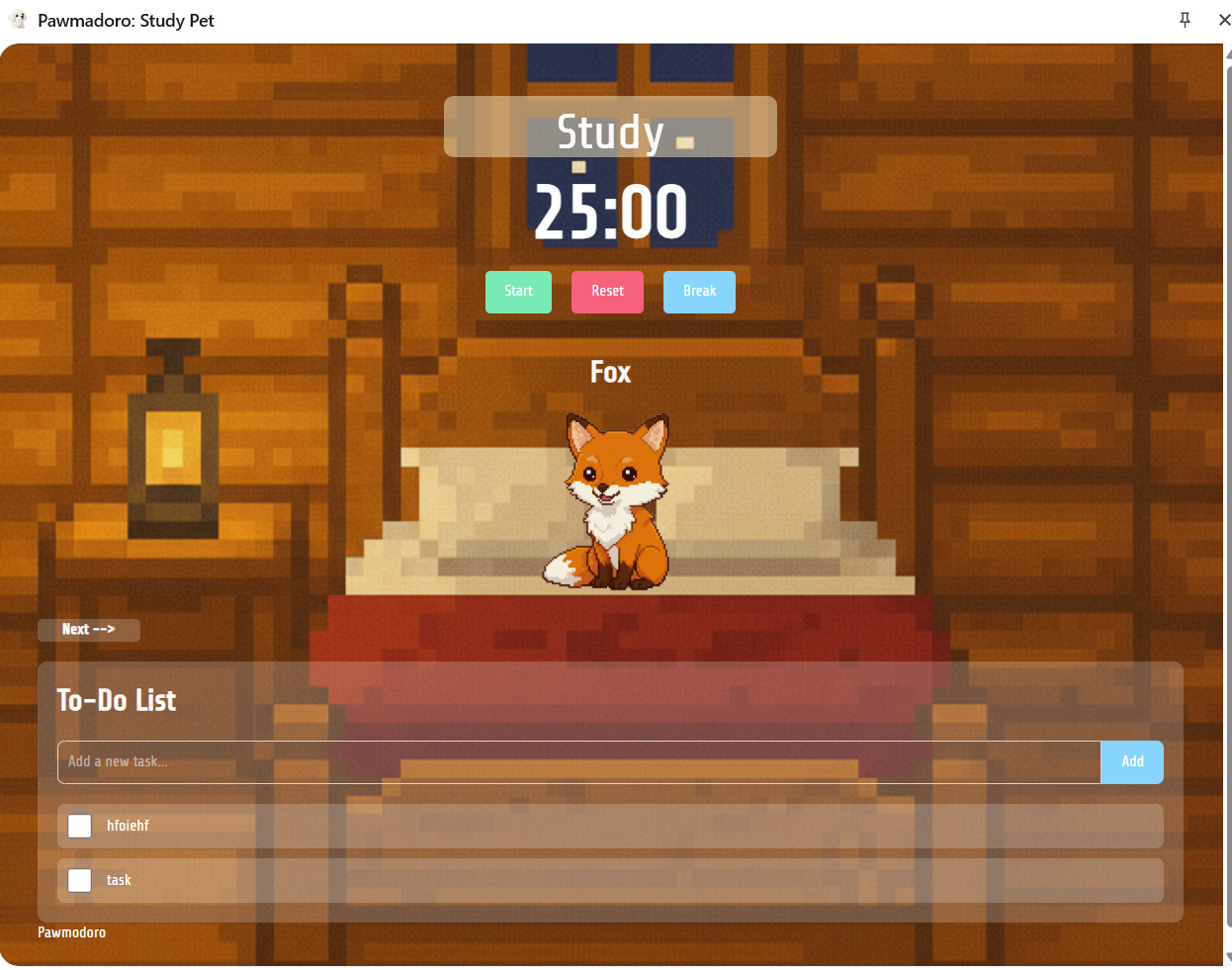
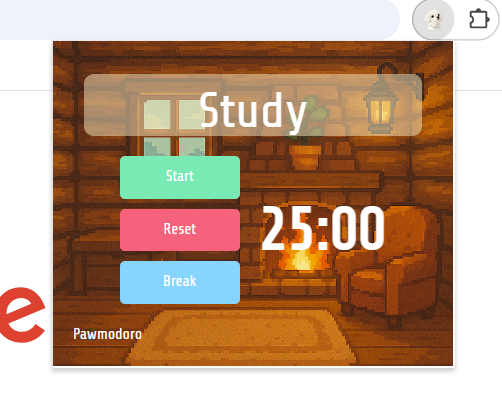
Study display and the to-do list
-
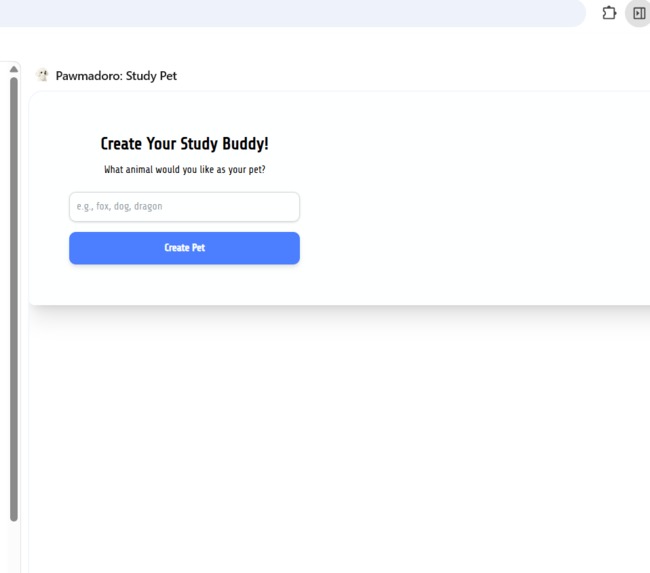
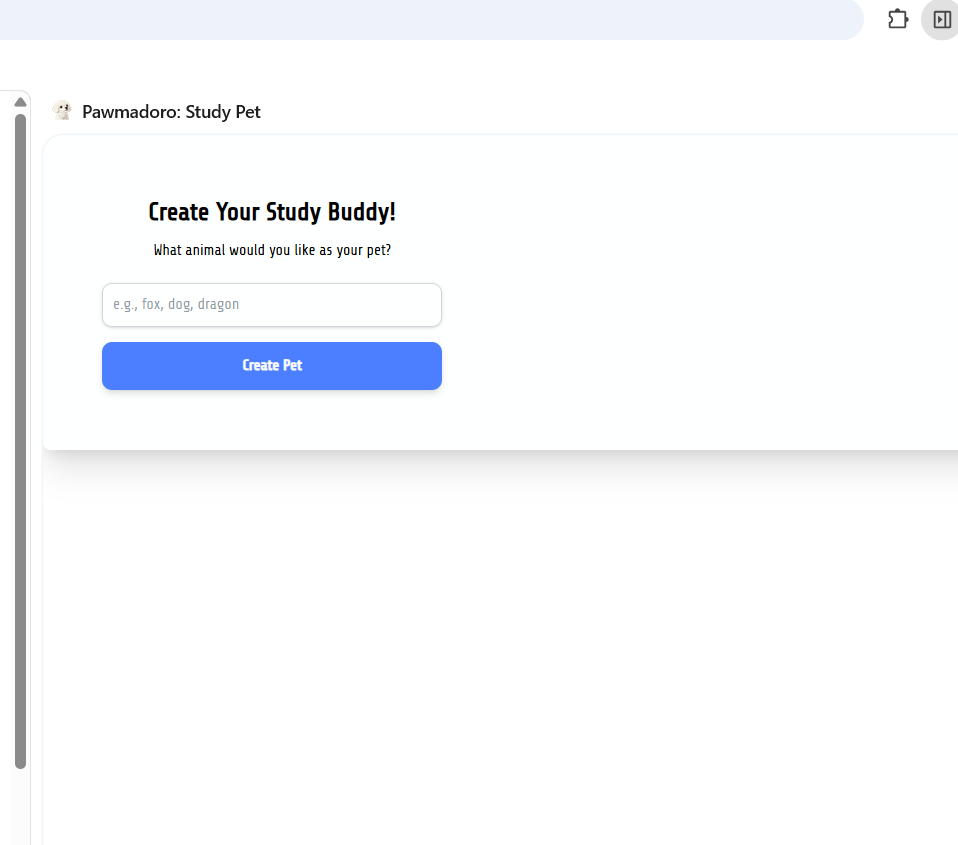
Study buddy input for creation
-
application opening in non-side-panel when there is no character generated
-
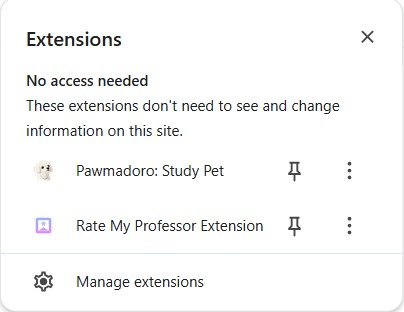
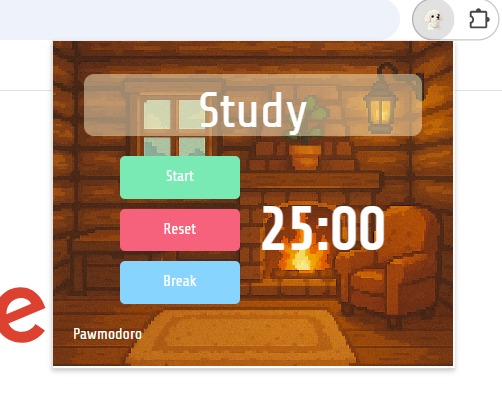
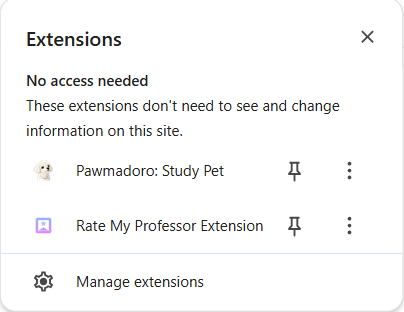
Display of extension with icon and name
Inspiration
The modern internet is built to pull your attention in many different directions. Social feeds, notifications, and algorithmic recommendations make it incredibly easy to lose focus before you even notice. Students feel this the most, juggling classes and assignments while navigating platforms designed to keep you scrolling. With ADHD rates rising, staying focused online is becoming more difficult than ever.
We wanted to build something that pushes back against attention-stealing design. Pomodoro timers are a proven method to help people focus in manageable blocks, but most timers feel rigid and disconnected from your real browsing behavior. They measure your time, but they do not help you stay present. Pawmodoro was our way of filling that gap. Instead of a plain timer, we built a small virtual pet that reacts to what you are actually doing online. When you stay focused, your pet thrives. When you drift into distractions, it responds and nudges you back. It turns focus into something emotional, visual, and rewarding.
What it does
Pawmodoro is a Chrome extension that turns your study or work sessions into a game through a small pet that mirrors your level of focus.
You begin a Pomodoro session with a goal and duration. Pawmodoro tracks your active tab in real time. If you stay on focus sites, your pet becomes happy and energetic. If you drift to distraction sites, your pet becomes bored, annoyed, or sleepy. At the end, you receive a summary showing your minutes focused versus distracted, your streaks, and how your pet felt during the session. You can also create a custom pet design by giving a short text description. Pawmodoro uses the Gemini API to generate a unique pet image based on your input.
How we built it
Frontend and Extension Architecture: React and TypeScript for UI components, pet behavior screens, and session controls. Tailwind CSS for styling. Chrome Extension APIs under Manifest V3 for tab tracking, URL classification, session timers, and Chrome Storage for saving history and streaks
Pet Behavior System: We created a small state machine for the pet with moods such as happy, focused, neutral, bored, annoyed, exhausted, and asleep. The pet reacts based on the current site category, session progress, and how consistently the user stays on task.
AI Integration: The Gemini API is used only to generate custom pet art from user descriptions. No browsing data or URLs are ever sent to Gemini.
Challenges we ran into
- Balancing tracking and privacy. We designed the extension so it classifies URLs into categories without storing sensitive browsing history.
- Tuning pet behavior. We needed the reactions to feel natural rather than random, which required adjusting thresholds and timing.
- Integrating AI generation inside an extension. We had to handle user input, generate art through Gemini, and update the UI without interrupting the session.
- Managing communication between the popup, service worker, and content scripts under Chrome Manifest V3.
Accomplishments that we're proud of
- Creating a productivity tool that feels supportive and playful
- Designing a pet system that responds in a way users emotionally connect with
- Integrating AI image generation inside a Chrome extension
- Building something we would genuinely use for studying and hackathon work
What we learned
We learned how to build a Chrome extension from scratch and understand how the popup, service worker, and content scripts communicate with each other. We also became more comfortable using React and Tailwind inside an extension environment. Along the way, we explored how emotional feedback loops can support healthier focus habits, how to integrate Gemini safely for generating custom pet art, and how small animations and micro interactions can make a productivity tool feel more motivating.
What's next for Pawmodoro
Pawmodoro will grow with more pet personalities, new emotion sets, and unlockable skins for maintaining long focus streaks. We also plan to introduce stronger distraction prevention features, such as a brief screen pause or overlay when the user switches to non-focus sites, creating a clearer interruption that helps them stay on track. Additional improvements include deeper focus analytics, shared study sessions with friends, and simple task manager integration so users can attach goals directly to each session.
Built With
- css
- geminiapi
- html
- javascript
- react
- tailwindcss
- typescript


Log in or sign up for Devpost to join the conversation.