Inspiration
Jeffrey's father has the visual disabilities of legal blindness and nystagmus which are connected to his father's lifelong congenital chronic illness of albinism. Throughout Jeffrey's entire life, he has been his father's primary caretaker. Supporting his father as he struggled to gain employment, learn basic life skills, and live a dignified life despite health issues inspires our creation of Pavio. After doing market research and interviews with potential Pavio users, we designed features and subjects around life skills that his father and his visually impaired peers would have benefited from during their youth. Thus, we want to broaden the impact and bring these crucial lessons for all youth who live with a visual disability. We recognize the power of voice and technology, so Pavio combines these elements to make learning accessible.
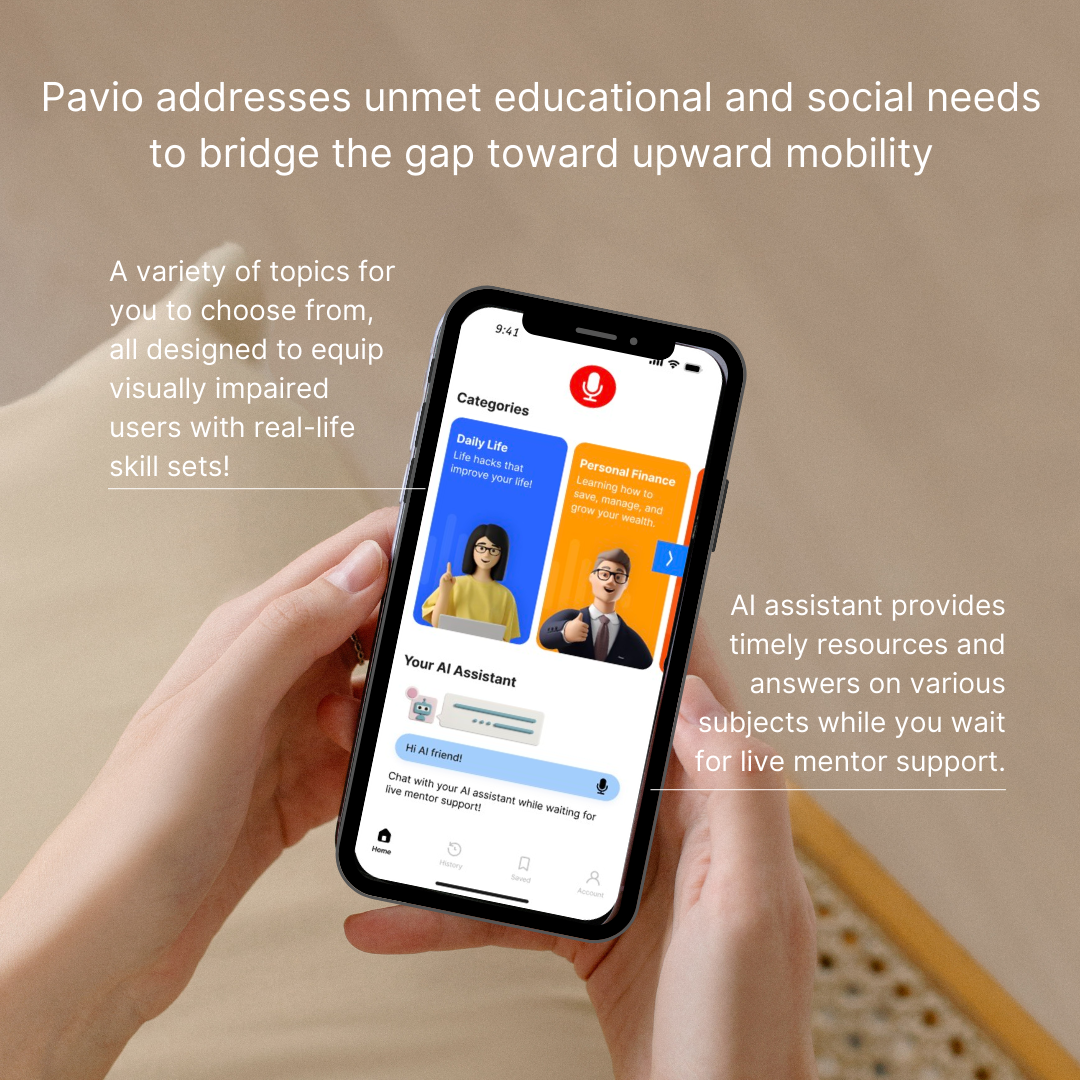
Issues We Aim to Tackle The darkness of isolation and limited opportunities fades away with Pavio. Youth with visual disabilities face several environmental and social barriers when trying to access quality education in the context of academics and practical life skills. We address the challenges of access to education, mentors, and social connections by providing personalized learning support for youth with visual disabilities to thrive. According to the 2022 American Community Survey (ACS), there were an estimated 600,000 children with vision difficulty in the U.S. Only 42 percent of working-age adults 21 to 64 years old with a visual impairment in the US are employed. With statistics revealing significant gaps in employment and educational attainment, Pavio steps in to not only cultivate life skills for youth with a visual disability, but also help them thrive in today’s evolving socioeconomic environment all through the power of their voice.
Common Challenges Based on Our Research
- Deficient Social Capital and Learning Resources:
- a. Having a visual disability can be isolating. Presents barriers to education, exposure to various fields, and to mentors/resources.
- b. Leads to lack of preparation of life skills (personal finance, life hacks specific for people with visual disabilities, applying to scholarship opportunities) for the real-world.
- Children with vision impairments who do not have the same ability to visually observe the activities of those around them will likely require specific teaching to pick up on how to perform various daily living activities.
What it does
Features:
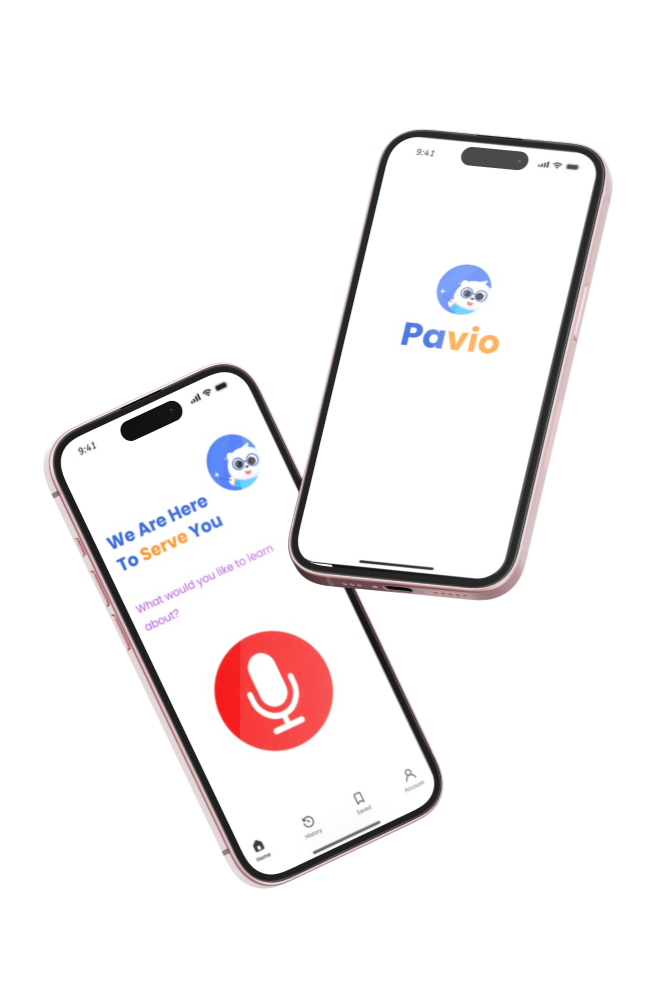
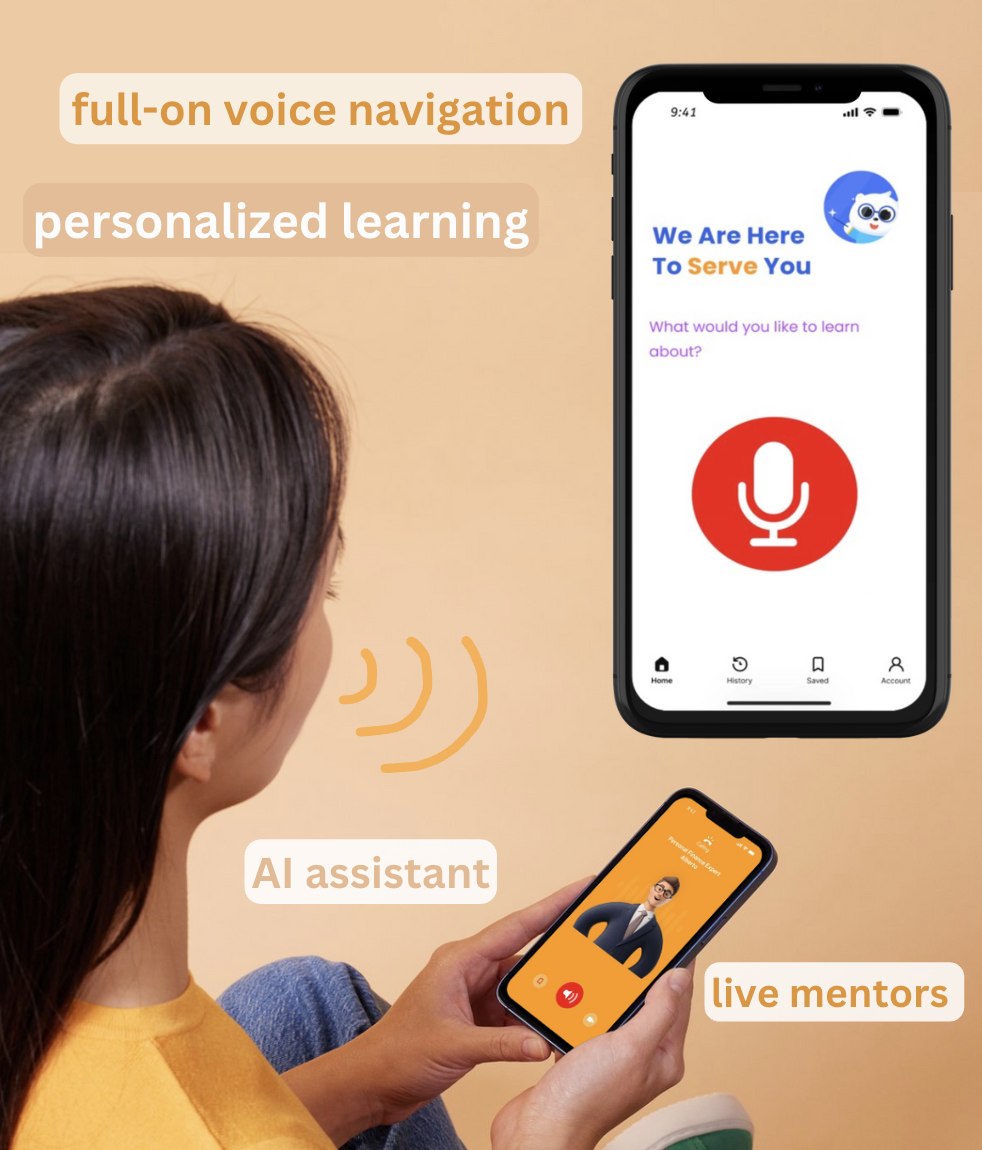
- Voice Navigation: Our app prioritizes accessibility with comprehensive voice command navigation. Users with visual disabilities can effortlessly navigate every feature through simple voice commands or a tap on the mic button. This seamless integration of voice navigation coupled with AI assist voice-over ensures a fully accessible learning experience, with the mic button conveniently available on every page of the app.
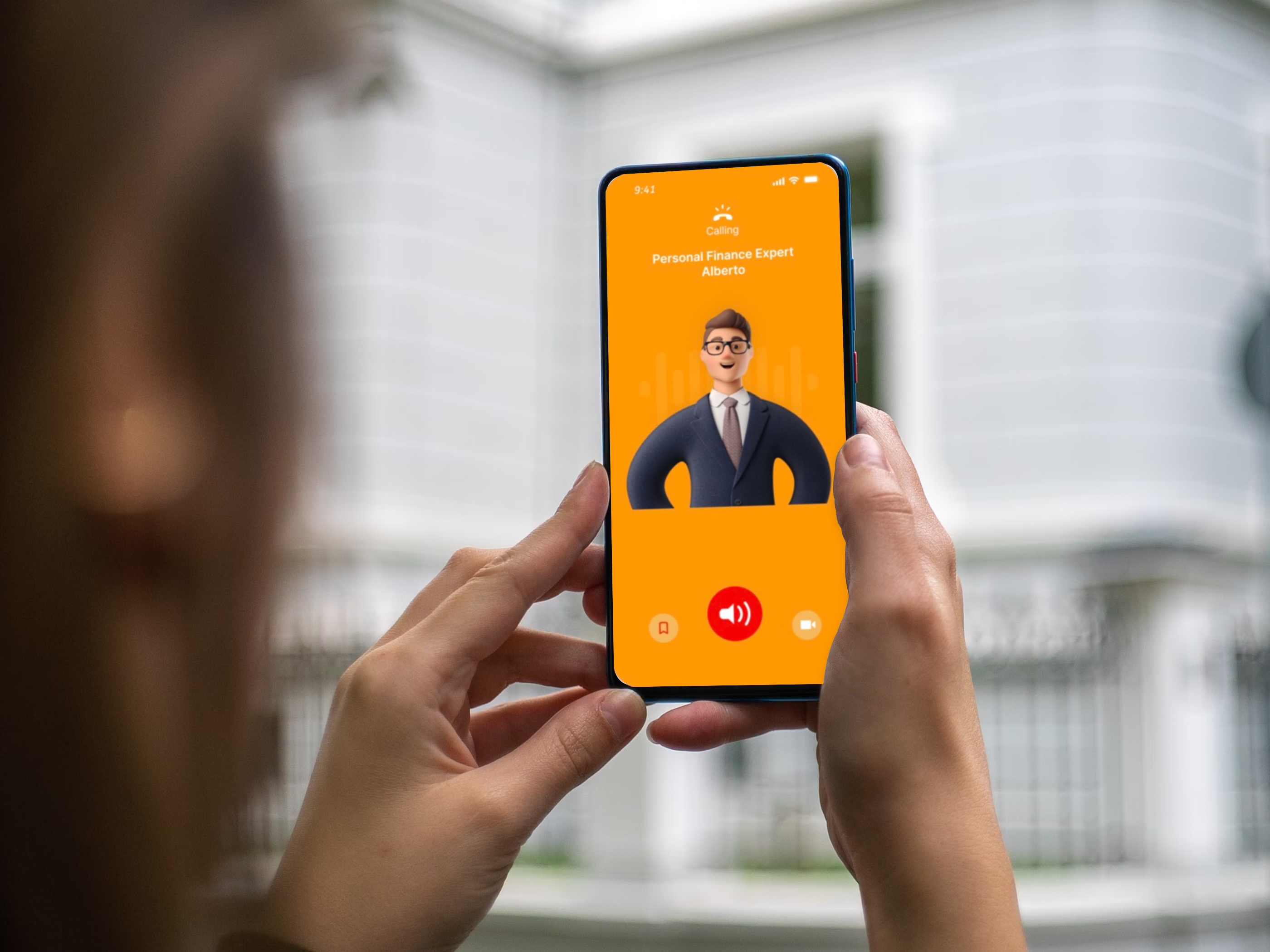
- Live Mentorship: Users can connect with live mentors and subject experts for one-on-one sessions tailored to their interests and learning goals. These live lessons allow youth to learn up-to-date skills and information relevant to today’s environment.
- AI Assistant: In cases where live mentors are unavailable, AI assistant, powered by OpenAI, is available to answer questions about life skills and suggest relevant resources. It also gives the option to request appointments for the next available open expert.
- Appointment Scheduling: Users can request appointments with available experts based on their availability, making it convenient to schedule learning sessions.
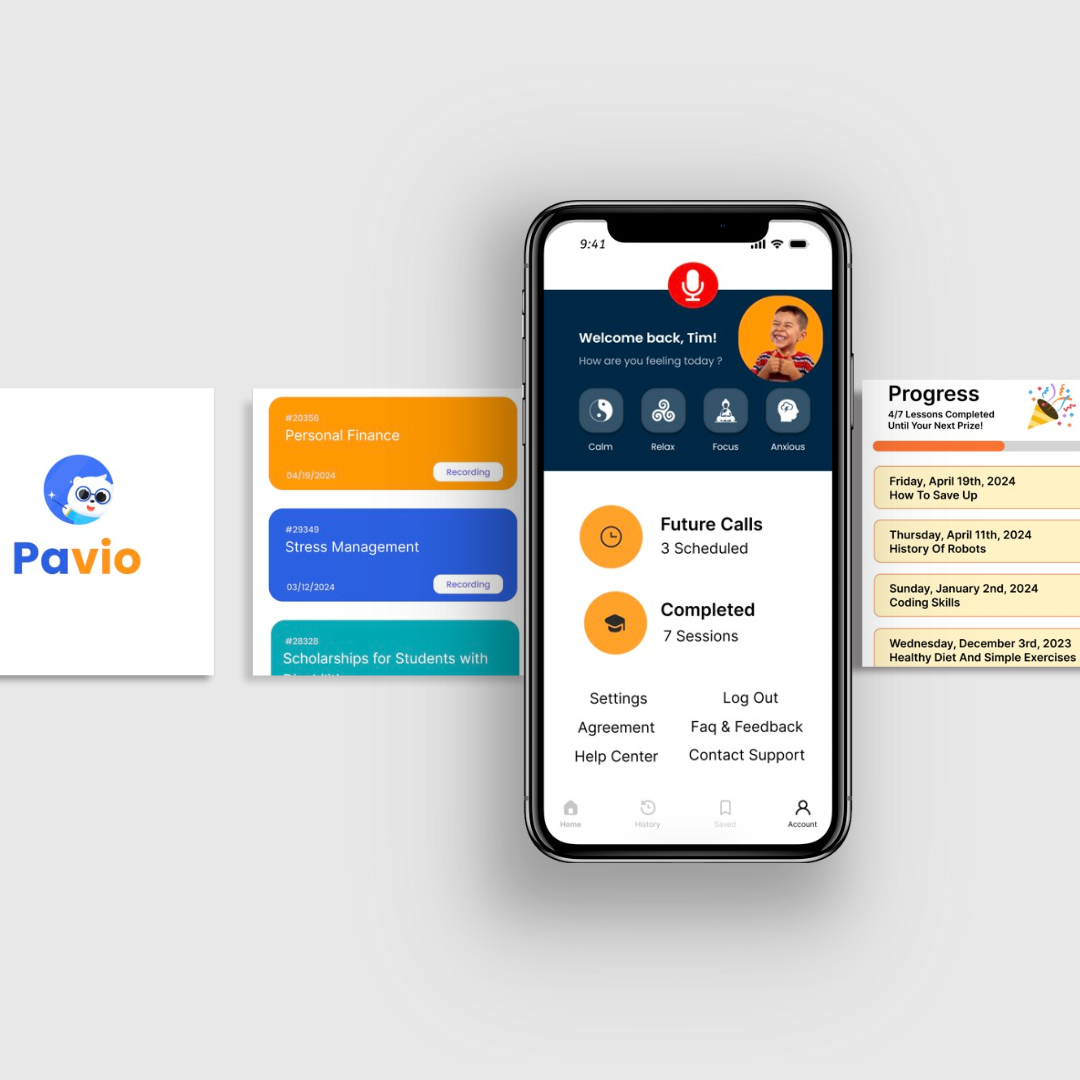
- Personalized Learning: Our app goes beyond the ordinary by tracking your mood and tailoring support specifically to you. Discover lessons recommended based on your emotional state, ensuring that every learning experience is uniquely suited to your needs and preferences. Experience education that adapts to you, empowering you to reach your full potential.
- Saved Page: allows you to save any recorded lessons and conversations that you find very helpful and revisit them later, ensuring continuous learning and growth.
- Gamify Learning: On the history page, users can view all the lessons they have participated in. At the top, there's a progress bar designed to gamify the experience, motivating users to continue their learning journey and rewarding them when they reach different milestones.
- Visual Impaired-Friendly Design: Designed with specific color schemes and interface elements for optimal accessibility and usability for individuals with visual impairments.
How we built it
We used Figma for front-end design and prototyping, Freepik for royalty-free vectors and images, an AI Voice Generator for showcasing AI-assisted voiceovers, and a lot of YouTube tutorials on how to use Figma, including adding animations, UX interaction elements, and prototyping.
Challenges we ran into
As beginner app developers without experience in full-stack app development, bringing our app to life and showcasing its desired features were challenging. To overcome this, we turned to Figma and learned to use its prototype function to design the app, user interaction, and showcase the features we've envisioned.
Accomplishments that we're proud of
We are proud of all the learning and growth we experienced while expanding on our app idea from a shared Google Doc to a prototype demo using Figma. Additionally, we incorporated innovative methods to optimize our app’s UI by researching color theory to include specific colors that people with visual disabilities could see best. Through our teamwork, we learned how to tailor an innovation to the specific needs of the community we aim to serve and thoughtfully create a product that diverse users could conveniently access and use.
What we learned
This was our first experience learning and using Figma, and we gained valuable insights throughout this hackathon. We explored methods to enhance app interactivity by utilizing Figma's prototype feature and incorporating animations and interactive elements. This collaborative endeavor not only enriched our project, but also accelerated our learning and development in UI/UX design. It's fulfilling to witness our ideas and features materialize through the Figma design and prototype.
What's next for Pavio
Future features:
- Vibration of speaker function to help users locate buttons easily.
- Ability to connect the child’s app and account to parents’ phones to allow collaboration in learning along with parental supervision.
- Lessons on yoga, gym, exercise, dieting: we aim to offer fully-guided exercises with youth with a patient instructor who will go through exercises with the youth to supplement their physical education participation.
As we continue to further develop our coding skills, our goal is to integrate advanced features into the app, build an interprofessional team, and learn all the necessary coding techniques and languages to transition Pavio from a prototype to a fully-fledged app available on app stores. We are driven by the vision of a world where every individual, regardless of visual abilities, has equal access to education, mentorship, and opportunities for personal growth.
Built With
- figma


Log in or sign up for Devpost to join the conversation.