-
-
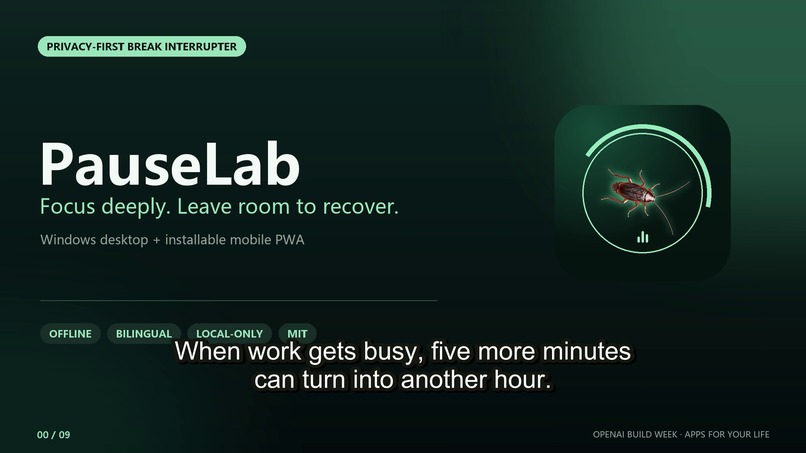
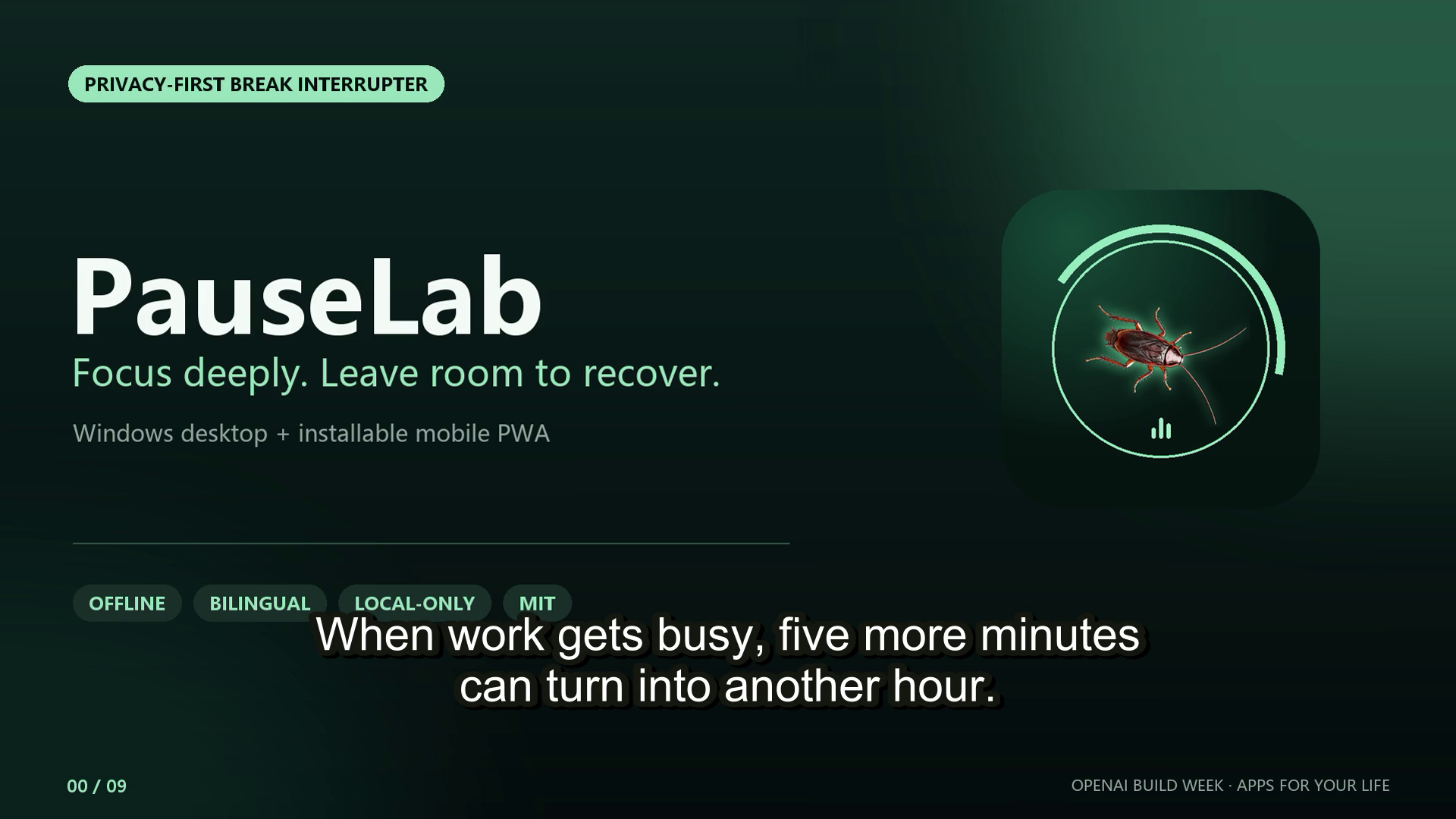
PauseLab — a privacy-first desktop and mobile break interrupter with opt-in creature animations.
Inspiration
What it does## Inspiration
The memorable on-screen cockroach reminder in xuanli199/cockroach-reminder inspired the core idea. Focus timers are easy to dismiss, so we explored how that attention-grabbing concept could become a broader, opt-in wellbeing tool for desktop and mobile.
PauseLab was implemented as a clean-room rewrite. It does not copy the original project's source code, structure, naming, or artwork.
What it does
PauseLab is a bilingual Windows desktop app and installable mobile PWA designed to interrupt long periods of focused work or screen use.
On Windows, it schedules breaks and displays click-through transparent creature animations across one or more monitors. Users can choose a cockroach, scorpion, ant, beetle, cricket, centipede, or mixed-creature mode, and adjust the creature count, size, and speed.
The mobile PWA provides offline focus timing, notifications, screen wake lock, elapsed-time correction after returning from the background, and the same creature-based break experience.
Both editions include local-only check-ins for resting heart rate, sleep, physical activity, and perceived stress. They also provide concise general recovery guidance and a simple meal idea. PauseLab has no account system, backend, telemetry, or health-data upload endpoint.
How we built it
Codex and GPT-5.6 supported the project from clean-room architecture through release verification. Together, we implemented the Electron focus-and-break state machine, multi-display transparent overlays, bilingual interface, mobile PWA, service worker, local wellbeing log, packaging workflow, documentation, and automated checks.
The most distinctive collaboration was the creature-art pipeline. We supplied separately generated source-motion videos and judged whether each creature's movement felt believable. Codex helped us build and iterate a local pipeline that selects a stable loop, tracks a torso anchor, removes the black background, extracts twelve transparent frames, and packs each animation into a shared sprite atlas for desktop and mobile.
The Windows application was packaged into both portable and installer builds. The mobile edition was packaged as a self-hostable offline-capable PWA.
Challenges we ran into
Generative video frequently changed the creature's scale, direction, body position, or anatomy between frames. Rotating a single image did not create convincing locomotion, so we changed the workflow to use separate motion sources, stable-loop selection, torso-anchor tracking, background removal, and human visual review.
Transparent, click-through, always-on-top Electron windows also have different constraints from ordinary web animations, particularly when multiple displays and changing screen dimensions are involved.
Mobile browsers cannot monitor or restrict time spent in other applications and may suspend background timers. We addressed this by storing real end timestamps, correcting elapsed time when the page resumes, and clearly documenting the platform limitation.
Finally, the wellbeing content needed to remain useful without presenting self-reported heart rate, sleep, activity, stress, or cortisol-related guidance as medical diagnosis or treatment.
Accomplishments that we're proud of
- Six distinct transparent creature animation loops produced through a reproducible local pipeline.
- A consistent bilingual experience across Windows and mobile browsers.
- Click-through, multi-display desktop overlays that do not block normal computer interaction.
- An installable PWA with offline timing, notifications, wake lock, and background-time correction.
- A local-only architecture with no account, backend, telemetry, or health-data upload.
- Portable and installer Windows builds, a mobile PWA release bundle, checksums, automated asset checks, and runtime QA.
- Clear health-information boundaries and links to supporting public health sources.
What we learned
We learned that AI-generated motion becomes a usable product asset only after deliberate source selection, spatial anchoring, background treatment, runtime testing, and human visual review.
We also learned that an attention intervention becomes more trustworthy when users remain in control. Creature selection, intensity controls, local storage, explicit health boundaries, and honest platform limitations are as important as the interruption itself.
A reminder should not merely demand attention; it should help the user convert that moment into a healthier next action.
What's next for PauseLab
Next, we plan to add an immediate desktop escape control, a gentle reduced-motion mode, improved accessibility, signed Windows release builds, and more user-tested interruption styles.
We also want to add optional local-record import and export while preserving the no-account, local-first default. Any future health features will remain educational and will not claim to diagnose or treat medical conditions.

Log in or sign up for Devpost to join the conversation.