-
-
Pattern studio
-
-
-
✨ Inspiration
Every creator wants their videos to look rich — professional, branded, like a real channel. And the thing that does that is the title — the bold, animated opener that makes people stop scrolling.
But making one is a wall. After Effects takes months to learn. A motion designer costs money you don't have. And template tools all spit out the same intros everyone's already seen. So most creators settle for plain text — or nothing.
I wanted a tool where any creator can design that rich title section themselves — in a browser, in minutes. That's Pattern Studio.
🔗 Live: https://pattern-studio-gamma.vercel.app

🎬 What it does
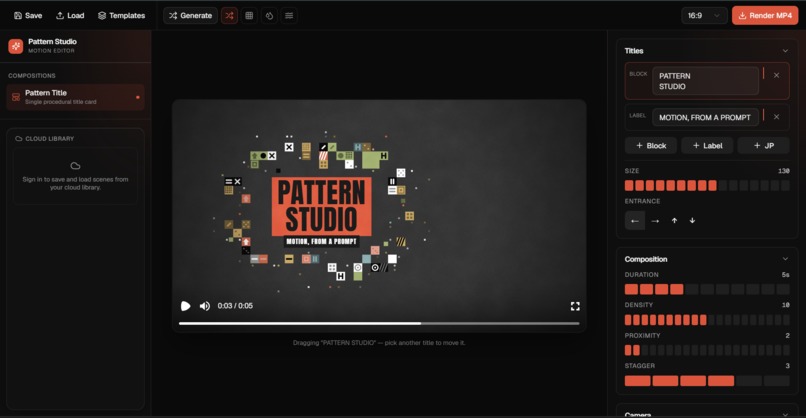
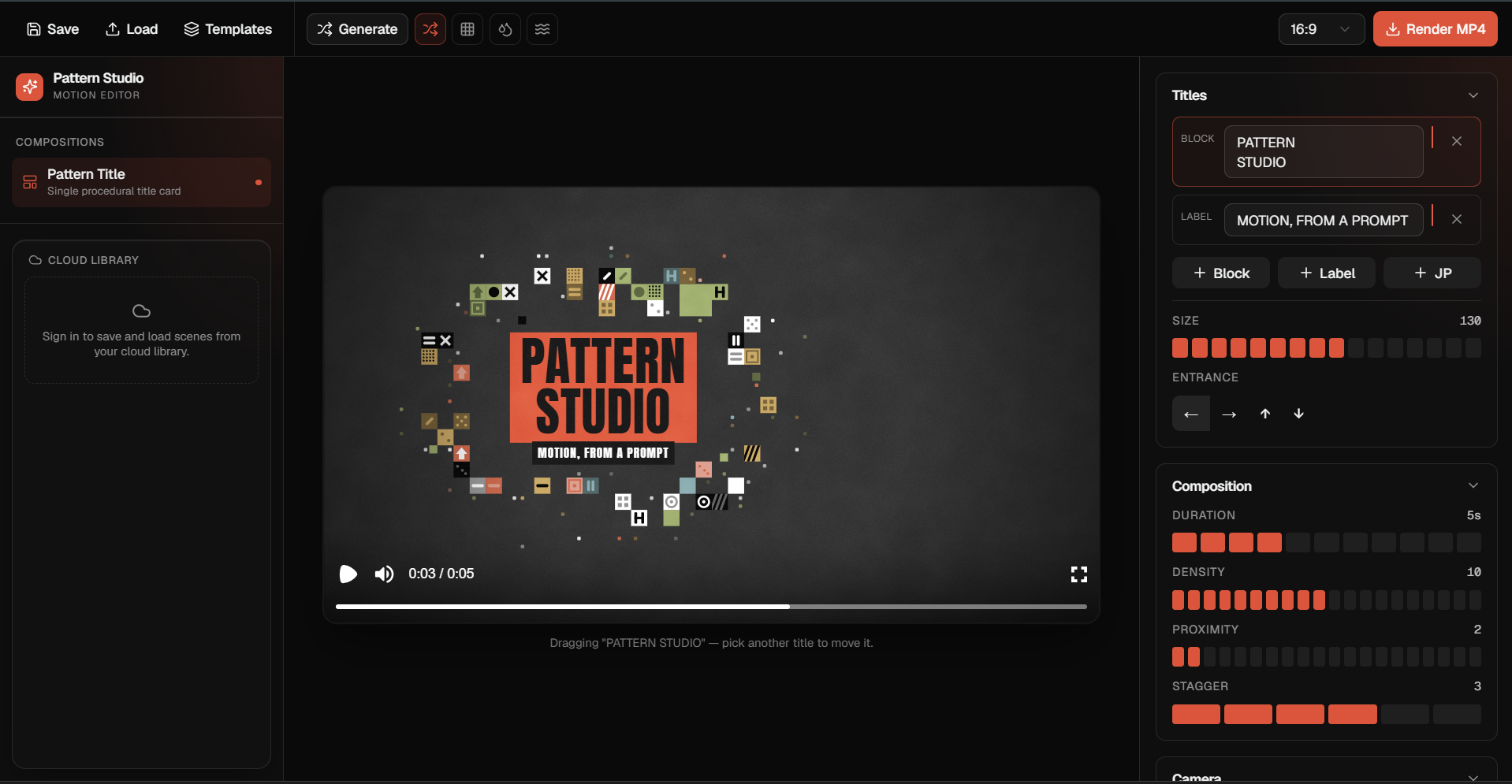
Design a broadcast-quality animated title card, edit every part of it, and export a real video.
At its heart is a procedural pattern engine I built — a deterministic, seeded system that scatters geometric shapes around heavy condensed type and drives the animation. On top sits a live editor where everything is yours to change:
- 🎛️ Full control — drag the title, recolour each block, pick from 16 shapes, tune density & spacing, add music, save & reload.
- 🌊 Two motion styles — shapes that scatter around the title, or a flood intro that fills the frame and clears.
- 🎨 On-brand by design — pick a palette and the whole scene follows it.
- 📐 Export anywhere — MP4, WebM, or GIF, in any ratio (16:9, 9:16 for Shorts/TikTok, 1:1) from a single render.
- ⚡ Optional fast start — describe a brand in a sentence and the studio drafts an editable scene for you.
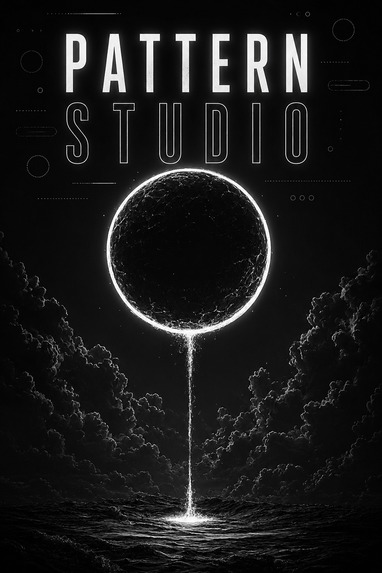
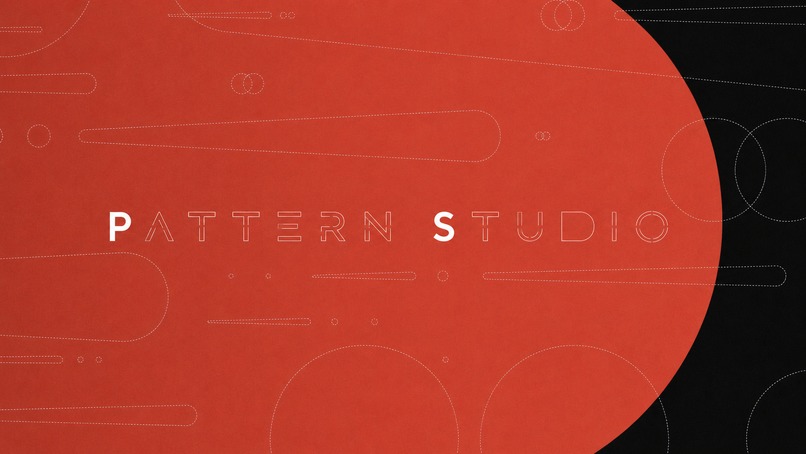
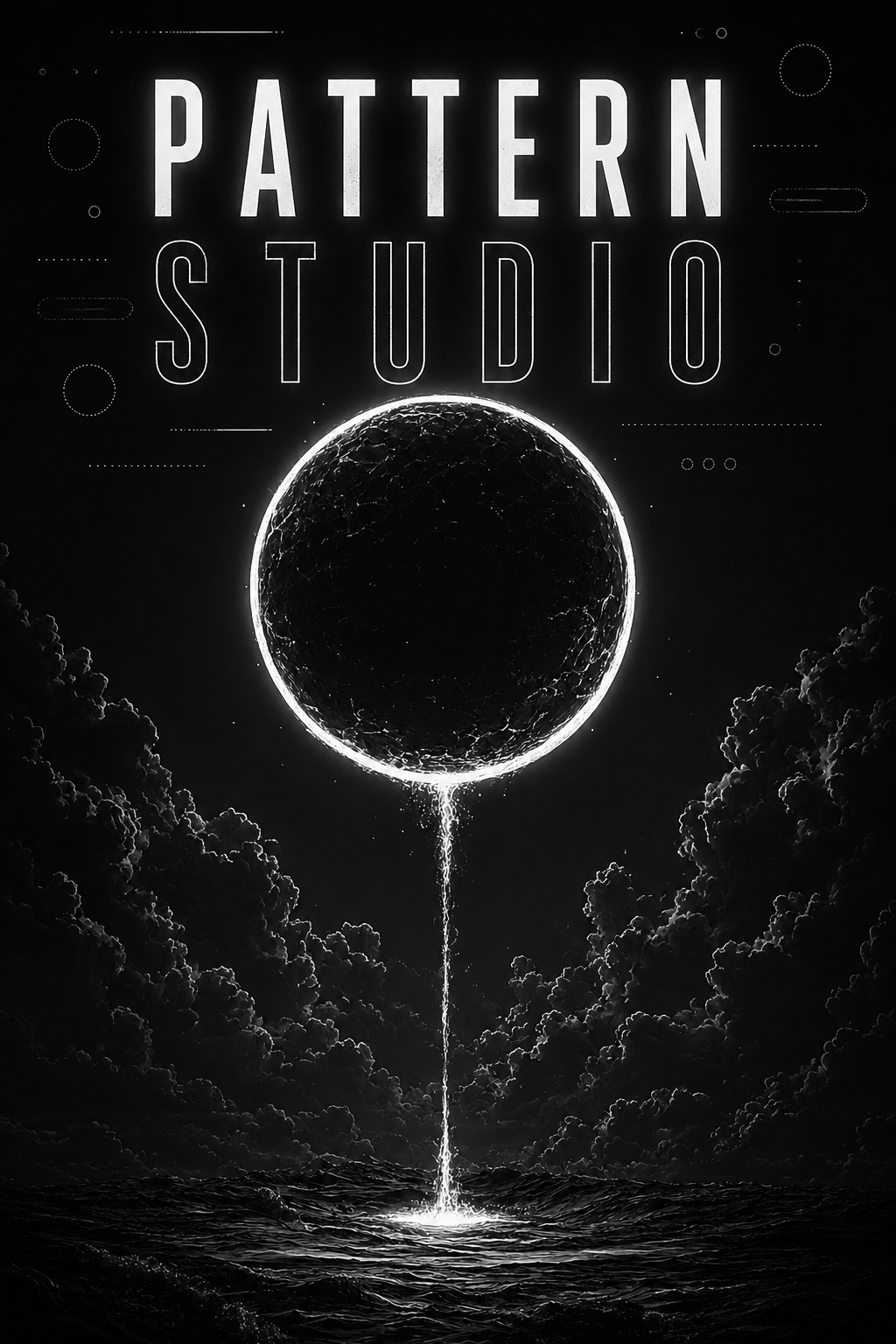
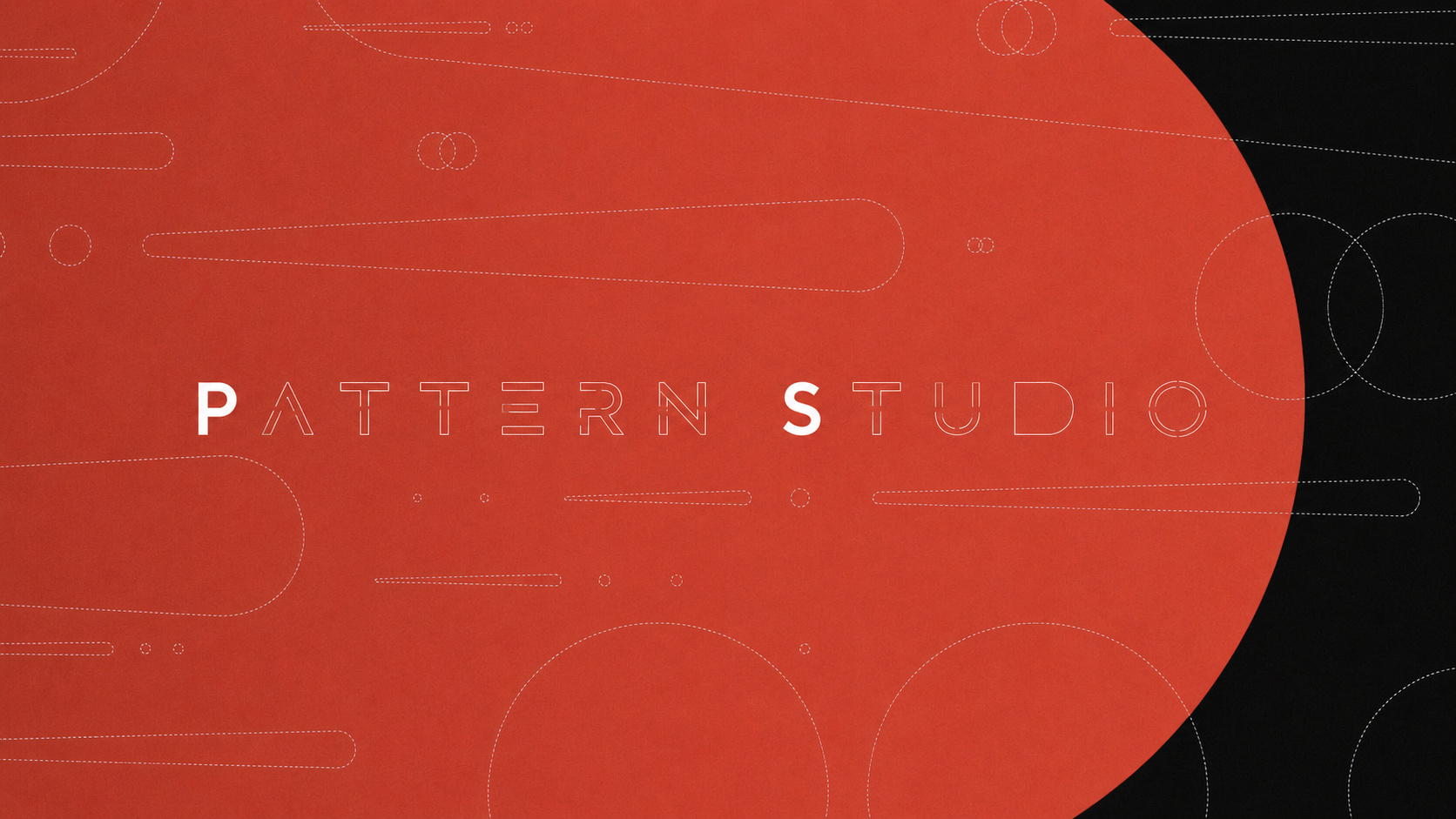
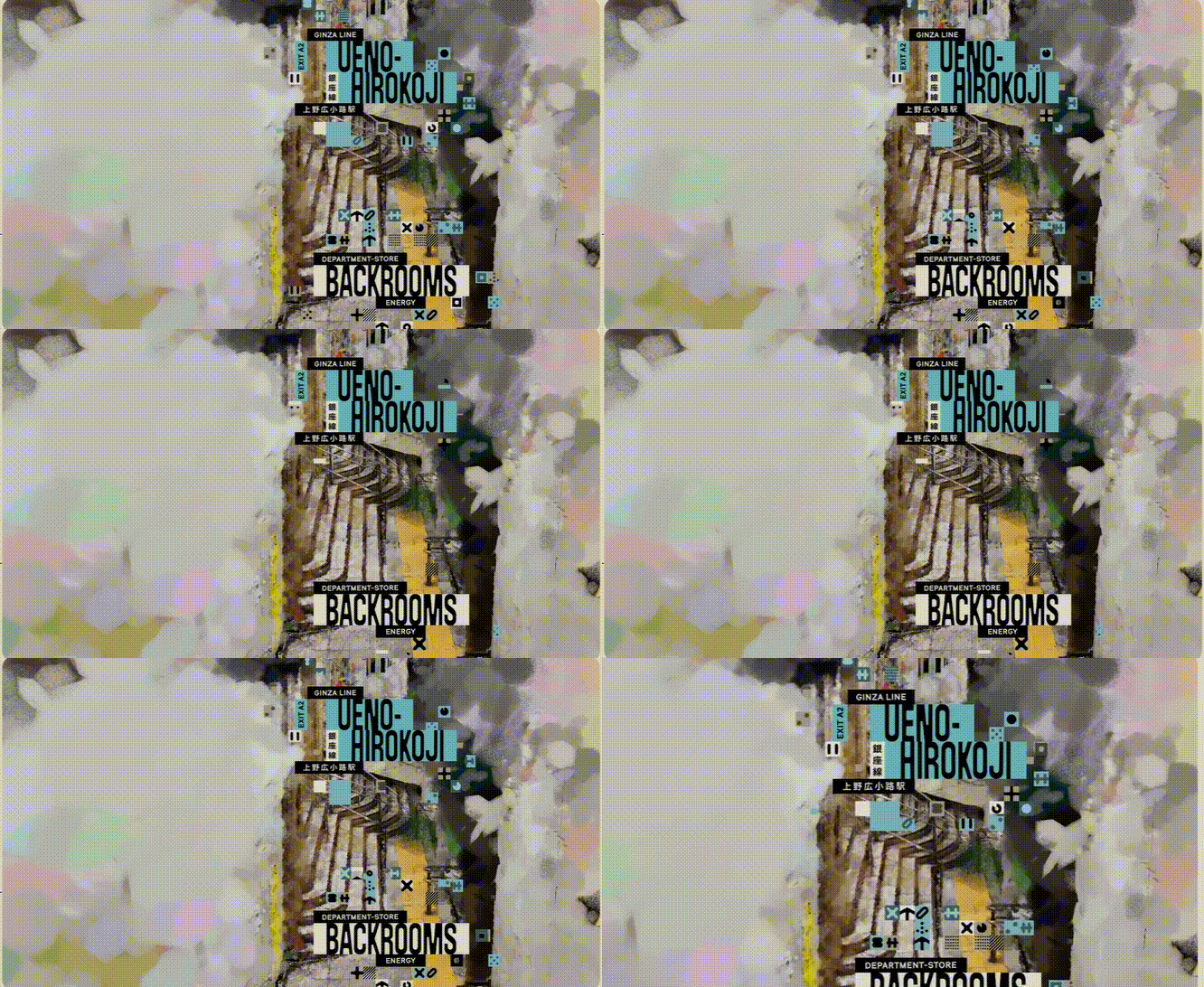
Different inputs → genuinely different looks, because the engine composes the palette, type, and pattern to fit the brief — not just fill a template:



🛠️ How I built it
The whole thing is one pipeline: describe → editable scene → rendered video.

- The pattern engine — a deterministic, seeded generator (TypeScript) that places the shapes and drives the flood intro. Same seed → same frames, so the live preview and the final MP4 match exactly.
- The editor — Next.js 16 + React 19 around a live Remotion Player preview, so you see changes instantly.
- The animation — every graphic is a Remotion composition: motion written as React + TypeScript, fully programmable.
- The render — a Remotion + ffmpeg render server bundles the scene, renders a real 1080p H.264 MP4, then derives every other ratio/format from that one render with ffmpeg.

🗄️ Why DynamoDB (the data model I'm proud of)
Instead of dumping scenes in a list, I designed a proper AWS DynamoDB single-table model. Every user owns one partition, holding both their saved scenes and their render history — so all of a user's data comes back in a single Query, never a table Scan.
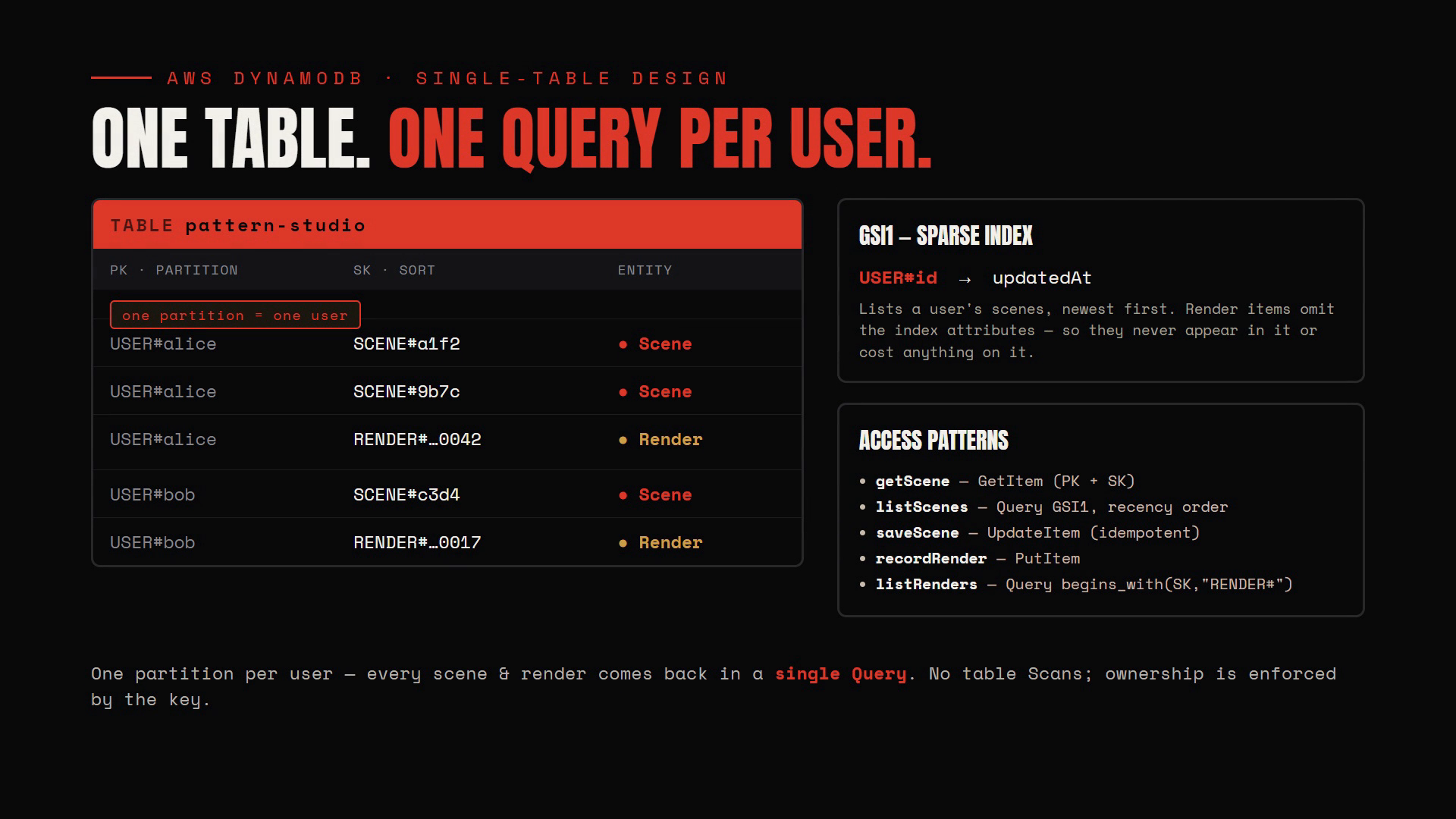
- Ownership is enforced by the key — a caller can only ever address items inside their own
USER#<id>partition. - A sparse GSI lists a user's scenes by most-recently-edited; render events omit the index attributes, so they never cost anything on it.
- One table, clear access patterns (
getScene,listScenes,saveScene,recordRender,listRenders) — the kind of model I'd defend in an interview.
🧗 Challenges I ran into
- Determinism. A live preview is useless if the final render differs. Making the pattern engine fully seeded — so preview and MP4 are frame-identical — took real care.
- One render, many formats. Re-rendering per ratio was slow and re-laid-out the design. Rendering once at 1080p and cropping with ffmpeg kept it intact and fast.
- A render bug, found live. Uploaded background photos 404'd at render time, because the renderer snapshots its asset folder once at bundle time. I fixed it by passing photos through as data URLs the renderer resolves directly.
- Modelling the database properly — learning single-table design instead of reaching for a relational schema.
🏆 Accomplishments I'm proud of
- A complete, working pipeline from an idea to a downloadable, broadcast-quality video — not a mockup.
- Output that doesn't look templated — different inputs, genuinely different brands.
- A real, defensible full-stack build (procedural engine + Remotion + Next.js + DynamoDB) shipped solo.
📚 What I learned
- Motion graphics as code with Remotion, and how to make a generator deterministic.
- Procedural design — composing type, colour, and pattern from rules instead of templates.
- Cloud data modelling with DynamoDB single-table design.
- That with the right tools, one person can build like a team.
🚀 What's next
- Brand-kit memory — reuse a logo, fonts, and palette across scenes.
- More intro transitions and shape packs.
- Direct social publishing + a hosted render queue so anyone can use it without running it locally.
Pattern Studio — broadcast-quality animated titles, designed and rendered in your browser. No After Effects required.
🔗 https://pattern-studio-gamma.vercel.app
Built With
- aws-dynamodb
- express.js
- ffmpeg
- google-gemini
- next.js
- node.js
- radix-ui
- react
- remotion
- tailwindcss
- typescript
- vercel
- zod

Log in or sign up for Devpost to join the conversation.