Inspiration
Anyone who has sat in an Ontario emergency department with a sore throat, a sprained ankle or an ear infection knows the feeling: you're not in danger, but you're not going home either. Minor cases (CTAS 4 and 5) rightly wait behind heart attacks and car crashes, so people with five-minute problems wait for hours. Every one of them is also another chair in the waiting room and another chart on the triage nurse's desk, while someone with real chest pain may be standing in the same line.
We asked a simple question: what if the minor cases didn't have to wait in the same room at all?
What it does
PatientPriority is a virtual fast track for low-acuity emergency visits.
For patients
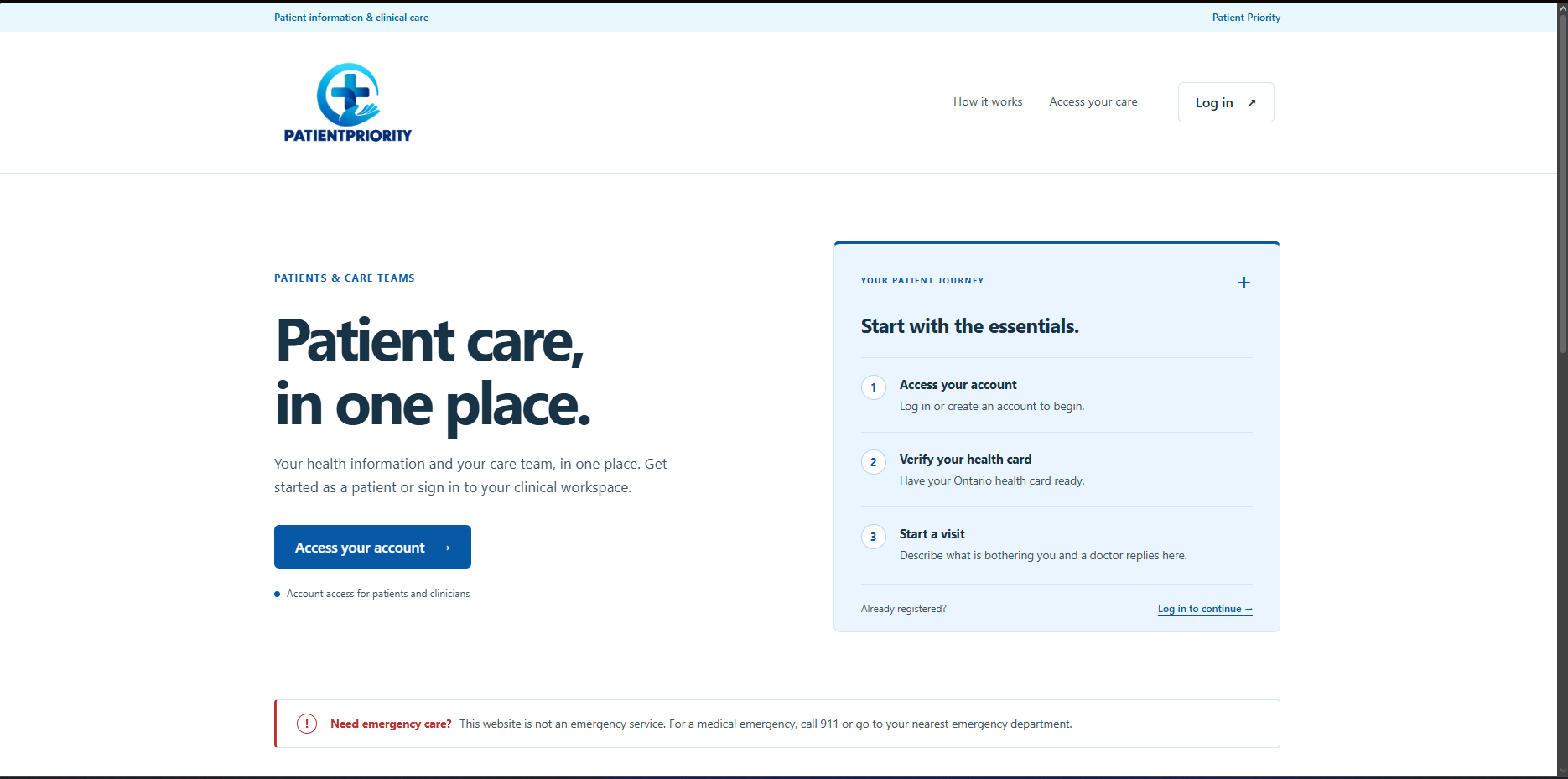
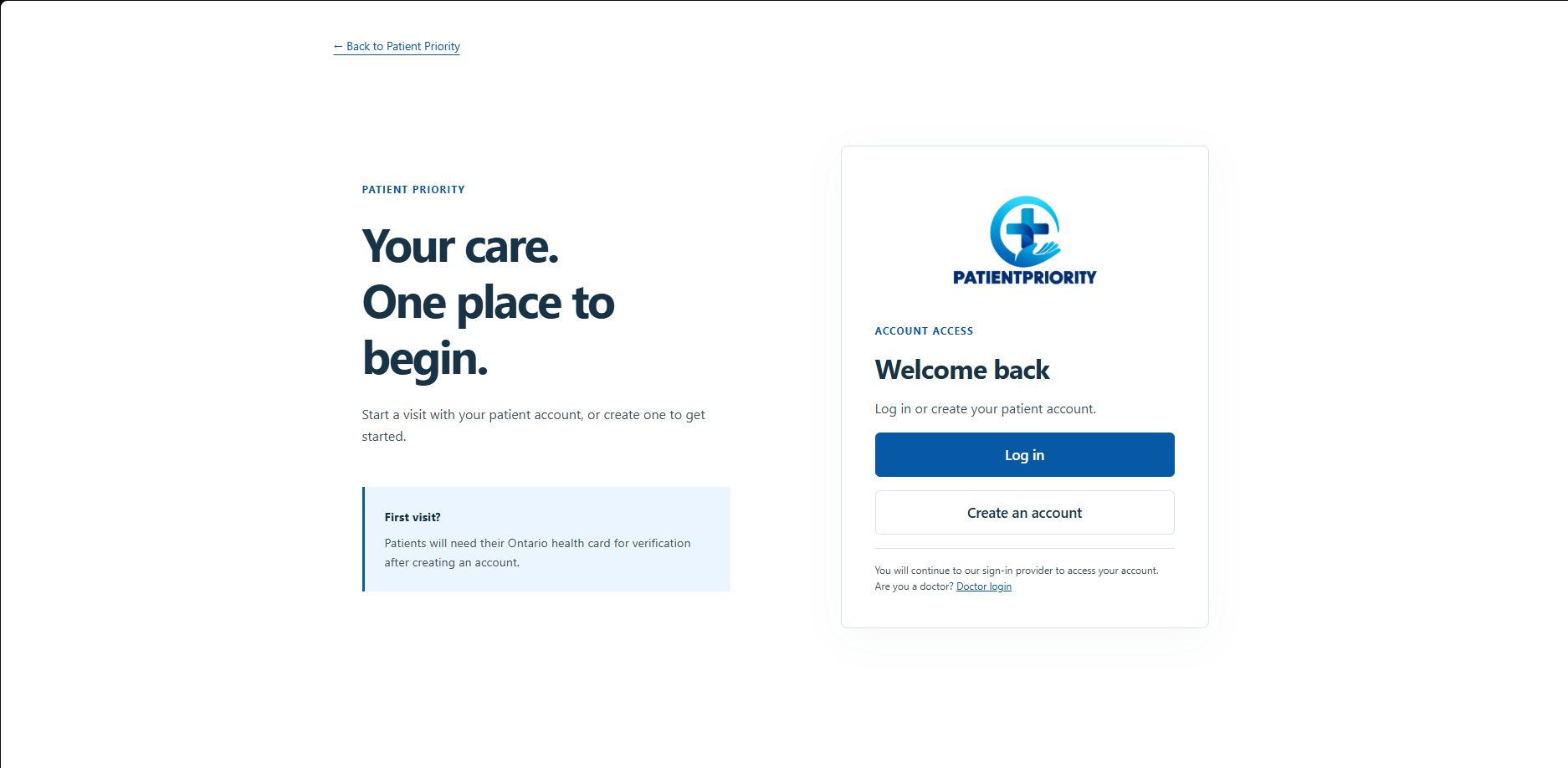
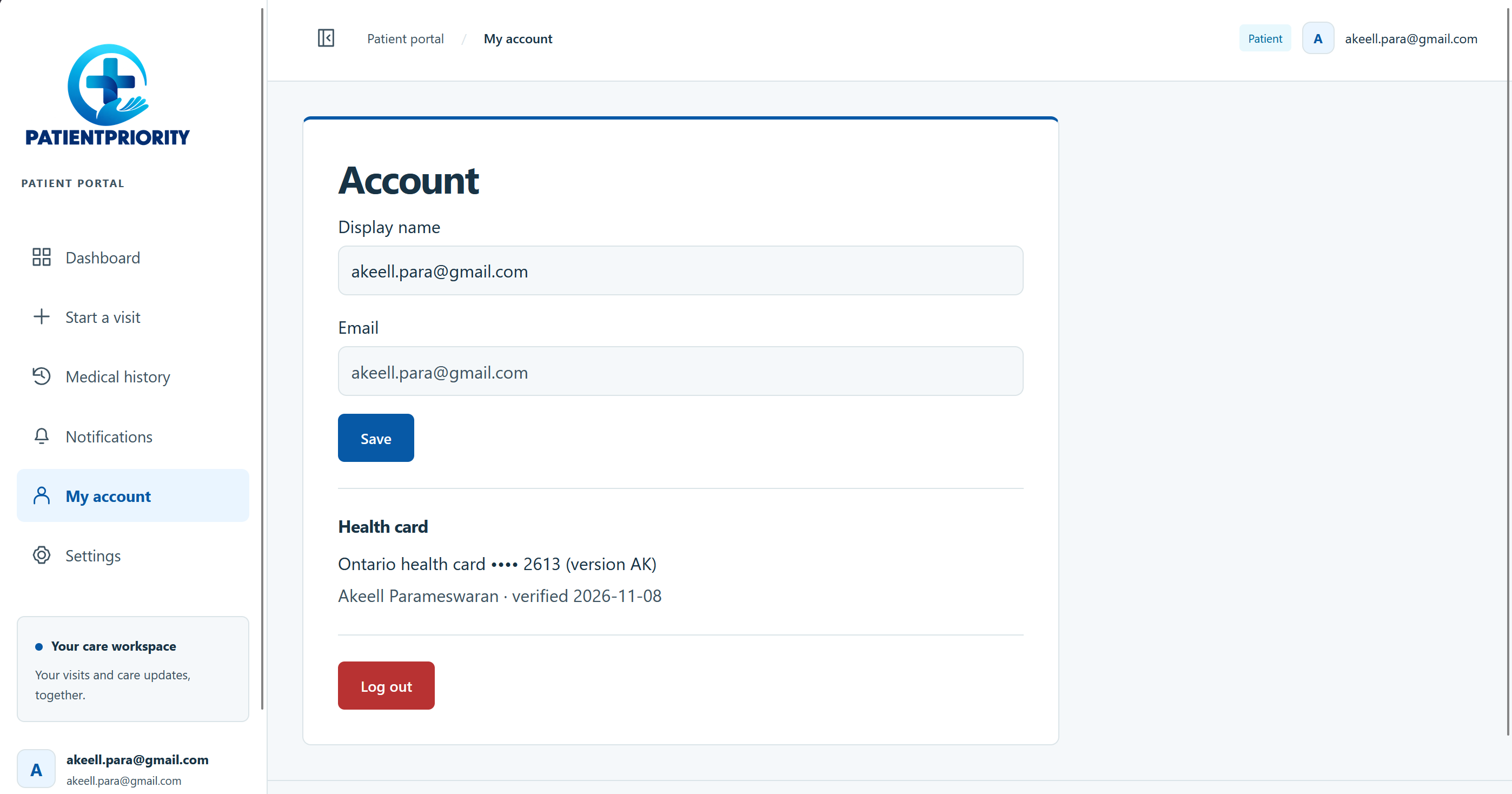
- Sign in and scan your Ontario health card once to verify who you are.
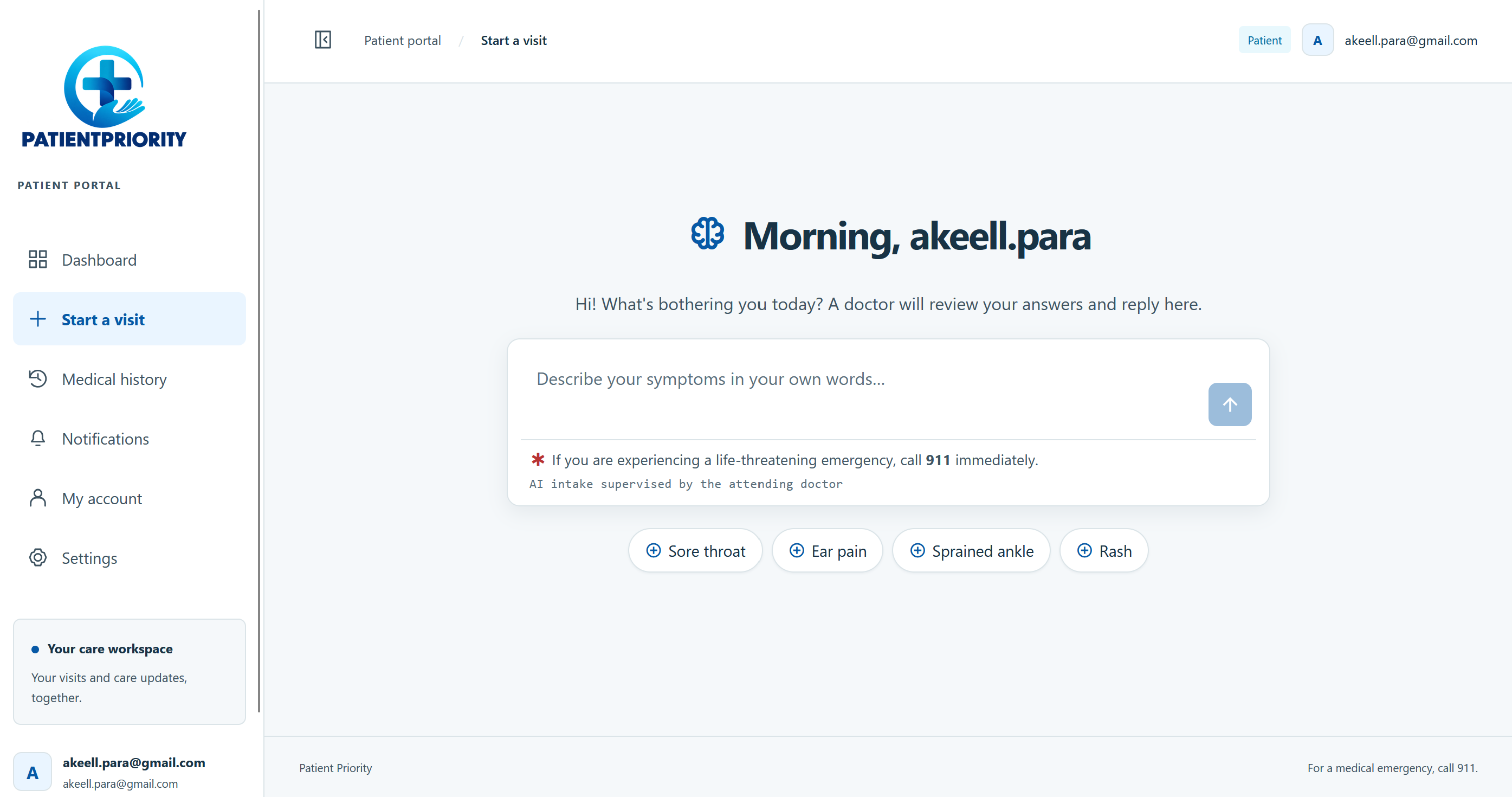
- Describe what's wrong in your own words, then answer a few quick check-in questions with one tap (when it started, pain from 1 to 10, getting better or worse).
- An AI asks 4 to 8 follow-up questions, the way a triage nurse would, and uses your past visits when they're relevant (an ear infection last month matters for ear pain today).
- A doctor replies once: a diagnosis and plan with any prescriptions and tests, or a few in-person appointment times to pick from. There's no endless back-and-forth chat.
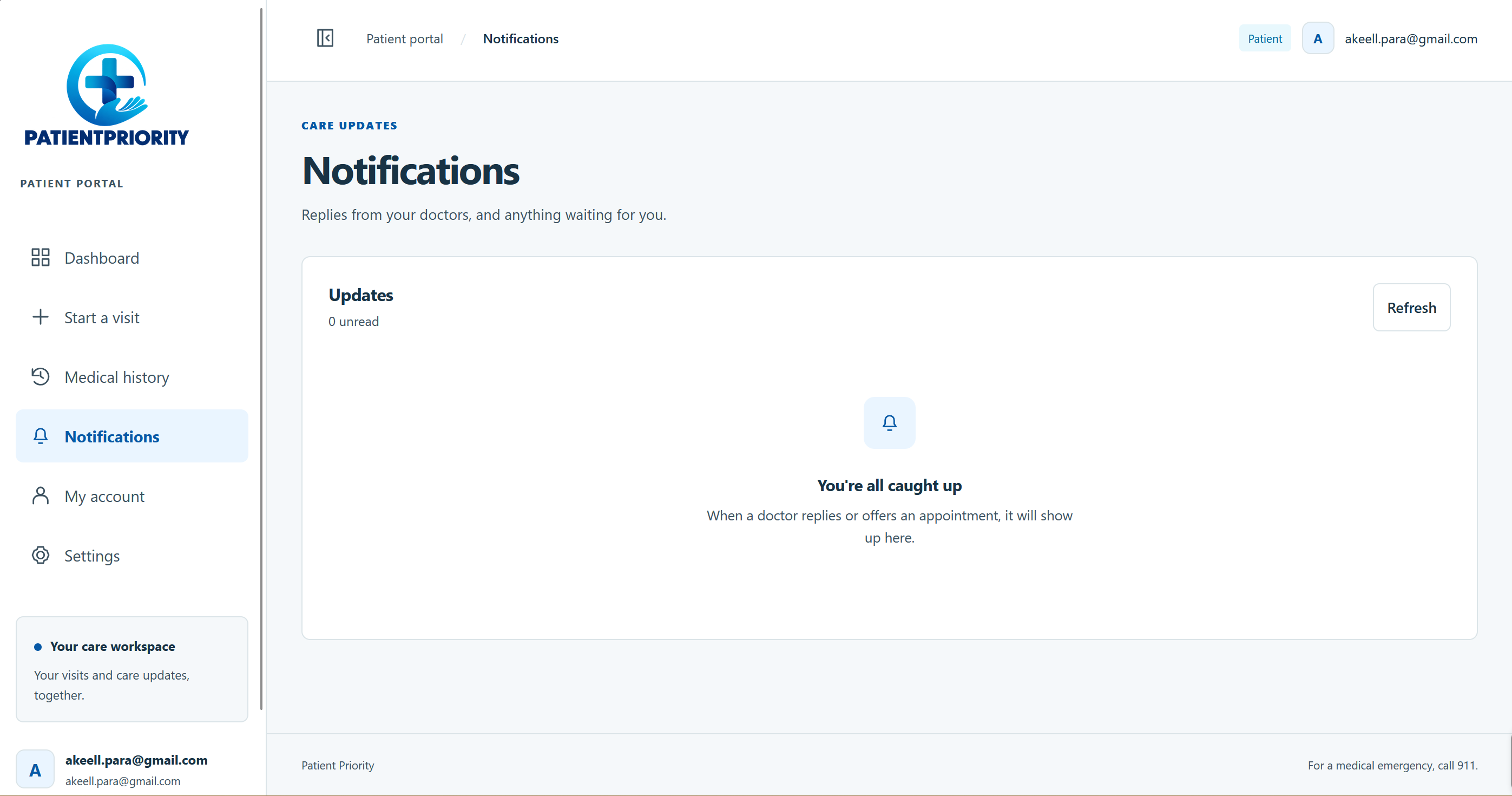
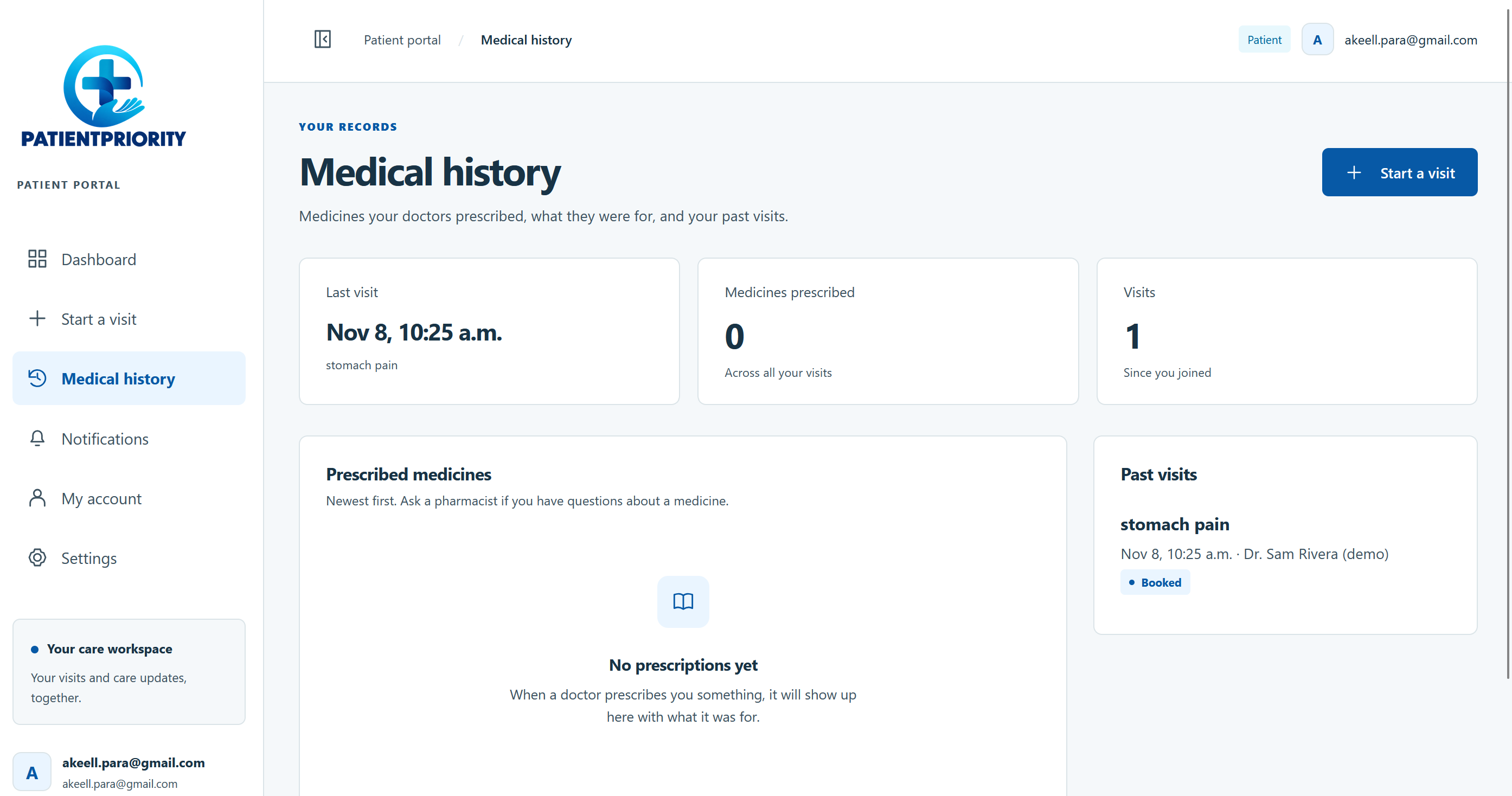
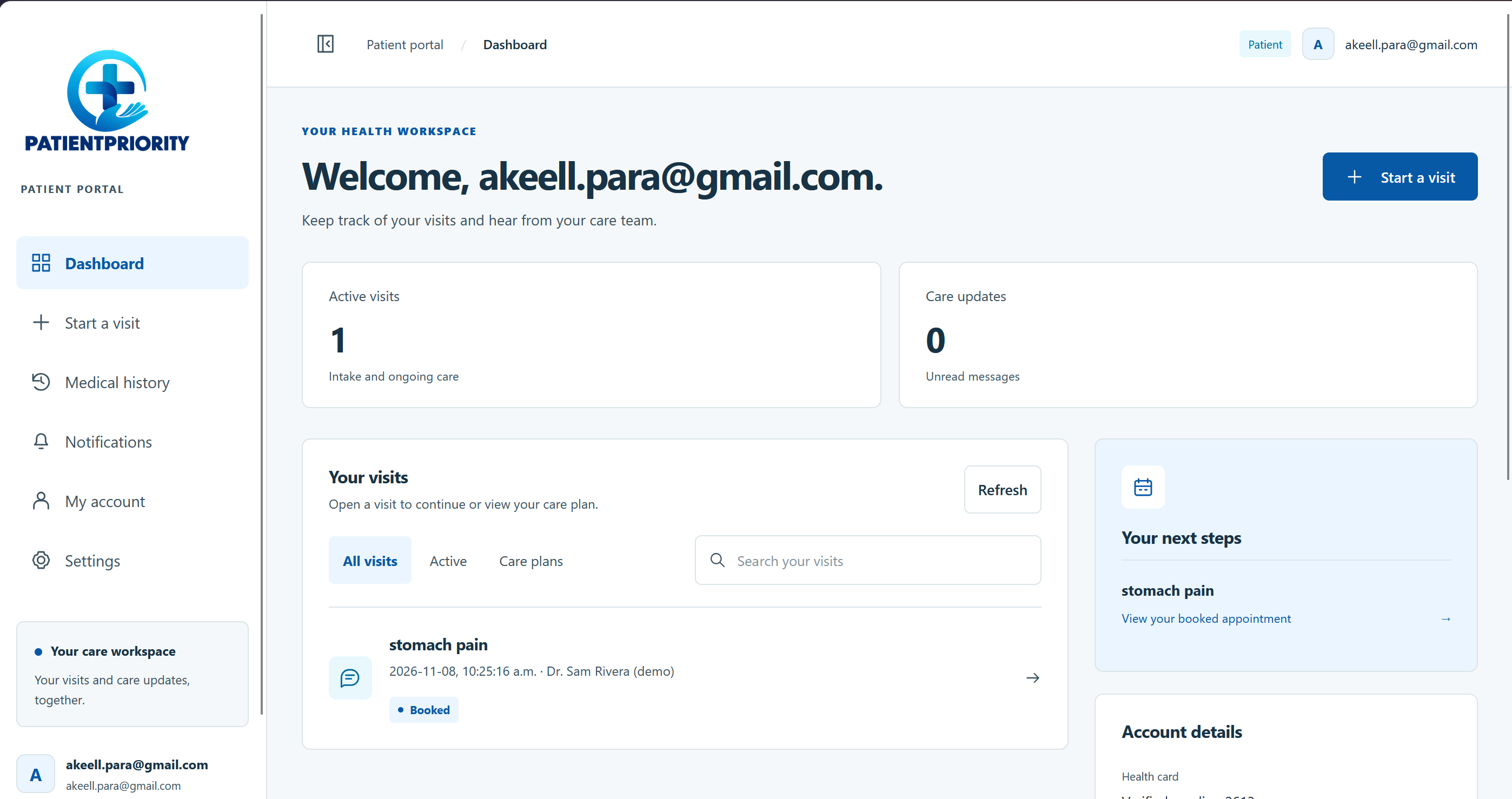
- Live notifications when the doctor replies, and a Medical history page with every medicine you've been prescribed, what it was for, and your last visit.
For doctors
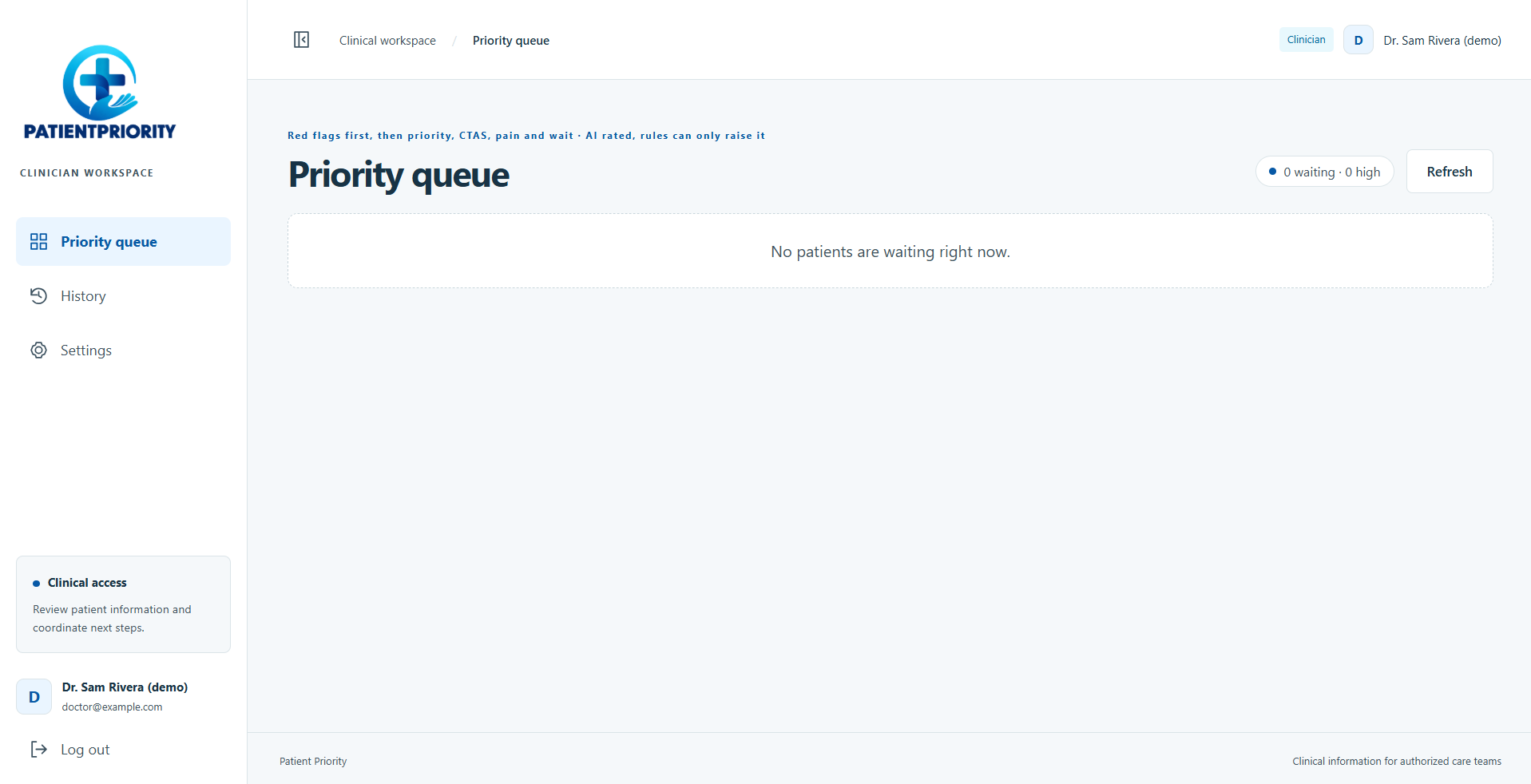
- A priority queue that sorts itself: red-flag cases first, then high, medium and low priority, CTAS, pain score and wait time.
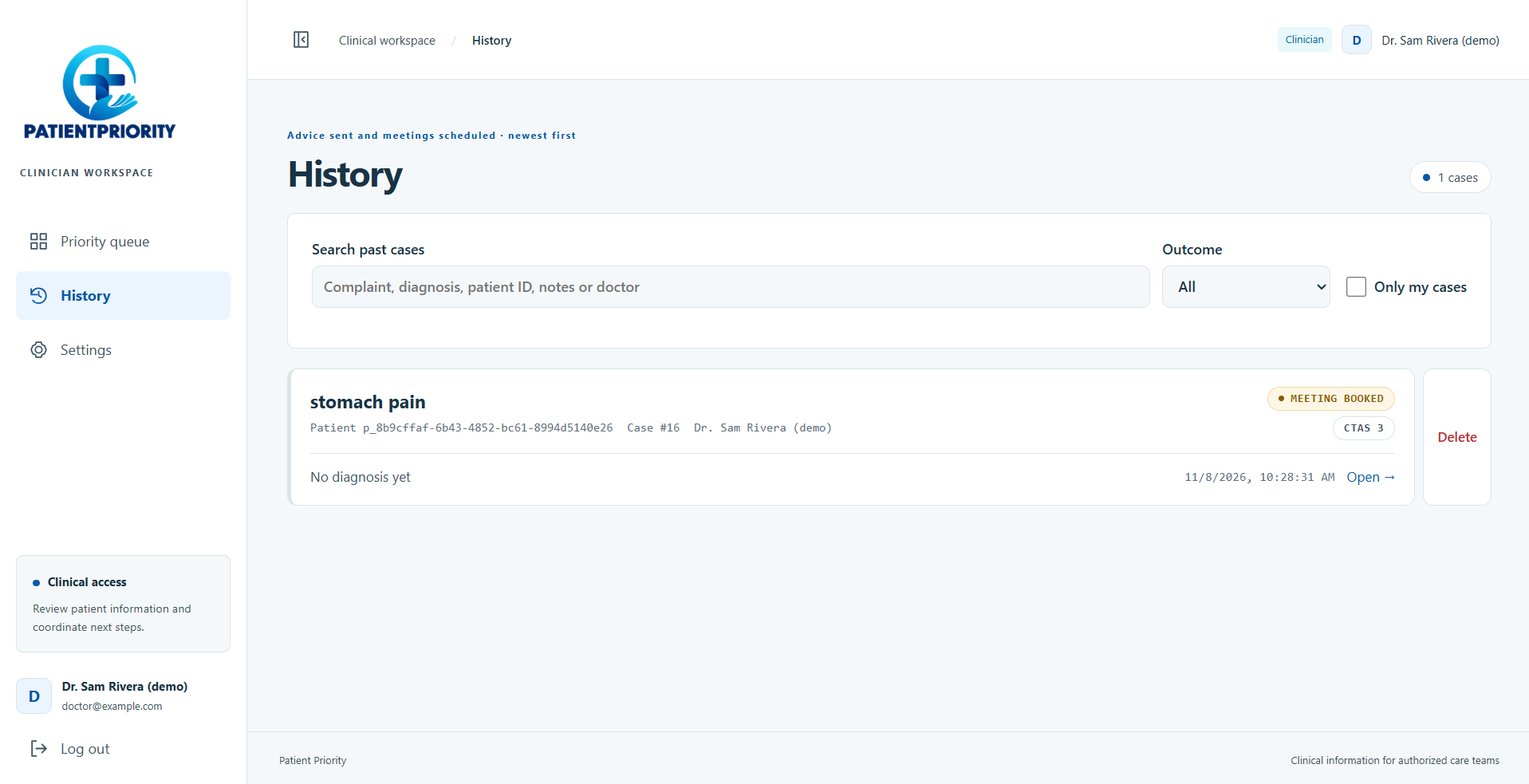
- Each case opens with an AI-written summary (what the patient said, how it presents, what's still missing), the full conversation, the patient's history and private doctor notes.
- New cases appear live, with no page reloads.
Safety first
- Every patient message is checked by a keyword red-flag scanner that understands negation ("no chest pain" isn't a flag) and by the AI.
- A red flag never ends the chat. The AI keeps asking so the doctor gets the full picture, and the case jumps to the top of the queue, flagged in red.
- If the AI is unavailable, the case still goes to the doctor, flagged, so nothing gets lost.
- The AI never diagnoses or recommends treatment. The doctor makes every clinical decision.
How we built it
- Frontend: React and TypeScript with Vite, with a patient portal (full-screen chat, dashboard, notifications, medical history) and a clinician workspace (priority queue, case view, history).
- Backend: Node.js and Express, with a REST API and Server-Sent Events for live updates using one-time, 30-second tickets so login tokens never appear in URLs.
- AI: Google Gemini (gemini-3.5-flash-lite) with strict JSON response schemas for the interview and the doctor's summary, plus retry with backoff for free-tier rate limits.
- Database: TigerData (managed Postgres) for patients, visits, messages, prescriptions, tests, appointments, private doctor notes and an access log, with TLS verified against TigerData's CA.
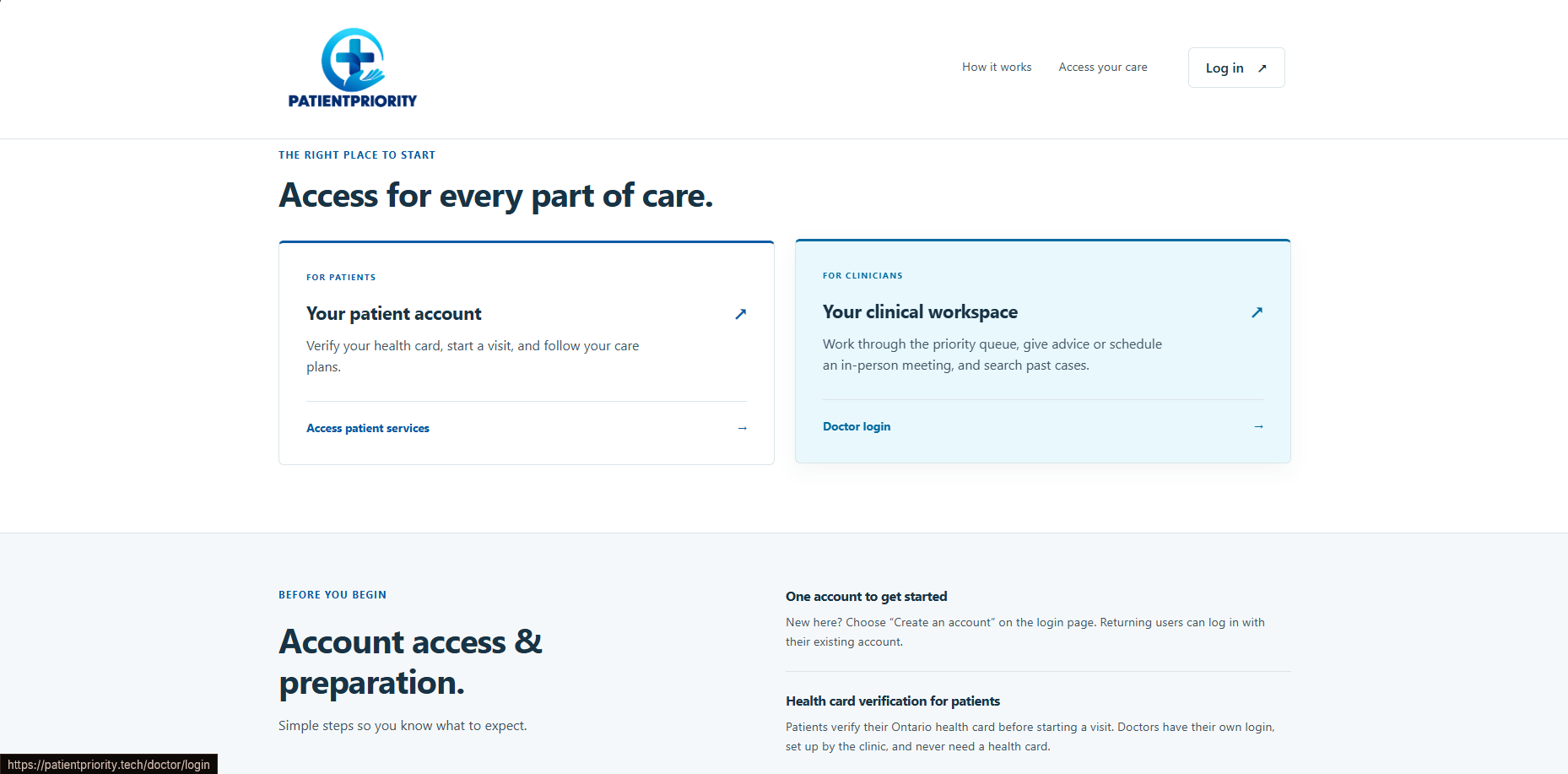
- Auth: Auth0 for patients, plus encrypted health card verification stored server-side. Doctors use separate email and password accounts that only an admin can create.
- Priority: the AI rates each case high, medium or low, and keyword and pain-score rules can only raise that rating, never lower it.
- Testing: 180+ automated tests covering the red-flag scanner, the interview, the summary, priority rules, access control and the API.
Challenges we ran into
- Negation is hard. "No fever, but I have chest pain" has to flag, and "no chest pain" must not. We split messages into clauses and handle phrases like "never had pain this bad".
- Small models stop early. The lightweight model sometimes ended the interview after two questions, so we added a nudge to check the remaining red flags before finishing.
- Relevant history only. The AI kept linking unrelated past visits, so the code now picks related visits by body area before the AI ever sees them.
- Rethinking red flags. Our first version stopped the chat and sent the patient to the triage desk. We changed it so the conversation finishes and the doctor sees the case first, with the full picture.
- Rate limits. Free-tier Gemini limits sent calm patients to triage until we added retries with backoff.
- Shared database, many hands. A column added in code but not in the shared database broke every visit. We learned to migrate the schema as soon as it changes.
Accomplishments that we're proud of
- Two independent safety layers (code and AI), and a design where a failure never loses a patient.
- The patient never sees staff-only information: no AI summary, red flags, CTAS or priority.
- A doctor queue that puts the sickest patient first, with no manual sorting.
- A complete flow, from health card scan to the AI interview, the doctor's reply and a saved prescription.
What we learned
- In healthcare, the safe default matters more than the clever feature: when unsure, flag it for a human.
- Rules and AI work best together. Code is predictable, the AI catches what keywords miss, and neither gets the final say on its own.
- Clear boundaries (AI interviews, the doctor decides) make an AI product easier to trust.
What's next for PatientPriority
- Clinical review of our red-flag lists, priority rules and question flow with emergency physicians and nurses.
- A pilot with one emergency department's fast-track team.
- More languages and more accessibility options for patients.
- Showing patients an estimated reply time, and connecting prescriptions to pharmacies.
All patient data in this demo is fake. PatientPriority supports clinicians and does not replace emergency care: for a medical emergency, call 911.
Built With
- auth0
- css3
- express.js
- gemini-api
- html5
- javascript
- jwt
- node.js
- postrgresql
- react
- server-sent-events
- tigerdata
- typescript
- vite
- vultr
