-
-
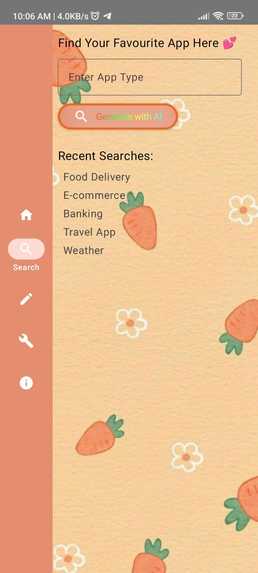
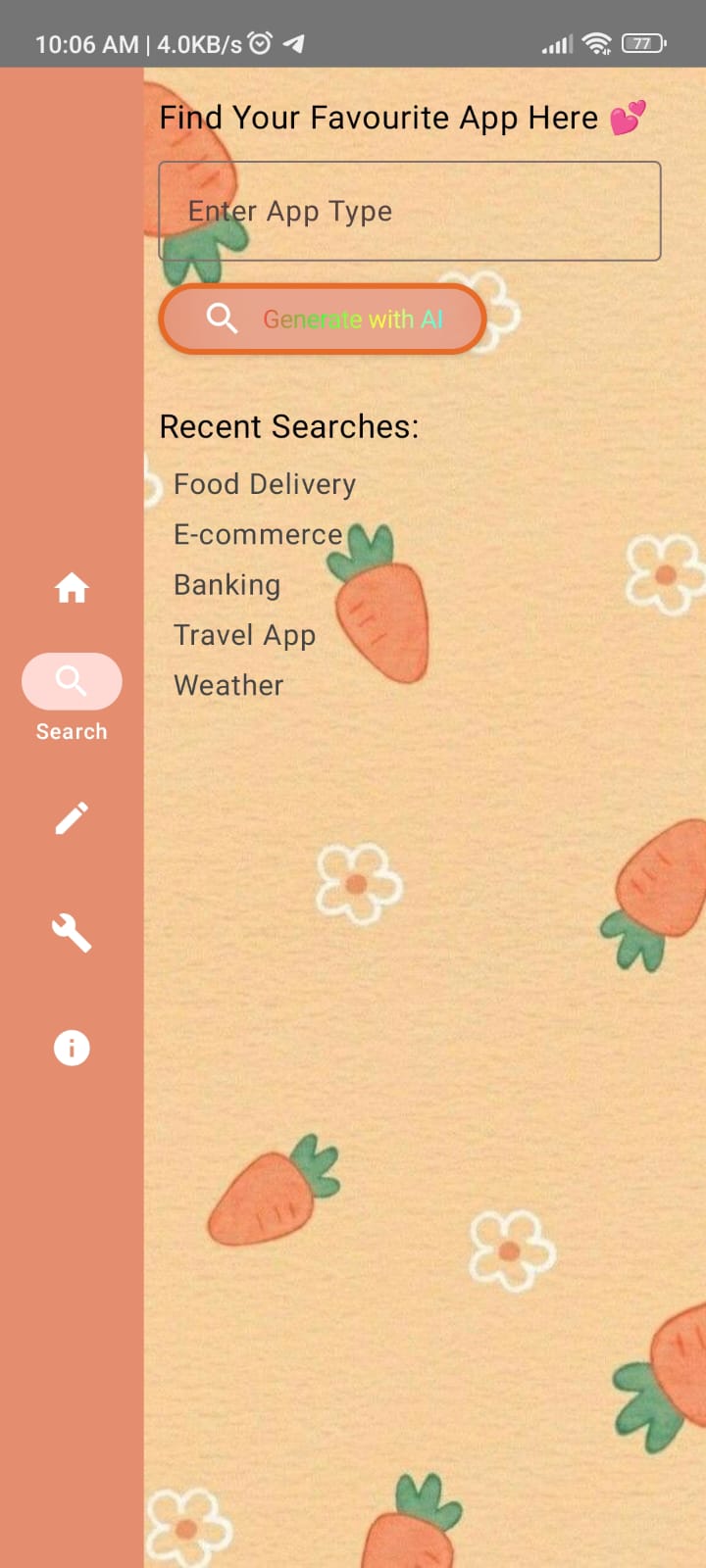
Search Screen
-
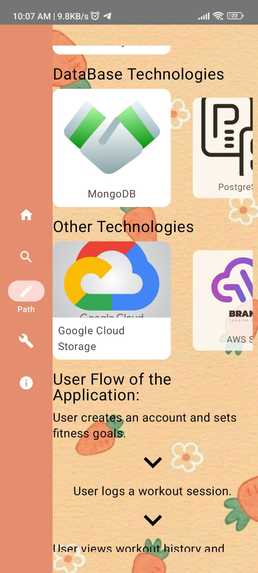
Path Screen(AI)
-
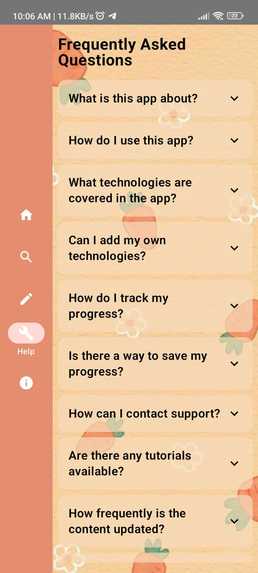
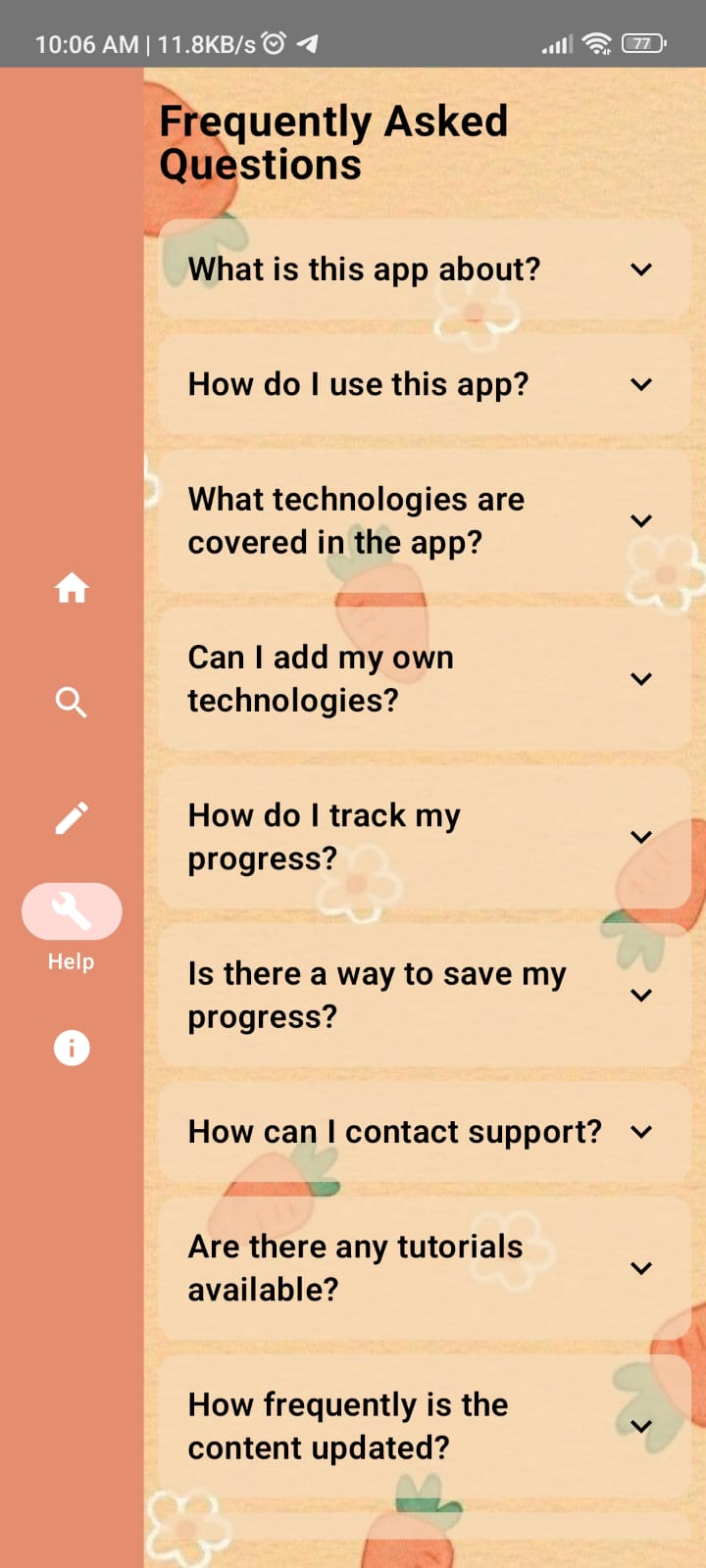
Help Screen
-
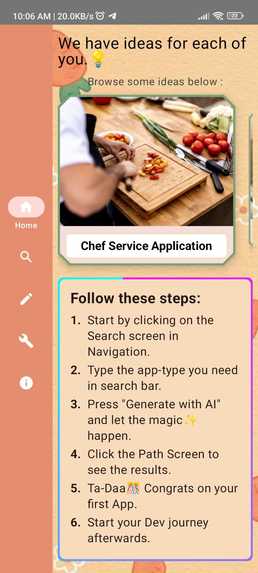
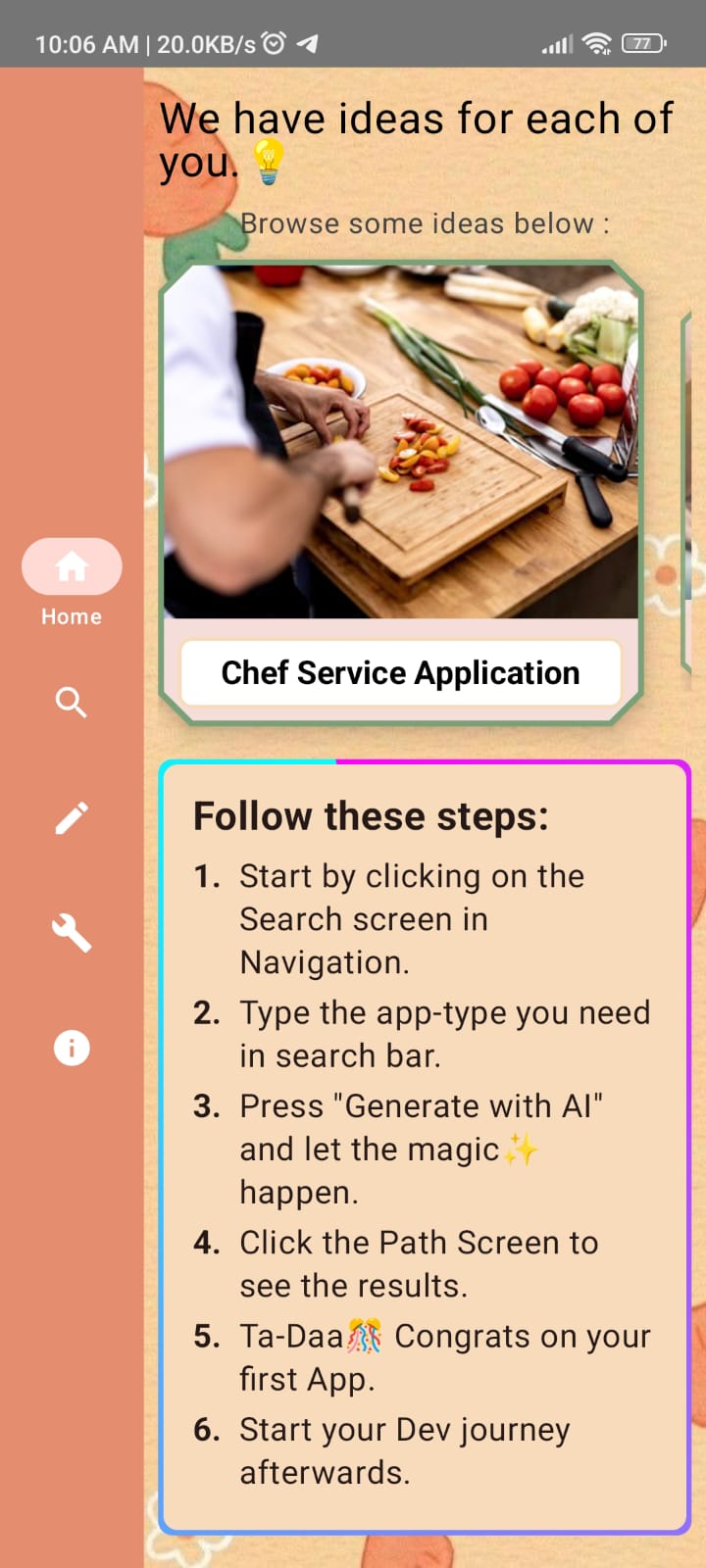
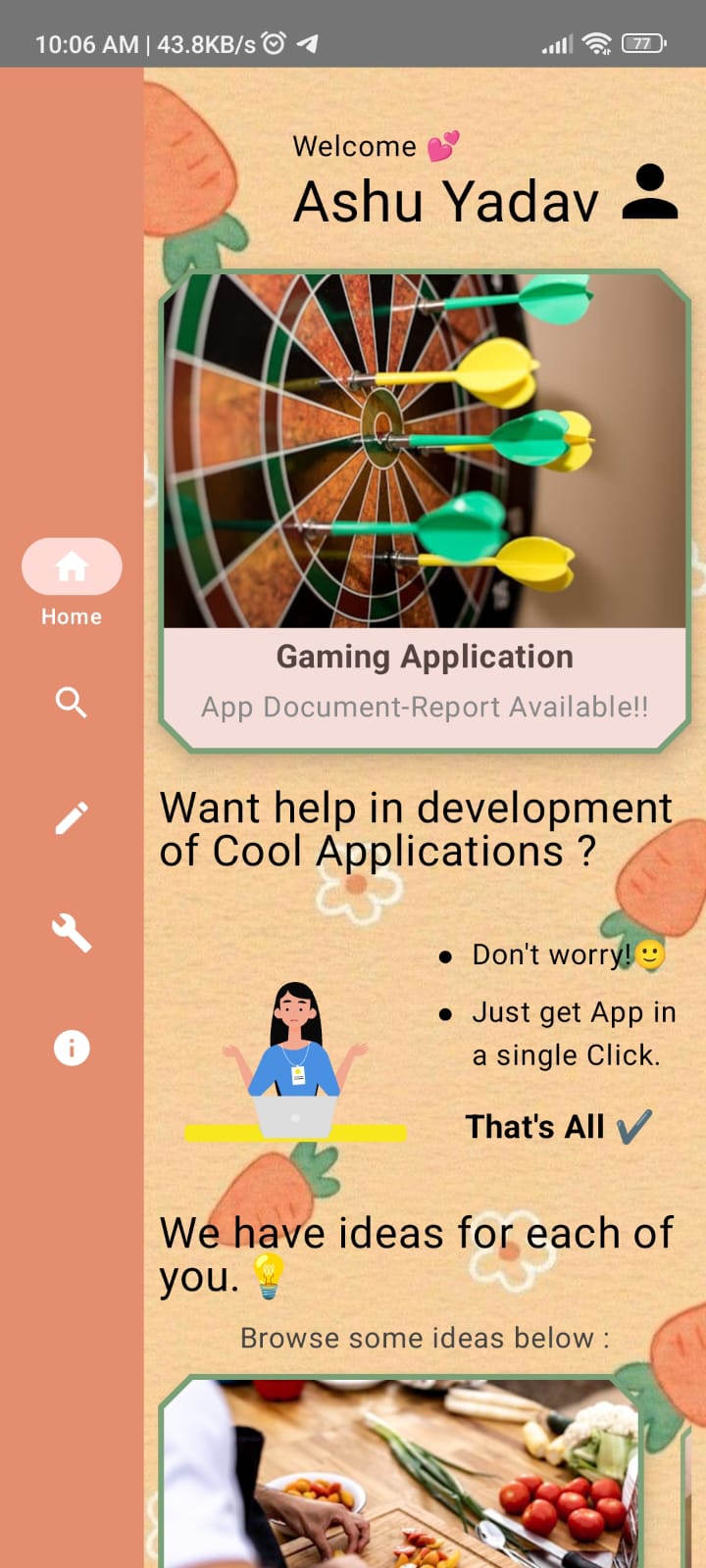
Home Screen
-

Home Screen
-
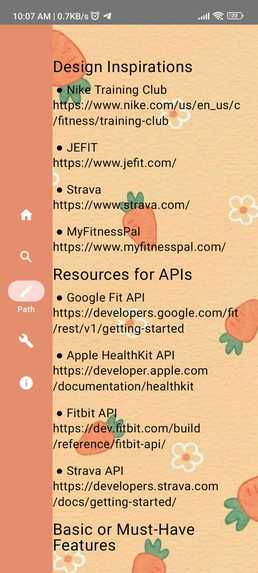
Path Screen(AI)
-
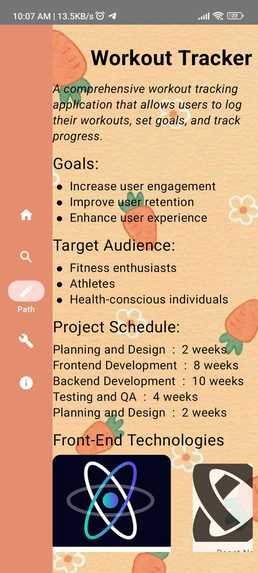
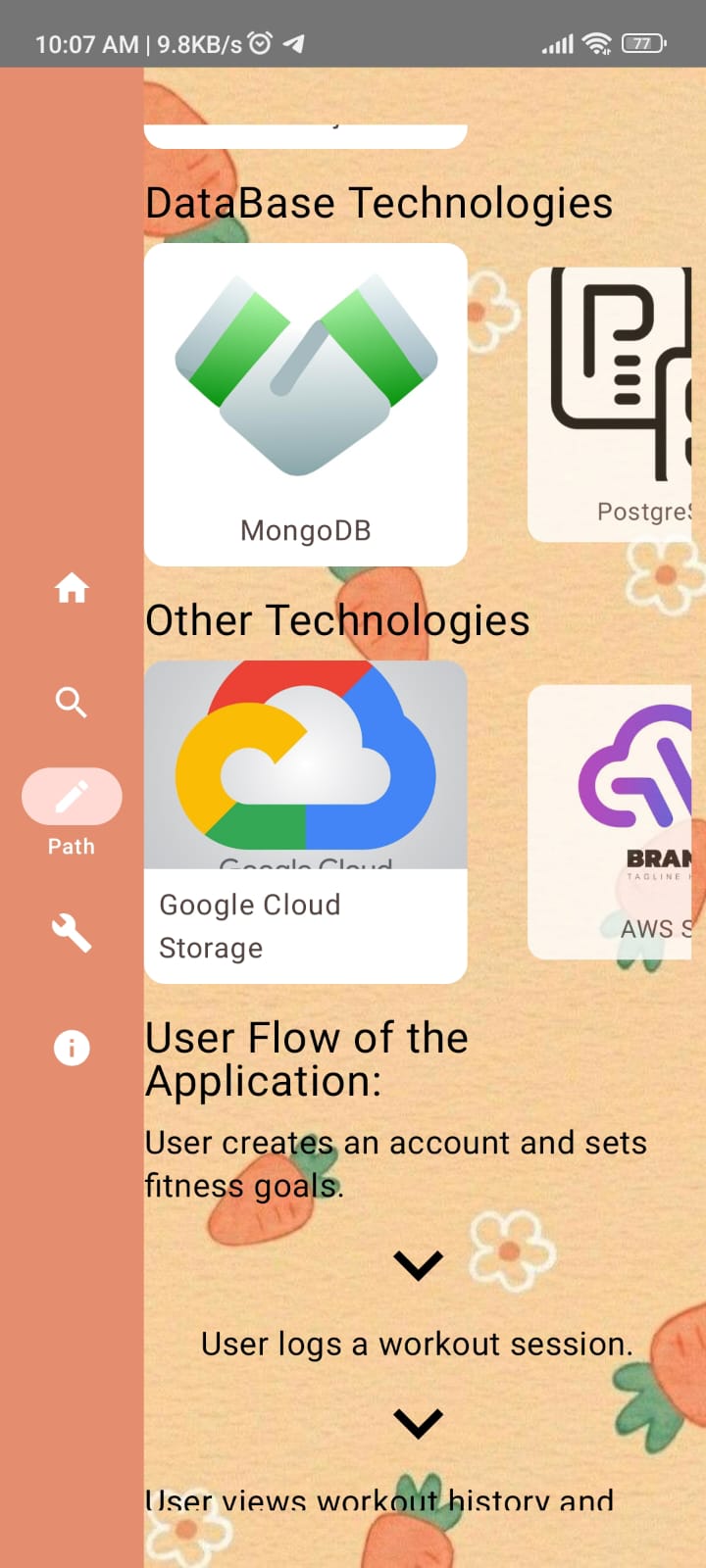
Path Screen(AI), start
-
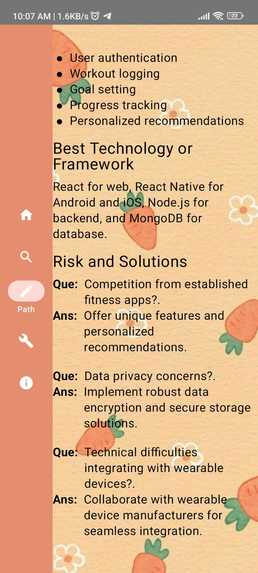
Path Screen(AI)
About the Project
As a first-year student, I found myself struggling with the overwhelming task of starting a coding project. I was an introvert, and the idea of seeking help from others was daunting. I had no clue where to begin—what features I needed, what tech stack to use, or how to structure my project documentation. This experience inspired me to create Pathway AI—an AI-powered assistant designed to guide users through the entire process of developing a project, from concept to completion.
Inspiration
The idea for Pathway AI was born out of my own challenges as a beginner. I realized that many students and developers might face similar obstacles when embarking on a new project, especially those who, like me, were unsure of where to start.
What it does
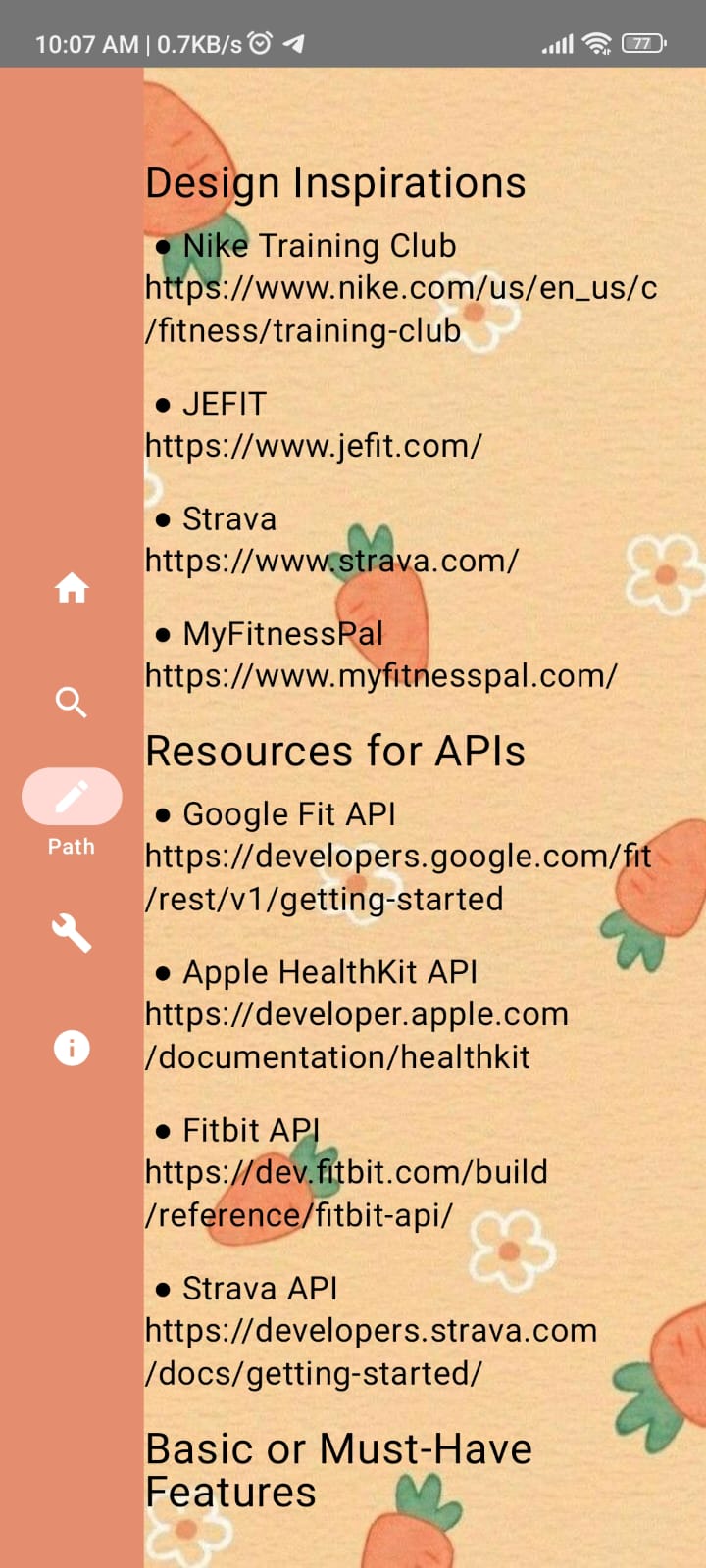
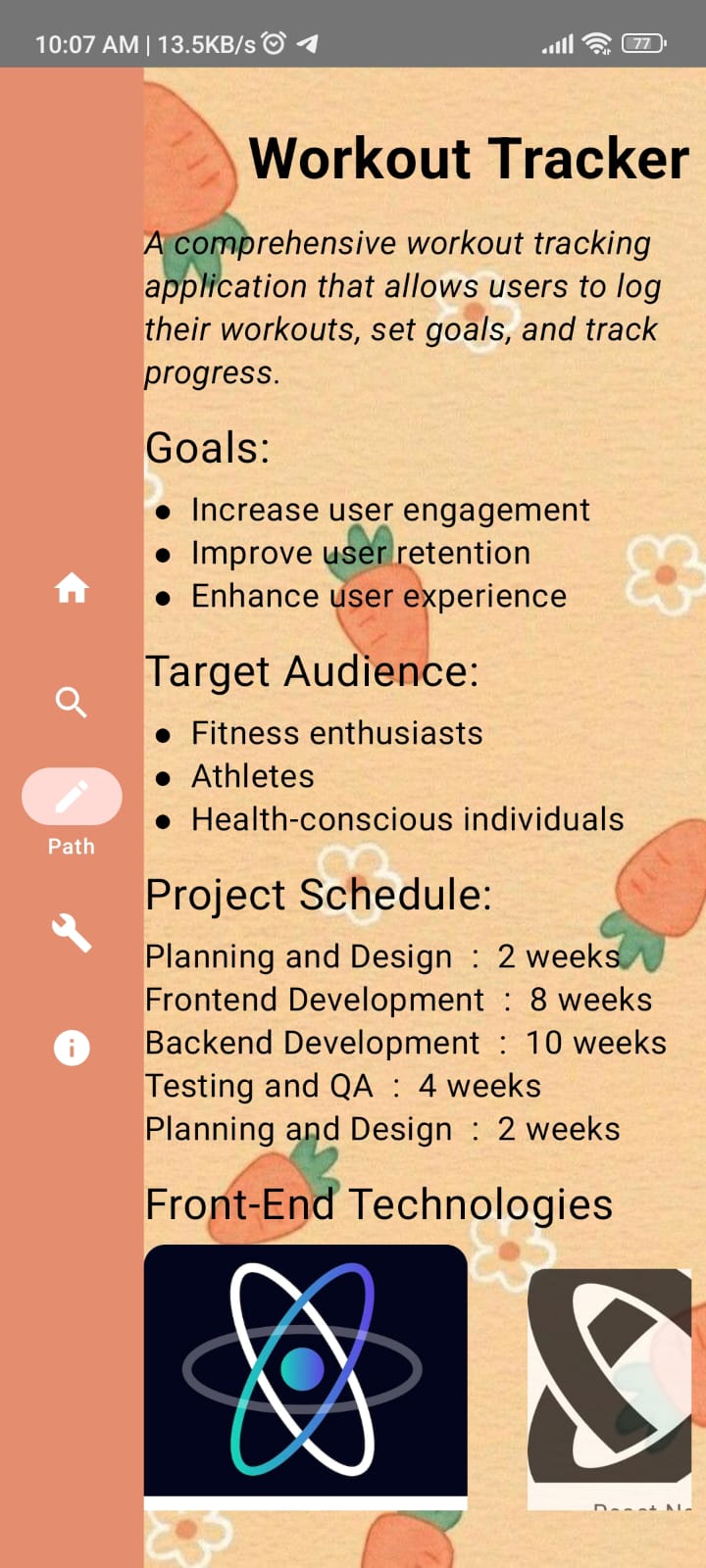
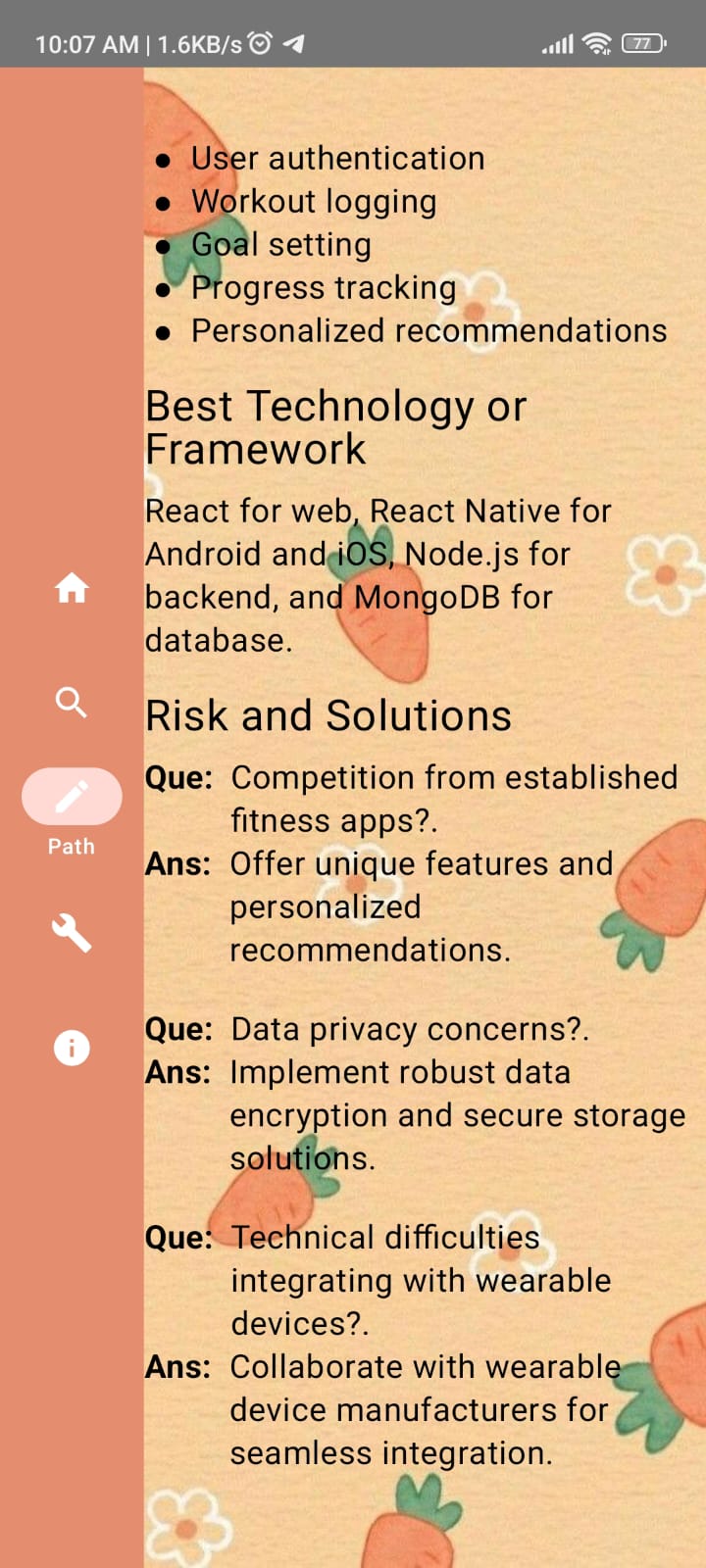
I wanted to create a tool that would provide clear guidance, helping users identify project goals, suggest appropriate APIs, and offer design inspiration. My aim was to empower others to confidently tackle their projects, even if they were starting from scratch. ->Personalized TechStack Recommendation ->UI design Guidelines ->User Flow ->Risk Analysis ->Goals ->Target Audience
How we built it
The project uses AI and Machine Learning algorithms to generate the Project Documentation Report, it tells its user what and how the project is to be made.
Challenges we ran into
One of the biggest challenges I faced was to understand the diverse needs of different projects. Another challenge was creating a user interface that was both simple and powerful—allowing users to easily interact with the AI while still getting detailed and actionable advice.
Accomplishments that we're proud of
Learning the new Skill set and using it in the project was one of best things which i like. I am also proud that my app will help the students those who are hardworking and fail to get in any College Society.
What we learned
We learned the new framework for Android Dev -Jetpack Compose.Some code example of it is :
@Composable
@Preview(showBackground = true)
fun HomeScreenPreview() {
    Row(modifier = Modifier.fillMaxSize()) {
        NavRailPreview()
        HomeScreen()
    }
}puts "Hello World!"
Note: Above function is used to display a ui preview in kotlin/compose.
What's next for PathWay
We are thinking for adding a UI generator and UI guidelines helper who will suggest the UI/UX needs for a project.


Log in or sign up for Devpost to join the conversation.