-
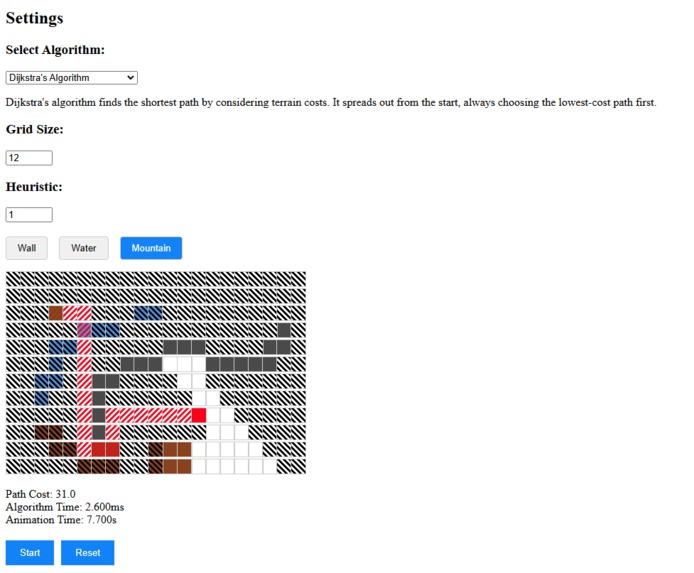
The entire website
-
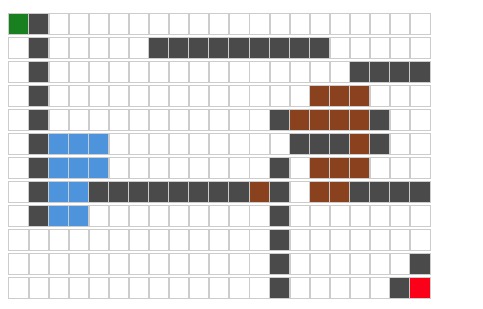
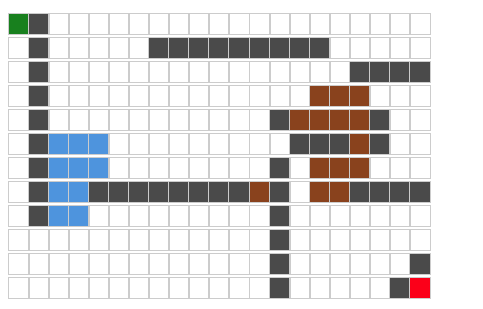
A drawn on grid, showing each terrain type and start/end points
Inspiration
I created a shortest path project in Java for hypothetical train routing using Djikstra's last semester and knew that I wanted to eventually make a visualizer for such algorithms.
What it does
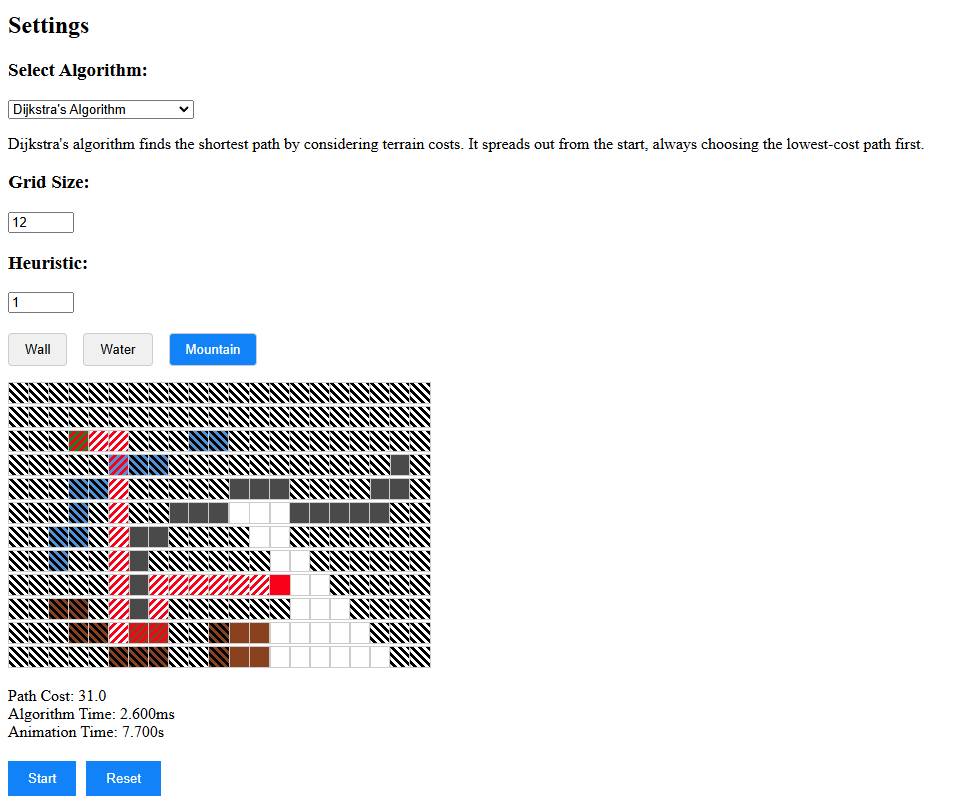
Draw: Allows users to draw custom tile configurations on a resizable grid. Select: Allows users to select different Algorithms and change relevant options. Find Path: Uses the selected algorithm to find the shortest path. Animate: Uses a delay to animate each step of the algorithm, showing visited nodes.
How we built it
-Built using Typescript, React + Vite, to create a locally hosted web app. -Drew a grid using a custom Node interface -Created the rest of ui elements and styled with tailwind css. -Created a Grid component to handle grid drawing and refreshing. -Used states from React to track and update diferrent app and component states. -Wrote 4 pathfinding algorithms: A*, Djikstra's, BSF, DSF. -Updated pathfinding Algorithms to work with animation and track desired metrics such as time and path costs.
Challenges I ran into
The biggest challenge by far was getting the animation to work with the pathing algorithms. Initially I wrote the animation as a seperate section of code and implemented it with A* algorithm and got it working, but then trying to implement it with Djikstra's it completely broke. I ended up coding the animation in each separate algorithm file. Later, I was able to find the proper way to make animation it's own set of functions.
Accomplishments that we're proud of
Particularly the animation and the reusability of the animation function, it should be able to work with any algorithms implemented in the future.
Also the grid works cleanly, drawing feels ok, it retains memory when it should and refreshes properly when it should.
What we learned
I learned how to build and deploy a React website using Vite, which was a very useful experience because I have a long-term project currently developing a mobile application using React + Expo.
I learned state management with React and how to use interfaces.
I learned how the 4 algorithms I used work but not at an advanced level since AI autofill assisted in writing those.
What's next for Pathing Algorithm Visualizer
Features: I had two features I wanted to implement and definitely did not have time for. I wanted to allow users to Save grids they drew and Load grids other users drew. I wanted to increase the educational aspect by creating a tutorial mode that allowed users to "Step" through each section of the animation with tooltip explanations of what the algorithm was doing in each step. Algorithms: Implement more algorithms such as: Swarm and Swarm variants, Djikstra variants, MSTs, and Random Walk.
Built With
- git
- github
- react
- tailwindcss
- typescript
- vite


Log in or sign up for Devpost to join the conversation.