-
-
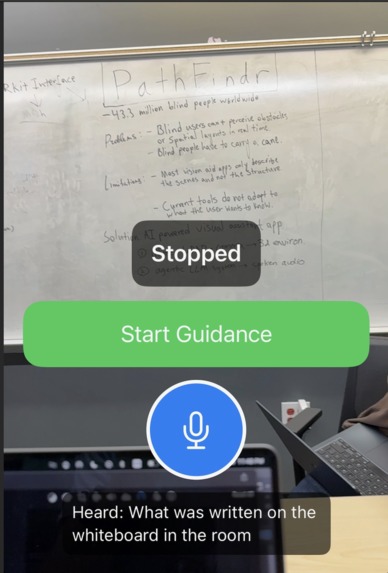
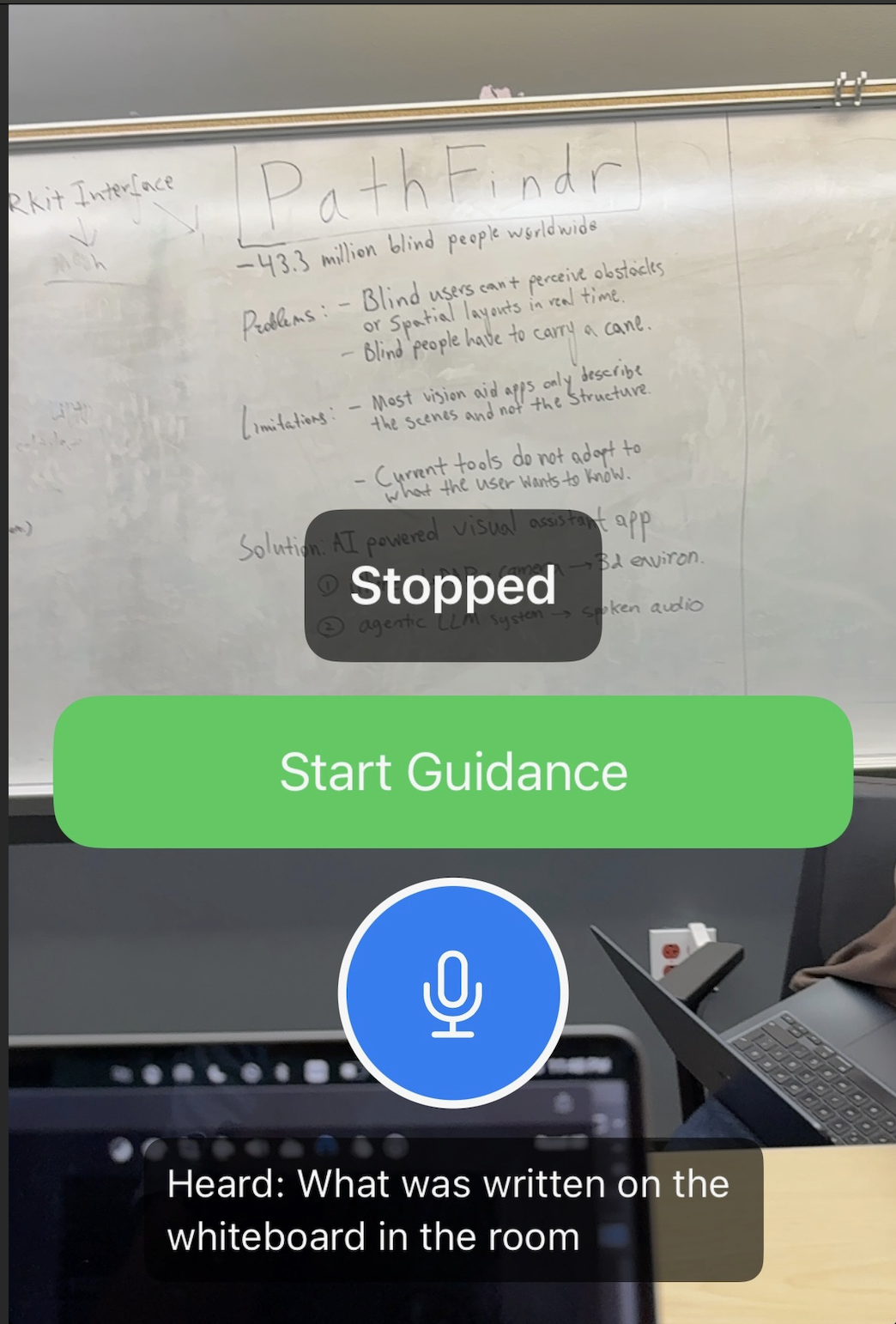
The opening screen of the app before the user clicks on Start Guidance
-
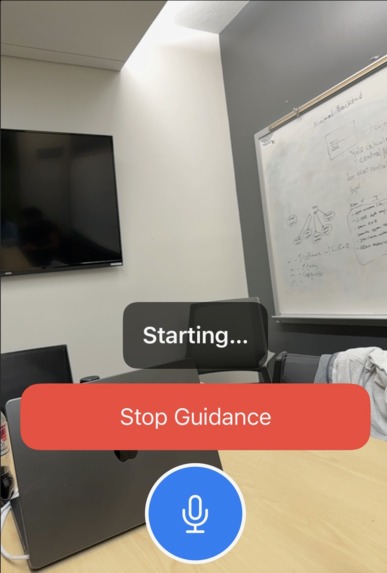
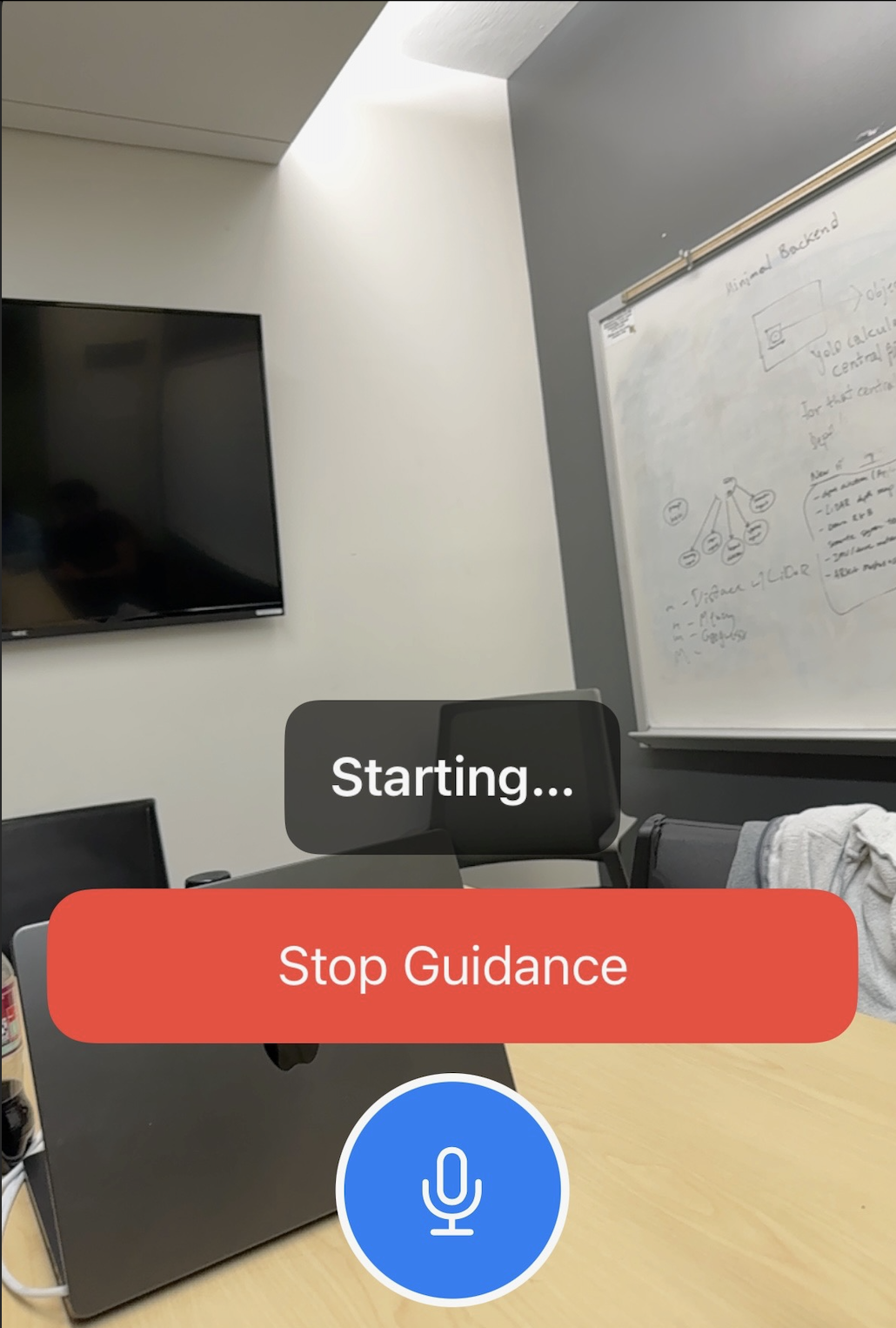
Once the user clicks Start Guidance and receives periodic visual cues like people seating in front of you, there is a glass door etc
-
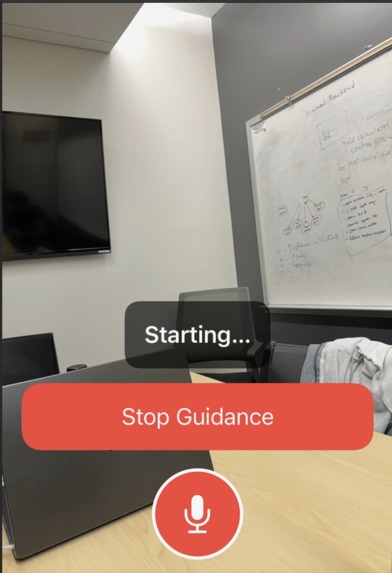
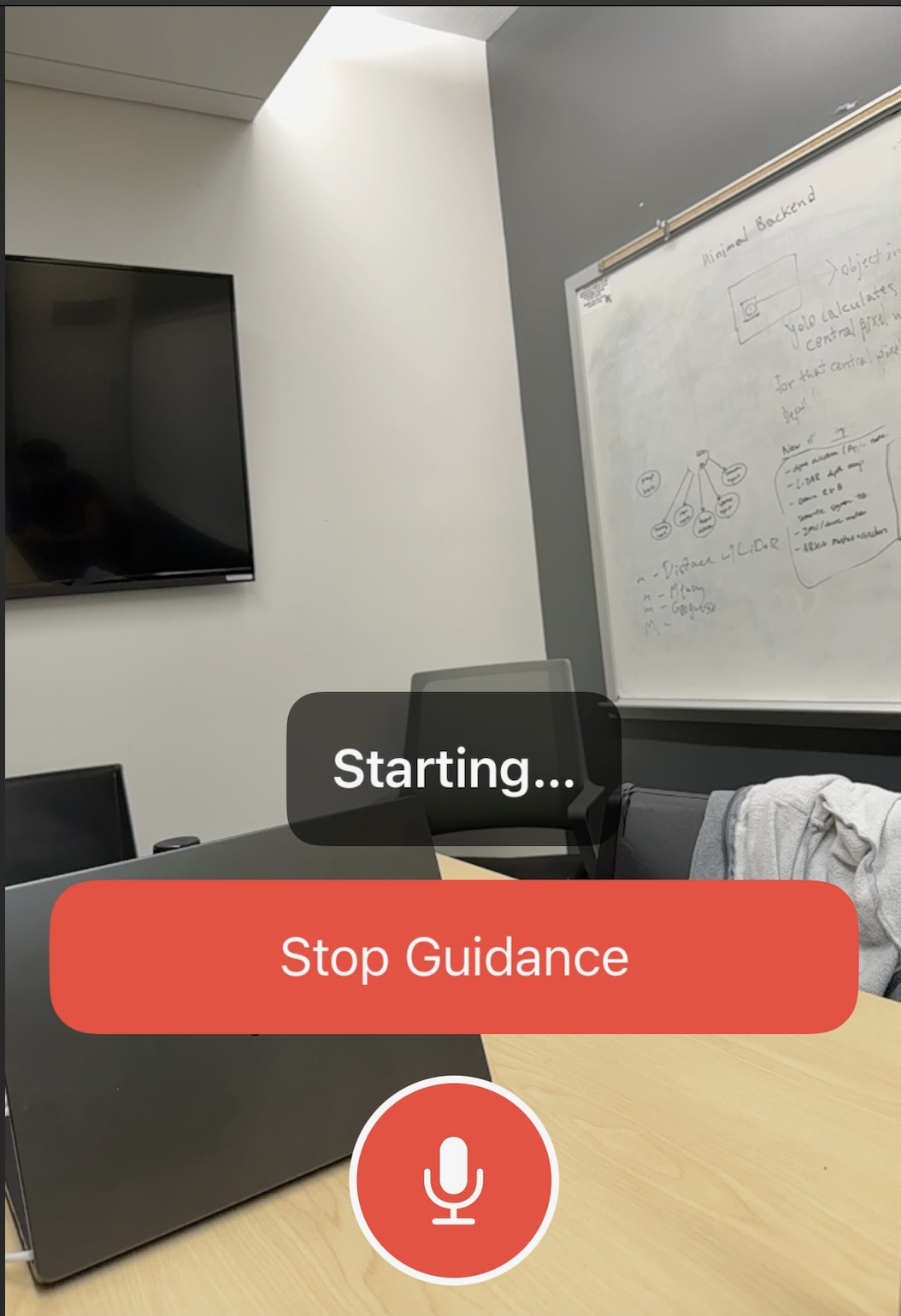
The user begins recording the voice input to receive more customized feedback of the surrounding
-
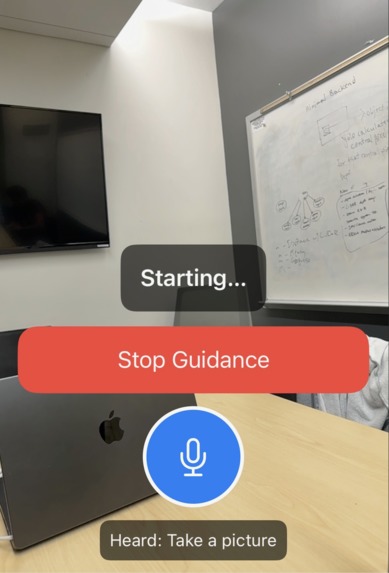
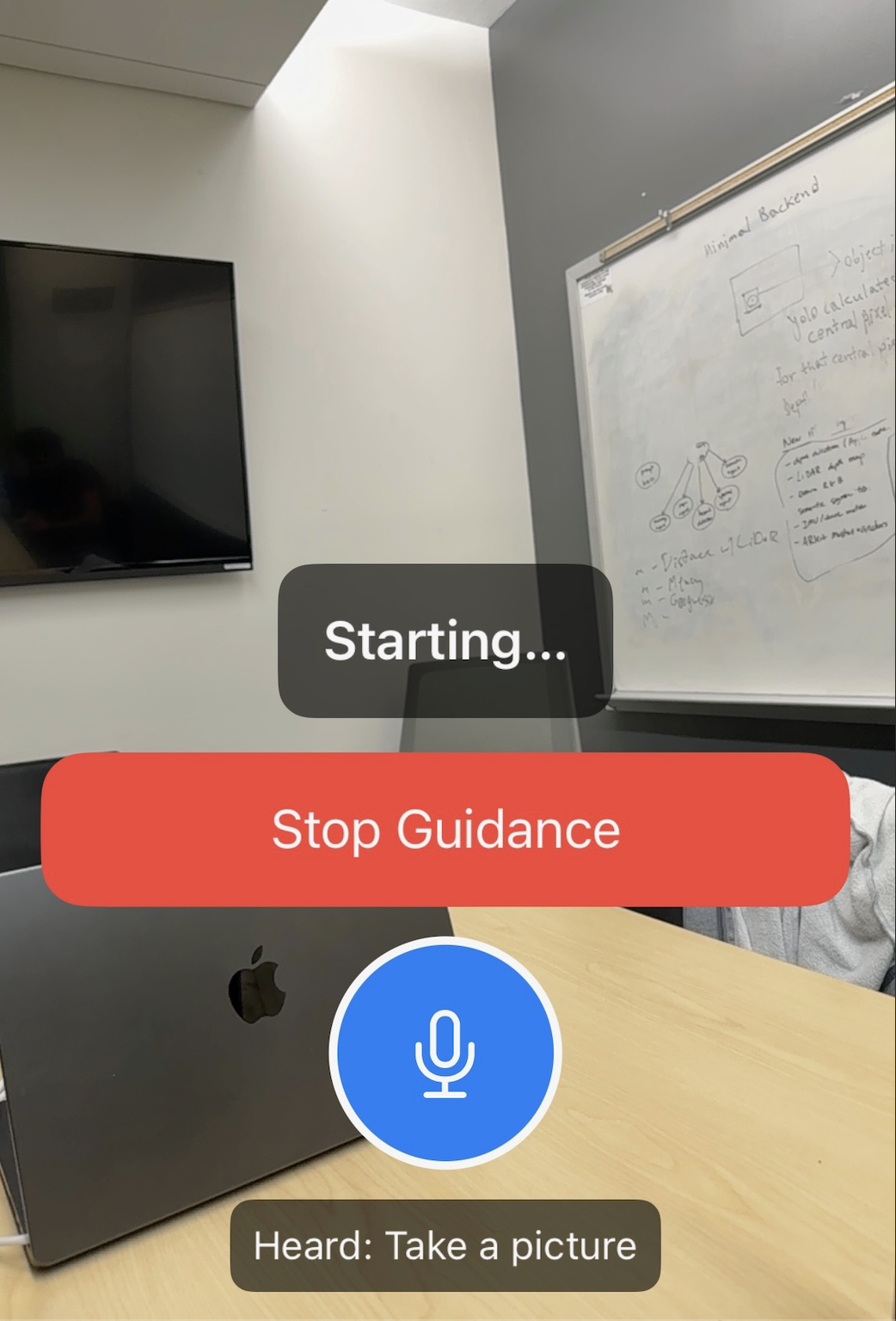
The app takes the speech and processes it using the agentic framework providing the output via sound to the user
Inspiration
One of our team member's friend has been nearly fully blind since birth, and has been recently expressing and stressing about a tool that could help him navigate in a way that could be easier for him, and wouldn't involve any physical tools, making it easier for him to commute daily within the city, indoors and in other locations. As a result, we came up with the idea of Pathfindr.
What it does
PathFindr focuses on developing an easy way for people with low or complete absence of vision to navigate in tight indoor spaces, or help develop accurate descriptions on where the user is outdoors. If a user with vision constraints utilizes the apps to navigate out of a room, PathFindr guides the user step-by-step with relatively accurate distances to the nearest obstacles in the pathway of the user's motion direction. Additionally, another way Pathfindr provides further accessibility is with use of haptic informing, particularly by transmitting vibrations when the user gets close to any potential obstacles. There are two central modes within the app. When the user does not provide any prompt, the application gives a general navigation in order to assist the user to effectively avoid obstacles. When the user does provide a prompt, the application additionally makes use of the "LLM memory". In both cases, the ADK assigns the relevant agents accordingly, and then returns an output which is displayed on the application's Swift frontend.
How we built it
Pathfindr is built around a multimodal architecture that combines on-device sensing with a Gemini-powered multi-agent backend. Using the iPhone’s built-in LiDAR and camera via ARKit, we continuously capture depth and visual information to construct a 3D understanding of the user’s surroundings and extract key features such as object positions, distances, and angles, which forms the environment context. On top of this, we integrate the Gemini API for object detection and semantic understanding, and the processed features are bundled into a structured JSON payload and sent via a RESTful JSON API (HTTP POST) from the Swift frontend to a Flask backend. Flask acts as middleware and forwards this payload into our ADK (Agent Development Kit), which hosts five specialized Gemini-based agents: a Prompt Agent that interprets the user’s request (or absence of one) and prioritizes which agents should respond, a Hazard Detector Agent, that classifies obstacles as immediate risks based on LiDAR-derived distance and angle thresholds, an Image Agent for richer scene understanding, a Semantic Agent that generates high-level contextual descriptions, and a Narrator Agent that fuses all outputs into a single, concise, speech-ready message. This final text is then returned to the frontend for Apple text-to-speech, completing the loop from raw spatial data to adaptive, prioritized audio guidance aligned with the architecture shown.
Challenges we ran into
When developing, we first had to find a way to establish a connection between the backend and the frontend, we experienced a lot of latency errors and timeouts due to mismatched JSON schemas, specifically when developing the flask backend that acts as the middleware between the backend and the frontend. Additionally, when finding methods to establish objects with their names, we first made use of the yoloV11 computer vision model, which didn't work well for objects that aren't fully within the frame of the camera, leading to inaccuracies that would cause usability issues for users. Which is why we decided to implement ADK (Agent Development Kit) in the backend, and also incorporate gemini in the frontend for the no prompt version, where the user doesn't need to provide any prompt, and the app automatically acts and functions as a live navigator.
Accomplishments that we're proud of
The application successfully detects objects and measures accurate distances and successfully states them through the phone speaker that is audible to the user. It develops a spatial and visual understanding of the environment the user is in. The application also retains information from previous requests, which allows it to customize and tailor its outputs for more specific inputs provided by the user that is relevant to a prior interaction, and the ADK pulls the prior interaction from the firebase where the previous conversation is saved (the input from the user and the output from the gemini agents).
What we learned
We learned how to effectively coordinate multi agent systems with low latency, and how to work with spatial data (LiDAR and RGB) through the ARkit interface, and also how to incorporate it into applications and other application areas. Additionally, we also learned about the object detection techniques of the existing trained computer vision models, and how they train from each other. Aside from the technical knowledge, we also learned and effectively modelled the needs of blind people to develop an effective solution in the form of an iOS application.
What's next for PathFindr
Further integration of the app with other services that are relevant to navigation is the most effective way to expand and improve the product. The ideal product for the near future would be an application that effectively guides the user from an initial point which is where they are currently, to a point that the user wishes (inputs) to go to, and the application can guide the user effectively whilst preventing obstacles. The integration of google GPS tools would be very relevant to the future product in this instance, as well as agents that would incorporate memory in the long term, allowing for daily use of the application for fully autonomous navigation.


Log in or sign up for Devpost to join the conversation.