-
-
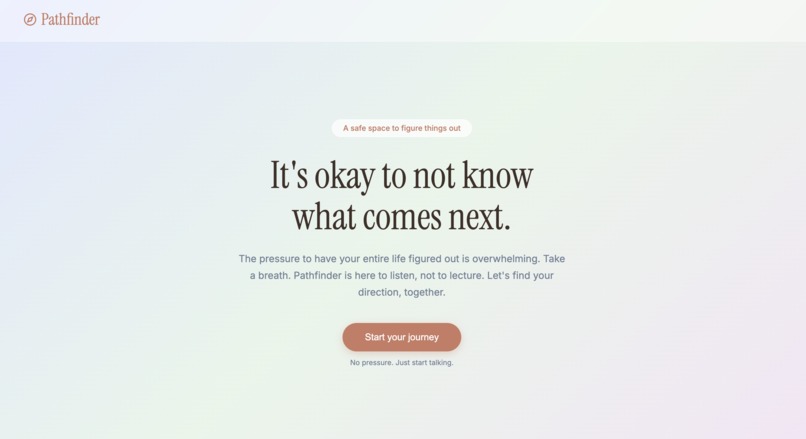
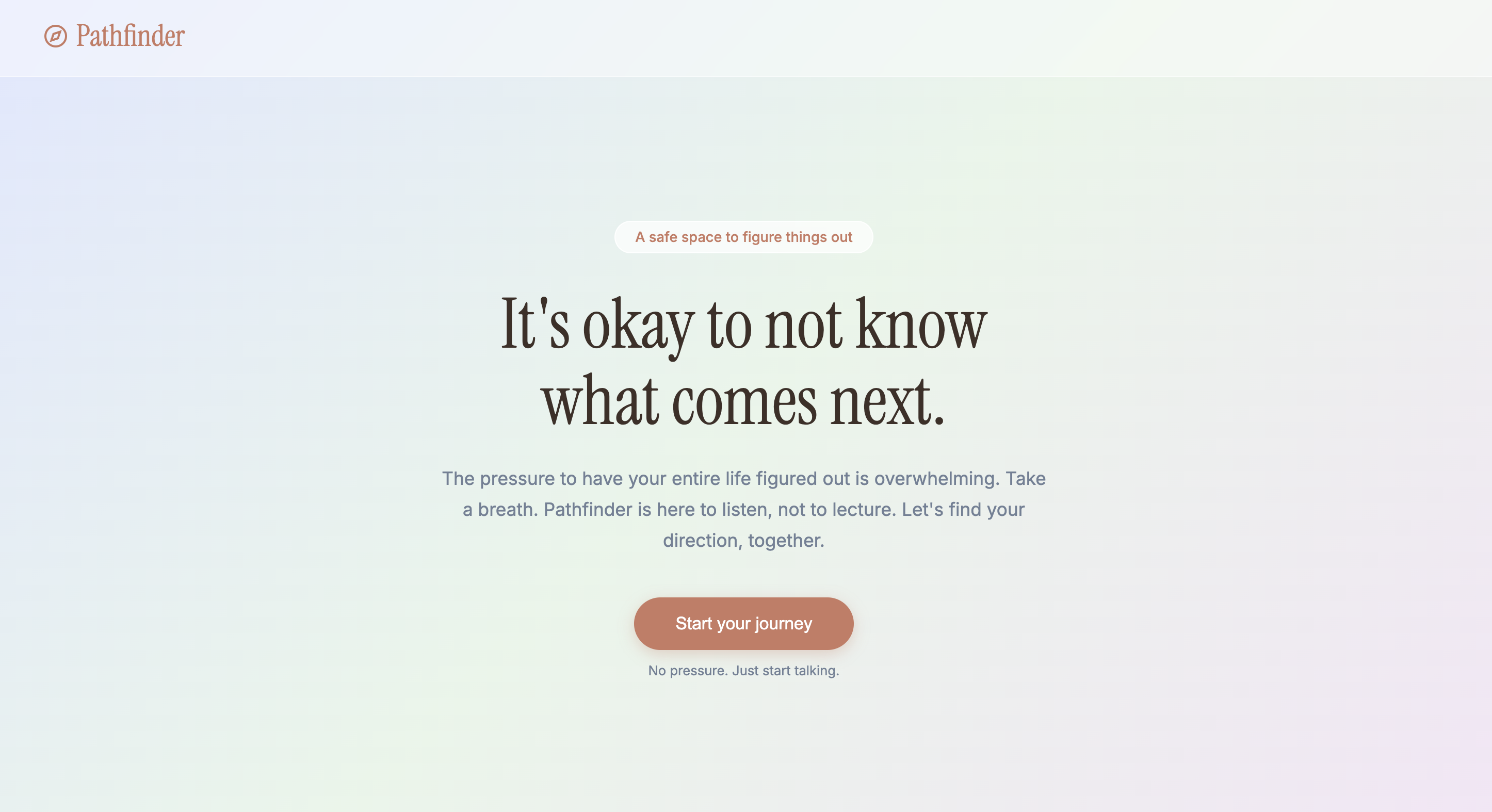
This is our landing page where the tagline/hero, sets the tone immediately.
-
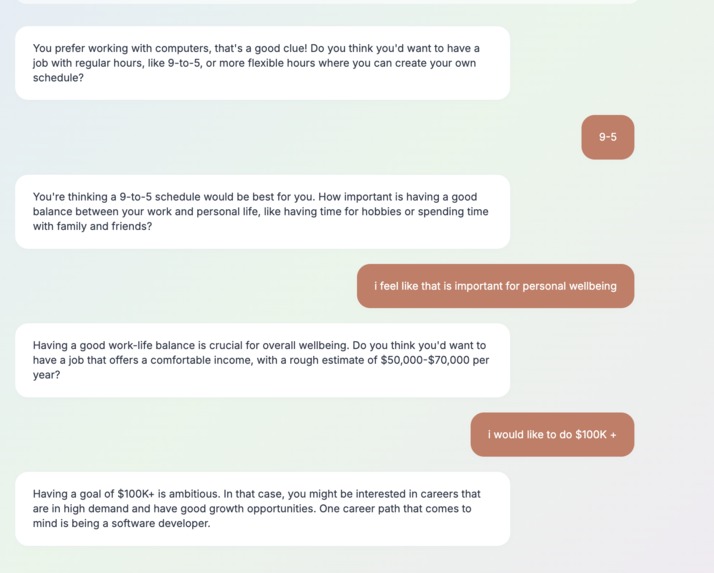
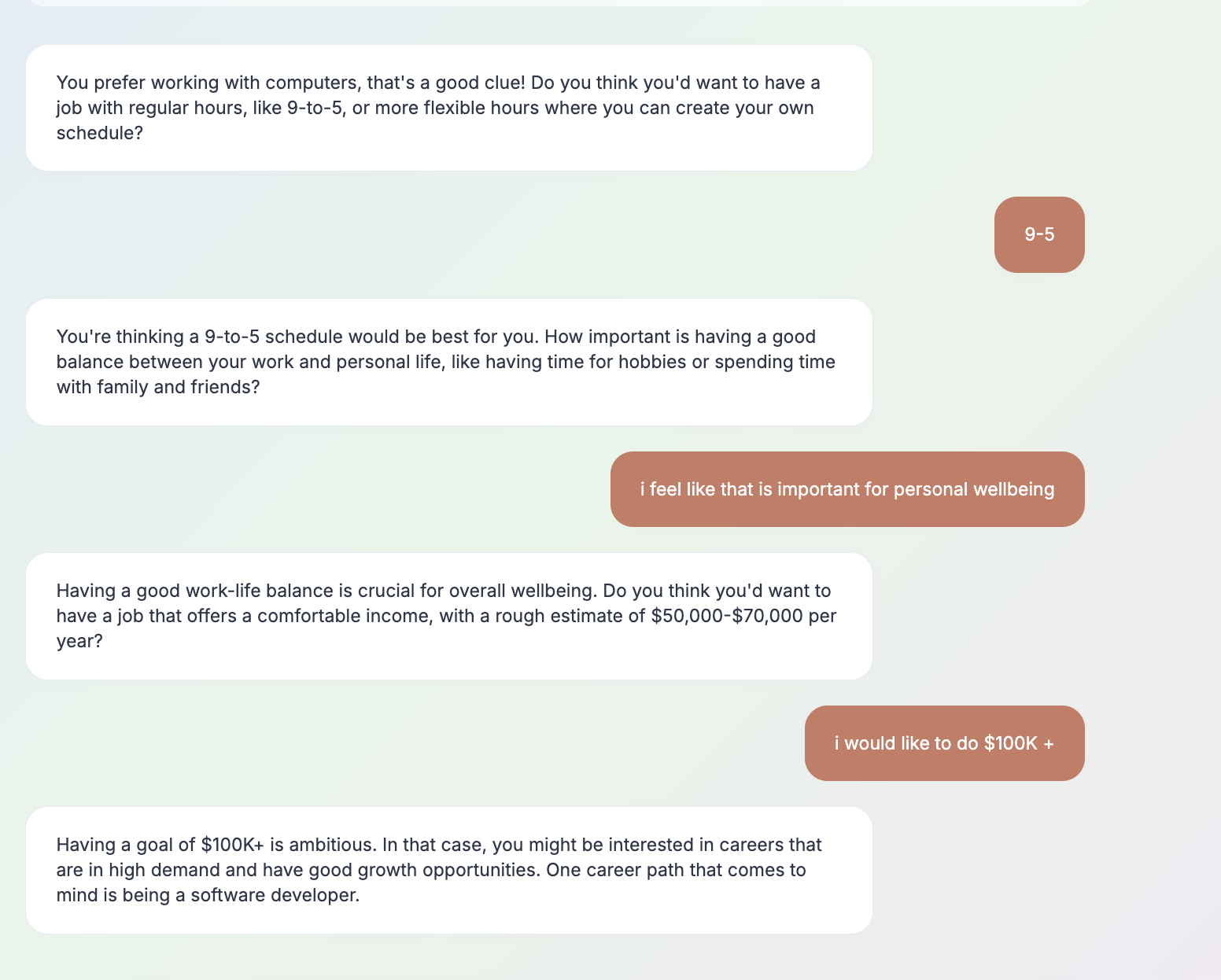
This is how our AI asks questions to know the person more in detail
-
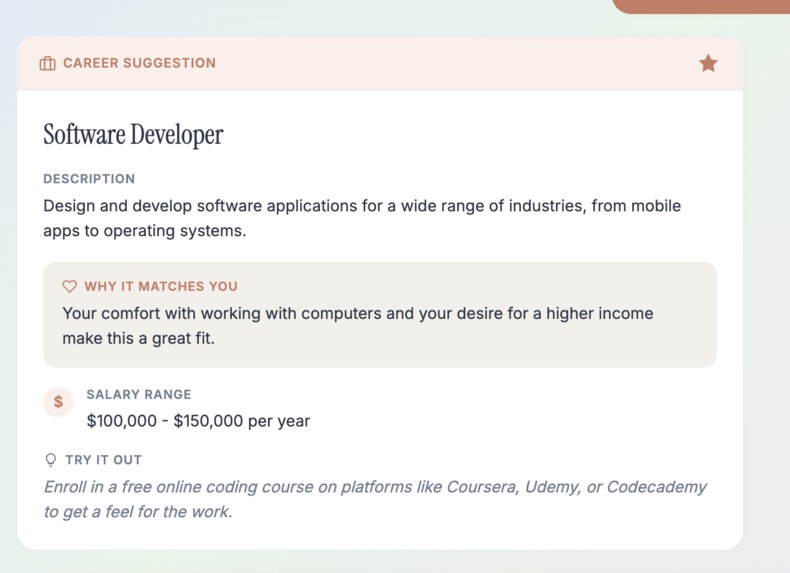
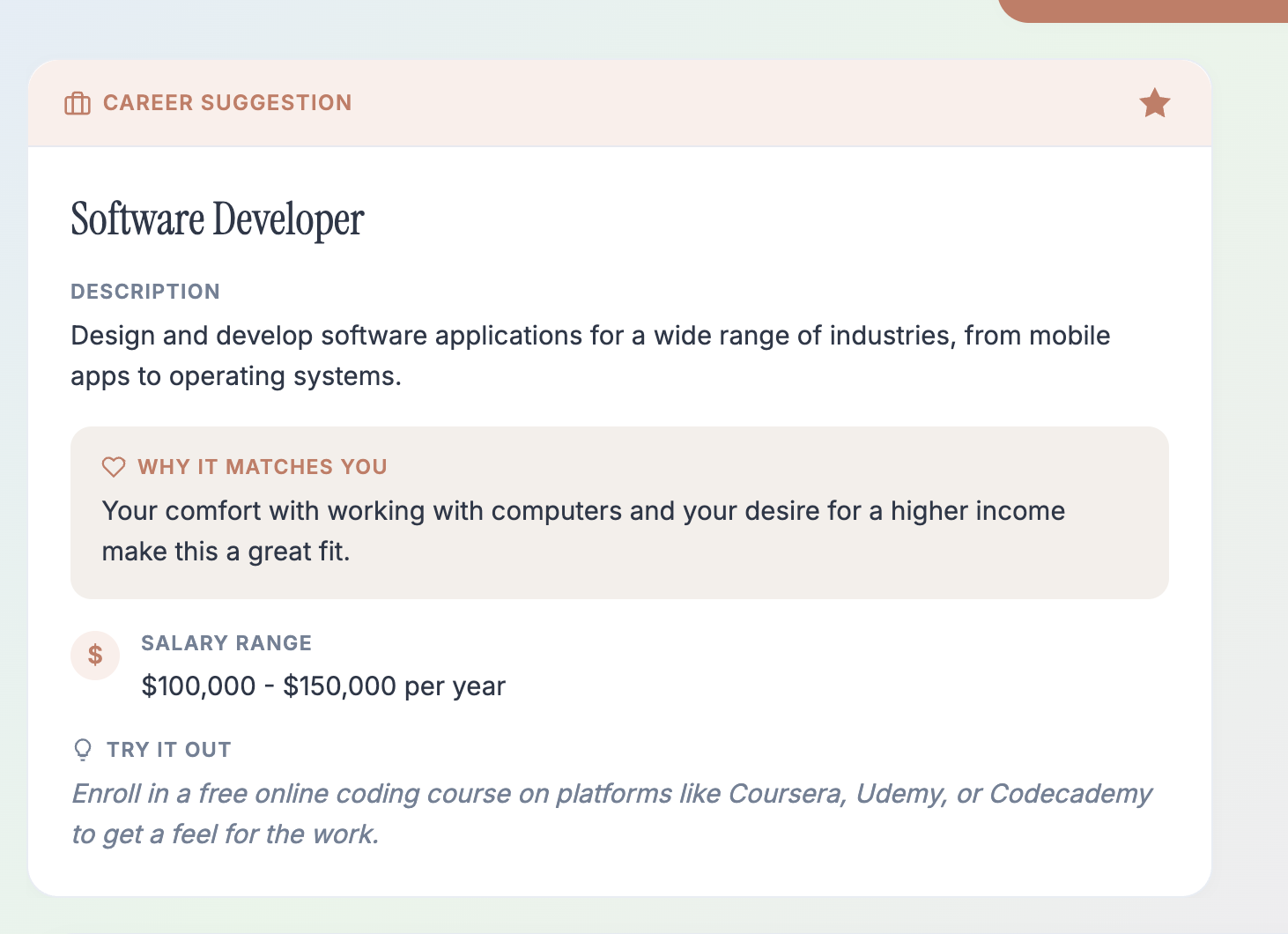
This is the career suggestion card where the AI suggests and provides a description of a career.
-
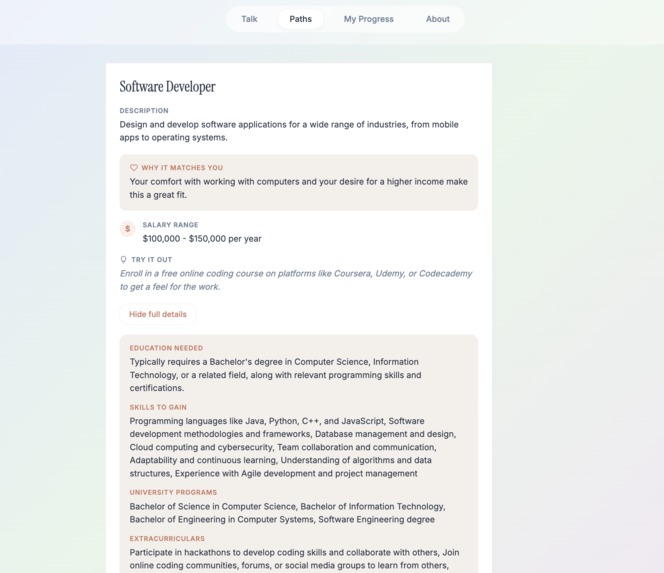
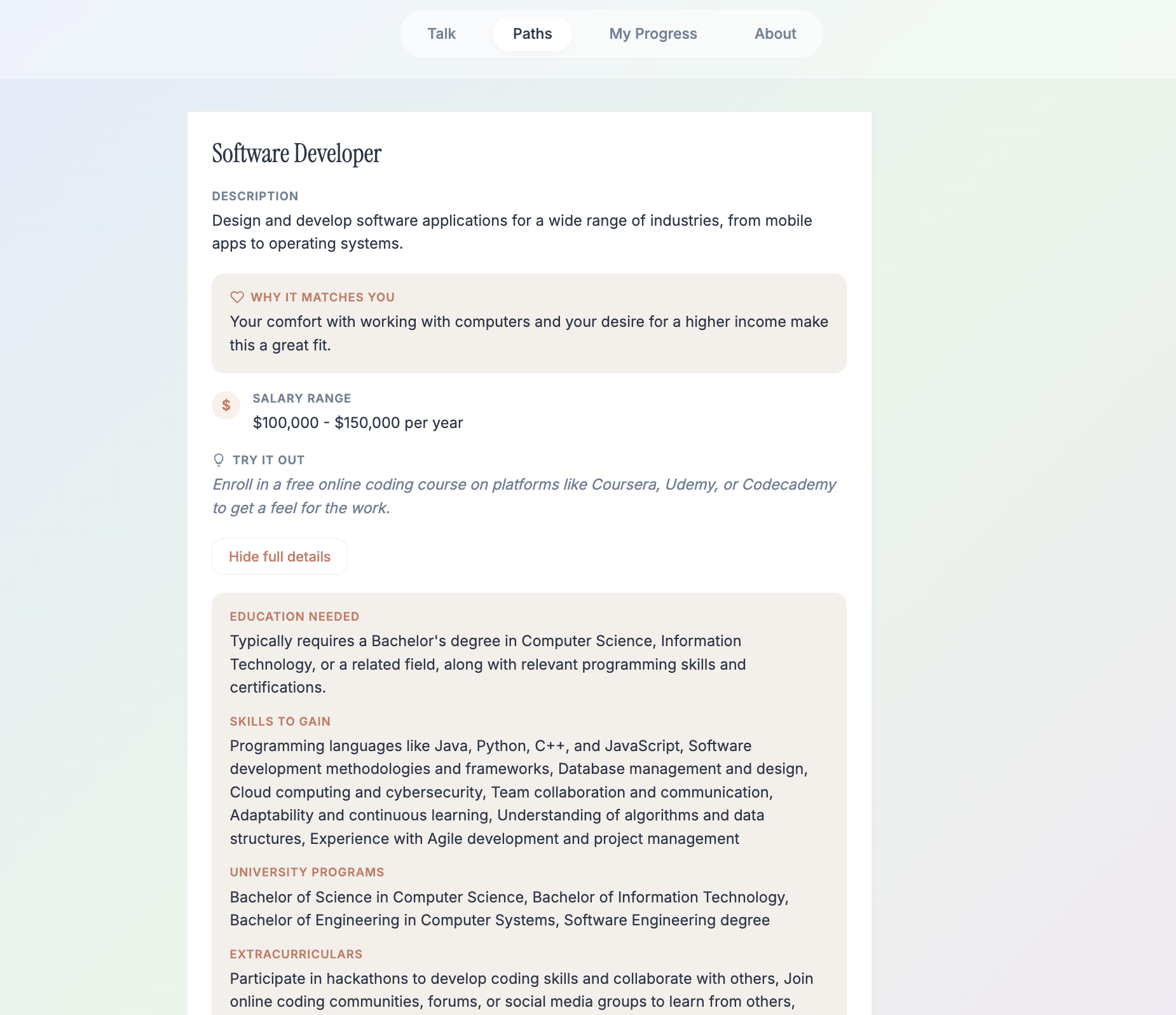
This is the Paths page where you can look at the saved career in detail.
-
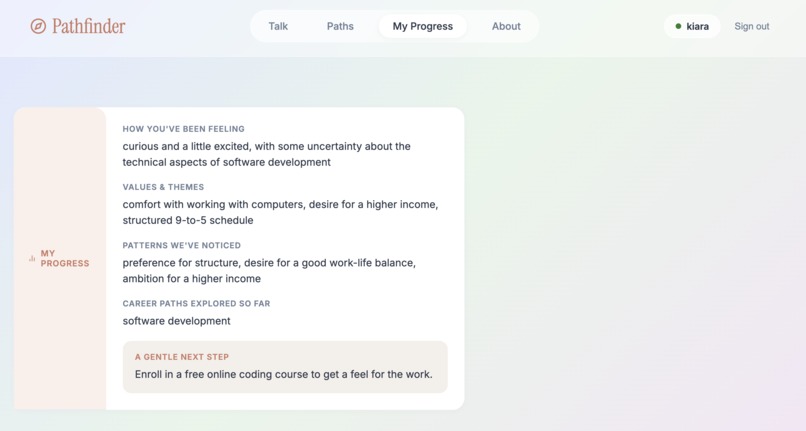
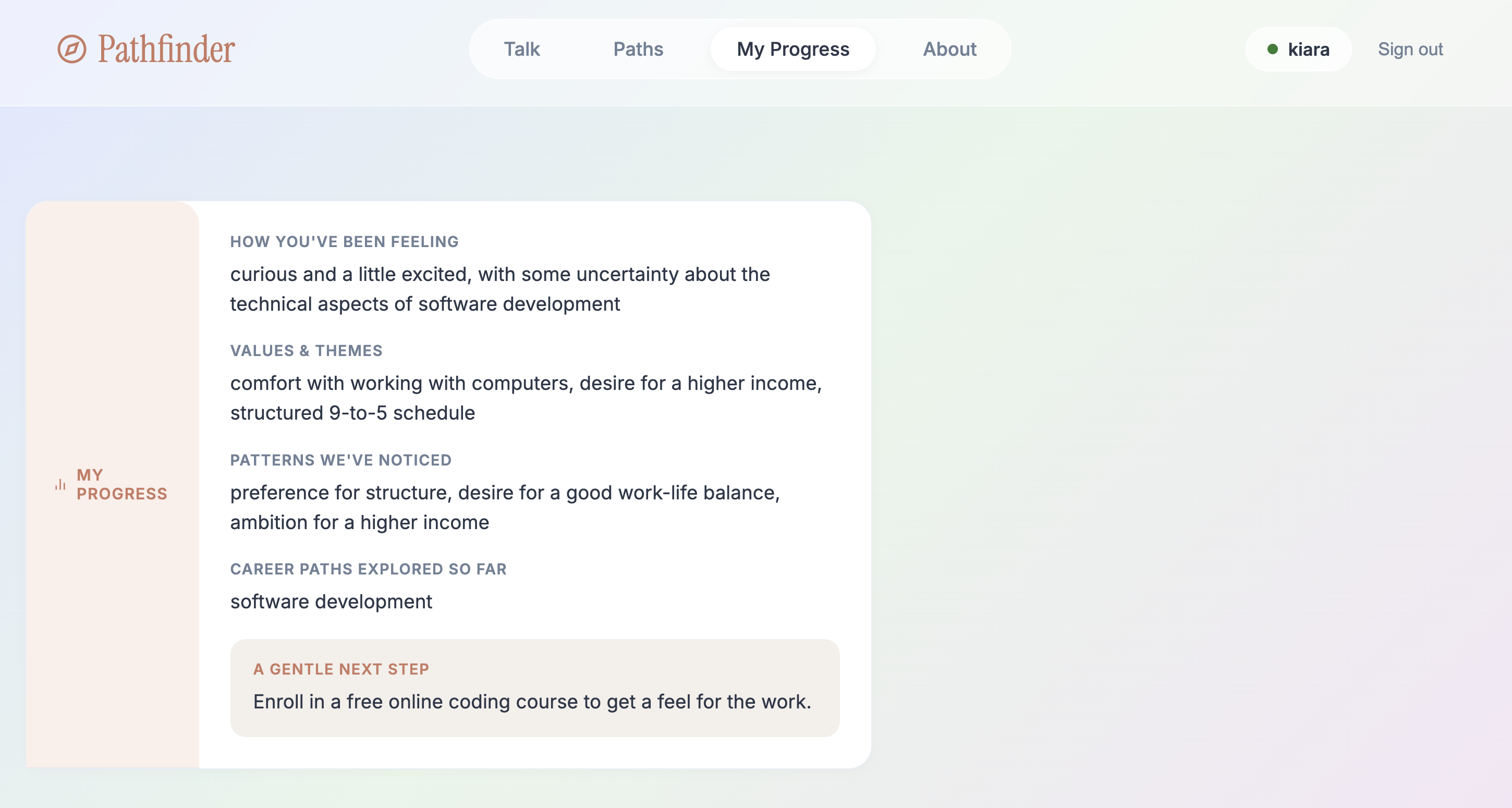
This is a reflective my progress page in which the AI shows the key qualities it saw in the person.
PathFinder
Created by: Kiara Sachdeva, Kavya Pandya, and Saumya Dugala
Inspiration
With so many new jobs opening up over the last decade, it has become quite difficult for high school students to accurately choose a career path that best fits their goals, interests, and skills. As a result, students are now noticeably more overwhelmed as they transition into work, as many of them enter fields that don't align with their personal values or abilities. Unfortunately, our team has also struggled with this issue for quite a while, and we wanted a solution. This is why we created Pathfinder, an AI website designed to help students discover their perfect career path after high school.
What It Does
Quick Overview: Pathfinder is an AI-powered website that helps high school students discover career paths that align best with their values, strengths, and interests.
How It Works: A student first logs onto Pathfinder. Then, they participate in a conversation with the AI, similar to a survey. Pathfinder asks small, specific questions about the student's interests, financial goals, and ideal work environment. At the end of the conversation, Pathfinder uses back-and-forth logic to recommend career paths that fit them, while factoring in the current job market to support the student's long-term success.
In addition, the website states why each career matches the student, helping them understand their ideal pathway. A student can also bookmark careers and access them later on the Saved Paths page to view detailed information, including:
- Required education
- Necessary skills
- Salary expectations
- Programs to pursue
Throughout the conversation, the AI is built to maintain a supportive, encouraging tone so students feel comfortable being vulnerable about their uncertainty. Our team also developed a built-in Progress Page that highlights patterns identified by Pathfinder during the conversation, helping ensure the recommendations stay accurate and grounded in what the student actually said.
How We Built It
We built PathFinder using a combination of front-end and back-end technologies.
Front-End
- HTML for the structure of the website
- CSS for styling and design
- JavaScript for interactivity and communication with the AI
- Firebase Client SDK for sign-in, kept consistent with the backend's auth verification
The front-end is what users see and interact with while using the website.
Back-End
- Python for handling the AI logic and application functionality
- Flask as the web framework
- SQLite via Flask-SQLAlchemy for the database
- Firebase Admin SDK for authorization/token verification
- python-dotenv for environment variables
- Groq AI API to generate intelligent, personalized responses
- Environment variables to securely store API keys and sensitive information
Platform / Infrastructure
- Local development via a Python virtual environment (
venv) - No cloud deployment configured yet — currently a local-only setup
Development Tools
- Visual Studio Code for coding and development
- GitHub for version control and team collaboration
The front-end and back-end were connected so that user responses could be processed by the AI and returned as personalized career recommendations.
Challenges We Ran Into
Some of our biggest technical challenges came from the backend.
Early on, folding the system prompt directly into the same messages list that got returned to and resent by the frontend caused it to duplicate every time the conversation grew. We fixed this by separating a clean transcript — the messages that are stored and returned — from a request-only payload, full_messages, which is built fresh on each call by prepending the system prompt. This kept the system prompt out of what gets persisted and sent back to the client.
A related challenge was figuring out when the AI should stop asking discovery questions and start suggesting careers. Our first attempt used a string check, requiring replies to start with "READY:" as a signal. That marker ended up leaking into what the user saw. Rather than patching around it, we redesigned the entire response contract around structured JSON output — each reply is either a "question" or a "suggestion" object — which made the signal explicit and eliminated the leaky marker text entirely.
We also struggled with:
- Connecting the front-end and back-end components of the project
- Learning how to work with APIs and securely manage API keys using environment variables
- Designing prompts that allowed the AI to ask meaningful questions and provide useful, accurate career recommendations
- Ensuring smooth communication between the website and the AI model, which required extensive testing and debugging
Accomplishments That We're Proud Of
- Successfully creating a fully functional AI-powered career guidance website
- Integrating the Groq AI API into our application
- Connecting the front-end and back-end so users could receive personalized recommendations
- Learning how to collaborate effectively using GitHub
- Creating a clean, user-friendly interface that helps students easily navigate and find careers they're genuinely interested in and capable of pursuing
What We Learned
Through this project, we learned:
- How APIs work and how to integrate them into a web application
- How front-end and back-end systems communicate
- The importance of environment variables for security
- How to use GitHub for collaborative software development
- How AI can be used to solve real-world problems and provide personalized user experiences
What's Next for PathFinder
- Add more detailed career information, including salary ranges, education requirements, and job outlooks
- Create personalized learning roadmaps for recommended careers
- Allow users to save their results and track their progress
- Improve the AI's accuracy by asking more detailed, targeted questions
- Add support for colleges, universities, apprenticeships, and certification programs related to recommended careers
- Develop a more advanced and polished user interface
Built With
python html css javascript groq-ai-api visual-studio-code github environment-variables
We chose to submit our project to Track 4, as our solution focuses on helping students make informed decisions about their future through technology and AI-driven guidance.
Contributions
Kiara Sachdeva — Team Leader, Back-End Developer
Led the team and coordinated the overall project direction and timeline. Built the Flask backend powering Pathfinder's AI logic, including the /career-advice, /career-details, /progress, and /save-career endpoints, and designed the structured JSON response contract that signals when the AI should ask questions versus suggest careers. Also led the Firebase integration, setting up Google sign-in and email magic links, and implemented backend token verification to securely identify users.
Kavya Pandya — Front-End Developer Designed and built the entire front-end experience, including the landing page, chat interface, career suggestion cards, saved paths view, and progress page. Handled connecting the front-end to the backend API and managing conversation state across the chat flow. Focused on making the UI feel warm and approachable rather than clinical, given the emotional nature of the topic.
Saumya Dugala — Writer, Tester, Supporter Tested the conversation flow end-to-end to ensure the AI's questions felt natural and its recommendations made sense, catching bugs and usability issues along the way. Wrote the project documentation and Devpost submission, translating the technical work into a clear, compelling story. Supported the team throughout development with feedback on tone, usability, and overall direction.
Built With
- css3
- env
- firebase
- flask
- github
- groq
- html5
- javascript
- python
- python-dotenv
- sqlite
- venv
- visual-studio


Log in or sign up for Devpost to join the conversation.