-
-
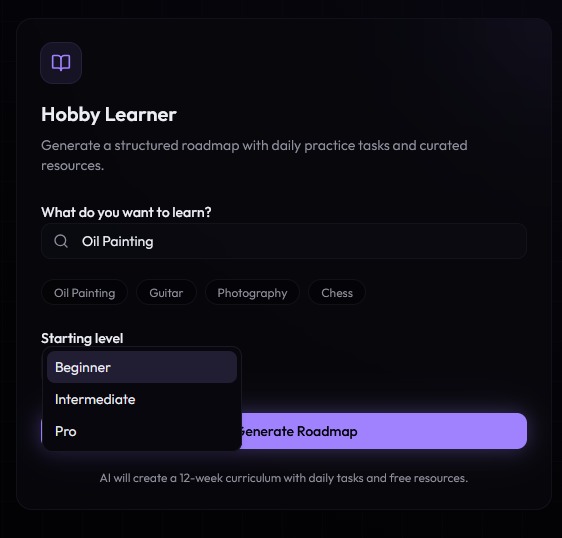
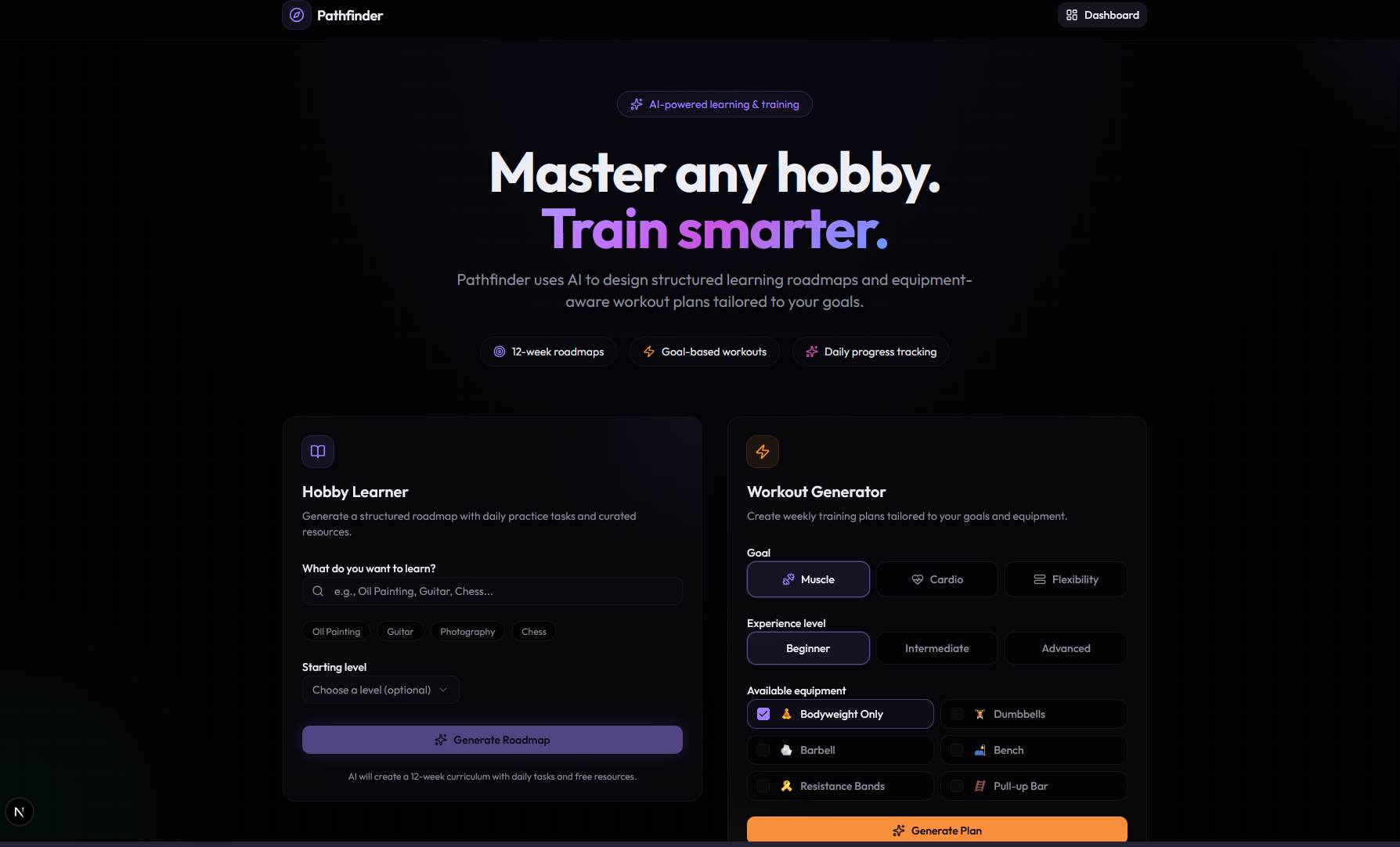
hobby selection ( also can create/search, i used oil painting as an example)
-
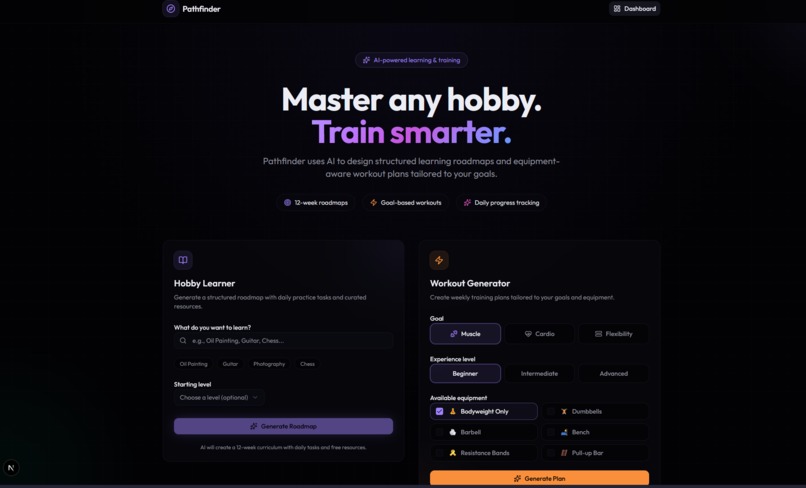
Main Page
-
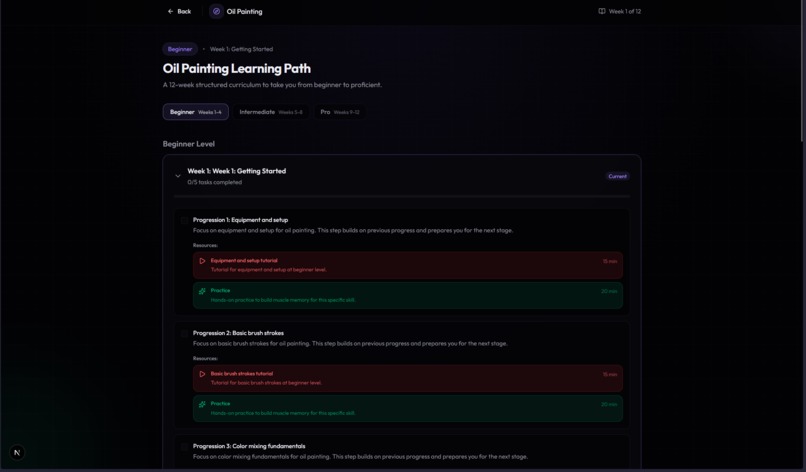
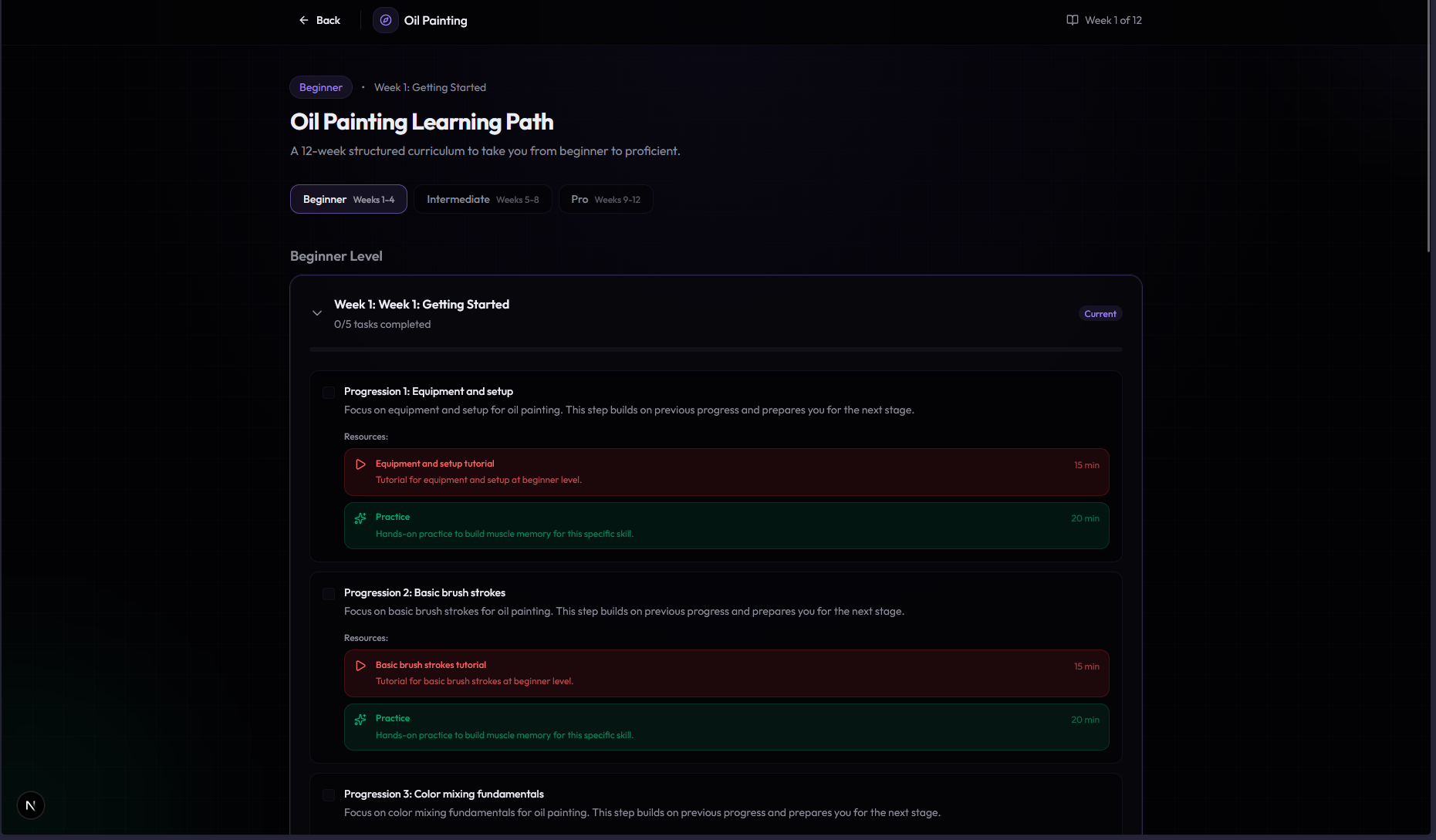
Actual hobby tracking page
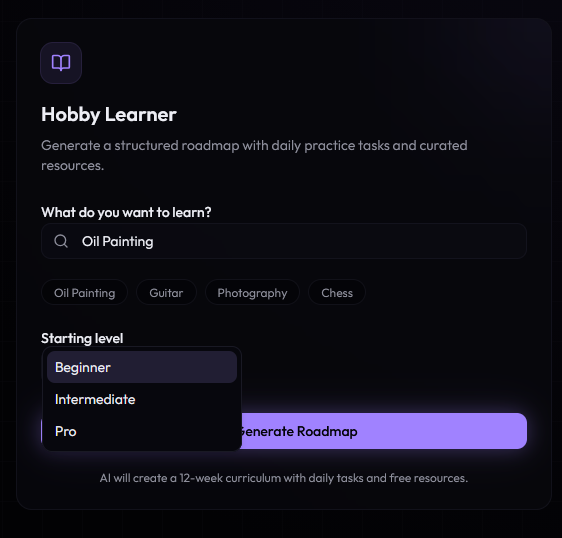
Inspiration
We've all been there: you want to learn something new, but the "where do I even start?" feeling stops you in your tracks. The light bulb moment for Pathfinder actually happened in a library when one of us mentioned wanting to try oil painting but felt totally lost on step one. That's when it clicked: it's not that the information doesn't exist, it's that there's no clear roadmap to follow. We drew inspiration from how athletes structure their training and even from a fun design detail on convertible pants with side zippers that reveal a surprise color underneath. That became our visual metaphor for how our roadmaps unfold layer by layer as you level up.
What it does
Pathfinder builds you a personalized multi-week plan based on where you're starting from. If you're diving into oil painting, you'll get a 12-week curriculum that takes you from "what's color mixing?" in week one to fancy glazing techniques by the end. Our automated resource finder hunts down specific YouTube tutorials and practice exercises for each daily task. No more scrolling through endless search results! You can track your progress and check off daily tasks without worrying about losing your place. On top of that, our built-in Gemini chatbot is there to answer any questions you have along the way. All you need is your Gemini API key, which you can plug in on the Settings page.
How we built it
We focused on creating a system that uses AI as a curriculum designer, one that knows how to ramp up difficulty naturally and progressively. We leveraged Cursor AI throughout the development process, which helped us build more efficiently and iterate quickly on our ideas. We set up data storage so users can seamlessly track their tasks daily. A key component was building the automated resource fetcher that finds relevant learning materials for every step of the journey. We also worked on coordinating different modules to create one unified dashboard that feels smooth and intuitive. We integrated Gemini as a chatbot to provide personalized guidance and answer user questions throughout their learning journey. Users simply input their Gemini API key on the Settings page to get started, keeping the setup quick and hassle-free.
Challenges we ran into
Turning the AI's information firehose into bite-sized, actually-doable daily tasks was harder than expected. One of our biggest hurdles was that the AI wasn't able to search YouTube effectively at first. It took a while to cut down and optimize its searching patterns so it could find the right video tutorials without overwhelming users or wasting time on irrelevant results. We had to keep our ambitions in check: our workout tracker is still finding its legs and isn't quite ready for prime time yet. Getting all the different pieces to play nicely together on one dashboard took some creative problem-solving to ensure the user experience felt seamless rather than clunky. Accomplishments that we're proud of We successfully created a system that generates customized learning paths spanning several weeks and scales difficulty from beginner to pro level. Our automated resource finder actually works, saving users from the dreaded research rabbit hole. We figured out how to use AI effectively as a curriculum designer and built a data management system that keeps track of user progress reliably. We also got the Gemini chatbot up and running, giving users a personalized assistant right inside the app. No complicated setup required, just drop in your API key on the Settings page. For a bunch of highschool students, we'd say thats pretty good.
What we learned
We learned how to leverage AI to act as a curriculum designer that scales difficulty progressively and intelligently. We also got hands-on experience with data storage architecture, figuring out how to manage user progress tracking in a way that's both reliable and user-friendly. Integrating the Gemini chatbot taught us a lot about working with external APIs and designing a smooth user experience around them. Perhaps most importantly, we learned the art of scope management and how to balance ambition with what's actually achievable.
What's next for Pathfinder - Hobby Tracking
We're working on fully implementing the workout tracker feature to complement the skill-learning roadmaps. We want to continue refining our YouTube search optimization to make resource discovery even more accurate and relevant. Beyond that, we're exploring ways to make the dashboard even more intuitive and looking at additional hobby categories to help even more people get past that initial "where do I start?" hurdle. We're also looking to expand on the Gemini chatbot's capabilities to make it an even more powerful learning companion. A major step forward will be moving from hosting on localhost to actually hosting it on a live website so users can access Pathfinder from anywhere.
Built With
- claude
- cursor.ai
- gemini
- typescript
- youtube


Log in or sign up for Devpost to join the conversation.