-
-
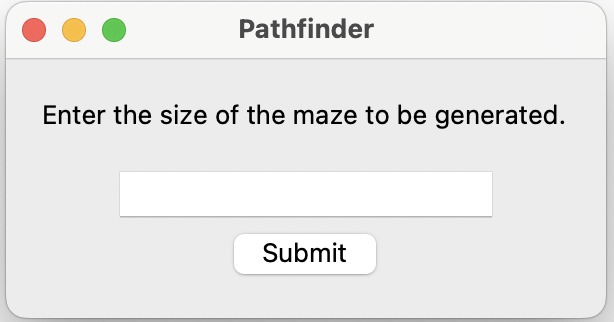
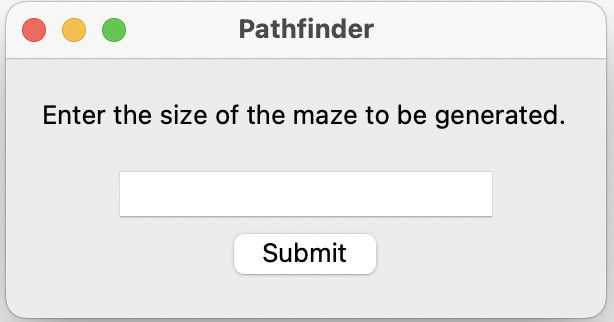
initial input screen for the user to enter the size of maze they want
-
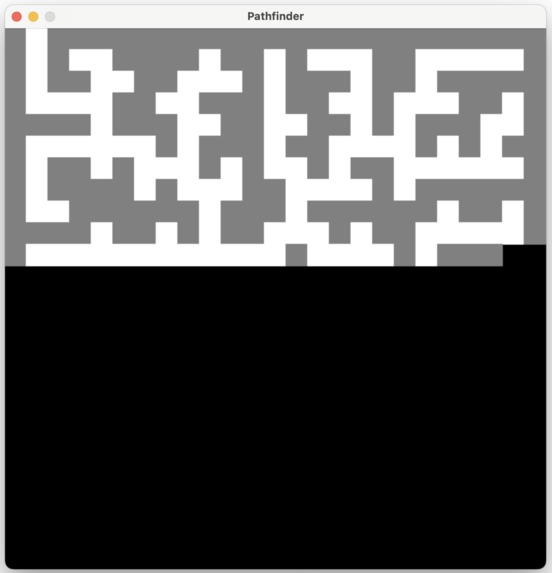
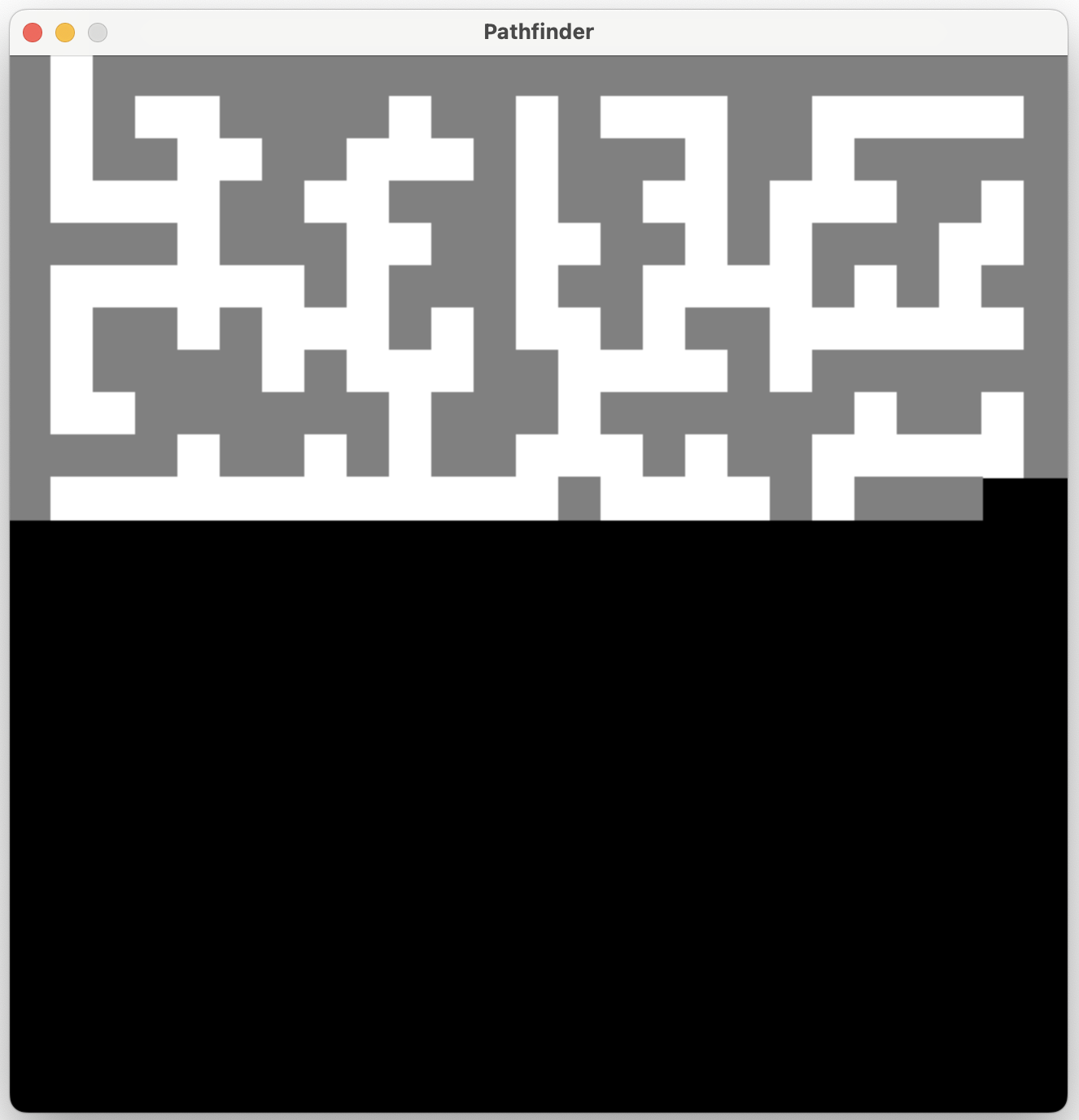
loading a maze as per the size given by the user
-
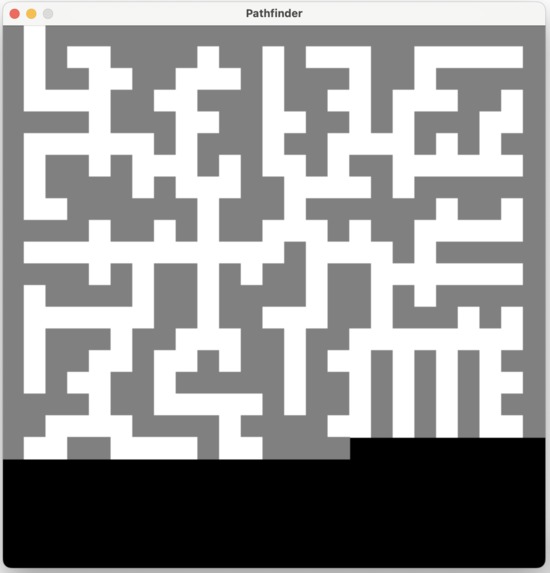
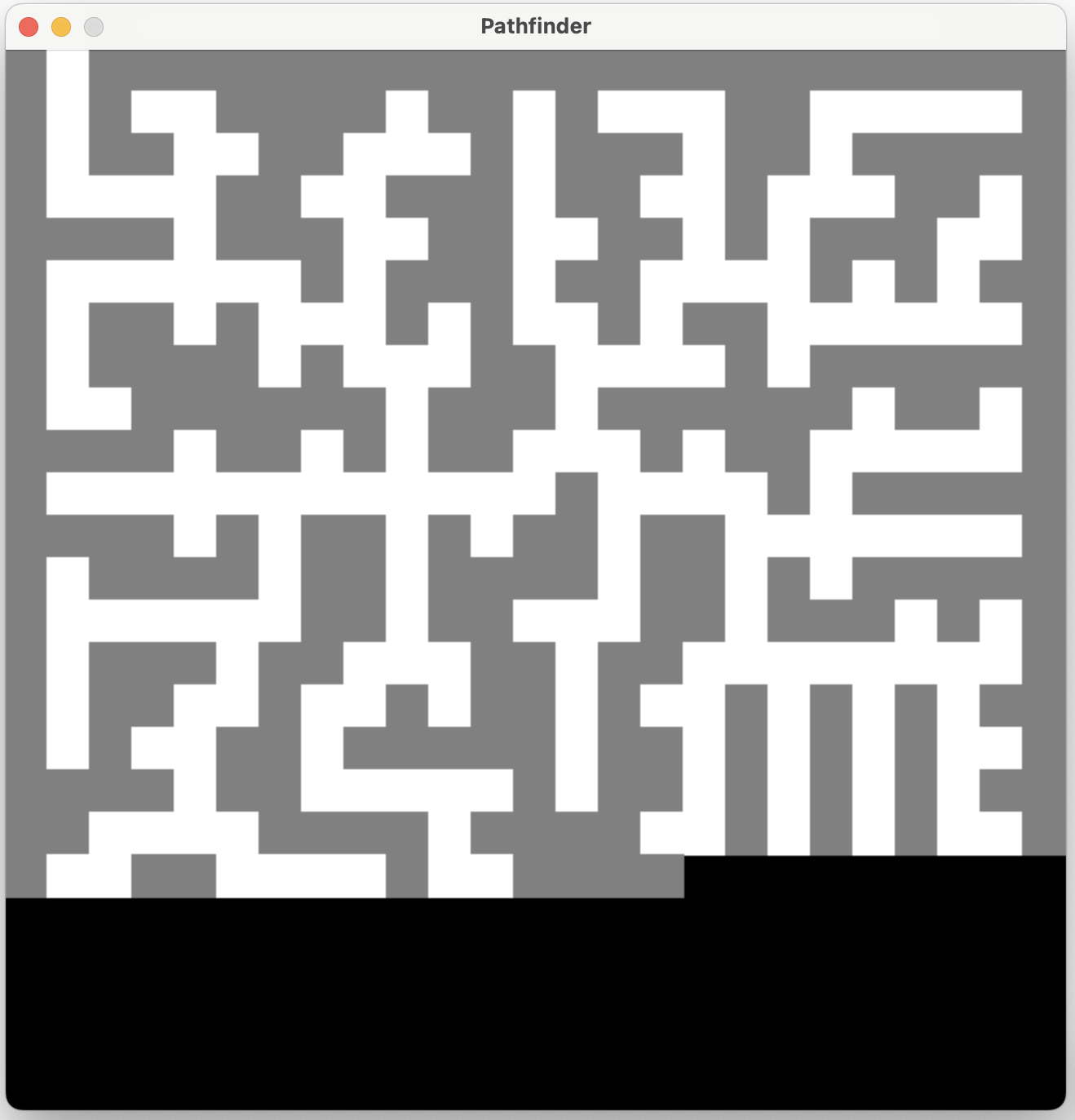
finishing up loading the maze
-
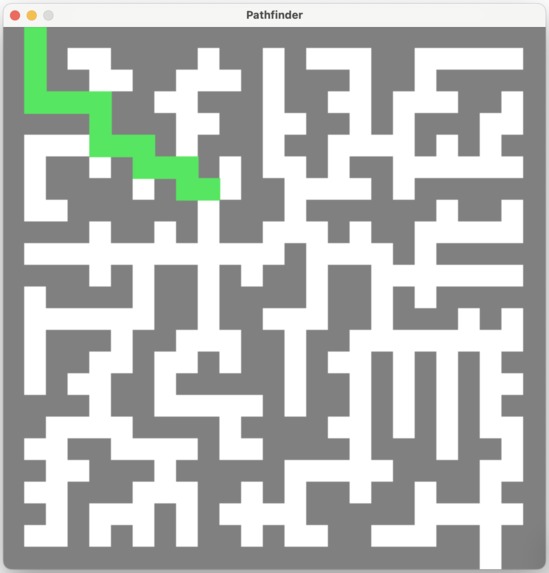
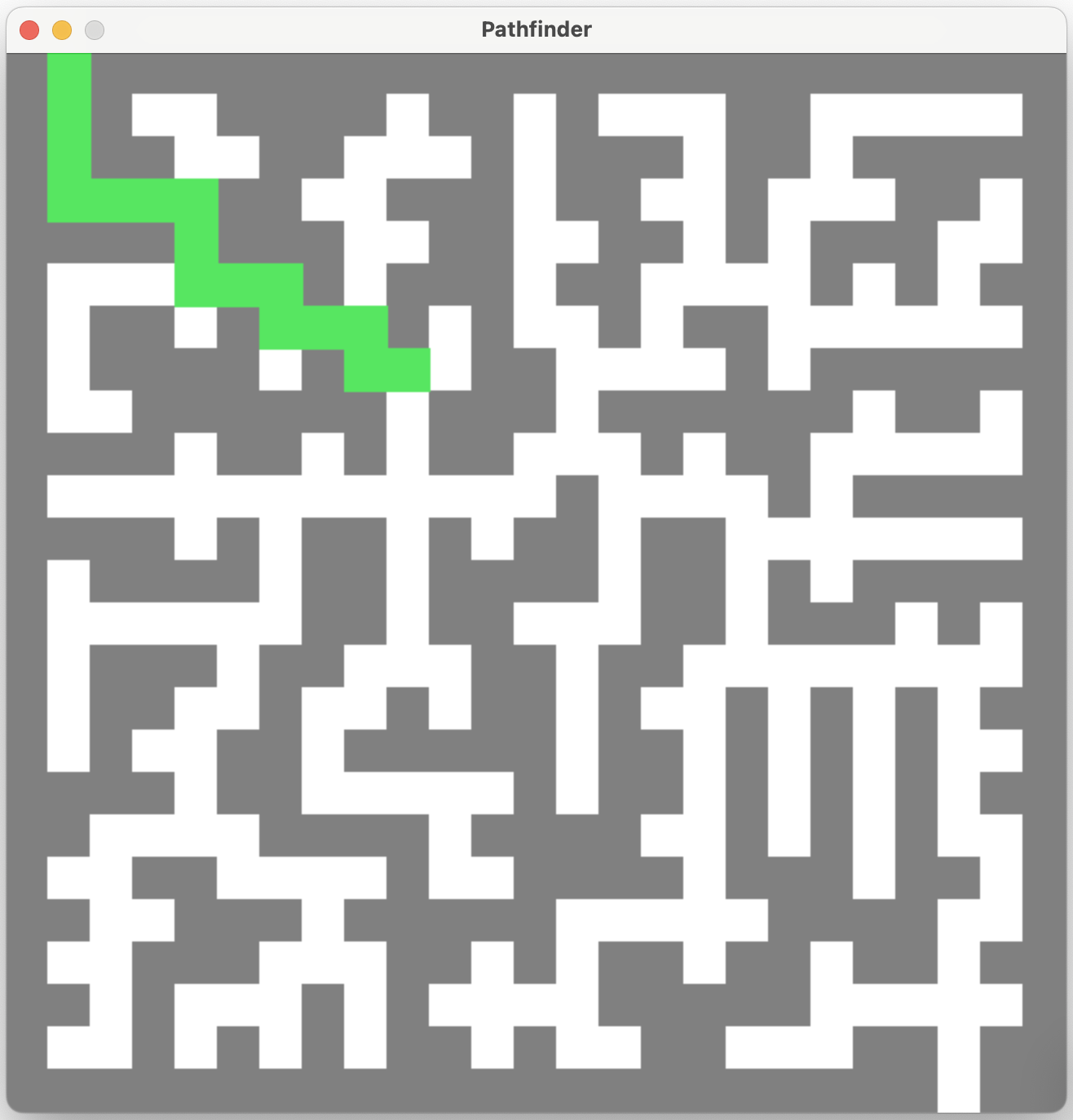
starts highlighting the path that the user should take
-
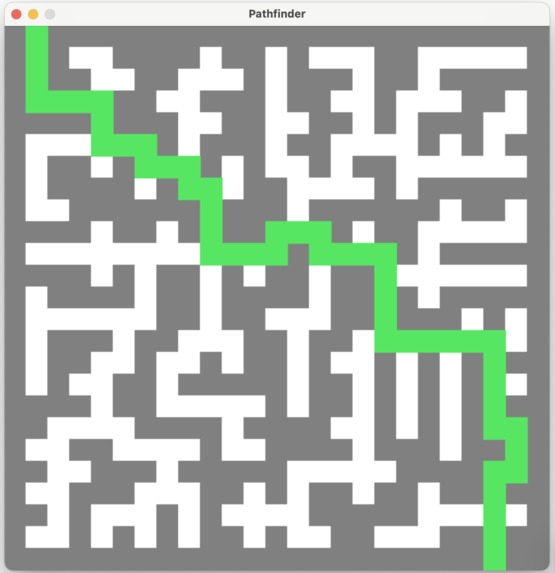
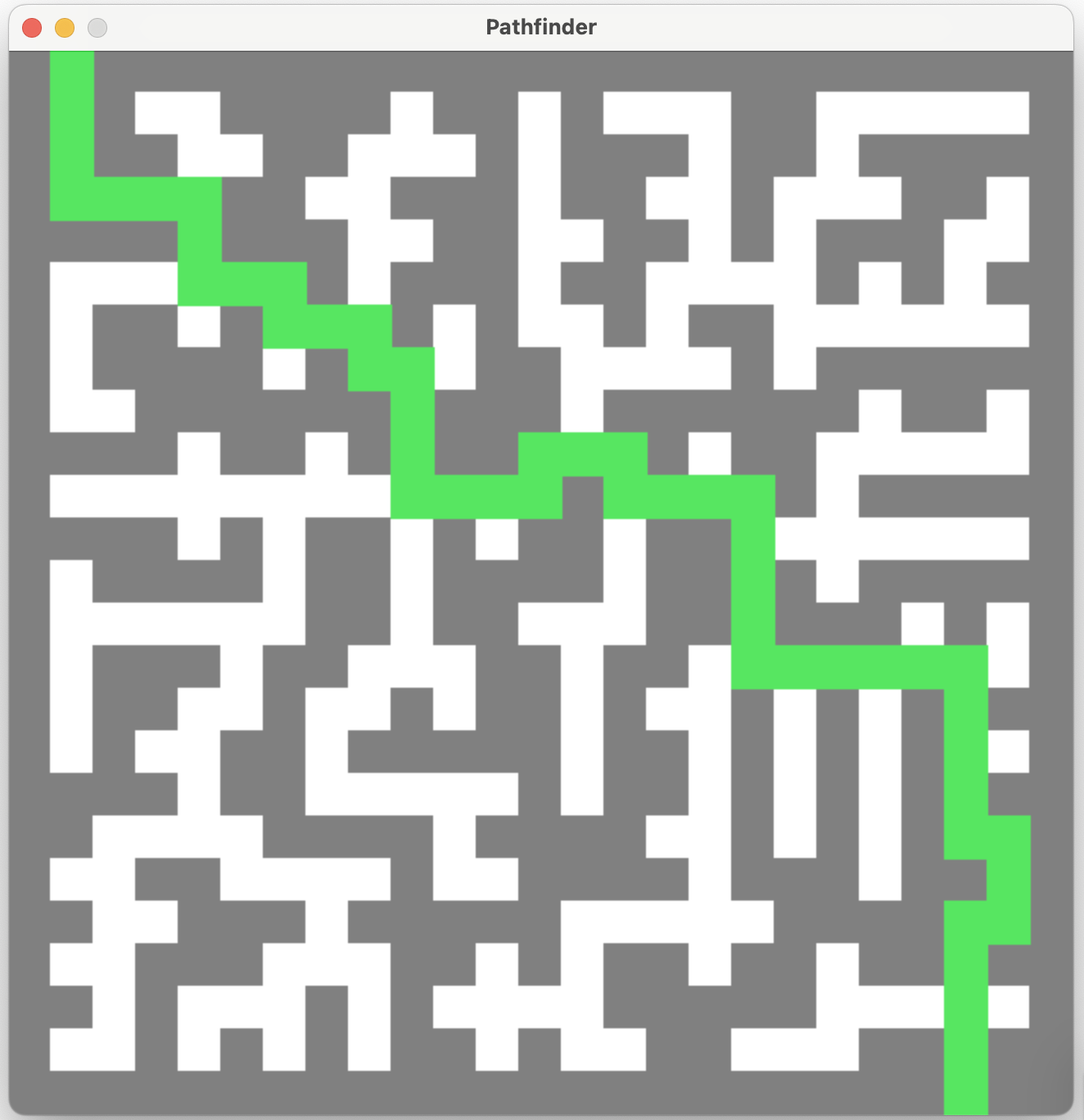
finishes showing path the user should take
Inspiration
I originally thought of an idea similar to this project while at school one day. I recall that day, getting lost in all of the hallways and just wishing there was a way for me to just have a way to tell where to go next to find the room I was looking for! The frustration that I felt then inspired me to try and create a maze-solver project :).
What it does
The project randomly generates a maze and then based on that randomly generated maze, draws it to the user using pygame. Note that the size of the maze is determined using user-input, which is done via a GUI window that precedes the pygame window. After drawing the maze to the user, it then finds the path from the beginning of the maze to the end using the depth-first-search algorithm and a backtracking algorithm to find the order of steps taken to reach the end of the maze from the beginning. After finding this path, it then colors that path taken by the algorithm in the correct order, so as to emulate finding the correct path from beginning to end.
The video and images included in the gallery demonstrate how this works exactly for the interested reader :).
How we built it
This project was primarily written in python and tkinter and pygame were the two primary python libraries used in making this project! The main part of this project - the pathfinder itself - was built exclusively in pygame while the initial prompt for input was created with tkinter. Tkinter was chosen as a good library to use for the simple user-input prompt because of its simplicity and its ease of use while pygame was chosen for the second part of the project because of its versatility.
Challenges we ran into
One challenge that I faced quite a bit was to get the blocks to draw and show up properly on the pygame display. Although, fortunately, I was able to get it correct eventually, it took us quite a bit of trial and error to get it to function as I desire, something that I really thought was a good learning experience.
A major challenge faced was the maze-generation part of the project. Luckily enough, with the power of open source (attributions mentioned in GitHub repo), the maze-generation part of the project was successfully implemented. This was a major learning experience for me as open-source had always been a thing I thought about, but was never something that I had ever integrated into any of my hackathon submissions in the past. For this reason, I think this was probably my favorite challenge to have gotten past!
Another challenge that plagued the project near its final stages was the fact that it was becoming difficult to integrate the tkinter window with the pygame window so that they would follow each other in execution. It took a fair bit of code refactoring, but eventually, after many tense moments, it finally worked!
Accomplishments that we're proud of
- getting pygame to successfully deal with drawing and coloring a set of blocks on the screen
- neatly bundling the contents of this project into individual classes, meaning future use in an open-source environment is easy to do
- using open-source to our advantage, something which I've never really contemplated before

Log in or sign up for Devpost to join the conversation.