-
-
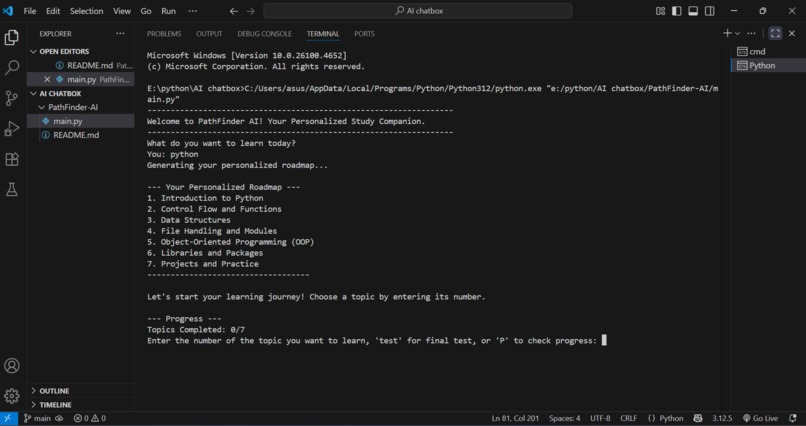
Welcome to PathFinder AI
-
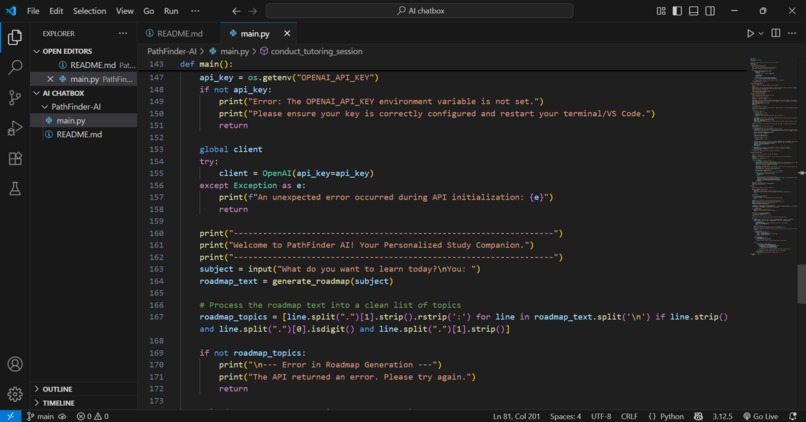
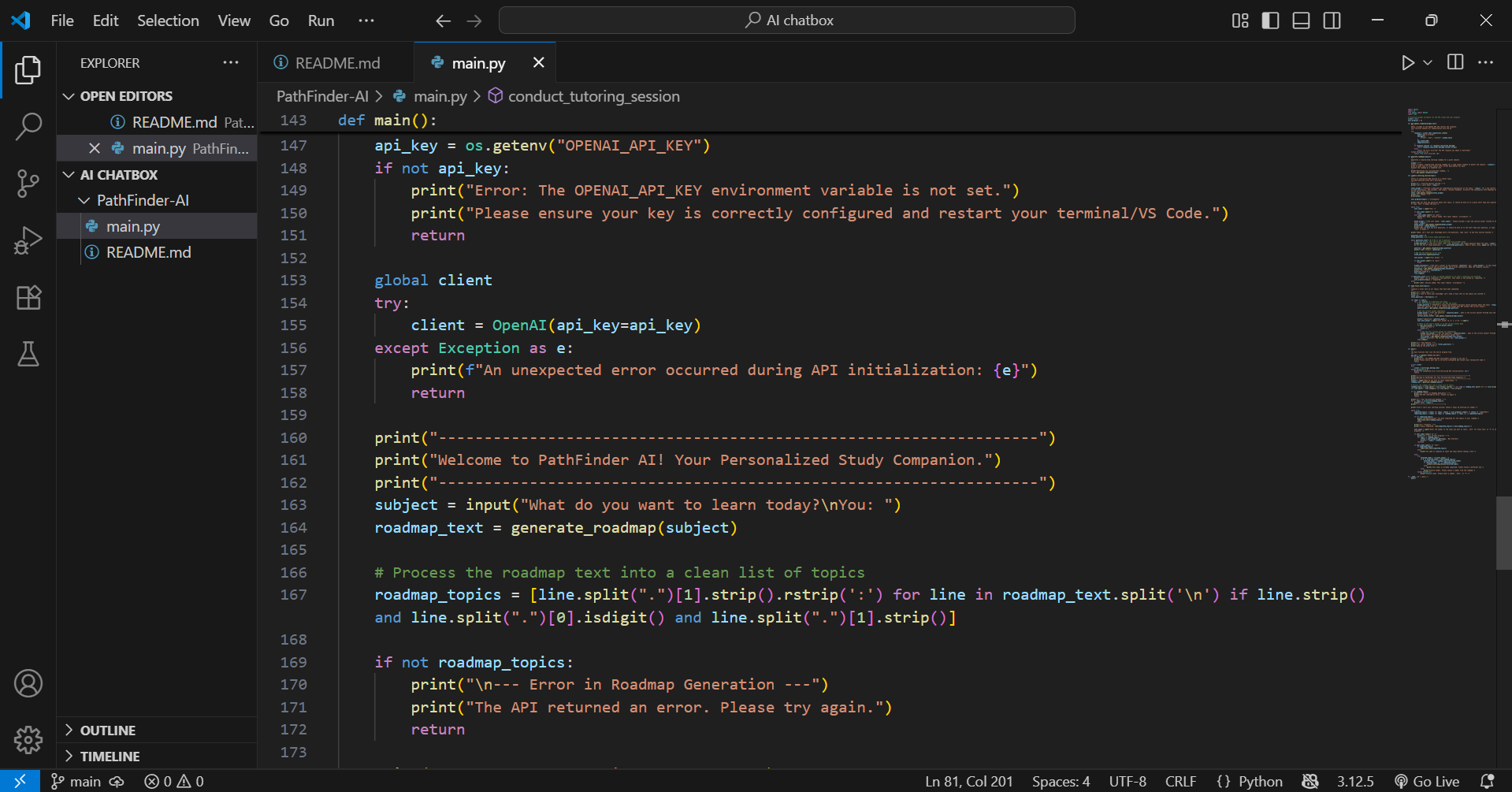
The main function that runs the entire program flow
-
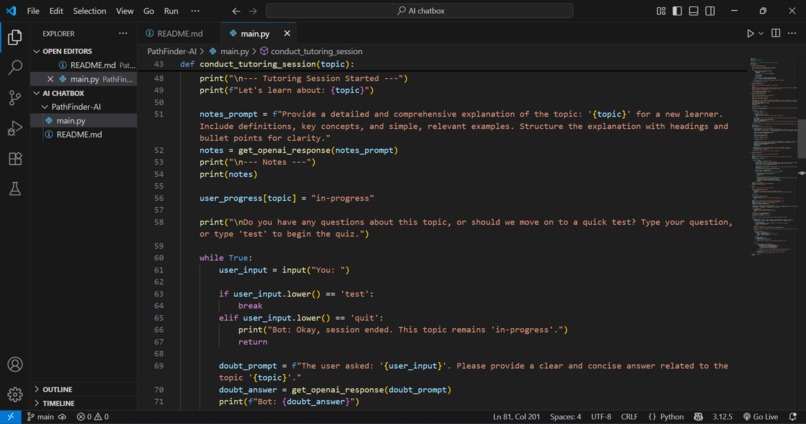
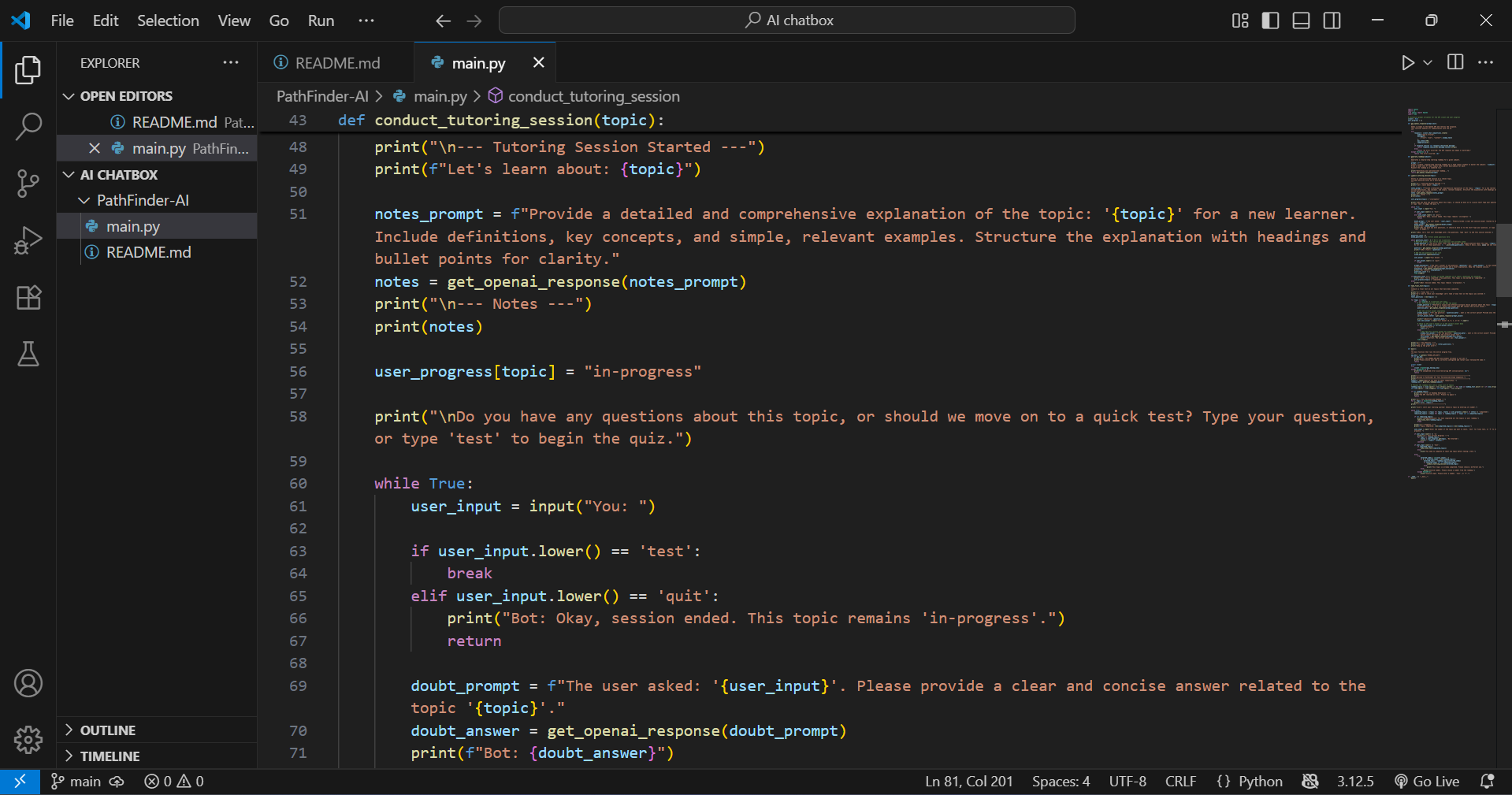
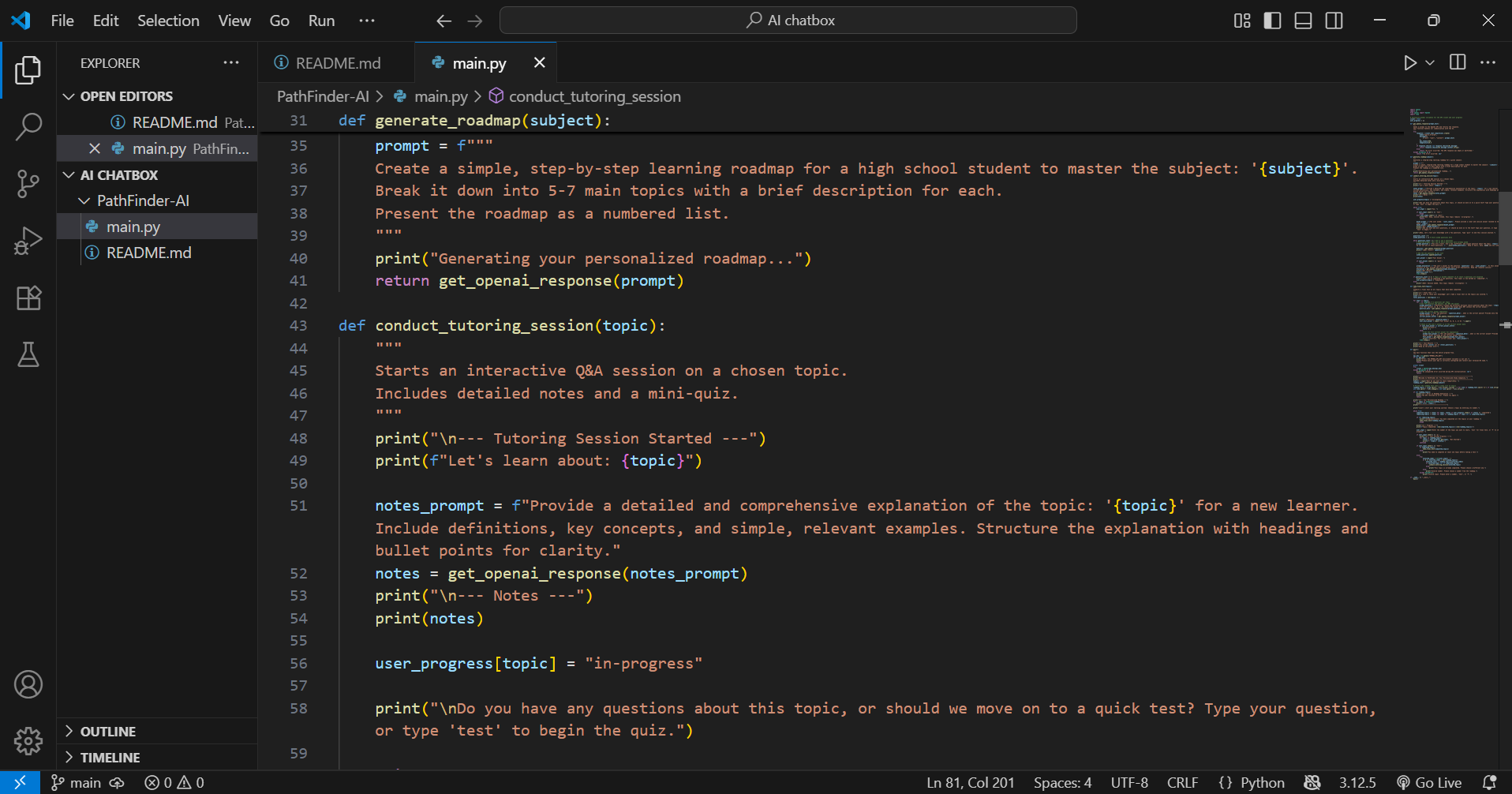
Starts an interactive Q&A session on a chosen topic, including detailed notes and a mini-quiz
-
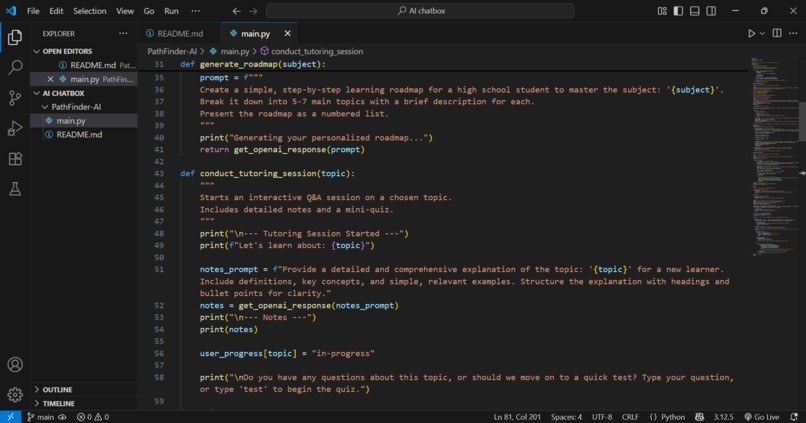
Generates a step-by-step learning roadmap for a given subject
-
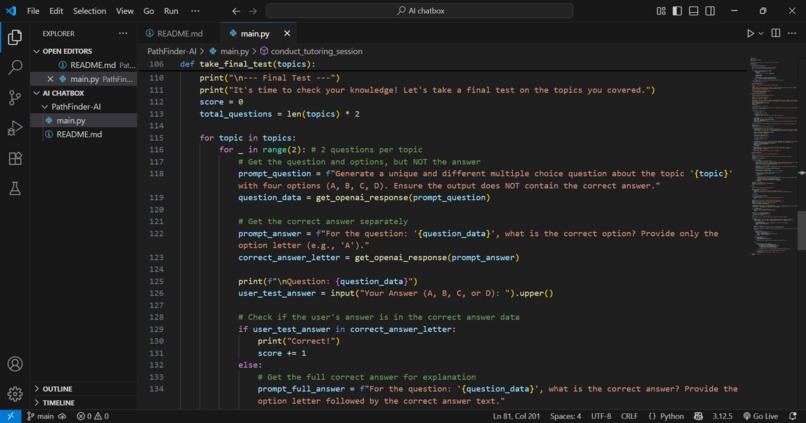
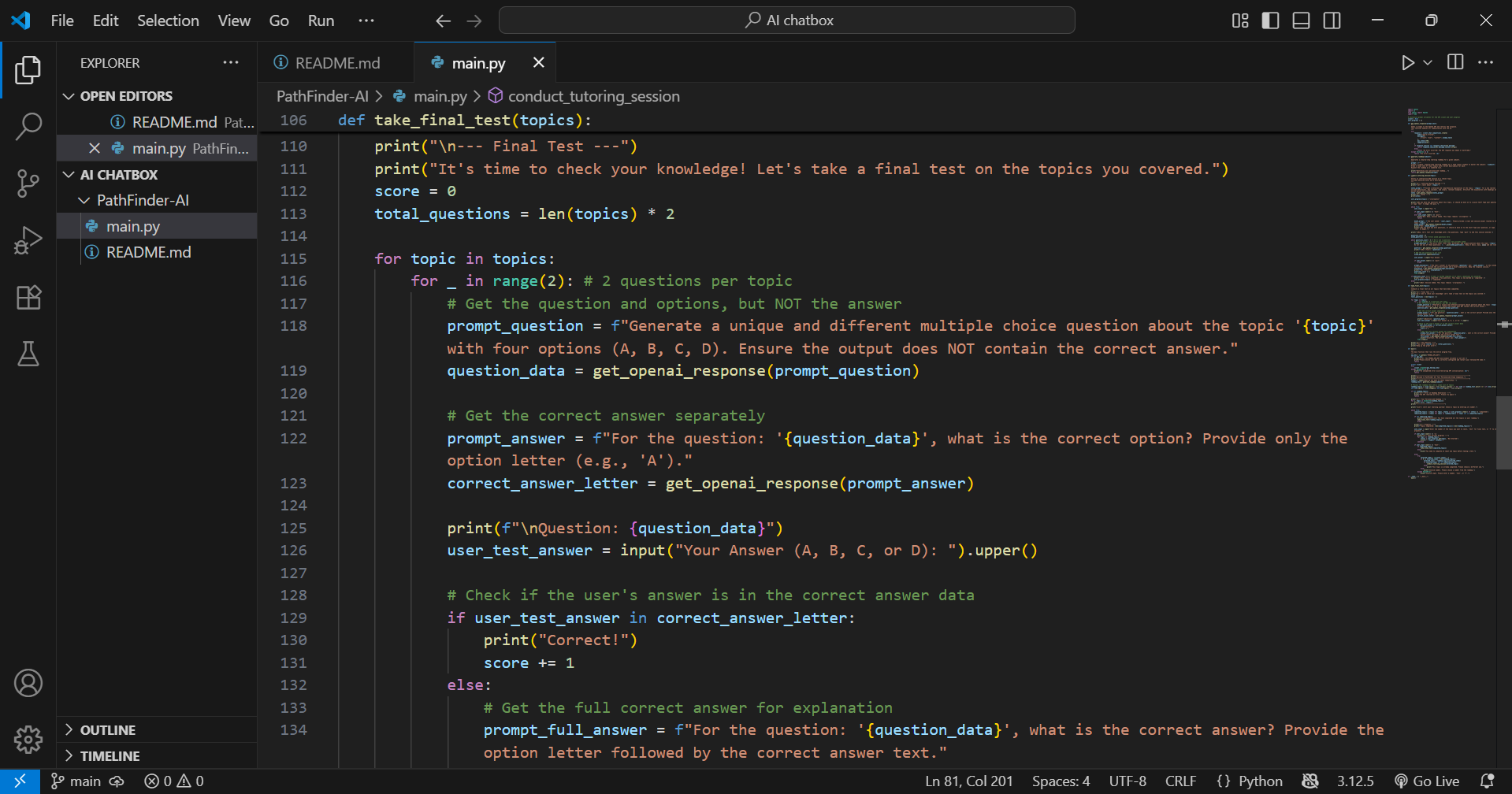
Conducts a final test on all topics that have been completed
Inspiration
The primary inspiration behind PathFinder AI was the challenge of structured learning. Many students feel overwhelmed when starting a new topic because they don't know where to begin. The internet offers vast amounts of information, but it lacks a personalized, guided experience. I wanted to build a tool that could act as a dedicated tutor, creating a clear, step-by-step roadmap for any subject and then guiding the learner through it. My goal was to turn a chaotic learning experience into a well-organized and engaging one.
What it does
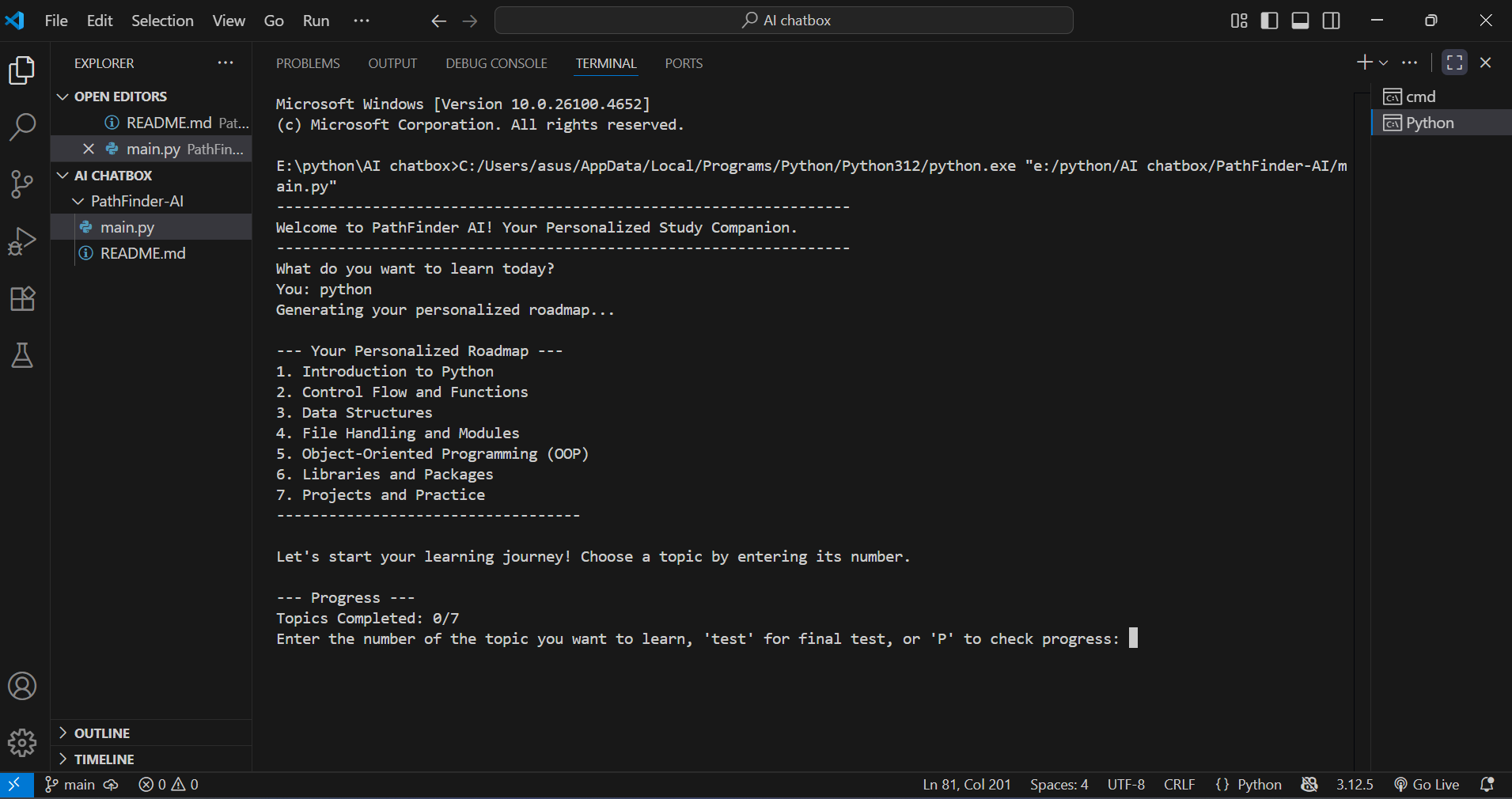
PathFinder AI is a personalized AI-powered study companion. It helps users master any subject through a structured and interactive approach. The key functionalities are:
Personalized Roadmap Generation: Users input a subject, and the AI instantly generates a numbered, topic-based learning roadmap.
Interactive Tutoring: For each topic, the user receives detailed notes and then can ask clarifying questions before starting a short, interactive quiz.
Progress Tracking: The application tracks which topics have been completed, allowing the user to monitor their progress through the roadmap.
Final Test: Once all topics are complete, the AI conducts a comprehensive multiple-choice test to assess the user's understanding of the entire subject.
How we built it
This project is a command-line application built using Python. The core logic is powered by the OpenAI GPT-3.5-turbo API.
API Integration: All AI interactions, from generating the roadmap to asking questions and checking answers, are handled through a single, robust get_openai_response() function.
Prompt Engineering: I focused on crafting specific and effective prompts to ensure the AI's responses were structured and useful for a learning context. For example, prompts were designed to return a numbered list for the roadmap and to generate questions without revealing the answers prematurely.
State Management: User progress is managed using a simple Python dictionary that stores the status of each topic. This allows the application to remember which topics are "in-progress" or "completed" within a session.
User Interface: The interface is built using standard Python print() and input() functions, designed to be clean and easy to navigate for the user.
Challenges we ran into
The main challenge was ensuring the AI's output was both reliable and predictable. Initially, the AI would sometimes provide inconsistent responses or format the roadmap incorrectly, which made parsing the data difficult. To solve this, I had to repeatedly refine the prompts and add more specific instructions (e.g., "Present the roadmap as a numbered list" or "Do not specify the correct answer").
Another challenge was managing the user experience. I initially found that the Q&A sessions could feel repetitive. I addressed this by programming the AI to ask new, different questions for each round and by adding a notes section to provide more educational value upfront.
Accomplishments that we're proud of
I'm most proud of successfully creating a fluid and natural learning experience. The AI doesn't just feel like a search engine; it genuinely acts as a helpful tutor. The ability to track progress and then conduct a final test creates a complete learning loop, which is exactly what I set out to build. The clean and functional interface, despite being a command-line application, is also a key accomplishment.
What we learned
This project provided invaluable lessons in prompt engineering and API interaction. I learned that the quality of a prompt directly impacts the quality of the AI's response. I also gained practical experience with rate limiting, error handling, and building a conversational flow with an AI model. This project solidified my understanding of how to build a practical, user-facing application using AI as its core engine.
What's next for PathFinder AI
Given more time, the next step would be to transition PathFinder AI from a command-line tool into a full-fledged web application using Flask. This would provide a much more user-friendly graphical interface. I would also like to implement a user data saving feature (using a simple JSON file or SQLite) so that a user's progress can be saved across different sessions.

Log in or sign up for Devpost to join the conversation.