-
-
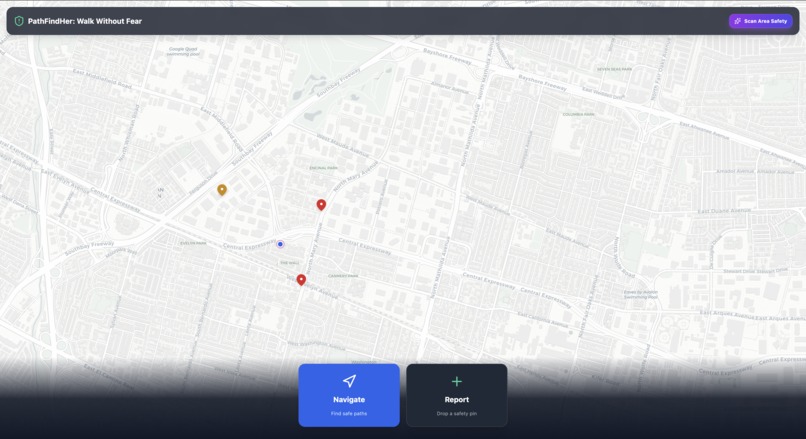
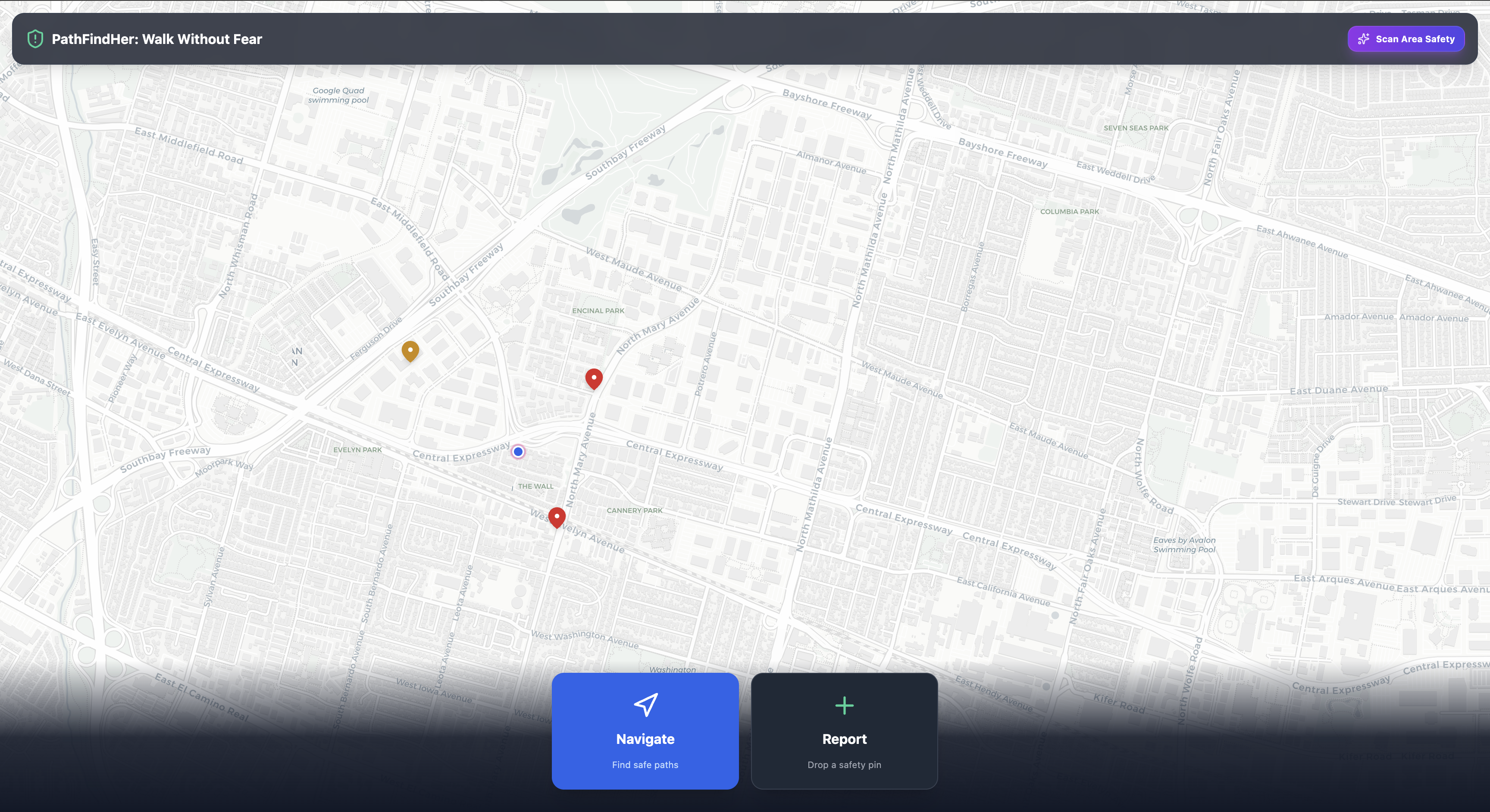
App Home Screen
-
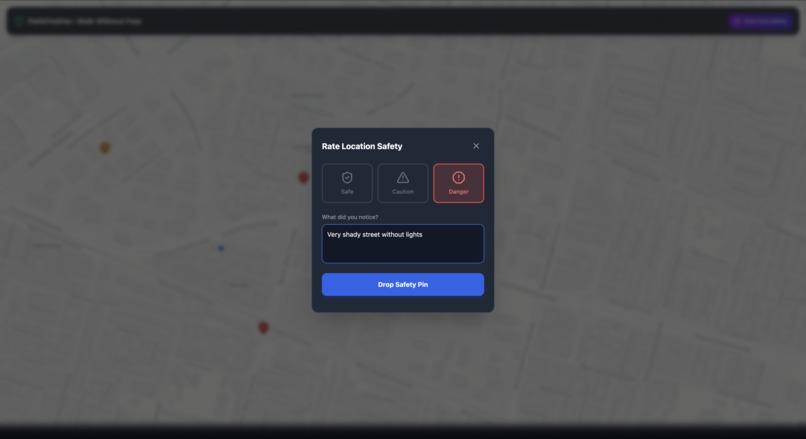
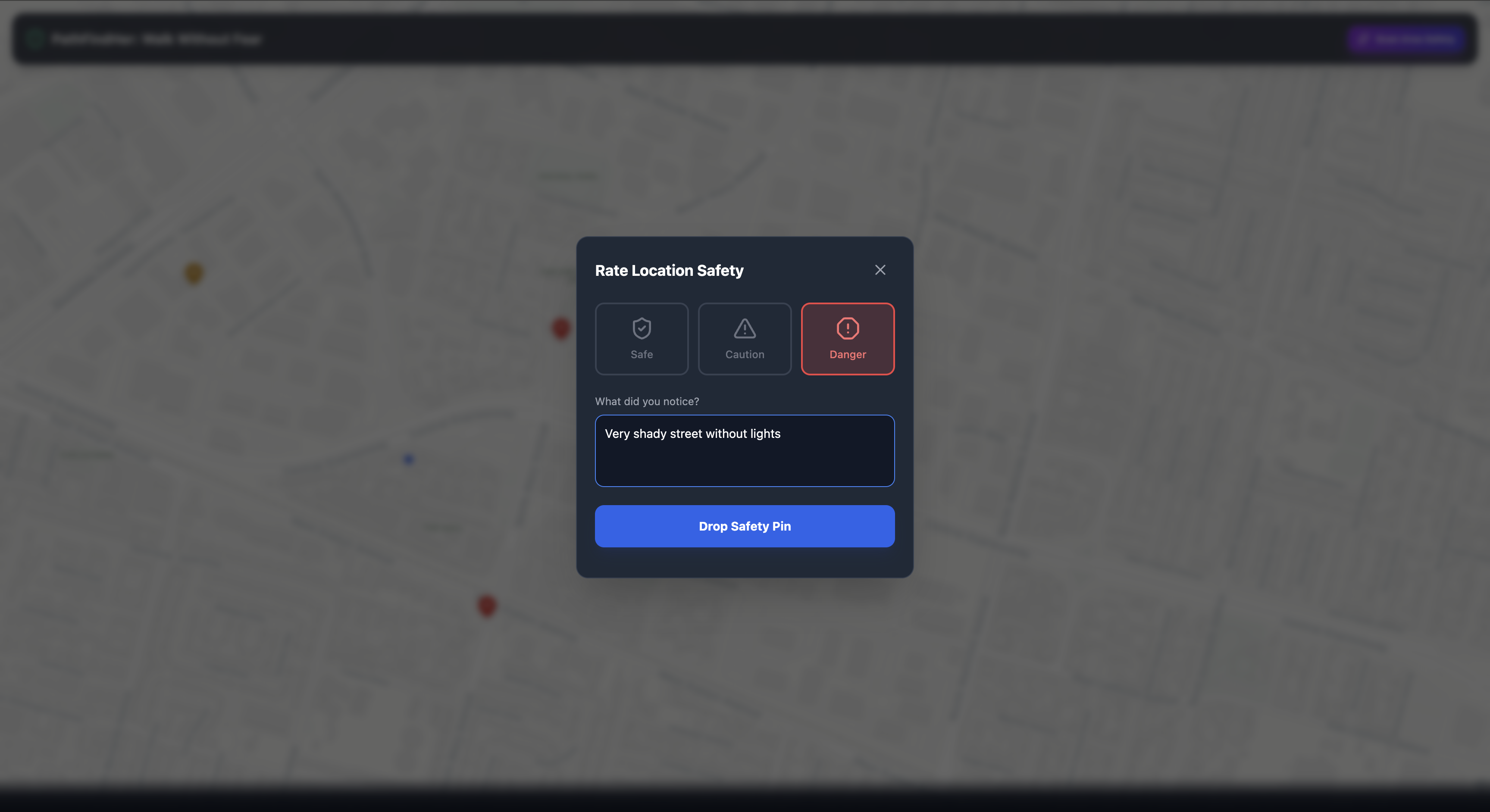
Reporting Danger
-
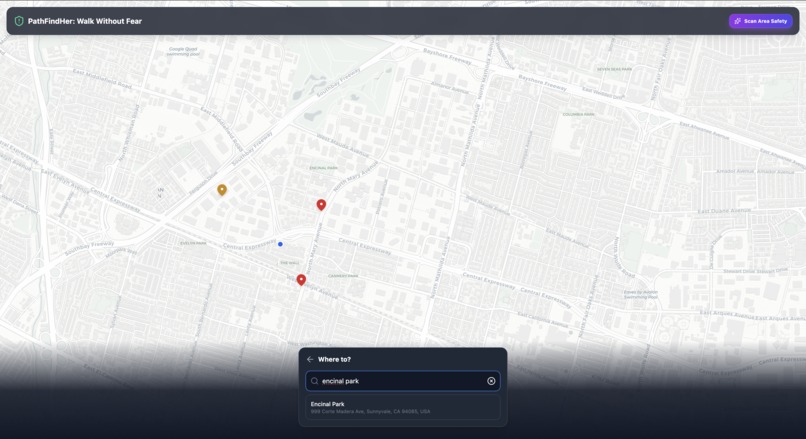
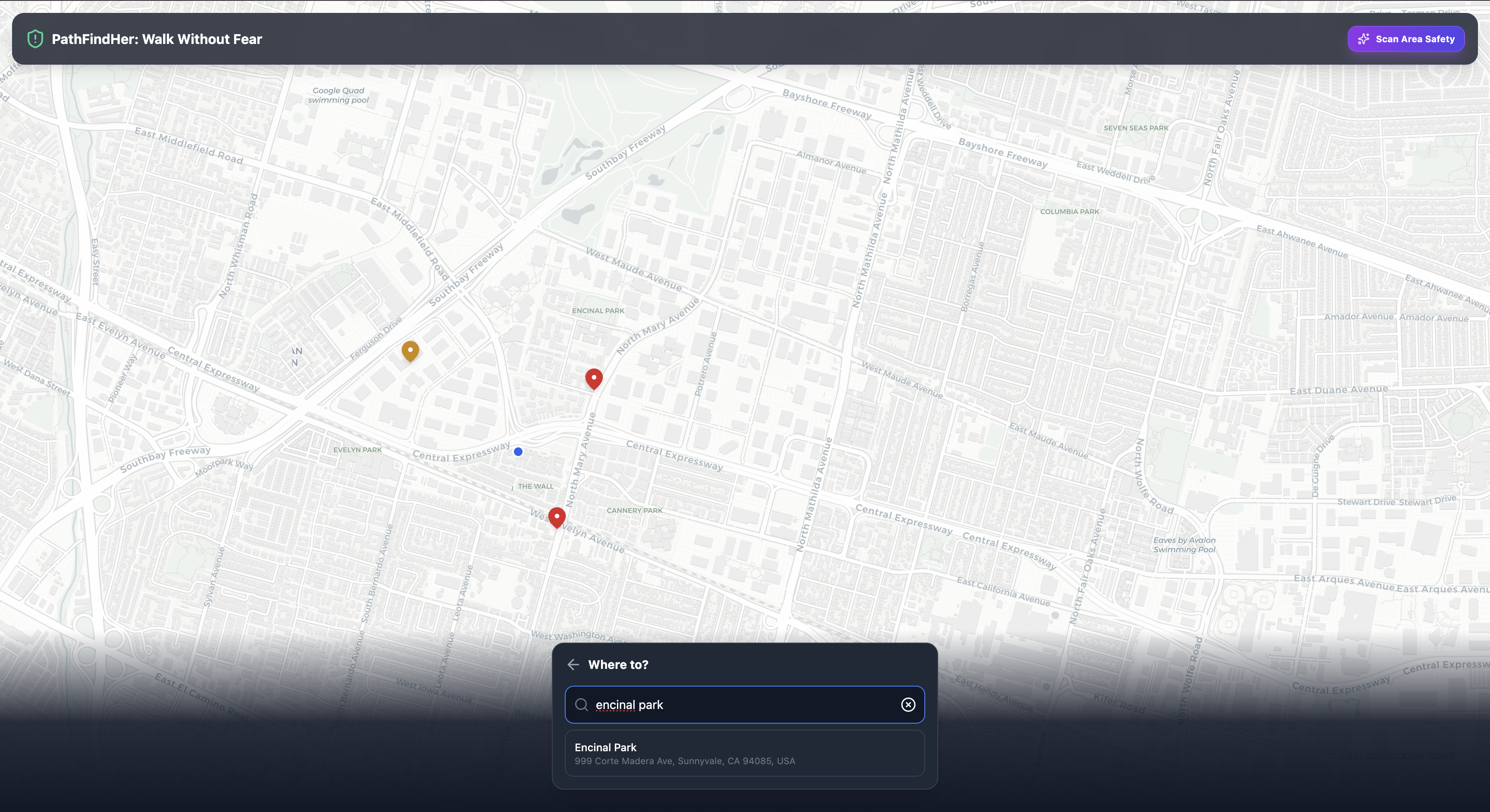
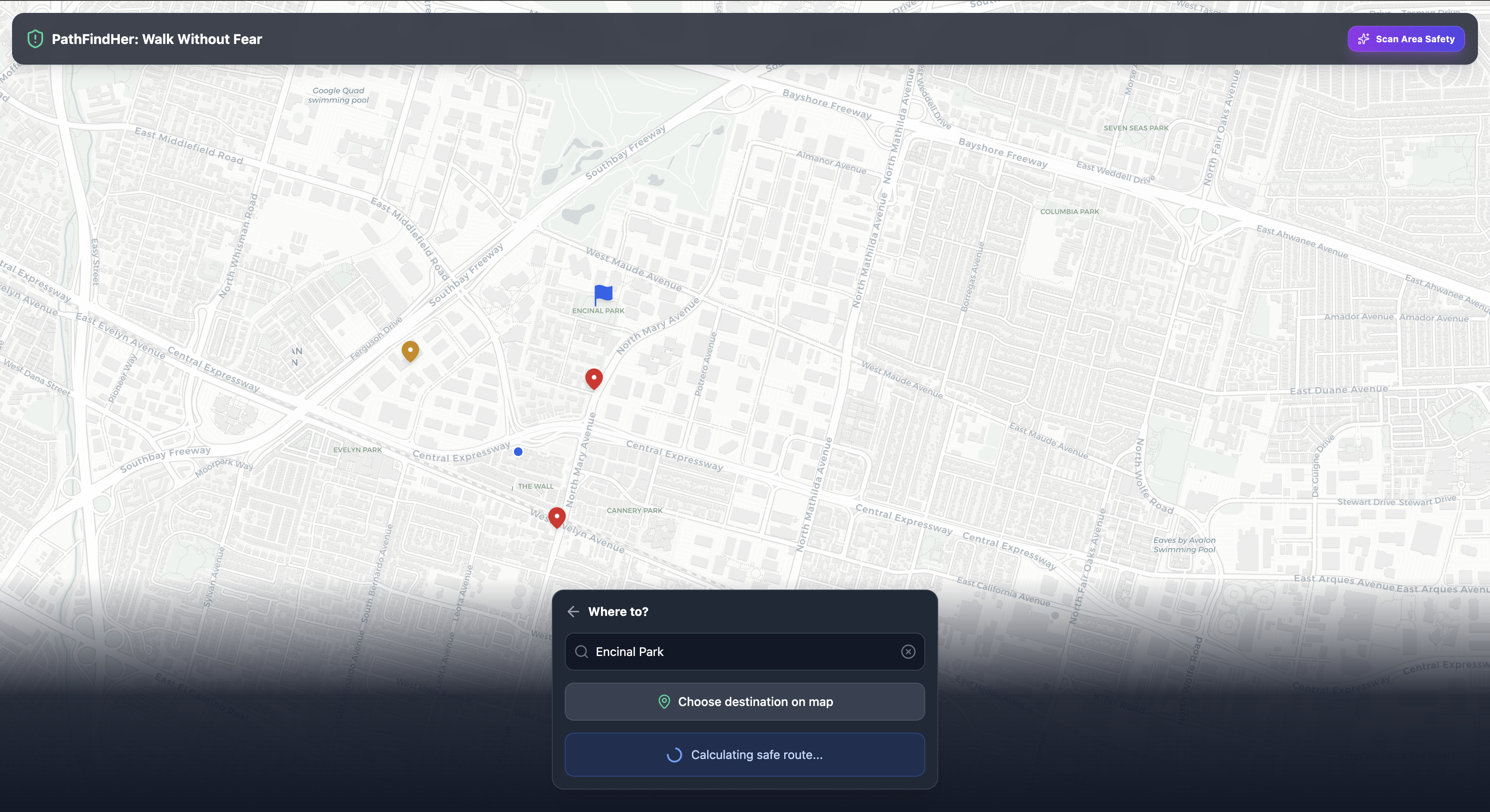
Destination Picker
-
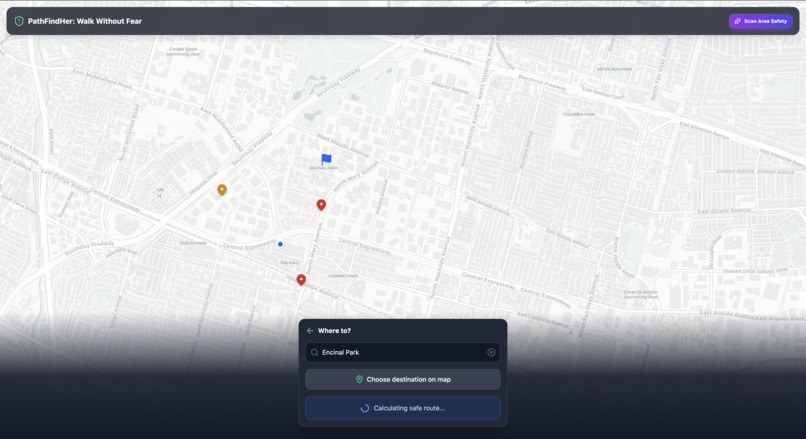
Finding Safe Routes
-
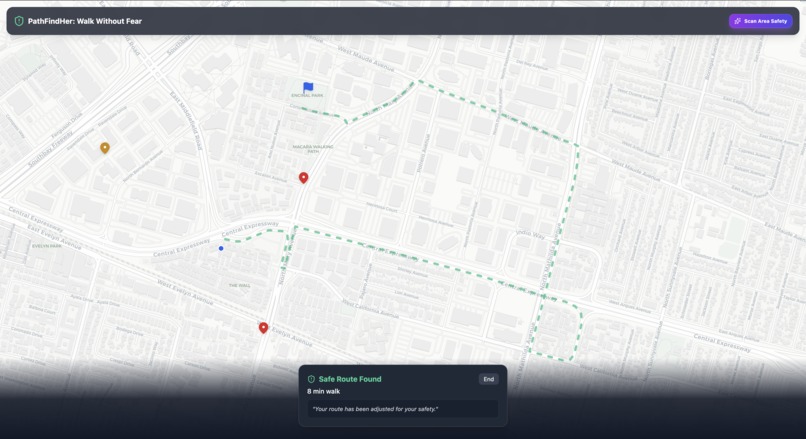
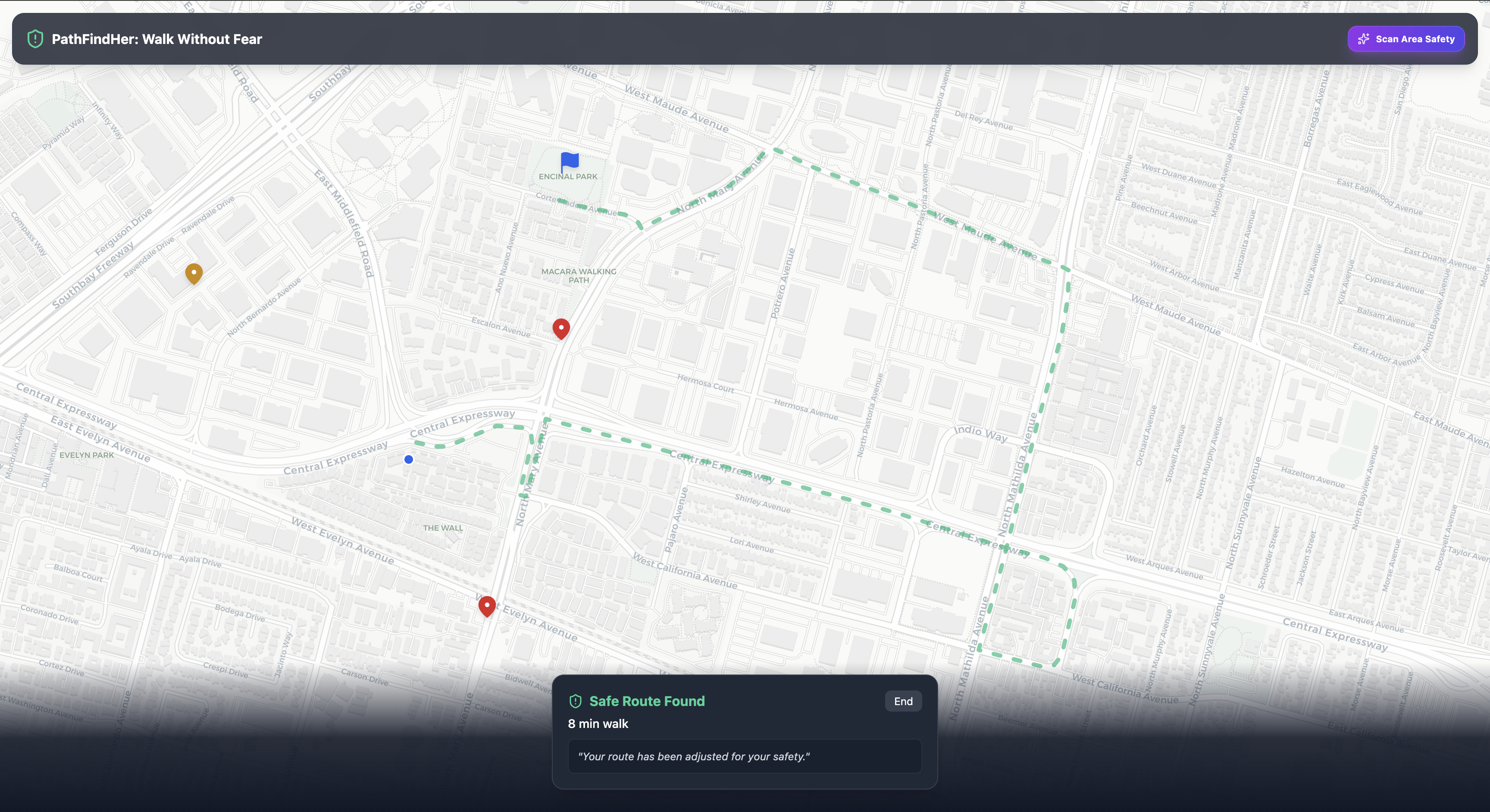
Safe Route Navigator
-
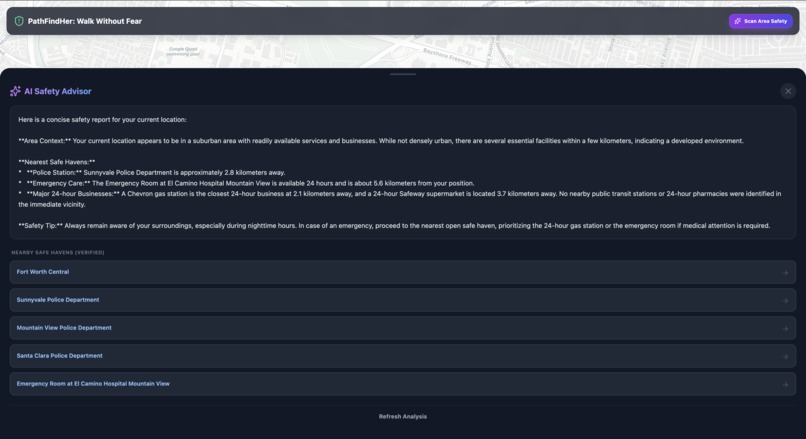
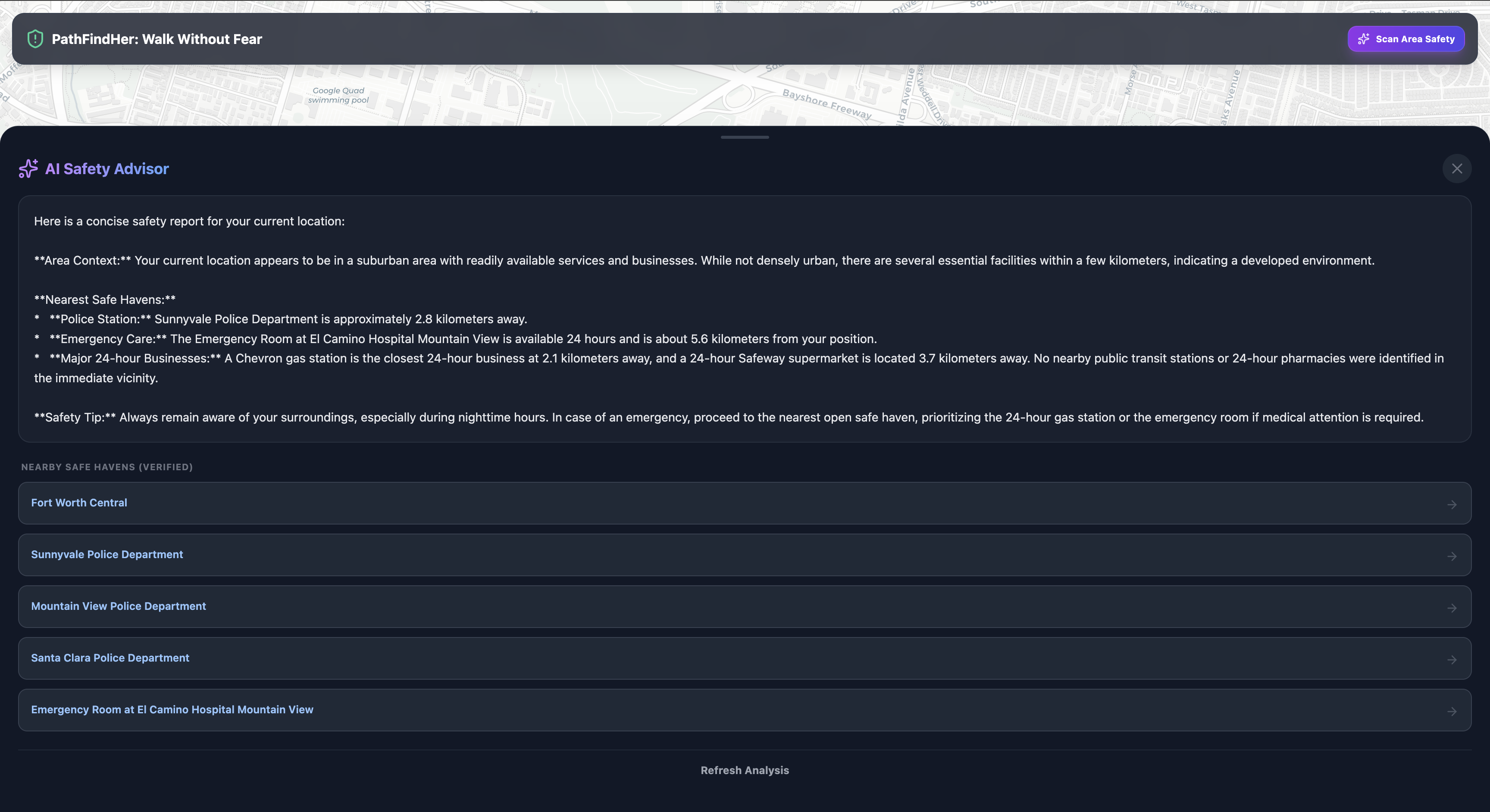
AI Safety Scanner
PathFindHer: Walk Without Fear 🛡️
PathFindHer is a navigation tool built on a "Women Safety First" philosophy, replacing the "fastest route" with the "safest route." By combining crowdsourced community vigilance with advanced AI grounding, we empower women to reclaim their cities and navigate urban environments with confidence.
🚨 The Problem
For many women, navigating a city (especially at night) is an exercise in risk assessment. Standard navigation apps prioritize speed, often directing pedestrians through poorly lit alleys, isolated parks, or construction zones. There is a critical lack of real-time, street-level data regarding lighting conditions, harassment hotspots, and active safety. Current tools tell you where to go, but they don't tell you how safe it is to get there.
💡 The Solution
PathFindHer bridges the gap between navigation and personal security. It is a community-driven platform where users contribute real-time safety data. By integrating Gemini 2.5 Flash, the app doesn't just show a map; it "understands" the environment. It verifies safe havens, analyzes neighborhood composition, and calculates detours that avoid user-reported danger zones, ensuring that peace of mind is the top priority.
✨ Key Features
- 📍 Community Safety Mapping: Users drop color-coded pins (Safe, Caution, Danger) to report broken streetlights, isolated areas, or well-lit zones.
- 🤖 AI Safety Advisor: Powered by Gemini 2.5 Flash with Google Maps Grounding, this feature scans the user’s immediate area to identify and verify 24/7 "Safe Havens" like hospitals and police stations.
- 🧭 Safe Routing: An intelligent navigation algorithm that suggests paths based on community ratings, actively offering detours to avoid high-risk markers.
- 📱 Instant Context: AI-generated summaries of your route’s safety profile, providing tips based on whether an area is residential, industrial, or high-traffic.
🛠️ Tech Stack
- Frontend: React (TypeScript) & Tailwind CSS for a responsive, mobile-first UI.
- Mapping: Leaflet.js and Google Maps API for interactive spatial data.
- AI Engine: Google Gemini API (Model:
gemini-2.5-flash) for environmental analysis. - AI Grounding: Google Maps Grounding Tool to ensure safe haven data is factually accurate.
- Database: Firebase Realtime Database for instantaneous community pin updates.
📖 The Story
The Inspiration
The inspiration for PathFindHer came from the shared experience of "the long way home." Almost every woman has a story of taking a 20-minute detour just to stay under streetlights or avoid a specific block. I wanted to turn that collective intuition into a data-driven tool. I realized that while we can't change the streets overnight, we can change how we navigate them by looking out for one another.
How I Built It
I have used Google AI Studio to build this app. I started by building a custom mapping layer using Leaflet.js that allowed for custom "Safety Pins." The core challenge was making the AI useful, not just a gimmick. I integrated Gemini 2.5 Flash specifically because of its speed and the Google Maps Grounding capability. This allowed me to build a feature where the AI can verify if a nearby business is actually open 24/7, providing a reliable safety net for the user. The backend was built on Firebase Realtime Database to ensure that if one user marks a street as "unsafe," every other user sees that update instantly.
Challenges I Faced
The biggest technical hurdle was the Detour Logic. Standard routing APIs want to give you the most efficient path. Overriding that to prioritize safety meant I had to find a way to weigh community "Danger" pins as obstacles. I also struggled with "Data Trust" - how do I ensure the AI doesn't hallucinate a safe location? Using Google’s Grounding tool was the breakthrough I needed to ensure our "Safe Havens" were real, physical locations.
What I Learned
This project taught me that AI is most powerful when it is grounded in human experience. I learned how to manipulate geospatial data and, more importantly, how to design for High-Stakes UX. When a user is feeling unsafe, they don't want a complex menu; they want a clear, color-coded answer. I also gained deep experience in prompt engineering to ensure the AI remains objective and helpful in high-pressure scenarios.


Log in or sign up for Devpost to join the conversation.